Sunday, December 7, 2025

PTU Pink Champagne Dreams


  This tut was written December 7th, 2025 for those with a basic knowledge of psp. 

I am using the beautiful tube by © Amber

Tube is called Party Mood
You need a license to use this tube, please do not use without a license
You can find this tube at Amber's store HERE

I used PSP2020...but any of them should work.
PTU Scrap Pink Champagne Dreams by Starlite and Soul  HERE
"Tube is NOT Included"
You can find all Starlite and Soul kits  HERE 
Mask of choice, I used Miz Teeques Mask 54 and 173 HERE and HERE
Check out the rest of the blog HERE

Font of choice, I used Aulyars

Drop shadow as you go is V -2 H 4, 40, 10, or use what you prefer.
Let's get started
*Remember to add your drop shadow as you go along*

Open a new image 800 x 800, paste paper 11, apply your mask,

Resize frame 5 to 50%, paste at the top, click inside, paste paper 13, invert,
delete, merge together, duplicate, move to the left, duplicate again, move
to the right and down a little.

Resize the tube to 25%, paste.
Resize element 57 to 60%, paste at the bottom above the tube.
Paste element 6 below the tube.
Resize element 51 to 20%, paste on the sofa on the left.
Resize element 59 to 50%, paste on the bottom left above the sofa.
Resize element 40 to 75%, paste below the tube on the right.
Resize element 45 to 25%, paste on the bottom right.
Resize element 2 to 35%, paste at the bottom by the gift.
Resize element 58 to 30%, paste on the bottom right below the gift.
Resize element 37 to 40%, paste at the upper left below the tree layer.

Resize element 43 to 25%, paste at the bottom above the dog.
Resize element 24 to 20%, paste at the bottom right.
Resize element 10 to 20%, paste at the bottom right.
Resize element 80 to 25%, paste at the bottom above the box, duplicate, 
move to the left by the drinks.
Resize element 8 to 20%, paste at the bottom.
Resize element 7 to 30%, paste at the bottom.
Resize element 52 and 53 to 20%, paste at the bottom.
Resize element 26 to 15%, paste at the bottom by the shoes.
Resize element 44 to 12%, paste at the bottom left.
Resize element 47 to 20%, paste at the bottom.
Resize element 34 to 20%, paste on the sofa arm on the right.
Resize element 73 to 20%, paste at the bottom right.

Add any other elements that you would like, make it your own.
Always readjust your mask and elements how you like them before you
 merge your tag, resize, sharpen.

Crop your tag to be sure no shadows or lines are on the edges.
 Then add your copyright and name.
That's it

Hope you enjoyed doing my tut
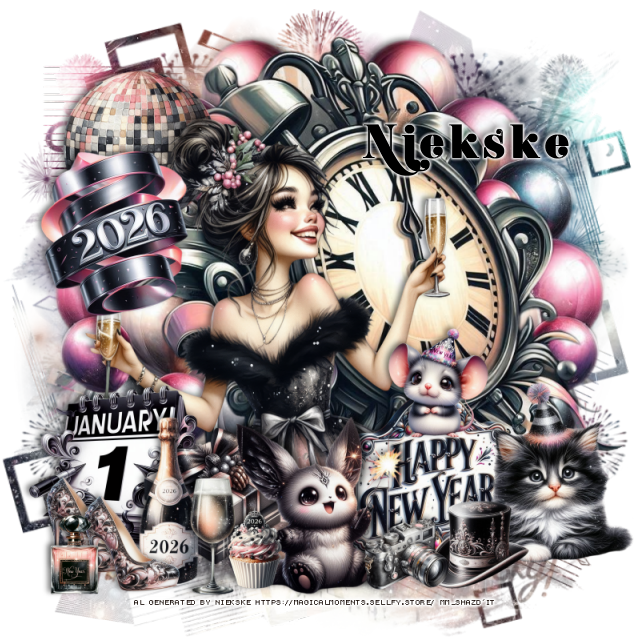
Tag for Lizzie


PTU Christmas Gift 11


 This tut was written December 7th, 2025 for those with a basic knowledge of psp. 

I am using the beautiful tube by © Verymany

Tube is called Christmas Gift 11
You need a license to use this tube, please do not use without a license
You can find this tube at VMT HERE

I used PSP2020...but any of them should work.
PTU Scrap Christmas Gift 11 by Tiny Turtle Designs  HERE
"Tube is NOT Included"
You can find all Tiny Turtle Designs kits  HERE 
RD Mask 713 HERE
Check the blog HERE
Filter
Mura Meister Copies-Encircle

Font of choice, I used Aulyars

Drop shadow as you go is V -2 H 4, 40, 10, or use what you prefer.
Let's get started
*Remember to add your drop shadow as you go along*

Open a new image 800 x 800, paste paper 18, apply your mask.

Resize element 181 to 60%, paste, click inside, resize paper 11 to 50%,
paste, invert, delete.
Resize element 79 to 30%, apply Mura Meister Copies-Encircle, first
3 numbers on 12, 50, 50, paste below the frame.
Resize element 60 to 30%, apply Mura Meister Copies-Encircle, first
3 numbers on 12, 50, 50, paste below the flower circle.
Resize element 113 to 25%, apply Mura Meister Copies-Encircle, first
3 numbers on 18, 65, 65, paste below the 2 flower circles.
Resize element 11 to 35%, paste at the bottom above the frame, duplicate,
resize to 75%, move to the left, duplicate, mirror, move below the tube.
Paste element 3 on the left above the frame.

Resize the tube to 40%, paste on the right.

Resize element 79 to 30%, paste at the bottom right, duplicate, mirror.
Resize element 63 to 30%, paste below the flowers to the left.
Resize element 106 to 30%, paste on the bottom left.
Resize element 50 to 28%, paste on the bottom right.
Resize element 19 to 35%, paste on the right below the tube.
Resize element 93 to 23%, paste at the bottom.
Resize element 24 and 33 to 25%, paste one on each side at the bottom.
Resize element 25 to 25%, paste on the left above the basket, 
duplicate, mirror, move to the upper right below the tube.
Resize element 22 to 15%, paste on the mailbox lid.
Resize element 83 to 12%, paste at the bottom to the left.

Add any other elements that you would like, make it your own.
Always readjust your mask and elements how you like them before you
 merge your tag, resize, sharpen.

Crop your tag to be sure no shadows or lines are on the edges.
 Then add your copyright and name.
That's it

Hope you enjoyed doing my tut
Tag for Laura


PTU Holly Leaves and Red Berries


 This tut was written December 7th, 2025 for those with a basic knowledge of psp. 

I am using the beautiful Al kit/tube by DeniseC Art

Everything is included in the kit
Please read their TOU on how to credit your tags

I used PSP2020...but any of them should work.
PTU Scrap Holly Leaves and Red Berries HERE
Check out her store here for more of her kits  HERE 
RD Mask 713 HERE
Check the blog HERE

Font of choice, I used Curlz MT

Drop shadow as you go is V -2 H 4, 40, 10, or use what you prefer.
Let's get started
*Remember to add your drop shadow as you go along*

Open a new image 800 x 800,  resize paper 1 to 60%, apply your mask,
move to the left, duplicate, mirror.

Resize element 39 to 75%, paste.
Resize element 45 to 35%, paste at the upper right.
Resize element 40 to 25%, paste at the upper left.
Resize element 29 to 55%, paste about center above the sign and Santa.
Resize element 50 to 75%, mirror, paste on the right.
Resize element 3 to 35%, paste on the left below the tree.
Resize element 4 to 25%, paste on the left at the bottom of the train, 
duplicate, move to the right above the sign.
Resize element 25 to 30%, paste on the right above the flowers.

Resize element 16 and 17 to 35%, paste above the snowman where you like.
Resize element 15 to 35%, paste on the bottom left below the lady.
Resize element 30 to 25%, paste at the bottom above the lady and Santa.
Resize element 13 to 15%, paste below the bags.
Resize element 7 to 30%, paste at the bottom to the right of the bags.

Resize element 51 to 20%, paste at the bottom.
Resize element 46 to 20%, paste on the left below the deer.
Resize element 56 to 25%, paste at the bottom left above the bags and jar.
Resize element 20 to 15%, paste at the bottom left.
Resize element 44 to 20%, paste on the bottom right above the snowman.
Resize element 49 to 17%, paste at the bottom right being on the top layer.
Resize element 31 to 15%, paste on the bottom right below the mouse.
Resize element 1 to 15%, paste at the bottom left.
Resize element 60 to 13%, paste at the bottom.
Resize element 33 to 15%, paste on the bottom left.

Add any other elements that you would like, make it your own.
Always readjust your mask and elements how you like them before you
 merge your tag, resize, sharpen.

Crop your tag to be sure no shadows or lines are on the edges.
 Then add your copyright and name.
That's it

Hope you enjoyed doing my tut
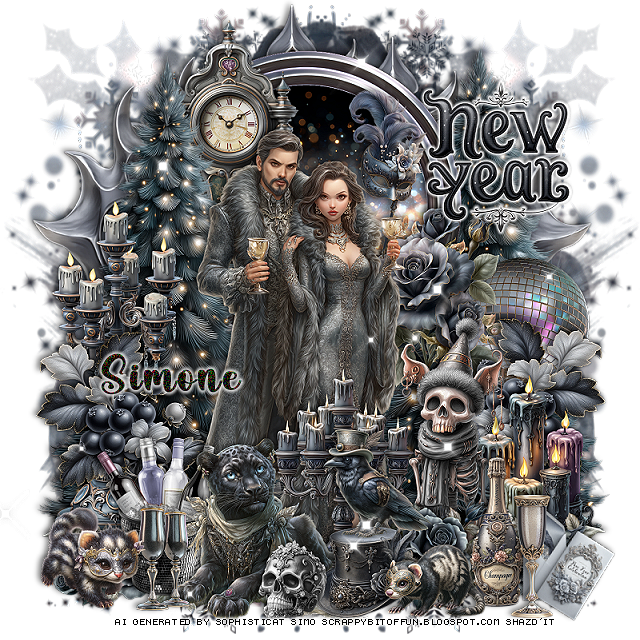
PTU A Indian Christmas Tale


This tut was written December 6th, 2025,  for those with a basic knowledge of psp. 

Beautiful Al kit/tubes by Bella Caribeña
Everything is included in the kit
Read the TOU on how to credit your tags

I used PSP2020...but any of them should work.
PTU Scrap A Indian Christmas Tale by Bella Caribeña  HERE
Indian Theme
Kit contains 3 Al gen tubes, 135 elements and 22 papers
You can check out the rest of her store HERE 

Font of choice I used Basically Yes

 Drop shadow as you go is V -2 H 4, 50, 10, or use what you prefer.
Let's get started
*Remember to add your drop shadow as you go along*

Open a new image 800 x 800, paste element 32, resize to fit your tag,
then paste element 22.

Resize element 7 to 80%, paste at the top.
Resize element 114 to 65%, paste on the frame.
Resize element 98 to 35%, paste at the top on the frame.
Resize element 99 to 90%, paste below the frame on the left, duplicate, mirror.

Resize tube 2 to 40%, paste on the left.

Resize element 70 to 45%, paste on the left below the tube.
Resize element 48 to 50%, paste below the tube on the right.
Resize element 41 to 40%, mirror, paste on the right below the table.
Resize element 105 to 40%, paste on the left below the buffalo.
Resize element 51 to 35%, paste below the buffalo that is on the right.
Resize element 112 to 25%, paste at the bottom left above the tube.
Resize element 81 to 35%, paste at the bottom right above the table.

Resize element 115 to 25%, paste at the bottom by the bear.
Resize element 79 to 35%, paste at the bottom left.
Resize element 36 to 30%, paste at the bottom by the basket.
Resize element 35 to 15%, paste at the bottom by the girl.
Resize element 57 to 30%, paste at the bottom right.
Resize element 59 to 30%, mirror, paste at the upper right.
Resize element 44 to 40%, paste at the bottom.

Add any other elements you would like, resize.
Crop your tag to be sure no shadows or lines are on the edges.
 Then add your copyright and name.
That's it

            Hope you enjoyed doing my tut         
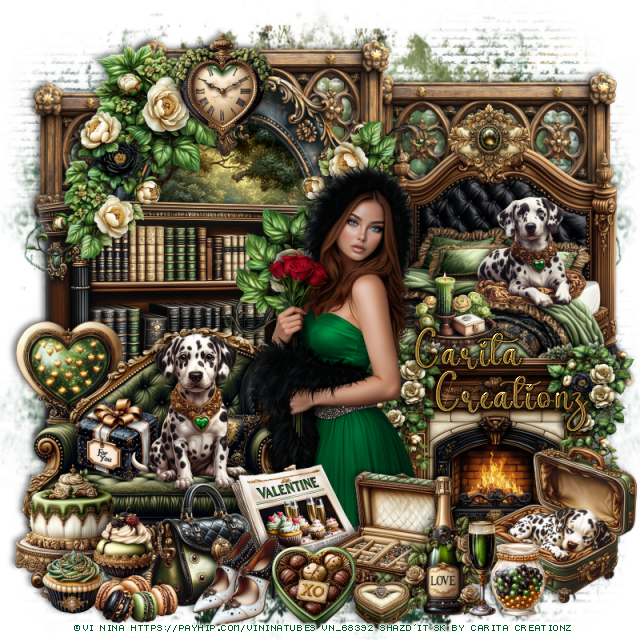
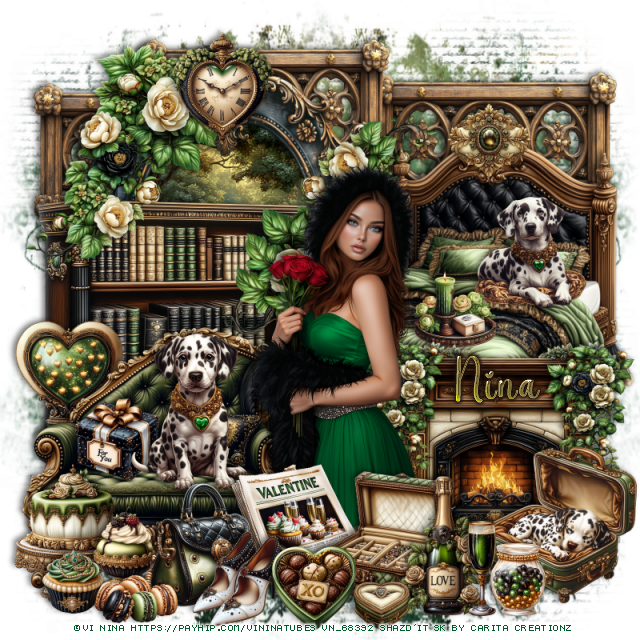
PTU Welcome 2026


 This tut was written December 6th, 2025 for those with a basic knowledge of psp. 

I am using the Awesome Al kit/tube by Carita Creationz
Everything is included in the kit
Read the TOU on how to credit your tags

I used PSP2020...but any of them should work.
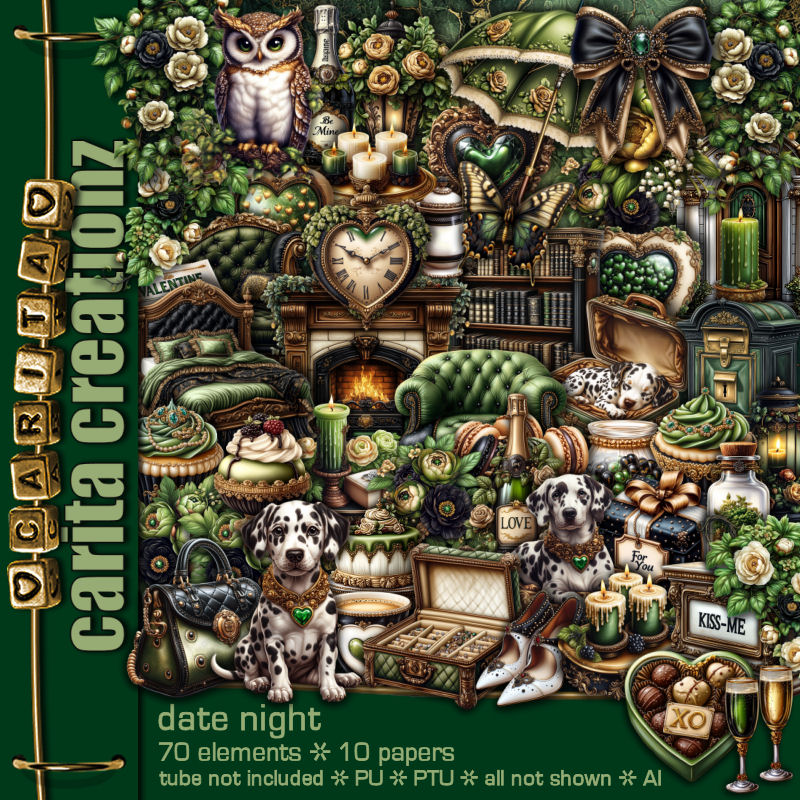
PTU Scrap Welcome 2026 by Carita Creationz  HERE
Kit has 60 elements, 7 papers and 1 Tube
Check her store out to see all her other kits and tubes HERE
Mask of choice, I used Miz Teeques Mask 52 HERE
Check out the rest of the blog HERE

Font of choice, I used Anydore

Drop shadow as you go is V -2 H 4, 50, 10, or use what you prefer.
Let's get started
*Remember to add your drop shadow as you go along*

Open a new image 800 x 800, paste paper 4, apply your mask, move
to the right, duplicate, mirror.

Resize element 49 to 55%, paste, click inside, resize element 57
to 70%, paste below the frame, invert, delete, merge together, duplicate,
resize to 75%, move to the left below the frame, duplicate, mirror.
Resize element 15 to 65%, paste at the bottom above the frames.
Resize element 36 to 55%, paste below the fireplace on the right, duplicate, mirror.
Resize element 36 to 40%, paste on the upper left on the frame, duplicate, mirror.

Resize element 3 to 45%, paste on the bottom left above the fireplace.
Resize element 45 to 25%, paste on the top edge of the fireplace on the right.
Resize element 14 to 25%, paste below the fireplace to make it look like it is 
sitting on it.
Resize element 58 to 25%, paste on the chair.
Resize element 31 to 15%, paste on the chair.
Resize element 35 to 15%, paste below the flowers on the frame to one side, 
duplicate, mirror. duplicate both and move down on the outside frames 
under the flowers.

Resize the tube to 50%, paste above the chair.

Resize element 25 to 30%, paste on the bottom right above the fireplace.
Resize element 7 to 35%, paste on the bottom right.
Resize element 24 to 25%, paste at the bottom left above the tube.
Resize element 8 to 20%, paste on top of the fireplace below the flowers.
Resize element 10 to 12%, paste by the bottle.

Resize element 34 to 25%, paste at the bottom left.
Resize element 12 to 20%, paste at the bottom left by the purse.
Resize element 4 to 35%, paste at the bottom.
Resize element 6 to 22%, paste at the bottom between the animals.
Resize element 9 to 20%, paste at the bottom left by the purse.
Resize element 46 to 12%, paste at the bottom by the cake.
Resize element 2 to 15%, paste at the bottom left.

Resize element 42 to 15%, paste above the tube behind the purse.
Resize element 19 to 15%, paste at the bottom in front of the animal.
Resize element 48 to 20%, paste on the bottom right, move the animal
on the right above the book.
Resize element 18 to 15%, free rotate to the right at 20, paste by the book.
Resize element 5 to 75%, paste at the top, add a black gradient glow.

Add any other elements that you would like, make it your own.
Always readjust your mask and elements how you like them before you
 merge your tag, resize, sharpen.
Crop your tag to be sure no shadows or lines are on the edges.
 Then add your copyright and name.
That's it

Hope you enjoyed doing my tut.         

Friday, December 5, 2025

PTU Santa's Helper 13


  This tut was written December 5th, 2025 for those with a basic knowledge of psp. 

I am using the beautiful tube by © Verymany

Tube is called Santa Helper 13
You need a license to use this tube, please do not use without a license
You can find this tube at VMT HERE

I used PSP2020...but any of them should work.
PTU Scrap Santa's Helper 13 by Tiny Turtle Designs  HERE
"Tube is NOT Included"
You can find all Tiny Turtle Designs kits  HERE 
Mask of choice, I used Lori's PSP Graphics Mask 1151 HERE
Check out the rest of the blog HERE

Font of choice, I used Afton James

Drop shadow as you go is V -2 H 4, 40, 10, or use what you prefer.
Let's get started
*Remember to add your drop shadow as you go along*

Open a new image 800 x 800, paste paper 5, apply your mask.

Resize element 16 to 40%, paste on the right.
Resize element 29 to 45%, paste below the building on the right.
Resize element 51 to 20%, paste at the bottom right above the building.
Resize element 117 to 40%, paste at the top below the trees, click inside,
paste paper 6, invert, delete, duplicate the frame, free rotate to the 
left at 20, move below the frame.
Resize element 93 to 23%, paste on the upper left on the frame.

Resize the tube to 30%, paste at the bottom to the left of the building.

Resize element 26 to 30%, paste below the tube on the left.
Resize element 12 to 25%, paste at the bottom above the tube.
Resize element 13 to 20%, paste at the bottom left above the tube.
Resize element 38 to 20%, paste at the bottom above the gift, duplicate, move
to the right.
Resize element 113 to 20%, paste at the bottom right by the mailbox.
Resize element 50 and 100 to 15%, paste at the bottom right.
Resize element 105 to 13%, paste at the bottom right.
Resize element 4 to 35%, paste on the left below the gifts.

Resize element 60 to 20%, paste on the bottom left above the gifts.
Resize element 14 to 15%, paste at the bottom.
Resize element 10, 11 and 44 to 10%, paste at the bottom.
Resize element 122 to 15%, paste at the bottom left above the bag.
Resize element 160 to 20%, paste at the bottom left.
Resize element 6 to 10%, paste at the bottom.
Resize element 49 to 15%, paste at the upper left below the candy cane.
Resize element 141 to 15%, paste on the frame at the top.

Add any other elements that you would like, make it your own.
Always readjust your mask and elements how you like them before you
 merge your tag, resize, sharpen.

Crop your tag to be sure no shadows or lines are on the edges.
 Then add your copyright and name.
That's it

Hope you enjoyed doing my tut
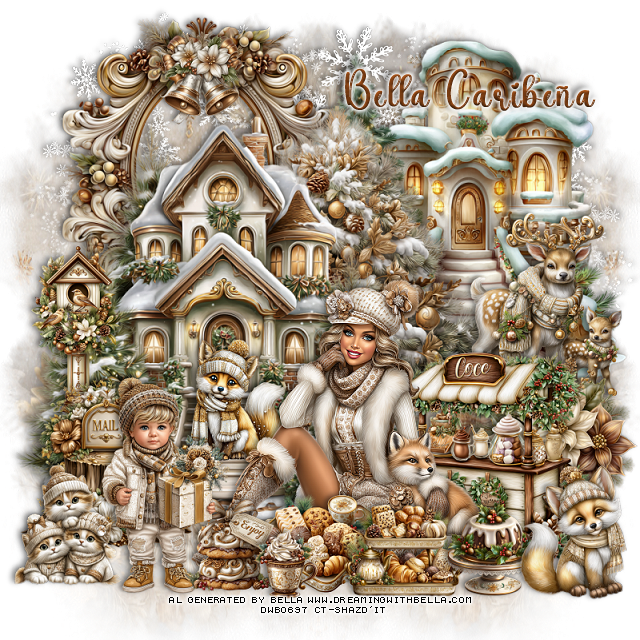
Tag for Laura


PTU Marshmallow Wonderland


  This tut was written December 5th, 2025 for those with a basic knowledge of psp. 

I am using the beautiful tube by © Verymany

Tube is called Marshmallow Mood
You need a license to use this tube, please do not use without a license
You can find this tube at VMT HERE

I used PSP2020...but any of them should work.
PTU Scrap Marshmallow Wonderland by Starlite and Soul  HERE
"Tube is NOT Included"
You can find all Starlite and Soul kits  HERE 
Mask of choice, I used DD Geo Mask 2 (blog is closed now)
Filter
Mura Meister Copies-Encircle

Font of choice, I used Anydore

Drop shadow as you go is V -2 H 4, 40, 10, or use what you prefer.
Let's get started
*Remember to add your drop shadow as you go along*

Open a new image 800 x 800, paste paper 13, apply your mask,

Resize frame 8 to 75%, paste, click inside, resize paper 9 to 50%, 
paste, invert, delete.
Resize element 62 to 20%, flip, apply Mira Meister Copies-Encircle, first
3 numbers on 16, 60, 48, paste below the frame.
Resize element 46 to 50%, paste on the left.
Resize element 54 to 20%, free rotate to the left at 25, paste in the chair, 
erase the little bit over the arm of the chair.

Resize the tube to 35%, paste above the chair.

Resize element 21 to 50%, paste below the tube on the right.
Resize element 78 to 50%, paste on the right below the fireplace.
Resize element 6 to 30%, paste at the bottom left above the tube.
Resize element 7 to 35%, paste at the bottom above the blankets.
Resize element 1 to 30%, paste at the bottom above the tube.
Resize element 56 to 40%, paste on the right by the fireplace.
Resize element 11 and 33 to 20%, paste at the bottom right.
Resize element 44 to 20%, paste at the bottom left.
Resize element 60 to 15%, paste at the bottom left.

Resize element 48 to 30%, paste at the bottom right.
Resize element 49 to 25%, paste on the left on top of the chair.
Resize element 40 to 25%, paste at the bottom right above the sign.
Resize element 34 to 20%, paste at the bottom left.
Resize element 3 to 20%, paste at the bottom.
Resize element 24 to 20%, paste at the bottom.

Add any other elements that you would like, make it your own.
Always readjust your mask and elements how you like them before you
 merge your tag, resize, sharpen.

Crop your tag to be sure no shadows or lines are on the edges.
 Then add your copyright and name.
That's it

Hope you enjoyed doing my tut
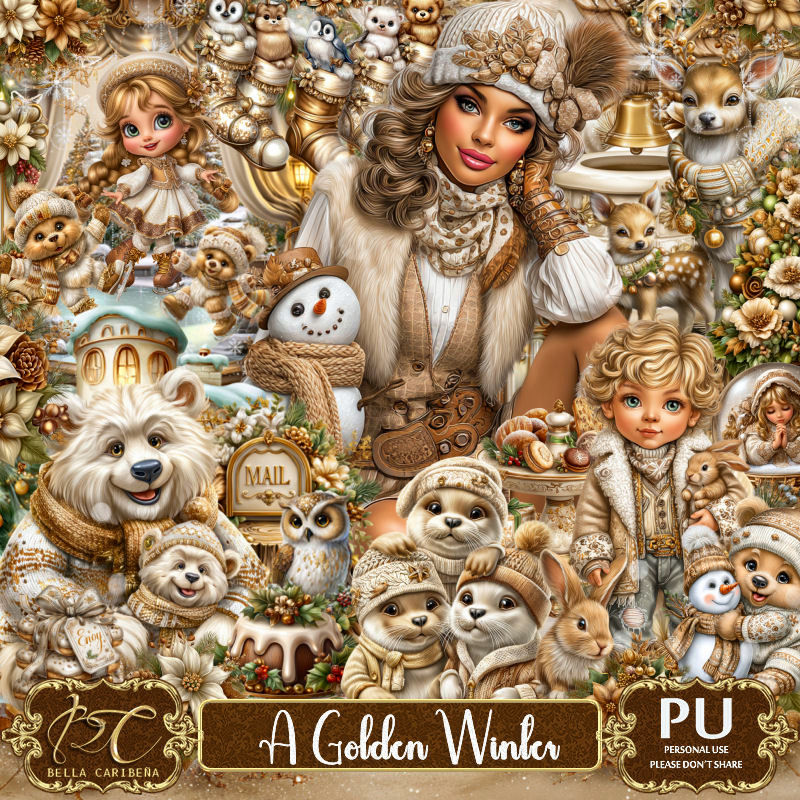
Tag for Lizzie