Wednesday, January 28, 2026

CT for Magical Moments

    **~**CT for Magical Moments **~**

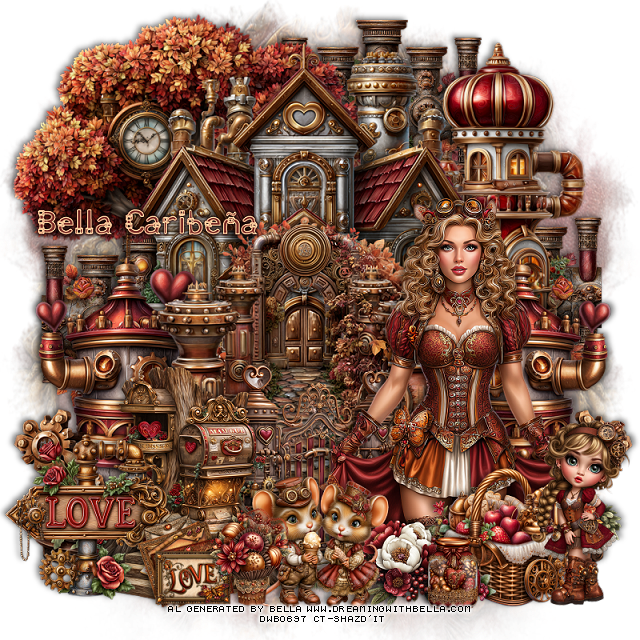
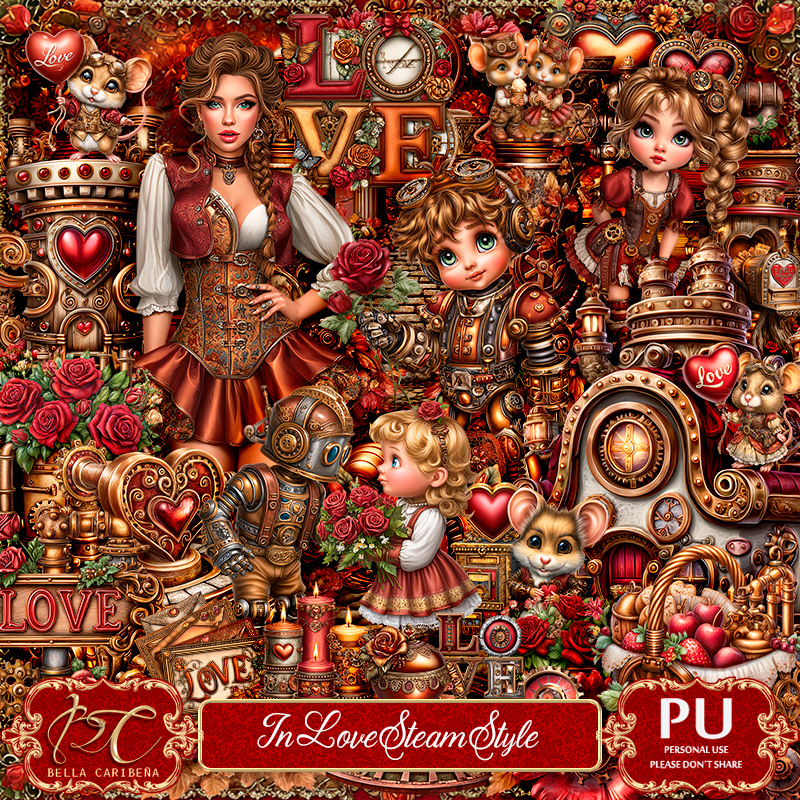
 PTU Scrap LOVE by Magical Moments HERE 
You can find all Magical Moments kits  HERE

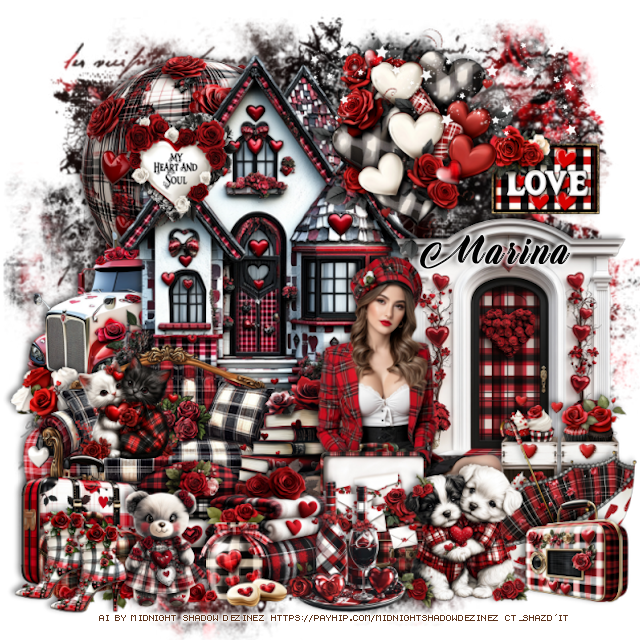
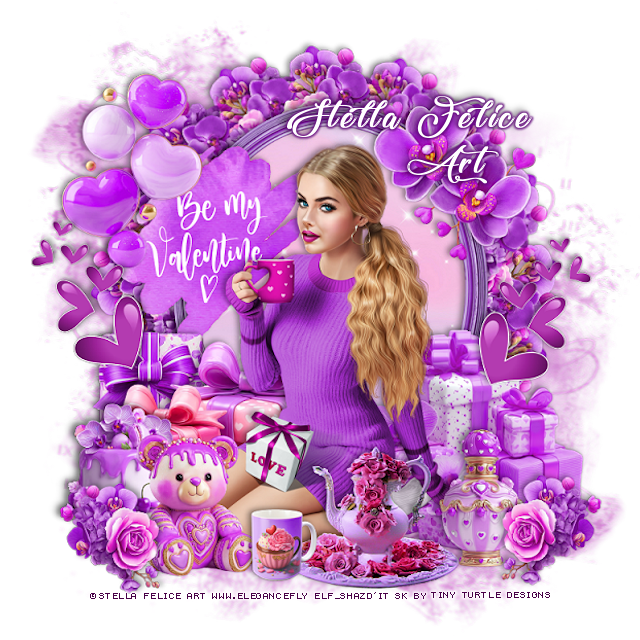
Timeline and Tag I made with the kit 


Tuesday, January 27, 2026

PTU Sapphire Spring


 This tut was written January 26, 2026 for those with a basic knowledge of psp. 

I am using the beautiful tube by © Verymany

Tube is called Azure Fairy
You need a license to use this tube, please do not use without a license
You can find this tube at Verymany store HERE

I used PSP2020...but any of them should work.
PTU Scrap Sapphire Spring by Doodle by Design  HERE
You can find all Doodle by Design kits  HERE 
Miz Teeques Mask 159 HERE
Check the blog out HERE

Font of choice, I used Angeline

Drop shadow as you go is V -2 H 4, 40, 10, or use what you prefer.
Let's get started
*Remember to add your drop shadow as you go along*

Open a new image 800 x 800, paste paper 10, apply your mask, move
to the left, erase a little of the long piece, duplicate, mirror.

Mirror 8, paste to the right.
Resize 171 to 50%, paste on the wall to the right.
Resize 1 to 35%, paste on the bottom right above the hearts.
Resize 5 to 75%, paste on the left.
Resize 10 to 35%, paste at the bottom of the wall to the right a little.

Resize the tube to 30%, paste above the blocks.

Resize 44 to 15%, mirror, paste on the blocks.
Resize 52 to 30%, paste at the bottom above the tube.
Resize 63 to 20%, paste at the bottom.
Resize 22 to 25%, paste at the bottom above the basket.
Resize 133 to 25%, paste below the rabbit on the left.
Resize 50 to 25%, paste on the bottom right above the tube.
Resize 131 to 25%, paste at the bottom right below the squirrel.

Resize 64 to 20%, paste below the rabbit on the left.
Resize 61 to 20%, paste at the bottom above the flowers.
Resize 123 to 25%, paste at the bottom below the basket.
Resize 17 to 20%, paste at the bottom by the basket.

Resize 77 to 25%, paste at the bottom to the right of the basket.
Resize 74 to 20%, paste at the bottom.
Resize 49 to 15%, paste at the bottom left above the rabbit.
Paste 168 on the bottom being on the top layer, duplicate, flip, move
to the top.
Paste 170 on the left, duplicate, mirror.

Add any other elements that you would like, make it your own.
Always readjust your mask and elements how you like them before you
 merge your tag, resize, sharpen.

Crop your tag to be sure no shadows or lines are on the edges.
 Then add your copyright and name.
That's it

Hope you enjoyed doing my tut

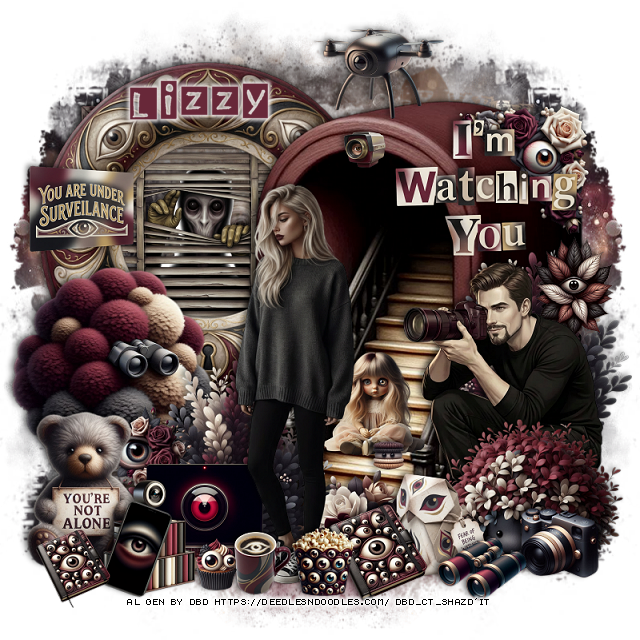
Tag for Lizzy   


PTU Polished Petals


 This tut was written January 26, 2026 for those with a basic knowledge of psp. 

I am using the beautiful tube by © Verymany

Tube is called Ginger Mood
You need a license to use this tube, please do not use without a license
You can find this tube at Verymany store HERE

I used PSP2020...but any of them should work.
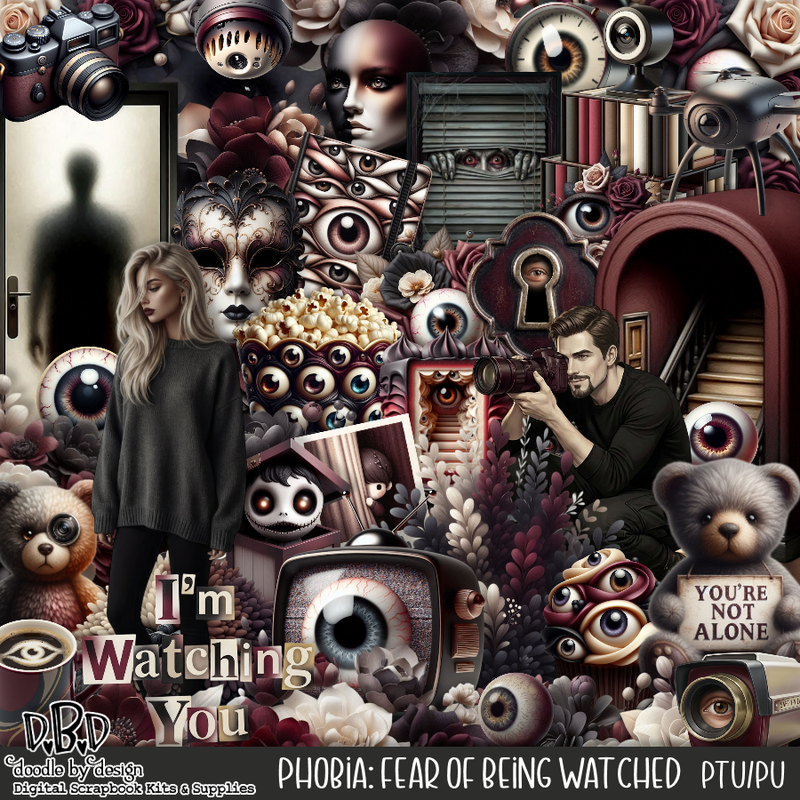
PTU Scrap Polished Petals by Starlite and Soul HERE
You can find all Starlite and Soul  kits  HERE 
Miz Teeques Mask 245 HERE
Check the blog out HERE

Font of choice, I used Angelized

Drop shadow as you go is V -2 H 4, 40, 10, or use what you prefer.
Let's get started
*Remember to add your drop shadow as you go along*

Open a new image 800 x 800, paste paper 2, apply your mask.

Resize 68 to 75%, paste toward the top.
Resize 158 to 25%, apply Mura Meister Copies-Encircle, first 3 
numbers on 16, 50, 60, paste below the window.
Reszie 158 to 25%, paste above the window on the upper right, duplicate, mirror.
Resize 41 to 75%, paste on the left above the flower.
Resize 9 to 75%, paste on the left.
Resize 51 to 18%, paste on the shelf on the left.
Resize 18 to 40%, paste on the bottom right.
Resize 19 to 38%, paste on the chair.
Resize 64 to 35%, paste on the bottom left above the shelves.

Resize tube to 35%, paste at the bottom.

Resize 61 to 35%, paste at the bottom above the tube.
Resize 7 to 30%, paste at the bottom above the pillow.
Resize 11 to 35%, paste on the left.
Resize 13 to 25%, paste at the bottom above the pillow.
Resize 43 to 15%, free rotate to the right at 20, paste by the shoes.
Resize 60 to 25%, paste on the right below the books.
Resize 2 to 28%, paste on the bottom right.
Resize 3 to 25%, paste on the bottom left below the pillow.

Resize 59 to 20%, paste on top of the chair.
Resize 21 to 15%, paste on the shelf on the left.
Resize 4 to 13%, paste at the bottom right below the dog.
Resize 72 to 25%, paste at the bottom by the books.
Resize 36 to 17%, paste at the bottom by the bottle.
Resize 27 and 49 to 20%, paste at the bottom left.
Resize 45, 46 and 47 to 15%, paste on the bottom left.
Resize 44 to 13%, paste at the bottom left.
Resize 12 to 10%, paste at the bottom left.
Resize 11 to 60%, paste on the right on the shelf.

Add any other elements that you would like, make it your own.
Always readjust your mask and elements how you like them before you
 merge your tag, resize, sharpen.

Crop your tag to be sure no shadows or lines are on the edges.
 Then add your copyright and name.
That's it

Hope you enjoyed doing my tut

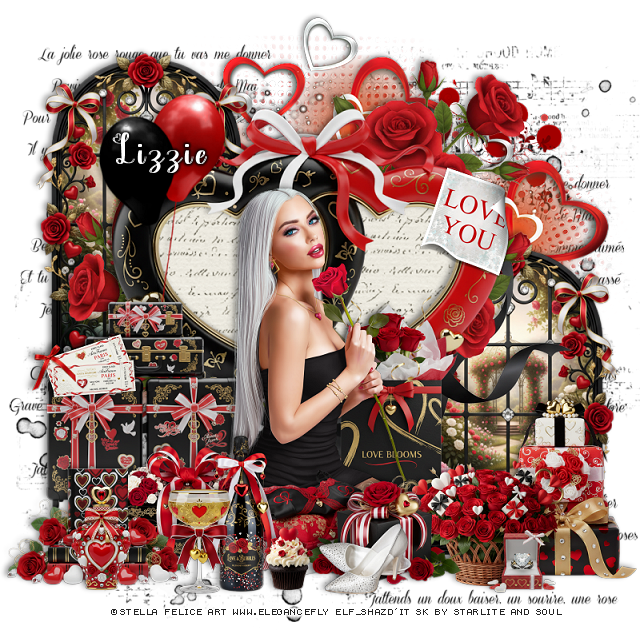
Tag for Lizzie 


Monday, January 26, 2026

PTU CT for AnnAl-Art Design

   **~**CT for AnnAl-Art Design **~**

 PTU Scrap Yes Till Forever by Annai-Art  HERE  HERE HERE
You can find all AnnAl Art kits  HERE

Timeline and Tag I made with the kit 

©Goldwasser tube is NOT included  


PTU Winter Land


  This tut was written January 26th 2026 for those with a basic knowledge of psp. 

I am using the beautiful Al kit/tubes by Dreamworld Design
Tubes are includes
Please read the TOU on how to credit your tags.

I used PSP2020...but any of them should work.
PTU Scrap Winter Land by DWD  HERE
Beautiful kit with 112 elements, 25 papers.
You can find all Dreamworld Design kits  HERE

Font of choice, I used Vytorla

Drop shadow as you go is V -2 H -4, 40, 10, or use what you prefer
Let's get started
*Remember to add your drop shadow as you go along*

Open a new image 800 x 800, paste mask 2, resize to fit your tag.

Resize 32 to 75%, paste at the upper left.
Resize 89 to 85%, paste below the house to the right.
Resize 61 to 75%, mirror, paste below the house on the upper left.
Resize 26 to 50%, paste on the bottom right.
Resize 67 to 45%, paste on the bottom right above the window.

Resize tube 1 to 50%, paste.

Resize 22 to 30%, paste at the bottom above the tube.
Resize 77 to 30%, paste at the bottom right below the dog.
Resize 16 to 40%, paste on the bottom right above the bag.
Resize 44 to 35%, paste on the bottom left above the house.
Resize 111 to 25%, paste above the bird house to the left.
Resize 104 to 30%, paste at the bottom above the tube.
Resize 103 to 30%, paste on the bottom left above the bird house.
Resize 99 to 30%, paste at the bottom below the tube to the left.
Resize 92 to 28%, paste at the bottom left.

Resize 33 to 25%, paste at the bottom by the raccoon.
Resize 51 to 25%, paste at the bottom left.
Resize 53 to 20%, paste at the bottom.
Resize 100 to 25%, paste at the bottom by the cup.
Resize 25 to 25%, paste at the bottom above the raccoon.
Resize wordart 2 to 50%, paste where you like.

Add any other elements that you would like, make it your own.
Always readjust your mask and elements how you like them before you
 merge your tag, resize, sharpen.

Crop your tag to be sure no shadows or lines are on the edges.
 Then add your copyright and name.
That's it

Hope you enjoyed doing my tut     

Tag for  Nina

The Memory Chest


  This tut was written January 25th, 2026 for those with a basic knowledge of psp. 

I am using the Awesome Al kit by Carita Creationz
Tube is included
Read the TOU how to credit your tags.

I used PSP2020...but any of them should work.
PTU Scrap The Memory Chest by Carita Creationz  HERE
Kit has 80 elements, 7 papers
Check her store out to see all her other kits and tubes HERE
Miz Teeques Mask 110 HERE
Check the blog out HERE

Font of choice, I used Vytorla

Drop shadow as you go is V -2 H 4, 40, 10, or use what you prefer.
Let's get started
*Remember to add your drop shadow as you go along*

Open a new image 800 x 800, paste paper 5, apply your mask, 
move to the left, duplicate, mirror.

Resize 51 to 85%, paste.
Resize 69 to 65%, paste to the left on the frame.
Resize 36 to 65%, paste on the upper left below the frame, duplicate,
move to the right and down.
Resize 68 to 60%, paste to the right.
Resize 78 to 65%, paste below the flowers on the right.
Resize 2 to 50%, paste below the girl on the left.

Resize 46 to 45%, paste on the left below the book.

Resize 53 to 25%, paste on the left above the book, duplicate, mirror.
Resize 43 to 25%, paste on the bottom left below the flowers.
Resize 75 to 20%, paste at the bottom above the chest.
Resize 60 to 28%, paste on the bottom left.
Resize 20 to 25%, paste below the books.
Resize 56 to 13%, paste on the bottom left above the dog.
Resize 39 to 28%, paste at the bottom below the basket of flowers.
Resize 11 to 25%, paste at the bottom right being on the top layer.

Resize 4 to 15%, paste at the bottom right.
Resize 29 to 25%, paste at the bottom.
Resize 26 to 20%, paste at the bottom.
Resize 14 to 15%, paste at the bottom right above the coffee pot.
Resize 70 to 15%, paste at the bottom by the shoes.
Resize 5 to 15%, paste on the bottom right below the cup.
Resize 77 to 65%, paste at the top.

Add any other elements that you would like, make it your own.
Always readjust your mask and elements how you like them before you
 merge your tag, resize, sharpen.
Crop your tag to be sure no shadows or lines are on the edges.
 Then add your copyright and name.
That's it

Hope you enjoyed doing my tut.       

PTU Midnight Glamour


 This tut was written January 25th, 2026 for those with a basic knowledge of psp. 

I am using the Awesome Al kit by Carita Creationz
Tube is included
Read the TOU how to credit your tags.

I used PSP2020...but any of them should work.
PTU Scrap Midnight Glamour by Carita Creationz  HERE
Kit has 61 elements, 7 papers and 1 tube
Check her store out to see all her other kits and tubes HERE
Mask of choice, I used Miz Teeques Mask 52 HERE
Check out the rest of the blog HERE

Font of choice, I used Perfecto Calligraphy

Drop shadow as you go is V -2 H 4, 50, 10, or use what you prefer.
Let's get started
*Remember to add your drop shadow as you go along*

Open a new image 800 x 800, paste paper 6, apply your mask.

Resize 41 to 60%, paste at the top, click inside, resize 25 to 60,
paste, invert, delete, select none, merge these 2 together, move up
and to the right a little.
Resize 2 to 60%, paste below the frame on the left, duplicate, mirror.
Resize 28 to 60%, paste on the right above the greenery, duplicate, 
mirror, move above the frame.
Resize 7 to 55%, paste on the left above the flowers.
Resize 5 to 50%, paste in the middle.
Resize 6 to 40%,  paste on the right.
Resize 44 to 20%, paste in the chair on the right.
Resize 29 to 40%, paste on the left.
Resize 55 to 15%, paste in the chair on the left.
Resize 62 to 50%, paste on the upper left below the flowers,
duplicate, move to the right below the fireplace.

Resize the tube to 50%, paste at the bottom above the chair.

Resize 17 and 30 to 20%, paste on top of the fireplace.
Resize 26 to 15%, paste on the fireplace.
Resize 19 to 12%, paste on the fireplace.
Resize 8 to 23%, paste at the bottom right above the chair.
Resize 43 to 23%, paste at the bottom by the pillows.
Resize 46, 56 and 59 to 15%, paste at the bottom by the dog.
Resize 11 to 20%, paste at the bottom left above the tube.
Resize 49 to 10%, paste at the bottom by the jar.

Resize 32 to 18%, paste at the bottom to the left.
Resize 14 to 13%, paste at the bottom left by the blankets, duplicate,
move over.
Resize 13 to 12%, paste on the blankets.
Resize 12 to 14%, paste on the left chair.
Resize 27 to 15%, paste on the window on the right, duplicate, move
up to the window on the left.

Add any other elements that you would like, make it your own.
Always readjust your mask and elements how you like them before you
 merge your tag, resize, sharpen.
Crop your tag to be sure no shadows or lines are on the edges.
 Then add your copyright and name.
That's it

Hope you enjoyed doing my tut.       

Sunday, January 25, 2026

PTU Mechanical Mystique Exclusive


 This tut was written January 25th, 2026 for those with a basic knowledge of psp. 

Awesome AI kit and tube by Midnight Shadow Dezinez

Everything used is included in the kit
Read the TOU on how to credit your tags

I used PSP2020...but any of them should work.
PTU Scrap Mechanical Mystique Exclusive by Midnight Shadow Dezinez  HERE
You can find all Midnight Shadow Dezinez kits HERE
Mask of choice, I used Miz Teeques Mask 197 HERE
Check out the rest of the blog HERE

Font of choice, I used Angot for the M and then 
Bike Chain for the rest of the name.

Drop shadow as you go is V -2 H -4, 50, 10, or use what you prefer.
Let's get started
*Remember to add your drop shadow as you go along*

Open a new image 800 x 800, resize paper 8 to 80%, apply your mask.

Resize 51 to 30%, paste at the top center.
Resize 3 to 50%, paste on the upper right.
Resize 33 to 65%, paste on the upper left.
Resize 49 to 50%, paste on the right.
Resize 16 to 40%, paste on the left.

Resize 43 to 55%, paste above the door.
Resize 6 to 30%, paste at the bottom above the tube.
Resize 4 to 45%, mirror, paste below the tube on the right.
Resize 38 to 25%, paste at the bottom right by the chair.
Resize 39 to 20%, paste at the bottom above the tube.
Resize 9 to 25%, paste at the bottom right above the door.
Resize 40 to 22%, paste at the bottom by the purse.
Resize 12 to 25%, paste on the bottom left.

Resize 18 to 25%, paste on the bottom right.
Resize 48 to 25%, paste on the bottom left below the boots.
Resize 35 to 15%, paste at the bottom left.
Resize 17 to 20%, paste at the bottom by the purse.

Resize 11 to 15%, mirror, paste below the car on the left.
Resize 58 to 13%, paste at the bottom left.

Add any other elements that you would like, make it your own.
Always readjust your mask and elements how you like them before you
 merge your tag, resize, sharpen.

Crop your tag to be sure no shadows or lines are on the edges.
 Then add your copyright and name.
That's it

Hope you enjoyed doing my tut