Wednesday, September 30, 2026

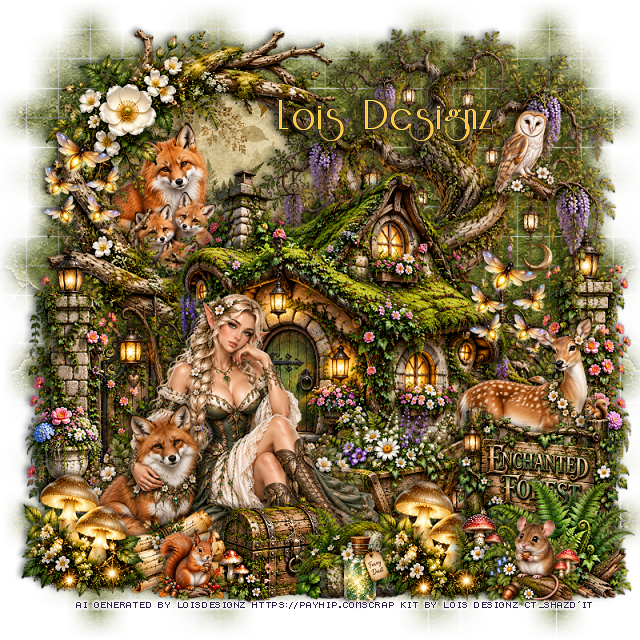
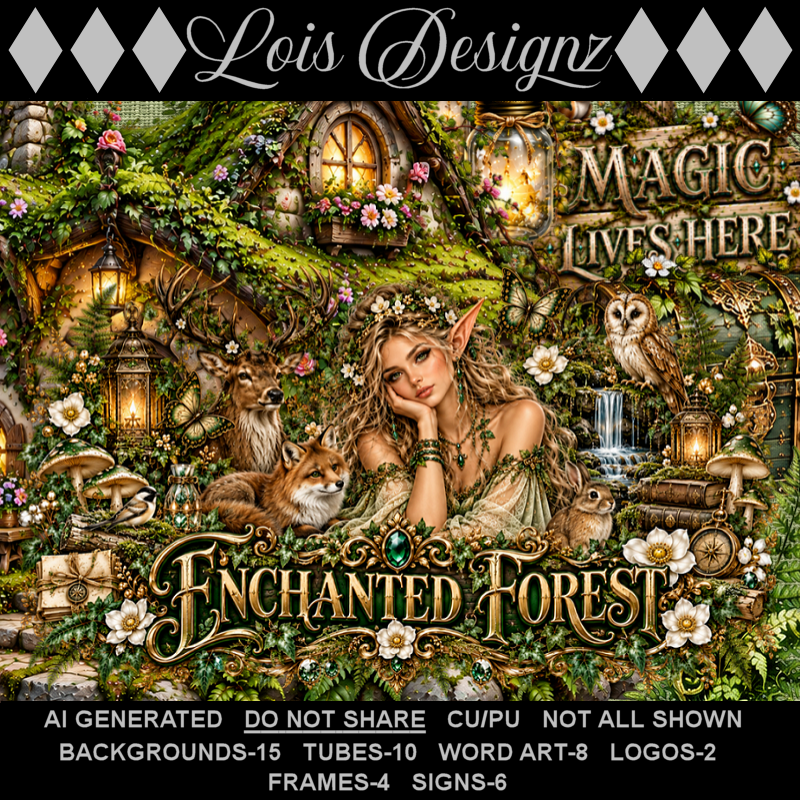
PTU Enchanted Forest

This tut was written September 30th, 2026 for those with a basic knowledge of psp. 

I am using the Awesome Al kit/Tubes by Lois Designz
Everything used is included in the kit
Please read the TOU on how to credit your tags

I used PSP2020...but any of them should work.
PTU Scrap Enchanted Forest  by Lois Designz  HERE
Check her store out to see all her other kits HERE
Weescotlass Creation Mask 84 (link is no longer available) use mask of choice

Font of choice, I used Riesling

Drop shadow as you go is V -2 H 4, 40, 10, or use what you prefer.
Let's get started
*Remember to add your drop shadow as you go along*

Open a new image 800 x 800, paste paper 1, apply your mask,
move to the left, duplicate, mirror, merge together, duplicate, flip, move
to the bottom.

Resize 8 to 60%, paste on the upper right.
Resize frame 3 to 50%, paste at the upper left below the tree, click inside,
resize paper 6 to 40%, paste, invert, delete.
Resize 1 to 45%, paste.
Resize 3 to 40%, paste on the right below the tree, duplicate, move to 
the left.

Resize tube 7 to 30%, paste at the bottom left.

Resize 65 to 30%, paste at the bottom below the tube on the right.
Resize 56 to 25%, paste on the bottom right.
Resize 85 to 35%, paste at the bottom right above the sign.
Resize 61 to 50%, paste on the bottom left above the tube, 
duplicate, move to the right below the plant.
Resize 88 to 35%, paste at the bottom left above the tube.
Resize 86 to 50%, paste at the bottom above the tube.

Resize 39 to 30%, paste at the bottom above the chest.
Resize 99 to 15%, paste at the bottom right.
Resize 81 to 30%, paste on the upper left, duplicate, move down on 
the right.
Resize 60 to 30%, paste at the bottom.
Resize 106 to 25%, paste at the upper left in the frame.
Resize 115 to 30%, paste on the right below the sign and wheel barrel.
Resize 103 to 13%, paste at the upper right on the tree.
Resize 101 to 10%, paste at the bottom to the left.

Add any other elements that you would like, make it your own.
Always readjust your mask and elements how you like them before you
 merge your tag, resize, sharpen.
Crop your tag to be sure no shadows or lines are on the edges.
 Then add your copyright and name.
That's it

Hope you enjoyed doing my tut.     
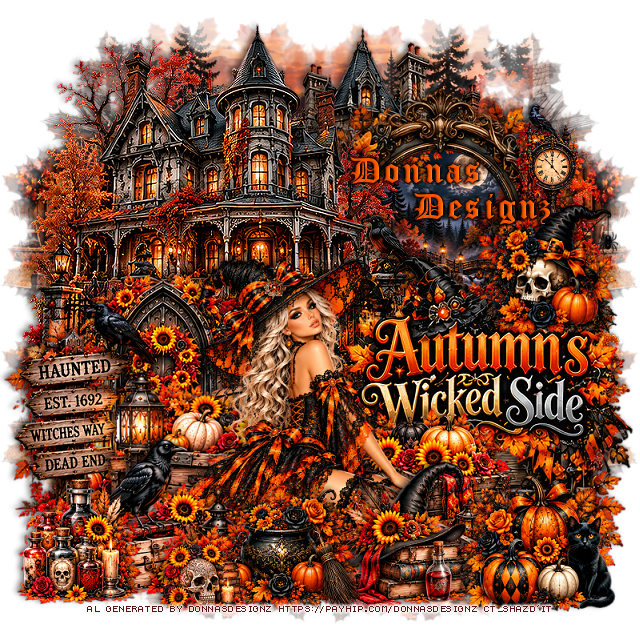
PTU Autumn's Wicked Side

 This tut was written September 30th, 2026 for those with a basic knowledge of psp. 

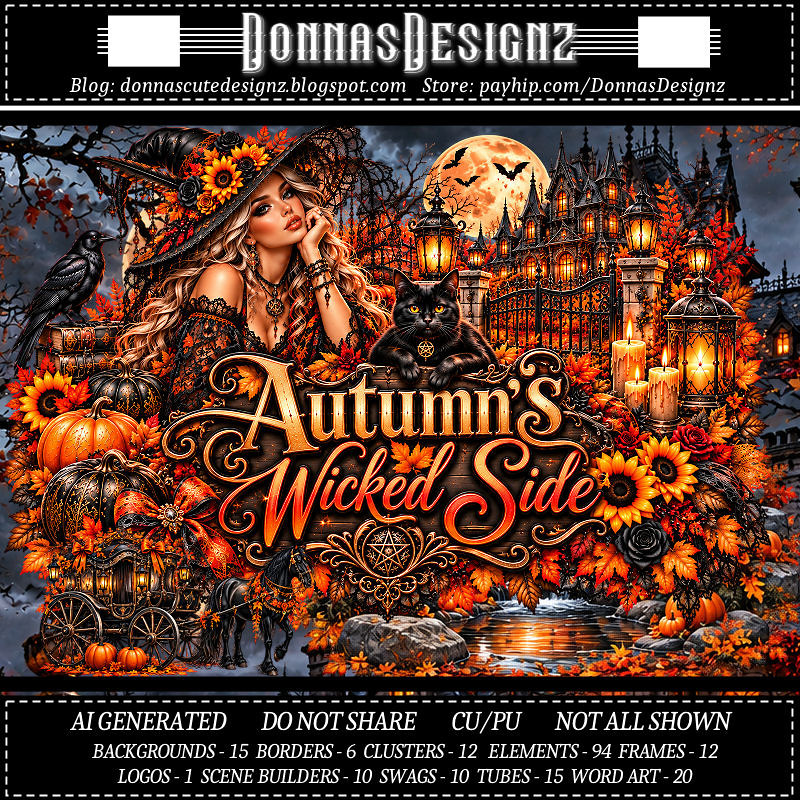
I am using the Awesome Al kit/Tubes by Donna Designz
Everything used is included in the kit
Please read the TOU on how to credit your tags

I used PSP2020...but any of them should work.
PTU Scrap Autumn's Wicked Side  by Donnas Designz  HERE
Check her store out to see all her other kits and tubes HERE
Lori's PSP Graphics Mask 713 HERE
Check the blog HERE

Font of choice, I used Old English Text

Drop shadow as you go is V -2 H 4, 50, 10, or use what you prefer.
Let's get started
*Remember to add your drop shadow as you go along*

Open a new image 800 x 800, resize paper 3 to 80%, apply your mask,
move to the left, duplicate, mirror, merge together, duplicate
move to the bottom.

Paste Spec 6 on the upper right.
paste frame 2 above the house, click inside, expand by 2, resize 
paper 4 to 30%, paste where you want, invert, delete.
Paste spec 2 on the upper left above the frame.
Paste wordart 20 on the right at the bottom of the frame.
Paste clus 8 below the wordart.
Paste 59 on the left below the tube.

Resize tube to 30%, paste at the bottom.

Resize 80 to 75%, paste on the left above the door.
Resize 19 to 75%, paste on the bottom left below the tube.
Resize 12 to 55%, paste at the bottom above the tube.
Resize clus 9 to 50%, paste at the bottom above the books and hat.
Resize 38 to 65%, paste below the tube to the right.
Resize clus 6 to 50%, paste on the upper right above the wordart.
Resize clus 11 to 50%, paste on the bottom right.
Resize 49 to 75%, paste on the bottom left below the caldron.
Resize 46 to 55%, paste on the bottom left.
Resize 22 to 40%, paste at the bottom left.
Resize 89 to 50%, paste on the upper right on the frame.

Add any other elements that you would like, make it your own.
Always readjust your mask and elements how you like them before you
 merge your tag, resize, sharpen.
Crop your tag to be sure no shadows or lines are on the edges.
 Then add your copyright and name.
That's it

Hope you enjoyed doing my tut.     
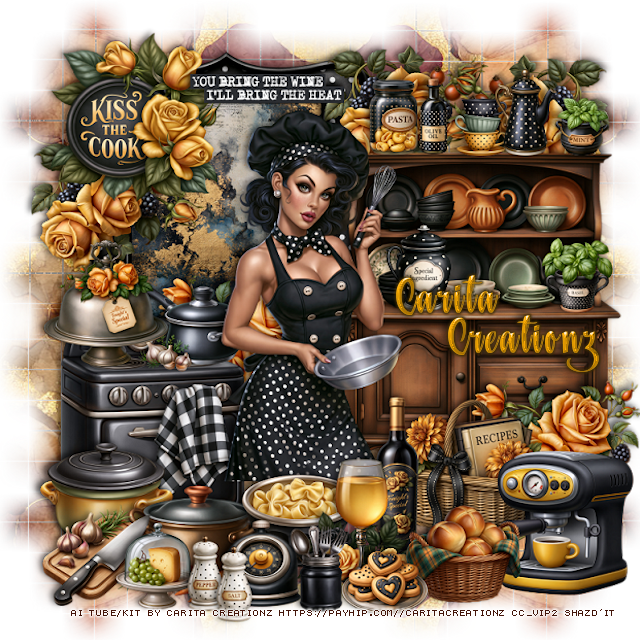
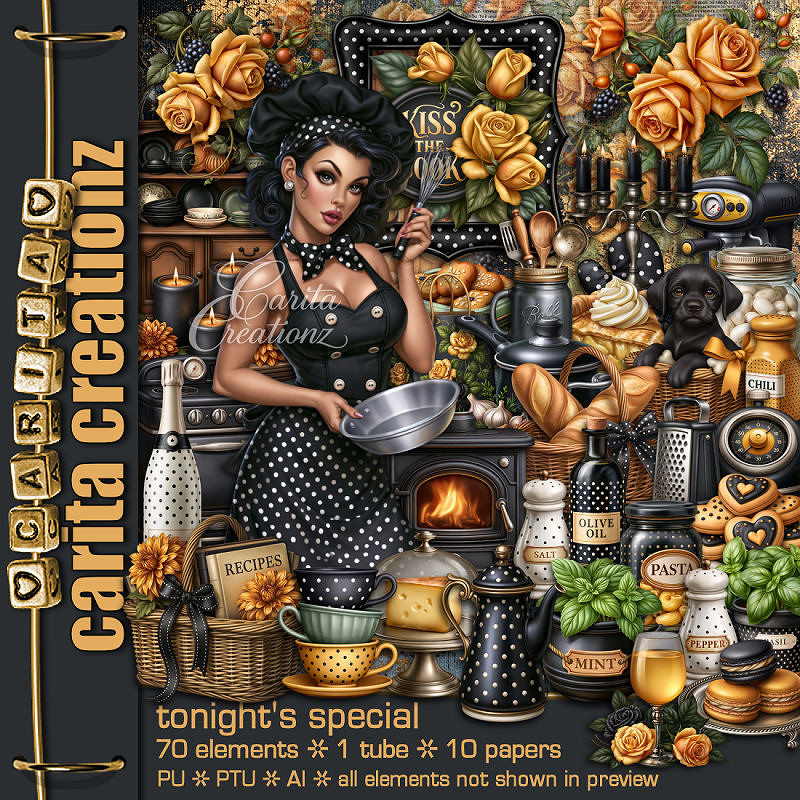
PTU Tonight's Special


This tut was written September 30th, 2026 for those with a basic knowledge of psp. 

I am using the Awesome Al kit by Carita Creationz
Everything used is included in the kit
Please read the TOU on how to credit your tags.

I used PSP2020...but any of them should work.
PTU Scrap Tonight's Special by Carita Creationz  HERE
Kit has 70 elements, 10 papers and 1 tube
Check her store out to see all her other kits and tubes HERE
Weescotlass Creation Mask 84 (link is no longer available) use mask of choice

Font of choice, I used Saturday Nights

Drop shadow as you go is V -2 H 4, 50, 10, or use what you prefer.
Let's get started
*Remember to add your drop shadow as you go along*

Open a new image 800 x 800, paste paper 8, apply your mask,
move to the left, duplicate, mirror, merge together, duplicate, flip,
move to the bottom.

Resize 11 to 55%, paste on the upper left, click inside, resize paper 2 
to 30%, paste, invert, delete.
Resize 8 to 45%, paste on the bottom left.
Resize 22 to 30%, paste on the upper left on the frame.
Resize 41 to 20%, paste on the stove.
Resize 61 to 20%, paste on the stove handle.

Resize the tube to 50%, paste above the stove to the right a bit.

Resize 59 to 55%, paste on the right.
Resize 26 and 36 to 13%, paste on top of the cabinet.
Resize 52 to 23%, paste at the bottom above the tube.
Resize 25 to 28%, paste at the bottom to the right of the drink.
Resize 9 to 13%, paste on the cabinet.
Resize 28 to 20%, paste at the bottom left of the drink and below.

Resize 45 to 20%, paste on the stove.
Resize 3 to 10%, paste on top of the cabinet.
Resize 5 to 15%, paste at the top on the cabinet.
Resize 46 to 15%, paste on the cabinet by the tube.

Resize 4 to 25%, paste on the bottom right below the bottle.
Resize 57 to 25%, paste at the bottom left below the pasta.
Resize 60 to 20%, paste at the bottom right by the basket.
Resize 69 to 25%, paste at the bottom right below the bread basket.
Resize 10 to 10%, paste on top of the cabinet.
Resize 24 to 23%, paste on the bottom left below the pot.
Resize 40 to 20%, paste at the bottom left.

Resize 39 to 15%, paste at the bottom.
Resize 67 to 15%, paste at the bottom.
Resize 31 to 30%, paste behind the stove down on the frame,
duplicate, move down on the right below the coffee maker.
Resize 30 to 30%, paste on the left under kiss the cook sign, duplicate, 
move to the right below the cabinet, duplicate, mirror, move back to the right.
Resize 29 to 15%, paste at the bottom above the drink.
Resize 19 to 15%, paste at the bottom left.
Resize 34 and 35 to 13%, paste at the bottom.
Resize 21 to 25%, paste at the top on the frame.

Add any other elements that you would like, make it your own.
Always readjust your mask and elements how you like them before you
 merge your tag, resize, sharpen.
Crop your tag to be sure no shadows or lines are on the edges.
 Then add your copyright and name.
That's it

Hope you enjoyed doing my tut.       
Tuesday, September 29, 2026

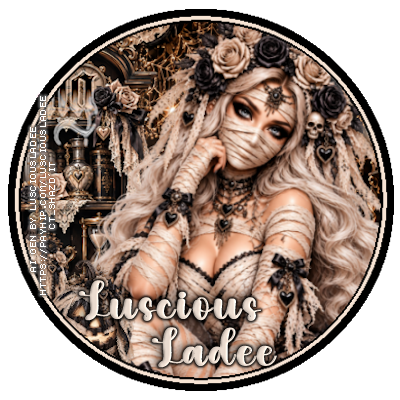
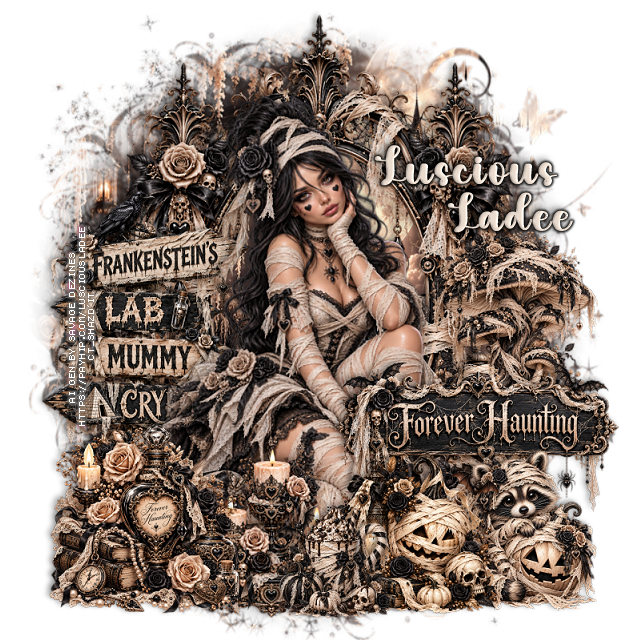
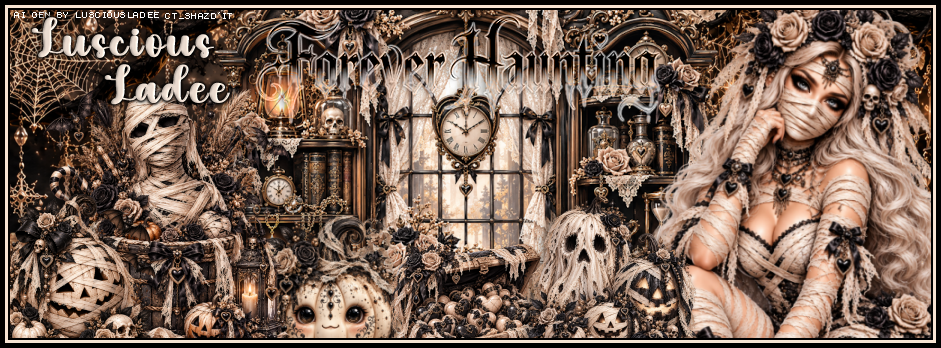
PTU Forever Haunting

    **~**CT FB Timeline, Tag and Ava**~**

Awesome Al kit by Luscious Ladee 
Al tubes by Luscious Ladee and Savage Dezines

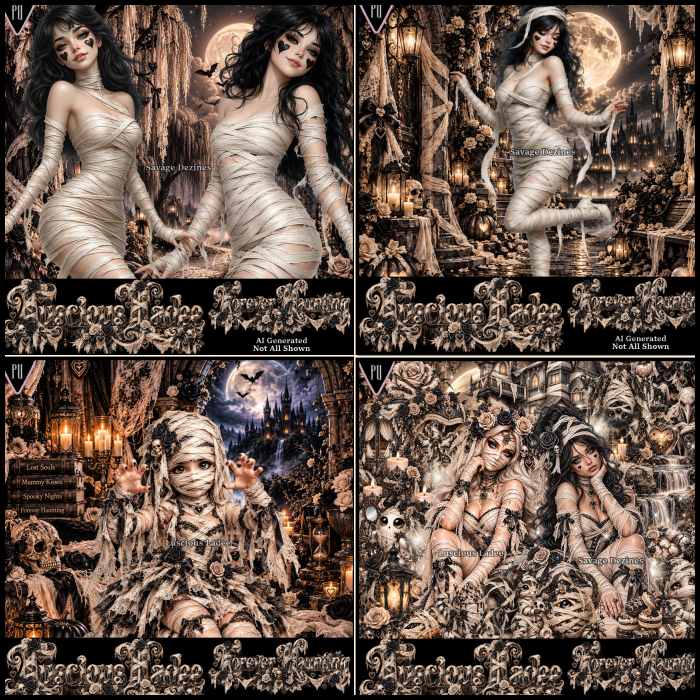
PTU Scrap Forever Haunting by Luscious Ladee  HERE  HERE HERE
Kit comes with 102 elements, 6 masks, 8 frames, 10 Sparkles, 12 Profile papers,
5 Al tubes, 12 Timeline papers and 4 Wordart
Check out the rest of her store  HERE


Monday, September 28, 2026

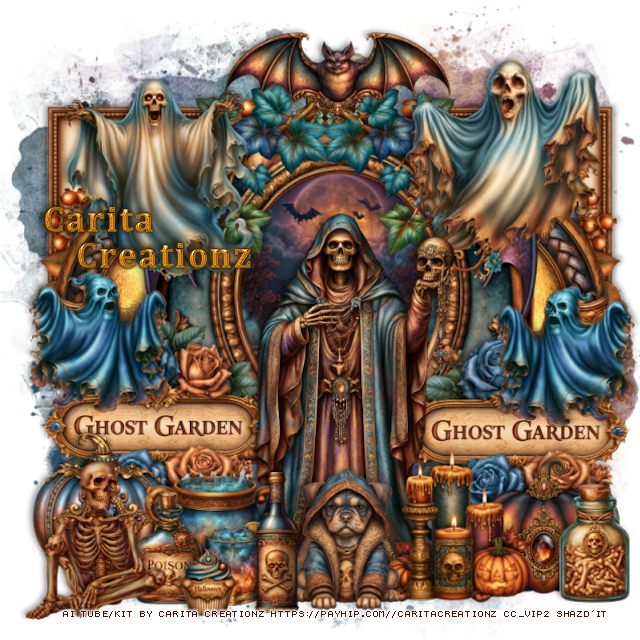
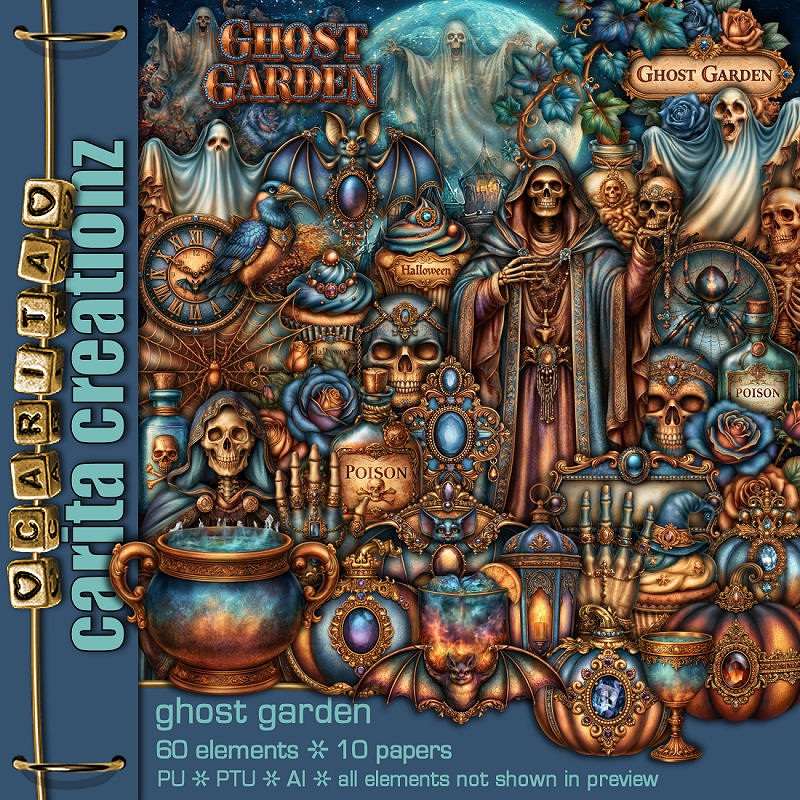
PTU Ghost Garden


   This tut was written September 28th, 2026 for those with a basic knowledge of psp. 

I am using the Awesome Al kit Ghost Garden by Carita Creationz
Everything used is included in the kit
Please read the TOU on how to credit your tags.

I used PSP2020...but any of them should work.
PTU Scrap Ghost Garden by Carita Creationz  HERE
Check her store out to see all her other kits and tubes HERE
RD Mask 717 HERE
Check the rest of the blog HERE

Font of choice, I used Cambria

Drop shadow as you go is V -2 H 4, 50, 10, or use what you prefer.
Let's get started
*Remember to add your drop shadow as you go along*

Open a new image 800 x 800, paste paper 9, apply your mask.

Resize 60 to 65%, paste, move up.
Resize 13 to 50%, paste below the arch on the right, duplicate, mirror,
click inside the frames, paste paper 10, invert, delete.
Resize 16 to 70%, paste on the arch.
Resize 30 to 50%, paste above the frame.
Resize 5 to 40%, paste at the top on the frame.
Resize 45 to 35%, paste at the top below the bat on the right, duplicate, mirror.

Resize 44 to 40%, paste on the left below the skeleton, duplicate, move
to the right.
Resize 34 to 35%, paste at the upper right.
Resize 19 to 35%, paste on the upper left.
Resize 48 to 25%, paste on the left by the sign, duplicate, mirror.
Resize 51 to 40%, paste at the upper left below the paper layer of the 
frames, duplicate, mirror.
Resize 26 to 25%, paste at the bottom left above the skeleton.

Resize 53 to 28%, paste on the bottom right above the skeleton.
Resize 6 to 25%, paste at the bottom right below the candle.
Resize 2 to 25%, paste on the bottom left below the pot.
Resize 31 to 20%, paste at the bottom left.
Resize 56 to 25%, paste at the bottom.
Resize 25 to 15%, paste at the bottom.
Resize 59 to 25%, paste at the bottom.
Resize 38 to 28%, paste at the bottom left.
Resize 35 to 20%, paste at the bottom right.
Resize 39 to 12%, paste at the bottom by the drink.

Add any other elements that you would like, make it your own.
Always readjust your mask and elements how you like them before you
 merge your tag, resize, sharpen.
Crop your tag to be sure no shadows or lines are on the edges.
 Then add your copyright and name.
That's it

Hope you enjoyed doing my tut.       
Sunday, September 27, 2026

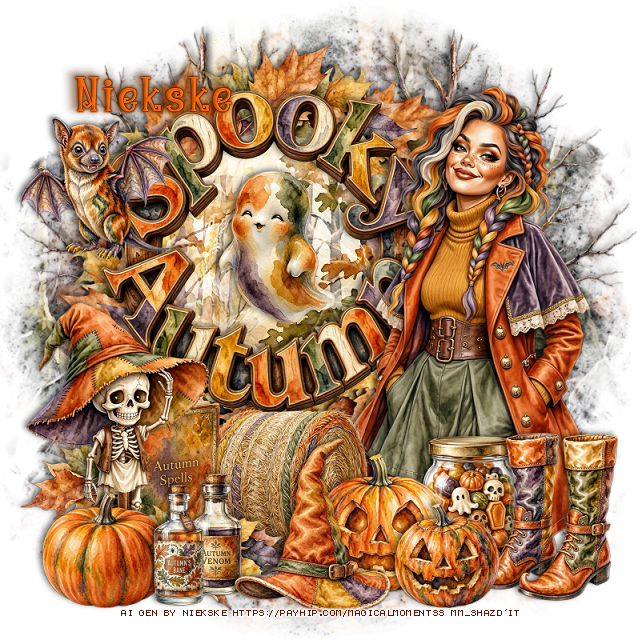
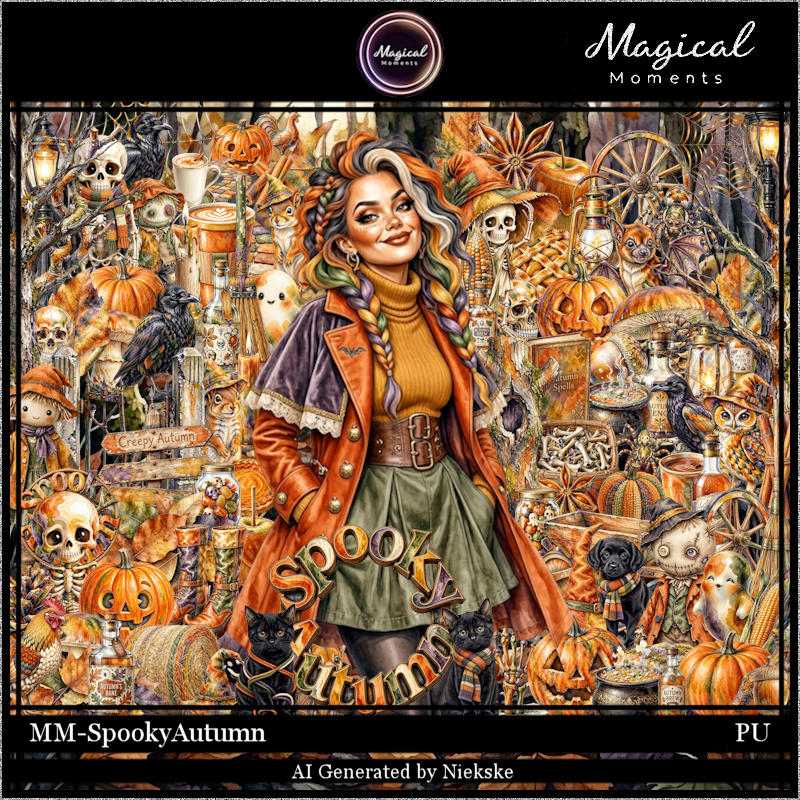
PTU Spooky Autumn

 This tut was written September 27th, 2026 for those with a basic knowledge of psp.

I am using the awesome Al gen kit by Niekske
Everything is included in the kit
Read the TOU on how to credit your tags


I used PSP2020...but any of them should work.
PTU Scrap Spooky Autumn by Magical Moments HERE  
Check out the rest of her store HERE   
Lori's PSP Graphics Mask 1226 HERE
Check the rest of the blog HERE

Font of choice, I used Witch Mystery

Drop shadow is V -2 H 4, 50, 10, color Black or use what you prefer.
Let's get started
*Remember to add your drop shadow as you go along*

Open a new image 800 x 800, paste paper 5, apply your mask,

Resize 95 to 45%, paste, click inside, paste paper 3 where you like,
invert, delete, change the blend mode to Screen.
Resize 2 to 40%, apply Mura Meister Copies-Encircle, first
3 numbers on 10, 45, 45, paste below the wordart circle.

Resize the tube to 30%, mirror, paste on the right.

Resize 42 to 60%, paste on the right below the leaf circle, duplicate,
mirror.
Resize 67 to 23%, paste at the bottom above the tube.
Resize 27 to 20%, paste on the bottom right below the pumpkin.
Resize 20 to 25%, paste at the bottom right.
Resize 19 to 25%, paste at the bottom above the pumpkin.

Resize 11 to 15%, paste at the bottom above the pumpkin.
Resize 9 to 25%, paste below the hat.
Resize 13 to 25%, paste in the frame.
Resize 72 to 20%, paste on the upper left on the frame.
Resize 2 to 30%, paste at the bottom above the hat, duplicate, move
to the left more and below the roll of hay.
Resize 51 to 25%, paste below the leaves.
Resize 70 to 35%, paste on the bottom left.

Resize 53 and 75 to 17%, paste at the bottom left below the hat.
Resize 7 to 20%, paste at the bottom below the bottles.

Add any other elements that you would like, make it your own.
Always readjust your mask and elements how you like them before you
 merge your tag, resize, sharpen.

Crop your tag to be sure no shadows or lines are on the edges.
 Then add your copyright and name.
That's it

Hope you enjoyed doing my tut.            
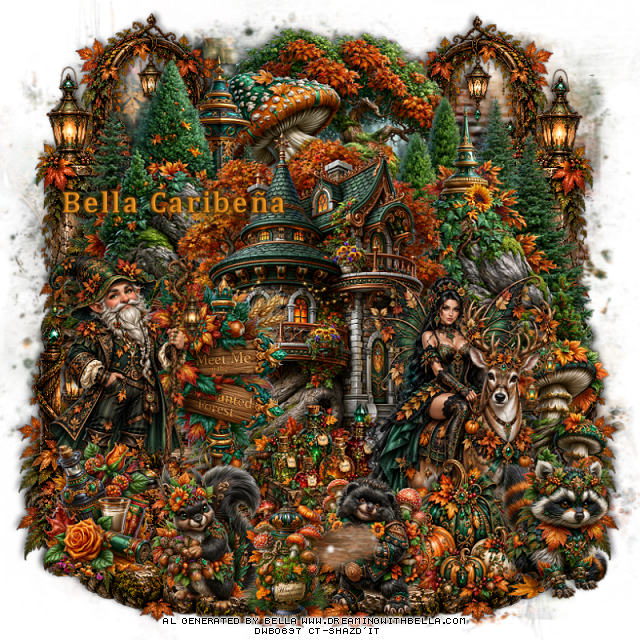
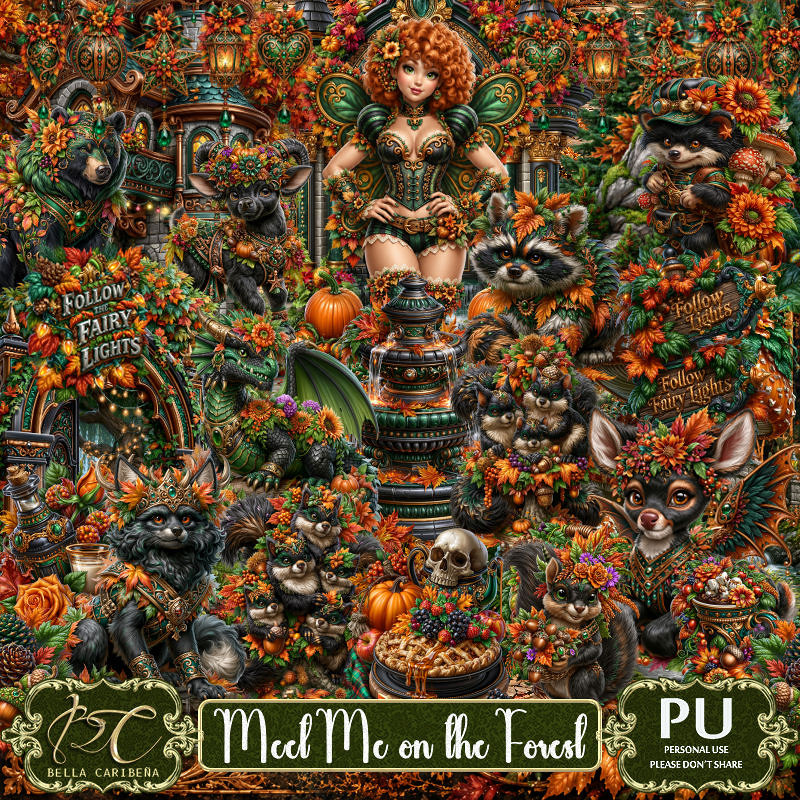
PTU Meet Me On The Forest


  This tut was written September 27th, 2026,  for those with a basic knowledge of psp. 

Awesome Al kit and tubes by Bella Caribeña
Everything used is in the kit
Read the TOU on how to credit tags

I used PSP2020...but any of them should work.
PTU Scrap Meet Me On The Forest by Bella Caribeña  HERE
Autumn/Fairy Theme
Kit contains 4 Al tubes, 172 elements, 17 papers 
You can check out the rest of her store HERE 
RD Mask 674 HERE 
Check the blog out HERE

Font of choice I used Cambria

 Drop shadow as you go is V -2 H 4, 40, 10, or use what you prefer.
Let's get started
*Remember to add your drop shadow as you go along*

Open a new image 800 x 800, paste paper 7, apply your mask.

Resize 67 to 75%, paste at the top.
Resize 73 to 65%, paste on the upper left.
Resize 72 to 65%, mirror, paste on the upper right.
Resize 65 to 75%, paste.
Resize 74 to 40%, paste on the left.
Paste 7 on the upper right being on the bottom layer at the top, 
duplicate, mirror, duplicate the right one, mirror, move
down on the bottom left, duplicate the left one, mirror, move
down on the bottom right.

Resize tube 2 to 20%, paste on the bottom right.
Resize tube 1 to 20%, paste on the left by the sign.
Resize 116 to 40%, paste on the right below the tube.
Resize 5 to 30%, paste at the bottom below the deer.
Resize 129 to 30%, paste at the bottom left above the tube.
Resize 3 to 30%, paste at the bottom above the deer.

Resize 100 to 30%, paste at the bottom right.
Resize 80 to 30%, paste on the bottom left.
Resize 96 to 30%, paste at the bottom above the pumpkins.
Resize 35 to 25%, paste at the bottom.

Add any other elements you would like, resize.
Crop your tag to be sure no shadows or lines are on the edges.
 Then add your copyright and name.
That's it

            Hope you enjoyed doing my tut        

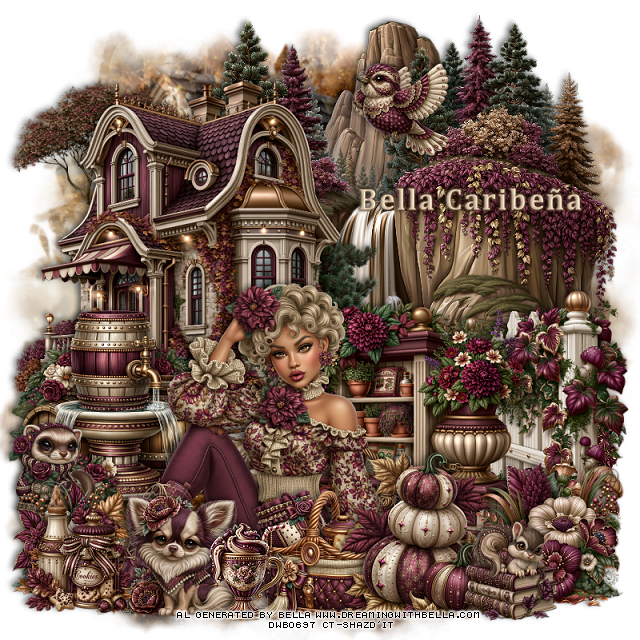
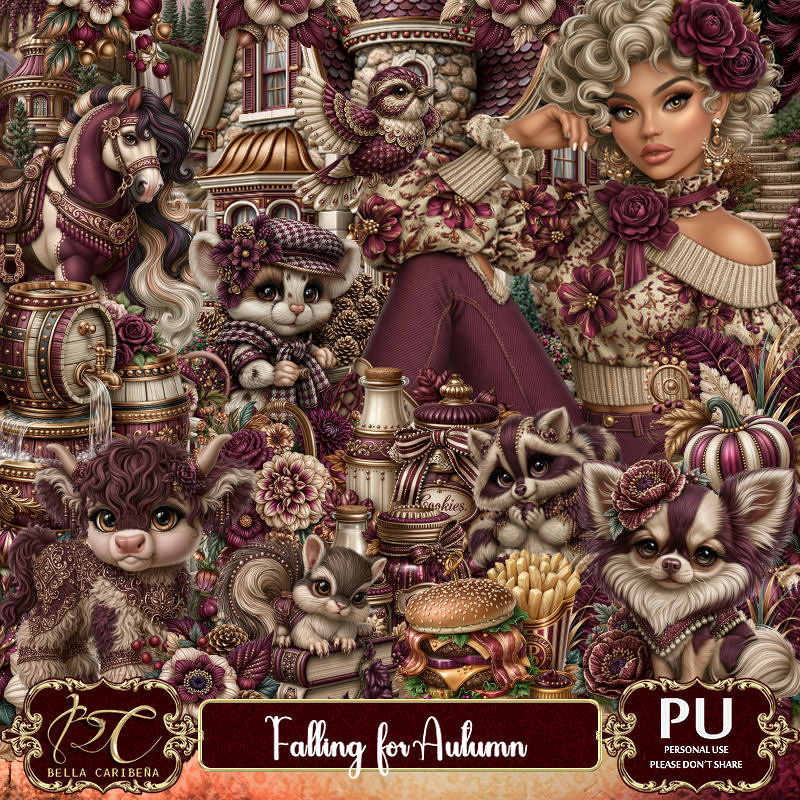
PTU Falling For Autumn


  This tut was written September 27th, 2026,  for those with a basic knowledge of psp. 

Awesome Al kit and tubes by Bella Caribeña
Everything used is in the kit
Read the TOU on how to credit tags

I used PSP2020...but any of them should work.
PTU Scrap Falling For Autumn by Bella Caribeña  HERE
Autumn Theme
Kit contains 3 Al tubes, 118 elements, 15 papers, 3 masks 
You can check out the rest of her store HERE 

Font of choice I used Cambria

 Drop shadow as you go is V -2 H 4, 40, 10, or use what you prefer.
Let's get started
*Remember to add your drop shadow as you go along*

Open a new image 800 x 800, paste mask 1, adjust to fit.

Resize 59 to 55%, paste on the bottom right.
Resize 35 to 75%, paste on the upper left.
Paste 28 below the house on the upper right.

Resize tube 1 to 20%, paste at the bottom.

Resize 18 to 55%, paste on the bottom right below the tube.
Resize 22 to 30%, paste on the bottom right above the tube.
Resize 100 to 27%, paste at the bottom above the tube.
Resize 76 to 35%, paste at the bottom to the right of the basket.
Resize 68 to 40%, paste on the left below the tube.
Resize 65 to 20%, paste at the bottom.
Resize 15 to 25%, paste at the bottom above the tube.

Resize 106 to 20%, paste on the left above the water barrels.
Resize 21 to 25%, paste on the bottom left.
Resize 102 to 22%, paste at the bottom left.
Resize 36 to 20%, mirror, paste at the top.
Resize 1 to 20%, paste at the bottom right.

Add any other elements you would like, resize.
Crop your tag to be sure no shadows or lines are on the edges.
 Then add your copyright and name.
That's it

            Hope you enjoyed doing my tut