
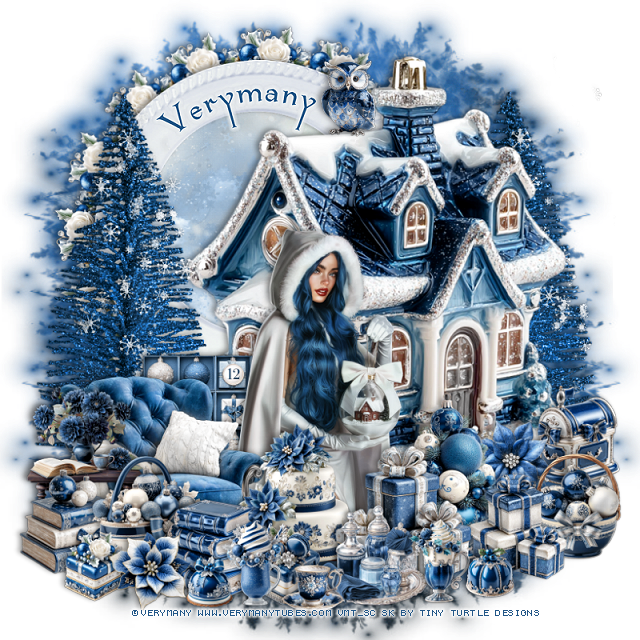


This tut was written November 6th, 2025 for those with a basic knowledge of psp.
I am using the beautiful tube by © Verymany
Tube is called Frostkeeper
You need a license to use this tube, please do not use without a license
You can find this tube at VMT HERE
Drop shadow as you go is V -2 H 4, 40, 10, or use what you prefer.
Let's get started
*Remember to add your drop shadow as you go along*
Open a new image 800 x 800, paste paper 4, apply your mask,
move to the top, duplicate, move to the bottom.
Resize element 288 to 80%, paste on the right.
Resize element 377 to 65%, paste at the upper left below the house,
click inside, resize paper 7 to 40%, paste, invert, delete.
Paste element 200 on the right below the house, duplicate,
mirror, move above the house layer on the left, erase the base of the trees.
Resize element 190 to 75%, duplicate, paste on each tree and erase the part off
the trees.
Resize element 211 to 20%, apply Mura Meister Copies-Encircle, first
3 numbers on 16, 50, 50, paste below the frame.
Resize element 221 to 18%, paste at the bottom right above the house.
Resize element 318 to 40%, paste on the bottom left.
Resize the tube to 27%, mirror, paste below the chair.
Resize element 339 to 20%, paste on the left above the chair.
Resize element 351 to 20%, paste on the bottom left.
Resize element 355 to 22%, paste at the bottom left.
Resize element 214 to 30%, paste below the tube on the right.
Resize element 321 to 25%, paste at the bottom above the tube.
Resize element 300 to 20%, paste at the bottom by the cake.
Resize element 315 to 25%, paste at the bottom by the cake.
Resize element 206 to 15%, paste at the bottom.
Resize element 344 to 20%, paste at the bottom.
Resize element 314 to 20%, paste at the bottom right below the gifts.
Resize element 361 to 25%, paste below the chair.
Resize element 310 to 12%, paste at the bottom.
Resize element 258 and 287 to 15%, paste at the bottom.
Resize element 246 to 17%, paste at the bottom right above the mailbox.
Resize element 211 to 13%, paste on the bottom left above the basket.
Resize element 207 to 10%, paste at the bottom right.
Resize element 313 to 20%, paste on the bottom right below the gifts.
Resize element 213 to 10%, paste at the bottom left by the books.
Resize element 325 to 15%, paste at the bottom left.
Resize element 280 to 15%, paste at the top on the roof of the house.
Add any other elements that you would like, make it your own.
Always readjust your mask and elements how you like them before you
merge your tag, resize, sharpen.
Crop your tag to be sure no shadows or lines are on the edges.
Then add your copyright and name.
That's it
Hope you enjoyed doing my tut
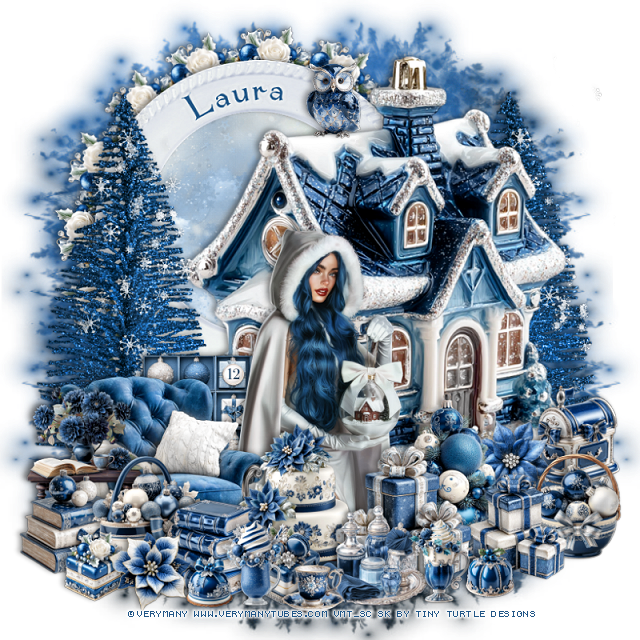
Tag for Laura
No comments:
Post a Comment