Sunday, August 31, 2025

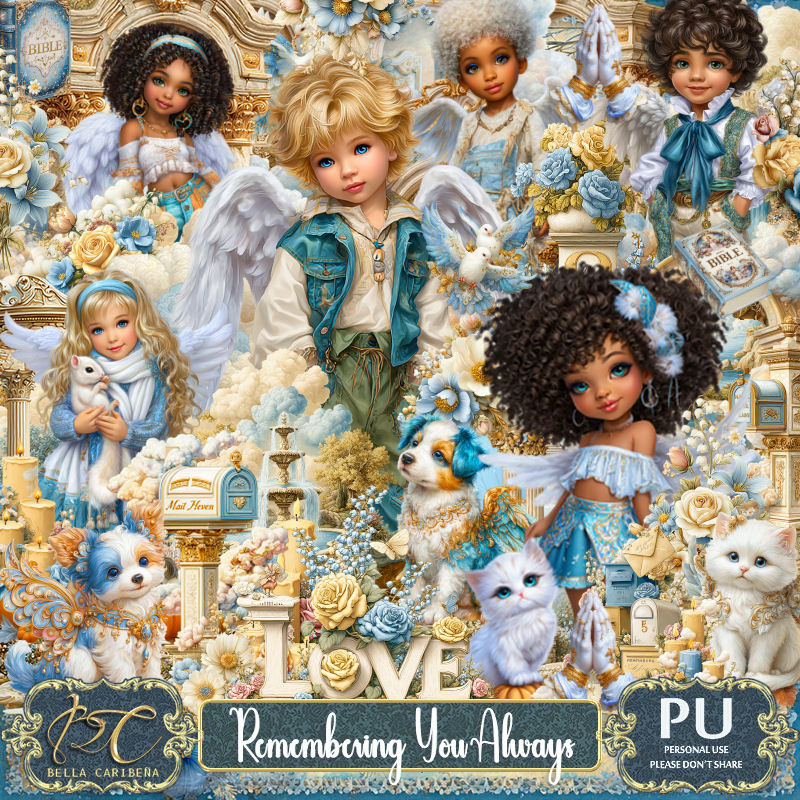
PTU Remembering You Always


 This tut was written August 31st, 2025,  for those with a basic knowledge of psp. 

I am using Awesome Al tubes and kit by Bella Caribeña
Tubes are included
Read the TOU on how to credit your tags

I used PSP2020...but any of them should work.
PTU Scrap Remembering You Always by Bella Caribeña  HERE
Love Ones Gone Theme
Kit contains 20 Al generated tubes, 113 elements and 24 papers
You can check out the rest of her store HERE 

Font of choice, I used Angelia Beauty

 Drop shadow as you go is V -2 H 4, 35, 10, or use what you prefer.
Let's get started
*Remember to add your drop shadow as you go along*

Open a new image 800 x 800, paste element 54, duplicate, merge down.

Paste element 19 at the top.
Resize element 22 to 80%, paste.
Resize element 20 to 65%, paste below the door on the right, 
duplicate, mirror.
Resize element 83 to 65%, paste on the upper right below the tree,
duplicate, mirror.
Resize element 96 to 55%, paste at the upper left above the tree.
Paste element 55 above the globes, duplicate, mirror.
Resize element 84 to 75%, paste on the upper right above the tree.
Resize element 85 to 50%, paste at the bottom left above the door.

Resize doll 9 to 20%, paste by the door to the left.
Resize doll 3 to 27%, paste to the right.
Resize element 111 to 50%, paste on the right below the boy.
Resize element 23 to 40%, paste at the bottom right above the mailbox.
Resize element 90 to 40%, paste at the bottom right by the mailbox.
Resize element 74 to 35%, paste below the girl, duplicate, move over behind 
the boy.
Resize element 89 to 35%, paste at the bottom above the boy.
Resize element 78 to 30%, mirror, paste at the bottom right.
Resize element 6 to 20%, paste at the bottom left below the love word.
Resize element 2 to 23%, paste at the bottom left.
Resize element 13 to 25%, paste on the door.
Resize element 64 to 25%, paste at the top right, duplicate, move
to the left and down.
Resize element 79 to 25%, paste at the bottom left.
Paste element 33 on the door, lower the opacity to 50.

Add any other elements you would like, resize.
Crop your tag to be sure no shadows or lines are on the edges.
 Then add your copyright and name.
That's it

            Hope you enjoyed doing my tut                  

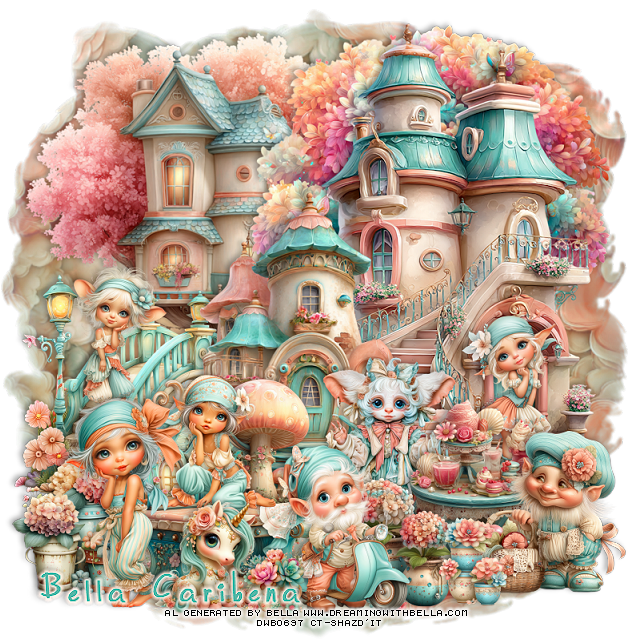
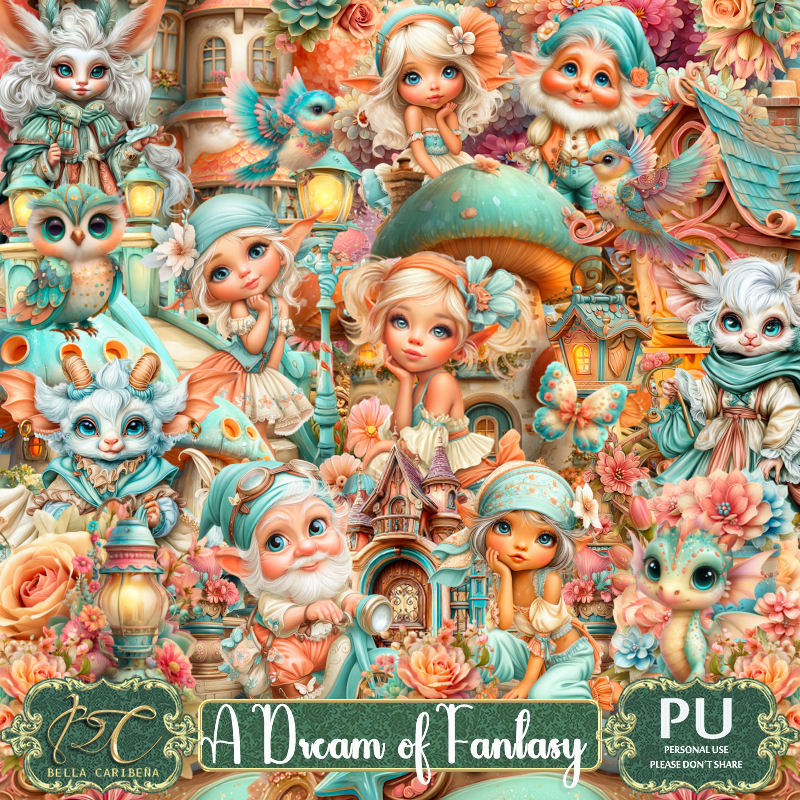
PTU A Dream of Fantasy


 This tut was written August 31st, 2025,  for those with a basic knowledge of psp. 

I am using Awesome Al tubes and kit by Bella Caribeña
Tubes are included
Read the TOU on how to credit your tags

I used PSP2020...but any of them should work.
PTU Scrap A Dream of Fantasy by Bella Caribeña  HERE
Fantasy Theme
Kit contains 2 Al generated tubes, 13 Al gen dolls, 88 elements, 17 papers
and 3 masks
You can check out the rest of her store HERE 

Font of choice, I used Wilde

 Drop shadow as you go is V -2 H 4, 35, 10, or use what you prefer.
Let's get started
*Remember to add your drop shadow as you go along*

Open a new image 800 x 800, paste mask 2.

Resize element 11 to 80%, paste at the upper left.
Resize element 72 to 75%, paste at the upper right.
Mirror element 66, paste on the right.
Resize element 29 to 65%, paste at the bottom.
Resize element 33 to 50%, paste on the left below the house.
Resize element 55 to 50%, paste at the bottom.
Resize doll 2 to 30%, paste on the left on the bridge.

Resize doll 5 to 30%, paste on the bench.
Resize doll 3 to 35%, paste on the steps on the house on the right.
Resize element 19 to 35%, paste at the bottom above the bench.
Resize element 56 to 30%, paste at the bottom left.
Resize element 57 to 30%, paste below the biker tube on the right.

Resize doll 4 to 45%, paste on the bottom left by the bench.
Resize element 47 to 25%, paste at the bottom.
Resize element 46 to 20%, paste at the bottom by the unicorn.
Resize element 34 to 40%, paste on the bottom right below the flower pots.
Resize element 1 to 35%, mirror, paste at the bottom right.
Resize element 81 to 25%, paste at the bottom.
Resize element 5 to 30%, paste behind the table.

Add any other elements you would like, resize.
Crop your tag to be sure no shadows or lines are on the edges.
 Then add your copyright and name.
That's it

            Hope you enjoyed doing my tut                  
Saturday, August 30, 2025

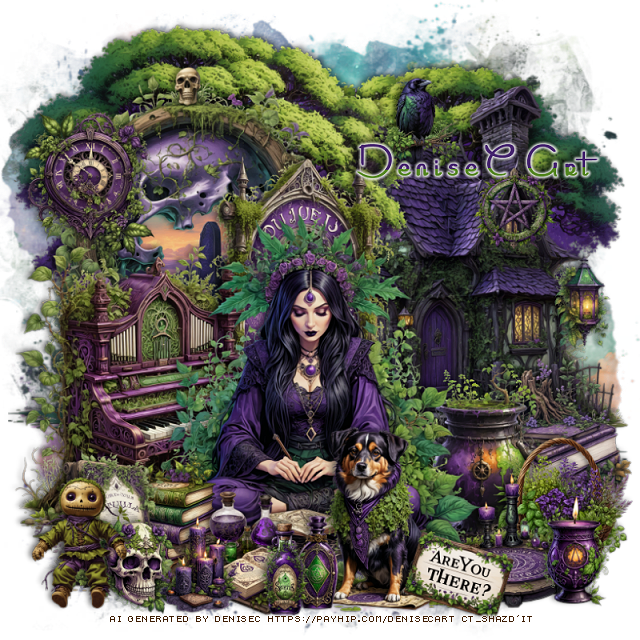
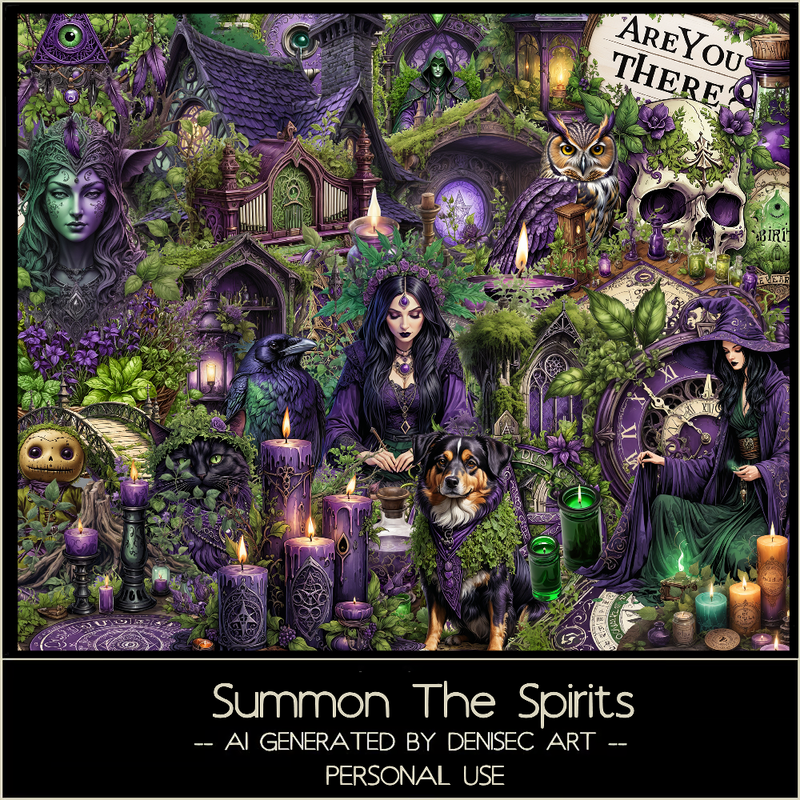
PTU Summon The Spirits


 This tut was written August 30th, 2025 for those with a basic knowledge of psp. 

AI generated kit and tube by DeniseC Art

Everything used is included in the kit
Read the TOU on how to credit your tags

I used PSP2020...but any of them should work.
PTU Scrap Summons the Spirits  by DeniseC Art  HERE  
60 elements and 6 papers
You can find all DeniseC Art kits  HERE
Mask of choice, I used RD Mask 717 HERE
Check out the rest of the blog HERE  
 
Font of choice, I used Marquerite 

Drop shadow as you go is V -2 H -4, 50, 10, or use what you prefer.
Let's get started
*Remember to add your drop shadow as you go along*

Open a new image 800 x 800, paste paper 4

Resize element 46 to 40%, paste on the right.
Resize element 10 to 45%, paste at the top right, duplicate, mirror,
move above the house to the left.
Resize element 20 to 40%, paste on the left, draw around the frame,
resize paper 4 to 40%, paste, invert, delete.

Resize element 13 to 40%, paste at the bottom.

Resize element 27 to 35%, paste on the left below the tube.
Resize element 8 and 17 to 15%, paste at the bottom left above the tube.
Resize element 24 to 15%, paste at the upper left on the frame.
Resize element 41 to 20%, paste below the tube to the right.
Resize element 54 to 30%, paste below the piano behind the tube.
Resize element 29 to 20%, paste at the bottom above the tube.
Resize element 9 to 15%, paste at the bottom.
Resize element 26, 40 and 52 to 10%, paste at the bottom.
Resize element 1 to 18%, paste on the right below the pot.
Resize element 11 to 15%, paste at the bottom above the dog.

Resize element 6 to 15%, paste below the sign on the right.
Resize element 45 to 15%, paste between the sign and basket.
Resize element 22 to 12%, paste at the bottom right.
Resize element 4 to 15%, paste on the bottom left.
Resize element 57 to 10%, paste on the house.
Resize element 48 to 10%, paste on the roof of the house.
Resize element 28 to 10%, paste on the right on the edge of the house.
Resize element 16 to 10%, paste at the bottom left.

Add any other elements that you would like, make it your own.
Always readjust your mask and elements how you like them before you
 merge your tag, resize, sharpen.

Crop your tag to be sure no shadows or lines are on the edges.
 Then add your copyright and name.
That's it

Hope you enjoyed doing my tut              
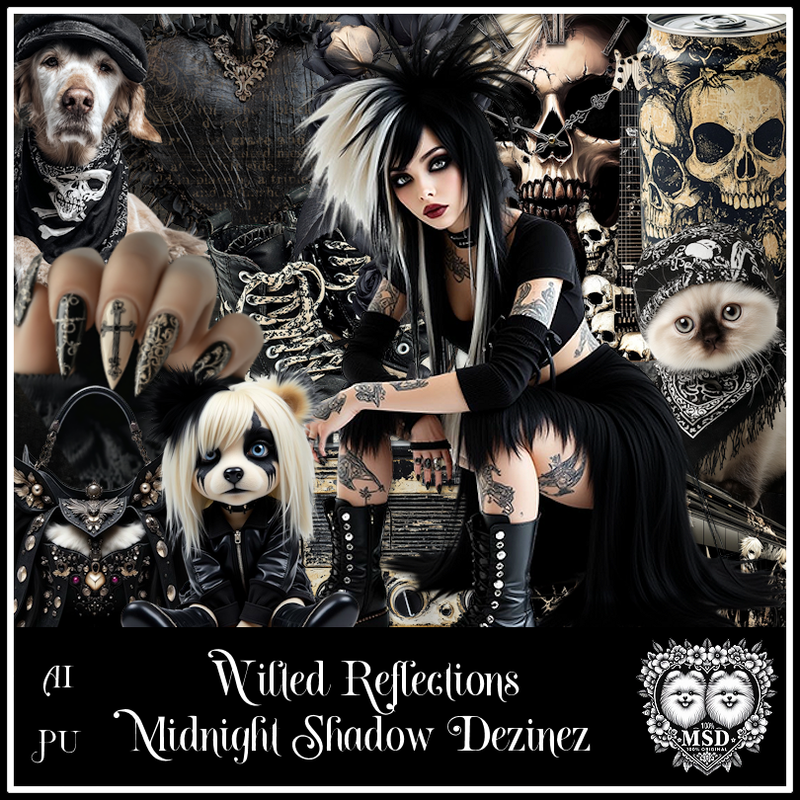
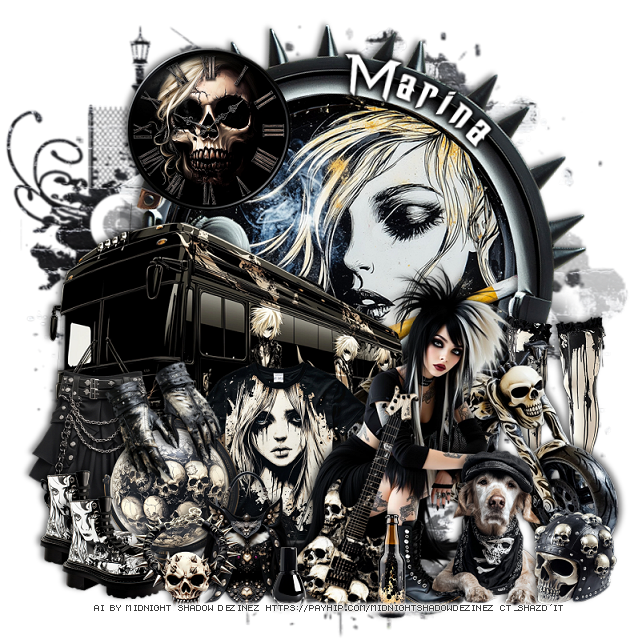
PTU Wilted Reflections


 This tut was written August 29th, 2025 for those with a basic knowledge of psp. 

Awesome AI kit and tube by Midnight Shadow Dezinez

Everything used is included in the kit
Read the TOU on how to credit your tags

I used PSP2020...but any of them should work.
PTU Scrap Wilted Reflections by Midnight Shadow Dezinez  HERE
You can find all Midnight Shadow Dezinez kits HERE
Mask of choice, I used Vivienne's Digital Tagging Mask 11 HERE
Check out the rest of the blog HERE   

Font of choice, I used Dragon ForcE

Drop shadow as you go is V -2 H -4, 50, 10, or use what you prefer.
Let's get started
*Remember to add your drop shadow as you go along*

Open a new image 800 x 800, paste paper 5, apply your mask.

Paste element 19 at the top, free rotate to the right at 20.
Resize element 4 to 85%, paste below the headset.
Resize element 48 to 75%, paste on the right above the headset.
Resize element 47 to 75%, paste on the left below the tube.
Resize element 27 to 65%, mirror, paste below the tube on the right.
Resize element 14 to 35%, paste at the bottom right above the tube.
Resize element 22 to 20%, paste at the bottom right.
Resize element 42 to 35%, paste at the upper left.

Resize element 17 to 50%, free rotate to the right at 20, paste at the 
bottom above the tube.
Resize element 46 to 50%, paste on the right below the bike.
Resize element 49 to 40%, paste below the tube on the left.
Resize element 57 to 30%, paste at the bottom above the guitar.
Resize element 15 to 40%, paste at the bottom below the purse.
Resize element 43 to 25%, paste at the bottom.
Resize element 36 to 25%, paste at the bottom left, duplicate, move over.
Resize element 39 to 35%, paste on the left above the bus.

Resize element 6 to 15%, paste at the bottom.
Resize element 1 to 25%, paste at the bottom.
Resize element 16 to 30%, free rotate to the left at 25, paste on the globe.

Add any other elements that you would like, make it your own.
Always readjust your mask and elements how you like them before you
 merge your tag, resize, sharpen.

Crop your tag to be sure no shadows or lines are on the edges.
 Then add your copyright and name.
That's it

Hope you enjoyed doing my tut             
Friday, August 29, 2025

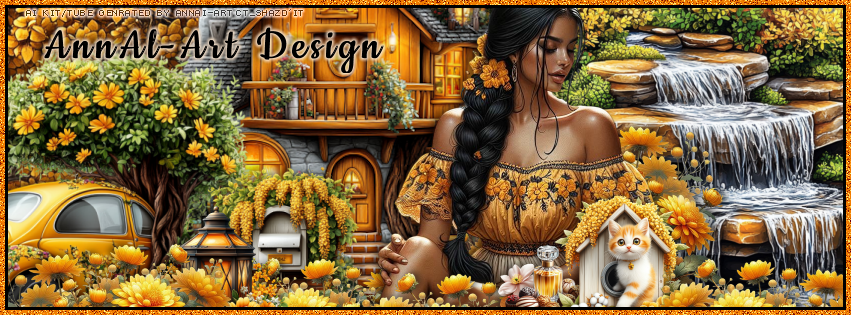
PTU CT for AnnAl-Art Design

   **~**CT for AnnAl-Art Design **~**

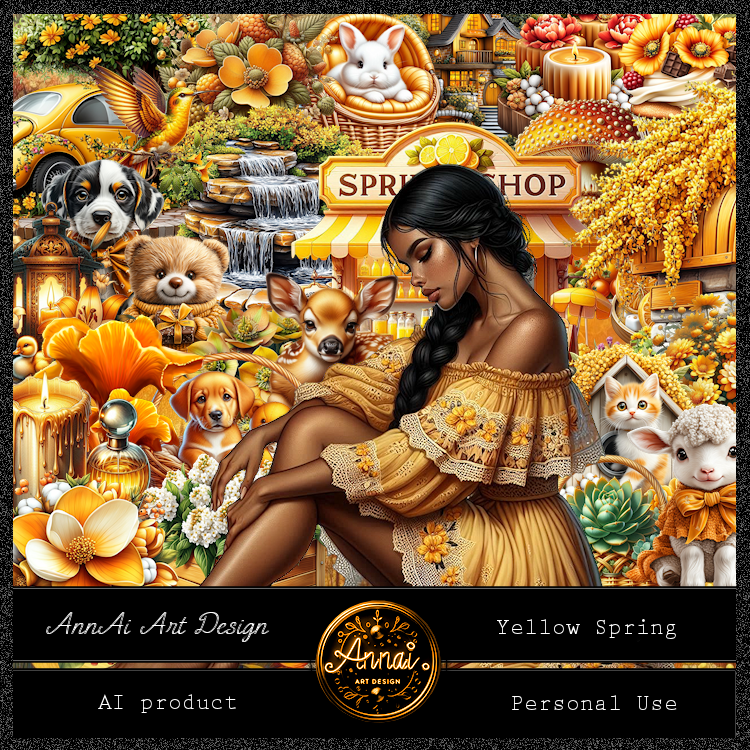
 PTU Scrap Yellow Spring by Annai-Art  HERE  HERE
You can find all AnnAl Art kits  HERE

Timeline and Tag I made with the kit 


PTU CT for AnnAl-Art Design

  **~**CT for AnnAl-Art Design **~**

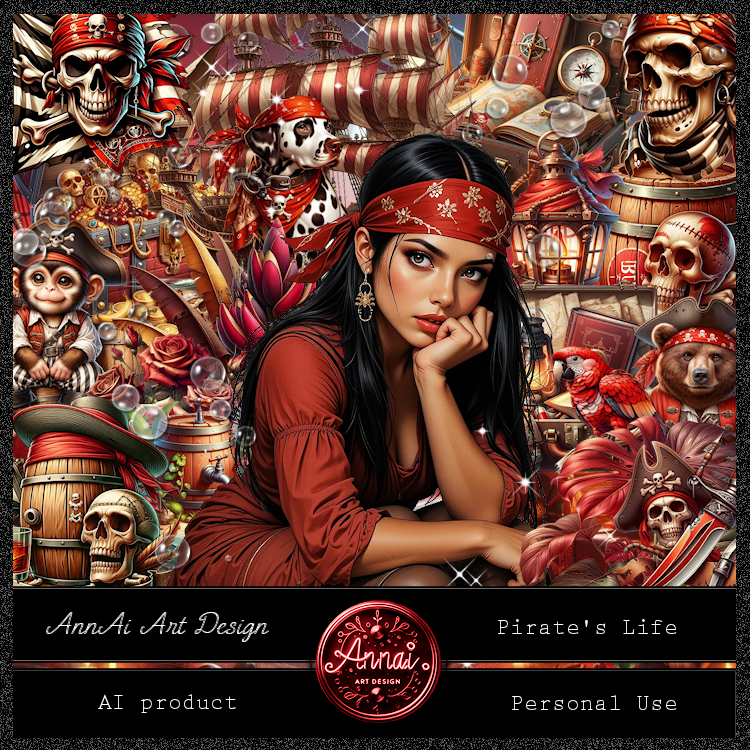
 PTU Scrap Pirate's Life by Annai-Art  HERE  HERE
You can find all AnnAl Art kits  HERE

Timeline and Tag I made with the kit 


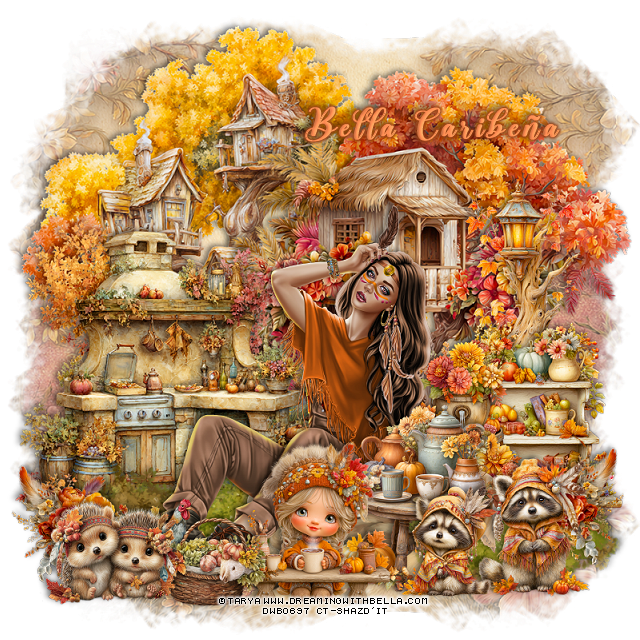
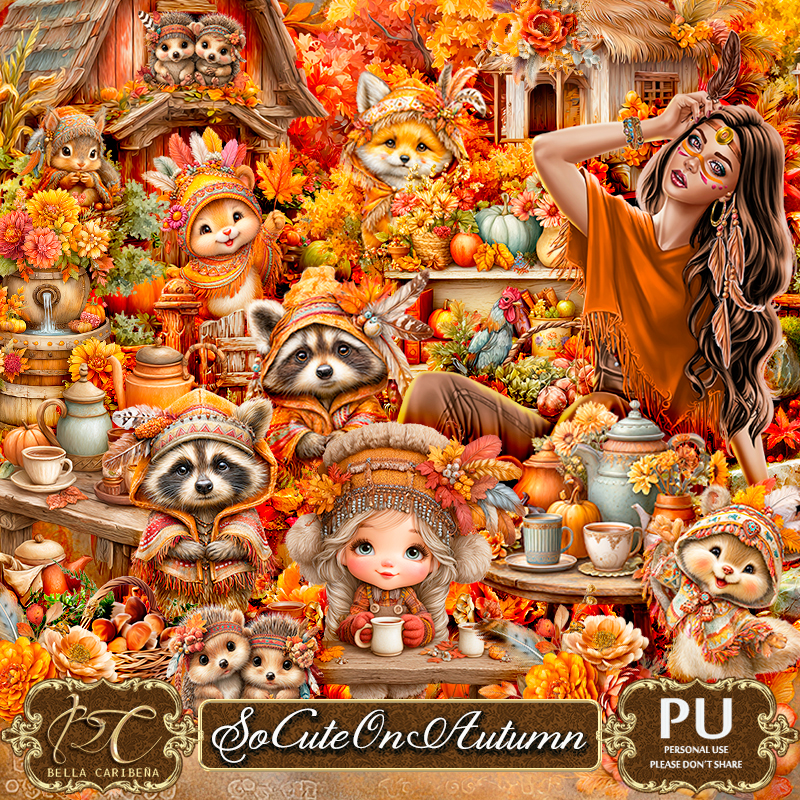
PTU So Cute On Autumn


  This tut was written August 28th, 2025,  for those with a basic knowledge of psp. 

I am using Awesome Al tubes and kit by Bella Caribeña
Tubes are included
Read the TOU on how to credit your tags

I used PSP2020...but any of them should work.
PTU Scrap So Cute On Autumn by Bella Caribeña  HERE
Autumn Theme
Kit contains 1©Tarya tube, 108 elements and 15 papers
You can check out the rest of her store HERE 

Font of choice, I used Another Day

 Drop shadow as you go is V -2 H 4, 40, 10, or use what you prefer.
Let's get started
*Remember to add your drop shadow as you go along*

Open a new image 800 x 800, paste element 42.

Resize element 61 to 90%, paste on the upper left.
Resize element 54 to 90%, paste on the upper right.
Resize element 67 to 65%, paste on the left.
Resize element 49 to 50%, paste on the right.
Resize element 98 to 40%, paste on the right above the light.
Resize element 72 to 40%, paste on the bottom right.

Resize the tube to 15%, paste at the bottom.

Resize element 56 to 25%, paste at the bottom right, duplicate, mirror.
Resize element 44 to 50%, paste at the bottom below the tube.
Resize element 35 to 50%, paste at the bottom left below the rocks,
duplicate, mirror.
Resize element 71 to 40%, paste at the bottom above the tube.
Resize element 69 to 35%, paste at the bottom.
Resize element 63 to 30%, paste at the bottom left.
Resize element 91 to 30%, paste at the bottom right.

Resize element 93 to 25%, paste at the bottom.
Resize element 3 to 30%, paste at the bottom left below the animals.

Add any other elements you would like, resize.
Crop your tag to be sure no shadows or lines are on the edges.
 Then add your copyright and name.
That's it

            Hope you enjoyed doing my tut                  
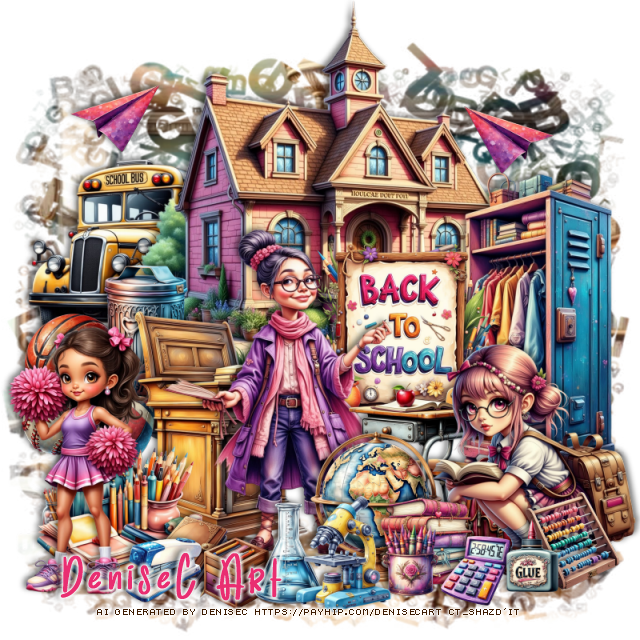
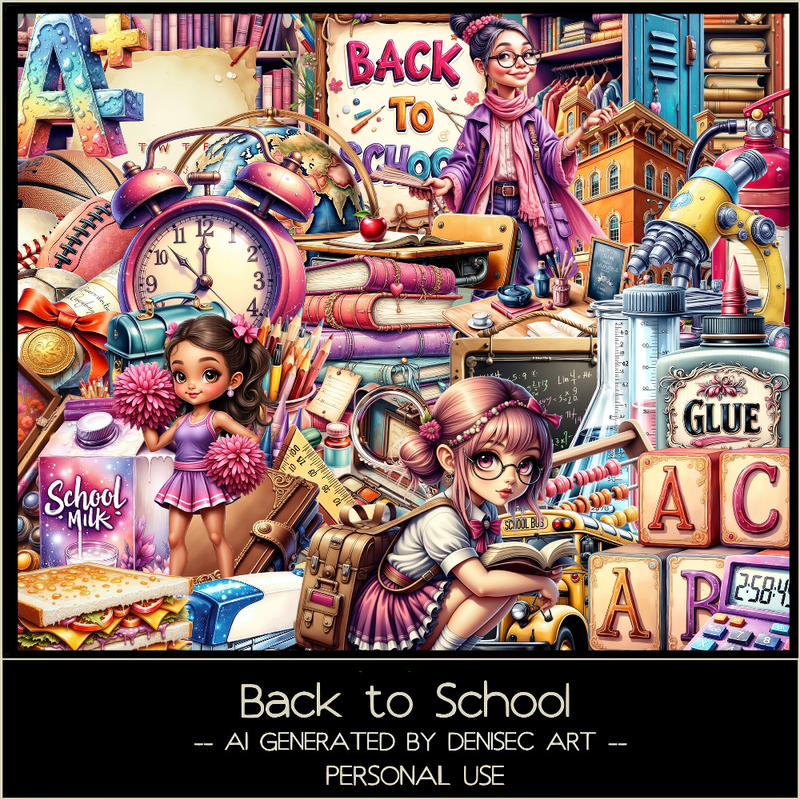
PTU Back to School


 This tut was written August 29th, 2025 for those with a basic knowledge of psp. 

AI generated kit and tube by DeniseC Art

Everything used is included in the kit
Read the TOU on how to credit your tags

I used PSP2020...but any of them should work.
PTU Scrap Back To School by DeniseC Art  HERE  
60 elements and 6 papers
You can find all DeniseC Art kits  HERE
Mask of choice, I used DD Alpha Mask 4, (blog is closed now)
 
Font of choice, I used Birthday Ballon 

Drop shadow as you go is V -2 H -4, 40, 10, or use what you prefer.
Let's get started
*Remember to add your drop shadow as you go along*

Open a new image 800 x 800, paste paper 4, apply your mask, 
duplicate, merge down.

Resize element 21 to 50%, paste at the top.
Resize element 12 to 40%, paste on the left behind the building.
Resize element 47 to 20%, paste on the left above the building.
Resize element 38 to 15%, paste on the left.
Resize element 15 to 10%, paste on the left.
Resize element 57 and 58 to 13%, paste on the left.
Resize element 30 to 25%, paste above the building.
Resize element 53 to 40%, paste on the right below the sign.

Resize element 49 to 35%, paste above the balls.
Resize element 22 to 45%, paste at the bottom.
Resize element 24 to 25%, paste at the bottom to the left of the lady.
Resize element 10 to 25%, paste on the bottom right.
Resize element 23 to 20%, mirror, paste at the bottom right.
Resize element 39 to 35%, paste on the bottom left.
Resize element 33 to 15%, paste at the bottom right by the girl.
Resize element 44 to 10%, paste at the bottom by the books.

Resize element 4 to 20%, paste at the bottom below the books.
Resize element 42 to 10%, paste at the bottom right above the girl.
Resize element 45 to 15%, paste on the bottom right.
Resize element 48 to 12%, paste at the bottom left.
Resize element 18 to 10%, paste at the bottom.
Resize element 16, 26 and 51 to 15%, paste at the bottom.
Resize element 28 to 10%, paste at the bottom left.
Resize element 19 to 12%, paste at the upper left, duplicate, mirror.

Add any other elements that you would like, make it your own.
Always readjust your mask and elements how you like them before you
 merge your tag, resize, sharpen.

Crop your tag to be sure no shadows or lines are on the edges.
 Then add your copyright and name.
That's it

Hope you enjoyed doing my tut              
Thursday, August 28, 2025

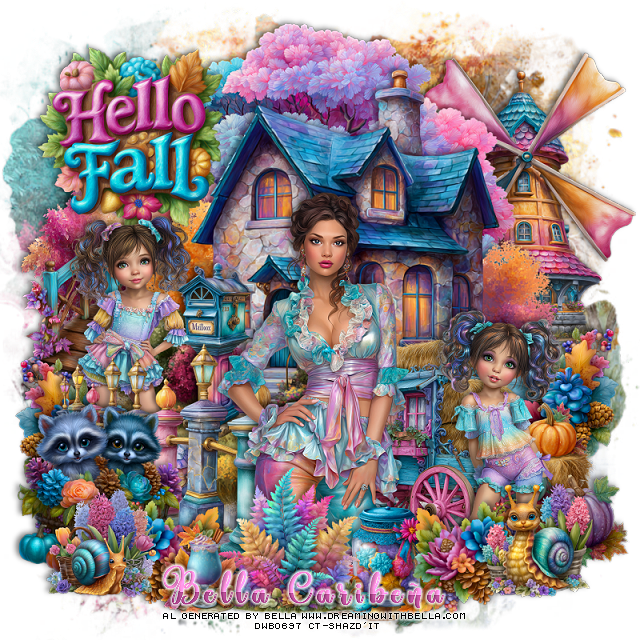
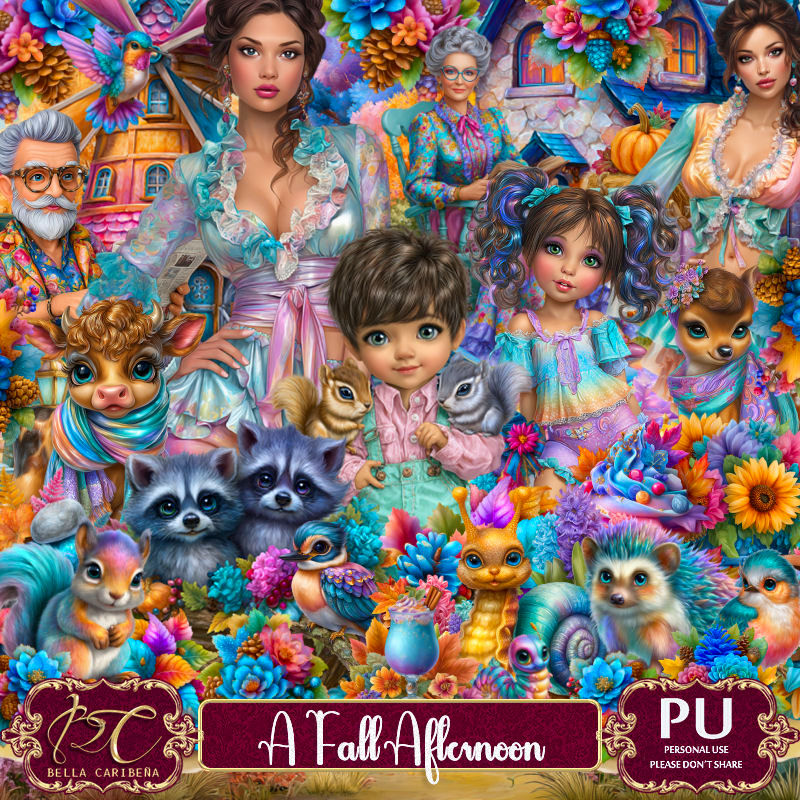
PTU A Fall Afternoon


  This tut was written August 26th, 2025,  for those with a basic knowledge of psp. 

I am using Awesome Al tubes and kit by Bella Caribeña
Tubes are included
Read the TOU on how to credit your tags

I used PSP2020...but any of them should work.
PTU Scrap A Fall Afternoon by Bella Caribeña  HERE
Fall Theme
Kit contains 6 Al  generated tube, 5 Al generated dolls, 151 elements, 16 papers 
You can check out the rest of her store HERE
Mask of choice, I used RD Mask 717 HERE
Check out the rest of the blog HERE  

Font of choice, I used amastry

 Drop shadow as you go is V -2 H 4, 40, 10, or use what you prefer.
Let's get started
*Remember to add your drop shadow as you go along*

Open a new image 800 x 800, paste paper 14, apply your mask.

Resize element 136 to 60%, paste on the upper right.
Paste element 55 to the upper left.
Resize element 52 to 65%, paste.
Resize element 61 to 50%, paste at the bottom above the house.
Resize element 5 to 50%, paste on the left below the house.
Resize element 77 to 30%, paste on the right above the house, duplicate, 
mirror.
Resize element 59 to 50%, paste on the left above the sidewalk.
Resize element 1 to 50%, paste on the right above the sidewalk.
Resize element 141 to 35%, paste at the bottom left.

Resize tube 1 to 30%, paste at the bottom.

Resize element 75 to 25%, paste at the bottom above the sidewalk on 
the left, duplicate, mirror.
Resize element 130 to 35%, paste on the right below the wagon.
Resize element 129 to 30%, paste at the bottom above the tube.
Resize element 90 to 30%, paste at the bottom.
Resize element 124 to 25%, paste at the bottom right above the flower.
Resize element 123 to 25%, paste on the bottom left.
Resize element 3 to 30%, paste on the upper left on the top layer.
Resize doll 1 to 25%, paste on the right above the wagon.
Resize doll 2 to 25%, paste on the left above the bridge behind the fence.
Resize element 41 to 20%, paste at the bottom being on the top layer.
Resize element 38 to 35%, paste on the left above the house.

Add any other elements you would like, resize.
Crop your tag to be sure no shadows or lines are on the edges.
 Then add your copyright and name.
That's it

            Hope you enjoyed doing my tut