Sunday, November 30, 2025

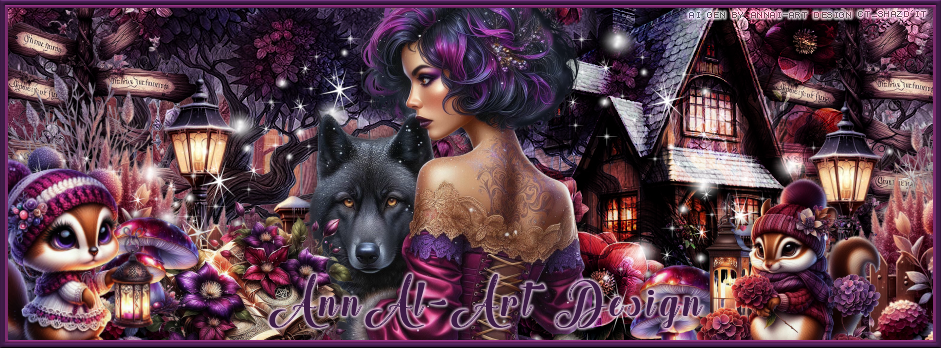
CT Timeline and Tag for AnnAl-Art Design

 **~**CT for AnnAl-Art Design **~**

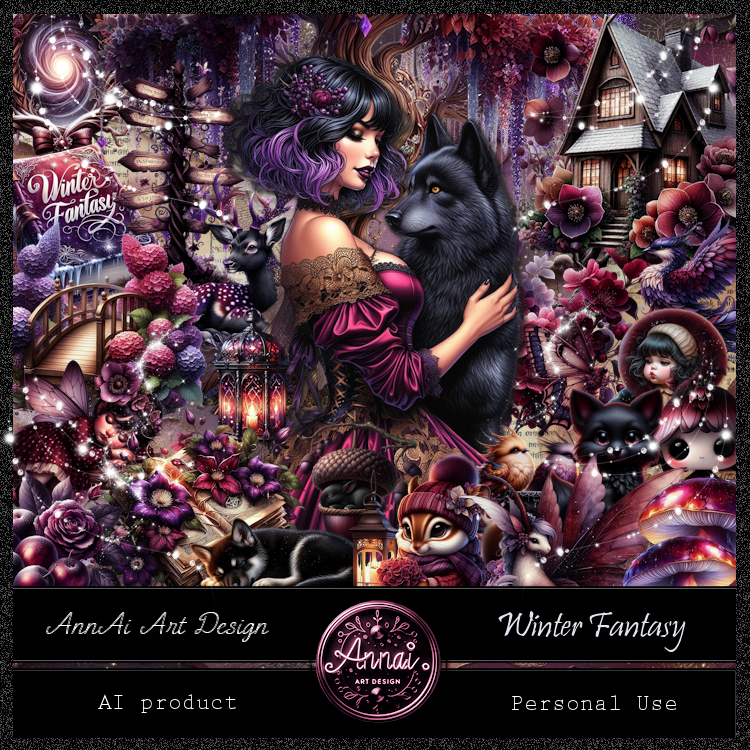
 PTU Scrap Winter Fantasy by Annai-Art  HERE  HERE HERE
You can find all AnnAl Art kits  HERE

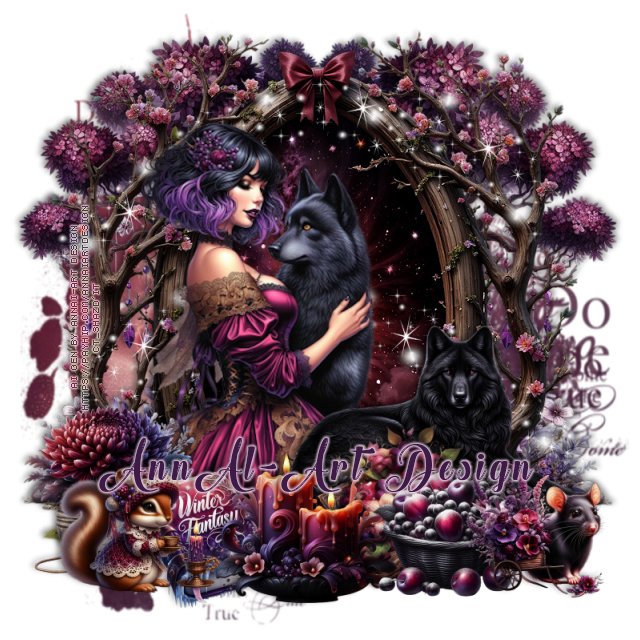
Timeline and Tag I made with the kit    


CT TImeline and Tag for AnnAl-Art Design

 **~**CT for AnnAl-Art Design **~**

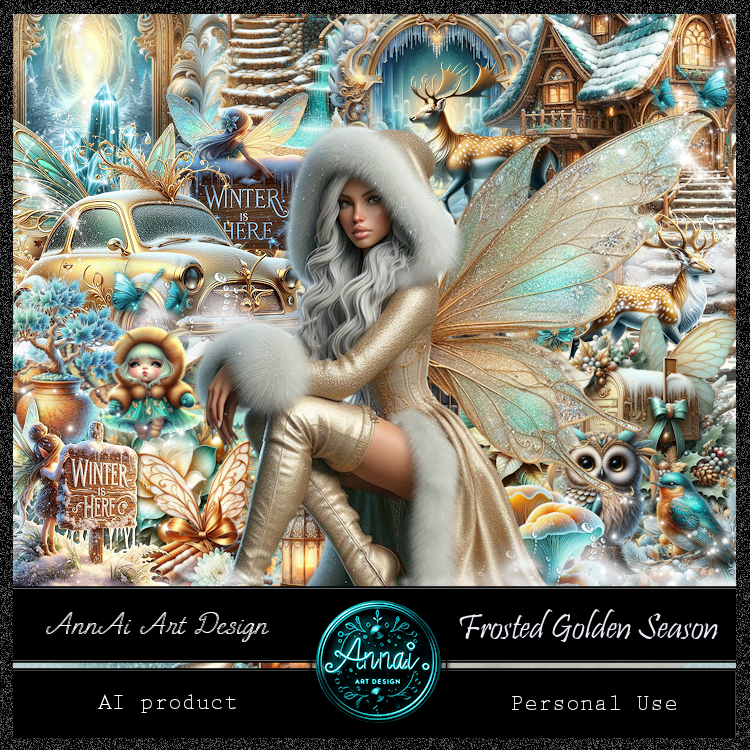
 PTU Scrap Frosted Golden Season by Annai-Art  HERE  HERE HERE
You can find all AnnAl Art kits  HERE

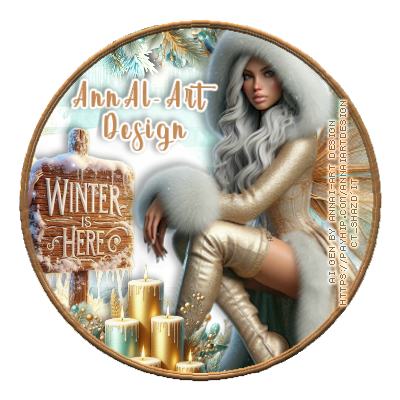
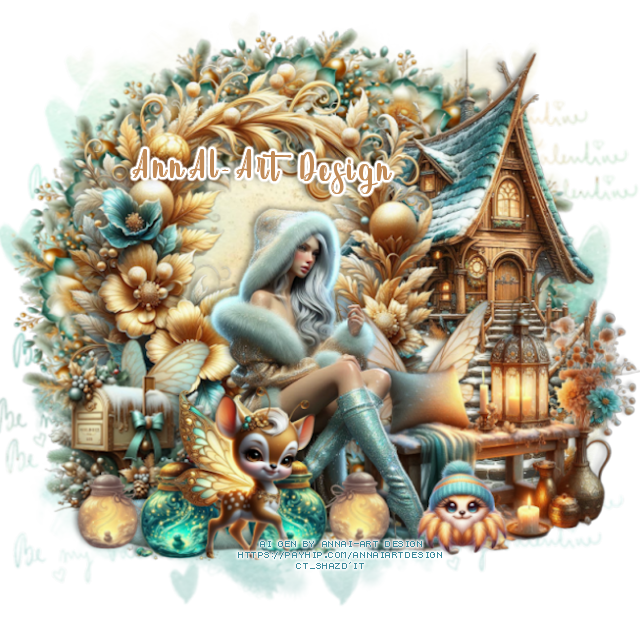
Timeline and Tag I made with the kit   


Saturday, November 29, 2025

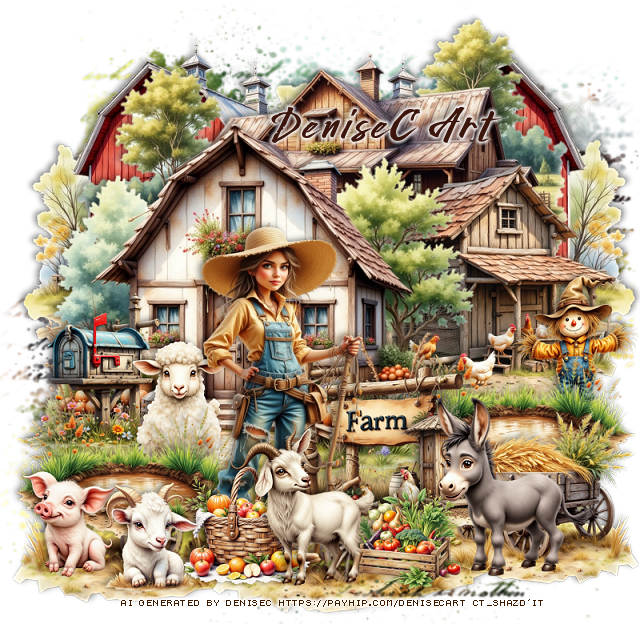
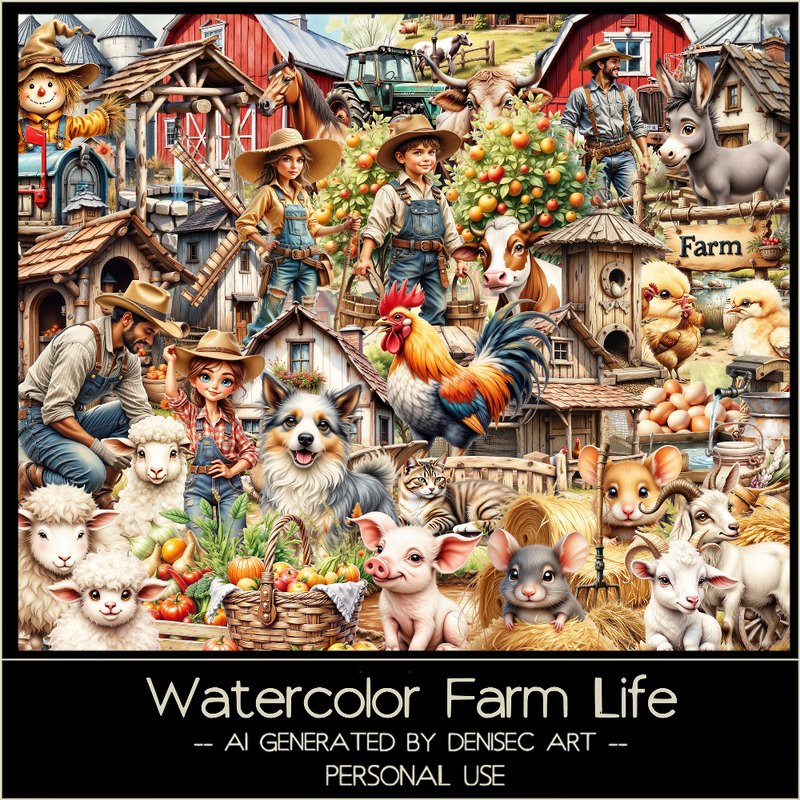
PTU Watercolor Farm Life


 This tut was written November 29th, 2025 for those with a basic knowledge of psp. 

I am using the beautiful Al kit/tube by DeniseC Art

Everything is included in the kit
Please read their TOU on how to credit your tags

I used PSP2020...but any of them should work.
PTU Scrap Watercolor Farm Life HERE
Check out her store here for more of her kits  HERE 
Miz Teeques Mask 354 HERE
Check out the rest of the blog HERE

Font of choice, I used Wild West

Drop shadow as you go is V -2 H 4, 40, 10, or use what you prefer.
Let's get started
*Remember to add your drop shadow as you go along*

Open a new image 800 x 800,  paste paper 1, apply your mask.

Resize element 26 to 50%, paste at the upper left, duplicate, mirror.
Resize element 68 to 65%, paste at the top above the barns.
Resize element 53 to 55%, paste on the left.
Resize element 20 to 40%, paste on the right below the house.
Resize element 37 to 20%, paste above the house at the bottom.

Resize element 48 to 45%, paste above the sign.
Resize element 14 to 20%, paste above the sign.
Resize element 46 to 25%, paste at the bottom above the lady.
Resize element 8 to 30%, paste at the bottom right below the sign, duplicate,
move to the left, move the mailbox below the puddle.
Resize element 42 to 15%, paste at the bottom left above the puddle.
Resize element 9 to 17%, paste at the bottom above the lady.

Resize element 29 to 15%, paste at the bottom.
Resize element 33 to 20%, paste on the right below the puddle.
Resize element 36 to 28%, paste on the bottom right.
Resize element 13 to 15%, paste at the bottom left.
Resize element 60 to 20%, paste on the left below the puddle.
Resize element 6 to 30%, mirror, paste at the bottom right below the donkey,
duplicate, resize larger to 125%, mirror, move to the bottom layer on the
left, duplicate, move to the center more.

Add any other elements that you would like, make it your own.
Always readjust your mask and elements how you like them before you
 merge your tag, resize, sharpen.

Crop your tag to be sure no shadows or lines are on the edges.
 Then add your copyright and name.
That's it

Hope you enjoyed doing my tut


Friday, November 28, 2025

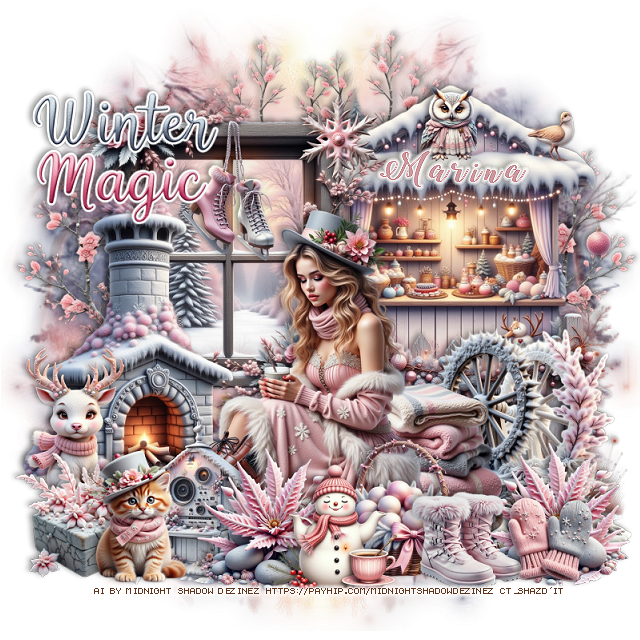
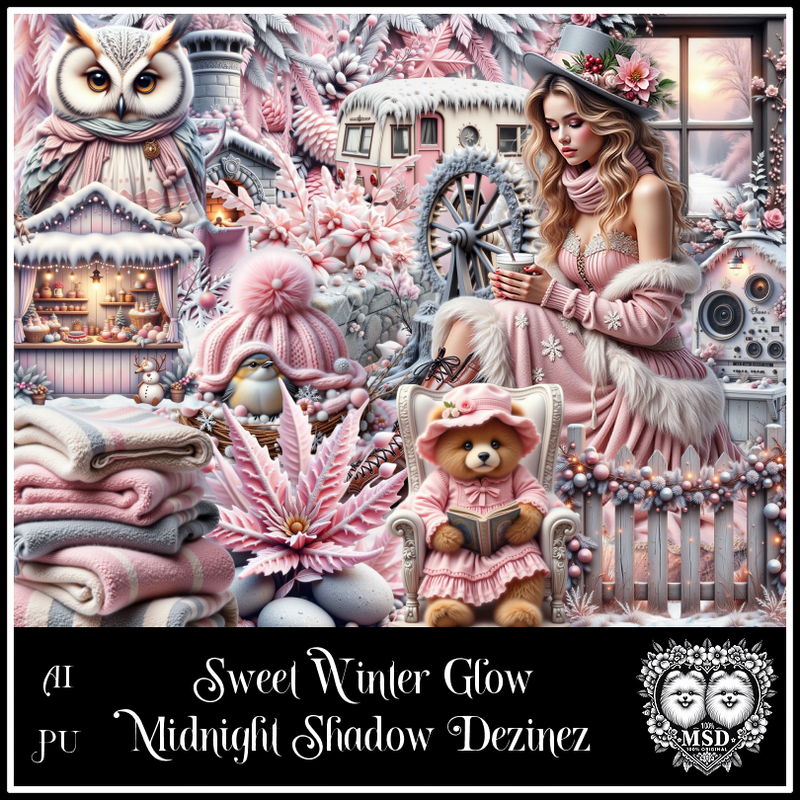
PTU Sweet Winter Glow


  This tut was written November 28th, 2025 for those with a basic knowledge of psp. 

Awesome AI kit and tube by Midnight Shadow Dezinez

Everything used is included in the kit
Read the TOU on how to credit your tags

I used PSP2020...but any of them should work.
PTU Scrap Sweet Winter Glow by Midnight Shadow Dezinez  HERE
You can find all Midnight Shadow Dezinez kits HERE
Mask of choice, I used Lori's PSP Graphics Mask 1151 HERE
Check out the rest of the blog HERE           

Font of choice, I used Winter Calligraphy

Drop shadow as you go is V -2 H -4, 40, 10, or use what you prefer.
Let's get started
*Remember to add your drop shadow as you go along*

Open a new image 800 x 800, paste paper 2, apply your mask.

Resize element 12 to 55%, paste on the left.
Resize element 16 to 65%, paste on the right below the window.
Resize element 24 to 65%, paste on the bottom layer on the upper left,
duplicate, mirror.
Resize element 40 to 60%, paste at the bottom above the window.
Resize element 47 to 30%, paste at the bottom right below the tube.
Resize element 3 to 60%, paste below the tube on the left.
Resize element 38 to 50%, paste on the right below the blankets.
Resize element 57 to 40%, paste on the right above the fence.

Resize element 28 to 25%, paste at the bottom above the tube.
Resize element 32 to 25%, paste at the bottom by the basket, duplicate, 
move to the right.
Resize element 2 to 20%, paste at the bottom right.
Resize element 31 to 28%, paste at the bottom.

Resize element 94 to 25%, paste at the bottom.
Resize element 15 to 25%, paste at the top on the window.
Resize element 7 to 25%, paste on the left by the fireplace.
Resize element 19 to 70%, paste on the upper left, add a fat white gradient glow.
Resize element 26 to 22%, paste at the bottom left.
Resize element 58 to 25%, paste at the bottom left below the cat, move
the deer below the gift.
Resize element 39 to 20%, paste at the bottom right.
Resize element 10 to 15%, paste at the top on the window.
Resize element 49 to 15%, paste on the upper right on the roof of 
the stand.

Add any other elements that you would like, make it your own.
Always readjust your mask and elements how you like them before you
 merge your tag, resize, sharpen.

Crop your tag to be sure no shadows or lines are on the edges.
 Then add your copyright and name.
That's it

Hope you enjoyed doing my tut       

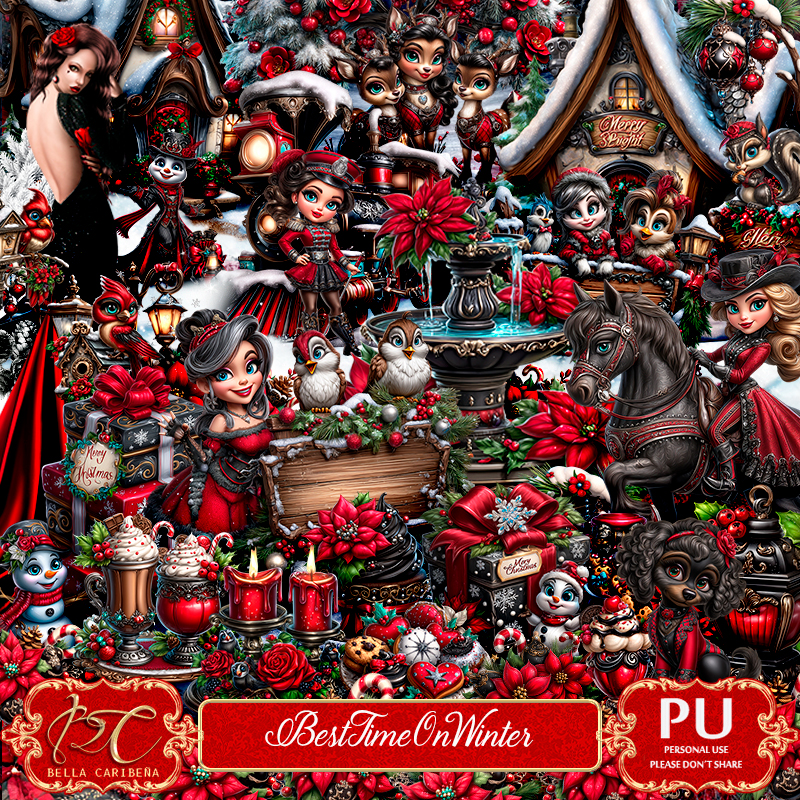
PTU Best Time On Winter


 This tut was written November 27th, 2025,  for those with a basic knowledge of psp. 

Beautiful Al kit/tubes by Bella Caribeña
Everything is included in the kit
Read the TOU on how to credit your tags

I used PSP2020...but any of them should work.
PTU Scrap Best Time On Winter by Bella Caribeña  HERE
Christmas Theme
Kit contains 1 ©Goldwasser tube, 3 Al gen dolls, 102 elements, 18 papers 
and 2 masks
You can check out the rest of her store HERE 

Font of choice I used Winter Calligraphy

 Drop shadow as you go is V -2 H 4, 50, 10, or use what you prefer.
Let's get started
*Remember to add your drop shadow as you go along*

Open a new image 800 x 800, paste element 2, adjust to fit your tag,
duplicate, merge down.

Paste element 43 at the top.
Resize element 39 to 75%, paste.
Resize element 32 to 50%, paste on the left below the house.
Resize element 77 to 40%, paste on the right above the house.
Resize element 51 to 50%, paste on the right above the street light.
Resize element 68 to 40%, paste on the bottom left.
Resize element 1 to 50%, paste on the left.
Resize element 74 to 30%, paste at the bottom right above the tree.
Resize element 30 to 25%, paste at the bottom right.

Resize element 29 to 25%, paste at the bottom right above the gifts.
Resize element 50 to 30%, paste at the bottom left above the girl, duplicate,
move to the right below the girl.
Resize element 14 to 90%, paste at the top on the house and tree, duplicate,
move to the bottom where you like.
Resize element 72 to 37%, mirror, paste at the bottom left.
Resize element 52 to 20%, paste at the bottom below the deer.
Resize element 57 to 25%, mirror, paste at the bottom.

Resize element 63 to 25%, paste at the bottom below the dog.
Resize element 60 to 25%, paste at the bottom.
Resize element 46 to 20%, mirror, paste on the right below the street light.
Resize element 31 to 15%, paste at the bottom right.
Resize element 25 to 12%, paste at the bottom right, duplicate once or
twice and move where you like.
Resize element 50 to 90%, paste at the upper left above the mask layer, 
duplicate, mirror.

Add any other elements you would like, resize.
Crop your tag to be sure no shadows or lines are on the edges.
 Then add your copyright and name.
That's it

            Hope you enjoyed doing my tut        

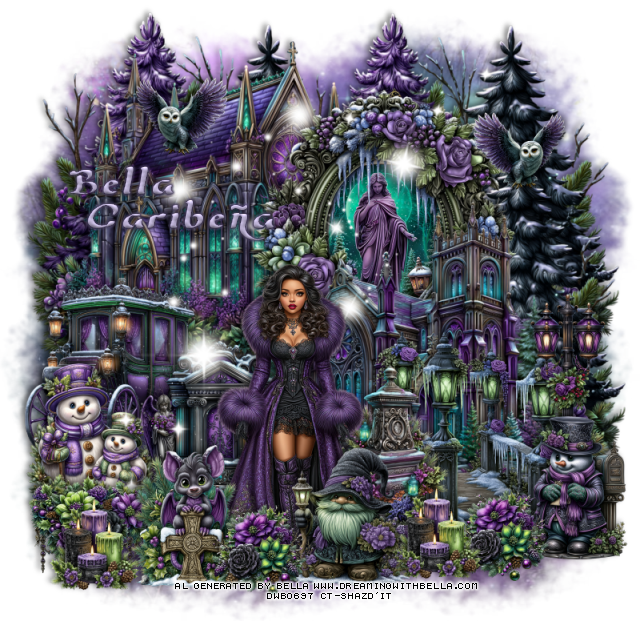
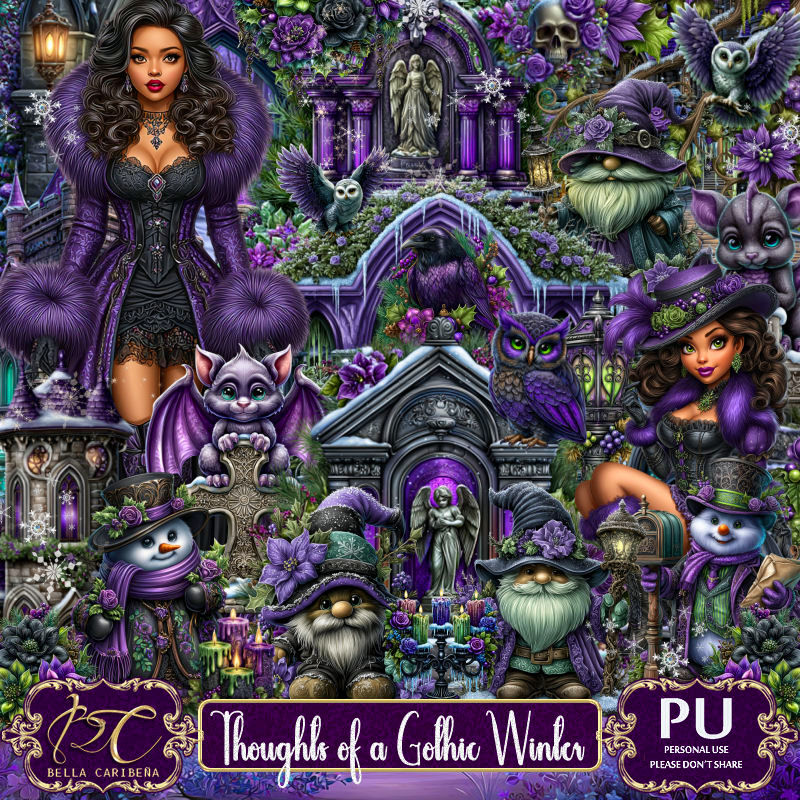
PTU Thoughts of A Gothic Winter


 This tut was written November 26th, 2025,  for those with a basic knowledge of psp. 

Beautiful Al kit/tubes by Bella Caribeña
Everything is included in the kit
Read the TOU on how to credit your tags

I used PSP2020...but any of them should work.
PTU Scrap Thoughts of a Gothic Winter by Bella Caribeña  HERE
Gothic/Christmas Theme
Kit contains 2 Al tubes, 124 elements, 20 papers  
You can check out the rest of her store HERE 
Mask of choice, I used Lori's PSP Graphics Mask 1170 HERE
Check out the rest of the blog HERE    

Font of choice I used Wizard of the Moon

 Drop shadow as you go is V -2 H 4, 50, 10, or use what you prefer.
Let's get started
*Remember to add your drop shadow as you go along*

Open a new image 800 x 800, paste paper 15, apply your mask.

Resize element 93 to 60%, paste at the top, click inside,
resize element 16 to 50%, paste below the frame, invert, delete.
Resize element 31 to 65%, paste at the upper left below the frame.
Resize element 30 to 65%, paste above the frame on the right.
Resize element 90 to 45%, paste at the bottom of the building.
Resize element 12 to 65%, paste on the upper left below the building,
duplicate, move to the right.
Paste element 39 at the upper right below the buildings.

Resize element 7 and 47 to 40%, paste on the bottom to the left.
Resize tube 1 to 20%, paste at the bottom.
Resize element 59 to 30%, paste on the bottom right.
Resize element 25 to 25%, paste on the right below the snowman.
Resize element 17 to 30%, paste at the bottom below the tube on the right.
Resize element 11 to 30%, paste on the left.

Resize element 113 to 20%, paste at the upper left, duplicate, mirror.
Resize element 44 to 25%, paste at the bottom left above the snowmen.
Resize element 57 to 30%, paste at the bottom left above the tube.
Resize element 55 to 20%, paste at the bottom left, duplicate, move to the
right of the tube.
Resize element 103 to 30%, paste at the bottom above the tube.
Paste element 120 below the tube how you like.
Resize element 36 to 20%, paste at the bottom to the left by the tube,
duplicate, move to the right below the candles.

Add any other elements you would like, resize.
Crop your tag to be sure no shadows or lines are on the edges.
 Then add your copyright and name.
That's it

            Hope you enjoyed doing my tut        

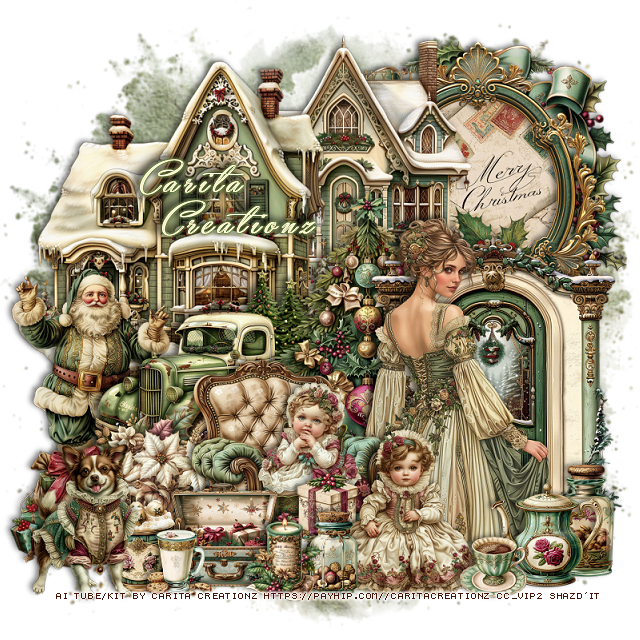
PTU Angel Whipsers


 This tut was written November 26th, 2025 for those with a basic knowledge of psp. 

I am using the Awesome Al kit/tube by Carita Creationz
Everything is included in the kit
Read the TOU on how to credit your tags

I used PSP2020...but any of them should work.
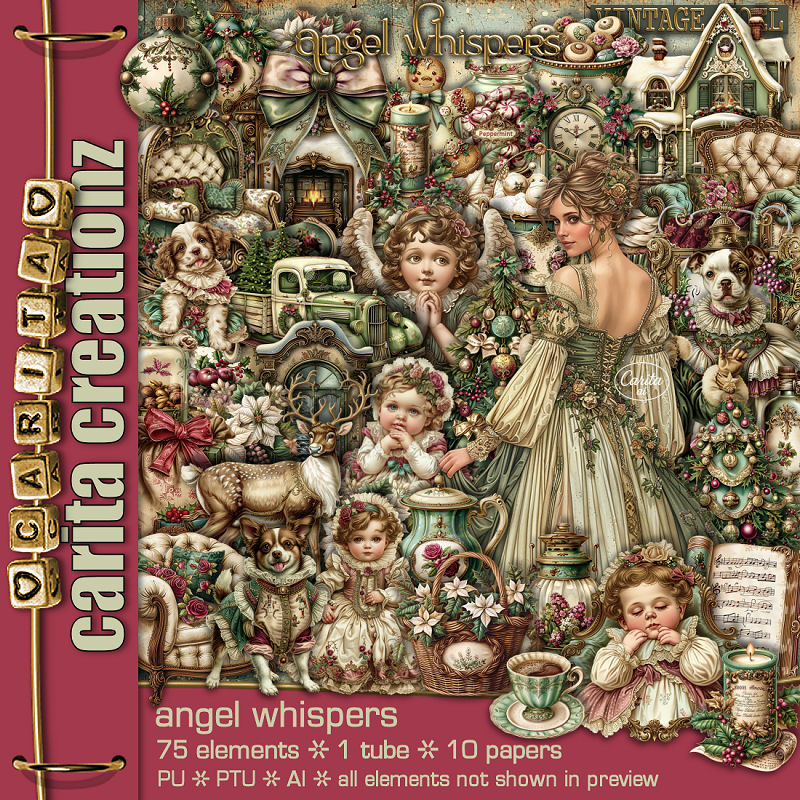
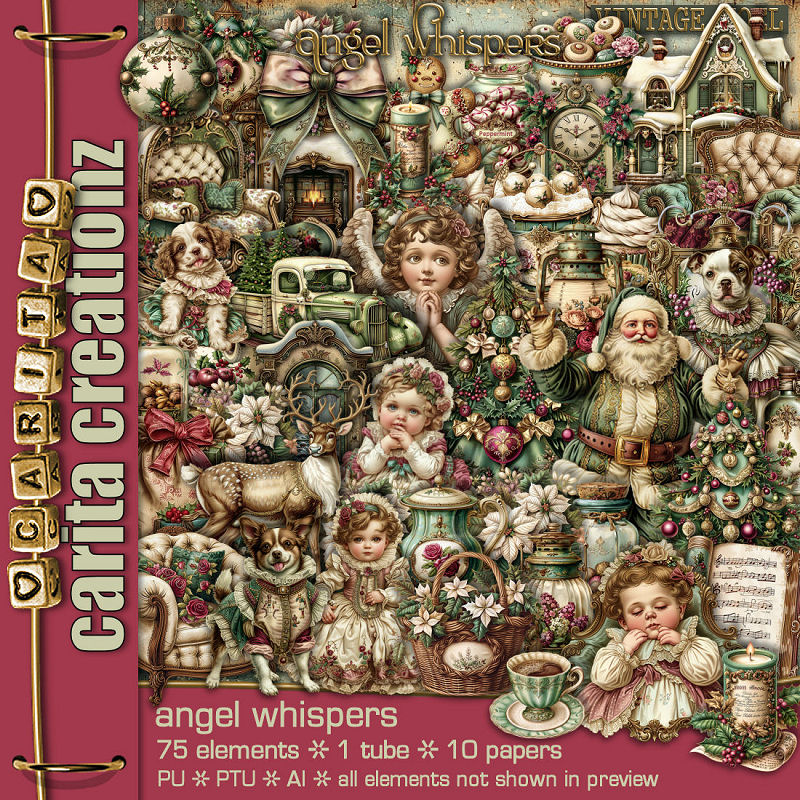
PTU Scrap Angel Whispers by Carita Creationz  HERE
Kit has 75 elements, 10 papers and 1 Tube
Check her store out to see all her other kits and tubes HERE
Mask of choice, I used Miz Teeques Mask 301 HERE
Check out the rest of the blog HERE

Font of choice, I used Yaquote Script

Drop shadow as you go is V -2 H 4, 40, 10, or use what you prefer.
Let's get started
*Remember to add your drop shadow as you go along*

Open a new image 800 x 800, paste paper 6, apply your mask.

Resize element 61 to 50%, paste on the upper right.
Resize element 44 to 60%, paste on the left.
Resize element 51 to 50%, paste on the upper right below the house,
click inside the frame, resize paper 4 to 30%, paste below the frame,
invert, delete.
Resize element 59 to 53%, paste below the frame.

Resize element 7 to 45%, paste at the bottom of the house.
Resize element 41 to 50%, paste on the bottom right.
Resize element 6 to 50%, paste between the truck and door.
Resize element 5 to 40%, paste on the left below the truck.
Resize element 19 to 22%, paste on the left above the flowers.
Resize element 39 to 25%, paste at the bottom above the truck.

Resize the tube to 45%, paste above the door.

Resize element 33 to 40%, paste on the left above the tube.
Resize element 2 to 20%, paste in the chair.
Resize element 11 to 20%, paste at the bottom left.
Resize element 65 to 20%, paste at the bottom by the chair.
Resize element 13 to 30%, paste at the bottom.
Resize element 31 to 20%, paste on the bottom left.
Resize element 55 to 20%, paste at the bottom right.
Resize element 4 to 20%, paste at the bottom right.
Resize element 21 to 12%, paste at the bottom.
Resize element 27 to 28%, paste at the bottom.
Resize element 12 and 16 to 15%, paste on the bottom.
Resize element 32 to 12%, paste at the bottom.

Add any other elements that you would like, make it your own.
Always readjust your mask and elements how you like them before you
 merge your tag, resize, sharpen.
Crop your tag to be sure no shadows or lines are on the edges.
 Then add your copyright and name.
That's it

Hope you enjoyed doing my tut.        

Wednesday, November 26, 2025

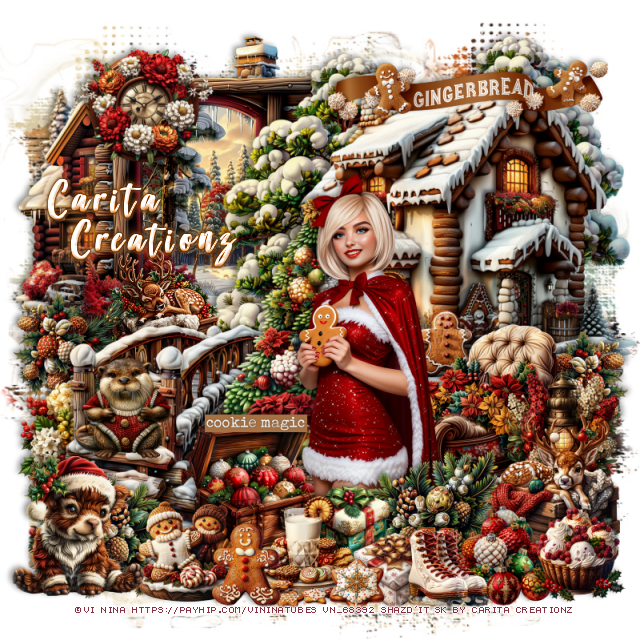
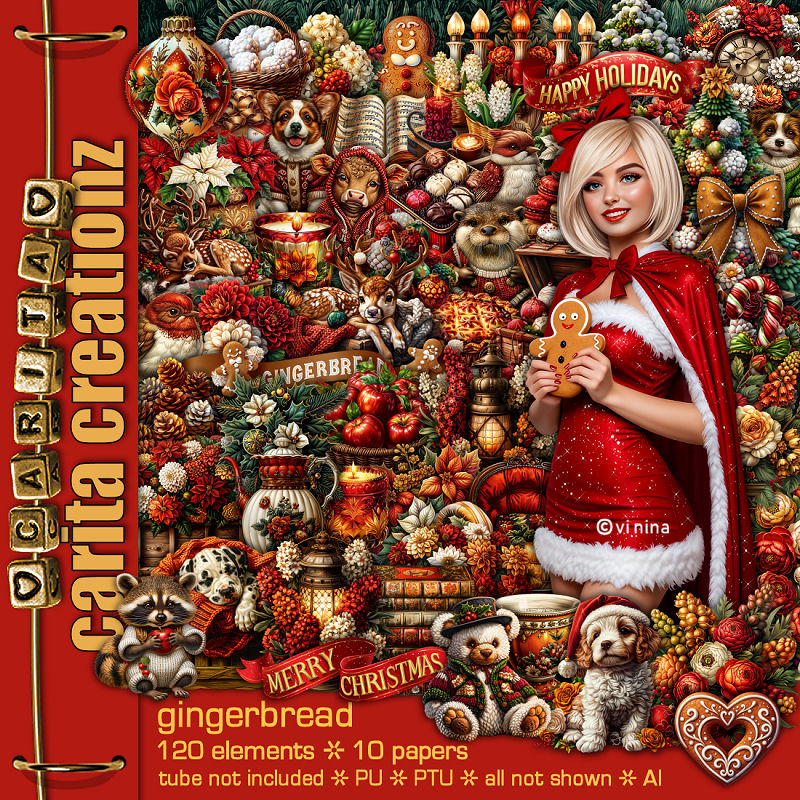
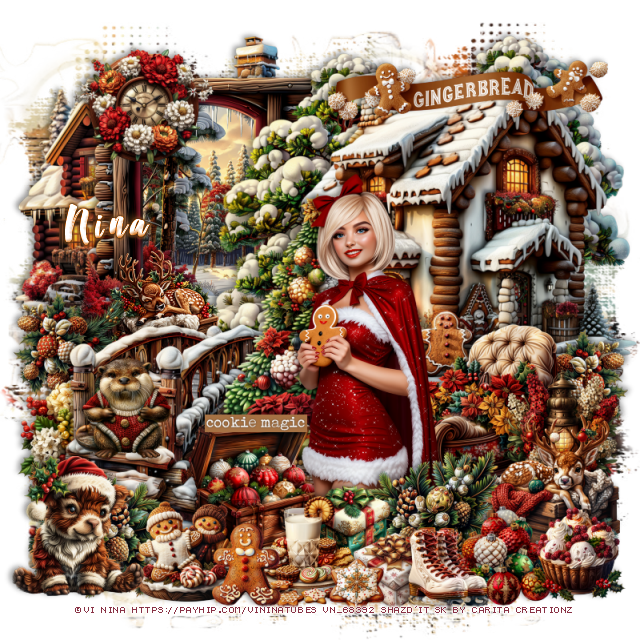
PTU Gingerbread


This tut was written November 25th, 2025 for those with a basic knowledge of psp. 

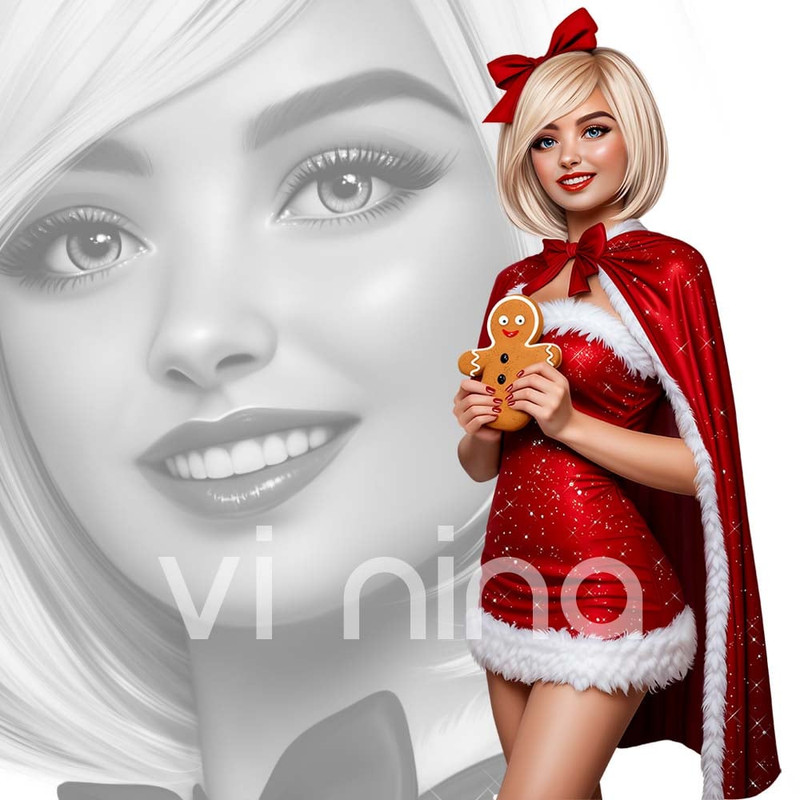
I am using the Awesome tube ©vi Nina
The tube is called Gingerbread
The tube is NOT included
You need a license to use this tube, please do not use without a license
You can find this tube at her store HERE

I used PSP2020...but any of them should work.
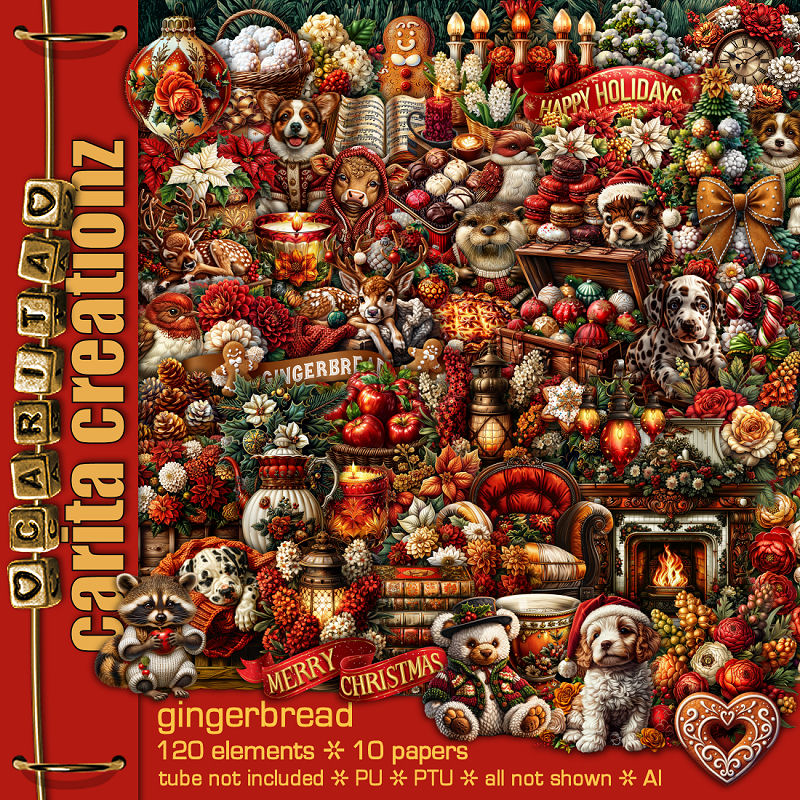
PTU Scrap Gingerbread by Carita Creationz  HERE
Kit has 120 elements, 10 papers and comes with a 
"BONUS" mini kit Steampunk xmas with 3 animal tubes
Check her store out to see all her other kits and tubes HERE
Mask of choice, I used Miz Teeques Mask 125 HERE
Check out the rest of the blog HERE

Font of choice, I used Good Vibes

Drop shadow as you go is V -2 H 4, 50, 10, or use what you prefer.
Let's get started
*Remember to add your drop shadow as you go along*

Open a new image 800 x 800, paste paper 5, apply your mask.

Resize element 63 to 60%, paste at the upper right.
Resize element 116 to 50%, paste on the left below the cabin.
Resize element 72 to 60%, paste on the upper right below the house,
 duplicate, move to the left between the house and the picture.
Resize element 119 to 50%, paste on the left at the bottom of the cabin.
Resize element 117 to 60%, paste on the upper left below the picture.
Resize element 71 to 20%, paste on the left above the deer, duplicate,
mirror, move at the bottom of the cabin.
Resize element 70 to 20%, paste on the left below the bridge.
Resize element 27 to 50%, paste above the bridge about center.
Resize element 59 to 20%, paste on the left below the bridge.

Resize the tube to 35%, paste above the tree.

Resize element 42 to 25%, paste at the bottom above the tube,
duplicate, mirror, move at the bottom of the bridge.
Resize element 97 to 35%, paste on the right below the tube.
Resize element 7 to 20%, paste on the right above the sled.
Resize element 26 to 25%, paste at the bottom above the lantern.
Resize element 39 to 25%, paste at the bottom below the tube to the left.
Resize element 37 and 43 to 15%, paste at the bottom above the tube.
Resize element 57 to 18%, paste on the steps of the bridge.

Resize element 20 to 15%, paste at the bottom by the gifts.
Resize element 96 to 18%, paste at the bottom by the chest.
Resize element 94 to 15%, paste at the bottom by the plate of cookies.
Resize element 62 to 20%, paste at the bottom.
Resize element 103 to 10%, paste at the bottom.
Resize element 28 to 20%, paste below the ice skates.

Resize element 29 to 17%, paste at the bottom right.
Resize element 30 to 25%, paste on the bottom left.
Resize element 73 to 25%, paste at the upper left on the picture frame.
Resize element 101 to 50%, paste at the upper right on the cabin.
Resize element 104 to 20%, paste at the bottom on the lid of the chest.
Add any other elements that you would like, make it your own.
Always readjust your mask and elements how you like them before you
 merge your tag, resize, sharpen.
Crop your tag to be sure no shadows or lines are on the edges.
 Then add your copyright and name.
That's it

Hope you enjoyed doing my tut.   

Tag for Nina