Friday, July 31, 2026

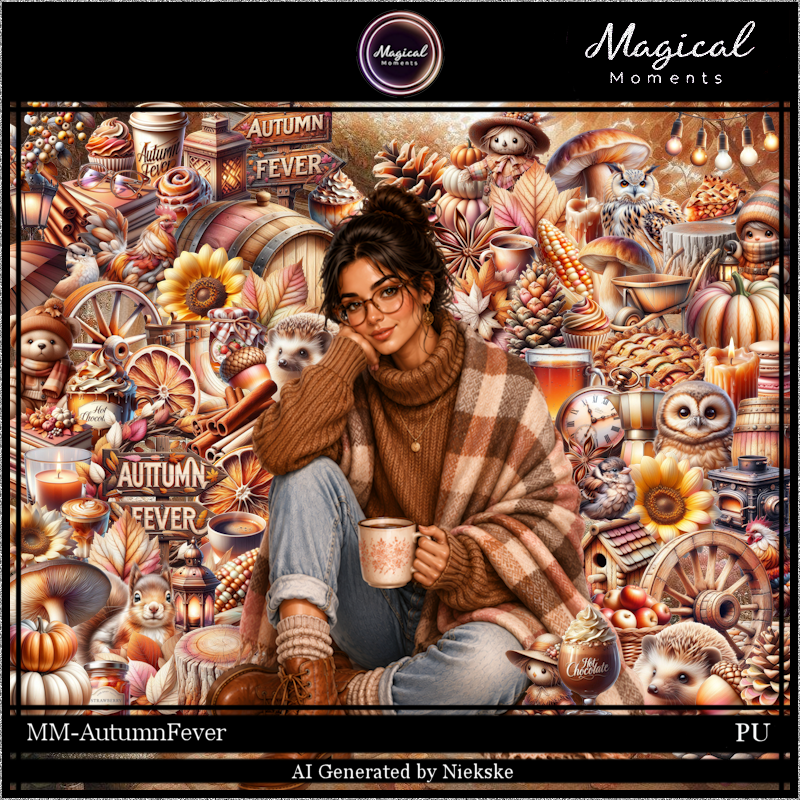
Autumn Fever


 This tut was written July 31st, 2026 for those with a basic knowledge of psp.

I am using the awesome Al tube gen by Niekske
Everything is included in the kit
Please read the TOU on how to credit your tags


I used PSP2020...but any of them should work.
PTU Scrap Autumn Fever by Magical Moments HERE  
Kit has 84 elements, 5 papers and 1 Al tube
Check out the rest of her store HERE   
Mask of choice, I used RD Mask 683 aka 671-674  Here
Check the blog Here
Filter
Mura Meister Copies-Encircle

Font of choice, I used Autumn in November

Drop shadow is V -2 H 4, 50, 10, color Black or use what you prefer.
Let's get started
*Remember to add your drop shadow as you go along*

Open a new layer 800 x 800, resize paper 1 to 75%, apply your mask.

Resize 31 to 60%, paste, click inside, paste paper 3, move where you like,
invert, delete.
Resize 2 to 25%, rotate 90 to the left, apply Mura Meister Copies-Encircle, 
first 3 numbers on 16, 58, 58, paste below the frame.
Resize 58 to 25%, apply Mura Meister Copies-Encircle, first 3 numbers
 on 14, 50, 50, paste above the pine cone circle.
Resize 3 to 50%, paste at the bottom left below the circles, duplicate, mirror.

Resize the tube to 25%, paste at the bottom.

Resize 1 to 25%, paste on the left below the tube.
Resize 47 to 20%, paste at the bottom left below the tube.
Resize 12 to 30%, paste on the bottom right below the tube.
Resize 11 to 22%, paste at the bottom above the tube.
Resize 81 to 12%, paste at the bottom right above the basket.
Resize 25 to 20%, paste on the left between the pumpkins.
Resize 65 to 20%, paste on the bottom right above the wheel.

Resize 13 to 25%, paste on the right on the top of the wheel.
Resize 83 to 28%, paste on the left below the pumpkins.
Resize 8 to 20%, paste at the bottom right below the basket.
Resize 38 to 15%, paste on the stump.
Resize 36 to 22%, paste at the bottom below the basket.
Resize 42 to 20%, paste at the bottom above the basket.
Resize 14 to 20%, paste at the bottom left above the books.
Resize 54 to 15%, paste on the bottom left below the lantern.
Resize 63 to 20%, mirror, paste on the bottom right.
Resize 10 to 10%, paste on top of the sign.
Resize 27 to 10%, paste on the wheel.
Resize 84 to 20%, paste on the left on the pumpkin.
Resize 30 to 12%, paste at the bottom right above the pinecone.

Add any other elements that you would like, make it your own.
Always readjust your mask and elements how you like them before you
 merge your tag, resize, sharpen.

Crop your tag to be sure no shadows or lines are on the edges.
 Then add your copyright and name.
That's it

Hope you enjoyed doing my tut.             

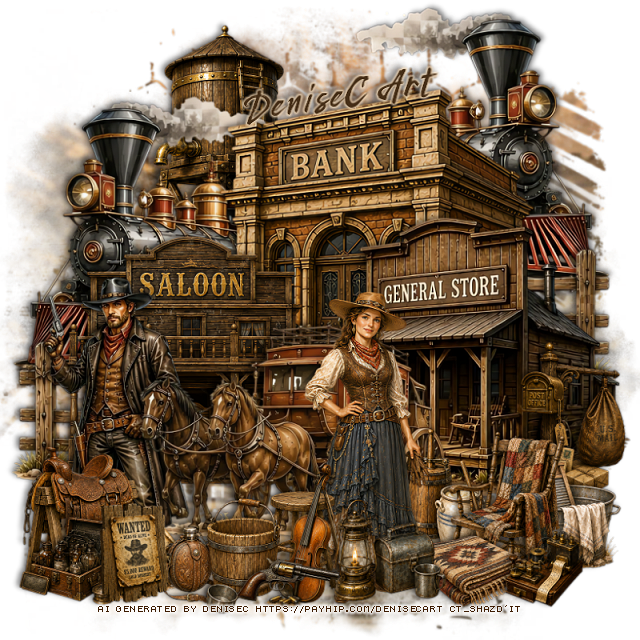
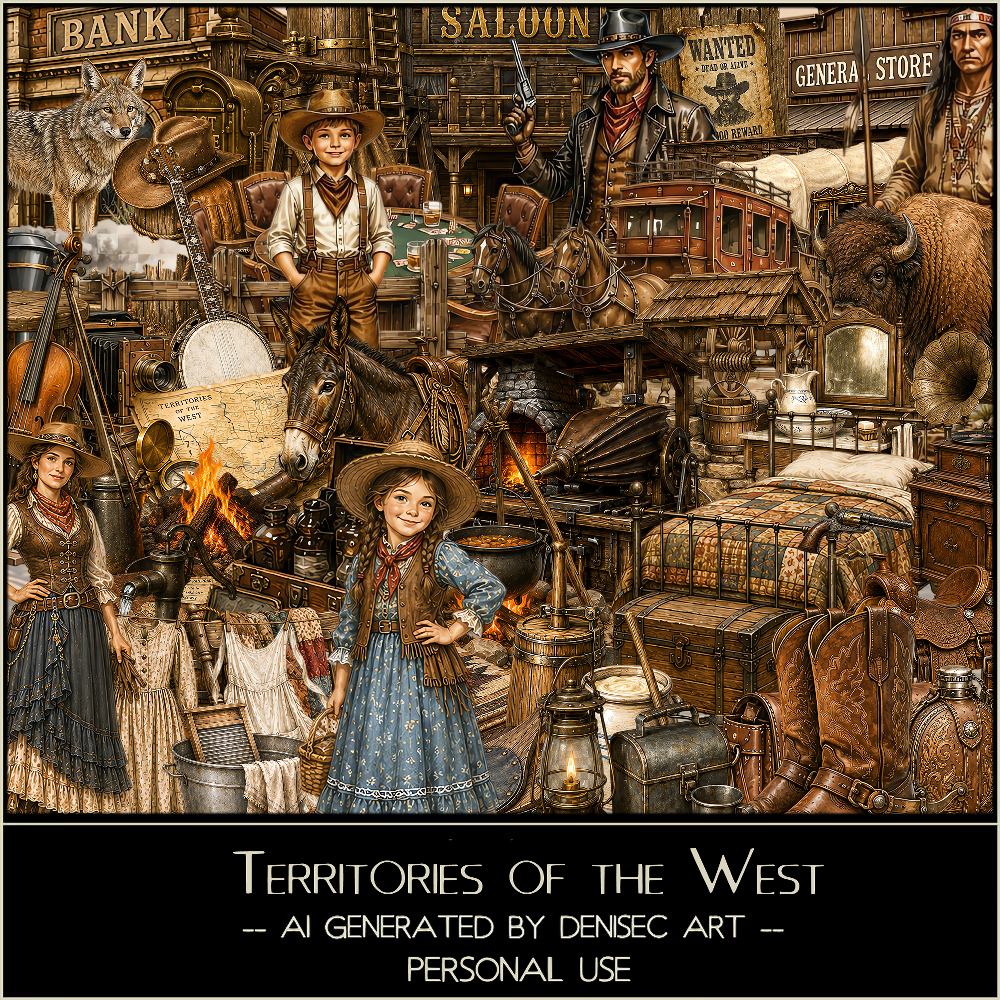
PTU Territories of the West

 This tut was written July 31st, 2026 for those with a basic knowledge of psp. 

I am using the Awesome Western Al kit/tube by DeniseC Art

Everything is included in the kit
Please read their TOU on how to credit your tags

I used PSP2020...but any of them should work.
PTU Scrap Territories of the West by DeniseC Art HERE
Check out her store here for more of her kits  HERE 
RD Mask 669 aka Mast Set 168 HERE
Check the rest of the blog HERE

Font of choice, I used Wildwest

Drop shadow as you go is V -2 H 4, 50, 10, or use what you prefer.
Let's get started
*Remember to add your drop shadow as you go along*

Open a new image 800 x 800, paste paper 5, apply your mask.

Resize 54 to 30%, paste at the top.
Resize 13 to 30%, paste above the water towel on the left, duplicate,
mirror.
Resize 30 to 30%, paste about center above the train.
Resize 9 to 30%, paste on the right and down.
Resize 31 to 25%, paste on the bottom left.
Resize 8 to 25%, paste below the saloon store on the, left
duplicate, move to the right below the bank.

Resize 12 to 30%, paste at the bottom above the buildings.
Resize 34 to 12%, paste on the bottom right by the store.
Resize 3 to 15%, mirror, paste at the bottom right.
Resize 21 to 30%, paste at the bottom.
Resize 7 to 28%, paste on the bottom left.
Resize 29 to 15%, paste at the bottom left above the cowboy.
Resize 17 to 10%, paste at the bottom above the woman.
Resize 37 and 45 to 10%, paste at the bottom left above the saddle.

Resize 35 to 13%, paste at the bottom above the lady.
Resize 18 to 12%, paste at the bottom right below the lantern.
Resize 58 to 15%, paste on the right below the chair.
Resize 15 to 10%, paste on the bottom right above the mailbox.
Resize 16 to 18%, paste at the bottom left.
Resize 46 to 15%, paste at the bottom by the stool.
Resize 60 to 8%, paste at the bottom right.
Resize 52 to 10%, paste at the bottom left.
Resize 57 to 10%, paste at the bottom.

Add any other elements that you would like, make it your own.
Always readjust your mask and elements how you like them before you
 merge your tag, resize, sharpen.

Crop your tag to be sure no shadows or lines are on the edges.
 Then add your copyright and name.
That's it

Hope you enjoyed doing my tut   

Thursday, July 30, 2026

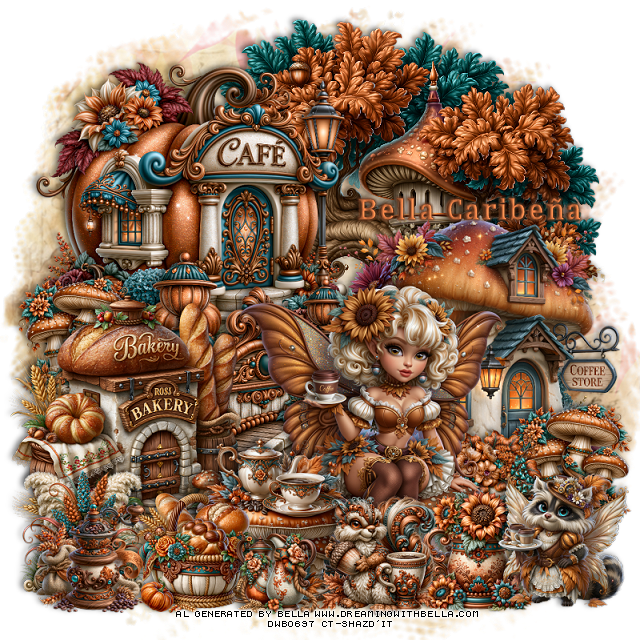
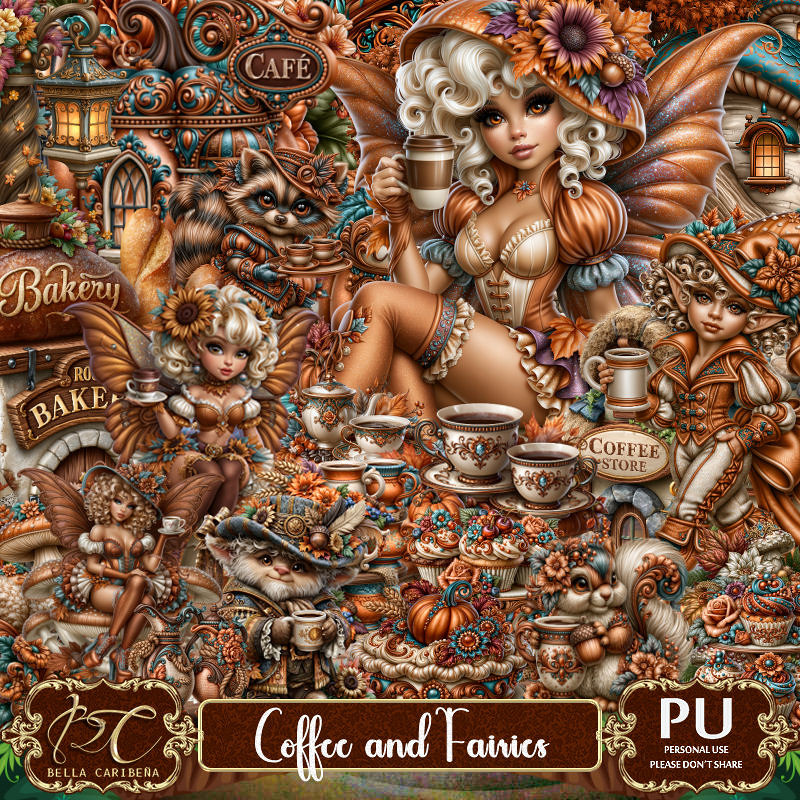
PTU Coffee and Fairies


 This tut was written July 29th, 2026,  for those with a basic knowledge of psp. 

Awesome Al kit and tubes by Bella Caribeña
Everything is included in the kit
Read the TOU on how to credit tags

I used PSP2020...but any of them should work.
PTU Scrap Coffee and Fairies by Bella Caribeña  HERE
Fantasy/Coffee Theme
Kit contains 7 Al gen tubes, 137 elements, 20 papers and 3 masks
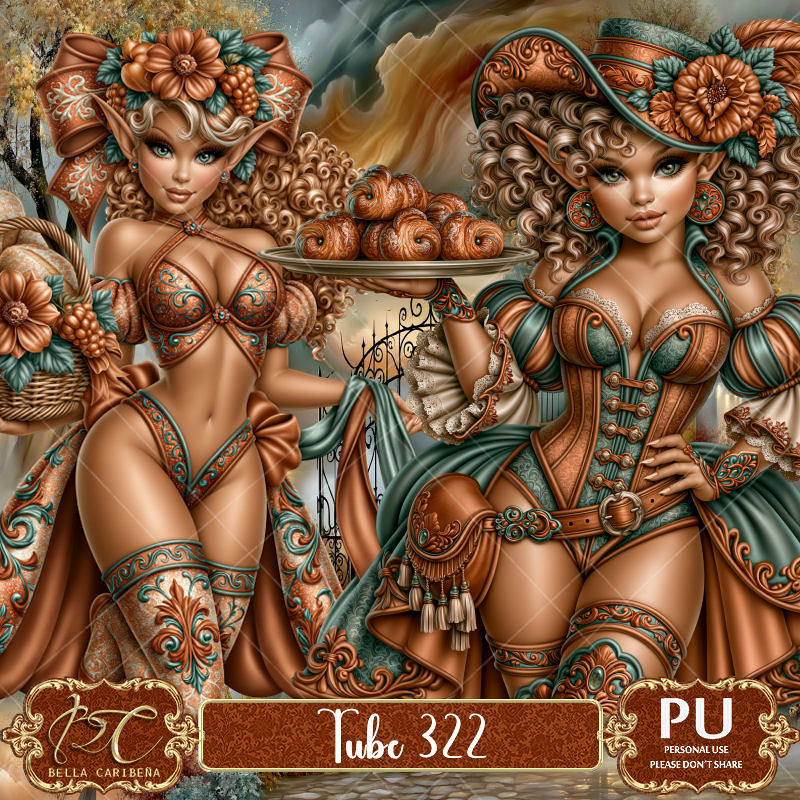
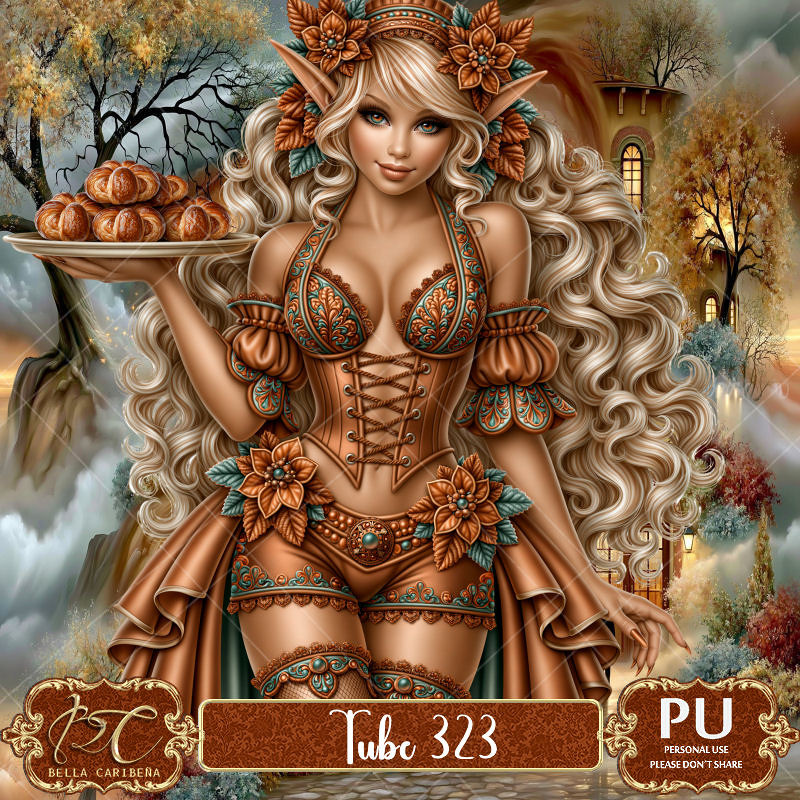
Suggested matching tubes 322 and 323
You can check out the rest of her store HERE 

Font of choice I used Cambria

 Drop shadow as you go is V -2 H 4, 50, 10, or use what you prefer.
Let's get started
*Remember to add your drop shadow as you go along*

Open a new image 800 x 800, paste mask 3, resize to fit your tag.

Paste 47 at the top.
Resize 34 to 60%, paste on the right.
Resize 97 to 65%, paste on the upper left.
Resize 107 to 50%, paste at the bottom above the cafe.
Resize 42 to 50%, paste on the left above the fence.

Resize tube 5 to 20%, paste at the bottom.

Resize 41 to 35%, paste at the bottom left above the tube.
Resize 52 to 25%, paste at the bottom left above the table.
Resize 69 to 25%, paste on the bottom left below the bread basket.
Resize 126 to 25%, paste on the left below the bakery building, duplicate,
move to the bottom right by the coffee store.
Resize 84 to 25%, paste on the bottom right below the tube.
Resize 76 to 25%, paste at the bottom above the tube.
Resize 121 to 25%, paste at the bottom above the table.

Resize 117 to 27%, paste on the bottom right.
Resize 54 to 23%, paste on the bottom left.
Resize 62 to 17%, paste at the bottom by the table.

Add any other elements you would like, resize.
Crop your tag to be sure no shadows or lines are on the edges.
 Then add your copyright and name.
That's it

            Hope you enjoyed doing my tut                      

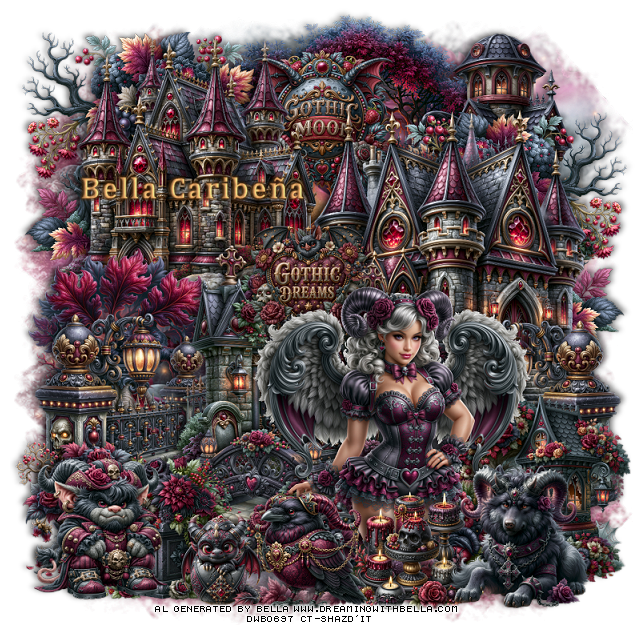
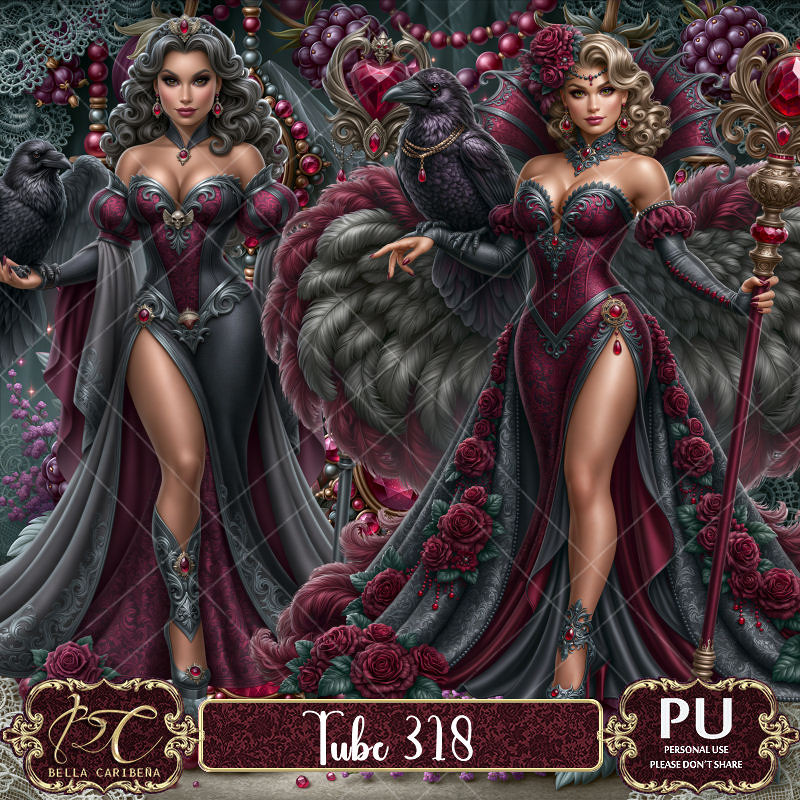
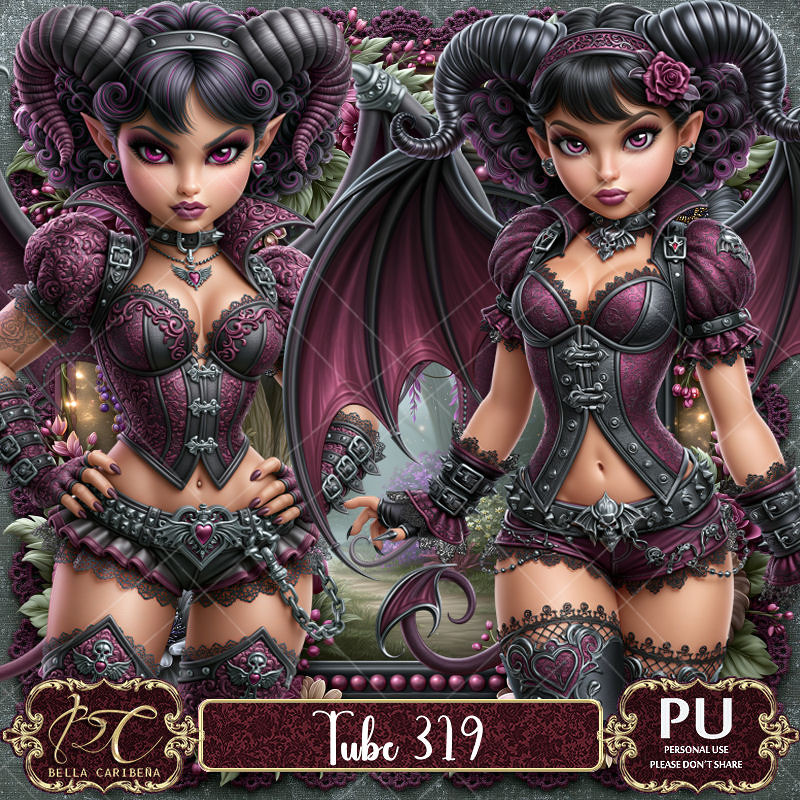
PTU Gothic Dreams


   This tut was written July 30th, 2026,  for those with a basic knowledge of psp. 

Awesome Al kit and tubes by Bella Caribeña
Everything is included in the kit
Read the TOU on how to credit tags

I used PSP2020...but any of them should work.
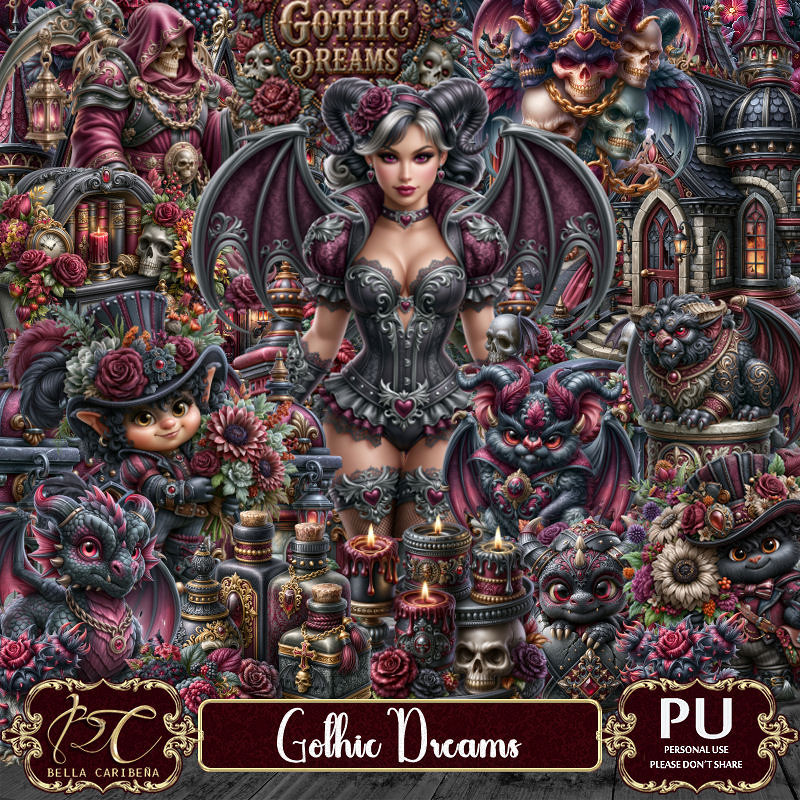
PTU Scrap Gothic Dreams  by Bella Caribeña  HERE
Gothic Theme
Kit contains 5 Al gen tubes, 183 elements, 18 papers and 3 masks
Suggested matching tubes 318 and 319
You can check out the rest of her store HERE 

Font of choice I used Cambria

 Drop shadow as you go is V -2 H 4, 50, 10, or use what you prefer.
Let's get started
*Remember to add your drop shadow as you go along*

Open a new image 800 x 800, paste mask 2, resize to fit your tag.

Resize 2 to 65%, paste at the upper left.
Resize 1 to 65%, paste on the right.
Resize 33 to 50%, paste above the castles.
Resize 148 to 50%, paste at the upper left below the castle, duplicate, mirror.
Resize 137 to 75%, paste at the top below the castles.

Resize 12 to 40%, paste on the left below the gate, duplicate, mirror,
move below the gate on the right.
Resize 5 to 45%, paste on the left below the fence.
Resize 30 to 30%, paste at the top below the castles.

Resize tube 4 to 18%, paste at the bottom.

Resize 17 to 25%, paste on the bottom left below the tube, duplicate, mirror.
Resize 91 to 30%, mirror, paste at the bottom left below the flowers.
Resize 101 to 50%, paste at the upper right above the tree.
Resize 182 to 40%, paste on the bottom right below the flowers.
Resize 37 to 30%, paste on the bottom left above the steps.
Resize 146 to 30%, paste on the bottom left below the planter.

Resize 70 to 30%, paste on the bottom right above the tube.
Resize 53 to 30%, paste on the bottom left.
Resize 8 to 25%, paste at the bottom above the tube.
Resize 40 to 25%, paste at the bottom.
Resize 160 to 20%, paste at the bottom.
Resize 95 to 25%, paste on the gate behind the tube.

Add any other elements you would like, resize.
Crop your tag to be sure no shadows or lines are on the edges.
 Then add your copyright and name.
That's it

            Hope you enjoyed doing my tut                      

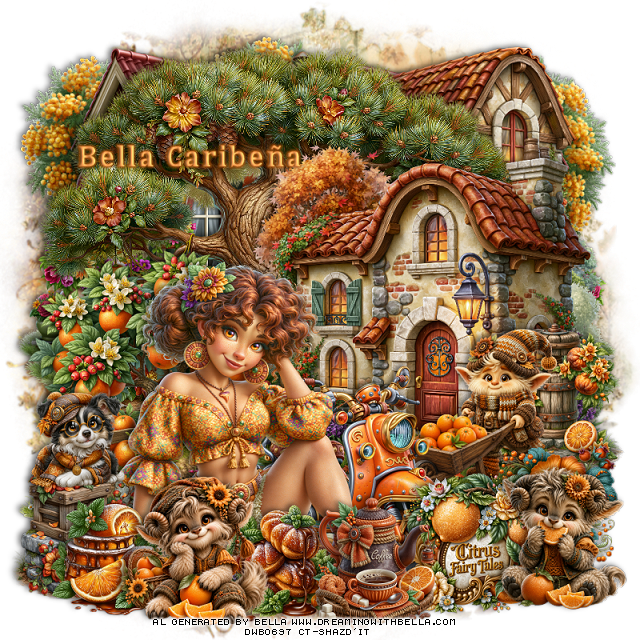
PTU Orange and More


  This tut was written July 29th, 2026,  for those with a basic knowledge of psp. 

Awesome Al kit and tubes by Bella Caribeña
Everything is included in the kit
Read the TOU on how to credit tags

I used PSP2020...but any of them should work.
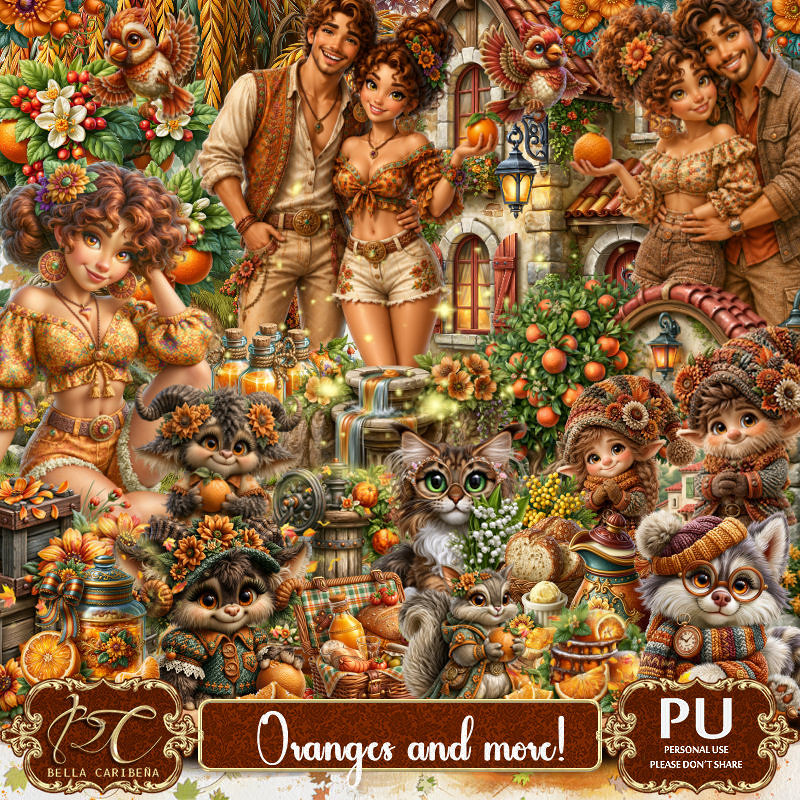
PTU Scrap Orange and More by Bella Caribeña  HERE
Citrus Theme
Kit contains 3 Al gen tubes, 184 elements, 20 papers and 3 masks
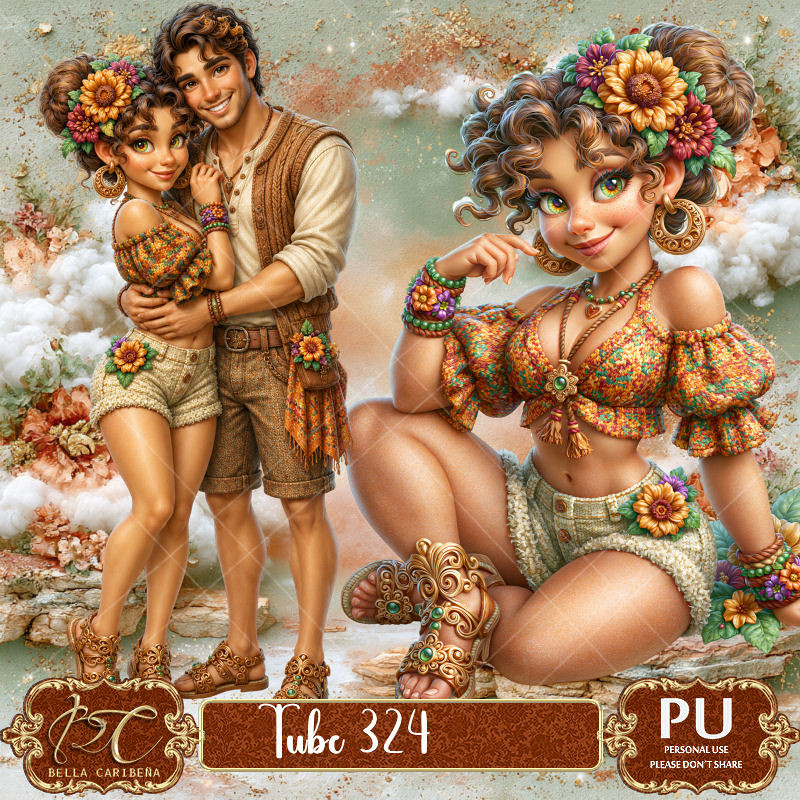
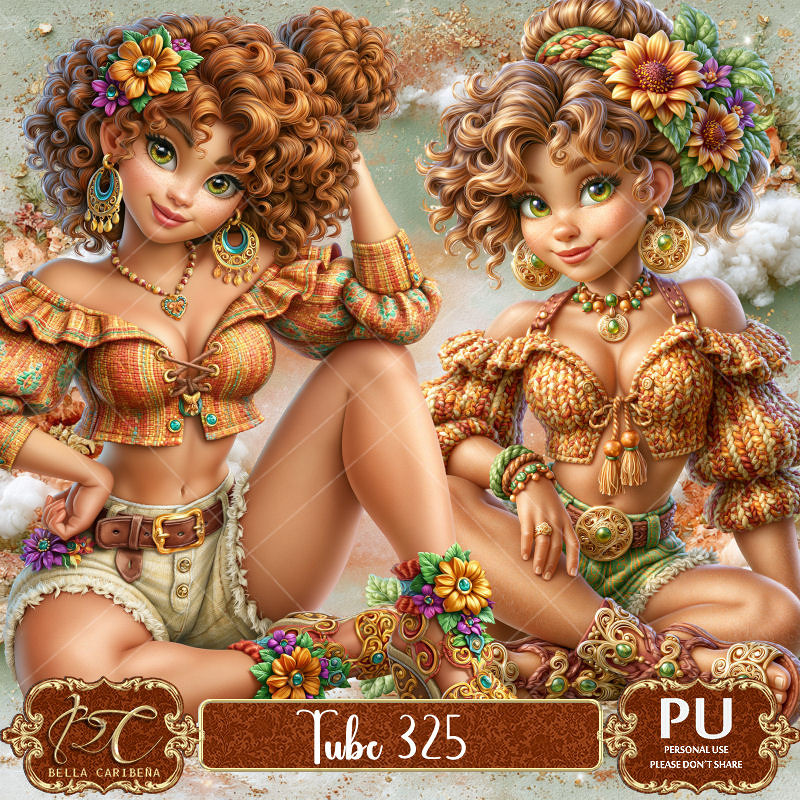
Suggested matching tubes 324 and 325
You can check out the rest of her store HERE 

Font of choice I used Cambria

 Drop shadow as you go is V -2 H 4, 50, 10, or use what you prefer.
Let's get started
*Remember to add your drop shadow as you go along*

Open a new image 800 x 800, paste mask 3, resize to fit your tag.

Resize 73 to 75%, paste at the upper left, duplicate, mirror.
Resize 124 to 65%, mirror, paste at the upper right.
Paste 159 above the house to the left a little.
Resize 122 to 75%, paste on the right above the tree.
Resize 168 to 60%, paste on the bottom left.
Resize 166 to 30%, paste on the bottom left.

Resize tube 3 to 22%, paste at the bottom to the left.

Resize 39 to 50%, paste on the right above the house.
Resize 184 to 45%, paste on the right below the tube.
Resize 41 to 25%, paste on the bottom left above the tube.
Resize 39 to 25%, paste at the bottom above the oranges.
Resize 42 to 25%, paste at the bottom below the animal.
Resize 54 to 27%, paste on the bottom to the right of the donuts.
Resize 137 to 30%, paste at the bottom right by the coffee pot.
Resize 38 to 30%, paste at the bottom right above the sign.
Resize 81 to 25%, paste on the right below the animal.

Resize 35 to 35%, paste on the right below the scooter.
Resize 95 to 20%, paste on the left on the crate.

Add any other elements you would like, resize.
Crop your tag to be sure no shadows or lines are on the edges.
 Then add your copyright and name.
That's it

            Hope you enjoyed doing my tut                      

Wednesday, July 29, 2026

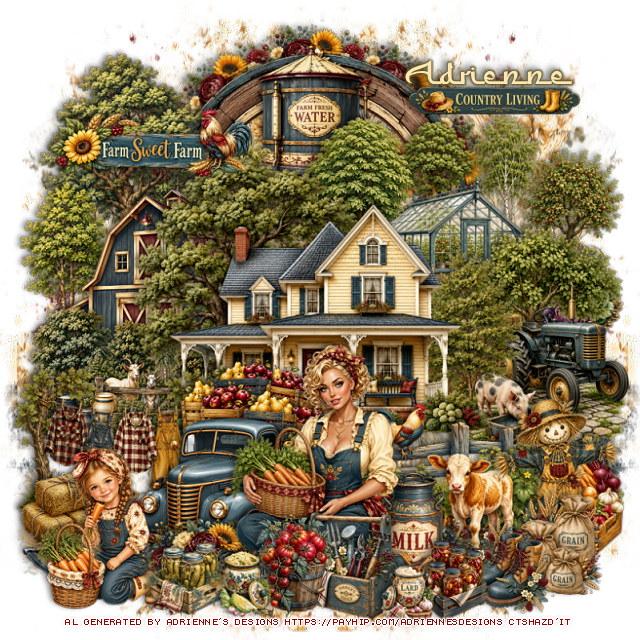
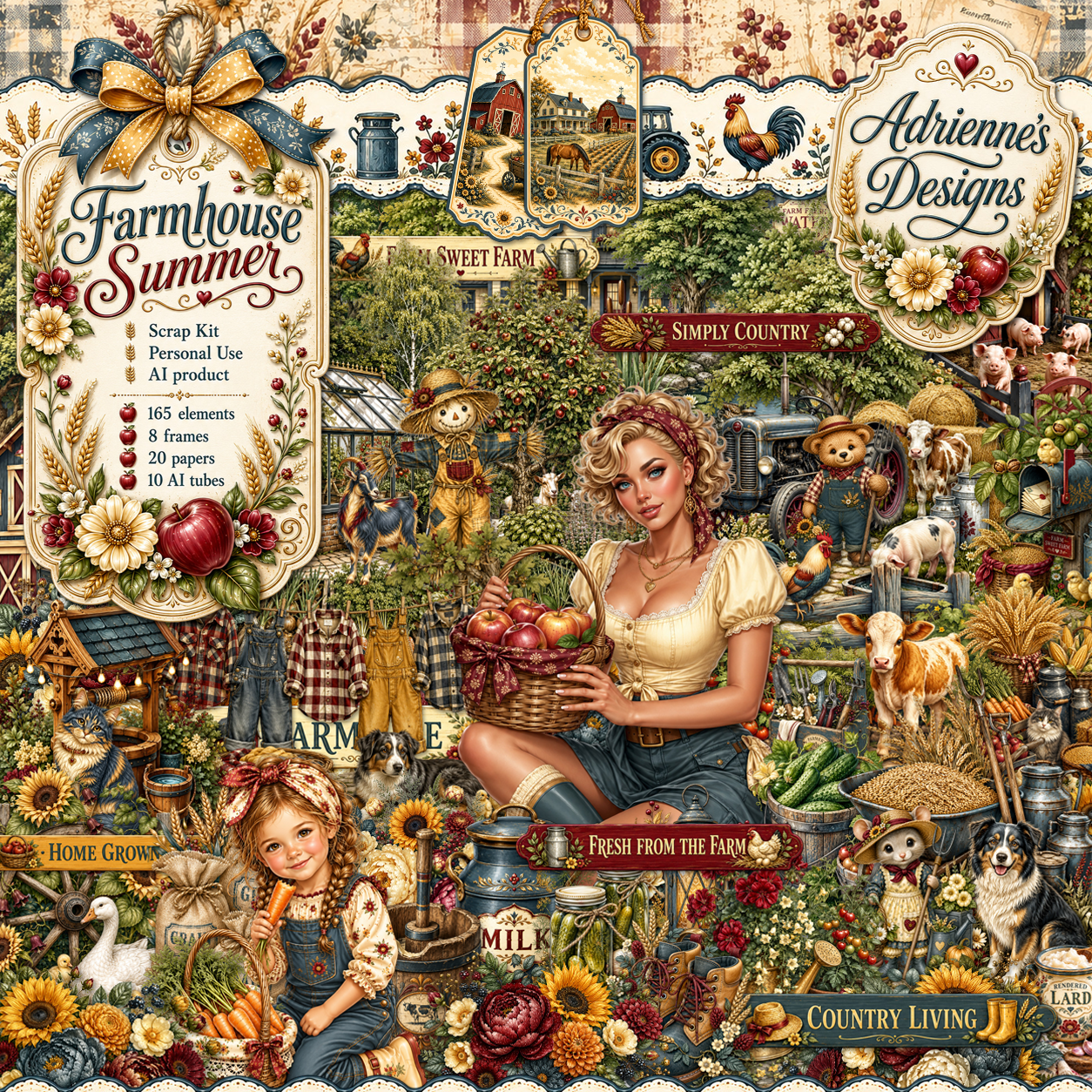
PTU Farmhouse Summer


 This tut was written July 29th, 2026,  for those with a basic knowledge of psp. 

I am using the beautiful Al kit by Adrienne's Designs
Everything used is in the kit 
Read the TOU on how to credit your tags

I used PSP2020...but any of them should work.
PTU Scrap Farmhouse Summer by Adrienne's Designs  HERE
Check out the rest of her store  HERE
or
you can find all her kits on her blog  HERE
Mask of choice, I used MizTeeques 173 HERE 
Check the blog out HERE
Filter
Mura Meister Copies-Encircle

Font of choice I used Furgan

 Drop shadow as you go is V -2 H 4, 50, 10, or use what you prefer.
Let's get started

*Remember to add your drop shadow as you go along* 

Open a new image  800 x 800, paste paper 5, apply your mask, move
to the left, duplicate, mirror.

Resize frame 6 to 55%, click inside, resize paper 2 to 40%, paste,
invert, delete.
Resize 1 to 20%, apply Mura Meister Copies-Encircle, first 3 numbers
on 10, 45, 45, paste below the circle.
Resize 31 to 35%, paste at the top above the frame.
Resize 21 to 55%, paste on the upper left above the water tower.
Resize 24 to 55%, paste on the upper right.

Resize 19 to 65%, paste in the center.
Resize 33 to 40%, mirror, paste below the house on the right.
Resize 47 to 50%, paste on the right above the house.
Resize 88 to 23%, paste on the right below the fence.
Resize 94 to 30%, paste on the right above the fence.
Resize 26 to 35%, paste on the left below the house.
Resize 70 to 40%, paste at the bottom of the house to the left.
Resize 72 to 40%, paste on the left below the truck.

Resize tube 2 to 25%, paste at the bottom.

Resize 86 to 18%, paste at the bottom above the tube.
Resize 5 to 20%, paste at the bottom below the tube behind the tomato pot,
duplicate, mirror.
Resize tube 9 to 15%, paste at the bottom left.
Resize 101 to 20%, paste on the bottom left below the girl.
Resize 97 to 20%, paste at the bottom right.
Resize 105 to 20%, paste at the bottom above the tube.
Resize 93 to 20%, paste below the tube on the right.
Resize 106 to 17%, paste at the bottom right above the grain bags.
Resize 149 to 15%, paste at the bottom by the boots.
Resize 148 to 15%, paste at the bottom by the girl.
Resize 145 and 147 to 12%, paste at the bottom.

Select which ones you want from 164 and 165, resize 20 to 25%,
 paste where you like.

Add any other elements that you would like, make it your own.
Always readjust your mask and elements how you like them before you
 merge your tag, resize, sharpen.

Crop your tag to be sure no shadows or lines are on the edges.
 Then add your copyright and name.
That's it

             Hope you enjoyed doing my tut                

Tuesday, July 28, 2026

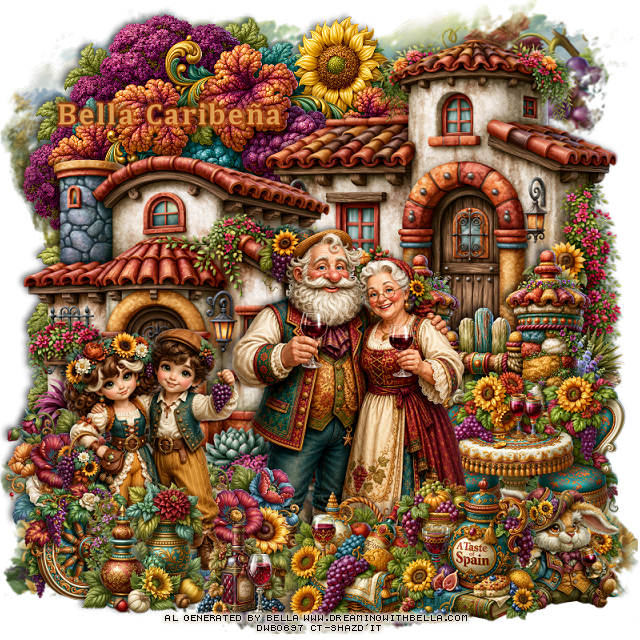
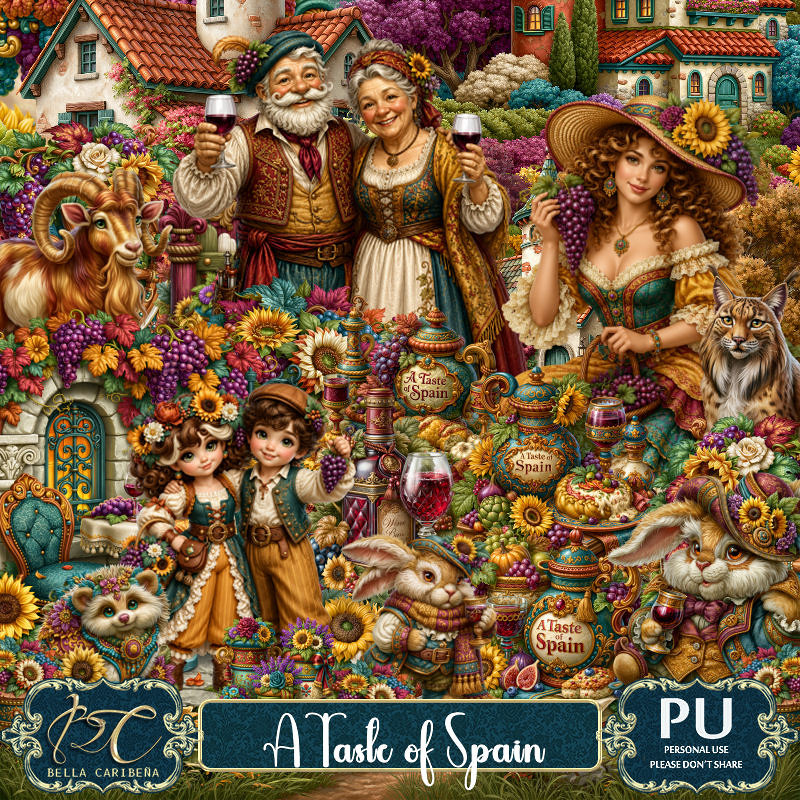
PTU A Taste of Spain


  This tut was written July 28th, 2026,  for those with a basic knowledge of psp. 

Awesome Al kit and tubes by Bella Caribeña
Everything is included in the kit
Read the TOU on how to credit tags

I used PSP2020...but any of them should work.
PTU Scrap A Taste of Spain by Bella Caribeña  HERE
Spain Theme
Kit contains 8 Al gen tubes, 153 elements, 20 papers and 3 masks
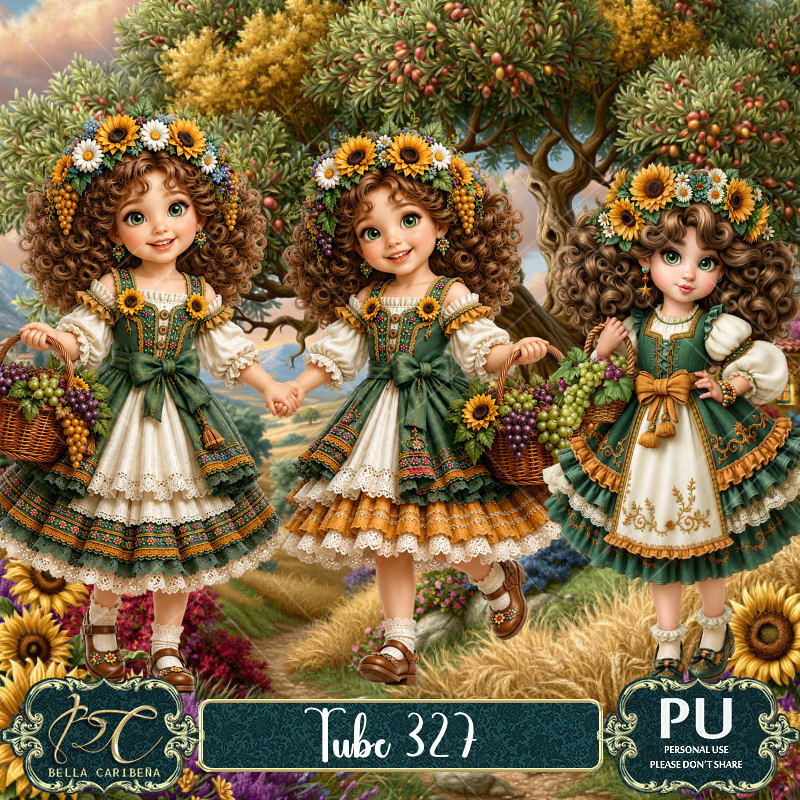
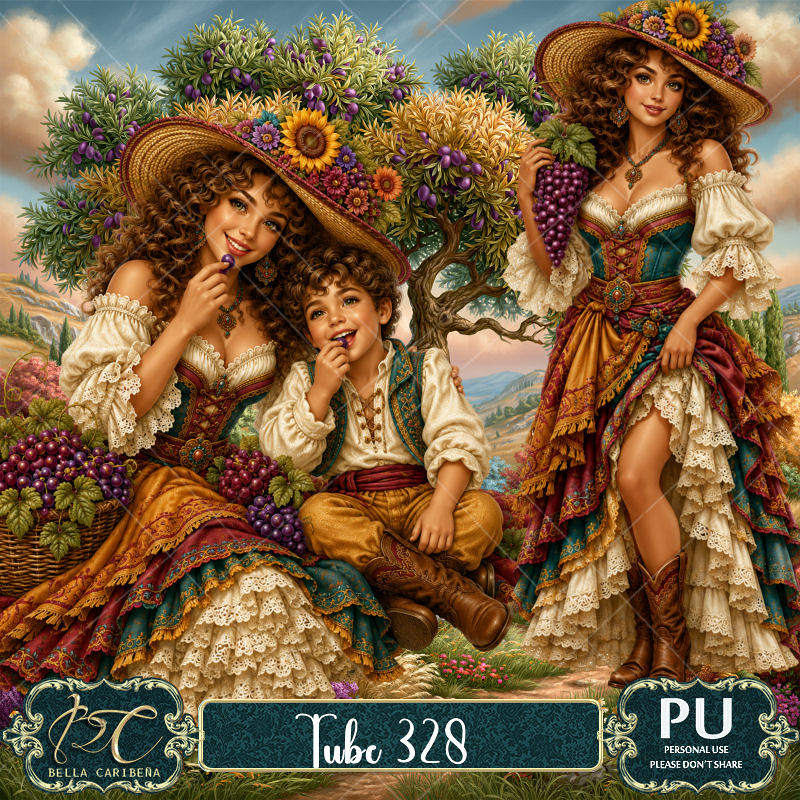
Suggested matching tubes 327 and 328
You can check out the rest of her store HERE 

Font of choice I used Cambria

 Drop shadow as you go is V -2 H 4, 50, 10, or use what you prefer.
Let's get started
*Remember to add your drop shadow as you go along*

Open a new image 800 x 800, paste mask 3.

Paste 76 at the upper left.
Resize 128 to 75%, paste on the upper right.
Resize 127 to 70%, paste on the left and down.
Resize 134 to 50%, paste on the bottom right in front of the house.

Resize tube 1 to 25%, paste at the bottom about center.
Resize tube 3 to 23%, paste on the bottom left.
Resize 3 to 45%, paste on the bottom right above the gate.
Resize 106 to 25%, paste on the left below the kids.
Resize 66 to 25%, paste at the bottom right.

Resize 13 to 30%, paste at the bottom by the rabbit.
Resize 126 to 27%, paste at the bottom.
Resize 5 to 25%, paste at the bottom left.
Resize 48 to 27%, paste at the bottom left.
Resize 144 to 20%, paste at the bottom.

Add any other elements you would like, resize.
Crop your tag to be sure no shadows or lines are on the edges.
 Then add your copyright and name.
That's it

            Hope you enjoyed doing my tut