

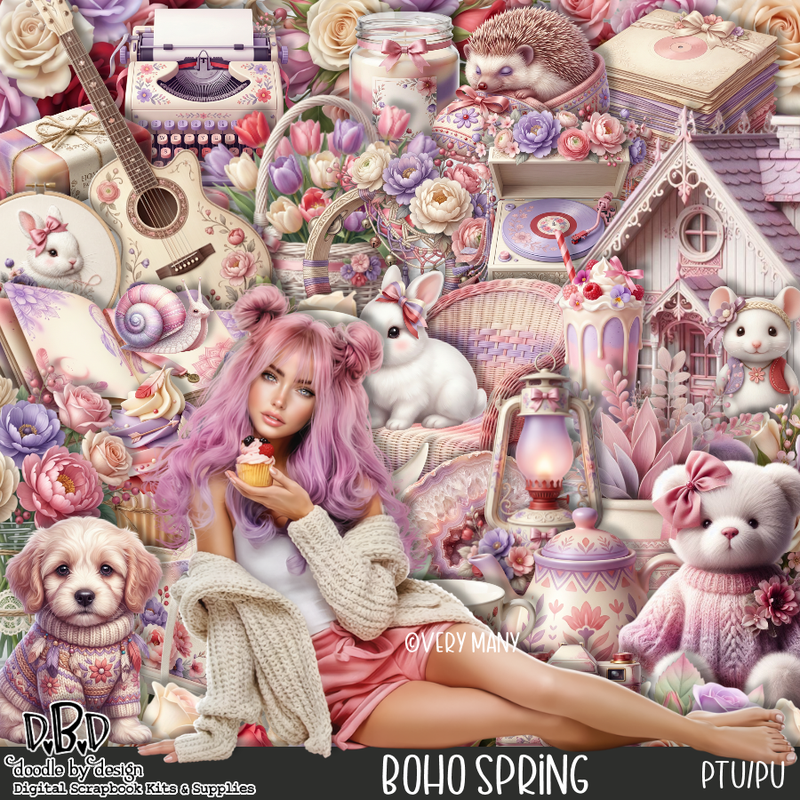
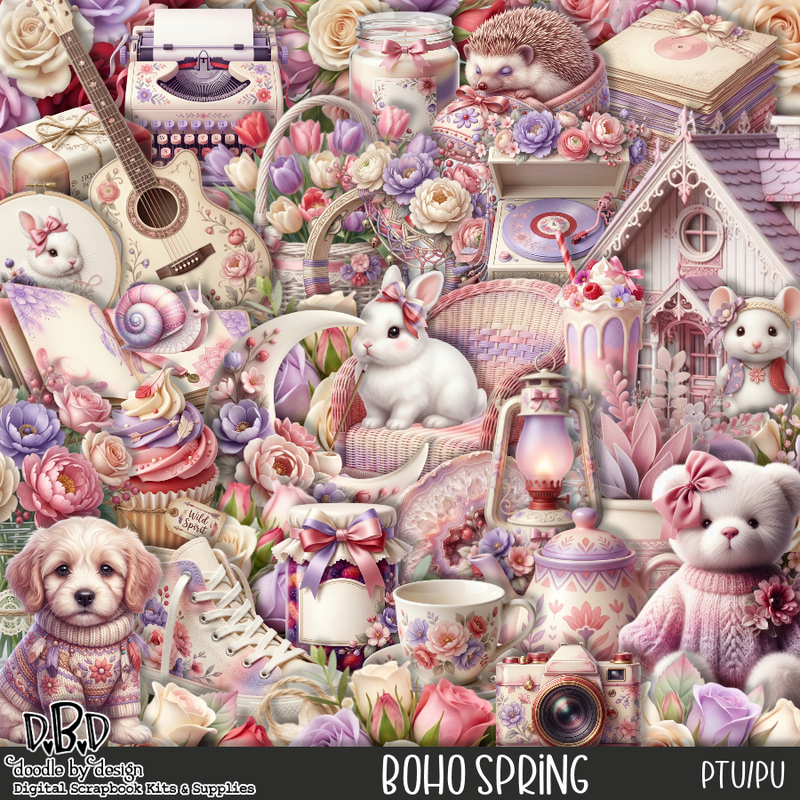
This tut was written March 6th, 2026 for those with a basic knowledge of psp.
I am using the awesome tube ©VerymanyThe tube is called Berry CupcakeThe tube is NOT includedYou need a license to use this tube, please do not use without a licenseYou can find the tube at Verymany store HERE
Drop shadow as you go is V -2 H 4, 40, 10, or use what you prefer.
Let's get started
*Remember to add your drop shadow as you go along*
Open a new image 800 x 800, paste 137, move to the left, duplicate, mirror.
Adjust to fix your tag.
Resize frame 8 to 55%, paste to the upper right, click inside,
resize paper 1 to 40%, paste, invert, delete.
Resize 41 to 75%, paste on the left.
Resize 35 to 25%, paste on the bottom left above the house.
Resize 43 to 23%, paste on the left above the suitcase.
Resize 105 to 25%, paste on the left below the rabbit, duplicate, move to
the right below the books.
Paste 137 on the upper left on the bottom layer, duplicate, mirror,
adjust to fit your tag.
Resize the tube to 35%, paste at the bottom.
Resize 22 to 45%, paste on the right below the tube.
Resize 24 to 20%, paste at the bottom right below the tube.
Resize 18 to 28%, paste at the bottom right above the tube.
Resize 57 to 25%, paste at the bottom left above the tube.
Resize 56 to 25%, paste at the bottom by the book.
Resize 53 to 23%, paste on the bottom right above the books.
Resize 62 to 17%, paste at the bottom left, duplicate, move over.
Resize 51 to 40%, paste on the bottom right.
Resize 45 to 20%, paste on the bottom left.
Resize 26 to 23%, paste on the chair.
Resize 21 to 23%, paste at the bottom below the shoes.
Resize 16 to 17%, paste at the bottom by the record player.
Resize 14 to 13%, paste at the bottom.
Resize 23 to 20%, paste on the basket.
Resize 33 to 15%, paste at the bottom left.
Resize 9 to 12%, paste at the bottom.
Mirror 149, paste below the tube.
Add any other elements that you would like, make it your own.
Always readjust your mask and elements how you like them before you
merge your tag, resize, sharpen.
Crop your tag to be sure no shadows or lines are on the edges.
Then add your copyright and name.
That's it
Hope you enjoyed doing my tut
Tag for Lizzy


No comments:
Post a Comment