Showing posts with label All Dolled Up. Show all posts

Monday, April 20, 2020

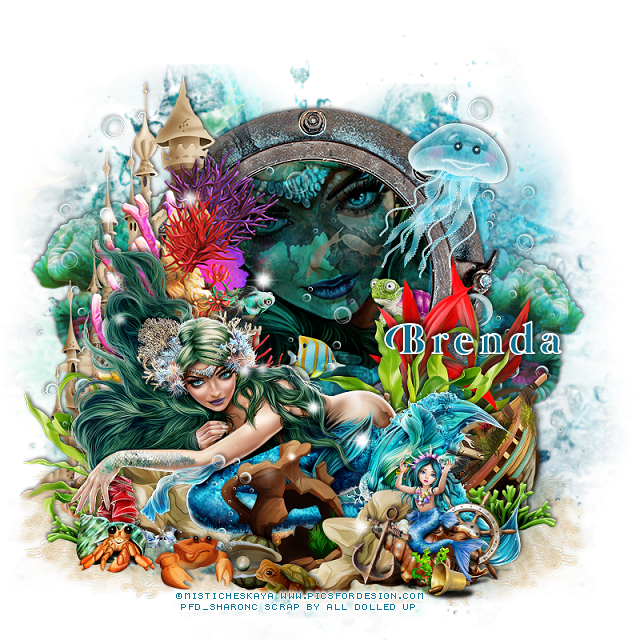
PTU Swimming in the Fast Lane


This tut was written April 20th, 2020,  for those with a basic knowledge of psp.
I am using the awesome artwork of  Misticheskaya
The tube is  "Aria"
You need a license to use this tube, do not use without a license.
You can find this tube at PFD store  HERE

I used PSPX...but any of them should work.
PTU kit Swimming in the Fast Lane by All Dolled Up,  HERE or HERE
Mask of choice I used RD Mask 116_4 HERE
Check out the rest of the blog HERE


Font of choice,  I used Mermaid

Drop shadow is usually V-2 H-2 Black, 45, 10, use what you prefer.
Let's get started
*Remember to add your drop shadow as you go along*

Open a new layer 800 x 800
Paste paper 2, apply your mask, delete, merge group.

Paste element 130 on the mask layer, click inside with your magic 
wand, expand by 5, paste your tube, invert, delete, select none.
Change the blend mode to Multiply or one you prefer.

Resize your tube to 30%, paste at the bottom.

Resize element 127 to 75%, paste on the frame on the left and up,
duplicate, move down.
Paste element 115 behind the tube on the left above the castles.

Resize element 28 to 50%, paste on the left below the tube, duplicate,
mirror.
Paste element 79 at the bottom below the mask layer to one side,
duplicate, mirror.
Resize element 29 to 20%, mirror, paste inside the frame to the right.
Resize element 67 to 65%, paste on the right below the greenery.

Resize element 17 to 15%, paste on the left up a little above the castles.
Resize element 86 to 15%, paste where you like inside the frame.

Resize element 129 to 50%, paste on the right below the tube.
Resize element 30 to 25%, paste at the lower right above the boat,
duplicate, mirror.

Resize element 57 to 40%, paste at the lower right above the tube, 
duplicate, move below the tube on the left.
Resize element 68 to 40%, paste below the rock on the lower right.

Paste element 72 on the right below the red plant, duplicate, move more 
to the center and down, duplicate once more, mirror, move to the left
above the castles and plant.

Resize element 8 to 45%, paste at the lower right above the rock.
Paste element 27 below the mask on the right, duplicate, mirror, move 
up more on the left.
Resize element 7 to 20%, paste at the lower left above the tube.
Resize element 65 and 69 to 20%, paste at the bottom being on the top layer.
Paste element 146 to the left being on the top layer.
Resize element 37 to 40%, paste at the upper right.

Add any other elements that you like, make your own.
Remember to always adjust all the elements how you like on your tag,
then resize your mask if needed before merging your tag.

Once happy, close off any background you had.
 Crop your tag to get rid of any stray edges, merge visible.
Resize, sharpen, add your Copyright and name.

That's it
Hope you enjoyed doing my tut.

Saturday, April 18, 2020

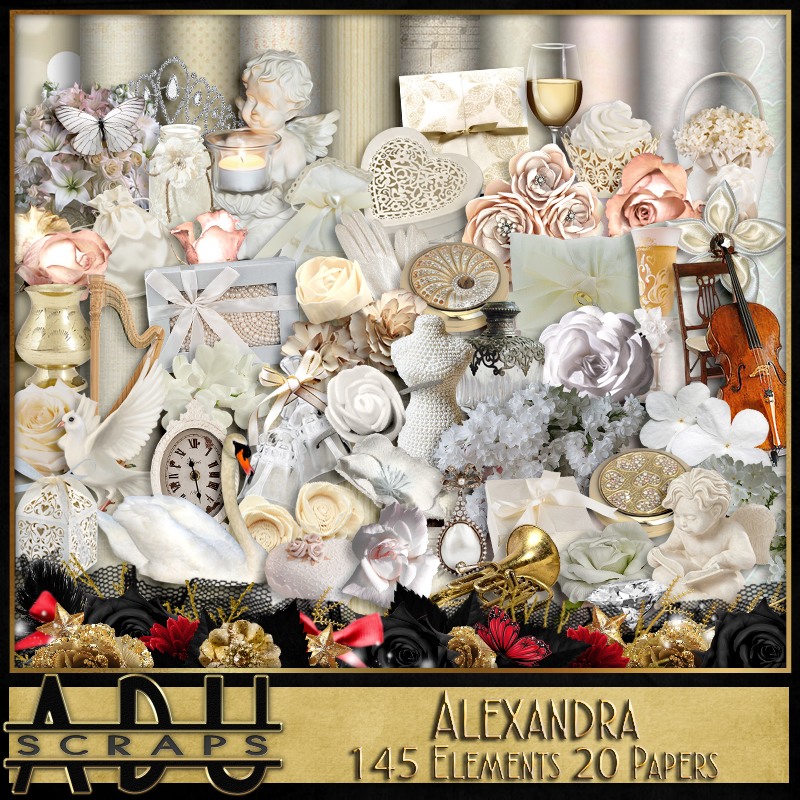
PTU Alexandra


This tut was written April 18th, 2020,  for those with a basic knowledge of psp.
I am using the awesome artwork of  Vi Nina
The tube is  "Alexandra"
You need a license to use this tube, do not use without a license.
You can find this tube at her store  HERE

I used PSPX...but any of them should work.
PTU kit Alexandra by All Dolled Up,  HERE or HERE
Mask of choice I used DD NVM_4 HERE
Check out the rest of the blog HERE

Filter
Mura Meister Copies-Encircle
Font of choice,  I used Broken Heart

Drop shadow is usually V-2 H-2 Black, 45, 10, use what you prefer.
Let's get started
*Remember to add your drop shadow as you go along*

Open a new layer 800 x 800
Paste paper 12, apply your mask, delete, merge group.

Resize element 79 to 80%, paste at the upper left, duplicate, move 
down on the right.
Click inside with your magic wand, expand by 5, paste paper 3, invert, 
delete, keep selected.
Resize your tube to 75%, paste in one frame, mirror, paste in the other frame,
select none.

Resize element 71 to 35%, apply Mura Meister Copies-Encircle,
first number on 22, move below the paper layer of the frame,
duplicate, move behind the other frame.

Resize your tube to 40%, paste above the frames.

Resize element 75 to 50%, paste below the tube on the right, duplicate,
mirror, move up a little on the left.
Resize element 1 to 40%, paste on the lower left below the tube layer.
Resize element 16 to 40%, paste at the bottom above the tube.
Resize element 11 to 25%, paste at the lower left above the box.

Resize element 72 to 25%, paste at the bottom above cupcake.
Resize element 13 to 40%, paste on the left below the cupcake.
Resize element 7 to 40%, paste below the flowers on the right, duplicate,
mirror, move up a little, duplicate again move down.

Resize element 51 and 52 to 20%, paste at the bottom above the tube.
Resize element 54 to 20%, paste on the left below the cupcake.
Resize element 67 to 40%, paste at the lower right above the tube,
duplicate, move over and down a little.

Resize element 71 to 35%, paste at the bottom being on the top layer to
cover the straight edge of the tube.
Resize element 10 to 25%, paste at the lower right below the glasses.
Resize element 108 to 25%, paste at the bottom above the tube.

Paste element 30 being on the top layer, free rotate to the right at 45 
degrees, move toward the bottom.

Add any other elements that you like, make your own.
Remember to always adjust all the elements how you like on your tag,
then resize your mask if needed before merging your tag.

Once happy, close off any background you had.
 Crop your tag to get rid of any stray edges, merge visible.
Resize, sharpen, add your Copyright and name.

That's it
Hope you enjoyed doing my tut.

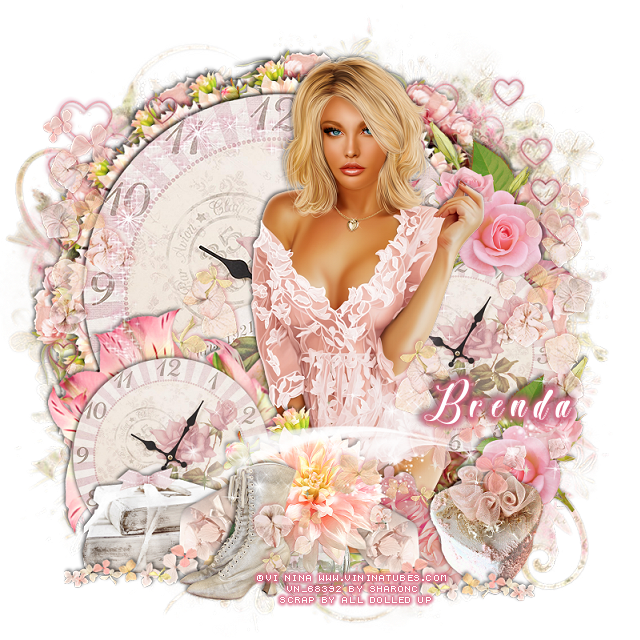
PTU Lynn


This tut was written April 17th, 2020,  for those with a basic knowledge of psp.
I am using the awesome artwork of  Vi Nina
The tube is  "Lynn"
You need a license to use this tube, do not use without a license.
You can find this tube at her store  HERE

I used PSPX...but any of them should work.
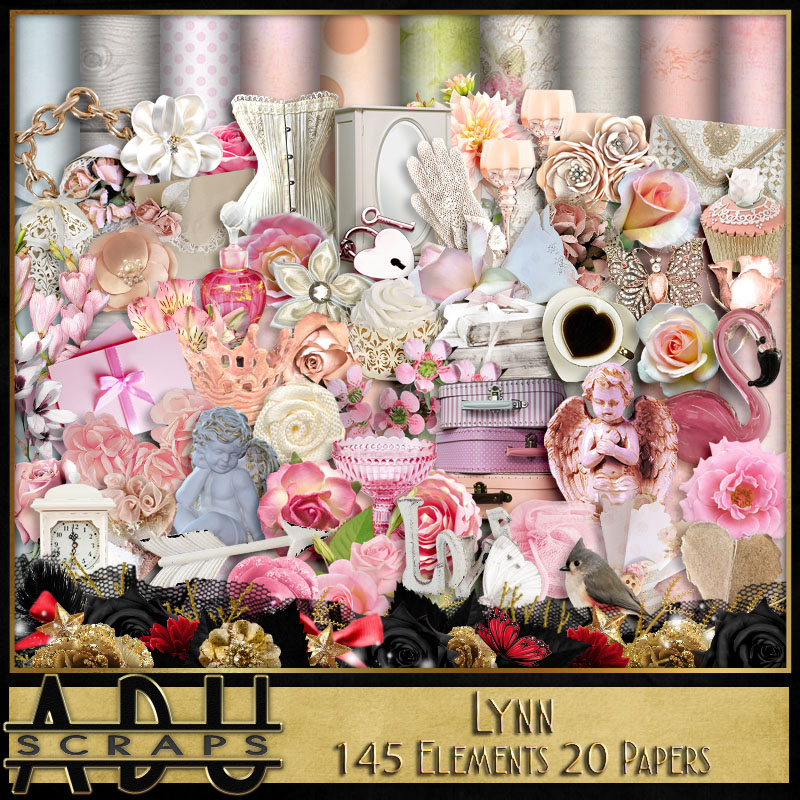
PTU kit Lynn by All Dolled Up,  HERE or HERE
Mask of choice I used DD Floral Mask NFM_2017_3 HERE
Check out the rest of the blog HERE

Filter 
Mura Meister Copies
Font of choice,  I used Broken Heart

Drop shadow is usually V-2 H-2 Black, 45, 10, use what you prefer.
Let's get started
*Remember to add your drop shadow as you go along*

Open a new layer 800 x 800
Paste paper 8, apply your mask, delete, merge group.

Resize your tube to 45%, paste off center to the right.

Resize element 106 to 50%, paste at the bottom above the tube,
duplicate, resize smaller to 75%,apply Mura Meister Copies-Encircle, 
first number on 20, move below the large clock.
Resize element 23 to 40%, paste by the vase of flowers.
Resize element 45 to 40%, paste on the lower left below the tube.

Resize element 68 to 60%, apply Mura Meister Copies-Encircle, first
number on 12, move below the first circle.

Paste element 132 behind the tube on the left, duplicate, resize to
50%, paste at the lower left behind the books, duplicate again, move to 
the right behind the tube.

Resize element 100 to 45%, paste at the bottom above the tube.
Resize element 4 to 65%, paste at the bottom below the vase to the right 
a little, duplicate, mirror, move above the books on the left.
Resize element 58 to 75%, paste below the smaller clock on the left,
duplicate, move below the small clock behind the tube on the right.

Paste element 16 on the right being on the top layer, duplicate, mirror, 
move below the small clock and flowers on the right.
Resize element 9 to 40%, paste at the lower right below the flower spray.

Resize element 99 to 40%, paste on the right below the small box, duplicate, 
mirror, move back behind the tube at the upper right.
Paste element 95 on the clock below the tube, add a dark pink drop 
shadow, sharpen once.

Paste element 93 to the right being on the top layer.
Paste element 76 below the clock on the right, duplicate, mirror.

Add any other elements that you like, make your own.
Remember to always adjust all the elements how you like on your tag,
then resize your mask if needed before merging your tag.

Once happy, close off any background you had.
 Crop your tag to get rid of any stray edges, merge visible.
Resize, sharpen, add your Copyright and name.

That's it
Hope you enjoyed doing my tut.
Wednesday, March 25, 2020

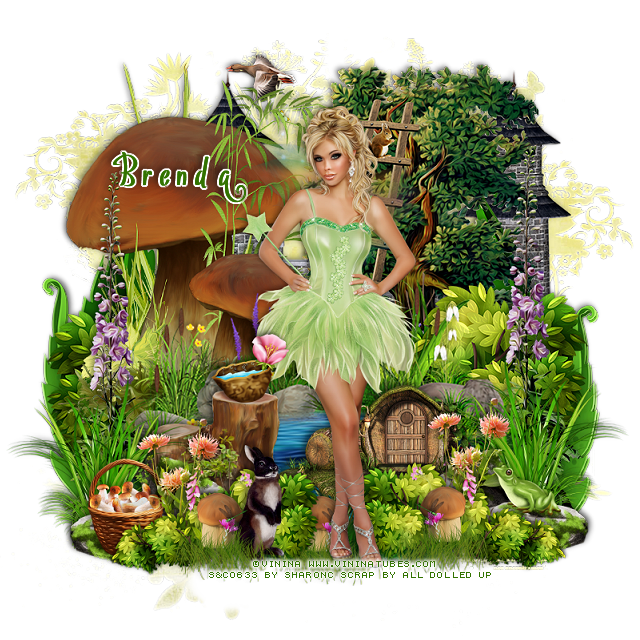
PTU Fairy VN


This tut was written March 25th, 2020,  for those with a basic knowledge of psp.
I am using the awesome artwork of  Vi Nina
The tube is  "Fairy"
I bought mine when she was still at S&CO 
You need a license to use this tube, do not use without a license.
You can find this tube at her store  HERE

I used PSPX...but any of them should work.
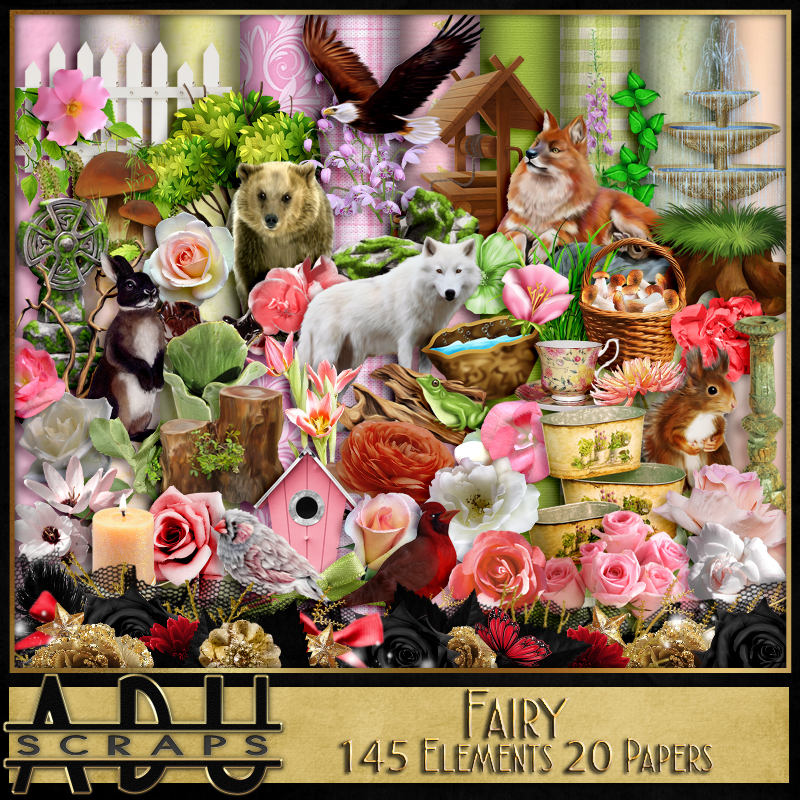
PTU kit Fairy_VN by All Dolled Up,  HERE or HERE
Mask of choice I used DFly Mask_0053 HERE
Check out the rest of the blog HERE


Font of choice,  I used Vytorla

Drop shadow is usually V-2 H-2 Black, 45, 10, use what you prefer.
Let's get started
*Remember to add your drop shadow as you go along*

Open a new layer 800 x 800
Paste paper 11, apply your mask, delete, merge group.

Paste element 54 at the bottom.
Paste element 64 on the mask layer behind the pond on the right
toward the bottom, duplicate, mirror.
Duplicate again, move to the top layer, resize to 55%, paste at the
bottom above the water pond, duplicate, mirror.
Paste element 34 on the left above the bushes.

Resize your tube to 45%, paste on the grass edge of the pond.

Paste element 27 on the mask layer to the right of the mushroom.
Resize element 32 to 30%, paste at the lower left above the bushes,
duplicate, move behind the tube, duplicate, mirror, adjust on the right.

Resize element 39 to 55%, paste on the right below the small bush,
duplicate, mirror.
Resize element 14 to 40%, paste on the left above the tall grass, duplicate,
mirror.

Resize element 29 to 40%, paste on the left below the rocks.
Resize element 10 to 20%, paste at the lower right on the rock.
Resize element 74 to 35%, paste on the right below bush by the frog,
duplicate, move to the left.

Paste element 7 on the right on the mask layer, duplicate, mirror.
Paste element 133 on the mask now and to the right.
Resize element 9 to 20%, being on the top layer now, paste on the stump.

Paste element 45 on the right below the bush behind the frog, duplicate,
move to the left above the mushroom.

Resize element 131 to 30%, paste at the bottom by the small mushroom.
Resize element 125 to 60%, paste on the right on the pond layer.
Resize element 33 to 25%, paste at the lower left on the rock.

Add any other elements that you like, make your own.
Remember to always adjust all the elements how you like on your tag,
then resize your mask if needed before merging your tag.

Once happy, close off any background you had.
 Crop your tag to get rid of any stray edges, merge visible.
Resize, sharpen, add your Copyright and name.

That's it
Hope you enjoyed doing my tut.