Showing posts with label Carolina Seabra. Show all posts

Monday, June 26, 2023

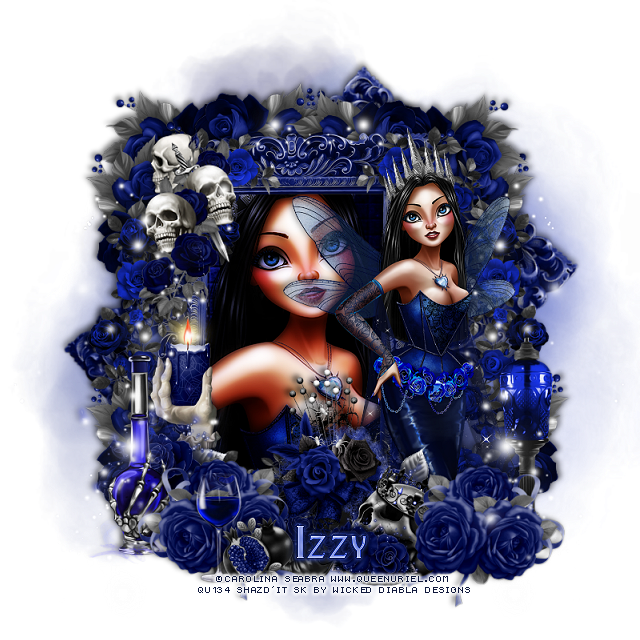
CT Tags Carolina Seabra/Wicked Diabla

  **CT Tags FOR *** Wicked Diabla Designs***

***Using the beautiful artist ©Carolina Seabra***

Tube is called "Goth Blue Valentine"
You can find the tube at her store HERE
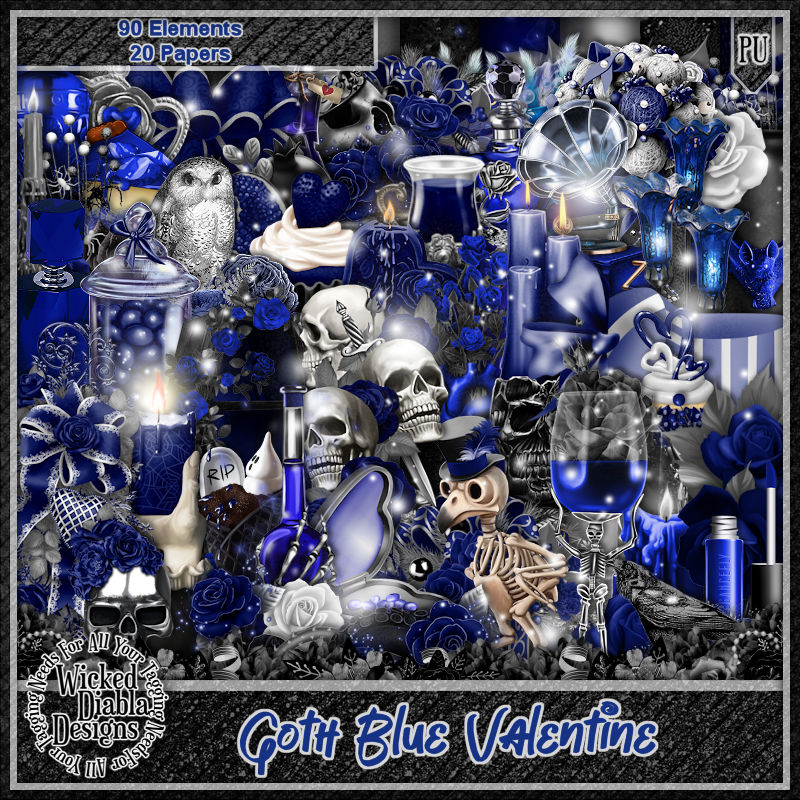
The kit was made to match the tube and is by the same name
"Goth Blue Valentine"
by Wicked Diabla Designs  HERE 
You can find all her kits at her store HERE

Below are the tags I made with this tube and kit 


Monday, February 20, 2023

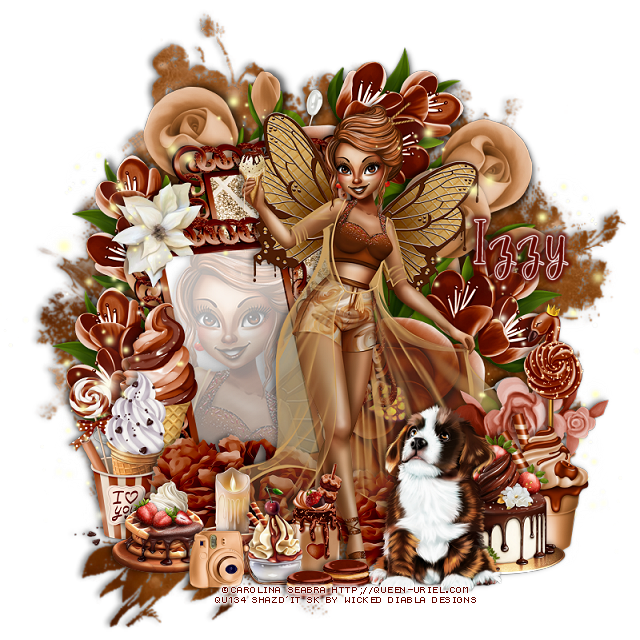
PTU Caramel Swirl Ice Cream Fairy


This tut was written February 20th, 2023 for those with a basic knowledge of psp. 

I am using the awesome tube by ©Carolina Seabra

Tube is called Caramel Swirl Ice Cream Fairy
You need a license to use this tube, please do not use without a license.
You can find this tube at her store HERE

I used PSP2020...but any of them should work.
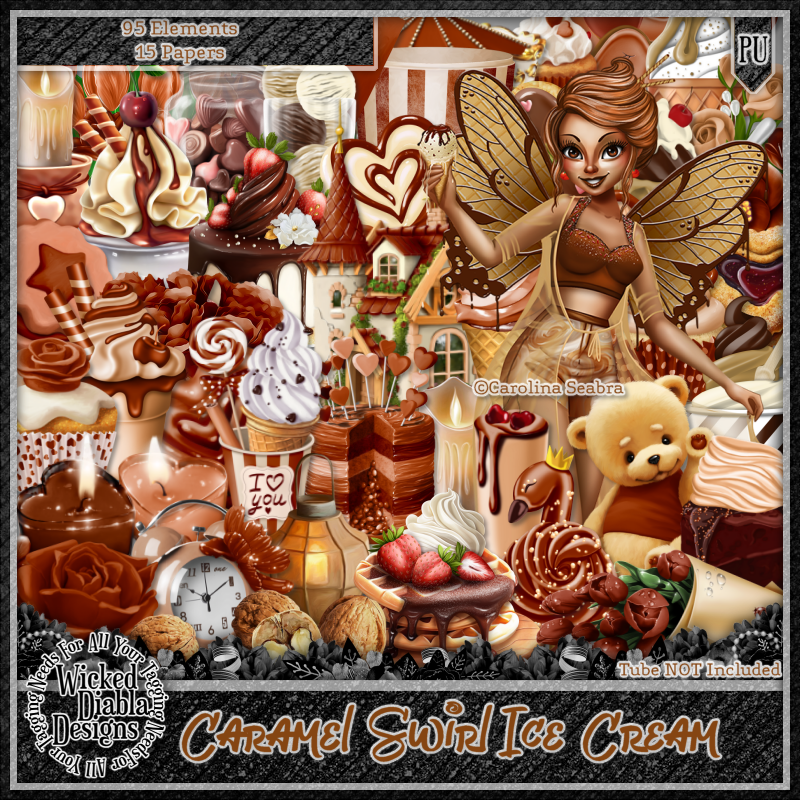
PTU Scrap Caramel Swirl Ice Cream Fairy by Wicked Diabla Designs  HERE 
 This awesome kit is a match for the tube by the same name, 
it has 95 elements and 15 papers
Mask of choice, I used Miz Teeques Mask 285 HERE
Check out the rest of the Blog HERE

Font of choice, I used Betterfly

Drop shadow is V -1 H -4, 50, 10, color black or use what you prefer.
Let's get started
*Remember to add your drop shadow as you go along*

Open a new image, 800 x 800, select all, new layer, paste paper 13 into selection,
apply your mask, delete, merge group.

Resize element 19 to 45%, paste, move up on the left a bit, duplicate, move
over and down more on the left.
Take your magic wand, click inside the frame that was move down, expand
by 2, paste your tube, invert, delete, lower the opacity to around 30,
merge down.
Fill the back mirror with a paper if you like. I used paper 5, resized to 50%.

Resize your tube to 60%, paste above the frames to the right a bit.

Resize element 16 to 50%, paste on the right below the frame layer, duplicate,
mirror, duplicate, move up on the left and below the other flower layers, 
duplicate once more, free rotate to the right at 90, move to the top.
Resize element 7 to 25%, paste at the lower right above the tube.

Resize element 38 to 60%, paste at the bottom left above the frame, duplicate, 
move to the right.
Resize element 75 to 27%, mirror, paste at the lower right above the tube.
Resize element 88 to 20%, paste on the right behind the dog.
Resize element 77 to 20%, paste behind the cake on the right.

Resize element 43 to 30%, paste on the left above the frame.
Resize element 72 to 25%, paste above the ice cream cone.
Resize element 5 to 17%, paste at the bottom above the tube.
Resize element 1 and 4 to 15%, paste at the bottom.
Resize element 40 to 30%, paste behind the camera and ice cream at the bottom.

Resize element 6 to 7%, paste at the bottom by the dog, duplicate, move over a bit.
Resize element 92 to 15%, paste at the lower left behind the camera.
Resize element 14 to 15%, paste on the frame at the top left.
Resize element 73 to 20%, paste on the right below the cakes.

Resize element 84 to 75%, paste on the left, duplicate, mirror.

Add any other elements that you would like, make it your own.
Always readjust your mask and elements how you like them before you
 merge your tag, resize, sharpen.

Crop your tag to be sure no shadows or lines are on the edges.
 Then add your copyright and name.
That's it

Hope you enjoyed doing my tut.  

Thursday, December 29, 2022

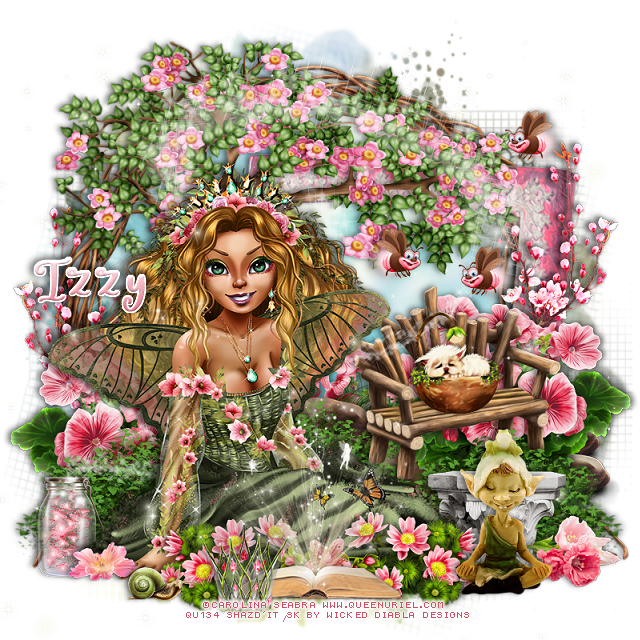
PTU Spring Queen Fairy


This tut was written December 29th, 2022 for those with a basic knowledge of psp. 

I am using the awesome tube by ©Carolina Seabra

The tube is called Spring Fairy Queen
You need a license to use this tube, please do not use without a license.
You can find this tube at HERE

I used PSP2020...but any of them should work.
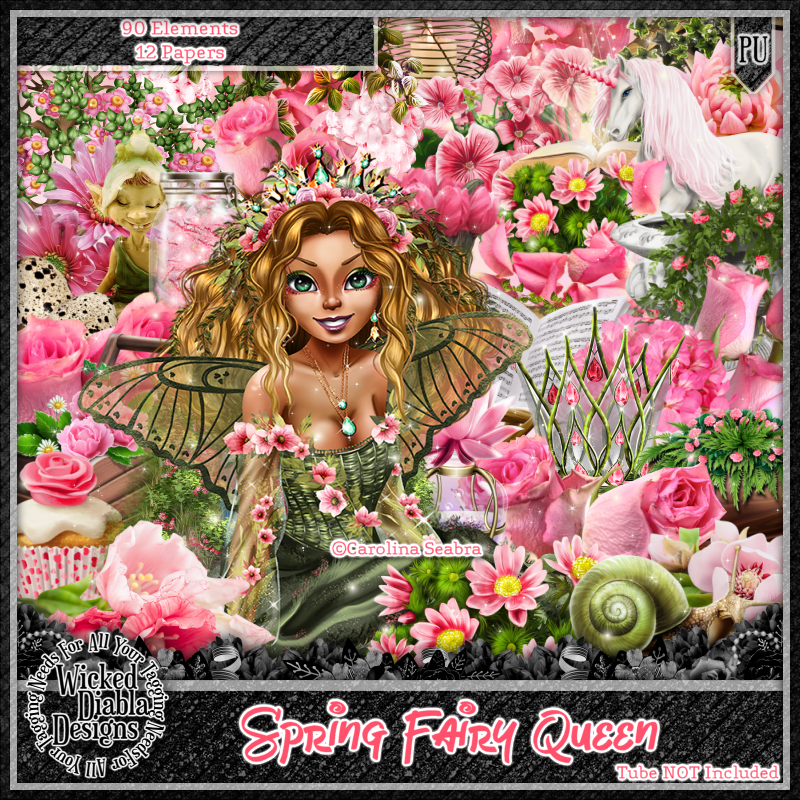
PTU Scrap Spring Fairy Queen by Wicked Diabla Designs  HERE 
This awesome kit has 90 elements and 12 papers
"Tube is not included" 
Mask of choice, I used Miz Teeque's Mask 84  HERE
Check out the rest of the Blog HERE

Font of choice, I used Fairy Mother

Drop shadow is V -1 H -4, 50, 10, color black or use what you prefer.
Let's get started
*Remember to add your drop shadow as you go along*

Open a new image, 800 x 800, resize paper 11 to 80%, paste, apply your mask,
 delete, merge group.
I resized mine larger to 115%.

Resize element 15 to 85%, paste.
Resize element 20 to 65%, mirror, paste on the left and up.
Resize element 72 to 65%, paste on the right below the tree.
Paste element 12 above the tree layer on the right on the pink frame.

Resize your tube to 75%, paste on the left.

Resize element 16 to 30%, paste on the right on the rocks below the tube.
Resize element 51 to 15%, paste on the bench.
Resize element 17 to 35%, paste on the lower left below the tube, duplicate,
move to the center more, duplicate again, move to the right above the rocks.

Resize element 49 to 35%, paste on the left behind the tube, duplicate, move
to the center more, duplicate once more, mirror, move above the rocks.
Paste element 18 below the tube layer where you like.
Resize element 32 to 15%, paste at the lower left.
Resize element 4 to 10%, paste at the lower left.

Resize element 50 to 20%, paste at the bottom above the tube, duplicate, mirror,
Resize element 29 to 15%, paste at the bottom center.
Resize element 10 to 35%, paste at the bottom.
Resize element 22 to 20%, paste at the lower right below the flowers.
Resize element 69 to 25%, paste at the bottom above the flowers.
Resize element 47 to 15%, paste at the lower right behind the elf.
Resize element 87 to 50%, paste on the right above the pink frame, duplicate, mirror,
move down more on the left.
Resize element 74 to 15%, paste at the bottom above the book.
Resize element 30 to 10%, duplicate twice more, paste where you like.
Resize element 52 to 10%, paste at the bottom left.
Resize element 9 to 95%, paste being on the top layer.

Add any other elements that you would like, make it your own.
Always readjust your mask and elements how you like them before you
 merge your tag, resize, sharpen.

Crop your tag to be sure no shadows or lines are on the edges.
 Then add your copyright and name.
That's it

Hope you enjoyed doing my tut.