Showing posts with label Luna Bella. Show all posts

Tuesday, September 8, 2026

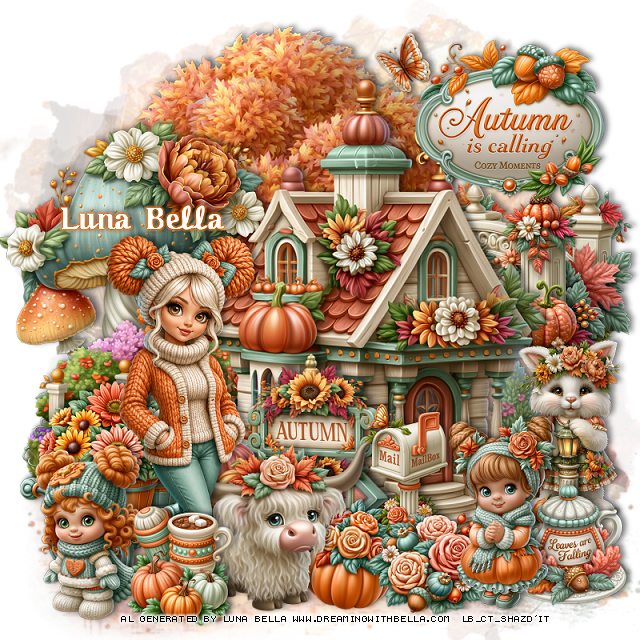
PTU Happy On A Fall Day


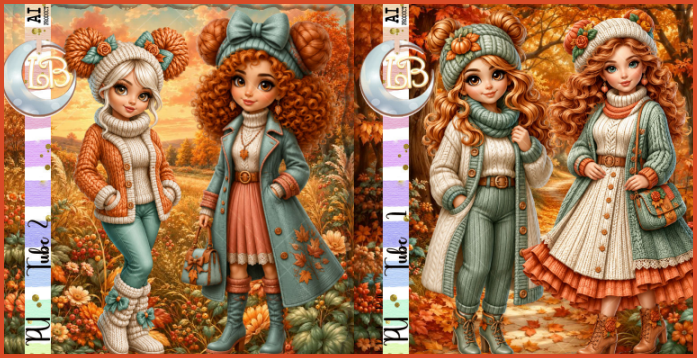
Matching tubes that you can purchase
 This tut was written September 8th, 2026,  for those with a basic knowledge of psp. 

Awesome Al kit and tubes by Bella Caribeña
Everything is included in the kit
Read the TOU on how to credit tags

I used PSP2020...but any of them should work.
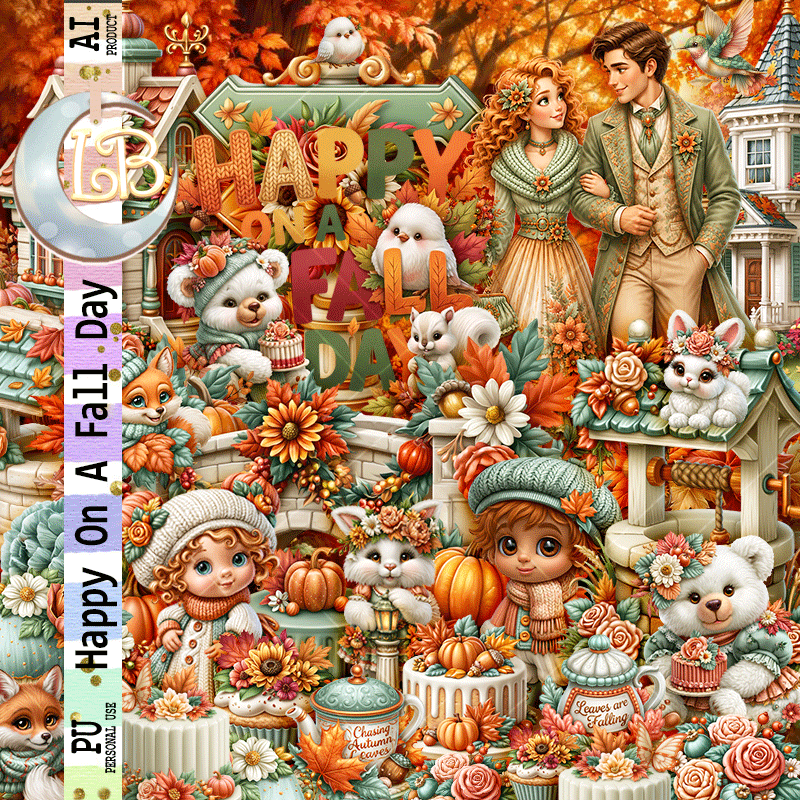
PTU Scrap Happy On A Fall Day by Luna Bella  HERE
Autumn Theme kit
Kit contains 2 Al generate tubes, 102 elements, 1 wordart, and 12 papers
You can check out the rest of her store HERE 
I used a tube from her Tube pack 2 HERE

Font of choice I used Octoberfest

 Drop shadow as you go is V -2 H 4, 40, 10, or use what you prefer.
Let's get started
*Remember to add your drop shadow as you go along*

Open a new image 800 x 800, paste 67, adjust to fit.

Resize 8 to 65%, paste at the top.
Resize 22 to 60%, paste to the right above the tree.
Resize 40 to 40%, paste on the left below the house.
Resize 90 to 55%, paste on the right below the house.
Resize 18 to 35%, paste at the bottom of the house.
Resize 49 to 30%, paste on the right below the house.

Resize tube 2 from the 2 pack of tubes to 25%, mirror, paste at 
the bottom to the left.

Resize 38 to 12%, paste on the bottom right above the house.
Resize 12 to 30%, paste at the bottom below the tube.
Resize 83 to 25%, paste on the bottom left below the tube.
Resize 35 to 20%, paste on the bottom left.
Resize 95 to 15%, paste at the bottom above the girl.
Resize 59 to 15%, paste at the bottom of the house.
Resize 52 to 15%, paste at the bottom right.
Resize 54 to 25%, paste on the upper right.
Resize 88 to 25%, paste at the top by the sign.

Resize 34 to 20%, paste at the bottom right.
Resize 32 to 25%, paste at the bottom below the ox animal.
Resize 51 to 17%, paste at the bottom below the girl.

Add any other elements you would like, resize.
Crop your tag to be sure no shadows or lines are on the edges.
 Then add your copyright and name.
That's it

            Hope you enjoyed doing my tut       

Saturday, August 22, 2026

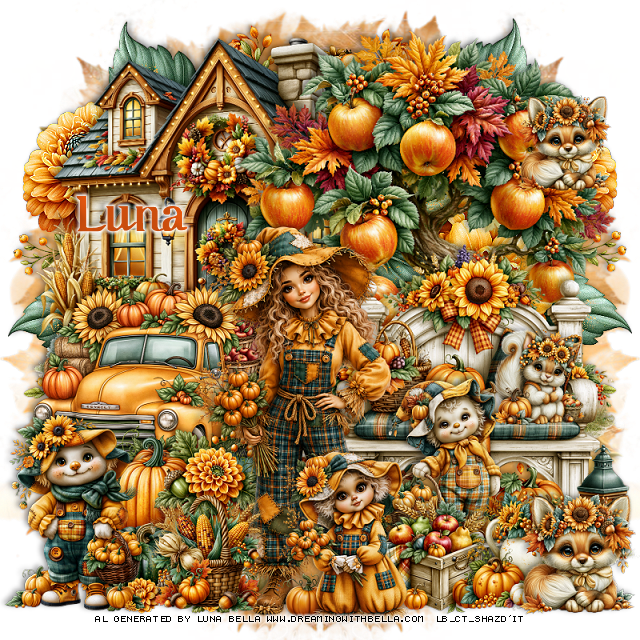
PTU A Bright Fall

 This tut was written August 22nd, 2026,  for those with a basic knowledge of psp. 

Awesome Al kit and tubes by Bella Caribeña
Everything is included in the kit
Read the TOU on how to credit tags

I used PSP2020...but any of them should work.
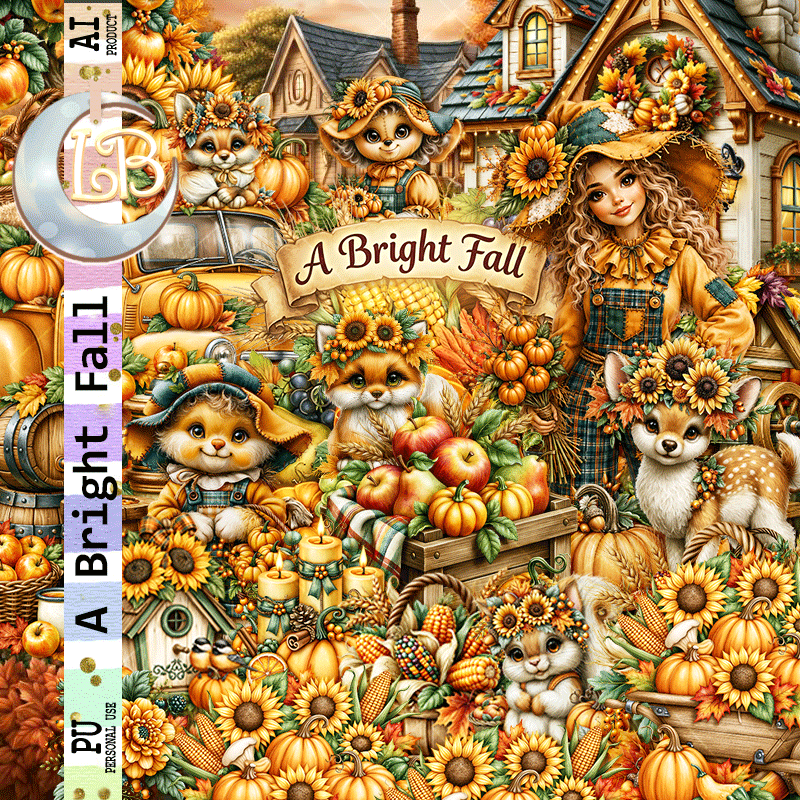
PTU Scrap A Bright Fall by Luna Bella  HERE
Autumn Theme kit
Kit contains 3 Al generate tubes, 80 elements, 1 wordart, and 15 papers
You can check out the rest of her store HERE 
RD Mask 683 HERE
Check the rest of the blog HERE

Font of choice I used Octoberfest

 Drop shadow as you go is V -2 H 4, 40, 10, or use what you prefer.
Let's get started
*Remember to add your drop shadow as you go along*

Open a new image 800 x 800, paste paper 11, apply your mask.
Paste 34 on the mask at the upper right, duplicate, mirror.

Resize 47 to 75%, paste on the upper left.
Resize 5 to 90%, paste at the upper right above the house.
Resize 1 to 50%, paste on the bottom left above the tree.
Resize 37 to 70%, paste on the bottom right.
Resize 40 to 40%, paste at the bottom left above the truck.
Resize 13 to 40%, paste on the bottom left.
Resize 21 to 20%, paste on the bench on the right.

Resize tube 2 to 25%, paste at the bottom.

Resize 41 to 25%, paste at the bottom above the tube on the left.

Resize 24 to 35%, paste at the bottom above the tube.
Resize 50 to 25%, paste on the bottom right below the little scarecrow.
Resize 39 to 25%, paste at the bottom right.
Resize 17 to 25%, paste on the bottom right.
Resize 15 to 35%, paste on the right above the bench, behind the box
of apples.

Add any other elements you would like, resize.
Crop your tag to be sure no shadows or lines are on the edges.
 Then add your copyright and name.
That's it

            Hope you enjoyed doing my tut       
Tuesday, June 11, 2024

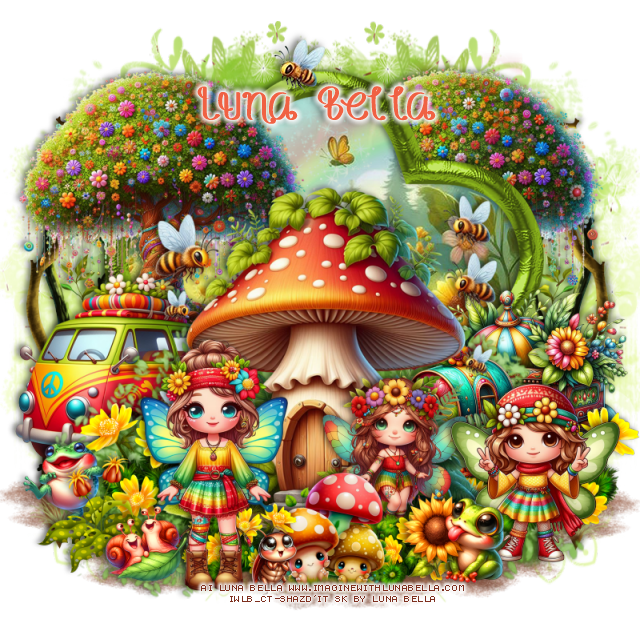
PTU We Bee Long Together


This tut was written June 10th, 2024 for those with a basic knowledge of psp. 

 AI generated tube by Bella Caribena

Dolls are included in the kit
Read the TOU on how to credit your tags 

I used PSP2020...but any of them should work.
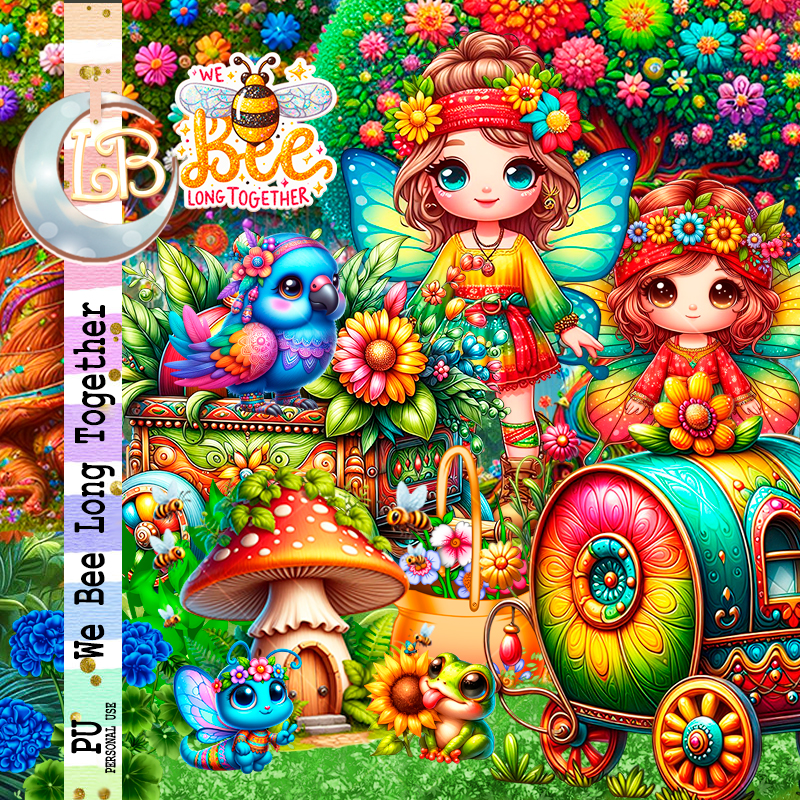
PTU Scrap We Bee Long Together by Luna Bella  HERE HERE 
This kit has 86 elements ( 6 of them are dolls) and 12 papers. 
This kit is for personal use Only

Font of choice, I used Honey Bee

Drop shadow as you go is V -2 H 4, 40, 10, or use what you prefer.
Let's get started
*Remember to add your drop shadow as you go along*

Open a new image 800 x 800, paste element 4 on the right, duplicate,
mirror.

Paste element 33, click inside with the magic wand, paste paper 10, 
move where you like, invert, delete.
Paste element 8 in the frame, erase the outside parts.
Resize AI element 6 to 75%, paste. 
Paste element 5 at the bottom below the frame, duplicate twice, move
each one to each side.
Resize element 30 to 110%, paste at the bottom behind the mushroom.
Resize AI element 15 to 30%, paste behind the mushroom on the right.
Resize AI element 10 to 50%, paste above the frame on the left.
Resize AI element 11 to 40%, paste above the frame on the right.

 Resize AI element 2 to 20%, paste at the bottom right above the mushroom.
 Resize AI element 22 to 20%, paste at the bottom above the mushroom.
Resize AI element 4 to 23%, paste at the bottom right below the frog.
Resize AI element 28 to 35%, paste at the bottom.
Resize AI element 26 to 60%, paste on the left behind the van,
duplicate, move behind the frame on the upper right, erase the bottom.
Resize AI element 1 to 20%, paste at the bottom left.
Resize element 31 to 25%, paste on the bottom left above the frog.
Resize AI element 36 to 17%, paste at the bottom left.

Resize element 18 to 25%, paste at the bottom behind the girl.
Resize AI element 10 to 25%, paste at the bottom below the mushrooms 
and frog, duplicate, move to the left behind the mushrooms
Resize AI element 35 to 15%, mirror, paste at the bottom.
Paste element 11 on the mask layer on the left, duplicate, mirror.

Add any other elements you would like, resize.
Crop your tag to be sure no shadows or lines are on the edges.
 Then add your copyright and name.
That's it

Hope you enjoyed doing my tut 
Monday, May 27, 2024

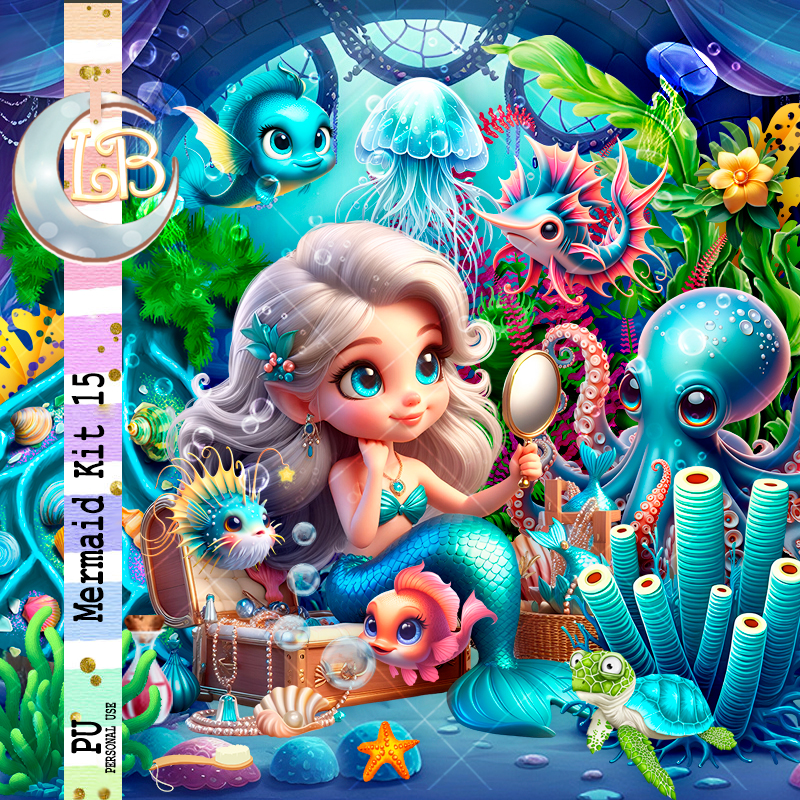
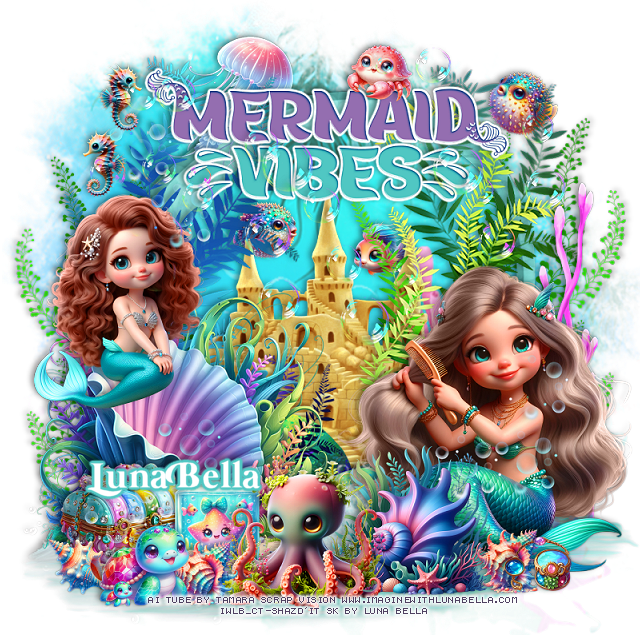
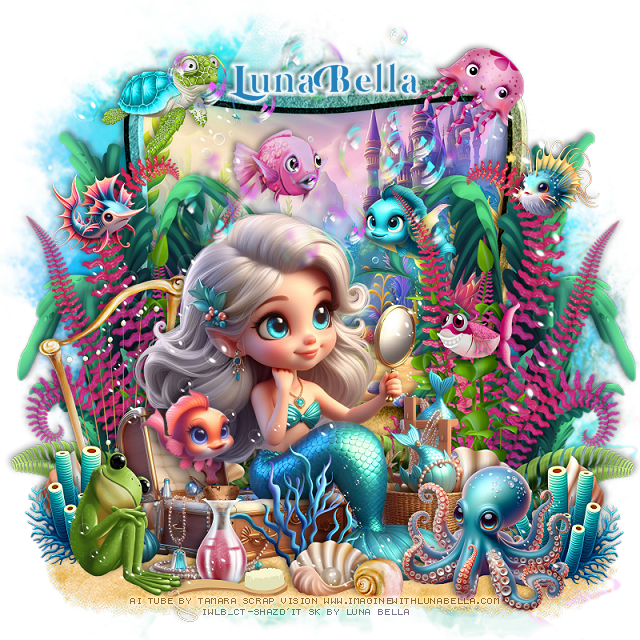
PTU Mermaid Kit 15


This tut was written May 26th, 2024 for those with a basic knowledge of psp. 

 AI generated tube by Tamara Scrap Vision

 Tubes are included in the kit
Read the TOU on how to credit your tags 

I used PSP2020...but any of them should work.
PTU Scrap Mermaid kit 15 by Luna Bella  HERE HERE 
Mermaid theme kit. 
Al tube by Tamara Scrap Vision, 78 elements and 10 papers. 
This kit is for personal use Only

Font of choice, I used Mermaid Swash Caps

Drop shadow as you go is V -2 H 4, 40, 10, or use what you prefer.
Let's get started
*Remember to add your drop shadow as you go along*

Open a new image 800 x 800 
Paste element 25, click inside with the magic wand, resize paper 3
to 60%, invert, delete.
Paste element 6 below the frame, resize to fit your tag, duplicate,
merge down.

Resize your tube to 25%, paste.

Resize element 4 to 115%, paste at the bottom above the frame.
Resize element 53 to 75%, paste on the right above the frame, duplicate,
mirror.
Resize element 5 to 50%, paste behind the tube on the left.
Resize element 55 to 85%, paste on the left behind the tube, duplicate, mirror.
Resize element 51 to 20%, paste at the bottom above the tube.
Resize element 47 to 30%, paste on the bottom left.

Resize AlEl 4 to 35%, paste at the bottom right above the tube.
Resize AlEl 9 to 30%, paste on the right behind the octopus, duplicate, mirror.
Resize AlEl 6 to 20%, paste in the frame below the plants.
Resize element 12 to 20%, paste on the left in the frame.
Resize element 38 to 25%, paste at the bottom on the sand.
Resize element 36 to 20%, paste at the bottom below the brush.
Resize AlEl 7 to 20%, mirror, paste by the tube to the left.

Resize element 32 to 25%, paste at the top above the frame.
Resize element 18 to 25%, paste on the upper left.
Resize AlEl 5 to 20%, paste on the right.
Resize AlEl 3 to 20%, paste on the left.
Resize element 3 to 20%, paste on the right down by the mirror of the tube.
Resize element 52 to 20%, paste at the bottom above the tube behind the shell.
Paste AlEl 1 where you like being on the top layer.
Resize element 11 to 85%, paste at the top.
Resize element 16 to 10%, paste at the bottom.

Add any other elements you would like, resize.
Crop your tag to be sure no shadows or lines are on the edges.
 Then add your copyright and name.
That's it

Hope you enjoyed doing my tut
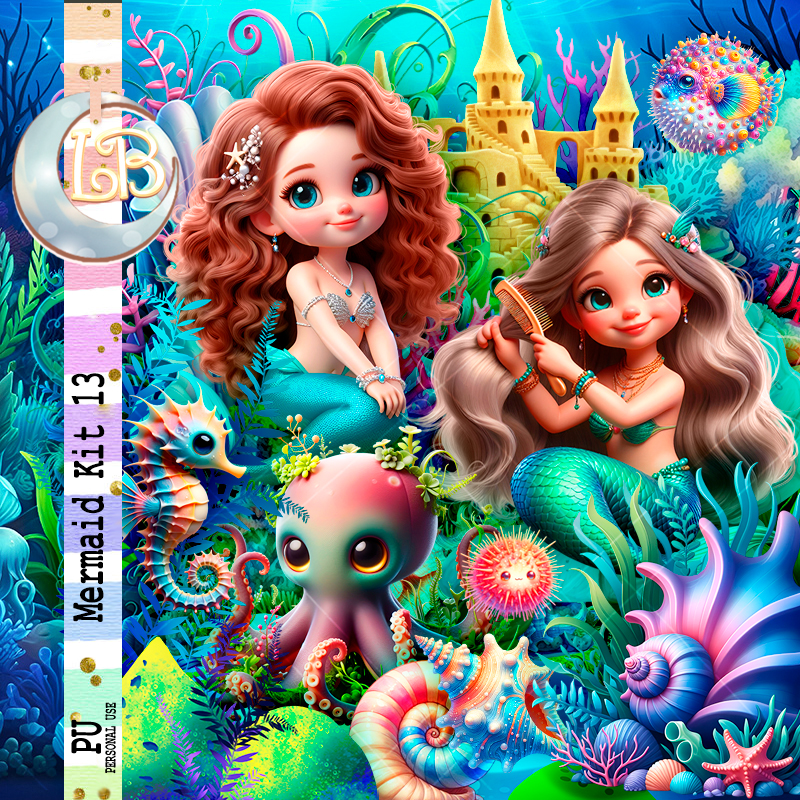
PTU Mermaid Kit 13


 This tut was written May 26th, 2024 for those with a basic knowledge of psp. 

 AI generated tubes by Tamara Scrap Vision

 Tubes are included in the kit
Read the TOU on how to credit your tags 

I used PSP2020...but any of them should work.
PTU Scrap Mermaid kit 13 by Luna Bella  HERE HERE 
Mermaid theme kit. 
4 Dolls by Tamara Scrap Vision, 72 elements and 11 papers. 
This kit is for personal use Only

Font of choice, I used Mermaid Swash Caps

Drop shadow as you go is V -2 H 4, 40, 10, or use what you prefer.
Let's get started
*Remember to add your drop shadow as you go along*

Open a new image 800 x 800, paste 

Resize element 13 to 120%, paste.
Paste element 6.
Resize element 3 to 85%, paste in the frame.
Resize element 7 to 110%, paste at the bottom above the frame.
Resize element 36 to 110%, paste at the bottom.
Resize AlEl 7 to 60%, paste at the bottom left.

Resize tube 2 to 20%, paste on the bottom right.
Resize tube 3 to 15%, mirror, paste on the shell on the left.
Resize AlEl 6 to 35%, paste at the bottom above the tube.
Resize AlEl 26 to 15%, paste below the caste  on the left. 
Resize AlEl 8 to 15%, paste below the caste  on the right.
Resize AlEl 4 to 35%, paste at the bottom above the shell.

Resize AlEl 21 to 20%, paste at the bottom below the octopus.
Resize AlEl 17 to 30%, paste at the bottom left behind the glass jar.
Resize AlEl 28 to 15%, paste at the bottom to the left of the octopus, duplicate,
move to the right by the mermaid.

Resize AlEl 13 to 15%, paste at the bottom right.
Resize AlEl 22 to 20%, mirror, paste at the bottom left.
Resize AlEl 29 to 15%, paste at the bottom left below the turtle.
Resize AlEl 5 to 30%, paste at the top above the frame on the left.
Resize element 1 to 65%, paste at the top, add a fat white gradient glow.
Resize AlEl 27 to 15%, paste on the wordart at the top.
Resize AlEl 31 to 15%, paste at the top right below the plant vines.
Resize AlEl 14 to 15%, paste at the top left, duplicate, mirror, move back to the left.
Paste AlEl 3 on the top layer how you like.
Resize element 29 to 75%, paste on the right behind the mermaid.
Resize element 19 to 50%, paste behind the mermaid on the left, duplicate, 
mirror, move up on the right.
Paste element 21 to the top above the wordart, erase any on the mermaids faces.

Add any other elements you would like, resize.
Crop your tag to be sure no shadows or lines are on the edges.
 Then add your copyright and name.
That's it

Hope you enjoyed doing my tut
Sunday, May 26, 2024

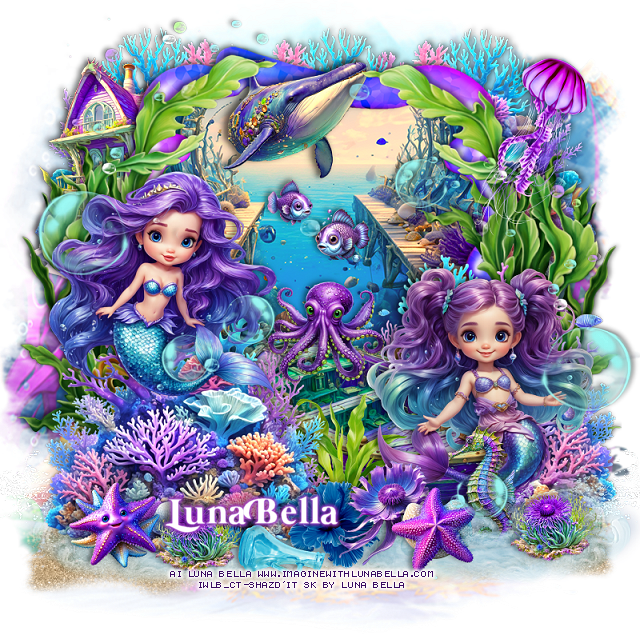
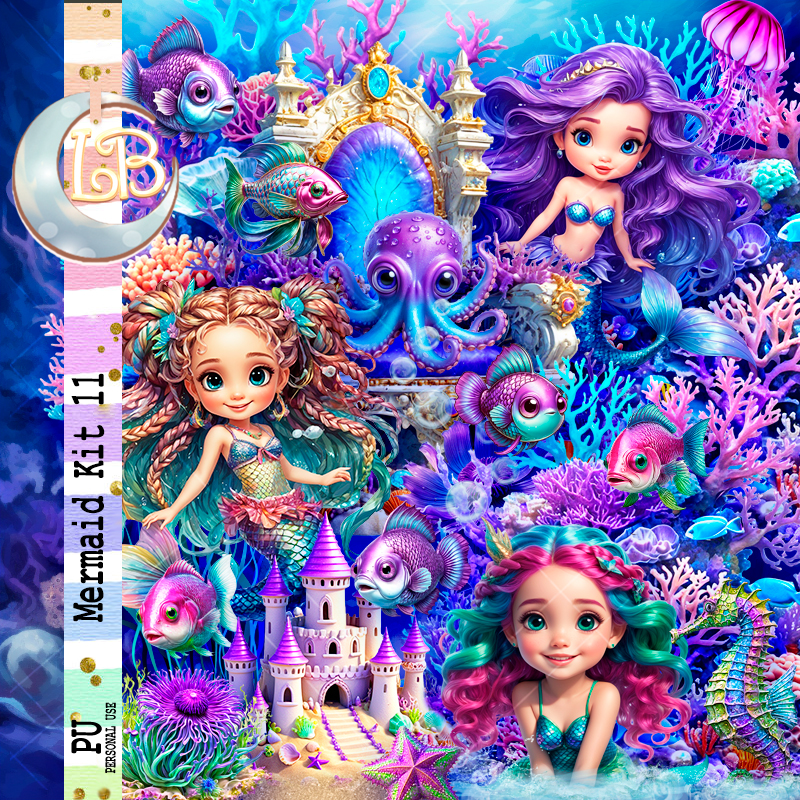
PTU Mermaid Kit 11


 This tut was written May 25th, 2024 for those with a basic knowledge of psp. 

 AI generated  chibi dolls by Bella Caribeña

 Tubes are included in the kit
Read the TOU on how to credit your tags 

I used PSP2020...but any of them should work.
PTU Scrap Mermaid kit 11 by Luna Bella  HERE HERE 
Mermaid theme kit. 
3 chibi dolls by Bella, 80 elements and 10 papers. 
This kit is for personal use Only

Font of choice, I used Mermaid Swash Caps

Drop shadow as you go is V -2 H 4, 40, 10, or use what you prefer.
Let's get started
*Remember to add your drop shadow as you go along*

Open a new image 800 x 800, paste element 24, resize to fit your tag,
duplicate, merge down.

Resize element 23 to 85%, paste, click inside with the magic wand,
paste AI-EI 35 below the frame how you like, invert, delete.
Resize AI-EI 30 to 65%, paste at the bottom above the frame, erase 
the bar part.
Resize AI-EI 1 to 40%, paste at the upper left below the paper layer of the frame.
Resize AI-EI 11 to 60%, paste behind the boat on the right, duplicate, mirror,
move above the boat on the left.
Paste element 4 at the bottom left being on the bottom layer, duplicate, mirror.
Paste element 31 at the bottom above the boat to one side, duplicate, mirror.
Resize Al-El 12 to 60%, paste at the top left above the mask, duplicate, mirror,
duplicate again, move to the center.

Resize Mermaid 1 and 2 to 15%, paste one on the left and the other on the boat.

Resize element 9 to 40%, paste at the upper right.
Resize AI-El 31 to 20%, paste at the bottom.
Resize AI-El 18 to 25%, paste on the back of the boat.
Resize Al-El 10 to 12%, paste in the frame.
Resize Al-El 7 to 10%, paste in the frame.
Resize element 5 to 85%, paste on the frame on the left, duplicate, mirror.
Resize element 14 to 30%, paste at the bottom above the boat.

Resize Al-El 46 to 25%, paste at the bottom.
Resize element 1 to 20%, paste at the bottom below the flower.
Resize element 2 to 20%, paste at the bottom above the flowers.
Resize Al-El 45 to 20%, paste at the bottom below the starfish, duplicate, 
move to the right by the mermaid.
Resize Al-El 43 to 25%, paste at the bottom right above the mermaid. 
Resize Al-El 33 to 20%, paste at the bottom right by the sea horse.
Resize AI-El 42 to 30%, paste at the top above the frame.
Resize element 20 to 85%, paste on the upper left, duplicate, mirror, move down.

Add any other elements you would like, resize.
Crop your tag to be sure no shadows or lines are on the edges.
 Then add your copyright and name.
That's it

Hope you enjoyed doing my tut
Sunday, April 28, 2024

PTU Spa


This tut was written April 28th, 2024 for those with a basic knowledge of psp. 

I am using an awesome AI generated tube by  AI-Tamara Scrap Vision

The tube is included in the kit
Read the TOU on how to credit your tags 

I used PSP2020...but any of them should work.
PTU Scrap Spa by Luna Bella  HERE HERE HERE
Spa theme kit. 
82 elements and 10 papers. This kit is for personal use Only
Mask of choice, I used Vivenne's Digital Tagging Mask 12 HERE
Check out the rest of the blog HERE
Filters 
Mura Meister Copies-Encircle.

Font of choice, I used Kiss Boom

Drop shadow as you go is V -2 H 4, 40, 10, or use what you prefer.
Let's get started
*Remember to add your drop shadow as you go along*

Open a new image 800 x 800, paste element 5, apply your mask.
Paste element 10 above the mask layer.

Resize element AlEl 19 to 25%, apply Mura Meister Copies-Encircle,
first 3 numbers on 10, 65, 65, paste.
Resize element AlEl 2 to 85%, paste.

Resize the tube to 25%, paste above the tub.

Resize element AlEl 5 to 35%, paste at the bottom right.
Resize element AlEl 36 to 40%, paste at the top, move to the right, duplicate,
move up and to the left.
Resize element AlEl 33 to 20%, paste at the bottom right.
Resize element AlEl 18 to 20%, paste at the bottom.

Resize element 38 to 50%, paste to the left and below the tube.
Resize element AlEl 12 to 50%, paste on the right below the tub, duplicate,
mirror.
Resize element 41 to 25%, paste at the bottom.
Resize element AlEl 24 to 20%, paste at the bottom left.
Resize element 40 to 15%, paste at the bottom.
Resize element AlEl 16 to 30%, paste at the bottom left below the jar.
Resize element 44 to 15%, paste at the bottom.
Resize element AlEl 6 to 15%, paste on the left where you like, duplicate, 
mirror.
Paste element 29 on the mask how you like.

Add any other elements you would like, resize.
Crop your tag to be sure no shadows or lines are on the edges.
 Then add your copyright and name.
That's it

Hope you enjoyed doing my tut