Showing posts with label Witch. Show all posts

Saturday, September 5, 2026

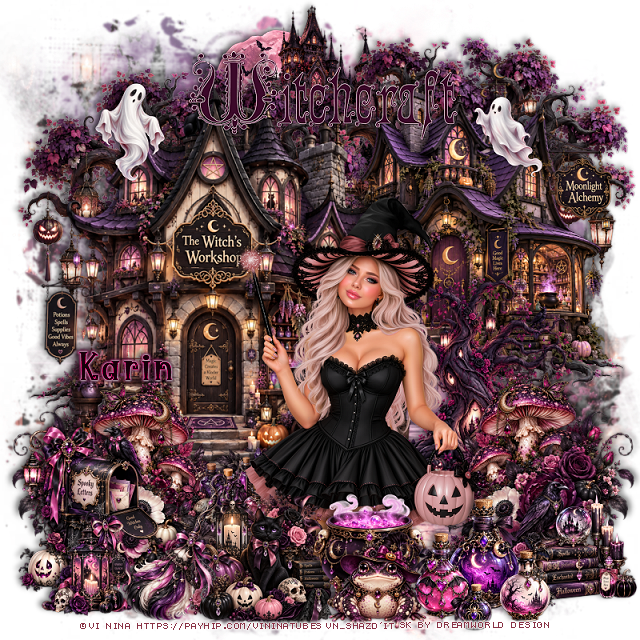
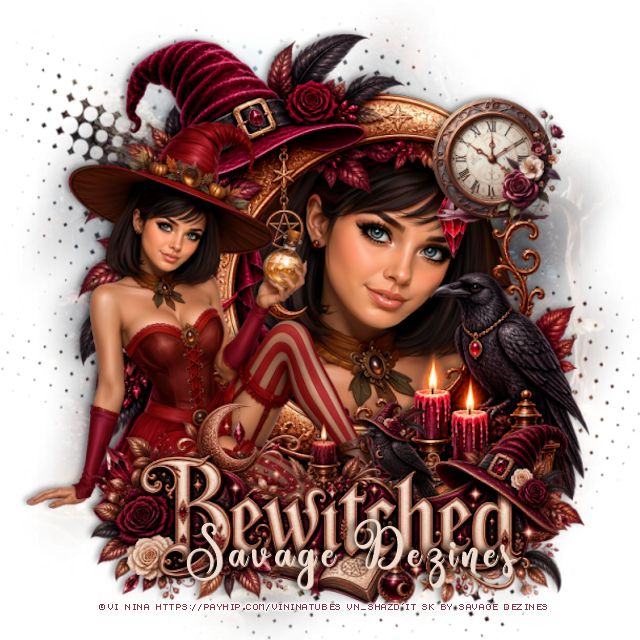
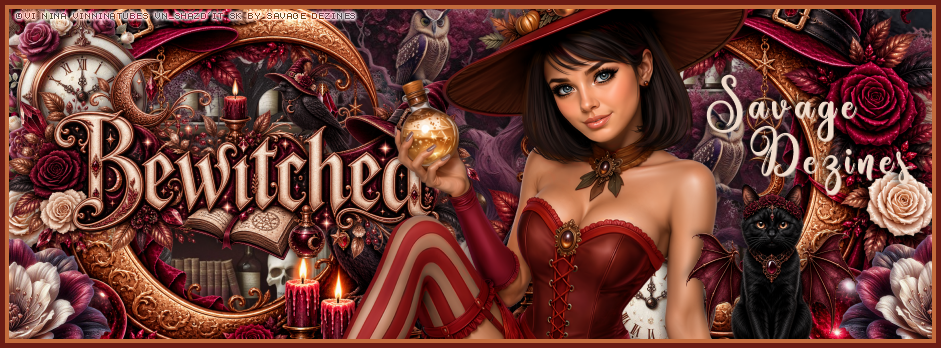
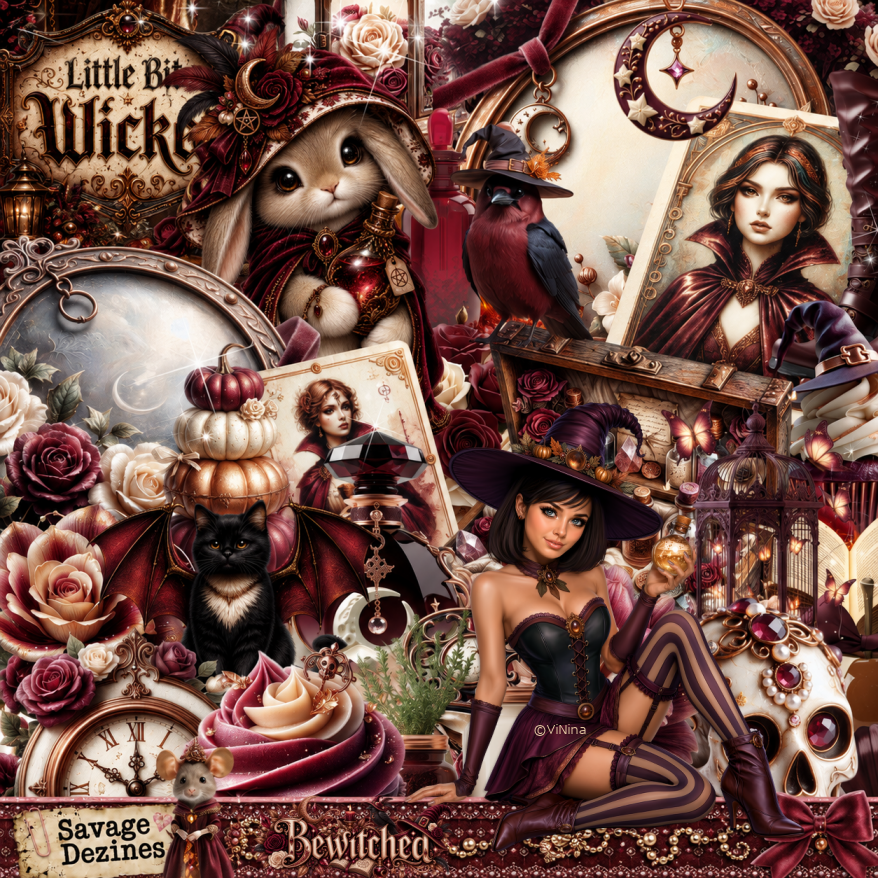
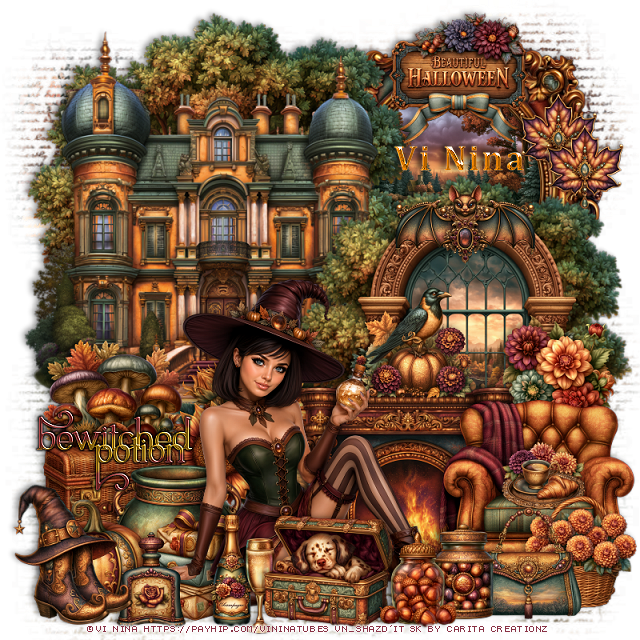
PTU Bewitched

 **~**CT for Vi Nina and Savage Dezines**~**
Awesome Al kit by Savage Dezines 

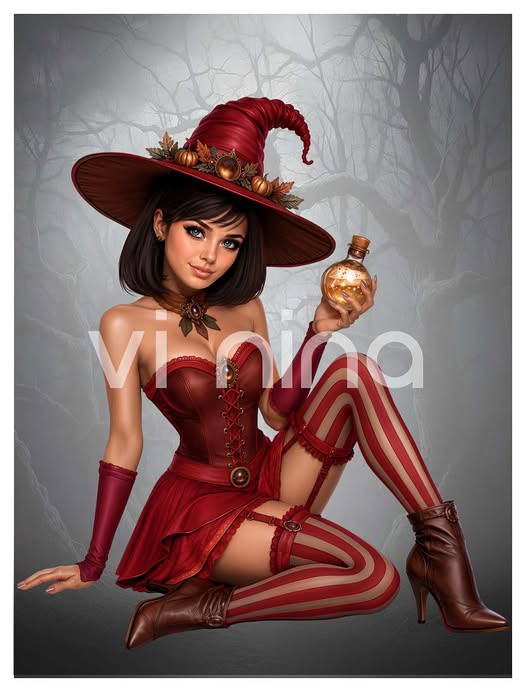
Awesome tube ©Vi Nina
Tube Bewitched Potion HERE

Awesome Al kit by Savage Dezines 
Kit: Bewitched HERE
You can find all the store links on her blog


Monday, August 24, 2026

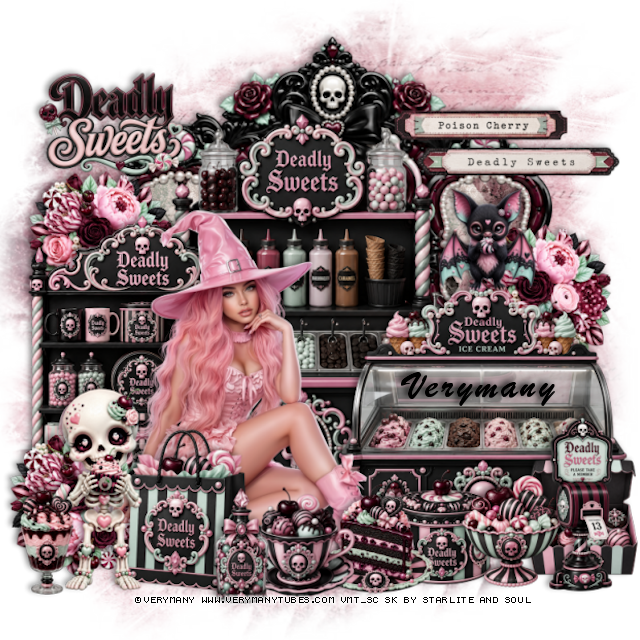
PTU CT Tag Sugar Witch

 **CT Tag  for Verymany and Starlite & Soul**

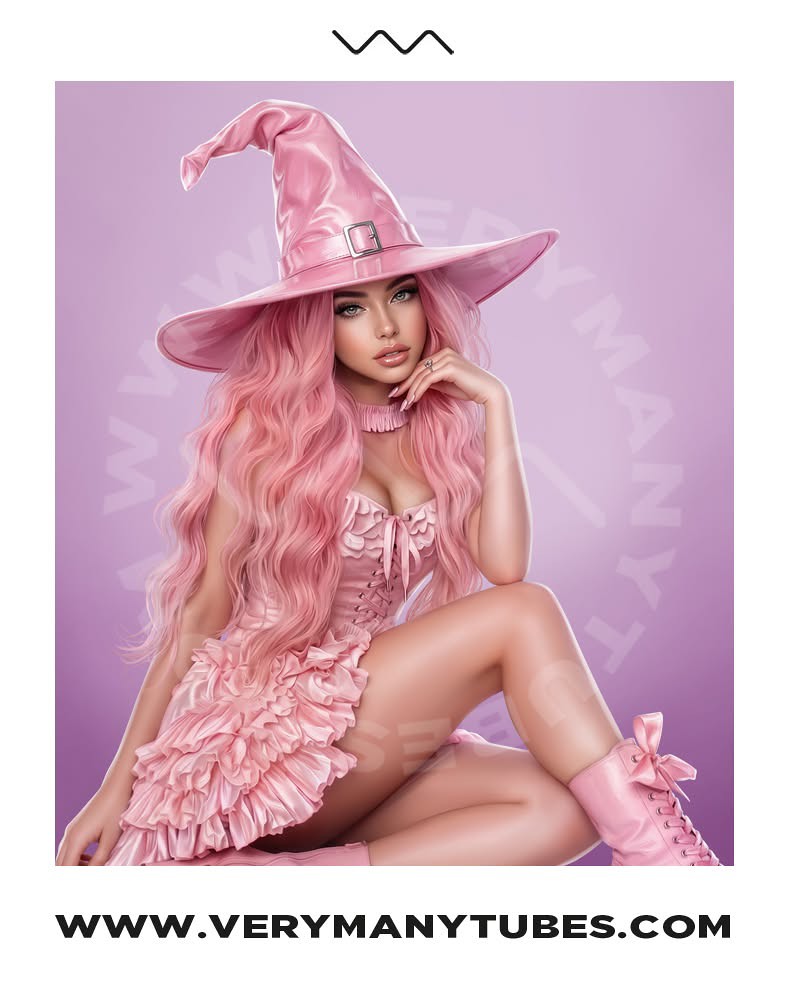
Tube used is the Awesome tube ©Verymany 

Sugar Witch HERE

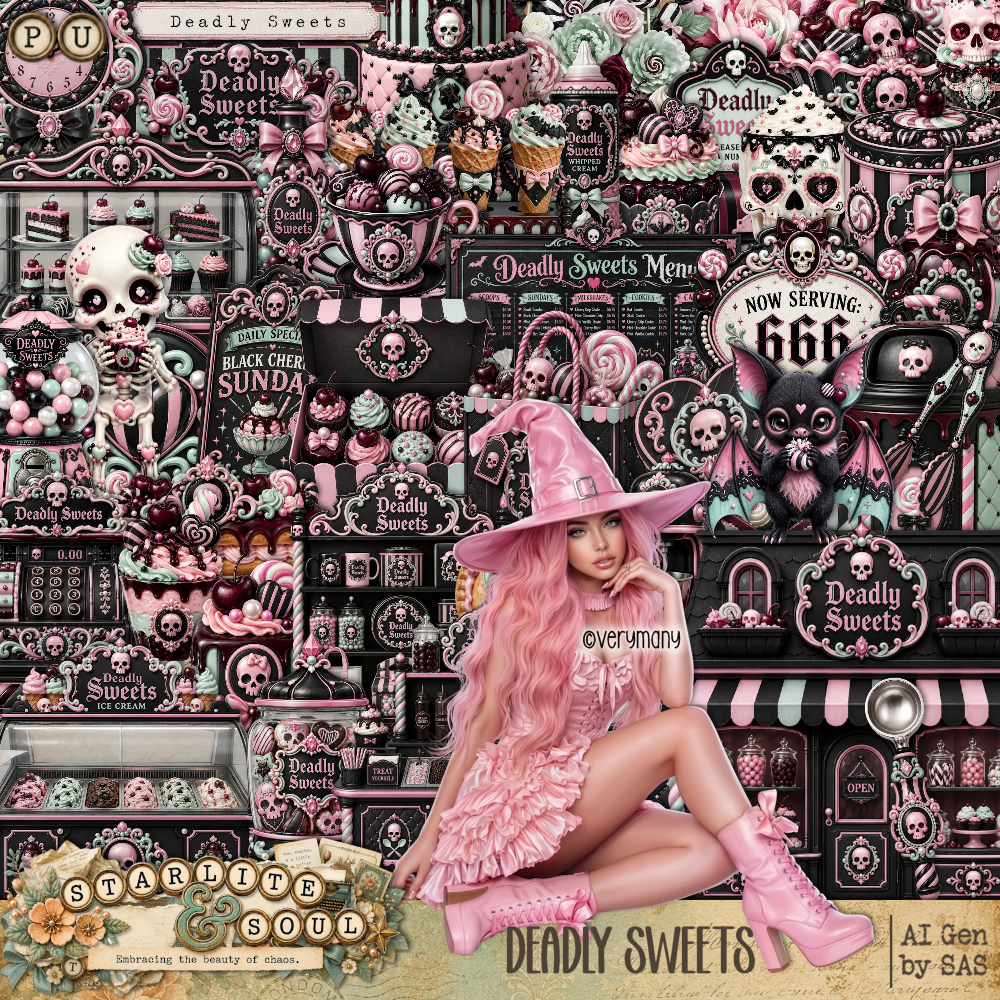
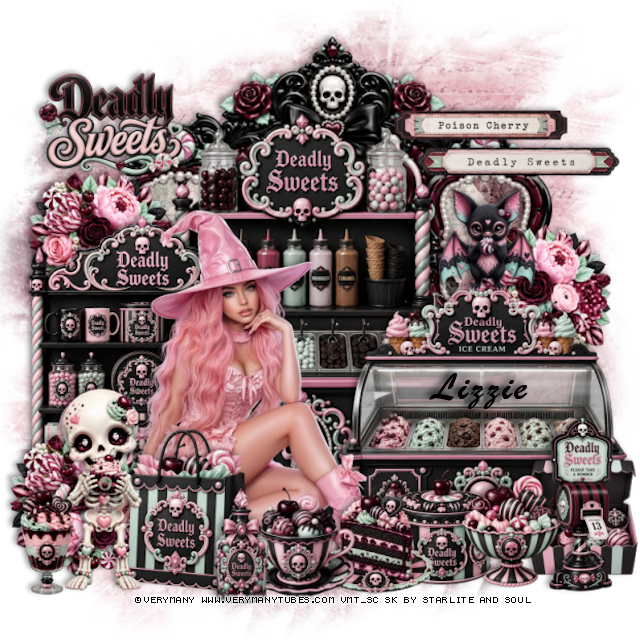
Kit by DBD: Deadly Sweets HERE


Tag for Lizzie

Sunday, August 23, 2026

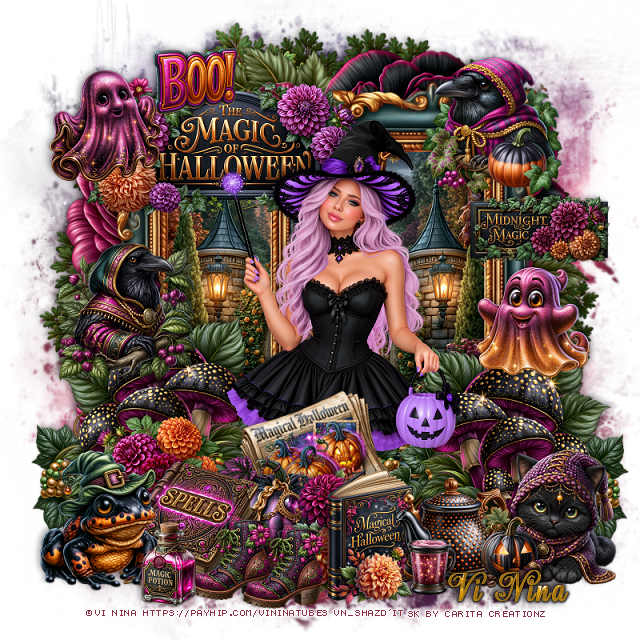
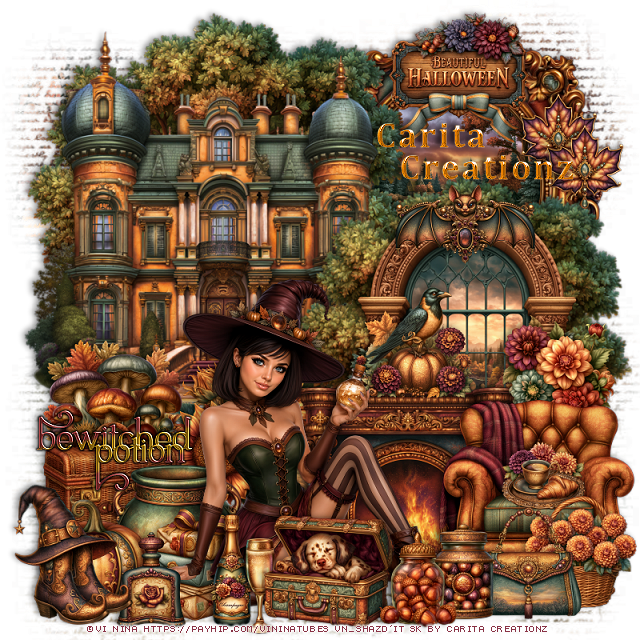
PTU Bewitched Potion


   This tut was written August 23rd, 2026 for those with a basic knowledge of psp. 

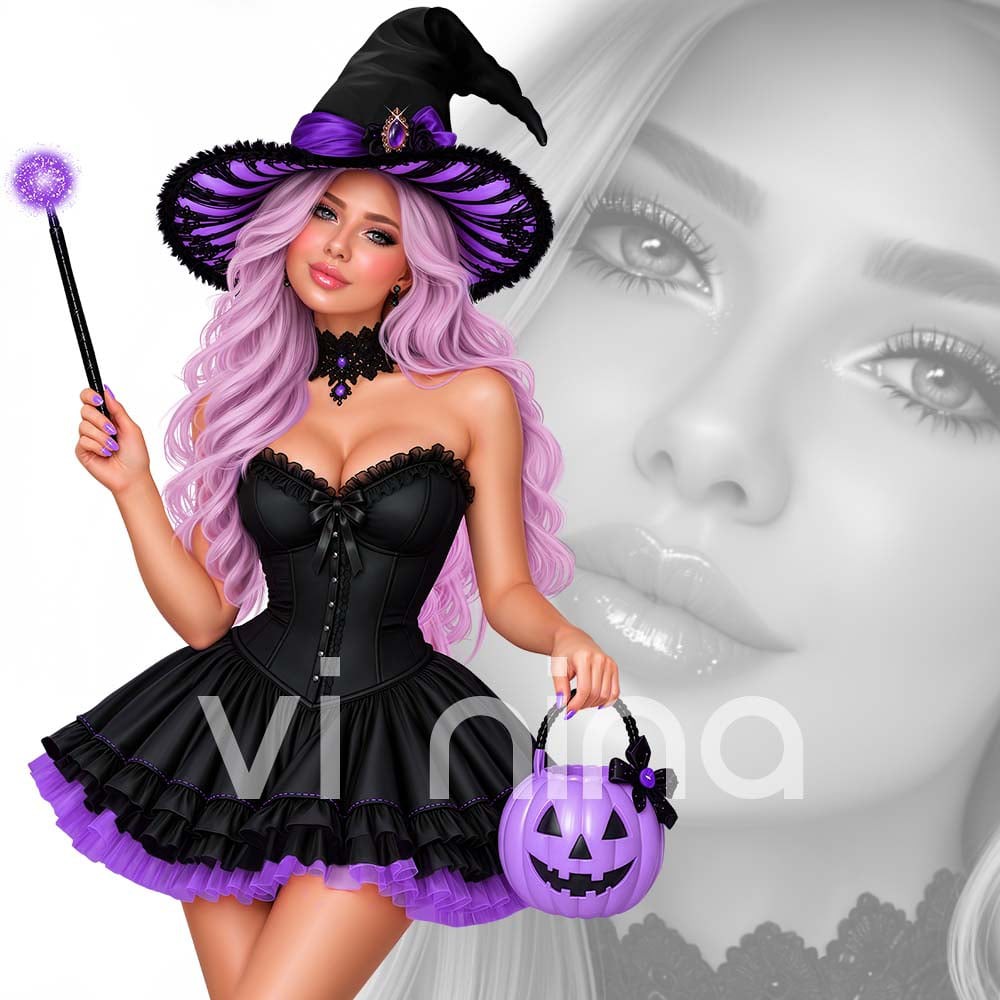
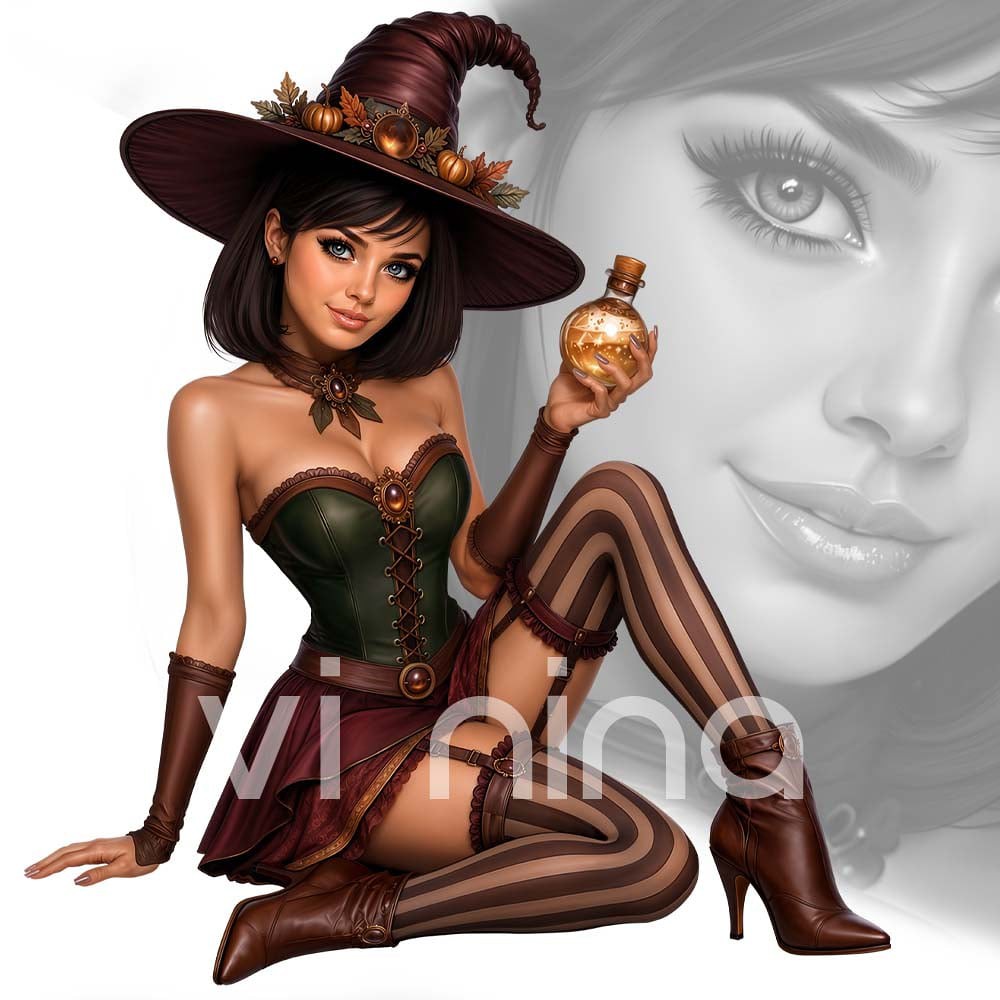
I am using the Beautiful tube ©Vi Nina
The tube is called Bewitched Potion
Comes in several colors
The tube is "NOT" included
You need a license to use this tube, please do not use without a license
You can find the tube at Vi Nina Store HERE

I used PSP2020...but any of them should work.
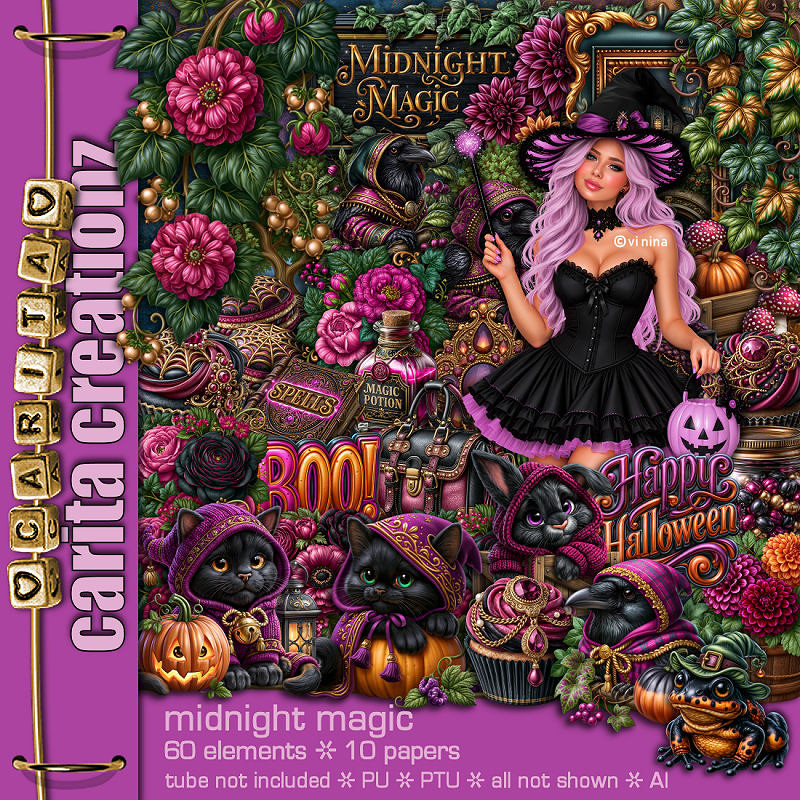
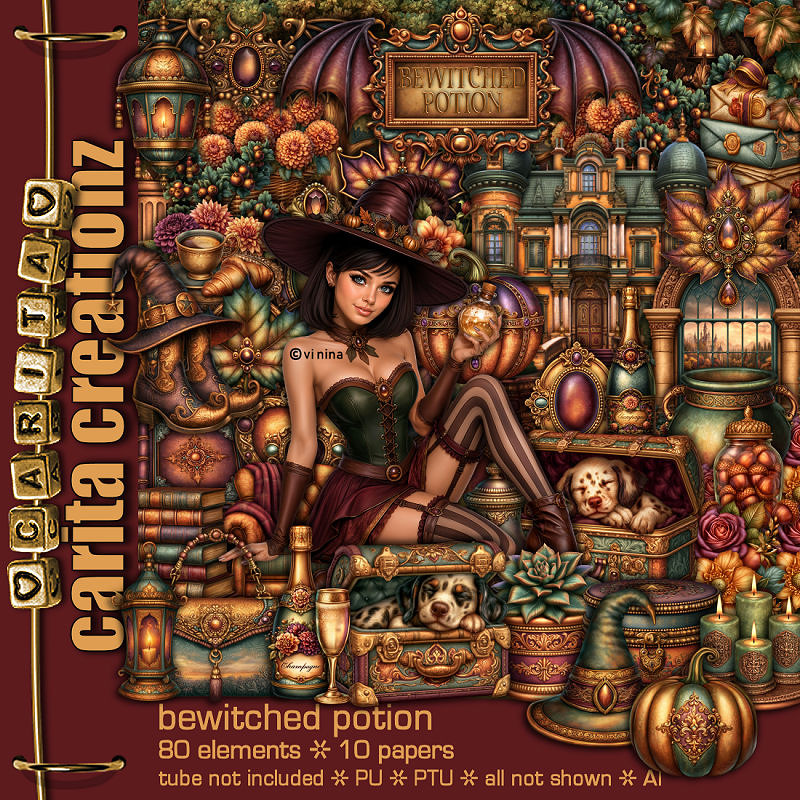
PTU Scrap Bewitched Potion by Carita Creationz  HERE
Kit has 80 elements and 10 papers 
Check her store out to see all her other kits and tubes HERE
Miz Teeques Mask 54 HERE
Check the blog HERE

Font of choice, I used Cambria

Drop shadow as you go is V -2 H 4, 50, 10, or use what you prefer.
Let's get started
*Remember to add your drop shadow as you go along*

Open a new image 800 x 800, paste paper 4, apply your mask, duplicate, merge 
down, adjust to fit your tag.

Resize 28 to 55%, paste on the upper right, resize 80 to 50%, 
paste below the frame.
Resize 76 to 70%, paste at the upper left above the frame, duplicate,
resize to 85%, paste to the right and down above the frame.
Resize 31 to 70%, paste on the left below the tree.

Resize 15 to 50%, paste on the right above the tree.
Resize 12 to 40%, paste at the bottom above the window.
Resize 14 to 25%, paste on the bottom right above the fireplace.
Resize 60 to 20%, paste on top of the fireplace.
Resize 61 to 25%, paste on the bottom left above the castle.
Resize 68 to 28%, paste by the mushrooms at the bottom of the castle.

Resize the tube to 33%, paste at the bottom.

Resize 64 to 25%, paste on the bottom left below the tube.
Resize 50 to 23%, paste below the tube on the left.
Resize 33 to 20%, paste on the bottom left below the tube.
Resize 81a to 30%, paste on the left below the tube, add a dark gradient glow.
Resize 2 to 20%, paste on the left below the tube.
Resize 7 to 20%, paste at the bottom above the tube.
Resize 11 to 17%, paste at the bottom by the bottle.
Resize 59 to 17%, paste on the bottom left.
Resize 41 to 25%, paste on the bottom left.

Resize 5 to 23%, paste at the bottom above the tube.
Resize 51 to 15%, paste on the right on the window behind the chair.
Resize 73 to 20%, paste at the bottom right above the chair.
Resize 1 to 15%, paste in the chair.
Resize 3 to 20%, paste at the bottom right above the basket.
Resize 44 to 25%, paste on top on the window.
Resize 70 to 25%, paste at the top on the frame.
Resize 58 and 74 to 17%, paste at the bottom by the dog and purse.
Resize 39 to 15%, paste on the upper right on the frame, duplicate, move
down a little.

Add any other elements that you would like, make it your own.
Always readjust your mask and elements how you like them before you
 merge your tag, resize, sharpen.
Crop your tag to be sure no shadows or lines are on the edges.
 Then add your copyright and name.
That's it

Hope you enjoyed doing my tut.       

Tag for Nina 


Sunday, May 17, 2026

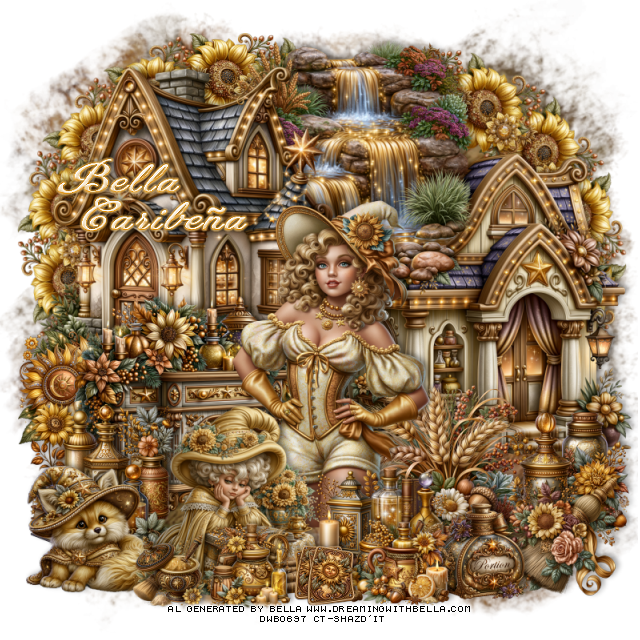
PTU It's A Sun Witch


  This tut was written May 17th, 2026,  for those with a basic knowledge of psp. 

Awesome Al kit and tubes by Bella Caribeña
Everything is included
Read the TOU on how to credit tags

I used PSP2020...but any of them should work.
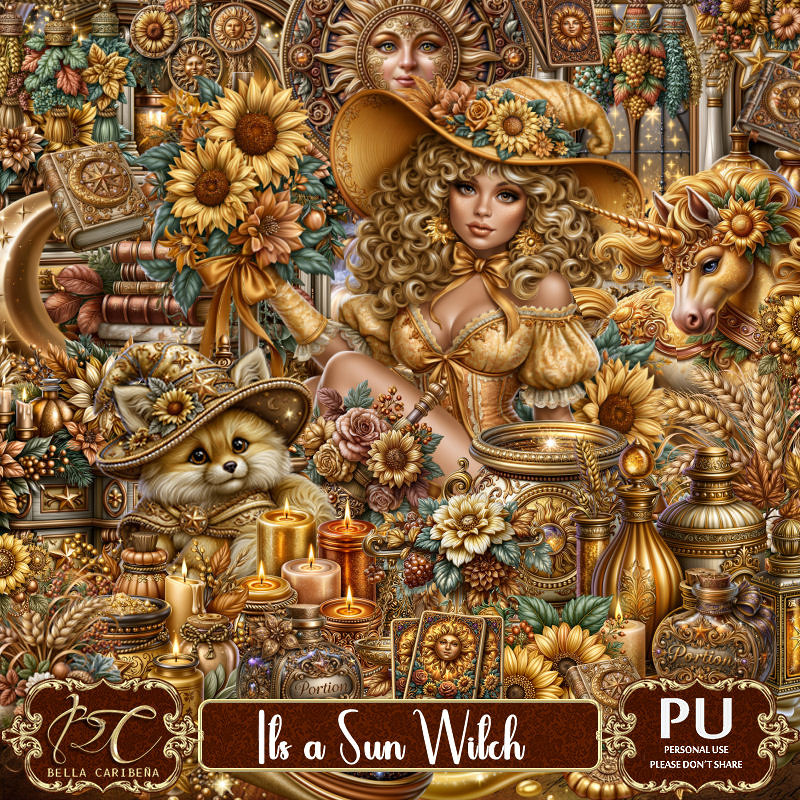
PTU Scrap It's A Sun Witch by Bella Caribeña  HERE
Witch/Summer Theme
Kit contains 4 Al gen tubes, 163 elements, 19 papers and 3 masks
You can check out the rest of her store HERE 
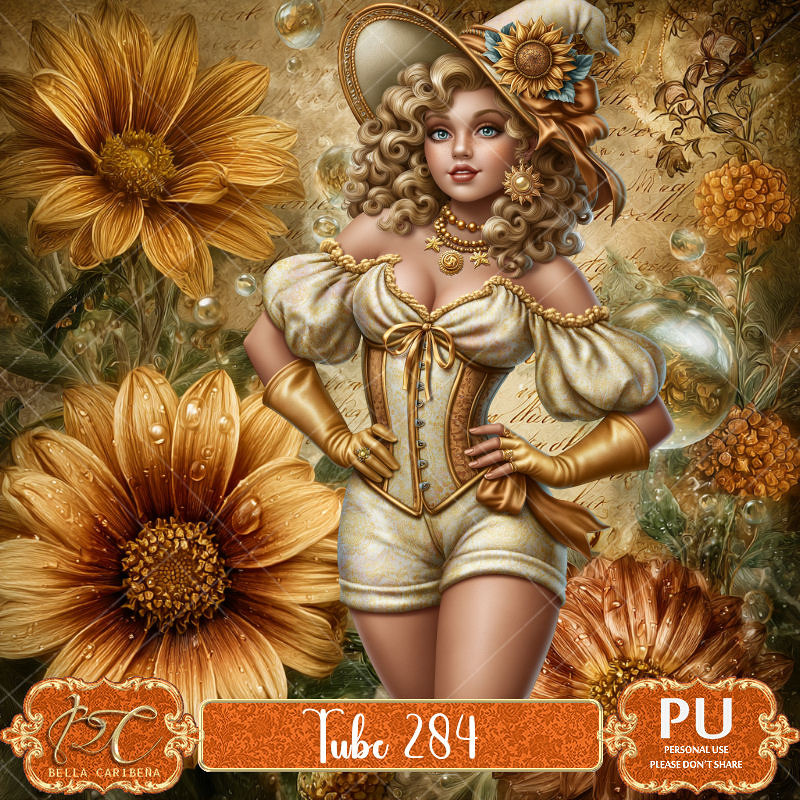
Tube pack 284 is a good match for this kit HERE

Font of choice I used Heaven Matters

 Drop shadow as you go is V -2 H 4, 40, 10, or use what you prefer.
Let's get started
*Remember to add your drop shadow as you go along*

Open a new image 800 x 800, paste mask 3.

Resize 99 to 65%, paste at the upper left.
Resize 94 to 65%, mirror, paste on the right and down.
Resize 35 to 50%, paste above the house on the right.
Resize 10 to 25%, paste on the bottom left of the house.
Resize 106 to 20%, apply Mura Meister Copies-Encircle, first 3 numbers
on 14, 50, 50, paste below the house on the upper left, duplicate, move
to the right.

Resize the tube to 20%, paste.

Resize 93 to 45%, paste on the left below the tube.
Resize 73 to 30%, paste on the left above the stand.
Resize 80 to 40%, mirror, paste on the left above the tube.
Resize 110 to 35%, paste below the tube on the right.
Resize 37 to 25%, paste on the bottom left.
Resize 70 to 28%, paste at the bottom above the tube.
Resize 54 to 20%, paste at the bottom on the right.
Resize 72 to 25%, paste at the bottom on the right by the house.
Resize 41 to 25%, paste at the bottom on the right below the jar.
Resize 147 to 15%, paste at the bottom left.
Resize 33 to 13%, paste at the bottom.
Resize 148 to 18%, paste at the bottom.
Resize 153 to 18%, paste at the bottom.

Add any other elements you would like, resize.
Crop your tag to be sure no shadows or lines are on the edges.
 Then add your copyright and name.
That's it

            Hope you enjoyed doing my tut                 

Saturday, September 13, 2025

PTU A Crescent Moon


 This tut was written September 13th, 2025,  for those with a basic knowledge of psp. 

I am using Awesome Al tubes and kit by Bella Caribeña
Tubes are included
Read the TOU on how to credit your tags

I used PSP2020...but any of them should work.
PTU Scrap A Crescent Moon by Bella Caribeña  HERE
Witch Theme
Kit contains 9Al generated tubes, 3 masks, 161 elements, and 16 papers
You can check out the rest of her store HERE 

Font of choice, I used Home Away

 Drop shadow as you go is V -2 H 4, 50, 10, or use what you prefer.
Let's get started
*Remember to add your drop shadow as you go along*

Open a new image 800 x 800, paste mask 2.

Resize element 27 to 75%, paste at the top, click inside, resize paper
7 to 45%, paste, invert, delete.
Resize tube 7 to 35%, paste on the left.
Resize element 9 to 50%, paste below the tube on the upper left.
Resize element 106 to 50%, paste below the tube on the right.
Resize element 61 to 35%, paste below the tube on the left above the shelf.
Resize element 119 to 40%, paste below the tube on the bottom left.
Resize element 120 to 35%, paste at the bottom above the tube.
Resize element 81 to 40%, paste at the bottom left.
Resize element 2 to 30%, paste at the bottom left.
Resize element 48 to 30%, paste above the tube on the right.
Resize element 38 to 30%, paste above the books.

Resize element 63 to 30%, paste on the book right below the books.
Resize element 93 to 35%, paste at the bottom right.
Resize element 115 to 30%, paste at the bottom right above the pot.
Resize element 17 to 35%, paste on the right above the frame.
Resize element 22 to 25%, paste on the frame at the top.

Resize element 30 to 15%, paste on the table.
Resize element 25 to 50%, paste below the frame on the upper right.
Resize element 40 to 20%, paste at the bottom.
Resize element 107 to 15%, paste at the bottom left.

Add any other elements you would like, resize.
Crop your tag to be sure no shadows or lines are on the edges.
 Then add your copyright and name.
That's it

            Hope you enjoyed doing my tut             
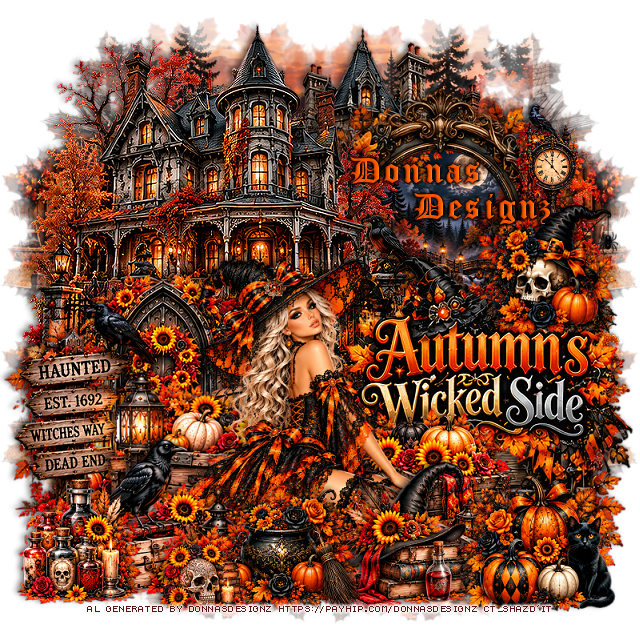
Thursday, August 4, 2022

PTU Spider Witch


 This tut was written August 3rd, 2022 for those with a basic knowledge of psp. 

I am using the awesome artwork of ©Sheokate
Tubes are included with this kit
You need a license to use this tube, do not use without a license.

I used PSP2020...but any of them should work.
PTU kit Spider Witch by Mythical Designs HERE HERE HERE HERE
Beautiful kit with 70 elements, 12 papers, and 6 frames + tubes by Sheokate 
Check out her blog HERE
Mask of choice, I used RD 756  HERE
Check out the rest of the blog HERE

Font of choice, I used Paulistana

Drop shadow is V -2 H -5, 50, 10, or use what you prefer.
Let's get started
*Remember to add your drop shadow as you go along*

Open a new image 800 x 800, paste paper 1, apply your mask, delete, merge group.
Paste paper 6, apply the mask, delete, merge group, merge papers together.

Resize element 66 to 80%, paste and move up, change the blend mode to
Luminance(L).
Resize element 21 to 95%, paste at the bottom above the house.
Resize element 47 to 75%, paste on one side, duplicate, mirror.
Resize element 13 and 15 to 50%, paste on the right below the house layer,
duplicate both, mirror, adjust on the left.

Paste element 44 at the bottom above the fence to one side, duplicate, mirror.
Resize element 59 to 60%, paste on the left, duplicate, mirror.

Resize your tube to 18%, paste center being on the top layer.

Paste element 33 below the house on the left, change the blend mode to Darken,
duplicate, mirror.
Resize element 4 to 20%, paste on the right below the tube layer, duplicate, mirror.
Resize element 27 to 35%, paste on the fence on the right.
Resize element 20 to 20%, paste at the lower left.

Resize element 19 to 25%, paste on the lower right.
Resize element 48 and 56 to 25%, paste at the lower left below the frog.
Duplicate element 48, free rotate to the left at 90 degrees, move how you like.
Paste element 46 at the upper left, duplicate, mirror, erase the ones you don't want.

Resize element 41 to 85%, paste on the mask at the upper left, duplicate, 
move to the right and down some.
Resize element 64 to 50%, paste on the right above the headstones, change the blend
mode to Overlay.

Add any other elements that you would like, make it your own.
Always readjust your mask and elements how you like them before you
 merge your tag, resize, sharpen.

Crop your tag to be sure no shadows or lines are on the edges.
 Then add your copyright and name.
That's it

Hope you enjoyed doing my tut.