Showing posts with label Pirates. Show all posts

Friday, May 15, 2026

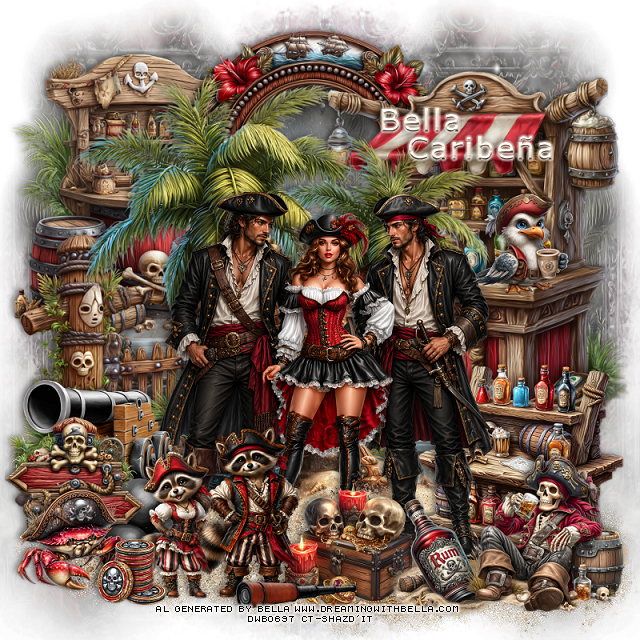
PTU Pirates Having Fun

  This tut was written May 15 th, 2026,  for those with a basic knowledge of psp. 

Awesome Al kit and tubes by Bella Caribeña
Everything is included
Read the TOU on how to credit tags

I used PSP2020...but any of them should work.
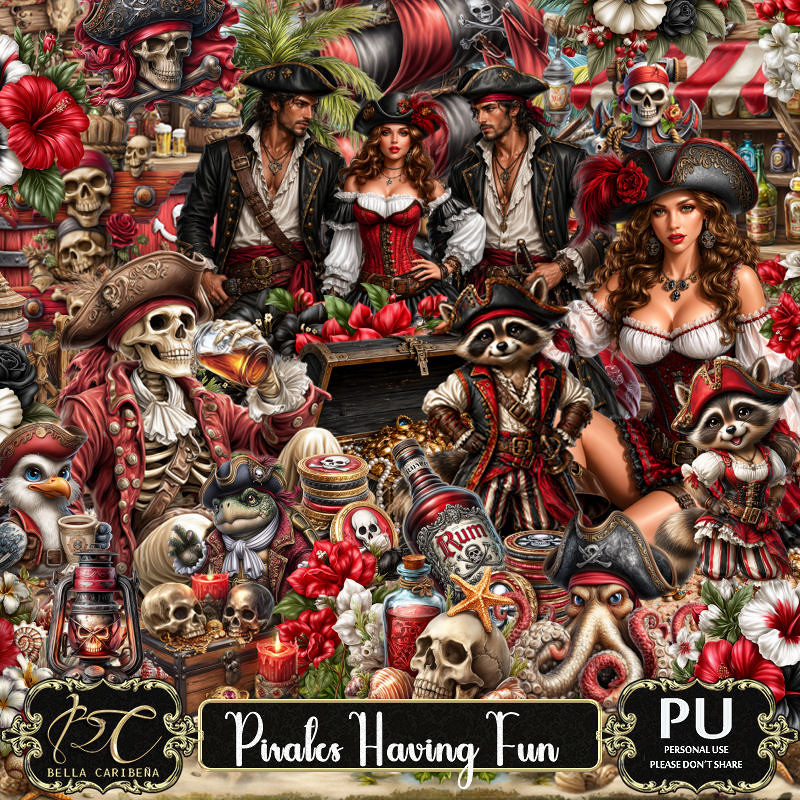
PTU Scrap Pirates Having Fun by Bella Caribeña  HERE
Pirate Theme
Kit contains 5 Al gen tubes, 156 elements, 18 papers and 3 masks
You can check out the rest of her store HERE 

Font of choice I used Verdana

 Drop shadow as you go is V -2 H 4, 50, 10, or use what you prefer.
Let's get started
*Remember to add your drop shadow as you go along*

Open a new image 800 x 800, paste mask 2 on the right, duplicate,
mirror.
Paste mask 1 next, move to the upper left, duplicate, mirror.

Resize tube 1 to 23%, paste.
Paste 134 below the tubes on the left.
Paste 12 at the bottom of the trees to the left, duplicate, move to the right.
Resize 76 to 50%, paste on the bottom right below the tube.
Resize 75 to 85%, paste on the upper right below the trees.
Resize 116 to 65%, paste on the left below the trees.
Resize 85 to 25%, paste at the bottom right above the tube.
Resize 151 to 55%, paste at the top below the bar.
Resize 78 to 65%, paste on the upper left below the frame.

Resize 65 to 35%, mirror, paste at the bottom right above the rum.
Resize 87 to 22%, paste on the right on the bar.
Resize 141 to 30%, paste at the bottom below the rum bottle.
Resize 33 to 35%, paste at the bottom.
Resize 32 to 30%, paste at the bottom.

Resize 3 to 30%, mirror, paste on the bottom left below the raccoons.
Resize 4 to 20%, paste at the bottom below the raccoons.
Resize 34 to 30%, paste on the bottom left.
Resize 41 to 25%, paste on the bottom left.
Resize 10 to 25%, paste at the bottom.
Resize 94 to 15%, paste at the bottom left.

Add any other elements you would like, resize.
Crop your tag to be sure no shadows or lines are on the edges.
 Then add your copyright and name.
That's it

            Hope you enjoyed doing my tut                 

Saturday, January 10, 2026

PTU Corsair's Grace


 This tut was written January 9th, 2026 for those with a basic knowledge of psp. 

I am using the beautiful tube by © Verymany

Tube is called Corsair's Grace
You need a license to use this tube, please do not use without a license
You can find this tube at Verymany store HERE

I used PSP2020...but any of them should work.
PTU Scrap Corsair's Grace by Tiny Turtle Designs  HERE
You can find all Tiny Turtle Designs kits  HERE 
Mask of choice, I used RD Mask 720 HERE
Check the blog HERE

Font of choice, I used October Twilight

Drop shadow as you go is V -2 H 4, 40, 10, or use what you prefer.
Let's get started
*Remember to add your drop shadow as you go along*

Open a new image 800 x 800, paste paper 1 apply your mask, move to the left,
duplicate, mirror.

Resize 101 to 50%, paste at the upper left, click inside, resize 90 
to 60%, paste below the frame, invert, delete.
Resize 104 to 58%, paste below the frame.
Resize 1 to 65%, mirror, paste on the right above the frame.
Resize 97 to 30%, paste on the left above the frame.
Resize 140 to 65%, mirror, paste on the upper right below the frame.

Resize the tube to 30%, paste to the right above the ship.

Resize 53 to 40%, paste below the tube on the left.
Resize 45 to 35%, paste at the bottom above the tube.
Resize 94 to 35%, paste at the bottom left between the 2 gold piles.
Resize 52 to 35%, paste on the bottom right below the tube.
Resize 24 to 25%, paste at the bottom being on the top layer.
Resize 9 to 20%, paste at the bottom.
Resize 76 to 25%, paste on the bottom left by the barrels.

Resize 57 to 25%, paste on the bottom left.
Resize 48 to 25%, paste on the bottom right.
Resize 170 to 25%, paste on the bottom left above the barrels.
Resize 182 to 25%, paste below the tube above the ship.
Resize 169 to 25%, mirror, paste on the left above the barrel.
Resize 191 to 15%, paste at the bottom right.
Resize 143 to 20%, paste on the bottom left.
Resize 14 to 15%, paste at the bottom.
Resize 19 to 10%, paste at the bottom.
Resize 7 to 10%, paste at the bottom right.

Add any other elements that you would like, make it your own.
Always readjust your mask and elements how you like them before you
 merge your tag, resize, sharpen.

Crop your tag to be sure no shadows or lines are on the edges.
 Then add your copyright and name.
That's it

Hope you enjoyed doing my tut

Tag for Laura 


Saturday, November 1, 2025

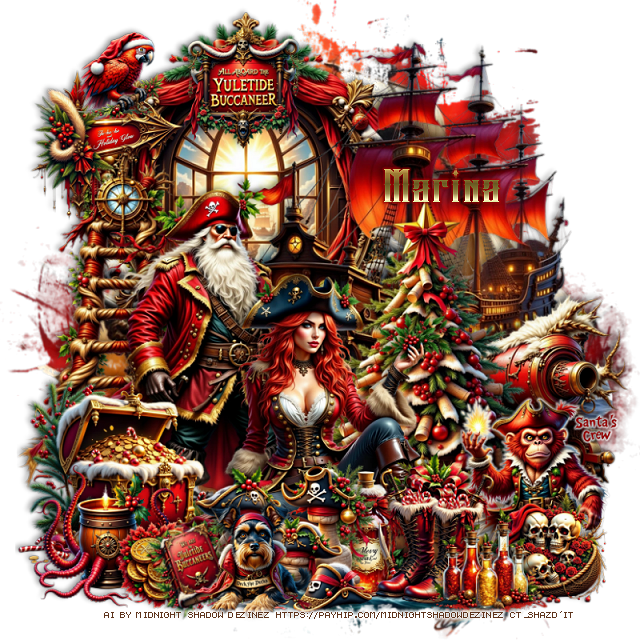
PTU Yuletide Buccaneer


  This tut was written November 1st, 2025 for those with a basic knowledge of psp. 

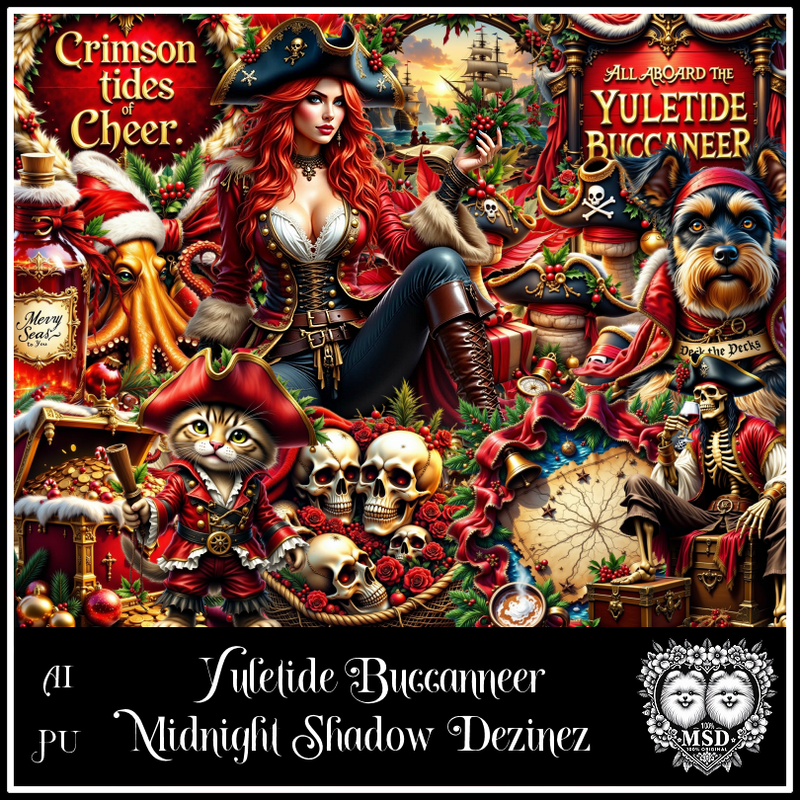
Awesome AI kit and tube by Midnight Shadow Dezinez

Everything used is included in the kit
Read the TOU on how to credit your tags

I used PSP2020...but any of them should work.
PTU Scrap Yuletide Buccaneer by Midnight Shadow Dezinez  HERE
You can find all Midnight Shadow Dezinez kits HERE
Mask of choice, I used Vivienne's Digital Tagging Mask 80 HERE
Check out the rest of the blog HERE         

Font of choice, I used Spiky Chain

Drop shadow as you go is V -2 H -4, 50, 10, or use what you prefer.
Let's get started
*Remember to add your drop shadow as you go along*

Open a new image 800 x 800, resize paper 7 to 90%, paste, apply your mask,

Resize element 19 to 75%, paste up and to the left.
Resize element 41 to 50%, paste above the ship at the bottom.
Resize element 56 to 60%, paste below the lady to the left.
Resize element 14 to 60%, paste below the lady.
Resize element 21 to 35%, paste on the bottom left below the lady.
Resize element 16 to 60%, paste at the upper left below the ship.
Resize element 17 and 29 to 25%, paste at the bottom above the lady.

Resize element 12 to 15%, paste at the bottom left by the chest.
Resize element 22 to 30%, paste at the bottom above the lady.
Resize element 36 to 55%, paste on the left below the pirate.
Resize element 37 to 30%, paste at the bottom right, add a white gradient.
Resize element 38 to 25%, paste on the bottom left above the chest.

Resize element 57 to 25%, paste at the upper left.
Resize element 25 to 25%, paste on the bottom right.
Resize element 59 to 20%, paste at the bottom right.
Resize element 48 to 15%, free rotate to the left at 20, paste at the bottom.
Resize element 50 to 20%, paste at the upper left on the window.
Resize element 55 to 40%, mirror, paste on the right below the tree.
Resize element 34 to 20%, paste at the bottom right.
Resize element 28 to 20%, paste at the bottom.
Resize element 58 to 15%, paste at the upper left on the arrow.

Add any other elements that you would like, make it your own.
Always readjust your mask and elements how you like them before you
 merge your tag, resize, sharpen.

Crop your tag to be sure no shadows or lines are on the edges.
 Then add your copyright and name.
That's it

Hope you enjoyed doing my tut      

Thursday, August 22, 2024

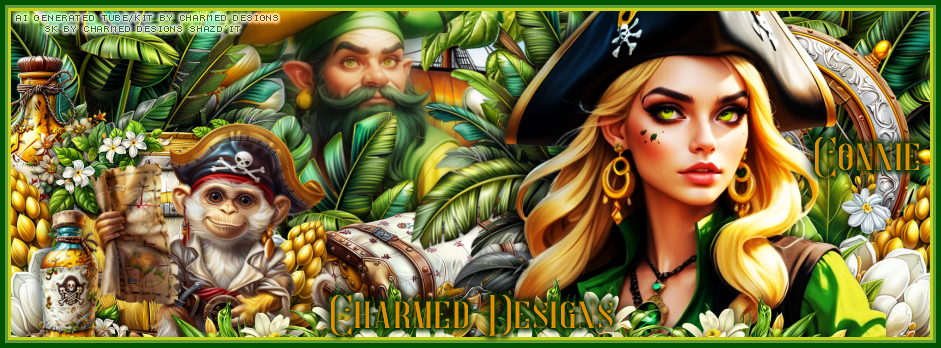
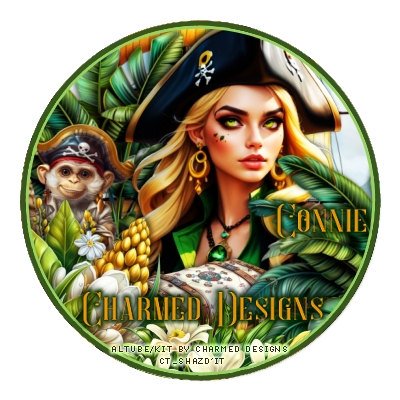
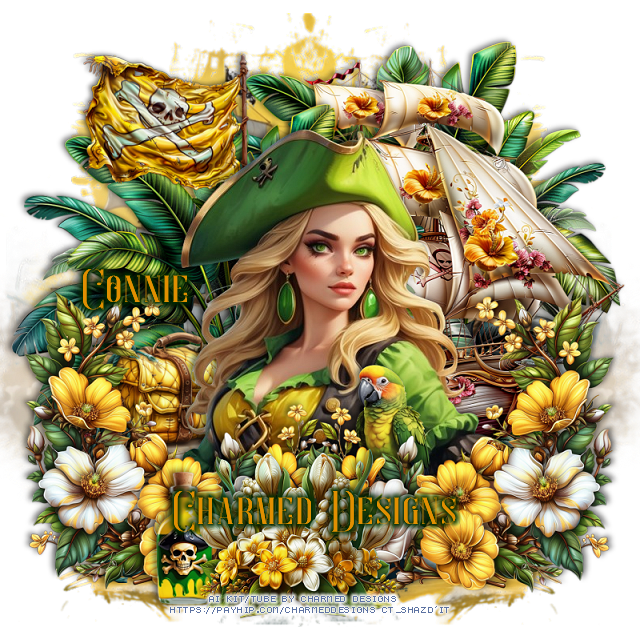
PTU FB TL and Tag for Charmed Designs

   *~*CT FB Timeline and Tag for Charmed Designs*~*

I am using her Awesome Scrap kit 
 "Ahoy My Friends " by Charmed Designs 
Al generated

 HERE   HERE   HERE  HERE
This kit is for personal use ONLY.


Tuesday, August 20, 2024

PTU Maiden Voyage


 This tut was written August 19th, 2024 for those with a basic knowledge of psp. 

I am using the beautiful tube by © LadySky

Tube is called Eho ho ho
You need a license to use this tube, please do not use without a license
You can find this tube at VMA HERE

I used PSP2020...but any of them should work.
PTU Scrap Maiden Voyage by Doodle by Design  HERE
You can find all Doodle by Design kits  HERE
Mask of choice, I used Vivienne's Digital Tagging Mask 80 HERE
Check out the rest of the blog HERE

Font of choice, I used Pieces of Eight

Drop shadow as you go is V -2 H 4, 50, 10, or use what you prefer.
Let's get started
*Remember to add your drop shadow as you go along*

Open a new image 800 x 800, paste paper 19, apply your mask.
Paste element 143 on the upper left, duplicate, mirror, move down.

Paste element 59 to the left.
Paste element 160 at the bottom to one side, duplicate, mirror.
Resize element 53 to 90%, paste to the right.
Paste element 77 below the boat on the left.
Resize element 57 to 35%, paste on the bottom left above the boat.
Resize element 41 to 35%, paste on the bottom left above the boxes.
Resize element 52 to 25%, paste behind the cannon on the left, duplicate, move
above the cannon to the right.

Resize your tube to 20%, paste to the right.

Resize element 7 to 30%, paste at the bottom below the tube, duplicate,
move to the right behind the tube, duplicate once more, move down.
Resize element 8 to 30%, paste at the bottom above the tube.
Resize element 54 to 25%, paste on the right on the back barrel.
Resize element 11 to 20%, paste on the small barrel.
Resize element 76 to 25%, paste at the bottom right.
Resize element 13 to 20%, paste on the right on the coins.
Resize element 5 to 25%, paste at the bottom above the small barrel.
Resize element 3 to 25%, paste at the bottom above the scroll.
Resize element 19 to 25%, paste on the barrel.
Resize element 51 and 70 to 25%, paste at the bottom below the hat.
Resize element 27 to 35%, paste on the bottom left.
Resize element 130 to 30%, paste at the bottom above the tube, 
duplicate, move to the right, duplicate, mirror.
Resize element 30 to 20%, paste on the boxes.
Resize element 60 to 25%, paste on the boxes.
Resize wordart 2 to 30%, paste on the left of the tube.
Resize wordart 3 to 30%, paste on the right.

Add any other elements that you would like, make it your own.
Always readjust your mask and elements how you like them before you
 merge your tag, resize, sharpen.

Crop your tag to be sure no shadows or lines are on the edges.
 Then add your copyright and name.
That's it

Hope you enjoyed doing my tut

Lizzy tag


Wednesday, August 7, 2024

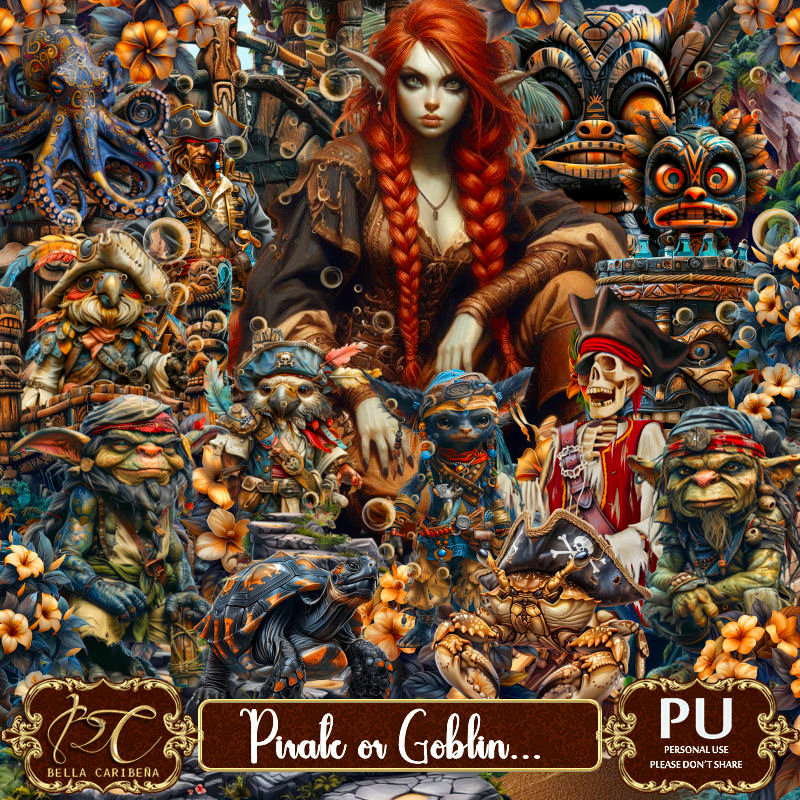
PTU Pirate or Goblin


 This tut was written August 7th, 2024 for those with a basic knowledge of psp. 

Al generated tubes/kit by Bella Caribeña
Tubes are included in the kit
Read the TOU on how to credit your tags

I used PSP2020...but any of them should work.
PTU Scrap Pirate or Goblin by Bella Caribeña  HERE 
Pirate theme
The kit contains 3 Tubes, Al generated by Bella, 3 mask, 139 elements 
and 16 papers.
Check out the rest of her store HERE

Font of choice, I used Hungry Beast

Drop shadow as you go is V -2 H 4, 50, 10, or use what you prefer.
Let's get started
*Remember to add your drop shadow as you go along*

Open a new image 800 x 800, paste mask 1 at the upper left, duplicate,
merge down, duplicate, mirror.

Resize Al el 42 to 85%, paste at the top, click inside with the magic 
wand, paste paper 3 where you like, invert, delete.
Resize Al el 47 to 75%, paste at the top.
Resize Al el 3 to 55%, paste on the right.
Resize Al el 4 to 50%, paste on the left.
Paste Al el 21 on the upper left below the frame, erase the rock part 
showing at the top, duplicate, mirror.
Resize Al el 21 to 50%, paste on the left below the bridge,
duplicate, mirror.
Paste element 56 on the bottom layer and move down so the sand
and water shows at the bottom, erase the upper part.
Resize element 20 to 50%, paste on the right below the frame, duplicate, mirror.

Resize tube 1 to 25%, paste on the left by the bridge.
Resize tube 2 to 20%, paste at the bottom right above the bridge.

Resize element 64 to 30%, paste at the bottom below the tube on the left,
duplicate, mirror, move on the right.
Resize element 62 to 40%, paste on the left by the tube.
Resize Al el 65 to 25%, paste on the bottom left above the tube.
Resize Al el 74 to 25%, paste at the bottom left.

Resize element 41 to 25%, paste at the bottom below the black rock.
Resize Al el 60 to 25%, mirror, paste at the bottom right below the tube.
Resize element 22 to 40%, paste on the left behind the tube.
Resize element 44 to 15%, paste at the bottom left.
Resize Al el 16 to 15%, paste below the tube on the right, duplicate,
move to the left, duplicate, move to the left by the other tube.
Resize Al el 62 to 20%, paste on the chest on the left.
Resize Al el 8 to 13%, paste at the bottom.

Resize Al el 12 to 15%, paste on the barrel.
Resize Al el 5 to 15%, paste at the bottom.
Resize Al el 21 to 35%, mirror, paste behind the barrel.
Resize Al el 28 to 25%, paste at the bottom right above the tube.
Resize Al el 68 to 15%, paste on the bridge post.
Resize Al el 29 to 25%, paste at the bottom below the left chest.
Resize element 30 to 15%, duplicate, paste both below the crab.
Resize Al el 14 to 25%, paste behind the cannon.

Add any other elements you would like, resize.
Crop your tag to be sure no shadows or lines are on the edges.
 Then add your copyright and name.
That's it

Hope you enjoyed doing my tut      

Sunday, August 4, 2024

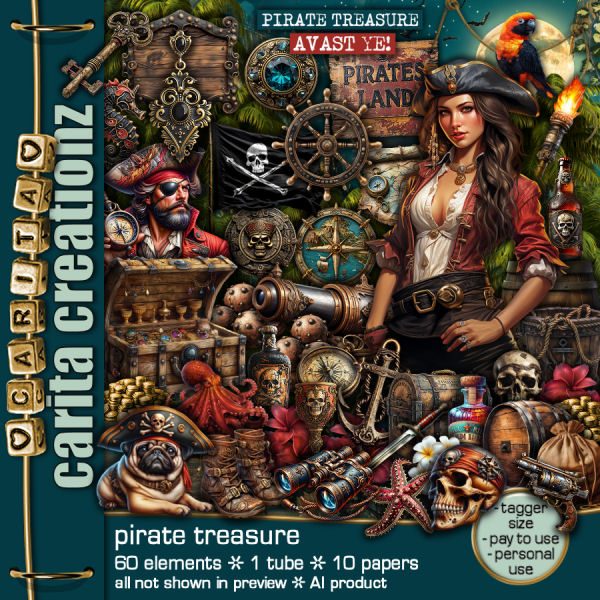
PTU Pirate Treasure


  This tut was written August 4th, 2024 for those with a basic knowledge of psp. 

I am using the awesome Al generated tube/kit by Carita Creationz
Read the the TOU on how to credit your tags

I used PSP2020...but any of them should work.
PTU Scrap Pirate Treasure by Carita Creationz  HERE
The kit includes 60 elements, 10 papers and 1 tube.
Check her store out to see all her other kits and tubes HERE
Mask of choice, I used Vivienne's Digital Tagging Mask 80 HERE
Check out the rest of the blog HERE

Font of choice, I used Hard Stone Sans Strip

Drop shadow as you go is V -2 H 4, 50, 10, or use what you prefer.
Let's get started
*Remember to add your drop shadow as you go along*

Open a new image 800 x 800, paste paper 5, apply your mask

Resize element 28 to 65%, paste, click inside with the magic wand,
resize paper 1 to 50%, paste, invert, delete.
Resize element 13 to 60%, paste below the frame.
Resize element 15 to 50%, paste on the left above the frame.
Resize element 43 to 40%, paste at the upper left behind the man.

Resize the tube to 60%, paste on the right.

Paste element 51 at the bottom above the tube, duplicate a couple of times,
move how you like.
Resize element 54 to 40%, paste at the bottom behind the tube center,
duplicate, mirror one and move both to each side.
Resize element 41 to 85%, paste on the left below the frames,
duplicate, mirror, move above the frames behind the girl.
Resize element 1 to 35%, mirror, paste at the bottom right behind the girl.
Resize element 3 to 20%, paste at the to bottom right below the tube.
Resize element 19 to 30%, paste on the left below the sand layer.

Resize element 12 to 30%, paste at the bottom above the tube layer.
Resize element 37 to 25%, paste at the bottom above the chests.
Resize element 14 to 25%, paste at the bottom.
Resize element 21 to 25%, paste at the bottom left.
Resize element 17 to 15%, paste at the bottom left.

Resize element 42 to 15%, paste at the top left on the sign.
Resize element 16 to 25%, paste at the bottom behind the dog.
Resize element 18 to 15%, paste on top of the coins.
Resize element 39 to 15%, paste at the bottom by the barrel.
Resize element 6 to 20%, paste on the right below the bucket.
Resize element 24 to 20%, paste at the bottom left.

Resize element 22 to 20%, paste on the left below the chest, duplicate, move 
behind the chest more, duplicate again, move up on the right below the
tree, duplicate, move to the left below the sign.
Resize element 20 to 15%, paste at the top below the island sign on one
side, duplicate, mirror, duplicate again, move to the right below the tree, duplicate
twice more, move down by the red flower on the right, move the other
one to the left below the sign.
Resize element 23 to 20%, paste on the left on the chest.
Resize element 8 to 20%, paste at the bottom below the dog.
Resize element 10 to 15%, paste on the open chest.
Resize element 7 to 10%, paste at the bottom by the bucket.
Resize element 35 to 15%, paste at the bottom.

Add any other elements that you would like, make it your own.
Always readjust your mask and elements how you like them before you
 merge your tag, resize, sharpen.
Crop your tag to be sure no shadows or lines are on the edges.
 Then add your copyright and name.
That's it

Hope you enjoyed doing my tut.      

Friday, July 19, 2024

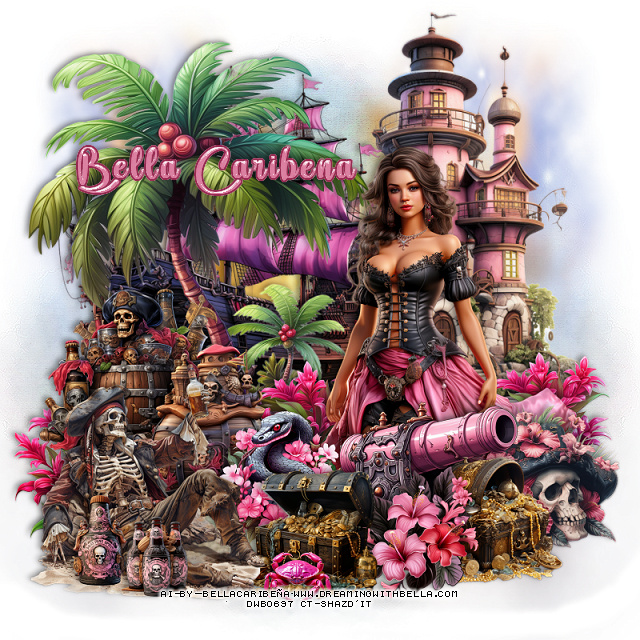
PTU Pink with Pirate Style


  This tut was written July 19th, 2024 for those with a basic knowledge of psp. 

Al generated tubes and kit by Bella Caribena
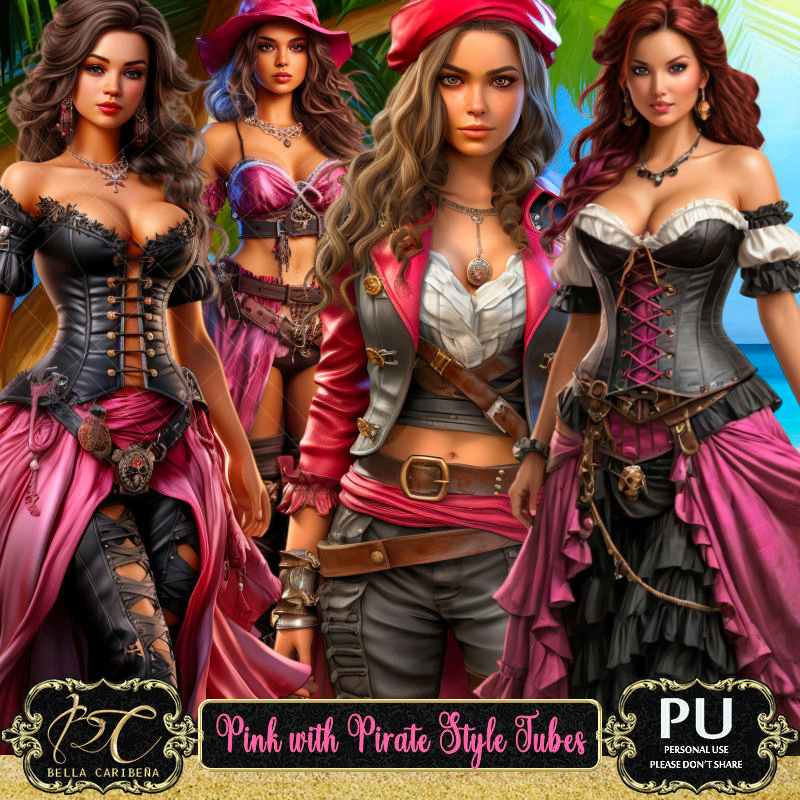
The tubes that match this kit, you can find HERE
Read the TOU on how to credit your tags

I used PSP2020...but any of them should work.
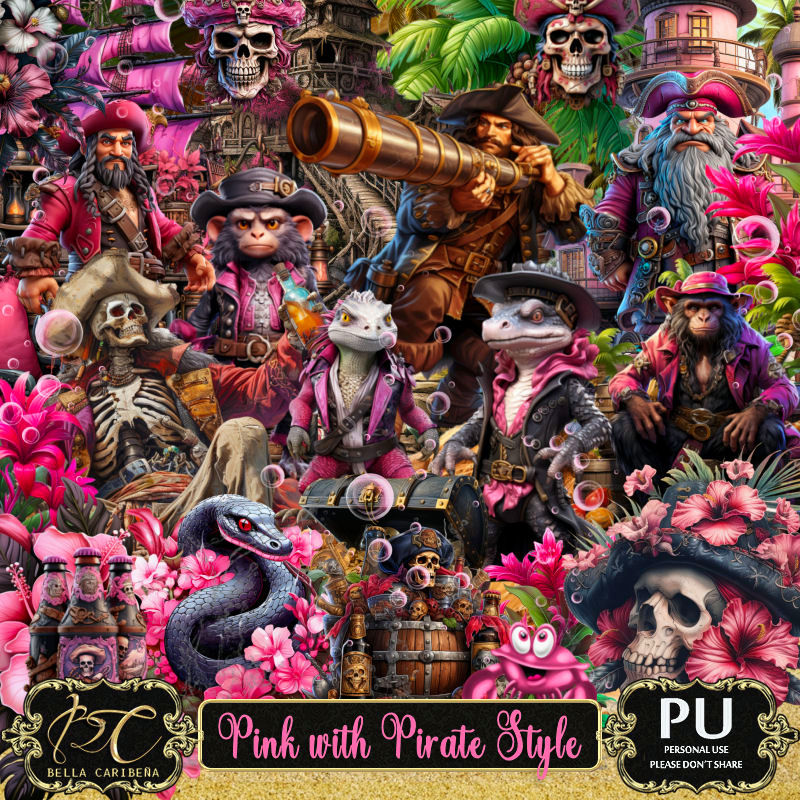
PTU Scrap Pink with Pirate Style by Bella Caribeña  HERE 
Pink with Pirate Style, comes with 3 masks, 178 elements and 17 papers
Check out the rest of her store HERE

Font of choice, I used Ambara

Drop shadow as you go is V -2 H 4, 50, 10, or use what you prefer.
Let's get started
*Remember to add your drop shadow as you go along*

Open a new image 800 x 800, paste Mask 2 on the left, duplicate, mirror.
Paste Mask 3 below mask 2 at the top, duplicate, move where you like.

Resize Al el 7 to 75%, paste on the left.
Paste Al el 19 on the left above the boat.
Resize Al el 102 to 85%, paste on the upper right below the boat.

Resize tube 3 to 25%, paste to the right.

Resize Al el 107 to 40%, paste on the bottom left.
Resize element 106 to 40%, paste at the bottom.
Resize Al el 23 to 30%, paste at the bottom.
Resize element 72 to 50%, paste at the bottom left.
Resize Al el 29 to 35%, paste behind the tube, duplicate, move to the right, 
duplicate again, move to the left.

Resize Al el 4 to 40%, mirror, paste at the bottom above the tube.
Resize Al el 67 to 30%, mirror, paste on the bottom right below the cannon.
Resize Al el 35 to 30%, paste at the bottom below the skeleton.
Resize Al el 53 to 30%, paste at the bottom above the cannon.
Resize Al el 34 to 30%, paste at the bottom right below the flower.
Resize Al el 108 and 110 to 20%, paste at the bottom left.
Resize Al el 55 to 15%, paste at the bottom.

Add any other elements you would like, resize.
Crop your tag to be sure no shadows or lines are on the edges.
 Then add your copyright and name.
That's it

Hope you enjoyed doing my tut