Showing posts with label Magic Moments. Show all posts

Monday, April 17, 2023

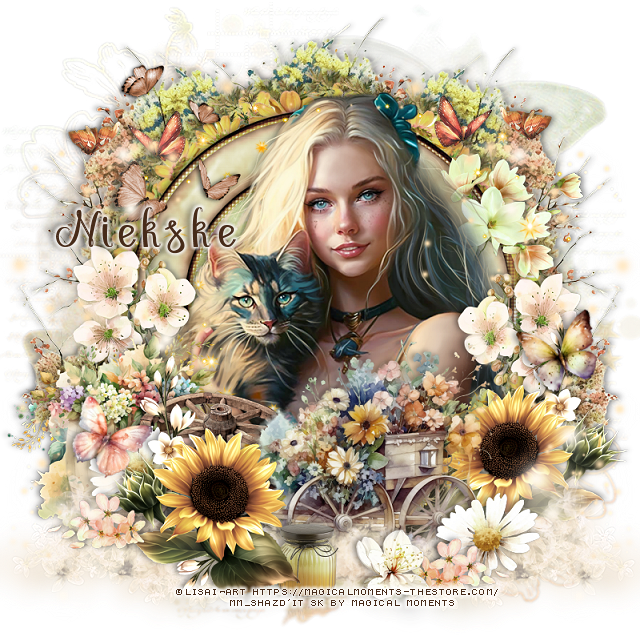
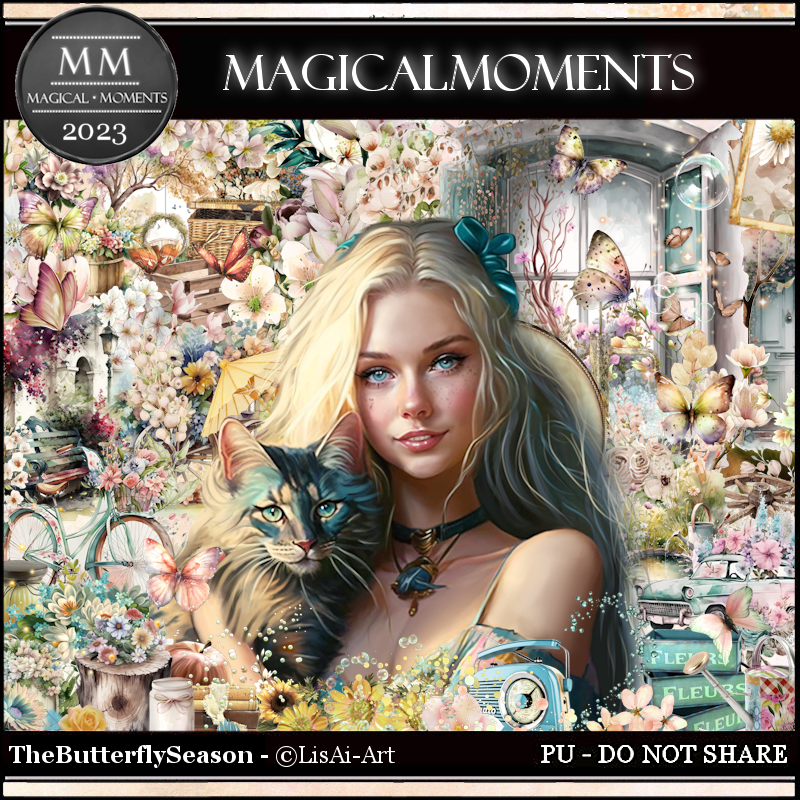
PTU Butterfly Season


This tut was written April 17th, 2023 for those with a basic knowledge of psp. 

I am using the awesome artwork of ©LisAi-Art
Tube is included with the kit
You need a license to use this tube, do not use without a license.
Read the TOU about the license

I used PSP2020...but any of them should work.
PTU The Butterfly Season by Magic Moments HERE  
Beautiful kit Spring theme with 100 elements, 10 papers and 
the awesome tube by LisAi-Art
Miz Teeque's Mask 162 HERE
Check out the rest of the blog HERE
Filters
Mura Meister Copies-Encircle

Font of choice, I used Megaibeilya

Drop shadow is V -1 H -4, 40, 6, Black or use what you prefer.
Let's get started
*Remember to add your drop shadow as you go along*

Open a new image 800 x 800, paste paper 5, apply your mask, delete, merge group.

Resize element 73 to 75%, paste, click inside with the magic wand, expand
by 5, paste paper 4, invert, delete, select none.

Resize element 74 to 50%, paste below the paper layer of the frame, apply 
Mura Meister Copies-Encircle, first 3 numbers on 14, 52, 52.
Paste element 60 on the mask layer to the left, duplicate, mirror, duplicate, 
move to the center.

Resize your tube to 45%, paste above the frame.
Resize element 78 to 40%, paste on the left above the tube, duplicate, mirror.
Resize element 25 to 50%, paste on the left below the sunflower.
Resize element 14 to 55%, paste at the bottom below the left sunflower, move
the right sunflower behind it.

Resize element 72 to 15%, paste at the bottom below the top sunflower.
Resize element 32 to 20%, paste at the bottom being on the top layer to the right,
duplicate, mirror.
Resize element 81 to 20%, paste at the lower right, duplicate, move to the left
behind the sunflower.
Resize element 53 to 35%, paste on the left above the planter.

Resize element 20 to 25%, paste on the right above the frame, duplicate, mirror.
Resize element 22 to 15%, paste at the bottom above the wagon.

Resize element 50 to 40%, paste at the upper left.
Resize element 48 to 25%, paste at the upper left, duplicate, mirror.
Paste element 69 on the left above the tube layer, duplicate, mirror.
Resize element 76 to 30%, mirror, paste on the right below the tube on the frame.
Resize element 94 to 85%, paste on the left being on the top layer, duplicate, 
mirror.
Resize element 21 to 15%, free rotate to the left at 20, paste on the right.
Resize element 44 to 15%, free rotate to the right at 20, paste on the left.
Paste element 92 at the bottom above the flower wagon wheels on the right, duplicate
mirror.

Add any other elements you would like, make it your own.
Crop your tag to be sure no shadows or lines are on the edges.
 Then add your copyright and name.
That's it

Hope you enjoyed doing my tut.   

Friday, April 14, 2023

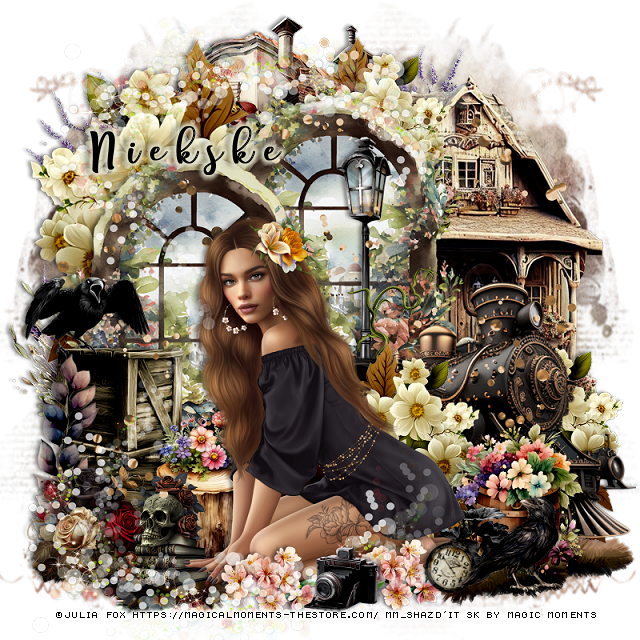
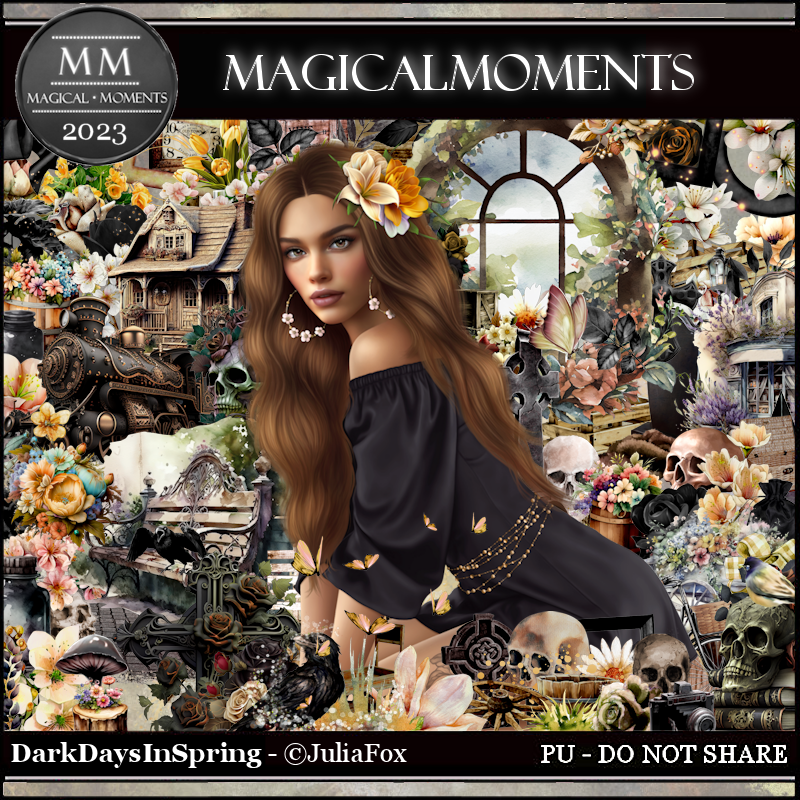
PTU Dark Days in Spring


This tut was written April 14th, 2023 for those with a basic knowledge of psp. 

I am using the awesome artwork of ©Julia Fox
Tube is included with the kit
You need a license to use this tube, do not use without a license.
Read the TOU about the license

I used PSP2020...but any of them should work.
PTU Dark Days in Spring by Magic Moments HERE  HERE
Beautiful kit Spring theme with 100 elements, 10 papers and 
the awesome tube by Julia Fox
Miz Teeque's Mask 222 HERE
Check out the rest of the blog HERE

Font of choice, I used Free Style Script

Drop shadow is V -1 H -4, 40, 6, Black or use what you prefer.
Let's get started
*Remember to add your drop shadow as you go along*

Open a new image 800 x 800, paste paper2, apply your mask, delete, merge group,
duplicate, mirror, adjust to fit your tag later.

Mirror element 68, resize to 90%, paste at the upper left.
Resize element 4 to 60%, paste at the top, duplicate, move to the left and
down a little.
Paste element 41 at the top on the mask to the left.

Resize element 8 to 65%, mirror, paste between the windows on the right.
Resize element 9 to 60%, mirror, paste on the right below the windows.
Resize element 68 to 50%, paste at the top behind the window, duplicate, move 
down on the right behind the train, duplicate once more, move above the train.

Resize your tube to 28%, paste at the bottom being on the top layer.

Resize element 34 to 30%, paste on the left below the tube.
Resize element 47 to 30%, paste below the train.
Resize element 33 to 35%, paste at the bottom below the tube to the right.
Resize element 77 to 20%, paste at the lower right.
Resize element 38 to 20%, paste at the bottom right below the tube.

Resize element 74 to 25%, paste on the left above the window.
Resize element 71 to 25%, mirror, paste on the crates.
Resize element 3 to 25%, paste at the bottom left below the hand of the tube.
Paste element 97 on the left above the crates.
Resize element 1 to 25%, paste below the books with the skull.

Paste element 43 at the bottom above the mask layer to the left, duplicate,
mirror, erase the long part on the first one that is on the right.
Resize element 67 to 10%, paste at the lower right below the crow, free rotate 
to the right at 20.
Resize element 31 to 20%, paste at the bottom above the tube, duplicate, move
to the left more.
Resize element 52 to 15%, mirror, paste at the bottom.
Paste element 75 below the tube layer.
Paste element 65 at the bottom, erase the part on the tube, duplicate, flip, move 
up more on the windows and move the camera
to the top layer above the bottom one.

Add any other elements you would like, make it your own.
Crop your tag to be sure no shadows or lines are on the edges.
 Then add your copyright and name.
That's it

Hope you enjoyed doing my tut.  
Thursday, April 13, 2023

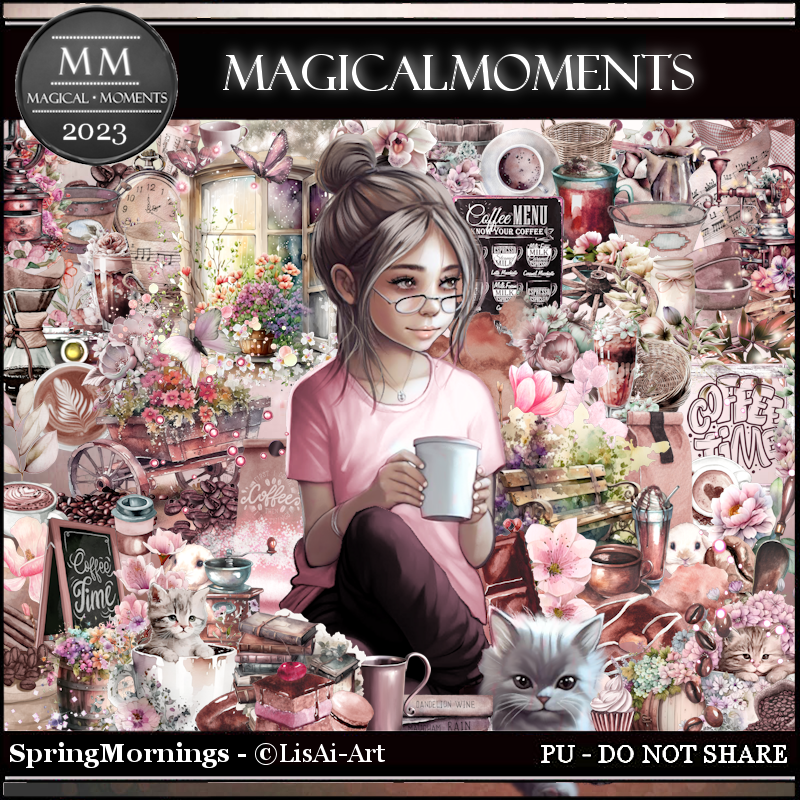
PTU Spring Mornings


This tut was written April 13th, 2023 for those with a basic knowledge of psp. 

I am using the awesome artwork of ©LisAi-Art
Tube is included with the kit
You need a license to use this tube, do not use without a license.
Read the TOU about the license

I used PSP2020...but any of them should work.
PTU Spring Mornings by Magic Moments HERE  
Beautiful kit Spring theme with 102 elements, 10 papers and 
the awesome tube by LisAi-Art
Miz Teeque's Mask 40 HERE
Check out the rest of the blog HERE

Font of choice, I used Free Style Script

Drop shadow is V -1 H -4, 40, 10, Black or use what you prefer.
Let's get started
*Remember to add your drop shadow as you go along*

Open a new image 800 x 800, paste paper4, apply your mask, delete, merge group,
mirror.
Resize element 11 to 85%, paste at the upper left, duplicate, mirror,
move down on the right, adjust more after the window is pasted.

Resize element 27 to 70%, paste above the flowers.
Resize element 28 to 85%, paste at the bottom right.
Resize element 48 to 60%, paste at the lower left.

Resize the tube to 50%, paste above the wheel barrel of flowers.

Resize element 10 to 35%, paste behind the tube to the right.
Resize element 75 to 40%, paste at the lower left below the tube.
Resize element 66 to 25%, paste on the crates.
Resize element 79 to 25%, paste at the bottom.
Resize element 78 to 25%, paste behind the wheel barrel on the window.
Paste element 100 at the top above the window and to the right a bit.
Resize element 38 to 15%, paste at the bottom above the tube.

Resize element 34 to 15%, paste at the upper right.
Resize element 16 to 20%, paste at the lower right below the barrel planter.
Resize element 9 to 25%, paste on the bench.
Resize element 53 to 25%, paste on the left below the leaves.
Resize element 15 to 20%, paste behind the tube on the right.

Add any other elements you would like, make it your own.
Crop your tag to be sure no shadows or lines are on the edges.
 Then add your copyright and name.
That's it

Hope you enjoyed doing my tut. 
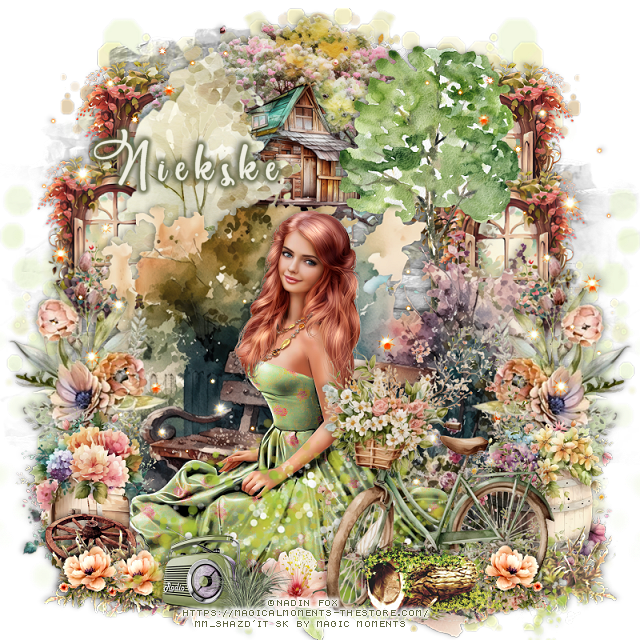
Monday, April 10, 2023

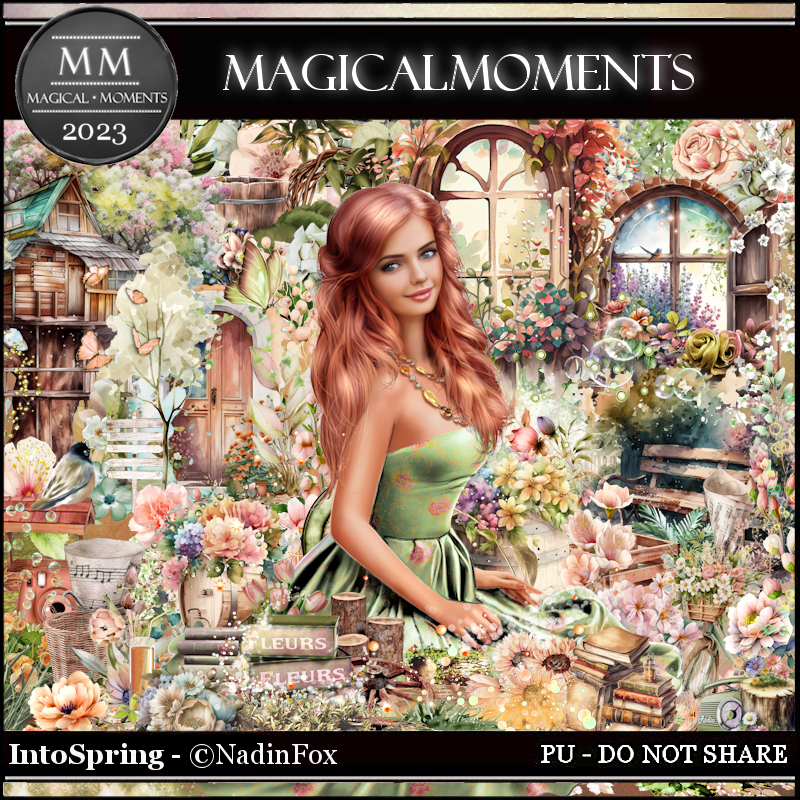
PTU Into Spring


This tut was written April 10th, 2023 for those with a basic knowledge of psp. 

I am using the awesome artwork of ©Nadin Fox
Tube is included with the kit
You need a license to use this tube, do not use without a license.
Read the TOU about the license

I used PSP2020...but any of them should work.
PTU Into Spring by Magic Moments HERE  
Beautiful kit Spring theme with 100 elements, 10 papers and 
the awesome tube by Nadin Fox
Miz Teeque's Mask 149 HERE
Check out the rest of the blog HERE

Font of choice, I used Pacific Again

Drop shadow is V -1 H -4, 40, 10, Black or use what you prefer.
Let's get started
*Remember to add your drop shadow as you go along*

Open a new image 800 x 800, paste element 78 on the left, duplicate, merge
down, duplicate, mirror.
Paste element 88, apply mask 149, delete, merge group.
Go to Adjust, Hue and Saturation, colorize, change both numbers to 0, 
move to the top, duplicate, flip, mirror.

Resize element 1 to 60%, paste at the top off center a bit.
Resize element 14 to 45%, paste at the upper right below the tree house, duplicate, 
resize smaller to 90%, move down and over a little, duplicate both, mirror.

Resize element 15 to 40%, paste on the left above the tree house.
Resize element 70 to 35%, paste on the right.
Resize element 34 to 85%, paste to the bottom.
Resize element 28 to 85%, paste on the left, duplicate, mirror.
Resize element 5 to 35%, paste on the right above the flowers.

Resize your tube to 35%, mirror, paste at the bottom.

Paste element 31 at the bottom, free rotate to the right at 15 degrees.
Resize element 2 to 55%, paste at the lower right above the green circle spray.
Resize element 91 to 35%, paste at the bottom right.
Resize element 6 to 40%, paste on the left below the tube.
Resize element 56 to 65%, paste at the lower left below the tube, duplicate, 
mirror.

Paste element 64 on the left below the tube, duplicate, mirror.
Resize element 29 to 30%, paste at the bottom left, duplicate, move over a bit,
duplicate one, mirror.
Resize element 84 to 20%, paste at the bottom.
Resize element 79 to 30%, paste by the radio.
Resize element 76 to 20%, paste on the left below the flowers.
Resize element 8 to 7%, paste at the bottom below the radio layer, erase the stem.

Add any other elements you would like, make it your own.
Crop your tag to be sure no shadows or lines are on the edges.
 Then add your copyright and name.
That's it

Hope you enjoyed doing my tut. 

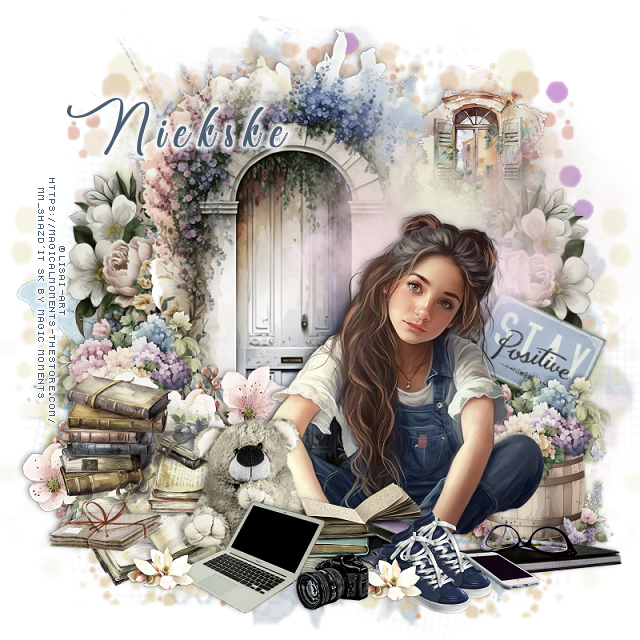
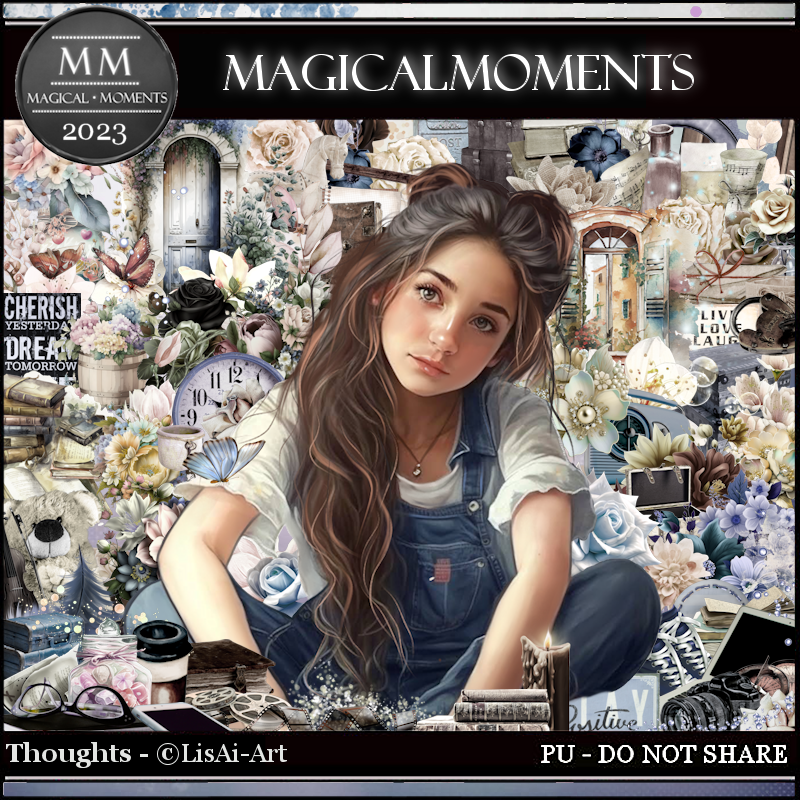
PTU Thoughts


 This tut was written April 10th, 2023 for those with a basic knowledge of psp. 

I am using the awesome artwork of ©LisAi-Art
Tube is included with the kit
You need a license to use this tube, do not use without a license.
Read the TOU about the license

I used PSP2020...but any of them should work.
PTU Thoughts by Magic Moments HERE  
Beautiful kit vintage theme with 102 elements, 10 papers and 
the awesome tube by LisAi-Art
Mask of Choice, I used Miz Teeque's Mask 84 HERE
Check out the rest of the blog HERE

Font of choice, I used Chocolatines

Drop shadow is V -1 H -4, 40, 10, Black or use what you prefer.
Let's get started
*Remember to add your drop shadow as you go along*

Open a new image 800 x 800, paste paper 7, apply your mask, delete, merge 
group, resize a little larger to 110%.
Resize element 5 to 85%, paste on the mask on one side, duplicate, mirror.

Resize element 37 to 90%, paste.
Resize element 21 to 50%, paste on the right below the door element, duplicate,
mirror.
Resize your tube to 40%, paste at the bottom off center.

Resize element 31 to 40%, paste at the bottom right behind the tube, duplicate,
mirror, move up a little more on the left.
Resize element 13 to 25%, paste at the lower right above the tube.
Resize element 12 to 35%, paste at the bottom below the shoes.

Resize element 55 to 35%, paste at the bottom below the shoes to the left.
Resize element 30 to 35%, paste on the left below the tube layer.
Resize element 33 to 25%, paste on the lower left behind the books, duplicate, 
move to the right more behind the bear.
Resize element 14 to 25%, paste at the lower left above the tube behind the
books.
Resize element 79 to 7%, paste at the bottom by the shoes.

Resize element 9 to 25%, free rotate to the right at 25, move below the
barrel of flowers on the right.
Resize element 38 to 35%, paste at the upper right above the mask layer.
Resize element 10 to 30%, paste at the bottom being on the top layer.
Resize element 11 to 15%, paste at the bottom right.
Resize element 72 to 15%, paste at the lower left by the laptop, duplicate,
move below the camera.
Resize element 50 to 22%, paste at the lower left on the books.

Paste element 85 on the mask layer on one side, duplicate, mirror.
Resize element 86 to 85%, paste behind the head of the tube.

Add any other elements you would like, make it your own.
Crop your tag to be sure no shadows or lines are on the edges.
 Then add your copyright and name.
That's it

Hope you enjoyed doing my tut. 
Saturday, April 8, 2023

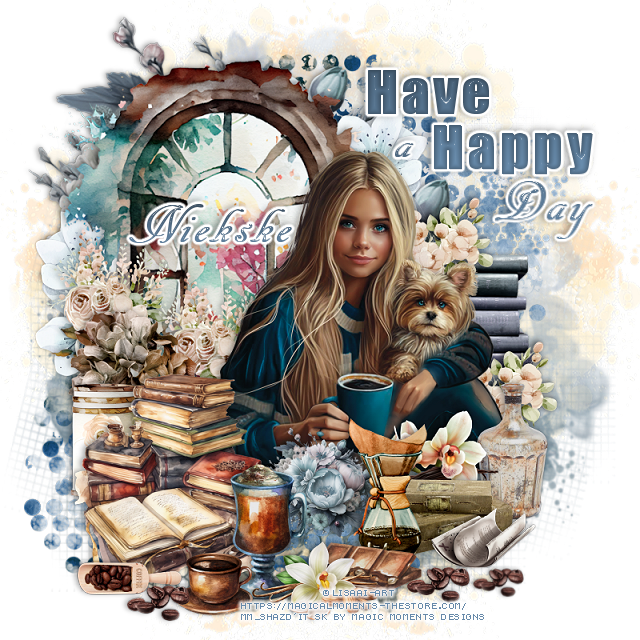
PTU Have a Nice Day


This tut was written April 8th, 2023 for those with a basic knowledge of psp. 

I am using the awesome artwork of ©LisAi-Art
Tube is included with the kit
You need a license to use this tube, do not use without a license.
Read the TOU about the license

I used PSP2020...but any of them should work.
PTU Have A Nice Day by Magic Moments HERE  
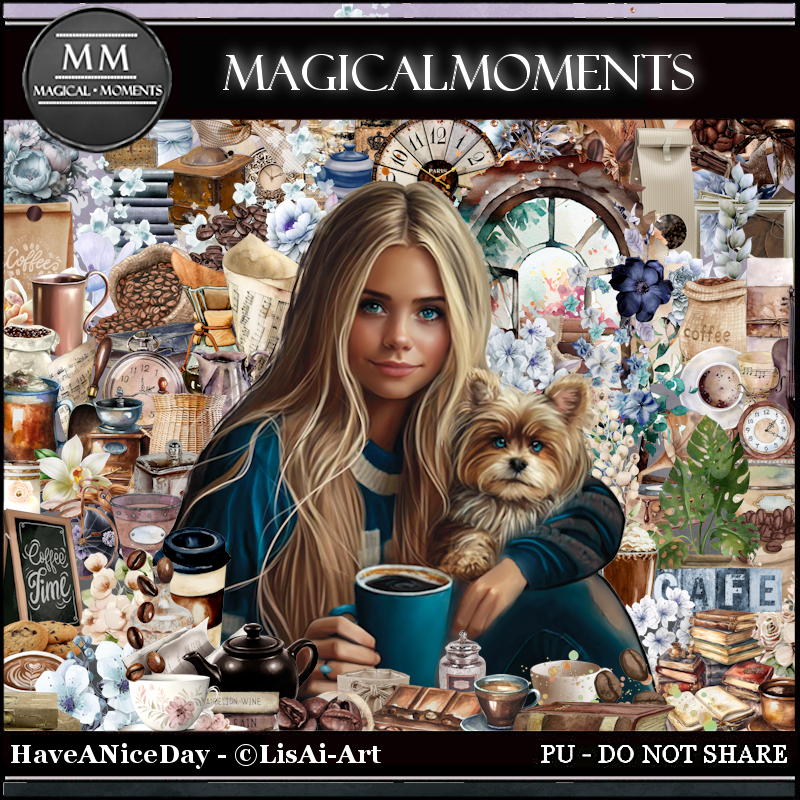
Beautiful kit for all your Spring/Coffee tagging fun, it 
has 102 elements, 10 papers and the awesome tube by LisAi-Art
Mask of Choice, I used Miz Teeque's Mask 84 HERE
Check out the rest of the blog HERE

Font of choice, I used AR DECODE

Drop shadow is V -1 H -4, 40, 10, Black or use what you prefer.
Let's get started
*Remember to add your drop shadow as you go along*

Open a new image 800 x 800, paste paper 2, apply your mask, delete, merge 
group.
Paste element 68 below the mask on the right, duplicate, mirror.

Resize element 5 to 90%, paste at the upper left.
Resize your tube to 20%, paste a little to the left and down.

Resize element 3 to 35%, paste on the right below the window, duplicate, 
mirror, move down a little on the left.
Resize element 80 to 25%, paste on the left below the tube.
Resize element 8 to 25%, paste behind the brown flowers and up, duplicate,
move to the right a little and down.
Paste element 57 behind the window and up, duplicate, move above the tube, resize
to 30%, move behind the cup.
Resize element 47 to 25%, paste above the tube at the bottom below the blue 
flower.

Resize element 1 to 40%, paste above the tube on the left.
Resize element 31 to 15%, paste at the bottom above the books.
Resize element 30 to 15%, paste by the other cup.
Resize element 89 to 25%, paste at the bottom by the cup.
Resize element 26 to 25%, paste at the bottom by the chocolates.

Paste element 96 on the mask at the upper right, duplicate, move down 
on the left.
Resize element 43 to 15%, paste behind the chocolates.
Resize element 59 to 40%, paste on the right behind the tube.
Resize element 7 to 20%, paste behind the tube on the books, duplicate, move
down more.
Resize element 23 to 15%, paste on the left behind the books.
Resize element 84 to 25%, paste below the drip coffee pot above the light flowers.
Resize element 78 to 30%, paste on the right above the tube.

Resize element 76 to 20%, paste at the bottom to the right.
Resize element 48 to 12%, paste at the bottom left by the cup, duplicate, move
to the right by the paper.
Resize element 91 to 20%, paste at the lower left below the coffee beans.
Add any words that you would like.
I wrote Have a Happy Day using Impact and AR DECODE

Add any other elements you would like, make it your own.
Crop your tag to be sure no shadows or lines are on the edges.
 Then add your copyright and name.
That's it

Hope you enjoyed doing my tut. 
Friday, April 7, 2023

PTU Happy Easter Greetings


This tut was written April 7th, 2023 for those with a basic knowledge of psp. 

I am using the awesome artwork of ©Ellie_Milk
Tube is called "Fleur"
You need a license to use this tube, do not use without a license.
You can find this tube at PFD HERE

I used PSP2020...but any of them should work.
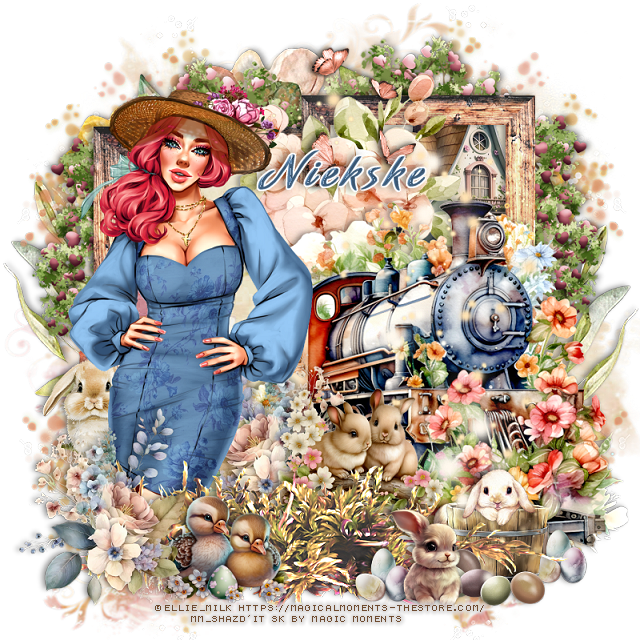
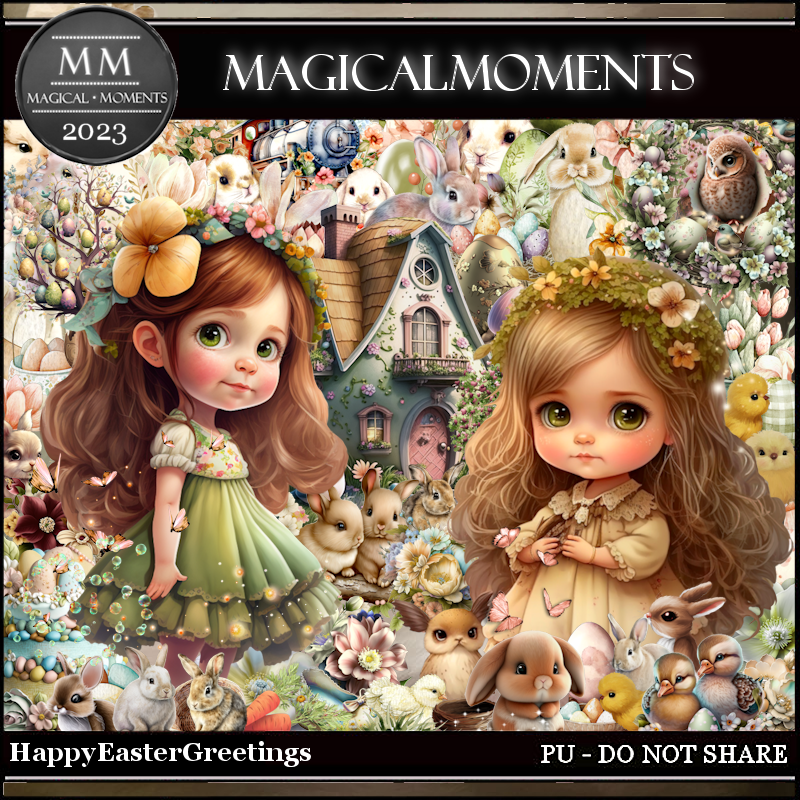
PTU Happy Easter Greetings by Magic Moments HERE HERE 
Beautiful kit for all your Spring/Easter tagging fun, it 
has 100 elements, 10 papers 
Mask of Choice, I used RD Mask 752 HERE
Check out the rest of the blog HERE

Font of choice, I used Amorinda

Drop shadow is V -1 H -4, 40, 10, Black or use what you prefer.
Let's get started
*Remember to add your drop shadow as you go along*

Open a new image 800 x 800, paste paper 5, add your mask, delete, merge 
group.
Paste element 85, free rotate to the left or right, duplicate, move over
and up more.
Click inside both frames, expand by 5, paste paper 5, invert, delete, select none.
Resize element 11 to 50%, paste below the right frame at the top, erase the part 
outside the frame.

Resize element 89 to 65%, paste below the paper layer on the left, duplicate,
mirror.
Paste element 34 on the mask layer on the right, duplicate, mirror.
Resize element 66 to 50%, paste on the right above the frame.
Resize element 65 to 85%, paste on the right.
Paste element 97 at the bottom.

Resize your tube to 35%, paste on the left below the grass.
Resize element 44 to 50%, paste at the lower left, duplicate, mirror, move behind
the tube.

Resize element 13 to 25%, mirror, paste at the bottom below the flowers.
Resize element 46 to 25%, paste on the left behind the tube.
Resize element 10 to 35%, paste below the grass to the right of the tube.
Resize element 19 to 15%, paste at the lower right being on the top layer.

Resize element 74 to 20%, paste at the lower right below the grass.
Resize element 53 to 15%, paste on the barrel
Paste element 95 on the mask layer at the upper left, duplicate, mirror, duplicate,
flip, duplicate, mirror.
Resize element 43 to 20%, paste at the bottom by the rabbit, duplicate, move
to the right behind the barrel.
Resize element 79 to 15%, paste at the bottom right above the barrel.
Resize element 78 to 80%, paste on the right being on the top layer, duplicate, 
merge down.
Resize element 82 to 35%, paste at the top.

Add any other elements you would like, make it your own.
Crop your tag to be sure no shadows or lines are on the edges.
 Then add your copyright and name.
That's it

Hope you enjoyed doing my tut.