Showing posts with label Lady Mishka. Show all posts

Monday, March 3, 2025

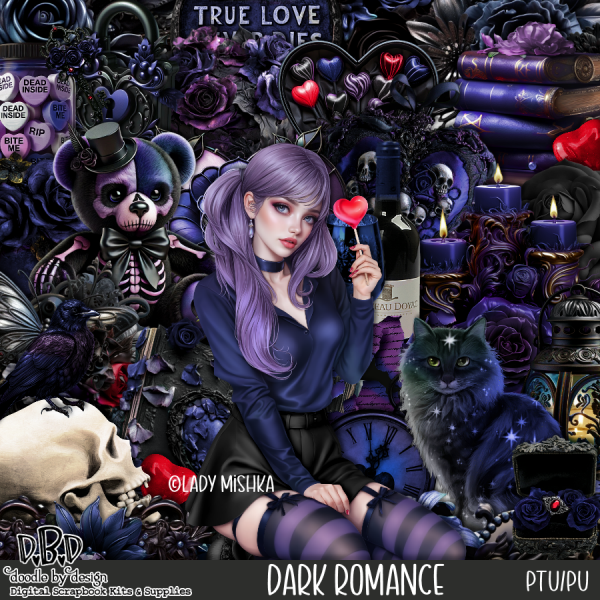
PTU Dark Romance


 This tut was written March 3rd, 2025 for those with a basic knowledge of psp. 

I am using the beautiful tube by © Lady Mishka

Tube is called Camilla Valentine
You need a license to use this tube, please do not use without a license
You can find this tube at VMA HERE

I used PSP2020...but any of them should work.
PTU Scrap Dark Romance by Doodle by Design  HERE
You can find all Doodle by Design kits  HERE 
Vivienne's Digital Tagging Mask 46 HERE
Check the rest of the blog HERE

Font of choice, I used Awesome Birds

Drop shadow as you go is V -2 H 4, 50, 10, or use what you prefer.
Let's get started
*Remember to add your drop shadow as you go along*

Open a new image 800 x 800, paste paper 16, apply your mask, move
to the right, duplicate, mirror.

Resize frame 2 to 85%, paste to the left a little, click inside,
paste paper 16, invert, delete.

Resize the tube to 25%, paste on the right.

Resize element 22 to 45%, paste on the right below the tube.
Resize element 8 to 32%, paste at the bottom above the tube.
Resize element 89 to 50%, paste below the tube on the left.
Resize element 90 to 40%, paste at the bottom above the books.
Resize element 63 to 25%, paste at the bottom above the books, duplicate, move over.
Resize element 101 to 75%, paste on the left above the frame, duplicate,
move to the right and own.
Resize element 9 to 40%, paste on the bottom left.

Resize element 61 to 45%, paste on the right below the boxes, duplicate,
move down some.
Resize element 1 to 30%, paste on the bottom right above the flowers.
Resize element 19 to 25%, paste at the bottom right.
Resize element 3 to 25%, paste below the shoes.
Resize element 41 to 50%, paste at the left above the frame.
Resize element 7 to 40%, paste on the left below the umbrella.

Add any other elements that you would like, make it your own.
Always readjust your mask and elements how you like them before you
 merge your tag, resize, sharpen.

Crop your tag to be sure no shadows or lines are on the edges.
 Then add your copyright and name.
That's it

Hope you enjoyed doing my tut

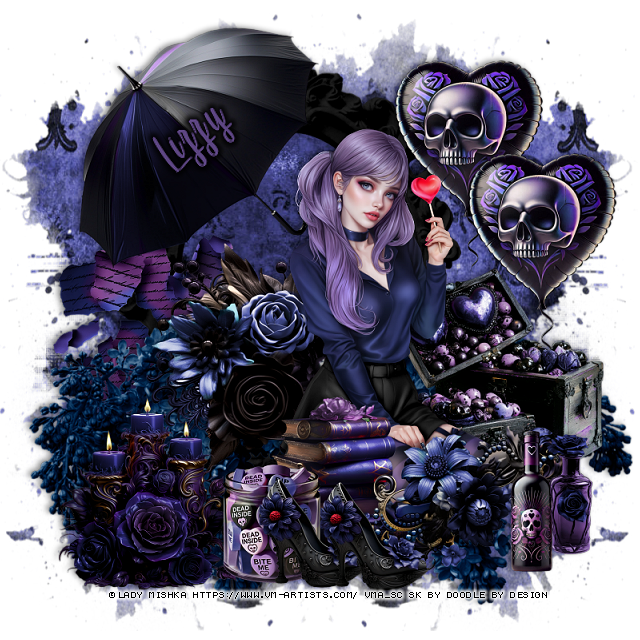
Tag for Lizzy 


Friday, January 31, 2025

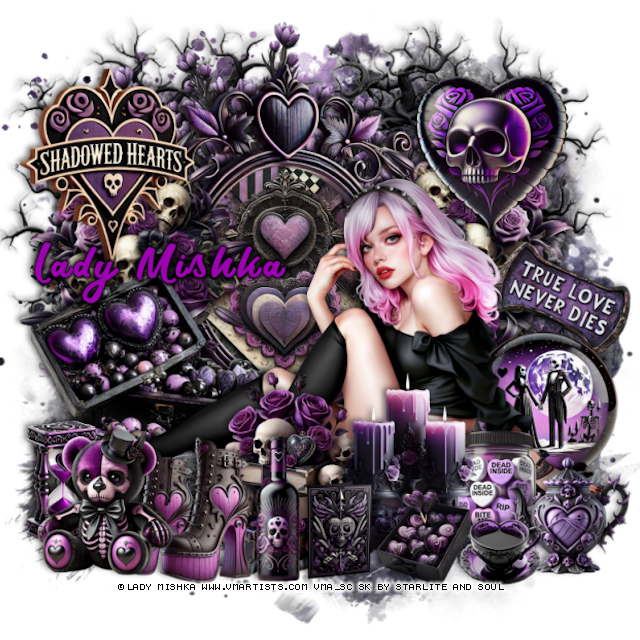
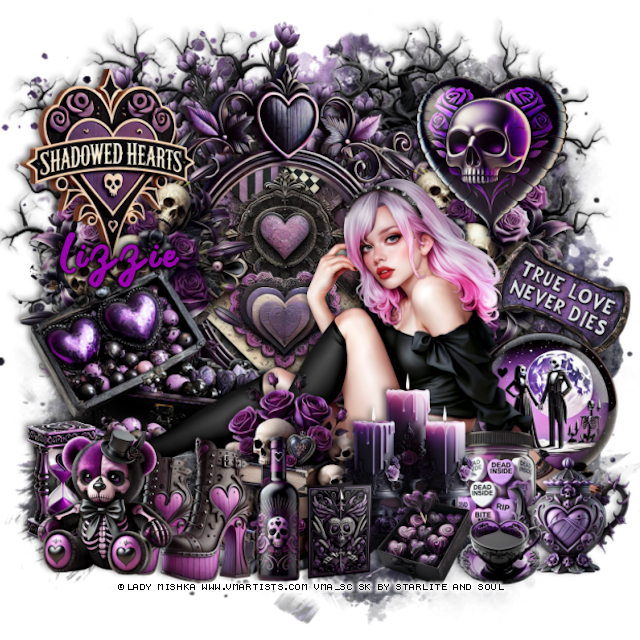
PTU Shadowed Hearts


  This tut was written January 31st, 2025 for those with a basic knowledge of psp. 

I am using the beautiful tube by ©Lady Mishka

The tube is Gothic Valentine
You need a license to use this tube, please do not use without a license
You can find the tube at VMA HERE

I used PSP2020...but any of them should work.
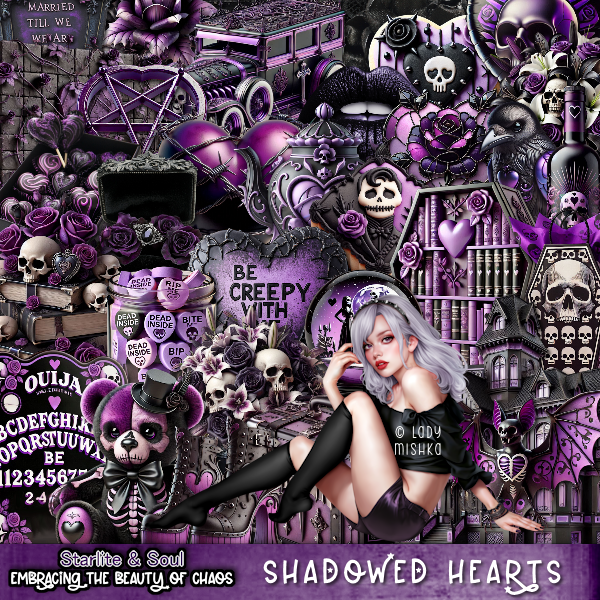
PTU Scrap Shadowed Hearts by Starlite and Soul  HERE
You can find all Starlite and Soul kits  HERE
Mask of choice, I used RD Mask 720 HERE
Check out the rest of the blog HERE 

Font of choice, I used Mothica Bold

Drop shadow as you go is V -2 H 4, 50, 10, or use what you prefer.
Let's get started
*Remember to add your drop shadow as you go along*

Open a new image 800 x 800, paste paper 14, apply your mask.

Resize frame 2 to 75%, paste to the left, click inside with the magic wand, 
resize paper 4 to 50%, paste, invert, delete.
Resize element 120 to 65%, paste on the frame on the left,
duplicate, mirror.
Paste element 97 below the frame.
Paste element 77 on the mask layer, adjust to fit your tag.

Resize your tube to 25%, paste to the right.

Resize element 48 to 55%, paste below the tube on the left.
Resize element 5 to 40%, paste on the bottom left above the tube.
Resize element 18 to 40%, paste at the bottom above the books.
Resize element 19 to 30%, paste at the bottom,
Resize element 31 to 30%, paste at the bottom left.
Resize element 16 to 40%, paste at the upper left.
Resize element 17 to 40%, paste on the upper right below the tube.
Resize element 38 to 25%, paste on the bottom right below the candles.

Resize element 40 to 25%, paste on the bottom left below the shoes.
Resize element 71 to 25%, free rotate to the right at 25, paste below the tube 
on the right.
Resize element 54 to 20%, paste at the bottom.
Resize element 28 to 25%, paste at the bottom right.
Resize element 52 to 17%, paste at the bottom.
Resize element 24 to 15%, paste at the bottom.
Resize element 7 to 40%, paste behind the tube on the right.
Resize element 2 to 30%, paste on the bottom left above the shoes.

Add any other elements that you would like, make it your own.
Always readjust your mask and elements how you like them before you
 merge your tag, resize, sharpen.

Crop your tag to be sure no shadows or lines are on the edges.
 Then add your copyright and name.
That's it

Hope you enjoyed doing my tut

Tag for Lizzie 


Sunday, January 26, 2025

CT for Savage Dezines-Catharine

  **CT for Savage Dezines**

Al generated by Savage Dezines
Awesome Catharine kit

You can find all the store links  HERE


Thursday, October 31, 2024

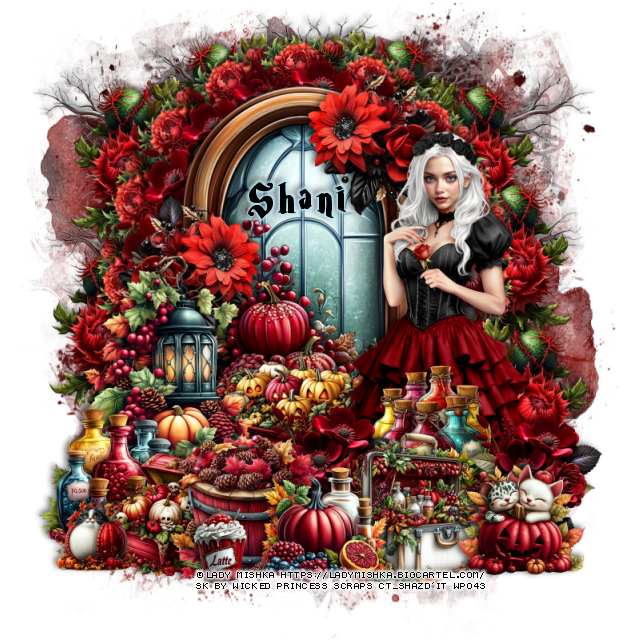
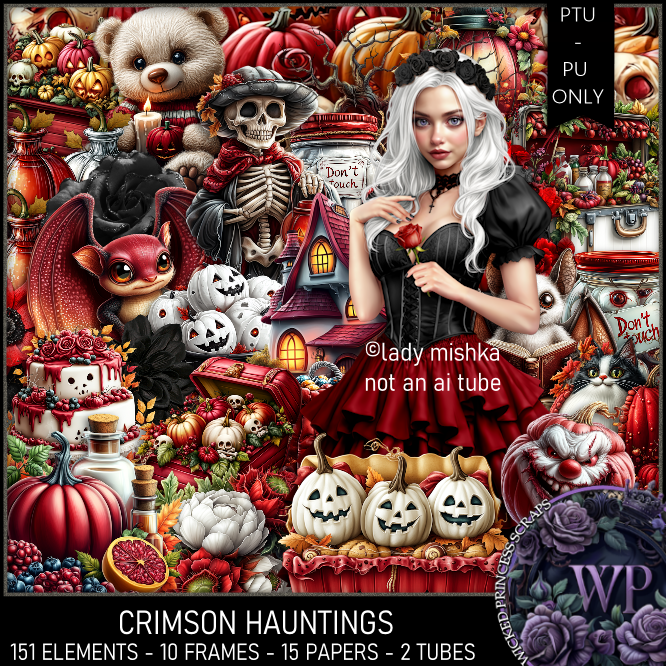
PTU Crimson Haunting


 This tut was written October 30th, 2024 for those with a basic knowledge of psp. 

I am using the Awesome tube by © Lady Mishka

2 Tubes is included in the kit
You need a license to use this tube, please do not use without a license
Use the license from the store you bought the kit.

I used PSP2020...but any of them should work.
PTU Scrap Crimson Hauntings by Wicked Princess Scraps HERE
You can find all Wicked Princess Scraps kits  HERE
Mask of choice, I used RD Mask 717  HERE
Check out the rest of the blog  HERE
Filter
Mura Meister Copies-Encircle.

Font of choice, I used Magic School One

Drop shadow as you go is V -2 H 4, 50, 10, or use what you prefer.
Let's get started
*Remember to add your drop shadow as you go along*

Open a new image 800 x 800, paste paper , apply your mask.

Resize element 122 to 75%, paste.
Resize element 44 to 25%, apply Mura Meister Copies, Encircle,
first 3 numbers on 18, 40, 55, move below the window.
Resize element 159 to 20%, apply Mura Meister, change the first 3 
numbers to 16, 50, 60, paste below the first circle.

Resize the tube to 40%, paste to the right.

Resize element 31 to 30%, paste at the bottom above the tube.
Resize element 44 to 25%, paste at the bottom above the suitcase,
duplicate, move to the left below the suitcase.
Resize element 148 to 25%, paste at the bottom.
Resize element 144 to 25%, paste at the bottom right.
Resize element 124 to 40%, paste on the left above the window.
Resize element 123 to 30%, paste at the bottom below the pumpkin element.

Resize element 156 to 40%, paste on the right below the tube, duplicate it
several times, move below the flower circles, move some up on the right, 
mirror some and adjust on the left.
Resize element 139 to 30%, paste on the left above the lantern.
Resize element 135 to 25%, paste at the bottom left above the bottles.
Resize element 134 to 35%, paste below the tube to the left.
Resize element 80 to 20%, paste on the window at the top below the tube,
duplicate, mirror, move down.
Resize element 36 to 15%, paste at the bottom.
Resize element 29 to 15%, paste at the bottom left.
Resize element 138 to 25%, paste above the tube at the bottom.
Paste element 3 above the mask on the upper right, duplicate, mirror.

Add any other elements that you would like, make it your own.
Always readjust your mask and elements how you like them before you
 merge your tag, resize, sharpen.

Crop your tag to be sure no shadows or lines are on the edges.
 Then add your copyright and name.
That's it

Hope you enjoyed doing my tut


Tuesday, October 8, 2024

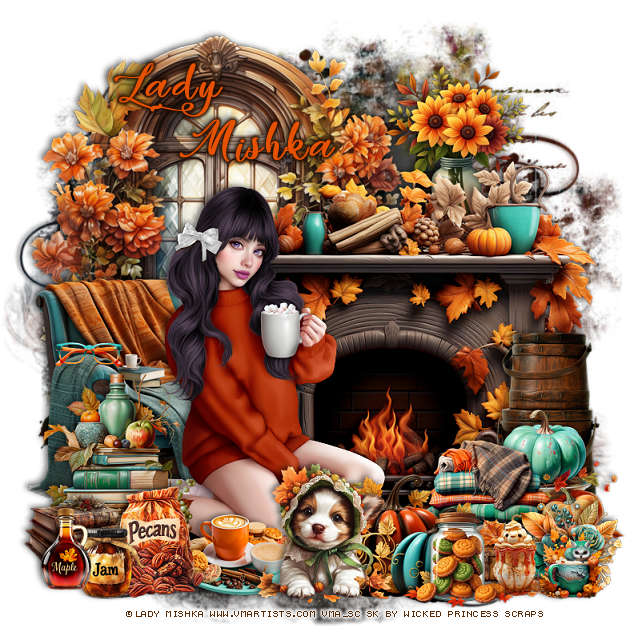
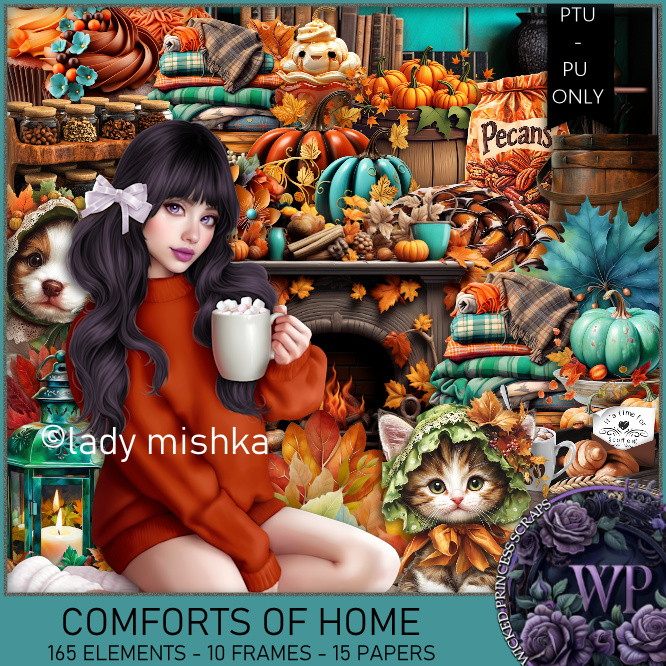
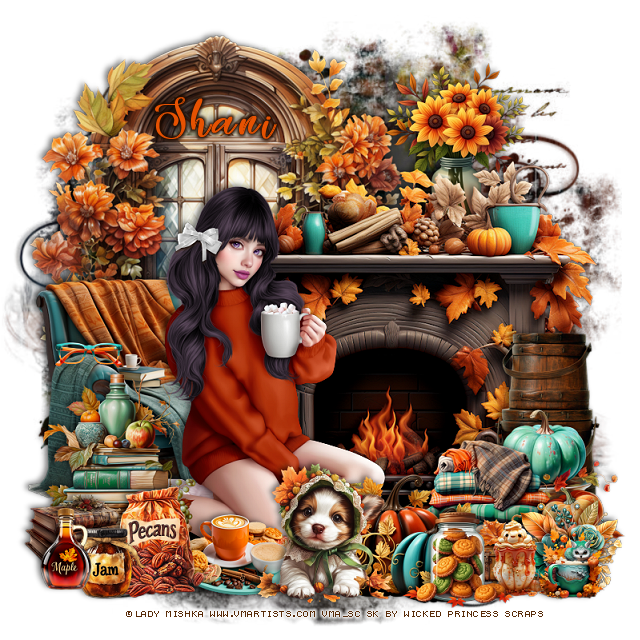
PTU Comfort of Home


 This tut was written October 8th, 2024 for those with a basic knowledge of psp. 

I am using the Awesome tube by © Lady Mishka

Tube is called Beatrice
You need a license to use this tube, please do not use without a license
You can find this tube at VMA HERE

I used PSP2020...but any of them should work.
PTU Scrap Comfort of Home by Wicked Princess Scraps HERE
You can find all Wicked Princess Scraps kits  HERE
Mask of choice, I used Miz Teeques Mask 56 HERE
Check out the rest of the blog HERE 

Font of choice, I used Easy November

Drop shadow as you go is V -2 H 4, 40, 10, or use what you prefer.
Let's get started
*Remember to add your drop shadow as you go along*

Open a new image 800 x 800, paste paper 15, apply your mask.

Resize element 131 to 75%, paste on the upper left.
Paste element 12 to the right.
Resize element 37 to 55%, paste on the bottom left.

Resize your tube to 18%, paste to the left.

Resize element 148 to 25%, paste at the bottom above the tube.
Resize element 151 to 35%, paste on the bottom left above the tube.
Resize element 174 to 30%, paste at the bottom right.
Resize element 169 to 35%, paste above the pumpkins.
Resize element 152 to 30%, paste at the bottom above the tube.
Resize element 4 to 15%, paste at the bottom right.
Resize element 142 to 30%, paste below the fireplace at the top.
Resize element 27 to 15%, paste on the arm of the chair.

Resize element 95 to 40%, paste on the right below the pumpkins.
Resize element 146 to 20%, paste at the bottom right.
Resize element 15 to 35%, paste at the bottom below the jar.
Resize element 93 to 20%, paste at the bottom left.
Resize element 9 to 20%, paste at the bottom left below the pecans.
Resize element 75 to 15%, paste at the bottom left.
Resize element 87 to 15%, paste at the bottom left.
Resize element 173 to 20%, paste at the bottom right above the blankets.
Resize element 152 to 15%, paste at the bottom right.

Add any other elements that you would like, make it your own.
Always readjust your mask and elements how you like them before you
 merge your tag, resize, sharpen.

Crop your tag to be sure no shadows or lines are on the edges.
 Then add your copyright and name.
That's it

Hope you enjoyed doing my tut

Shani Tag 


Saturday, October 5, 2024

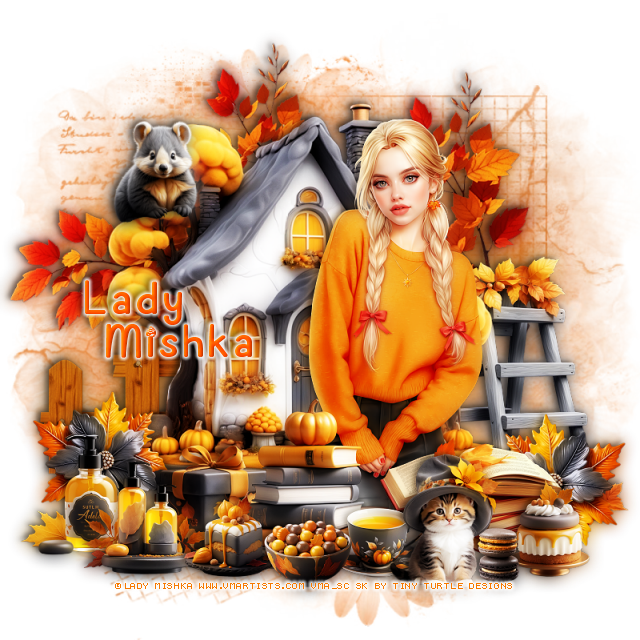
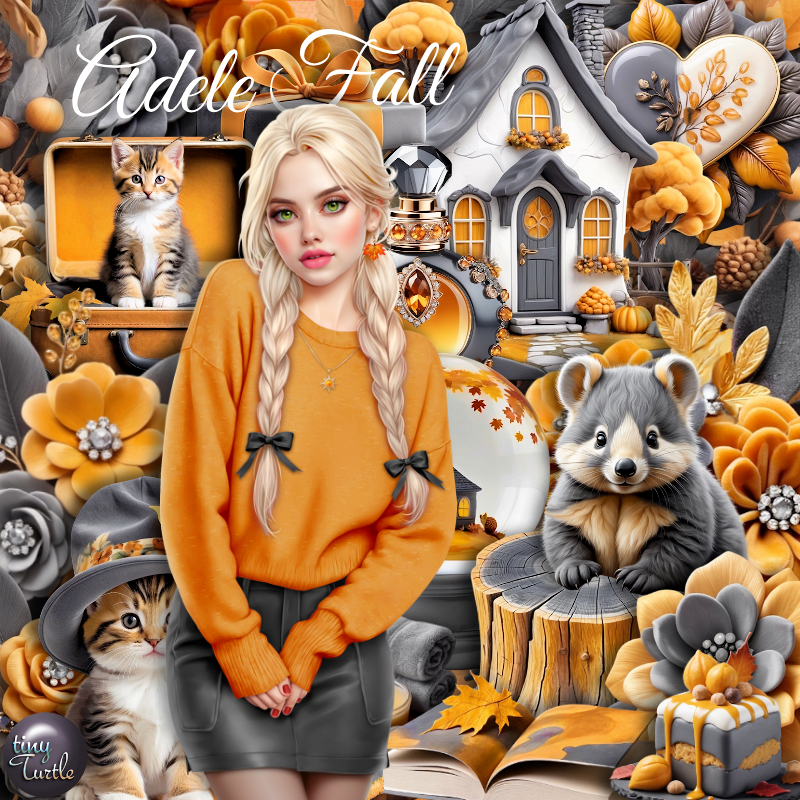
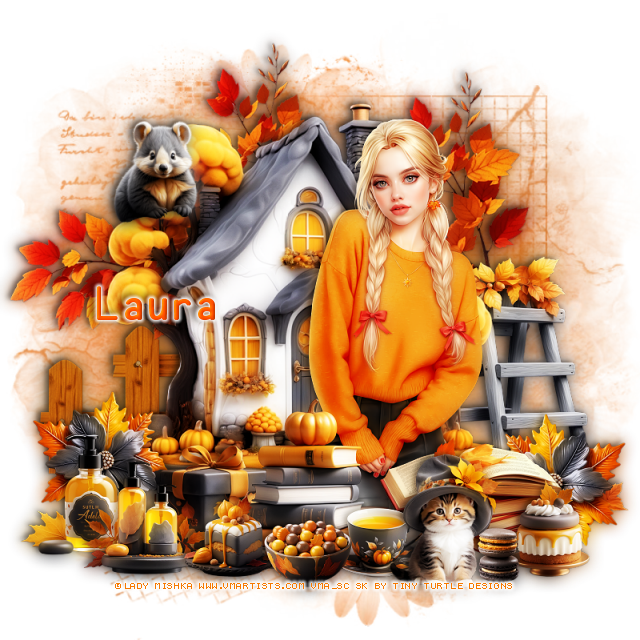
PTU Adele Fall


 This tut was written October 5th, 2024 for those with a basic knowledge of psp. 

I am using the Awesome tube by © Lady Mishka

Tube is called Adele
You need a license to use this tube, please do not use without a license
You can find this tube at VMA HERE

I used PSP2020...but any of them should work.
PTU Scrap Adele Fall by Tiny Turtle Designs  HERE
You can find all Tiny Turtle Designs Scraps kits  HERE
Mask of choice, I used Miz Teeques Mask 78 HERE
Check out the rest of the blog HERE

Font of choice, I used Autumn Ceria

Drop shadow as you go is V -2 H 4, 40, 10, or use what you prefer.
Let's get started
*Remember to add your drop shadow as you go along*

Open a new image 800 x 800, paste paper 6, apply your mask.

Resize element 31 to 75%, paste on the left.
Resize element 30 to 50%, paste on the right below the house.
Resize element 106 to 75%, paste below the house on the left, duplicate,
move to the right.
Resize element 98 to 75%, paste behind the house on the left.

Resize your tube to 20%, paste to the right.

Resize element 120 to 40%, paste at the bottom above the tube.
Resize element 47 to 20%, paste at the bottom above the books.
Resize element 58 to 25%, paste at the bottom.
Resize element 70 to 40%, paste at the bottom above the tube.
Resize element 27 to 35%, paste above the ladder on the right,
duplicate, mirror.
Resize element 43 to 30%, paste at the bottom below the books.
Resize element 37 to 20%, paste at the bottom.
Resize element 92 to 20%, paste at the bottom.
Resize element 67 to 25%, paste at the bottom left.
Resize element 73 to 25%, paste on the left below the bottles.
Resize element 38 to 25%, paste on the bottom right below the cat.
Resize element 90 to 15%, paste at the bottom right.
Resize element 80 to 20%, paste on the tree on the left.
Once you are done adding elements, close the mask layer, merge, duplicate, 
go to Adjust, Blur, Gaussian blur, number on 10, change the blend mode
 to Overlay, open the mask layer.

Add any other elements that you would like, make it your own.
Always readjust your mask and elements how you like them before you
 merge your tag, resize, sharpen.

Crop your tag to be sure no shadows or lines are on the edges.
 Then add your copyright and name.
That's it

Hope you enjoyed doing my tut

Laura Tag   


Wednesday, October 2, 2024

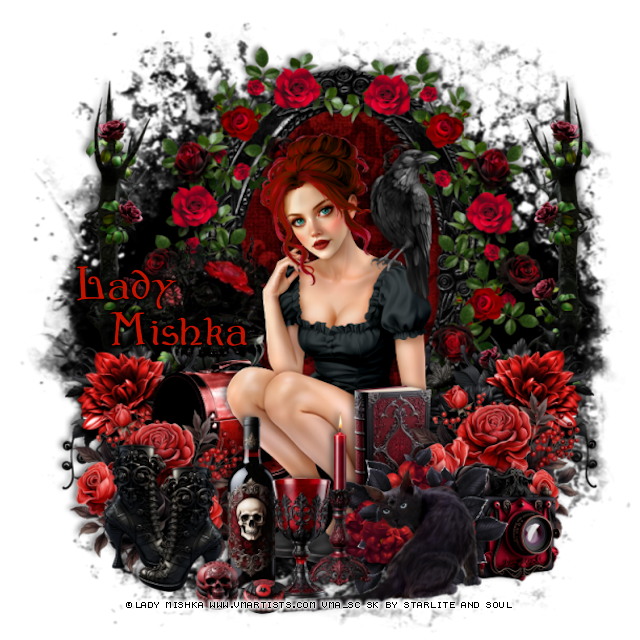
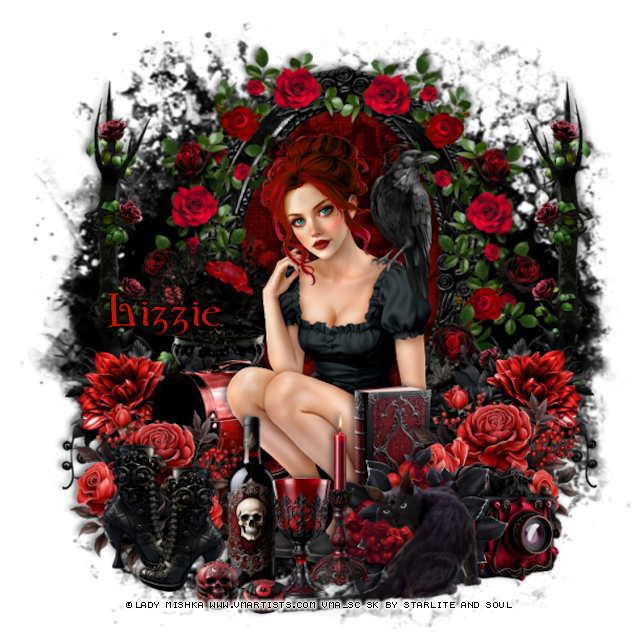
PTU Gothic Beauty


This tut was written October 2nd, 2024 for those with a basic knowledge of psp. 

I am using the Awesome tube by © Lady Mishka

Tube is called Milena
You need a license to use this tube, please do not use without a license
You can find this tube at VMA HERE

I used PSP2020...but any of them should work.
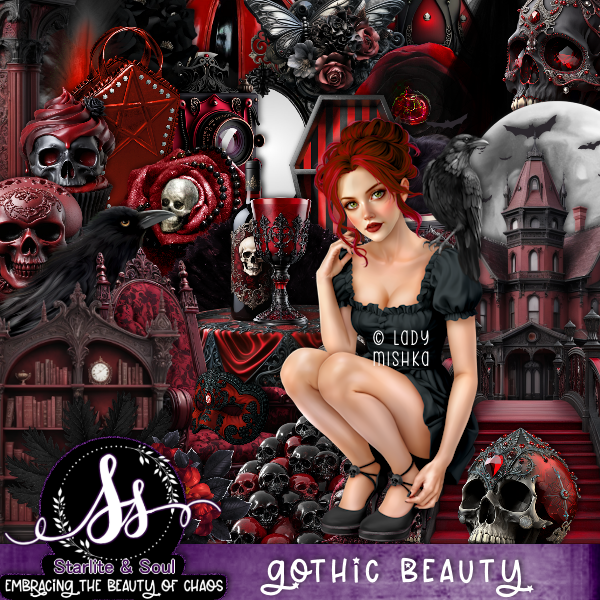
PTU Scrap Gothic Beauty by Starlite and Soul  HERE
You can find all Starlite and Soul kits  HERE

Font of choice, I used bu Wicked

Drop shadow as you go is V -2 H 4, 40, 10, or use what you prefer.
Let's get started
*Remember to add your drop shadow as you go along*

Open a new image 800 x 800

Resize frame 4 to 75%, paste, click inside with the magic wand, paste paper
8, invert, delete.
Paste element 163 below the frame.
Resize element 102 to 90%, paste on the frame on the left, duplicate, mirror.
Resize element 126 to 40%, paste on the bottom of the frame on the left,
duplicate, mirror.
Resize element 39 to 75%, paste on the left below the flower, duplicate, 
mirror.

Resize your tube to 20%, paste.

Resize element 100 to 35%, paste at the bottom right above the tube.
Resize element 127 to 40%, paste on the bottom right below the top flower.
Resize element 49 to 25%, paste on the bottom right below the top flower.
Resize element 68 to 40%, paste at the bottom.
Resize element 66 to 40%, paste on the left above the frame.
Resize element 57 to 45%, paste below the tube on the left.
Resize element 127 to 40%, paste on the bottom left above the luggage.
Resize element 15 to 25%, paste on the right above the tube.
Resize element 17 to 35%, paste at the bottom below the cat.

Resize element 7 to 25%, paste at the bottom by the candle.
Resize element 12 to 35%, paste at the bottom below the glass.
Resize element 76 to 25%, paste at the bottom left, duplicate, mirror,
move back by the first one.
Resize element 10 and 11 to 10%, paste at the bottom.

Add any other elements that you would like, make it your own.
Always readjust your mask and elements how you like them before you
 merge your tag, resize, sharpen.

Crop your tag to be sure no shadows or lines are on the edges.
 Then add your copyright and name.

That's it 

Lizzie tag


Wednesday, September 25, 2024

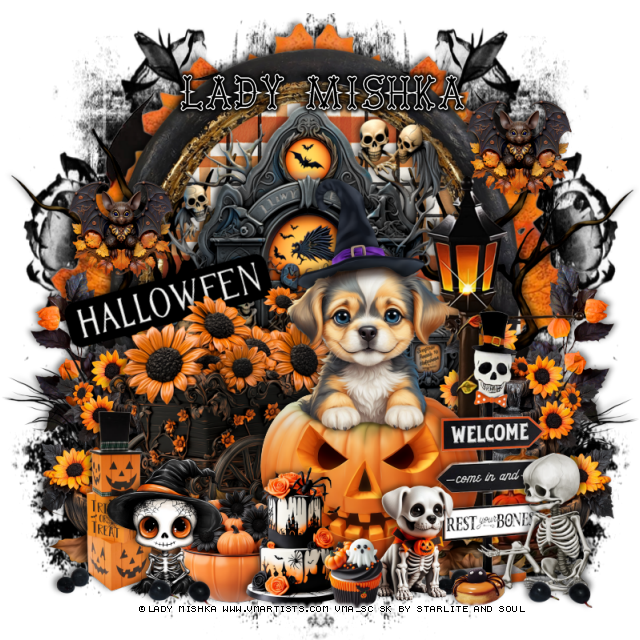
PTU Happy Haunting


 This tut was written September 24th, 2024 for those with a basic knowledge of psp. 

I am using the beautiful tube by © Lady Mishka

Tube is called Ollie Pumpkin
You need a license to use this tube, please do not use without a license
You can find this tube at VMA HERE

I used PSP2020...but any of them should work.
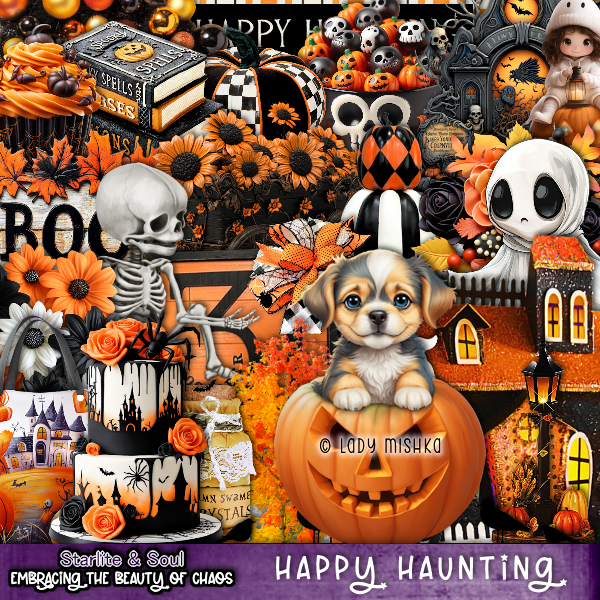
PTU Scrap Happy Haunting by Starlite and Soul  HERE
You can find all Starlite and Soul kits  HERE

Font of choice, I used Biker Bones

Drop shadow as you go is V -2 H 4, 50, 10, or use what you prefer.
Let's get started
*Remember to add your drop shadow as you go along*

Open a new image 800 x 800, paste element 190 on one side,
duplicate, mirror.

Paste frame 8 to the top, click inside with the magic wand, paste 
paper 21, invert, delete.
Flip element 50, paste below the frame on one side, duplicate, mirror.
Resize element 68 to 60%, paste on the left.

Resize your tube to 15%, paste.

Paste element 17 at the bottom below the tube.
Resize element 12 to 75%, paste on the right behind the tube.
Resize element 39 to 60%, paste below the wagon.
Resize element 16 to 75%, paste behind the headstone on the left,
duplicate, mirror.
Resize element 69 to 50%, paste on the right below the headstone, 
duplicate, mirror.
Resize element 66 to 25%, paste at the bottom above the tube.

Resize element 80 to 50%, paste below the flowers on 
the right, duplicate, mirror.
Resize element 179 to 50%, paste below the grass on the left, duplicate, mirror.
Resize element 109 to 40%, free rotate to the left at 15, paste on the left 
below the wagon.
Resize element 58 to 40%, paste at the bottom left below the bowl.
Resize element 34 to 75%, paste on the right.
Resize element 3 to 30%, paste at the bottom.
Resize element 40 to 20%, paste on the left, duplicate, move to the right.
Resize element 4 to 30%, mirror, paste at the bottom right.
Resize element 21 to 30%, paste at the bottom left, duplicate, move to the right.
Resize element 73 to 30%, paste at the bottom.
Resize element 5 to 25%, paste at the bottom.
Resize element 64 to 15%, paste at the bottom.
Resize element 78 to 10%, paste at the bottom.

Add any other elements that you would like, make it your own.
Always readjust your mask and elements how you like them before you
 merge your tag, resize, sharpen.

Crop your tag to be sure no shadows or lines are on the edges.
 Then add your copyright and name.

That's it 

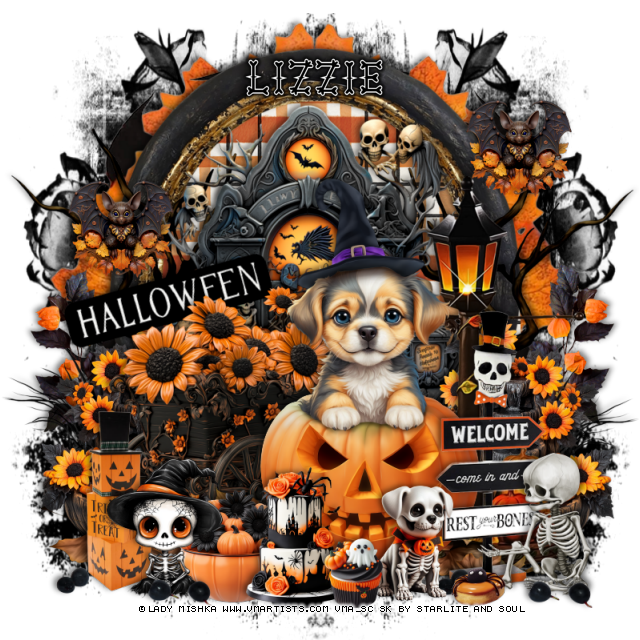
Lizzie tag