Showing posts with label Wicked Diabla Designs. Show all posts

Sunday, September 24, 2023

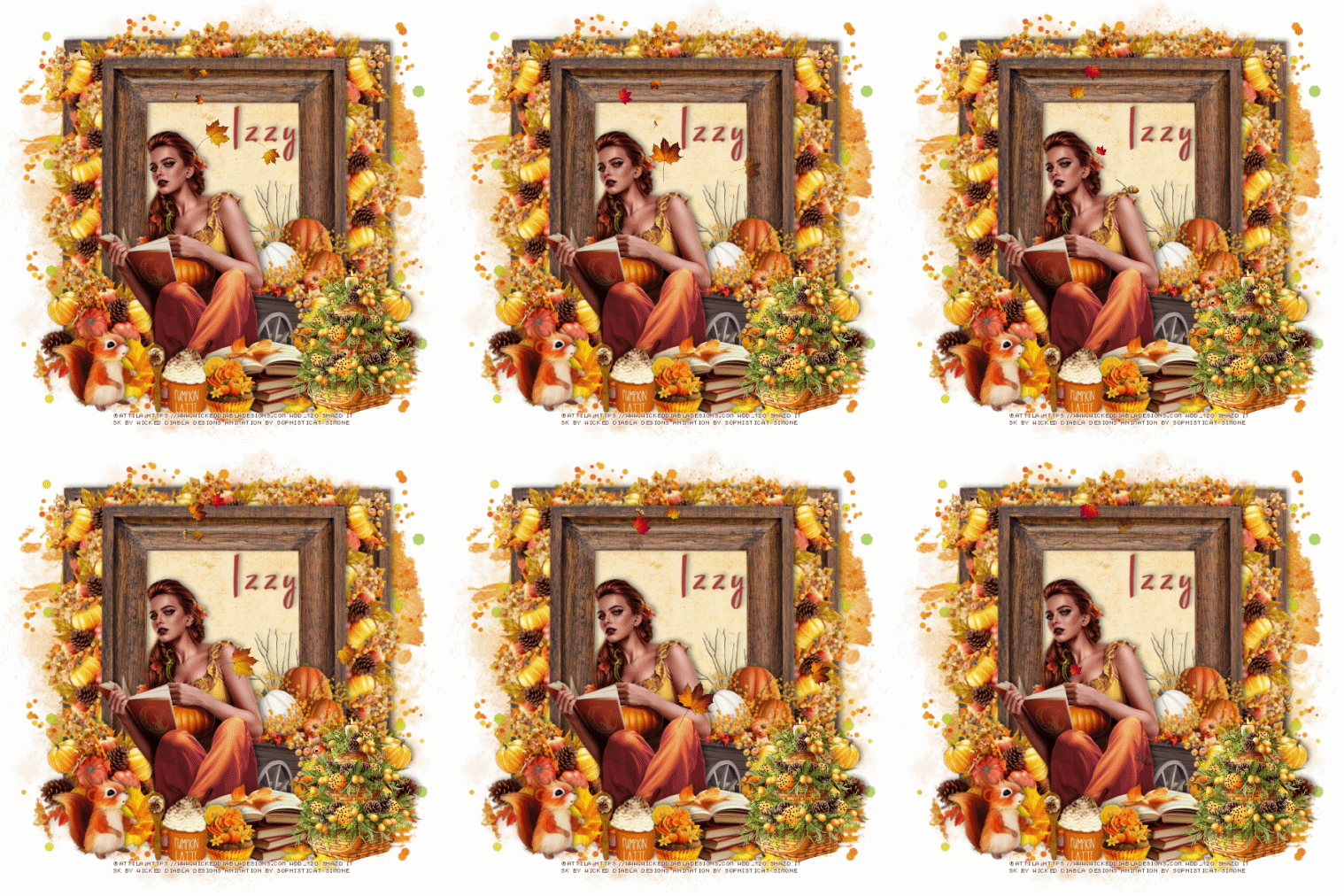
CT Tag Wicked Diabla Designs

****CT Tag for Wicked Diabla Designs****

 Artist ©Attila

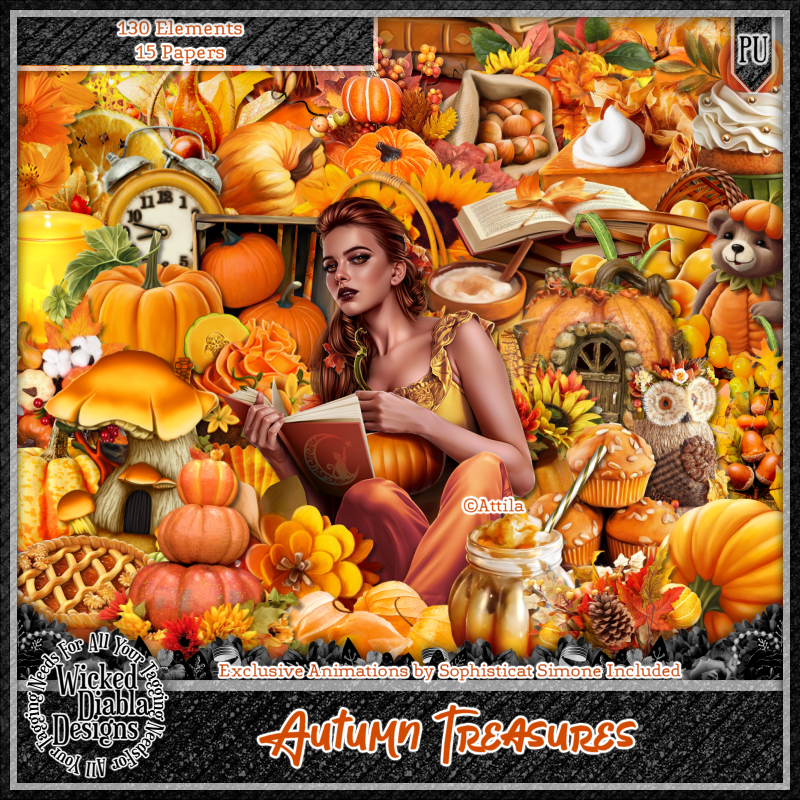
2 Tubes is included with this kit
You need a license to use this tube, please do not use without a license.
There are 2 different tubes by Attila included
and 4 matching animations by Sophisticat Simone.
I used 2 of them on this tag 

PTU Scrap Autumn Treasures by Wicked Diabla Designs  HERE 
You can find all her kits at her store HERE

Here is a tag I made using this awesome Autumn kit


Friday, September 15, 2023

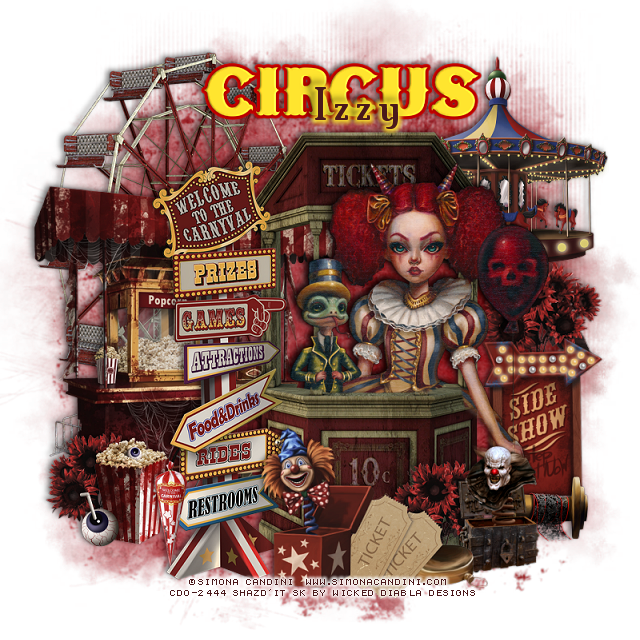
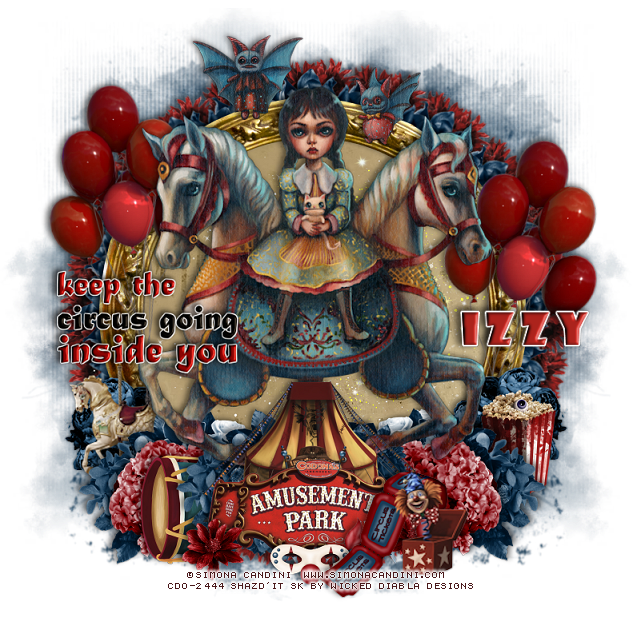
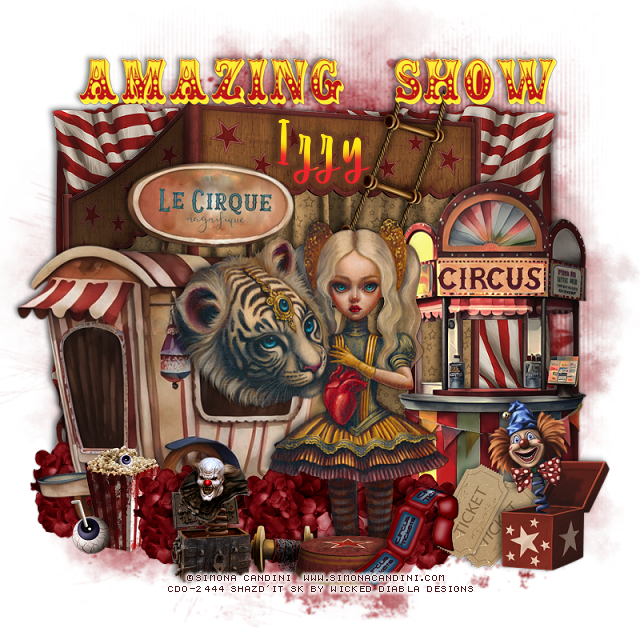
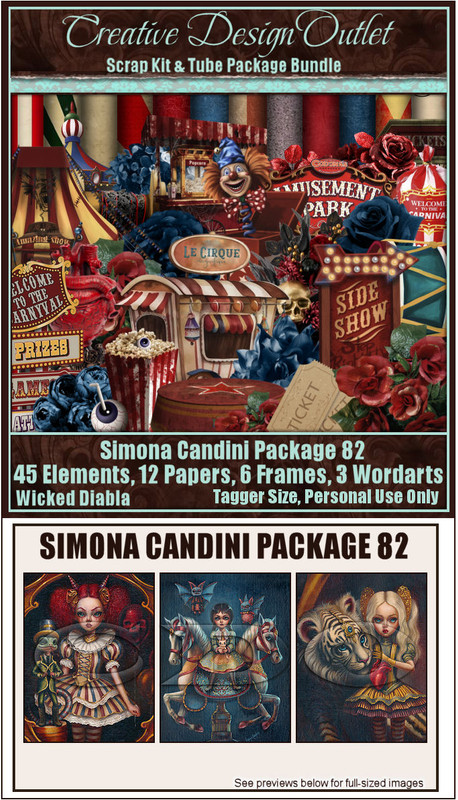
CT Tags Simona Candini Pkg 82/Wicked Diabla

    **CT Tags FOR *** Wicked Diabla Designs***

***Scrap WD_Simona Candini-Package 82***

***by Wicked Diabla Designs ***
Scrap WD_Simona Candini-Package 82 is HERE

You can find all Simona Candini tubes HERE

Below are a couple of tags I made with this kit. 


Monday, September 11, 2023

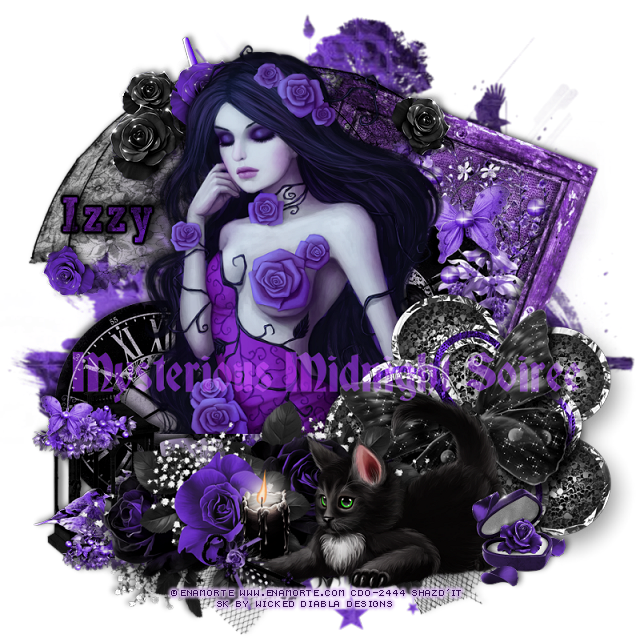
PTU Enamorte


 This tut was written September 11th, 2023 for those with a basic knowledge of psp. 

I am using the awesome artist ©Enamorte

Tube is 48-1
You need a license to use this tube, please do not use without a license.
You can find all the tubes at CDO HERE

I used PSP2020...but any of them should work.
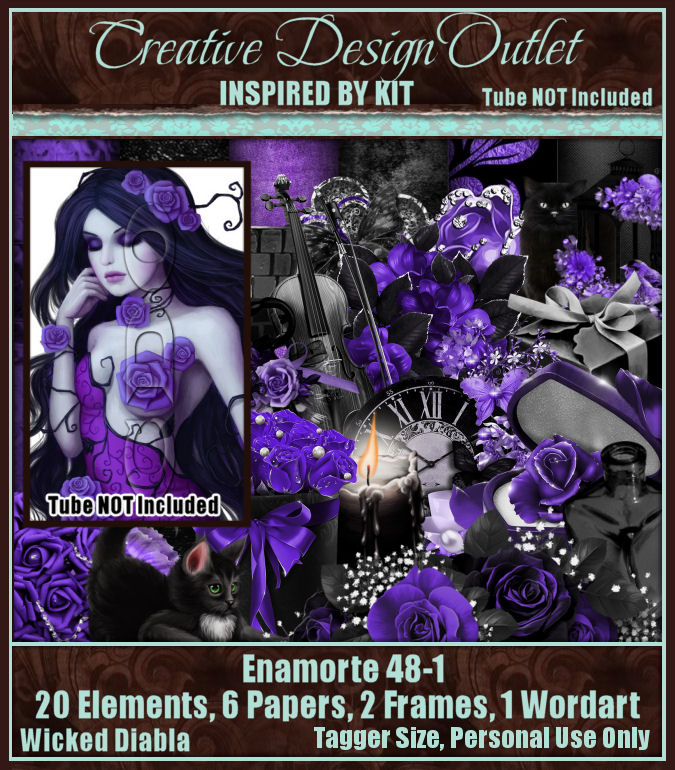
PTU Scrap WD_ IB_Enamorte-48-1  HERE 
Awesome kit made to match the tube
Mask of choice, I used Vivienne's Digital Tagging Mask 26 HERE
Check out the rest of the blog HERE

Font of choice, I used Rockwell

Drop shadow is V -2 H -4, 50, 10, color black or use what you prefer.
Let's get started
*Remember to add your drop shadow as you go along*

Open a new image 800 x 800, paste paper 4, apply your mask, delete, merge.

Resize frame 2 to 55%, free rotate to the right at 20, move to the upper right,
click inside with the magic wand, expand, paste paper 2, invert, delete,
keep selected, resize element 3 to 85%, paste in the frame, delete, select none.

Resize your tube to 90%, paste above the frame to the left.

Resize element 3 to 75%, paste behind the tube on the left.
Resize element 6 to 75%, paste above the tube on the right.
Resize element 16 to 90%, paste at the bottom above the tube.
Resize element 15 to 65%, mirror, paste at the bottom above the flowers.
Resize the wordart to 65%, paste where you like, change the blend mode to 
Screen.
Resize element 1 to 25%, paste at the bottom right.
Resize element 5 to 25%, free rotate to the left at 45, paste by the cat paw.
Resize element 2 to 50%, mirror, paste on the left below the flowers.
Paste element 4 at the bottom above the mask layer.
Resize element 14 to 25%, paste below the cat.
Paste element 17 at the upper left behind the tube.

Add any other elements that you would like, make it your own.
Always readjust your mask and elements how you like them before you
 merge your tag, resize, sharpen.

Crop your tag to be sure no shadows or lines are on the edges.
 Then add your copyright and name.
That's it

Hope you enjoyed doing my tut.   

Wednesday, September 6, 2023

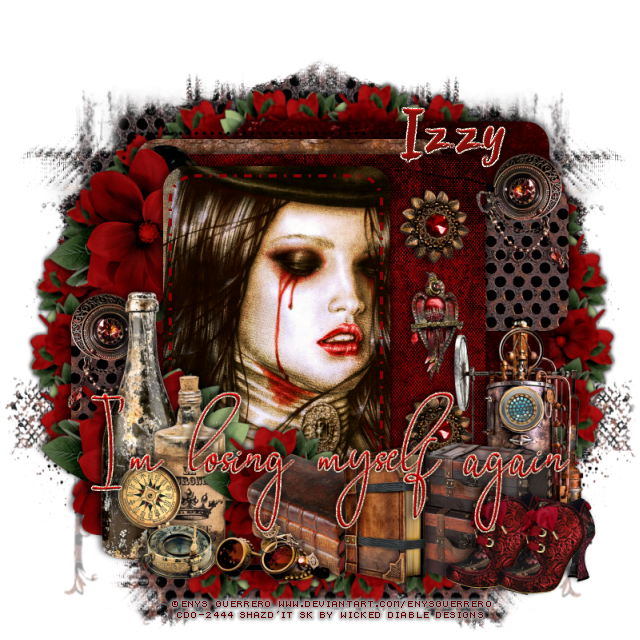
PTU Enys Guerrero


 This tut was written September 6th, 2023 for those with a basic knowledge of psp. 

I am using the awesome artist ©Enys Guerrero

Tube is 5-2
You need a license to use this tube, please do not use without a license.
You can this tube at CDO HERE

I used PSP2020...but any of them should work.
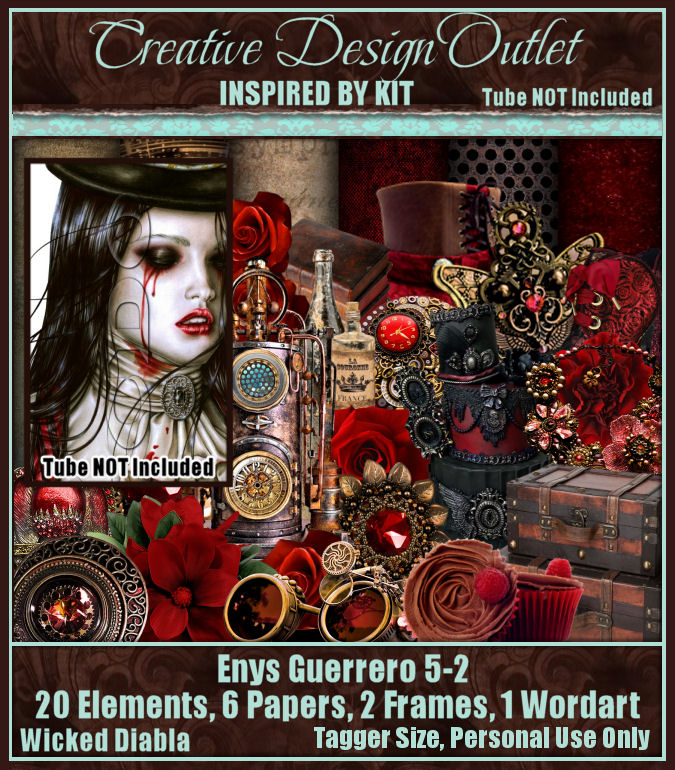
PTU Scrap WD_ IB_Enys Guerrero-5-2  HERE 
Awesome kit made to match the tube
Millie's PSP Madness Template 887 HERE
Check out the rest of the blog HERE
Mask of choice, I used Vivienne's Digital Tagging Mask 13 HERE
Check out the rest of the blog HERE
Filter
Mura Meister Copies-Encircle

Font of choice, I used Rofi Taste

Drop shadow is V -2 H -4, 50, 10, color black or use what you prefer.
Let's get started
*Remember to add your drop shadow as you go along*

Open the template, duplicate, close the original, delete the credits.
Go to Image, Canvas size, 800 x 800.

Select layer 1, paste paper 2, invert, delete, delete the template layer also.
Layer 2, paste paper 3, invert, delete.
Merge layer 4 down with 3, paste paper 4.
Layer 5, paste paper 1.
Layer 6, paste paper 5, keep selected, resize the tube to 90%, 
paste, delete, select none.
Change the blend mode to Hard light.
Layer 7, fill with a color of choice.

Resize element 16 to 75%, paste on the bottom left.
Resize element 20 to 65%, mirror, paste behind the bottles, duplicate, flip,
move up on the left below the layer behind the tube.
Duplicate the flower again, resize to 50%, apply Mura Meister Copies-Encircle,
first 3 numbers on  20, 65, 65, move to the bottom layer on the left, duplicate, 
move to the right.

Resize element 13 to 30%, paste at the bottom left above the bottles.
Resize element 8 to 30%, paste at the bottom.
Resize element 4 to 30%, paste on the right, duplicate, mirror, move behind
the bottles.
Resize element 25 to 30%, paste behind the goggles.
Duplicate the flower that is on the left, resize smaller to 65%, move behind the books.
Resize element 17 to 35%, paste at the bottom.
Resize element 10 to 35%, paste at the bottom right below the book.

Resize element 3 to 25%, paste on the right.
Resize element 24 to 20%, paste on the right above the bird, duplicate, move
down.
Resize element 12 to 55%, paste behind the suitcases.
Resize element 18 to 25%, paste at the bottom right being on the top layer, 
duplicate, move over.
Resize the wordart to 75%, paste where you like and change the color.

Paste paper 4 on the bottom layer, apply your mask, duplicate, mirror.

Add any other elements that you would like, make it your own.
Always readjust your mask and elements how you like them before you
 merge your tag, resize, sharpen.

Crop your tag to be sure no shadows or lines are on the edges.
 Then add your copyright and name.
That's it

Hope you enjoyed doing my tut.   

Thursday, August 31, 2023

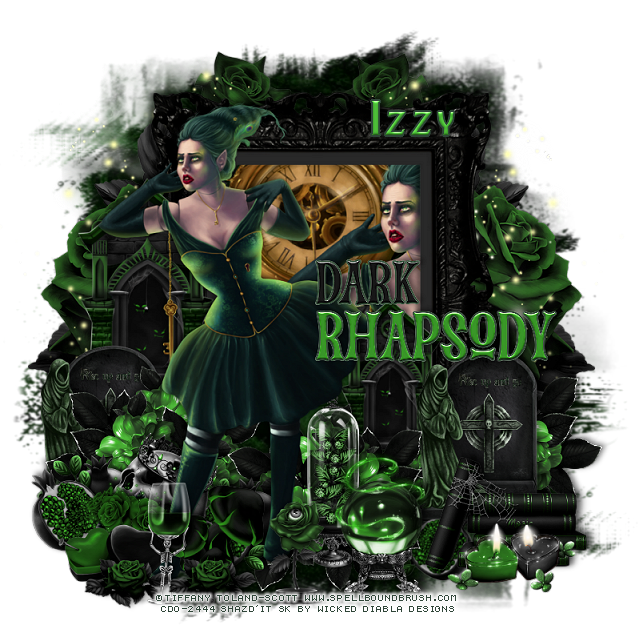
PTU Tiffany Toland-Scott


 This tut was written August 31st, 2023 for those with a basic knowledge of psp. 

I am using the awesome artist ©Tiffany Toland-Scott 

Tube is 8-1
You need a license to use this tube, please do not use without a license.
You can this tube at CDO HERE

I used PSP2020...but any of them should work.
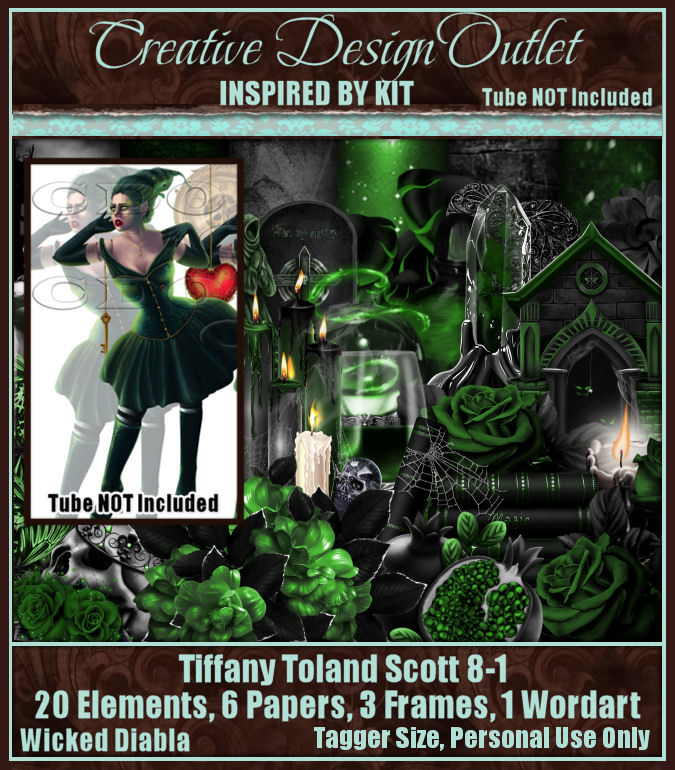
PTU Scrap WD_ IB_Tiffany Toland-Scott-8-1  HERE 
Awesome kit made to match the tube
Mask of choice, I used Vivienne's Digital Tagging Mask 13 HERE
Check out the rest of the blog HERE

Font of choice, I used Blackadder II

Drop shadow is V -2 H -4, 50, 10, color black or use what you prefer.
Let's get started
*Remember to add your drop shadow as you go along*

Open a new image, 800 x 800, paste paper 4, apply your mask.
Resize frame 1 to 60%, paste, click inside with the magic wand,
expand, paste the full tube in the frame to the right more, invert, delete.
Paste element 21 above the mask on the left, duplicate, mirror.
Paste element 7 on the left on the flower, duplicate, mirror.

Resize tube to 70%, paste on the left above the frame.

Resize element 19 to 50%, paste on the left below the tube, duplicate, mirror, duplicate,
move toward the center.
Resize element 10 to 50%, paste on the left above the frame, duplicate, move behind 
the tube to the right.
Resize element 3 to 40%, paste on the right above the flower, duplicate, 
move to the left below the flower.

Resize element 1 to 25%, paste at the lower left, duplicate, move behind the 
tube.
Resize element 2 to 25%, paste at the lower left above the fruit.
Resize element 17 to 40%, paste below the tube to the right a little.
Resize element 16 to 40%, paste at the bottom right above the tombstone.
Resize element 4 to 30%, paste at the bottom right above the books.

Resize element 25 to 35%, paste at the bottom.
Resize element 18 to 25%, paste at the bottom.
Resize element 20 to 25%, paste at the lower left.
Resize element 22 to 20%, paste at the bottom left, duplicate, move over more.
Resize element 24 to 25%, paste at the bottom below the small flower.
Resize the wordart to 30%, paste on the right being on the top layer,
add a bevel, texture or whatever you like.
Resize element 6 to 30%, paste at the bottom.

Add any other elements that you would like, make it your own.
Always readjust your mask and elements how you like them before you
 merge your tag, resize, sharpen.

Crop your tag to be sure no shadows or lines are on the edges.
 Then add your copyright and name.
That's it

Hope you enjoyed doing my tut.   

Monday, August 28, 2023

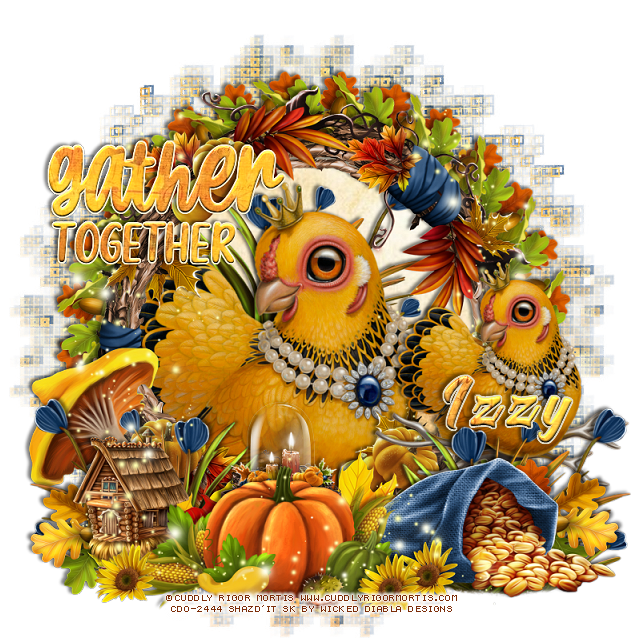
PTU Cuddly Rigor Mortis


 This tut was written August 27th, 2023 for those with a basic knowledge of psp. 

I am using the awesome artist ©Cuddly Rigor Mortis 

Tube is 65-1
You need a license to use this tube, please do not use without a license.
You can this tube at CDO HERE

I used PSP2020...but any of them should work.
PTU Scrap WD_ IB_Cuddly Rigor Mortis-65-1  HERE 
Awesome kit made to match the tube
Mask of choice, I used DD Geo Mask_1 (blog is closed now)

Filter
Mura Meister Copies-Encircle

Font of choice, I used Blackadder 

Drop shadow is V -2 H -4, 50, 10, color black or use what you prefer.
Let's get started
*Remember to add your drop shadow as you go along*

This is a quickie

Open a new image, 800 x 800, paste paper 5 first, apply the mask, 
then paper 4, apply your mask, delete, merge group.

Resize frame 1 to 65%, paste click inside with the magic wand, expand
by 15, paste paper 1, invert, delete, select none.
Resize element 21 to 30%, flip, apply Mura Meister Copies-Encircle, first 
3 numbers on 20, 60, 60, move below the paper layer.
Now resize the original element to 30, apply Mura Meister Copies-Encircle,
change the first number to 28, leaving the other numbers the same, move below
the first circle.

Paste the large hen in the frame.
Resize the one on the perch to 70%, paste above the frame on the right.

Resize element 27 to 60%, paste at the bottom above the perch.
Resize element 16 to 50%, paste at the bottom left.
Paste element 9 at the bottom above the mushroom.
Resize element 8 to 75%, paste behind the hen in the frame, duplicate, move
above the one on the perch, duplicate, mirror.

Resize element 13 to 65%, paste at the bottom above the bag.
Resize element 14 to 35%, paste on the left below the pumpkin corn layer.
Resize element 3 to 10%, paste at the bottom.
Resize element 19 to 15%, duplicate twice, paste at the bottom where you like.
Resize element 30 to 30%, paste behind the pumpkin.
Resize element 21 to 30%, paste at the lower left above the blue flowers,
duplicate, mirror.

Resize the wordart to 30%, apply a bevel, glass or texture of choice.
Paste element 29 on the left below the wordart, duplicate, mirror, move below
the perched bird.

Add any other elements that you would like, make it your own.
Always readjust your mask and elements how you like them before you
 merge your tag, resize, sharpen.

Crop your tag to be sure no shadows or lines are on the edges.
 Then add your copyright and name.
That's it

Hope you enjoyed doing my tut.   

Friday, August 25, 2023

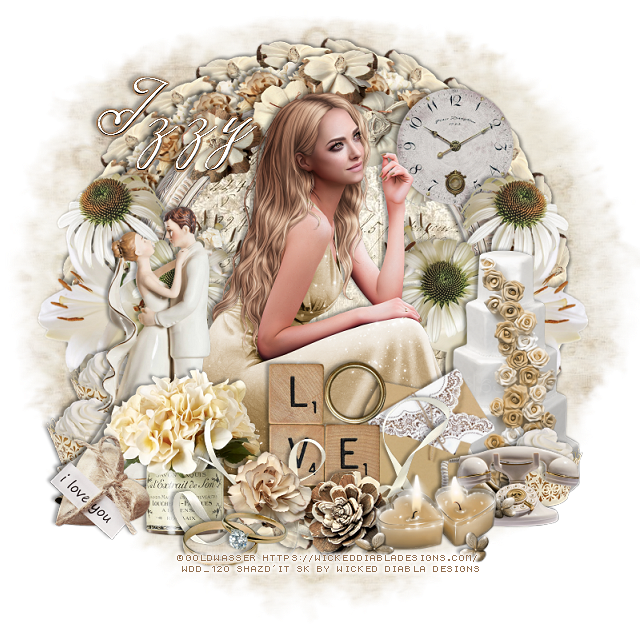
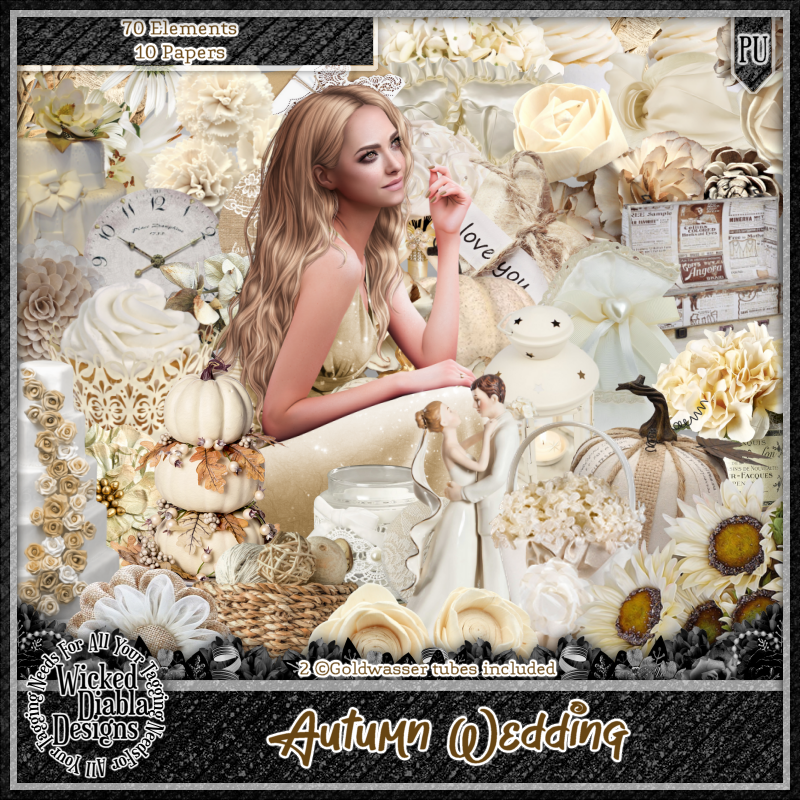
PTU Autumn Wedding


This tut was written August 25th, 2023 for those with a basic knowledge of psp. 

I am using the awesome artist ©Goldwasser

You need a license to use this tube, please do not use without a license.
There are 2 different tubes by Goldwasser included in the kit, 
use your license where you buy the kit.

I used PSP2020...but any of them should work.
PTU Scrap Autumn Wedding by Wicked Diabla Designs  HERE 
This Awesome kit has 70 elements, 10 papers and 2 Tube by Goldwasser
You can find all her kits at her store HERE
Mask of choice, I used Miz Teeques Mask 61 HERE
Check out the rest of the Blogs HERE 
Filter
Mura Meister Copies-Encircle
Font of choice, I used Nachelle

Drop shadow is V -2 H -4, 40, 10, color black or use what you prefer.
Let's get started
*Remember to add your drop shadow as you go along*

Open a new image, 800 x 800, paste paper 1, apply your mask, delete,
duplicate, merge down.

Resize element 66 to 70%, paste, click inside with the magic wand, expand
by 5, paste paper 3, invert, delete.
Resize element 60 to 20%, apply Mura Meister copies-Encircle, first 3 numbers
on 20, 60, 60, paste below the paper layer.
Resize element 16 to 20%, apply Mura Meister, change the first 3 numbers 
to 24, 55, 55, paste below the paper layer.
Resize element 18 to 50%, apply Mura Meister, using the same last settings, 
move to the mask layer.

Resize your tube to 35%, paste above the frame.

Resize element 10 to 50%, paste at the bottom above the tube.
Resize element 56 to 40%, paste behind the tube on the right, duplicate, mirror.
Resize element 61 to 30%, paste at the bottom above the tube.
Resize element 46 to 25%, paste at the bottom.
Resize element 49 to 30%, paste at the lower right.
Resize element 67 to 20%, paste at the bottom.

Resize element 4 to 50%, paste on the left above the tube.
Resize element 2 to 505, paste on the right below the tube.
Resize element 20 to 25%, paste on the bottom right above the tube.
Resize element 5 to 15%, paste behind the phone, duplicate, move to the 
left, duplicate, move down.

Resize element 18 to 50%, paste on the top on the frame.
Resize element 45 to 40%, paste at the bottom above the tube.
Resize element 32 to 25%, free rotate to the right at 20, paste behind the love sign.
Resize element 52 to 25%, paste at the upper right below the flowers.

Add any other elements that you would like, make it your own.
Always readjust your mask and elements how you like them before you
 merge your tag, resize, sharpen.

Crop your tag to be sure no shadows or lines are on the edges.
 Then add your copyright and name.

That's it

Hope you enjoyed doing my tut.   

Friday, August 18, 2023

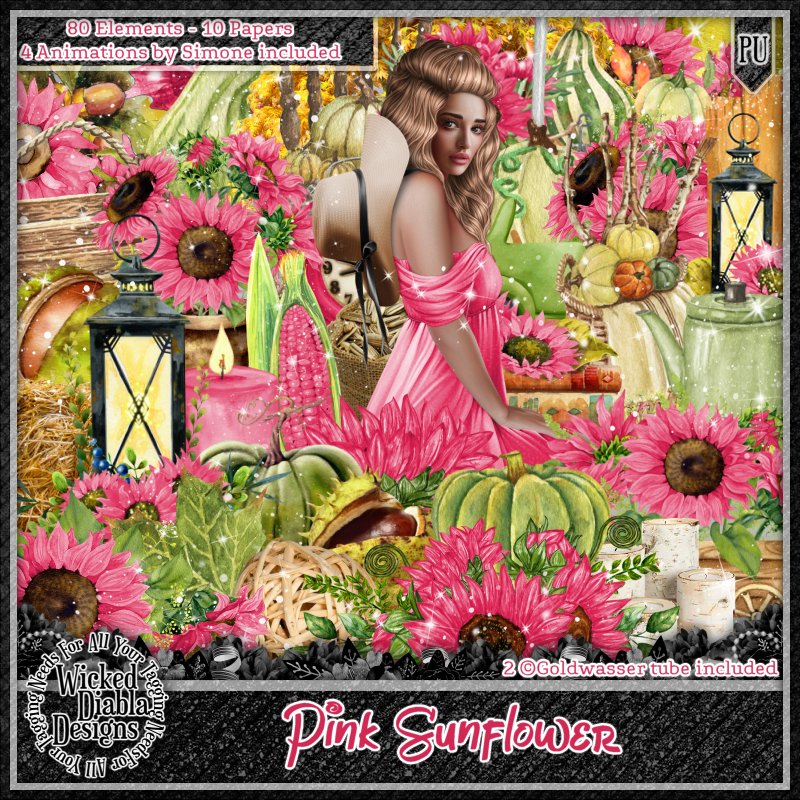
PTU Pink Summer


 This tut was written August 18th, 2023 for those with a basic knowledge of psp. 

I am using the awesome artist ©Goldwasser

Tube is called Pink Sunflower
You need a license to use this tube, please do not use without a license.
There are 2 different tubes by Goldwasser included in the kit, 
use your license where you buy the kit.

I used PSP2020...but any of them should work.
PTU Scrap Pink Summer by Wicked Diabla Designs  HERE 
You can check out her store HERE
This Awesome kit has 80 elements, 10 papers and 2 Tube by Goldwasser
and 4 matching animations by Sophisticat Simone
You can find all her kits at her store HERE
Mask of choice, I used Miz Teeques Mask 61 HERE
Check out the rest of the Blogs HERE 

Font of choice, I used Moon

Drop shadow is V -2 H -4, 40, 10, color black or use what you prefer.
Let's get started
*Remember to add your drop shadow as you go along*

Open a new image, 700 x 700, paste paper 4, apply your mask, delete.
merge group.

Resize element 60 to 65%, mirror, paste, click inside with the magic wand,
expand by 15, paste paper 10, invert, delete, select none.
Resize element 76 to 70%, paste below the paper layer.

Resize your tube to 35%, paste on the left above the frame.

Resize element 80 to 50%, paste on the left behind the tube.
Resize element 5 to 50%, paste behind the tube on the frame at the top.
Resize element 59 to 35%, mirror, paste on the right below the tube.

Resize element 62 to 30%, paste at the bottom above the tube.
Resize element 61 to 30%, paste on the left below the books.
Resize element 17 to 20%, paste at the lower right.
Resize element 7 to 15%, paste at the bottom right.
Resize element 8 to 25%, paste between the pumpkins.
Resize element 25 to 15%, paste at the bottom left above the chair.

Once done add your copyright and name.

Animation
Merge the white background, mask, flower circle and frame together.
Take to animation shop, make 25 layers to match the animation.
Resize the animation you use to around 35 to 40%, select all, copy, select 
all paste into selection.
Now go back to psp and close off the the merged layered you brought to 
animation.
Now merge all the other layers, bring to animation, make 25 layers, do the 
same with copy all and select all, paste into selections.
Test if happy save your tag.

That's it

Hope you enjoyed doing my tut.