
Showing posts with label Queen-Uriel. Show all posts

Friday, August 30, 2024

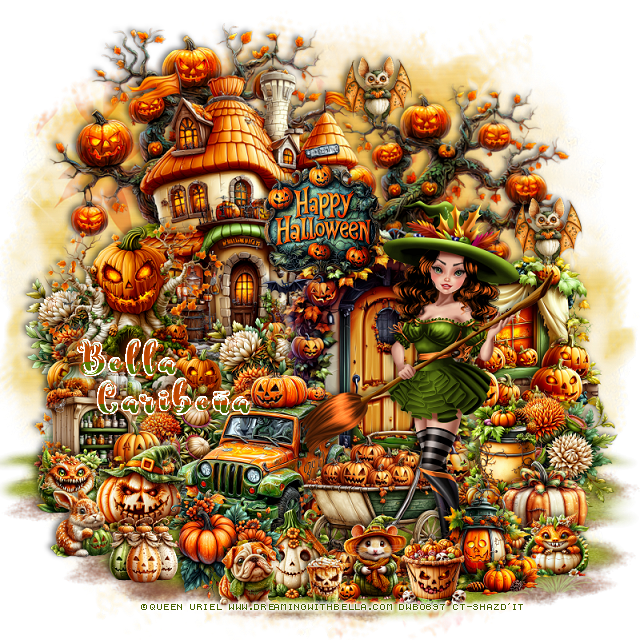
PTU Some Witches on Halloween


 This tut was written August 30th, 2024 for those with a basic knowledge of psp. 

I am using an adorable tube ©Queen Uriel
Tubes are included in the kit
Read the TOU on how to credit your tags

I used PSP2020...but any of them should work.
PTU Scrap Some Witches on Halloween by Bella CaribeƱa  HERE 
Halloween theme kit, 2 tubes ©Queen Uriel, 1 AI tube, 2 masks, 91 elements 
and 16 papers
Check out the rest of her store HERE

Font of choice, I used was Spooky Halloween

 Drop shadow as you go is V -2 H 4, 50, 10, or use what you prefer.
Let's get started
*Remember to add your drop shadow as you go along*

Open a new image 800 x 800, flip mask 2, move to the upper right, duplicate,
flip, move down and erase the orange part showing at the top.

Resize Al el 11 to 65%, paste at the upper left.
Resize element 62 to 75%, paste at the top below the house, duplicate,
resize to 85%,  move to the right and down.
Resize element 12 to 55%, paste on the right and down.
Resize element 16 to 40%, paste on the left above the house.
Resize element 13 to 35%, paste on the right below the door.
Resize element 3 to 25%, paste on the left below the tree at the bottom, 
duplicate, move in front of the house below the door layer.
Resize element 18 to 30%, paste on the left.
Resize element 2 to 25%, paste at the bottom right above the window.
Resize element 22 to 25%, paste on the right above the flowers.
Resize element 67 to 35%, paste at the bottom to the left of the door.
Paste element 25 at the bottom on the bottom layer.
Paste element 11 at the bottom below the grass to the left, duplicate,
resize to 85%, move to the right.

Resize Queen Uriel tube 2 to 15%, mirror, paste on the bottom right.

Resize element 65 to 25%, paste above the door and house.
Resize element 61 to 25%, paste at the bottom in front of the car.
Resize element 21 to 25%, paste at the bottom right by the tube.
Resize element 20 to 20%, paste at the bottom right below the lantern.
Resize element 19 to 35%, paste at the bottom below the tube.
Resize element 29 to 20%, paste at the bottom.
Resize element 6 to 25%, paste below the car to the left.

Resize element 41 to 15%, paste on the left.
Resize element 49 to 20%, paste at the bottom.
Resize element 42 to 15%, paste at the bottom right below the lantern.
Resize element 37 to 15%, paste at the bottom.
Resize element 40 to 10%, paste at the bottom.
Resize element 23 to 20%, paste at the bottom left above the car.
Resize element 47 to 15%, paste at the bottom left.
Resize element 45 to 15%, paste at the bottom.
Resize element 25 to 15%, paste at the bottom.
Resize element 53 to 15%, paste at the top, duplicate, move down 
on the right a little.

Add any other elements you would like, resize.
Crop your tag to be sure no shadows or lines are on the edges.
 Then add your copyright and name.
That's it

Hope you enjoyed doing my tut        

Monday, February 27, 2023

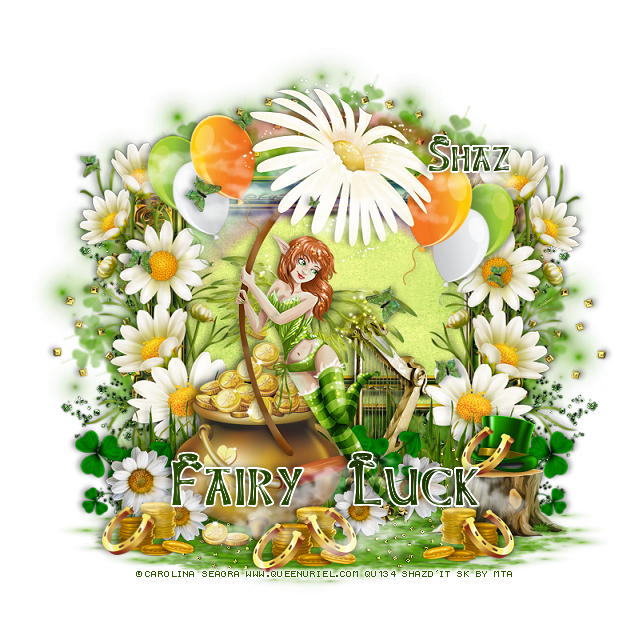
FTU Fairy Luck


This tut was written February 27th, 2023 for those with a basic knowledge of psp.

I am using the awesome artwork of ©Queen Uriel
Tube is Daisy Fairy
You need a license to use this tube, do not use without a license.
You can find this tube at her Store HERE

I used PSP2020...but any of them should work.
FTU St Patty's Day2020 by MTA   HERE  
Check out the rest of the blog HERE
Lori's PSP Graphics Mask 1159  HERE
Check out the rest of the blog HERE

Font of choice, I used Leprechaun Hats

Drop shadow is V -1 H -4, 40, 10, Black or use what you prefer.
Let's get started
*Remember to add your drop shadow as you go along*

Open a new image 800 x 800, paste paper 3, apply your mask.
Duplicate the green mask, take your Free Hand Tool and hold the shift key,
drag down one side of the squares and then the other side until flat as  you like, move
to the bottom.

Paste frame 2, click inside with the magic wand inside the frame and the other
openings on the sides and top, expand by 4, paste paper 2, invert, delete.
Paste the rainbow at the top above the frame.

Resize flower 3 to 70%, paste on the left, duplicate, mirror.
Resize the grass to 90%, paste at the bottom.
Resize the coin bucket to 80%, paste on the left.

Paste your tube to the right on the edge of the bucket.

Resize the harp to 50%, paste behind the tube to the right.
Resize flower 1 to 30%, paste at the bottom behind the harp, duplicate, move 
to the left behind the bucket, duplicate, resize smaller to 90%, move above the 
bucket, duplicate, move above the harp.

Resize the stump to 30%, paste at the lower right.
Resize clover deco 3 to 25%, paste behind the bucket on the left, duplicate, 
mirror, move behind the stump, duplicate once more, move above the harp.

Resize the coins to 25%, paste at the bottom by the pot, duplicate, resize smaller
to 90%, duplicate 2 or 3 times and move where you like.

Resize the horseshoe to 20%, paste at the bottom, duplicate 3 times, mirror, move back
by the other one and the other by the coins by the stump and the last one to the left.
Resize the hat to 18%, paste on the stump.
Duplicate one of the horseshoes and place by the hat.
Resize glitter_2 to 110%, paste on the mask layer on the left, duplicate, mirror.
Paste glitter 1 at the bottom right, duplicate, mirror.

Resize the balloons to 35%, free rotate to the left at 20, paste at the upper left
below the tube, duplicate, mirror, move down a little.
Paste the clouds at the top being on the top layer, duplicate, move down to the bottom.
Paste the butterflies on the upper left, duplicate, mirror, move down some, 
erase any you don't want.
Wordart of choice, I typed out Fairy Luck with the Leprechaun hat font.

Add any other elements you would like, make it your own.
Crop your tag to be sure no shadows or lines are on the edges.
 Then add your copyright and name.
That's it

Hope you enjoyed doing my tut.  


Wednesday, January 18, 2023

PTU Valentine Sleepover


 This tut was written January 18th, 2023 for those with a basic knowledge of psp. 

I am using the awesome tube by ©Carolina Seabra

The tube is called Valentine Sleepover
You need a license to use this tube, please do not use without a license.
You can find this tube at her store HERE

I used PSP2020...but any of them should work.
PTU Scrap Valentine Sleepover by Wicked Diabla Designs  HERE 
 This awesome kit has 75 elements and 12 papers
Was made to match the tube Sleepover by Carolina Seabra
"Tube is not included" 
Mask of choice, I used DD Valentine 21-1 HERE
Check out the rest of the Blog HERE
Filters
Mura Meister Copies-Encircle

Font of choice, I used Mellisia

Drop shadow is V -1 H -4, 40, 10, color black or use what you prefer.
Let's get started
*Remember to add your drop shadow as you go along*

Open a new image, 800 x 800, resize paper 8 to 75%, paste, apply your mask, delete,
 merge group, duplicate, mirror, flip, move to the bottom.

Resize element 70 to 60%, paste, click inside with the magic wand, expand
by 5, paste paper 5, invert, delete, select none.
Resize element 68 to 75%, paste on the paper, duplicate, mirror.
Change the color of the frame by going to color changer tool and use this
number #de2e31.
Resize element 35 to 20%, apply Mura Meister Copies-Encircle, first 3 numbers
on 24, 52, 52 
move below the paper layer of the frame.
Resize element 26 to 20%, flip, apply Mura Meister Copies, change the first 
3 numbers to 
20, 60, 60, move below the first circle.

Resize your your tube to 95%, paste above the frame.

Resize element 4 to 65%, paste behind the tube.
Resize element 60 to 20%, paste on the left on the pillow below the tube.
Resize element 35 to 20%, paste on the right below the tube.
Resize element 53 to 25%, paste at the lower right above the tube.

Resize element 12 to 15%, paste below the dog.
Resize element 17 to 40%, paste on the right above the frame behind the dog.
Resize element 26 to 25%, paste on the left below the sleep tent, duplicate,
mirror, move down behind the dog.
Resize element 46 to 20%, paste on the hand of the tube.
Resize element 28 to 20%, mirror, paste below the flower behind the dog, duplicate,
mirror, move above the flower on the left.

Resize element 51 to 20%, paste on the lower left by the bear.
Resize element 64 to 15%, paste at the lower left being on the top layer.
Resize element 37 to 10%, paste at the bottom right by the dog.
Resize element 23 to 10%, paste at the lower left.
Resize element 5 to 15%, paste at the bottom left.

Resize element 2 to 20%, paste at the bottom below the drink.
Resize element 61 to 15%, paste at the bottom by the calendar.
Resize element 52 to 18%, paste at the bottom above the tube.
Resize element 7 to 10%, paste at the bottom right behind the cupcake.
Resize element 29 to 20%, paste on the right behind the dog.

Add any other elements that you would like, make it your own.
Always readjust your mask and elements how you like them before you
 merge your tag, resize, sharpen.

Crop your tag to be sure no shadows or lines are on the edges.
 Then add your copyright and name.
That's it

Hope you enjoyed doing my tut.     

Thursday, December 29, 2022

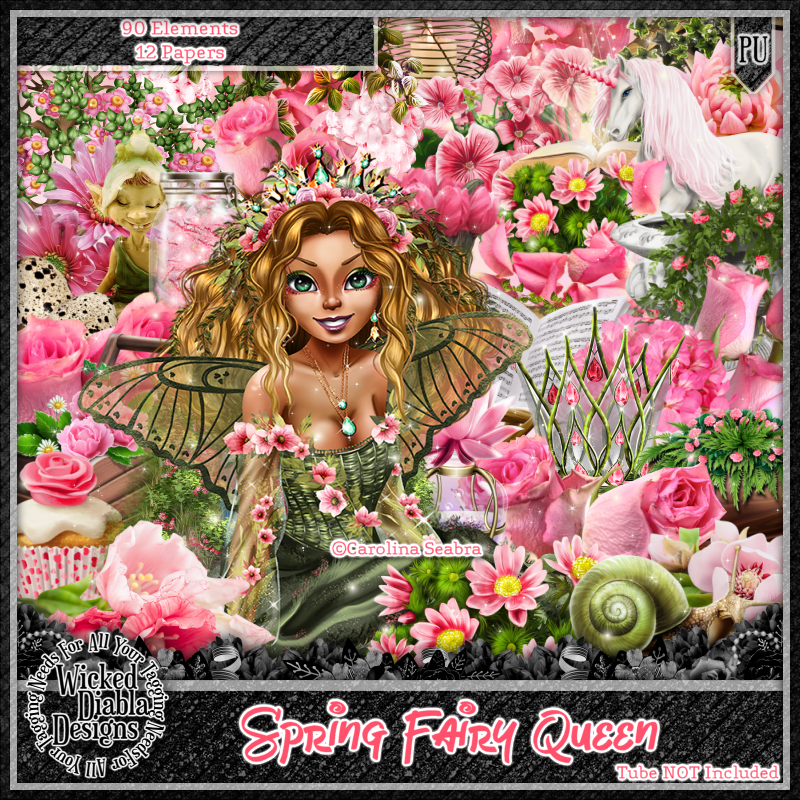
PTU Spring Queen Fairy


This tut was written December 29th, 2022 for those with a basic knowledge of psp. 

I am using the awesome tube by ©Carolina Seabra

The tube is called Spring Fairy Queen
You need a license to use this tube, please do not use without a license.
You can find this tube at HERE

I used PSP2020...but any of them should work.
PTU Scrap Spring Fairy Queen by Wicked Diabla Designs  HERE 
This awesome kit has 90 elements and 12 papers
"Tube is not included" 
Mask of choice, I used Miz Teeque's Mask 84  HERE
Check out the rest of the Blog HERE

Font of choice, I used Fairy Mother

Drop shadow is V -1 H -4, 50, 10, color black or use what you prefer.
Let's get started
*Remember to add your drop shadow as you go along*

Open a new image, 800 x 800, resize paper 11 to 80%, paste, apply your mask,
 delete, merge group.
I resized mine larger to 115%.

Resize element 15 to 85%, paste.
Resize element 20 to 65%, mirror, paste on the left and up.
Resize element 72 to 65%, paste on the right below the tree.
Paste element 12 above the tree layer on the right on the pink frame.

Resize your tube to 75%, paste on the left.

Resize element 16 to 30%, paste on the right on the rocks below the tube.
Resize element 51 to 15%, paste on the bench.
Resize element 17 to 35%, paste on the lower left below the tube, duplicate,
move to the center more, duplicate again, move to the right above the rocks.

Resize element 49 to 35%, paste on the left behind the tube, duplicate, move
to the center more, duplicate once more, mirror, move above the rocks.
Paste element 18 below the tube layer where you like.
Resize element 32 to 15%, paste at the lower left.
Resize element 4 to 10%, paste at the lower left.

Resize element 50 to 20%, paste at the bottom above the tube, duplicate, mirror,
Resize element 29 to 15%, paste at the bottom center.
Resize element 10 to 35%, paste at the bottom.
Resize element 22 to 20%, paste at the lower right below the flowers.
Resize element 69 to 25%, paste at the bottom above the flowers.
Resize element 47 to 15%, paste at the lower right behind the elf.
Resize element 87 to 50%, paste on the right above the pink frame, duplicate, mirror,
move down more on the left.
Resize element 74 to 15%, paste at the bottom above the book.
Resize element 30 to 10%, duplicate twice more, paste where you like.
Resize element 52 to 10%, paste at the bottom left.
Resize element 9 to 95%, paste being on the top layer.

Add any other elements that you would like, make it your own.
Always readjust your mask and elements how you like them before you
 merge your tag, resize, sharpen.

Crop your tag to be sure no shadows or lines are on the edges.
 Then add your copyright and name.
That's it

Hope you enjoyed doing my tut.    

Wednesday, November 30, 2022

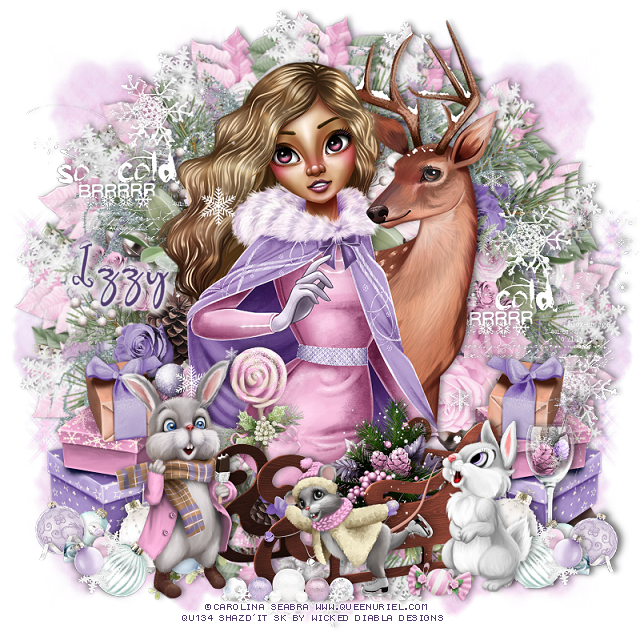
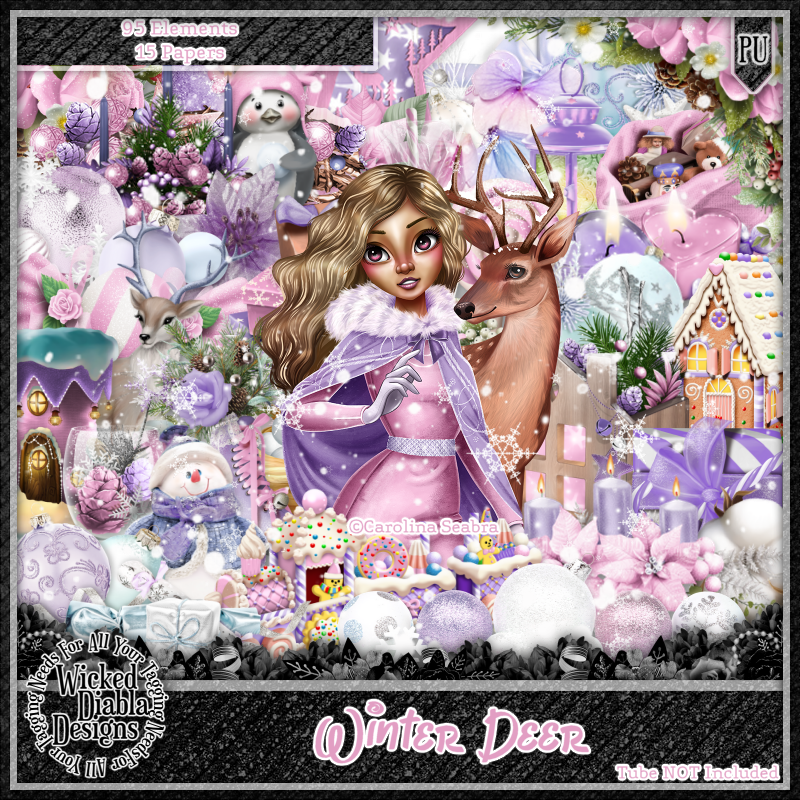
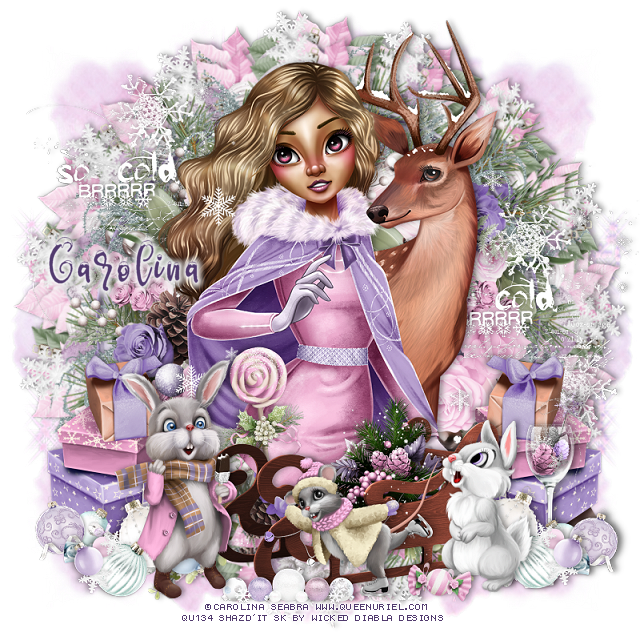
PTU Winter Deer


 This tut was written November 30th, 2022 for those with a basic knowledge of psp. 

I am using the awesome tube by Queen Uriel/Carolina Seabra

The tube is called Winter Deer
You need a license to use this tube, please do not use without a license.
You can find this tube at Queen Uriel store HERE

I used PSP2020...but any of them should work.
PTU Scrap Winter Deer by Wicked Diabla Designs  HERE 
This kit is a match for this tube, it has 95 elements, 15 papers, and 3 Clusters.
Tube is not included
Mask of choice, I used Lori's PSP Graphics Mask 1180  HERE
Check out the rest of the Blog HERE

Font of choice, I used Snowby

Drop shadow is V -1 H -4, 35, 10, color black or use what you prefer.
Let's get started
*Remember to add your drop shadow as you go along*

Open a new image 800 x 800, paste paper 8, apply your mask, delete, merge group, 
duplicate, mirror.
Paste paper 7 next, apply the mask again, delete, merge group, duplicate, mirror.
line them up together then merge all together.

Paste cluster 1, duplicate, resize to 95%, paste on top of the first cluster,
adjust your mask to fit better now.
Paste element 25 to 70%, paste on the cluster frame.

Resize your tube to 65%, paste.

Resize element 1 to 30%, paste at the lower left above the tube, duplicate, mirror.
Resize element 12 to 20%, mirror, paste on the left above the gifts.
Resize element 50 to 45%, paste at the bottom.

Resize element 26 to 25%, paste at the bottom above the sled.
Resize element 84 to 25%, paste at the lower right.
Resize element 27 to 35%, paste on the lower left.

Resize element 68, 69 to 15%, paste on the right, duplicate both, mirror.
Resize element 70 to 15%, paste at the bottom in front of the sled.
Resize element 37 to 50%, paste below the tube on the upper left, duplicate, move
to the right and down more.
Resize element 76 to 25%, paste on the right below the ornaments.
Resize element 22 to 10%, paste at the bottom being on the top layer.

Add any other elements that you would like, make it your own.
Always readjust your mask and elements how you like them before you
 merge your tag, resize, sharpen.

Crop your tag to be sure no shadows or lines are on the edges.
 Then add your copyright and name.
That's it

Hope you enjoyed doing my tut.    

Tag for Carolina


Tuesday, November 8, 2022

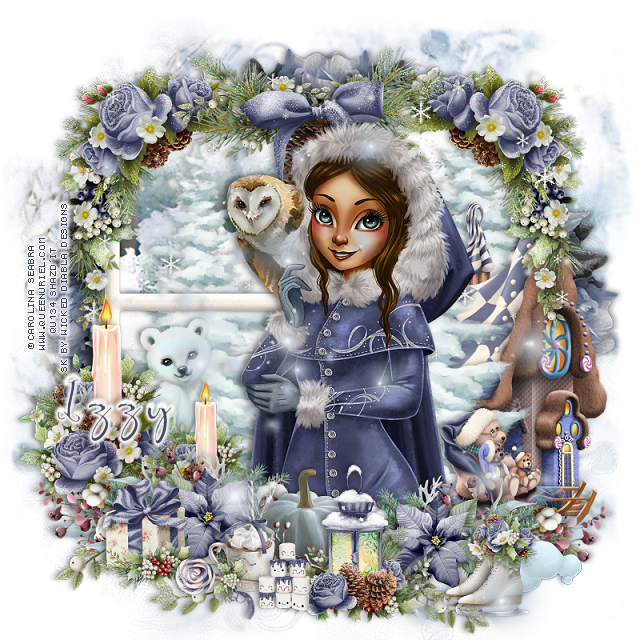
PTU Winter Owl


 This tut was written November 8th, 2022 for those with a basic knowledge of psp. 

I am using the awesome tube by Queen Uriel

The tube is called Winter Owl
You need a license to use this tube, please do not use without a license.
You can find this tube at her store HERE

I used PSP2020...but any of them should work.
PTU Scrap Winter Owl by Wicked Diabla Designs  HERE 
This kit has 80 elements and 12 papers and a match for the Winter Owl tube.
Tube is not included
Mask of choice, I used Miz Teeque's Mask 292  HERE
Check out the rest of the Blog HERE

Font of choice, I used Snowby

Drop shadow is V -1 H -4, 35, 10, color black or use what you prefer.
Let's get started
*Remember to add your drop shadow as you go along*

Open a new image 800 x 800, paste paper 10, apply your mask, delete, merge group.
Paste paper 7, apply your mask, delete, merge group, merge masks together.

Resize element 21 to 60%, paste, click inside each window, expand by 5, paste
paper 8, invert, delete, select none.
Resize element 68 to 75%, paste below the paper layer on one side, duplicate, mirror,
adjust.
Resize element 31 to 60%, paste below the window on the right, duplicate, move
to the left, duplicate again, move above the frame toward the right.

Resize element 44 to 40%, paste at the upper left above the window, duplicate, 
mirror.
Resize element 43 to 40%, paste at the top in the center.

Resize your tube to 60%, paste off center.

Resize element 34 to 50%, paste on the right below the tree.
Resize element 61 to 40%, paste at the lower left above the tube, duplicate, mirror.
Resize element 48 to 30%, paste on the left above the window frame, duplicate,
resize to 75%, move over and down a little.

Resize element 16 to 15%, paste at the bottom below the right flower sprig element.
Resize element 55 to 25%, paste at the bottom being on the top layer.
Resize element 35 to 25%, mirror, paste on the lower right below the sprig.

Resize element 52 to 75%, paste at the bottom below the other elements.
Resize element 47 to 15%, paste at the lower right being on the top layer now.
Resize element 10 to 10%, paste below the skates.
Resize element 51 and 64 to 15%, paste at the bottom.
Resize element 45 to 13%, free rotate to the left, paste at the bottom above the cup.
Resize element 63 to 10%, paste at the bottom.

Resize element 28 to 25%, paste below the window on the left, change the 
blend mode to Luminance(L).
Resize element 4 to 75%, paste at the top below the tube.
Resize element 79 to 85%, paste being on the top layer.

Add any other elements that you would like, make it your own.
Always readjust your mask and elements how you like them before you
 merge your tag, resize, sharpen.

Crop your tag to be sure no shadows or lines are on the edges.
 Then add your copyright and name.
That's it

Hope you enjoyed doing my tut.    

Tuesday, October 18, 2022

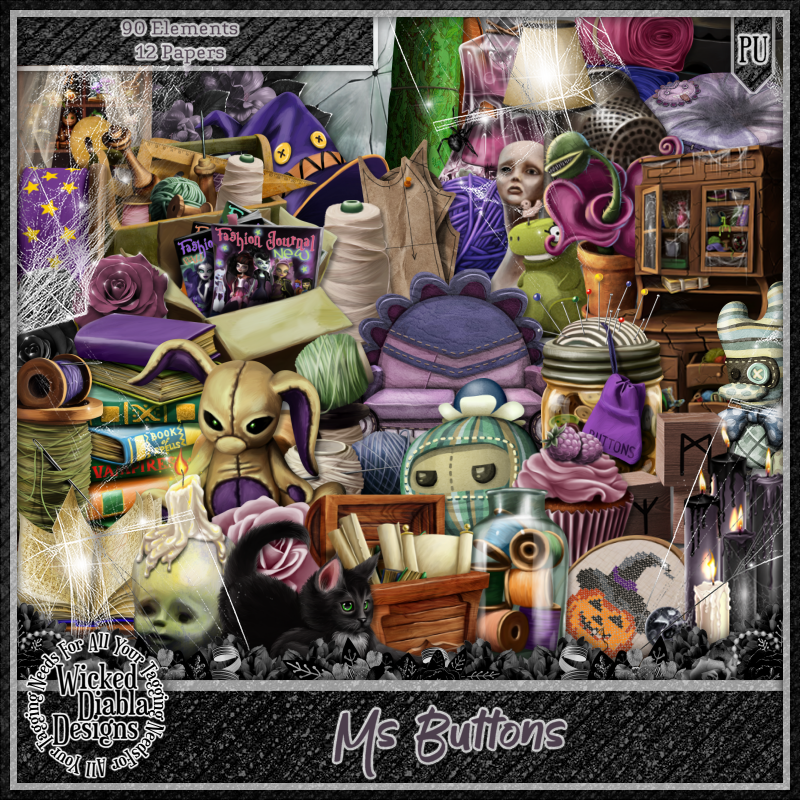
CT Tag Ms Buttons/kit by Wicked Diabla

   **CT Tag FOR *** Wicked Diabla Designs***

***NEW kit match for Ms Buttons by Queen Uriel
by Wicked Diabla Designs ***

You can find the KIT  HERE
Awesome kit with 90 elements and 12 papers

Below is the tag I made with this kit