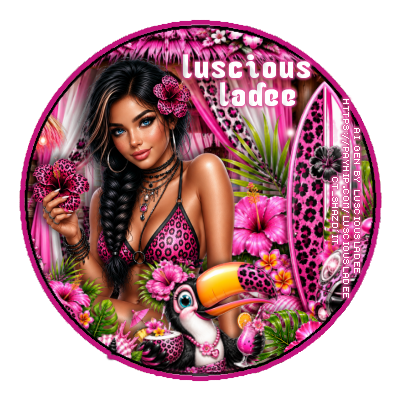
Showing posts with label Al. Show all posts

Friday, July 24, 2026

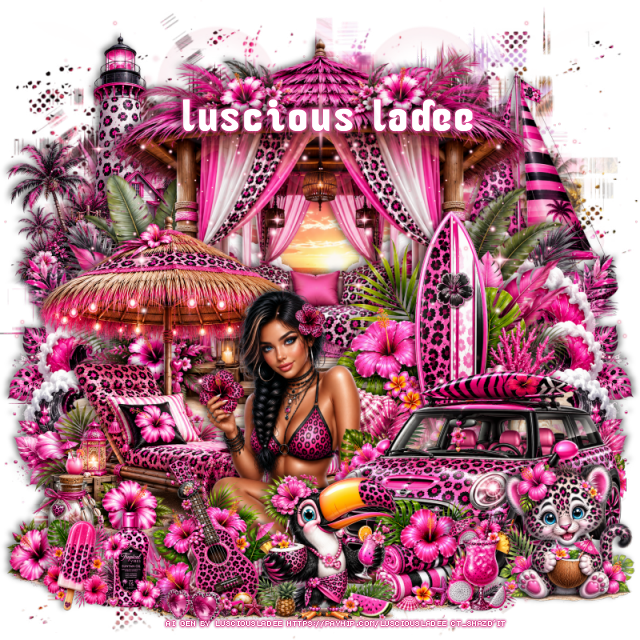
PTU Wild Tropics


This tut was written July 24th, 2026,  for those with a basic knowledge of psp. 

Awesome Al kit and tubes by Luscious Ladee
Everything is included in the kit
Read the TOU on how to credit tags

I used PSP2020...but any of them should work.
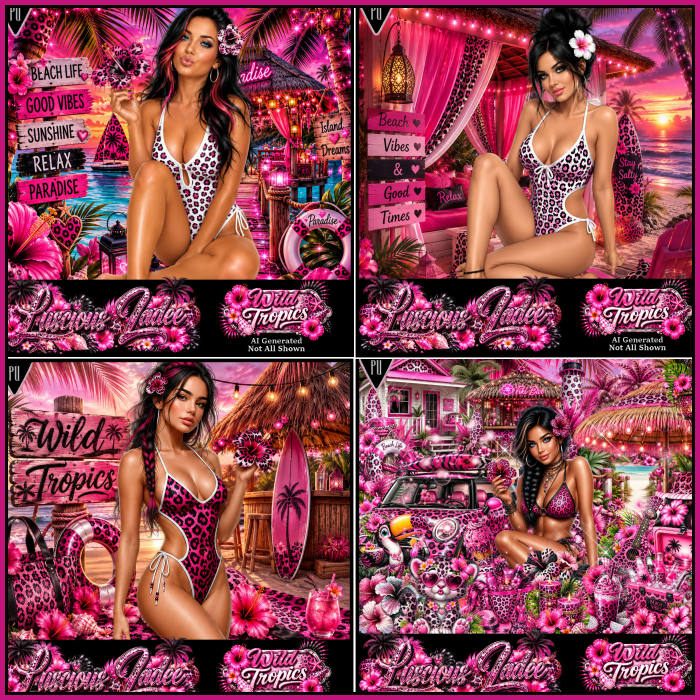
PTU Scrap Wild Tropics by Luscious Ladee  HERE HERE HERE 
Kit comes with 75 elements, 5 masks, 6 frames, 10 Sparkles, 10 Profile papers,
4 Al tubes, 10 Timeline papers and 4 Wordart
Check out the rest of her store  HERE
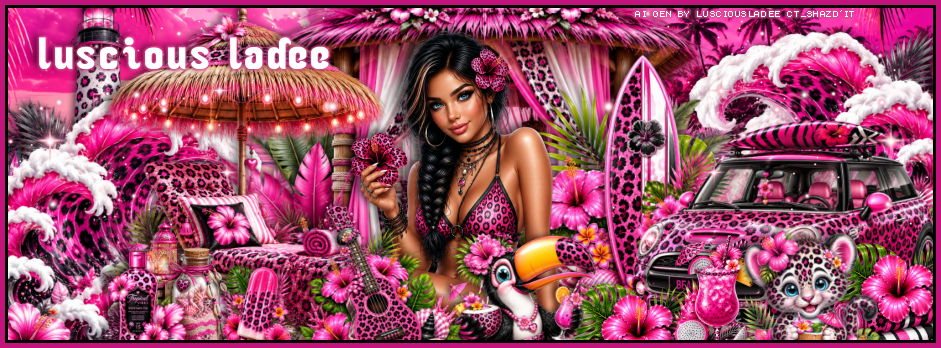
I made a FB TL and Ava but no tut for this part.

Font of Choice, I used Ocean

 Drop shadow as you go is V -2 H 4, 50, 10, or use what you prefer.
Let's get started
*Remember to add your drop shadow as you go along*

Open a new image 800 x 800, resize mask 5 to 90%, paste.

Resize tube 1 to 30%, paste at the bottom.
Resize 3 to 60%, paste at the top.
Resize 9 to 40%, paste on the bottom right below the tube.
Resize 16 to 50%, paste on the bottom left below the hut, duplicate, mirror.
Resize 6 to 50%, paste at the upper left on the bottom layer.
Resize 15 to 40%, paste on the upper right below the hut.

Resize 4 to 50%, paste below the tube on the left.
Resize 30 to 25%, paste at the bottom left above the tube.
Resize 19 to 20%, paste at the bottom left below the guitar.
Resize 46 to 25%, paste at the bottom above the guitar.
Resize 36 to 20%, paste at the bottom by the car.
Resize 40 to 15%, paste at the bottom left.
Resize 31 to 40%, paste below the tube and car on the right.
Resize 44 to 23%, paste on the bottom right above the car.
Resize 65 to 17%, paste at the bottom to the right.

Resize 54 to 12%, paste at the bottom by the guitar.
Resize 58 to 15%, paste on the bottom left.
Paste sparkle 10 on the left, duplicate, mirror.

Add any other elements that you would like, make it your own.
Always readjust your mask and elements how you like them before you
 merge your tag, resize, sharpen.
Crop your tag to be sure no shadows or lines are on the edges.
 Then add your copyright and name.
That's it

Hope you enjoyed doing my tut.    

Friday, May 29, 2026

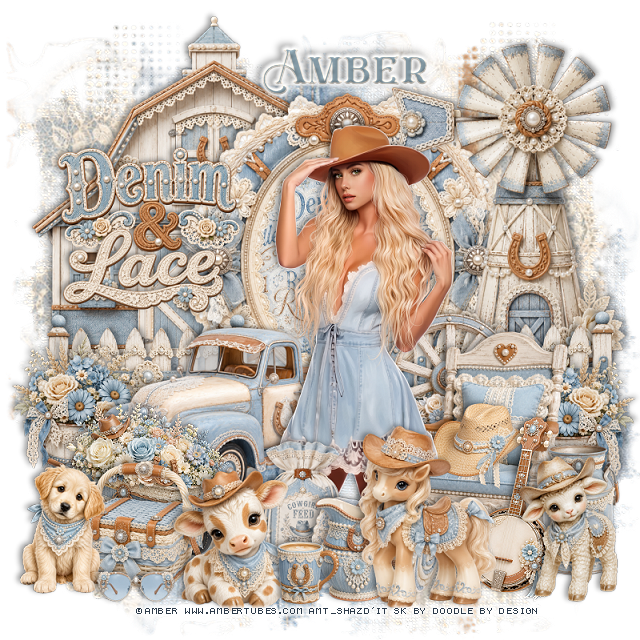
PTU Denim and Lace


 This tut was written May 29th, 2026 for those with a basic knowledge of psp. 

I am using the awesome tube ©Amber
The tube is called Tender Cowgirl 5
The tube is NOT included
You need a license to use this tube, please do not use without a license
You can find the tube at Amber store HERE


I used PSP2020...but any of them should work.
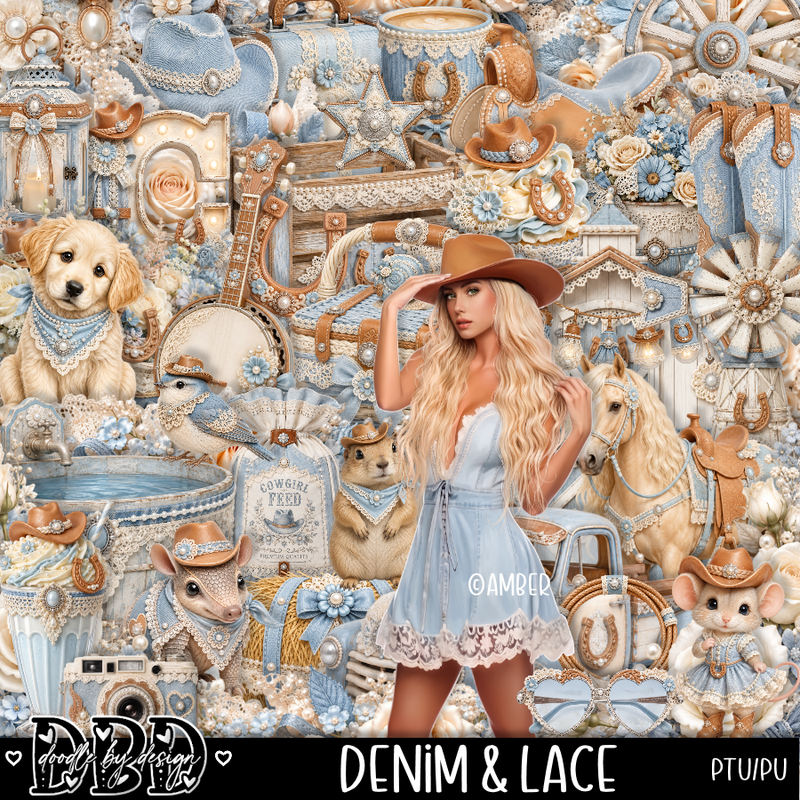
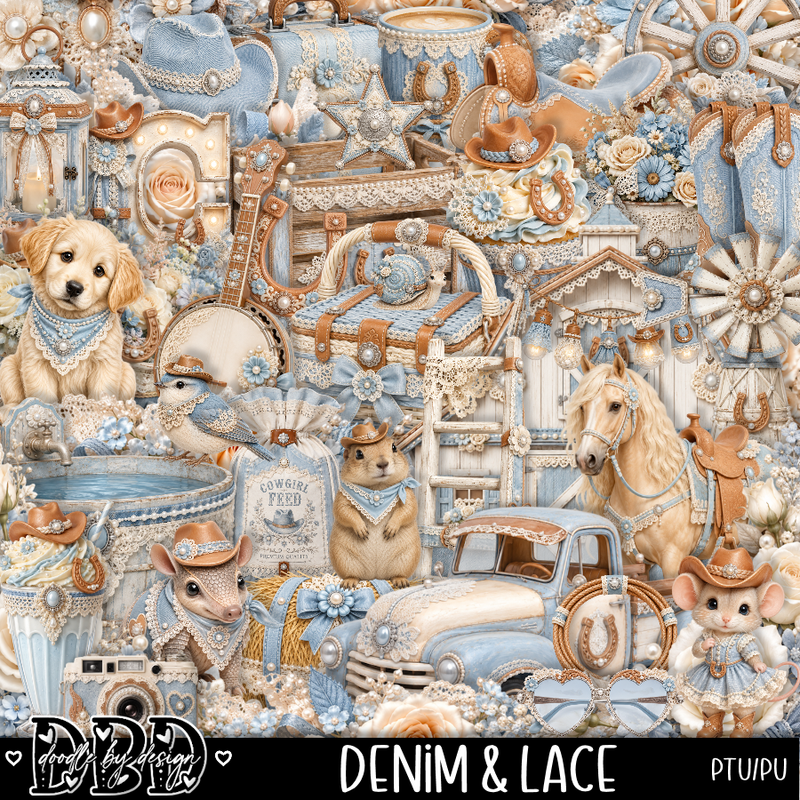
PTU Scrap Denim and Lace by Doodle by Design  HERE
You can find all Doodle by Design kits  HERE 
Miz Teeques Mask 125 HERE
Check the rest of the blog HERE

Font of choice, I used Eastwood

Drop shadow as you go is V -2 H 4, 40, 10, or use what you prefer.
Let's get started
*Remember to add your drop shadow as you go along*

Open a new image 800 x 800, paste paper 5, apply your mask,

Resize frame 1 to 65%, paste, click inside, resize paper 20
to 40%, paste, invert, delete.
Resize the wordart to 35%, paste on the left above the frame.
Resize 95 to 65%, mirror, paste on the right above the frame.
Resize 121 to 70%, paste at the upper left below the frame.

Resize the tube to 28%, paste above the windmill.

Resize 2 to 40%, paste below the tube on the right, duplicate, mirror.
Resize 1 to 55%, paste on the left below the tube.
Resize 3 to 30%, paste on the left below the truck, duplicate, mirror.
Resize 104 to 25%, paste at the bottom above the tube.
Resize 123 to 27%, paste at the bottom by the seed bag.
Resize 124 to 25%, paste on the bottom left above the truck.
Resize 98 to 30%, paste below the tube on the right.
Resize 86 to 45%, paste on the bottom right below the tube.
Resize 10 to 20%, paste in the chair.

Resize 99 to 35%, paste on the bottom left below the dog and cow.
Resize 80 to 25%, paste at the bottom above the seed bag.
Resize 78 to 25%, paste on the bottom left, move the cow and dog above
the basket.
Resize 97 to 25%, paste on the bottom right by the rocking chair.
Resize 119 to 35%, paste on the bottom right.
Resize 66 to 20%, paste at the bottom.
Resize 64 to 12%, paste at the bottom.
Resize 111 to 28%, paste on the bottom right.
Resize 110 to 35%, mirror, paste at the bottom right.
Resize 33 to 15%, paste at the bottom left.

Add any other elements that you would like, make it your own.
Always readjust your mask and elements how you like them before you
 merge your tag, resize, sharpen.

Crop your tag to be sure no shadows or lines are on the edges.
 Then add your copyright and name.
That's it

Hope you enjoyed doing my tut 

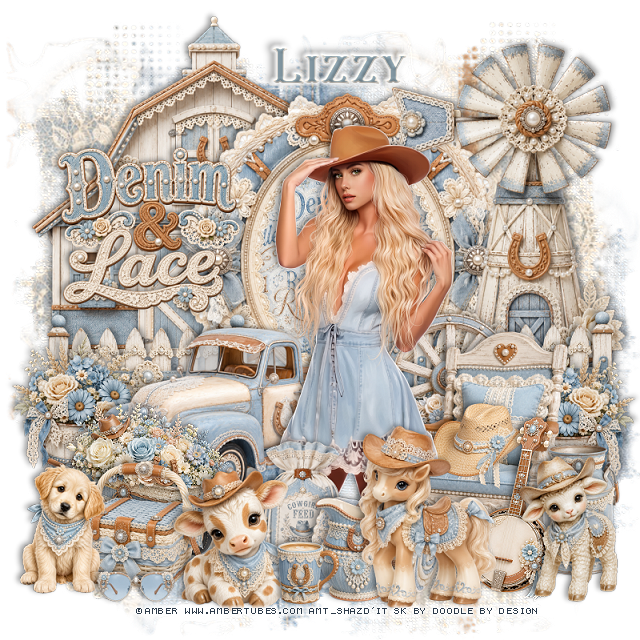
Tag for Lizzy  


Wednesday, December 31, 2025

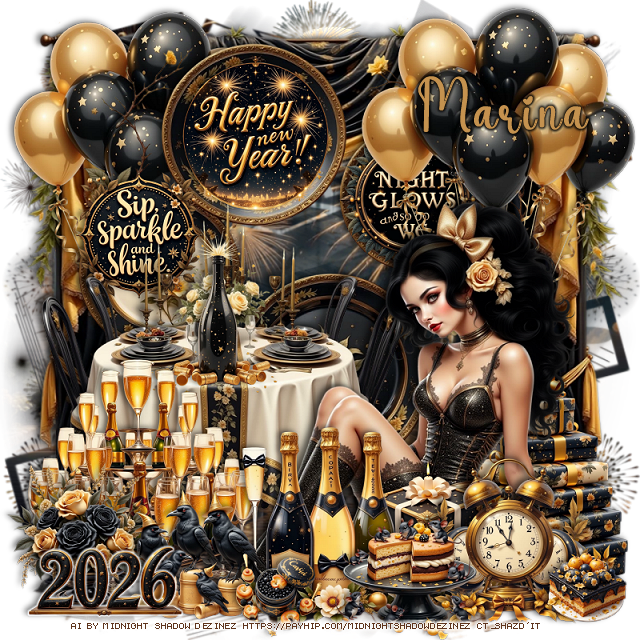
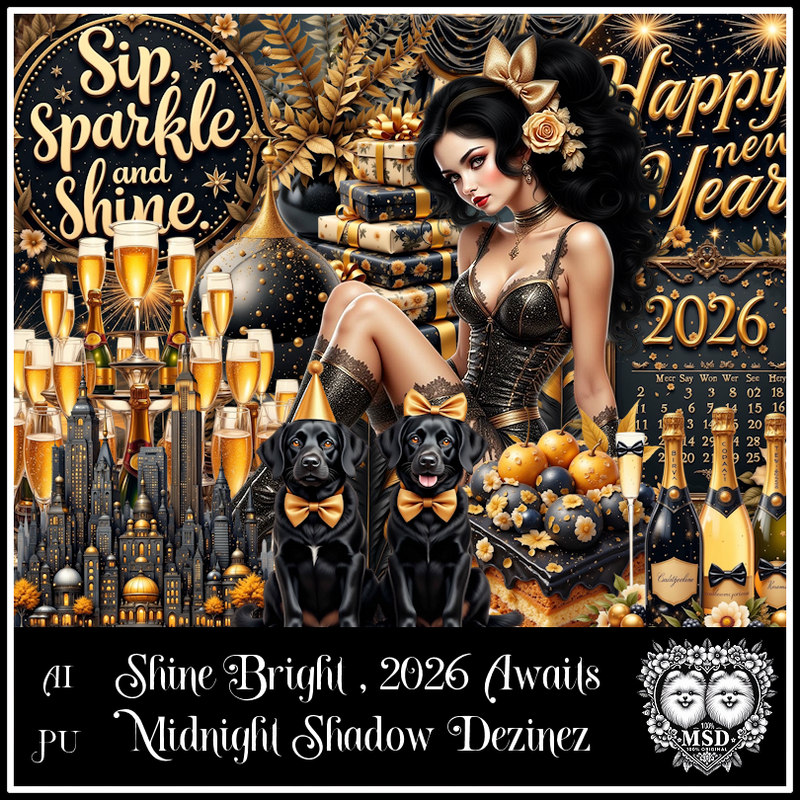
PTU Shine Bright 2026 Awaits


 This tut was written December 31st, 2025 for those with a basic knowledge of psp. 

Awesome AI kit and tube by Midnight Shadow Dezinez

Everything used is included in the kit
Read the TOU on how to credit your tags

I used PSP2020...but any of them should work.
PTU Scrap Shine Bright 2026 Awaits by Midnight Shadow Dezinez  HERE
You can find all Midnight Shadow Dezinez kits HERE
Mask of choice, I used Simone's Mask 252 and 254 HERE
Check the blog HERE

Font of choice, I used Coffee Christmas

Drop shadow as you go is V -2 H -4, 50, 10, or use what you prefer.
Let's get started
*Remember to add your drop shadow as you go along*

Open a new image 800 x 800, resize paper 7 to 85%, paste mask 254,
then resize paper 4 to 85%, paste mask 252.
Erase the words showing at the bottom.

Resize 44 to 90%, paste, use the Pick tool to pull the sides out a little.
Resize 45 to 75%, paste.
Resize 43 to 25%, paste on the hanging plate.
Resize 19 to 20%, paste to the left of the wordart sign.
Resize 24 to 25%, paste on the hanging plate on the right.
Resize 35 to 60%, paste on the bottom left.
Resize 21 to 30%, paste on the table.

Resize 23 to 65%, paste on the bottom right above the table.
Resize 22 to 50%, paste below the tube at the upper right.
Resize 46 to 40%, paste below the tube on the bottom right.
Resize 34 to 25%, paste at the bottom above the tube.
Resize 31 to 40%, paste on the bottom left below the tube.
Resize 9 to 40%, paste at the bottom above the box.
Resize 27 to 30%, paste at the bottom right.
Resize 32 to 25%, paste at the bottom left.
Resize 17 to 25%, paste at the bottom by the clock.

Resize 11 to 25%, paste below the crows on the left.
Resize 38 to 15%, paste on the bottom by the bottles.
Resize 5 to 15%, paste at the bottom right.
Resize 4 to 25%, paste at the bottom left.
Duplicate the balloons, move to the left below the hanging plates.

Add any other elements that you would like, make it your own.
Always readjust your mask and elements how you like them before you
 merge your tag, resize, sharpen.

Crop your tag to be sure no shadows or lines are on the edges.
 Then add your copyright and name.
That's it

Hope you enjoyed doing my tut         

Friday, September 8, 2023

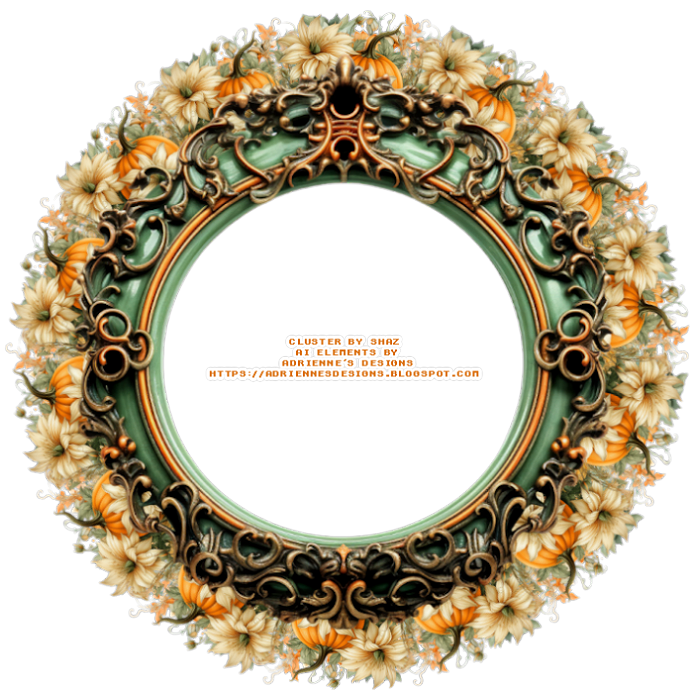
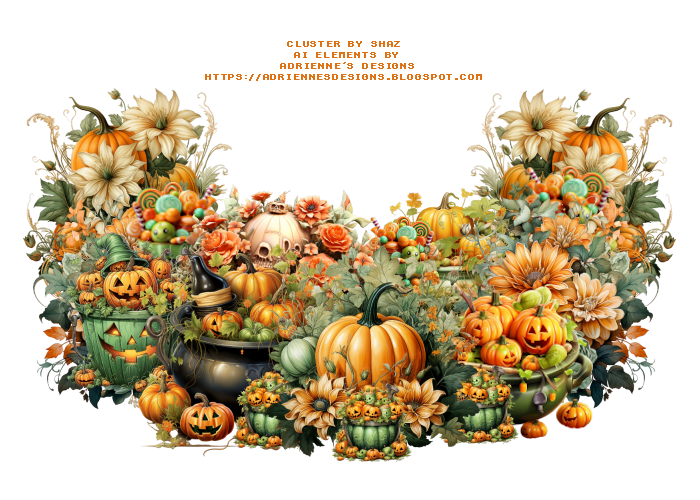
FTU Creepy Halloween Cluster

           Cluster and Spray 

AI elements by Adrienne's Designs
You can check out her blog HERE
Do not claim as your own

"For personal use only"   


Thursday, September 7, 2023

FTU Apple Harvest Cluster

          Cluster and Spray 

AI elements by Adrienne's Designs
You can check out her blog HERE
Do not claim as your own

"For personal use only"   


Tuesday, September 5, 2023

FTU Drama Queen Cluster

          Cluster and Spray 

AI elements by Adrienne's Designs
You can check out her blog HERE
Do not claim as your own

"For personal use only"   


Monday, September 4, 2023

FTU Autumn Coffee Cluster

         Cluster and Spray 

AI elements by Adrienne's Designs
You can check out her blog HERE
Do not claim as your own

"For personal use only"   


Friday, September 1, 2023

FTU Halloween Cluster

        Cluster and Spray 

AI elements by Adrienne's Designs
You can check out her blog HERE
Do not claim as your own

"For personal use only"   


Thursday, August 31, 2023

FTU Spooky Halloween Cluster

       Cluster and Spray 

AI elements by Adrienne's Designs
You can check out her blog HERE
Do not claim as your own

"For personal use only"