Tuesday, June 2, 2026

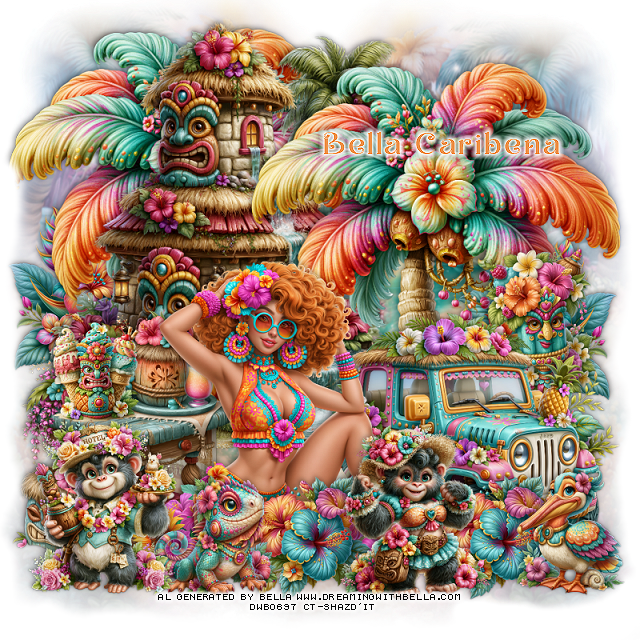
PTU Mysthical Dreamscape


 This tut was written June 1st, 2026,  for those with a basic knowledge of psp. 

Awesome Al kit and tubes by Bella Caribeña
Tube is NOT included
I used a tube from pack 282 HERE
Read the TOU on how to credit tags

I used PSP2020...but any of them should work.
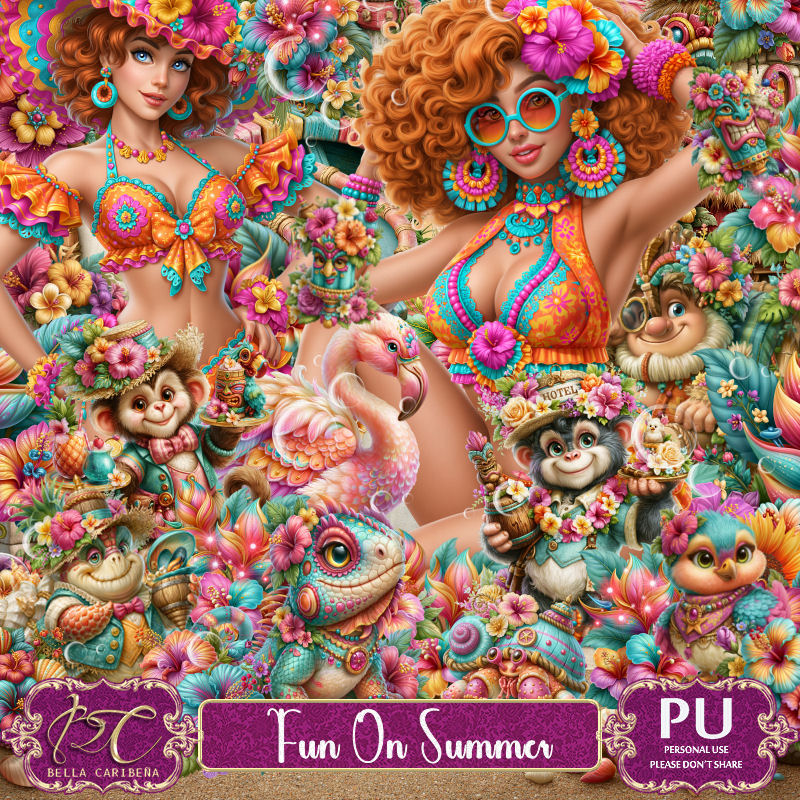
PTU Scrap Mysthical Dreamscape by Bella Caribeña  HERE
Mysthical Theme
Kit contains 4 Al gen tubes, 128 elements, 16 papers and 3 masks
You can check out the rest of her store HERE 

Font of choice I used Kinkinch

 Drop shadow as you go is V -2 H 4, 50, 10, or use what you prefer.
Let's get started
*Remember to add your drop shadow as you go along*

Open a new image 800 x 800, paste mask 2, adjust.

Resize tube 1 from the pack 282 to 25%, paste.
Resize 118 to 65%, paste below the tube on the right.
Resize 46 to 50%, paste on the right below the tube.
Resize 34 to 75%, mirror, paste on the left above the waterfall.
Resize 111 to 65%, paste at the upper left below the waterfall.

Resize 26 to 25%, paste at the bottom right above the tube.
Resize 18 to 50%, paste on the upper left below the house.
Resize 59 to 30%, paste on the bottom right below the frog.
Resize 65 to 25%, paste at the bottom left above the house.
Resize 99 to 30%, paste at the bottom above the tube on the left.
Resize 107 to 35%, paste on the left below the house.
Resize 16 to 35%, paste on the bottom left.
Resize 13 to 35%, paste at the bottom.
Resize 44 to 17%, paste at the bottom left.

Resize 23 and 28 to 20%, paste up on the rock on the waterfall.
Resize 30 to 25%, paste at the bottom right.
Resize 5 to 25%, paste at the bottom left.

Add any other elements you would like, resize.
Crop your tag to be sure no shadows or lines are on the edges.
 Then add your copyright and name.
That's it

            Hope you enjoyed doing my tut                  

PTU Buzz & Bits


 This tut was written June 2nd, 2026 for those with a basic knowledge of psp. 

Awesome AI kit and tube by Midnight Shadow Dezinez

Tube I used is NOT included
You can find this tube at her store HERE
Tube is called Mireya
Read the TOU on how to credit your tags

I used PSP2020...but any of them should work.
PTU Scrap Buzz & Bits by Midnight Shadow Dezinez  HERE
You can find all Midnight Shadow Dezinez kits HERE
Rd Mask 673 HERE
Check the blog out HERE

Font of choice, I used Bee Sweet

Drop shadow as you go is V -2 H -4, 50, 10, or use what you prefer.
Let's get started
*Remember to add your drop shadow as you go along*

Open a new image 800 x 800
Resize 38 to 90%, paste on the right, duplicate, mirror, move to 
the left, merge together, apply your mask, duplicate, merge again.

Resize 39 to 75%, paste.
Resize 56 to 50%, paste below the archway.

Resize the tube to 40%, paste at the bottom being on the top layer.

Resize 57 to 40%, paste behind the tube to the right.
Resize 32 to 45%, paste on the left below the tube.
Resize 54 to 25%, paste on the left below the tube.
Resize 49 to 30%, paste at the bottom left above the tube.
Resize 25 to 25%, paste on the right below the chair.
Resize 51 to 25%, paste on the bottom right.
Resize 50 to 20%, paste at the bottom left above the cart.

Resize 43 to 20%, paste at the bottom below the flower.
Resize 7 to 15%, paste at the bottom left.
Resize 3 to 20%, paste at the bottom right.
Resize 44 to 20%, paste at the bottom right by the house.
Resize 21 to 20%, paste at the bottom by the books.
Resize 6 to 25%, paste at the bottom below the flowers.
Resize 4 to 15%, paste at the bottom above the flowers.
Resize 55 to 40%, paste on the upper right.
Resize 1 to 12%, paste by the wordart.

Add any other elements that you would like, make it your own.
Always readjust your mask and elements how you like them before you
 merge your tag, resize, sharpen.

Crop your tag to be sure no shadows or lines are on the edges.
 Then add your copyright and name.
That's it

                 Hope you enjoyed doing my tut                    
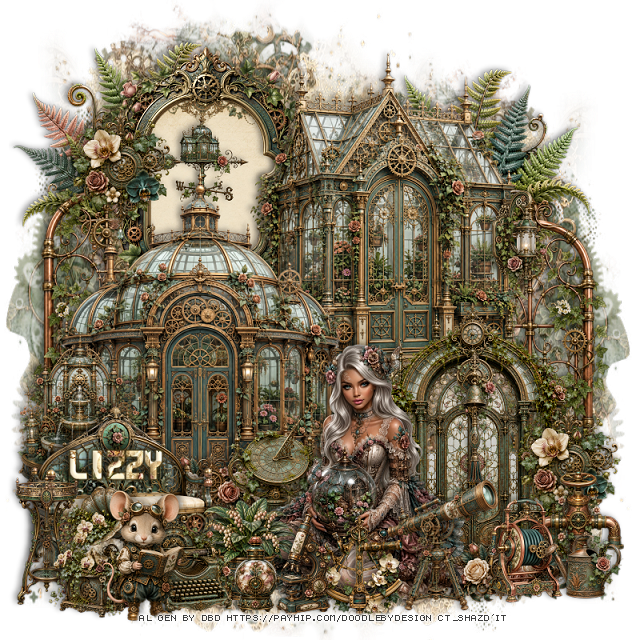
PTU Tropical Lei Dreams


 This tut was written June 2nd, 2026 for those with a basic knowledge of psp. 

I am using the awesome tube ©Verymany
The tube is called Tropical Dream
The tube is NOT included
You need a license to use this tube, please do not use without a license
You can find the tube at Verymany store HERE


I used PSP2020...but any of them should work.
PTU Scrap Tropical Lei Dreams by Doodle by Design  HERE
You can find all Doodle by Design kits  HERE 
Mask of choice, I used RD Mask 749 Here
Check the blog Here

Font of choice, I used Lovely Butterfly

Drop shadow as you go is V -2 H 4, 40, 10, or use what you prefer.
Let's get started
*Remember to add your drop shadow as you go along*

Open a new image 800 x 800, paste paper 22, apply your mask, move to the left,
duplicate, mirror.

Resize 84 to 60%, paste at the top.
Resize 77 to 60%, paste on the right.
Resize 74 to 65%, paste.
Resize 80 to 50%, paste on the left below the coffee hut.
Resize 97 to 85%, paste on the left above the flower cart, duplicate,
mirror, move below the arch on the right.

Resize the tube to 30%, paste to the right of the coffee hut.

Resize 123 to 30%, paste on the left at the bottom of the hut.
Resize 20 to 45%, paste on the bottom right below the tube.
Resize 13 to 25%, paste on the bottom right.
Resize 10 to 40%, free rotate to the right at 20, paste at the bottom
 above the tube.
Resize 89 to 20%, paste on the basket.
Resize 122 to 25%, paste at the bottom right.
Resize 115 to 20%, paste at the bottom by the hat.

Resize 99 to 20%, paste at the bottom by the guitar.
Resize 34 to 40%, paste on the bottom left.
Resize 11 to 20%, paste on the bottom left above the cart.
Resize 101 to 40%, paste on the right below the chair.
Resize 29 to 30%, paste at the bottom below the tube.
Resize 24 to 25%, paste at the bottom below the drink.

Resize 39 to 25%, paste at the bottom.
Resize 63 to 25%, paste below the cart and chest.
Resize 111 to 20%, paste on the bottom left.
Resize 86 to 20%, paste at the bottom.
Resize 117 to 25%, paste on the bottom left above the cart.
Resize 3 to 15%, paste at the bottom left.
Resize 147 to 15%, paste at the bottom by the guitar.

Add any other elements that you would like, make it your own.
Always readjust your mask and elements how you like them before you
 merge your tag, resize, sharpen.

Crop your tag to be sure no shadows or lines are on the edges.
 Then add your copyright and name.
That's it

Hope you enjoyed doing my tut 
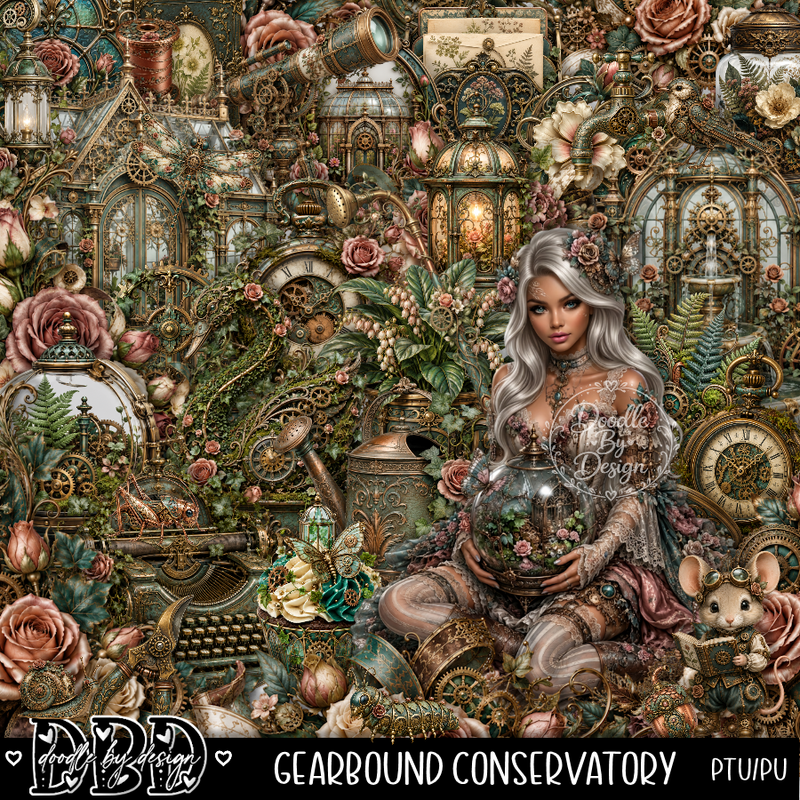
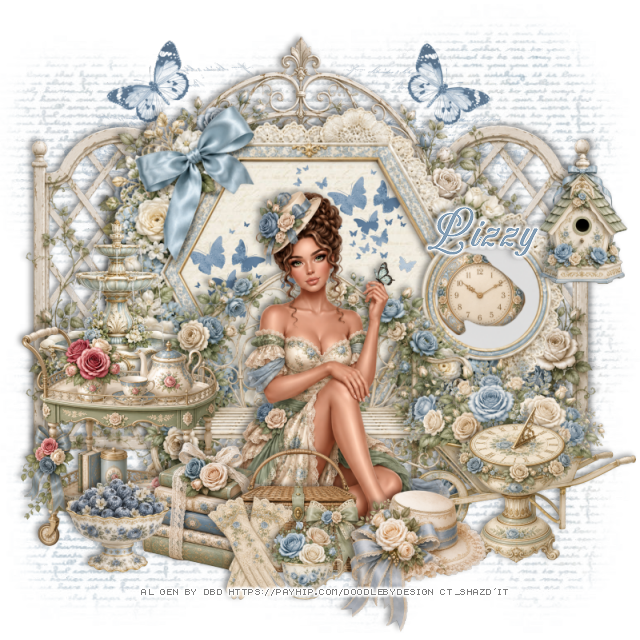
Tag for Lizzy