Showing posts with label A Lil Mz's Brainstorm. Show all posts

Thursday, May 14, 2020

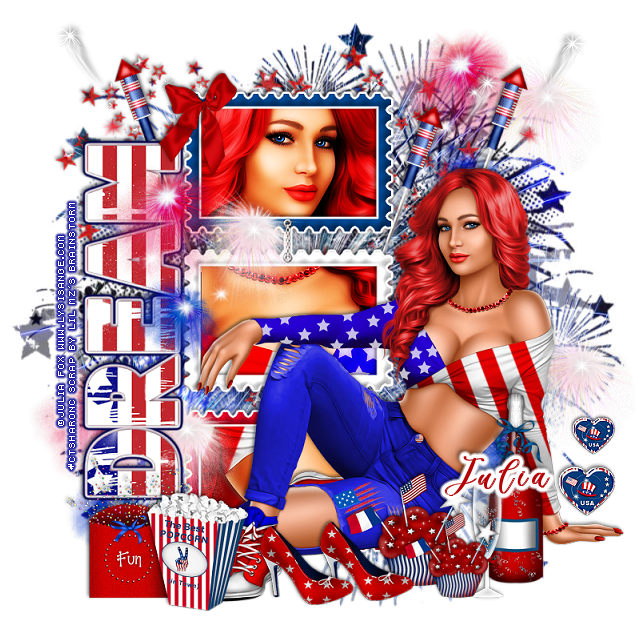
PTU USA Celebration


This tut was written May 14th, 2020, for those with a basic knowledge of psp.
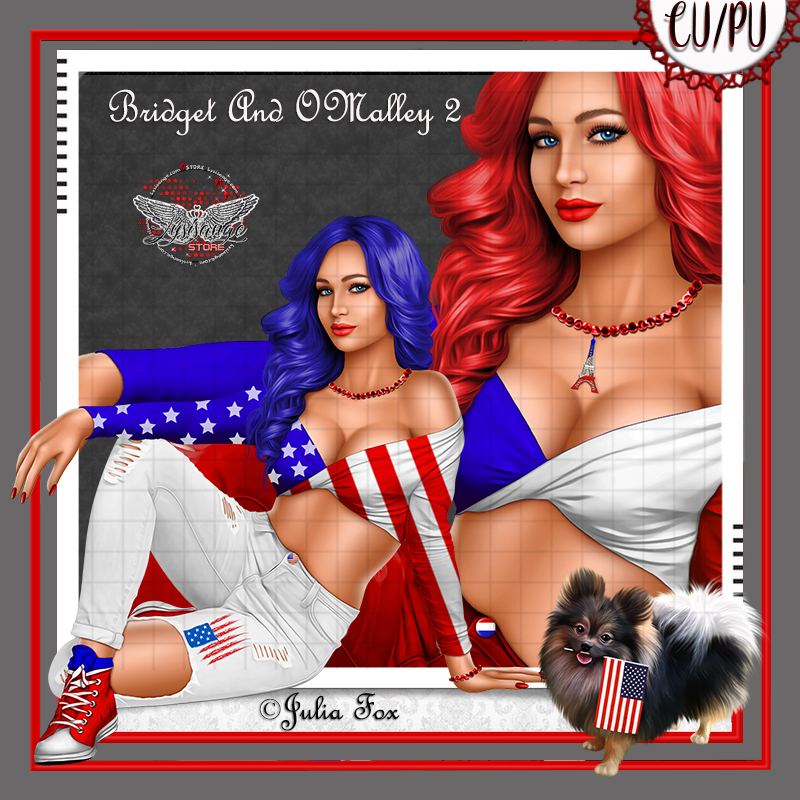
I am using the awesome tube by artist ©Julia Fox
This tube is CU/PU, comes in two colors for USA, one for France
Tube is called Bridget 2 and O'Malley, dog is included with the tube.
 You need a license to use this art, please do not use without a license.
You can find this tube at Lysisange store HERE

I used PSPX...but any of them should work.
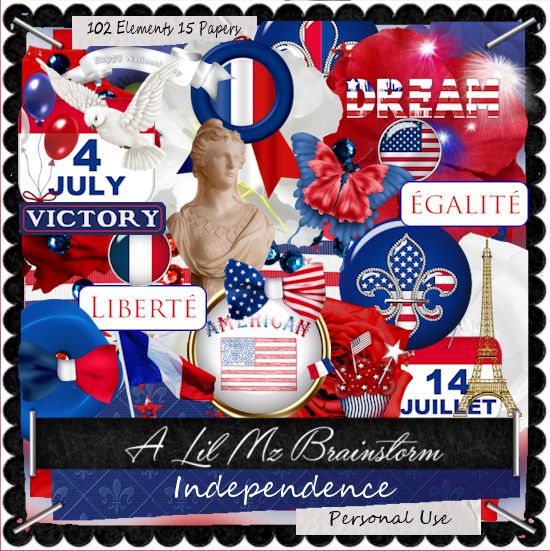
 PTU kit Independence by LMB HERE  
Mask of choice, I used DD Patriotic Mask 3 HERE
Check out the rest of the blog HERE
Filter 
Eye Candy 4000-Gradient Glow

Font of choice,  I used Billion Calligraphy

Drop shadow is usually V-2 H-2 Black, 50, 5, use what you prefer.
Let's get started
*Remember to add your drop shadow as you go along*

Open a new image 800 x 800
Paste paper 4, apply your mask, delete, merge group.
Paste element 97 above the mask to the upper left.

Resize element 49 to 90%, paste to the left, click inside with your magic
wand, expand by 5, paste paper 14, invert, delete, keep selected.
Resize your tube to 50%, mirror, paste, adjust how you like, delete, select none.

Duplicate the tube, go to Adjust, Blur, Gaussian blur, number on 4, change
the blend mode to Overlay or one you prefer, merge down, sharpen.
Add a fat gradient glow, color white to the frame.

Resize your tube to 30%, paste to the right.

Resize element 73 to 50%, paste at the lower right above the tube.
Resize element 72 to 55%, paste by the bottle.
Resize element 1 to 75%, free rotate to the left at 90 degrees, paste on the left
of the frame, add a fat gradient of choice.

Resize element 48 to 75%, paste on the right below the paper layer of
the frame, duplicate, move over and up a little, duplicate, mirror.

Resize element 61 to 45%, paste at the lower left above the tube.
Resize element 64 to 50%, paste at the lower left behind the popcorn.
Resize element 67 to 30%, paste on the frame at the upper left.

Resize element 38 to 45%, paste at the bottom above the tube,
duplicate, resize to 75%, move above the glass and bottle.
Resize element 51 to 35%, paste on the right above the hand of the tube,
duplicate, resize to 75%, move up a little.

Resize element 46 to 45%, paste at the bottom above the cupcake,
duplicate, move over a little.
Resize element 54 to 50%, paste on the frame layer to the left, duplicate, 
move to the right above the mask, duplicate, move down to the lower right,
duplicate once more, move to the left below the dream wordart at the bottom.

Add any other elements you would like, make it your own.
Always remember to adjust the elements before merging to get them like you like.

Once happy with your tag, close off any background, crop your tag to make
sure there are no stray edges, merge visible, resize first.
Add your copyrights and name.

That's it
Hope you enjoyed doing my tut.

Sunday, May 10, 2020

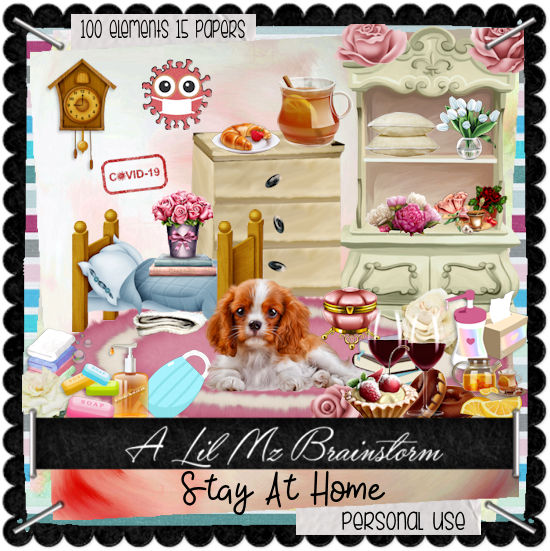
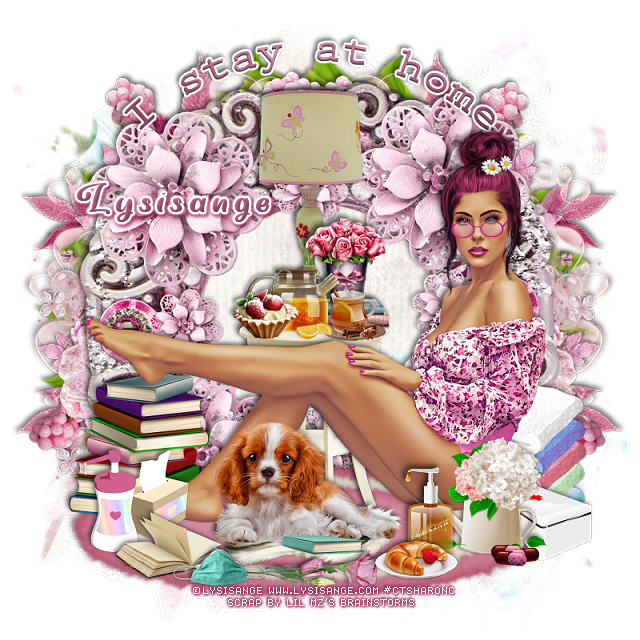
PTU I Stay At Home


This tut was written May 9th, 2020, for those with a basic knowledge of psp.
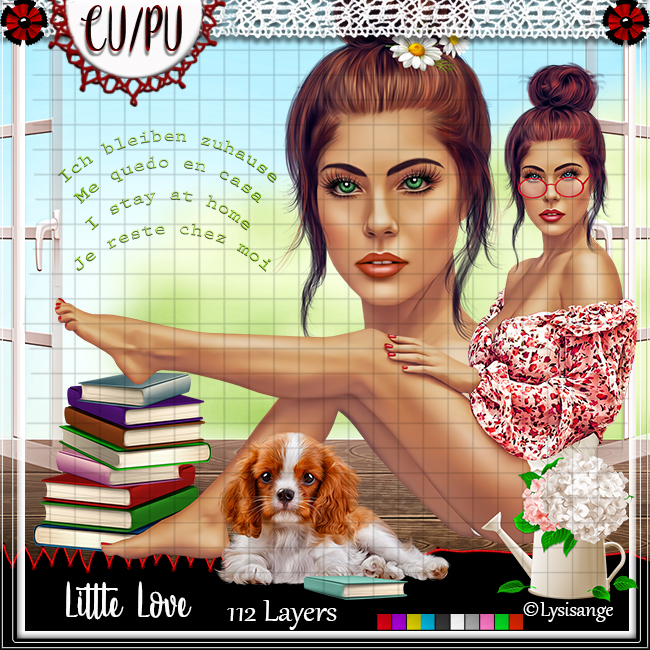
I am using the awesome tube by artist ©Lysisange
This tube is CU/PU
 You need a license to use this art, please do not use without a license.
You can find this tube at her store HERE

I used PSPX...but any of them should work.
 PTU kit I Stay Home by LMB HERE  HERE 
Mask of choice, I used RD Mask 899 HERE
Check out the rest of the blog HERE
Filter 
Mura Meister Copies-Encircle
Font of choice,  I used Very You

Drop shadow is usually V-2 H-2 Black, 50, 5, use what you prefer.
Let's get started
*Remember to add your drop shadow as you go along*

Open a new image 800 x 800
Paste paper 6, apply your mask, delete, merge group, mirror.

Paste element 30, click inside with your magic wand, expand by 5, 
paste paper 6, invert, delete, select none.
Resize the wordart from the tube to 50%, paste at the top, change 
the color to match your tube, add a fat white gradient glow.

Paste element 31 below the paper layer of the frame to the right, duplicate, mirror.
Paste element 26 on the mask layer to the left, duplicate, mirror.

Resize element 67 to 40%, apply Mura Meister Copies-Encircle,
first number on 24, move to the mask layer, resize larger to 110%.

Resize your tube to 30%, paste at the bottom above the frame.
Paste element 88 at the bottom below the frame.

Resize element 35 to 40%, paste under the dog.
Resize element 46 to 55%, paste behind the tube above the frame layer.
Resize element 72 to 50%, paste on the table.
Resize element 13 to 25%, paste on the table above the lamp.
Resize element 99 to 30%, paste on the table above the lamp.
Resize element 4 to 15%, paste above the tea on the table.

Resize element 10 to 20%, paste on the rug above the tube.
Resize element 23 to 20%, paste behind the tube at the lower right.
Resize element 47 to 25%, paste at the lower right above the tube.

Resize element 96 to 20%, paste below the plate with the food on it.
Resize element 93 to 35%, paste at the bottom above the book.
Resize element 91 to 22%, paste on the left below the book.
Resize element 15 to 40%, paste on the right below the white box behind the tube.

Resize element 83 and 84 to 25%, paste at the bottom being on the top 
layer on the rug.
Resize element 18 to 10%, paste at the lower right by the white box.

Add any other elements you would like, make it your own.
Always remember to adjust the elements before merging to get them like you like.

Once happy with your tag, close off any background, crop your tag to make
sure there are no stray edges, merge visible, resize first.
Add your copyrights and name.

That's it
Hope you enjoyed doing my tut.
Friday, March 13, 2020

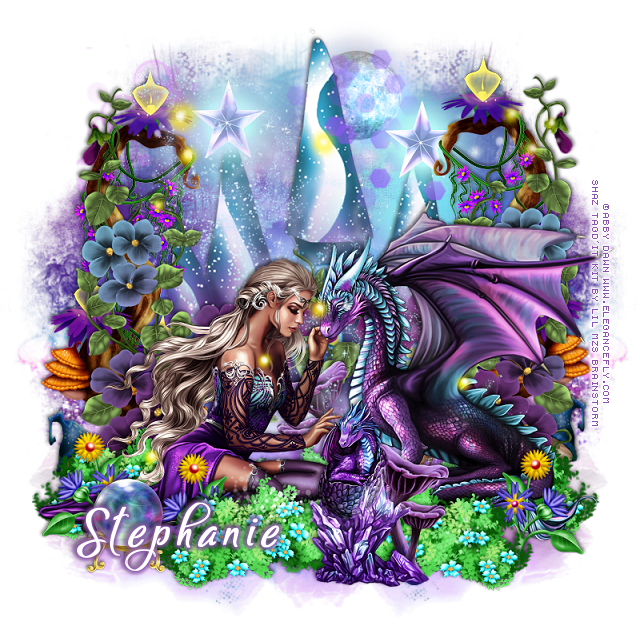
PTU Valryria and Dragon


This tut was written March 13th, 2020, for those with a basic knowledge of psp.
I am using the awesome tube by Abby Dawn
The tube is called "Valyria and the Dragon"
She comes in different colors to choose from.
You need a license to use this art, please do not use without a license.
You can find this tube at EleganceFly  HERE

I used PSPX...but any of them should work.
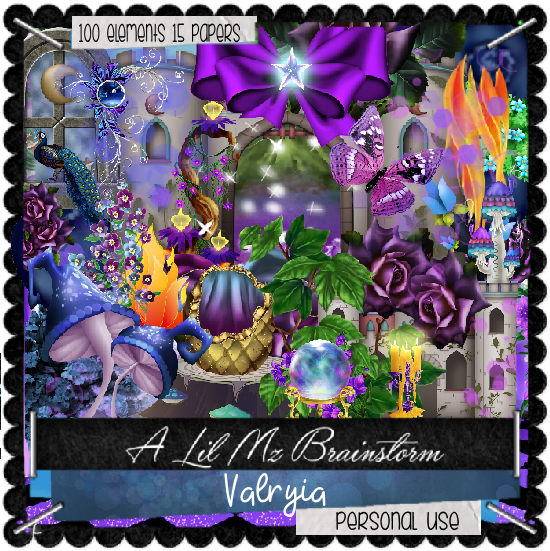
PTU kit Valyria by LMB at HERE or HERE or HERE
Mask of choice I used MizTeeques Mask 283  HERE
Check out the rest of the blog HERE

Font of choice,  I used Kylets

Drop shadow is usually V-2 H-2 Black, 50, 5, use what you prefer.
Let's get started
*Remember to add your drop shadow as you go along*

Open a new image 800 x 800
Paste paper 7, apply your mask, delete, merge group, duplicate, mirror.
Flip element 11, paste on the mask.

Resize your tube to 33%, paste at the bottom.
Resize the smaller dragon to 33%, paste by the larger dragon.

Flip element 95, paste under the tube to one side, duplicate, mirror.
Resize element 18 to 55%, paste on the mask layer.
Paste element 32 on the left below the tube layer, duplicate, mirror.
Paste element 22 on the left, duplicate, mirror.

Resize element 43 to 20%, paste at the bottom left above the tube.
Resize element 90 to 30%, paste at the top below the castle, change 
the blend mode to Luminance(L).

Resize element 74 to 30%, paste at the bottom between the dragons,
duplicate, mirror, move behind the larger tube.
Resize element 35 to 50%, paste between the dragons below the mushroom,
duplicate, move behind the large dragon to the right, duplicate, mirror, 
duplicate 2 more times, move one to the center behind the tube and the other one
above the tube.

Resize element 34 to 30%, paste at the lower left behind the crystal ball, 
duplicate, move over a little, duplicate, mirror, adjust on the right.

Paste element 88 below the tube.
Paste element 30 being on the top layer now.
Resize element 16 to 30%, paste on the castle point on one side, duplicate, mirror.

Add any other elements you would like, make it your own.
Always remember to adjust the elements before merging to get them like you like.

Once happy with your tag, close off any background, crop your tag to make
sure there are no stray edges, merge visible, resize first.
Add your copyrights and name.

That's it
Hope you enjoyed doing my tut.
Thursday, February 27, 2020

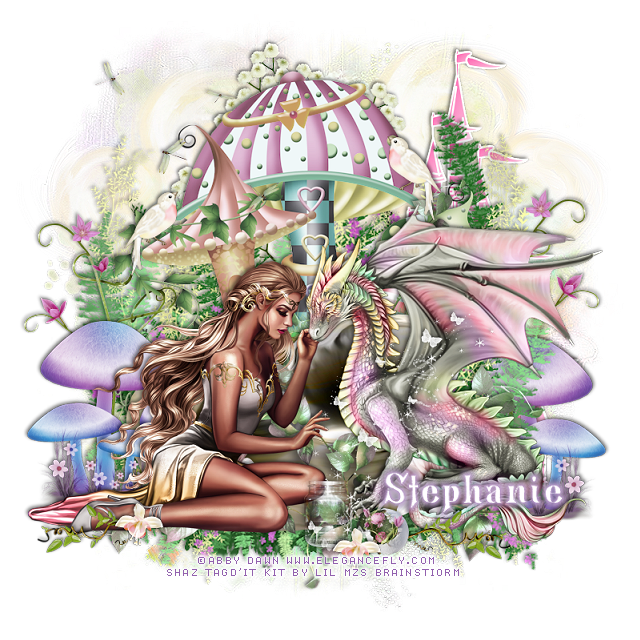
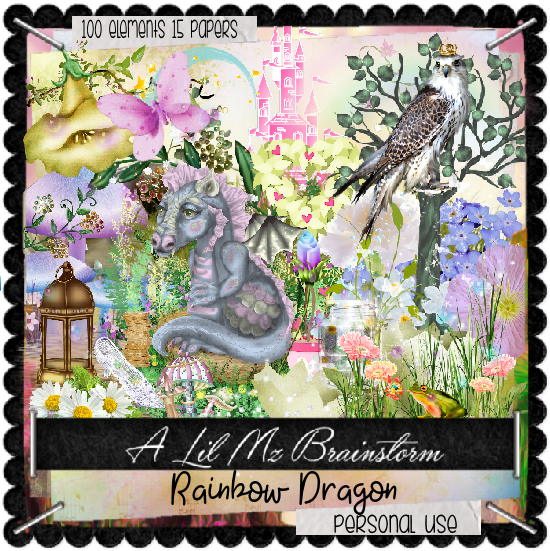
PTU Rainbow Dragon


This tut was written Feb. 27th, 2020, for those with a basic knowledge of psp.
I am using the awesome tube by Abby Dawn
The tube is called "Valryia and the Dragon"
She comes in different colors to choose from.
You need a license to use this art, please do not use without a license.
You can find this tube at EleganceFly  HERE

I used PSPX...but any of them should work.
PTU kit Rainbow Dragon by LMB at HERE or HERE or HERE
Mask of choice I used MizTeeques Mask 283 HERE
Check out the rest of the blog HERE

Font of choice,  I used Bronwen

Drop shadow is usually V-2 H-2 Black, 50, 5, use what you prefer.
Let's get started
*Remember to add your drop shadow as you go along*

Open a new image 800 x 800
Paste paper 9, apply your mask, delete, merge group.
Paste paper 12, apply your mask, delete, merge group, merge down.

Resize your tube to 33%, paste at the bottom.

Paste element 132 behind the tube, resize larger to 105%.
Paste element 192 next and move up more.
Paste element 186, move down more behind the tube.

Resize element 152 to 40%, paste below the tube on the left, duplicate,
mirror, move below the greenery on the right.
Resize element 158 to 10%, paste at the bottom by the dragon.

Resize element 116 to 20%, paste at the top right, duplicate, mirror,
move down on the left.

Paste element 133 on the mask layer at the top behind the mushroom.
Resize element 136 to 40%, paste at the upper left.
Resize element 144 to 60%, paste on the left below the mushrooms on the 
left, duplicate, mirror, move below the greenery on the right and down.

Paste element 146 on the mask layer at the upper right, duplicate, 
merge down, duplicate, move to the left.
Resize element 181 to 50%, paste above the tube where you like.
Resize element 189 to 15%, paste at the bottom.

Resize element 145 to 30%, paste at the bottom below the egg above the
dragon, duplicate, mirror, place on the shoe, erase a little of the stem.
Resize element 175 to 10%, paste at the bottom by the shoe, duplicate, move
over by the jar and egg.

Paste element 160 on the right above the cloud.

Add any other elements you would like, make it your own.
Always remember to adjust the elements before merging to get them like you like.

Once happy with your tag, close off any background, crop your tag to make
sure there are no stray edges, merge visible, resize first.
Add your copyrights and name.

That's it
Hope you enjoyed doing my tut.