Showing posts with label Alice. Show all posts

Friday, April 3, 2026

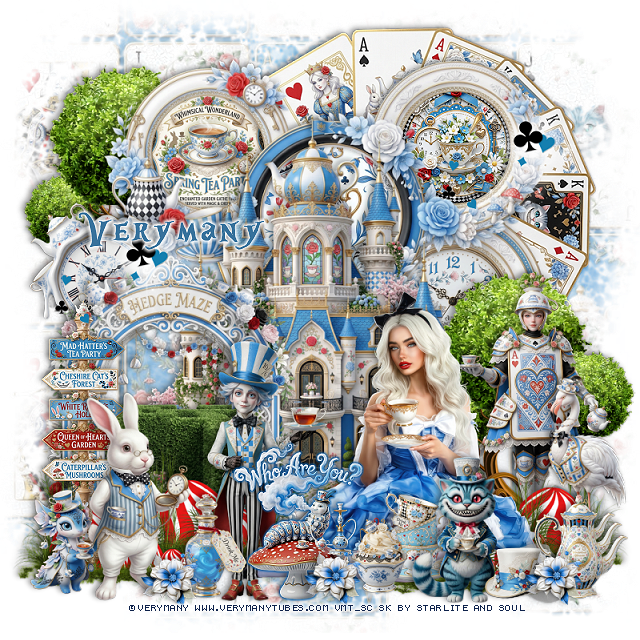
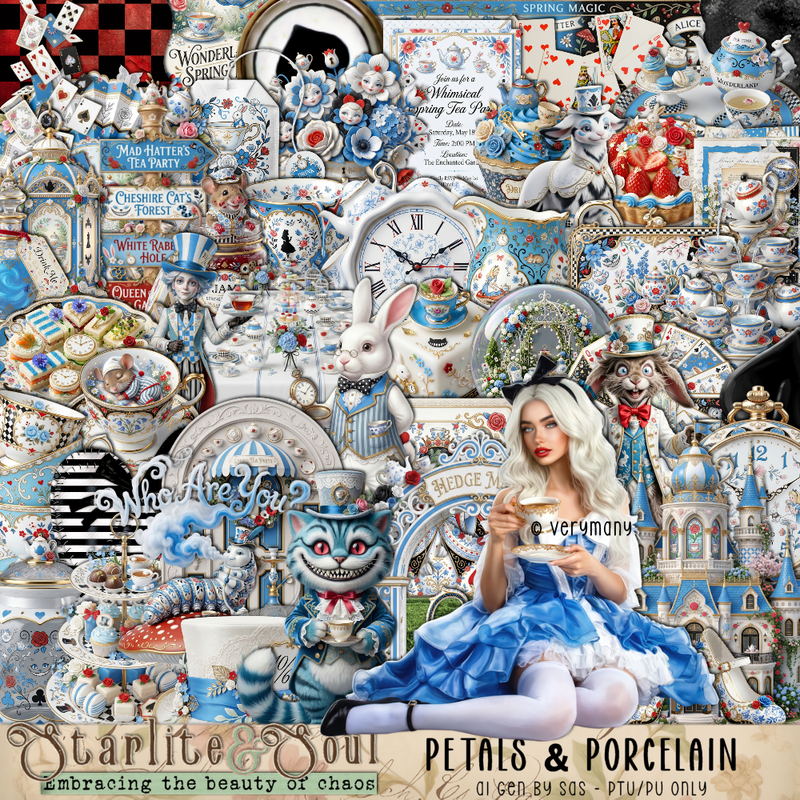
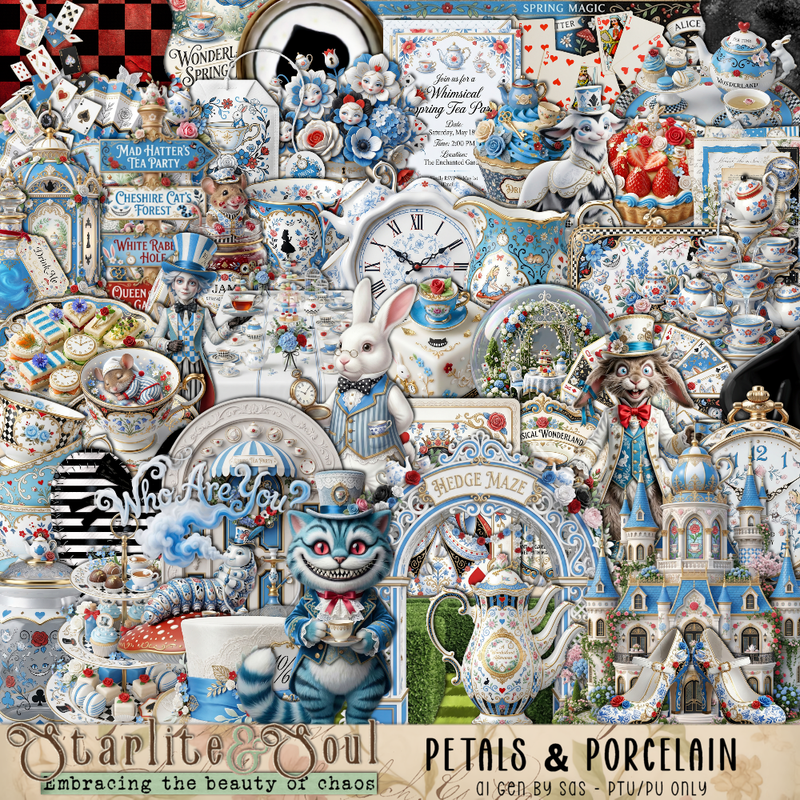
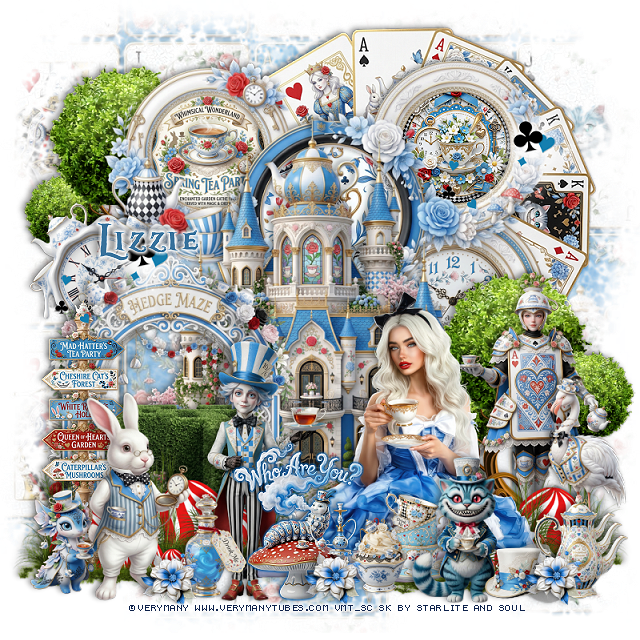
PTU Petals & Porcelain


 This tut was written April 2nd, 2026 for those with a basic knowledge of psp. 

I am using the beautiful tube by © Verymany

Tube is called Alice 8
You need a license to use this tube, please do not use without a license
You can find this tube at Verymany store HERE


I used PSP2020...but any of them should work.
PTU Scrap Petals & Porcelain by Starlite and Soul  HERE
You can find all Starlite and Soul kits  HERE 
Miz Teeques Mask 52 HERE
Check the blog HERE

Font of choice, I used Alice In Wonderland

Drop shadow as you go is V -2 H 4, 40, 10, or use what you prefer.
Let's get started
*Remember to add your drop shadow as you go along*

Open a new image 800 x 800, paste paper 7, apply your mask, 

Resize frame 4 to 85%, paste.
Resize 62 to 30%, paste in the upper right frame.
Resize 57 to 30%, paste in the upper left frame.
Resize 17 to 30%, paste in the bottom right frame.
Resize paper 9 to 50%, paste in the center frame, invert, delete.
Resize 1 to 75%, paste above the frames.
Resize 40 to 75%, paste on the upper right below the frames.

Resize the tube to 27%, paste at the bottom right.

Resize 12 to 55%, paste on the bottom left below the tube.
Resize 115 to 50%, paste on the bottom right below the tube,
duplicate, move to the upper left below the frame.
Resize 52 to 30%, paste on the left below the arch.
Resize 77 to 45%, paste on the bottom left above the arch, duplicate,
move over a little more, duplicate, mirror, adjust on the right 
below the tube, duplicate, move over.
Resize 43 to 50%, paste on the bottom left above the red rock.

Resize 21 to 17%, paste at the bottom above the tube.
Resize 5 to 50%, paste at the bottom above the tube to the left.
Resize 4 to 28%, paste at the bottom above the tube to the right.
Resize 23 to 15%, paste at the bottom.
Resize 16 to 50%, paste on the right above the tree.
Resize 7 to 40%, mirror, paste on the bottom left.
Resize 8 to 30%, paste at the bottom, add a gradient glow.
Resize 2 to 20%, mirror, paste at the bottom left.
Resize 45 to 40%, mirror, paste at the bottom right.

Resize 48 to 15%, paste at the bottom right.
Resize 44 to 20%, paste at the bottom left.
Resize 36 to 20%, paste on the bottom right.
Resize 168 to 12%, paste at the bottom where you like, duplicate a couple 
of times and move around.
Resize 197 to 35%, paste on the upper right on the frame, duplicate,
move to the left on the clock.

Add any other elements that you would like, make it your own.
Always readjust your mask and elements how you like them before you
 merge your tag, resize, sharpen.

Crop your tag to be sure no shadows or lines are on the edges.
 Then add your copyright and name.
That's it

Hope you enjoyed doing my tut

Tag for Lizzie


Saturday, March 7, 2026

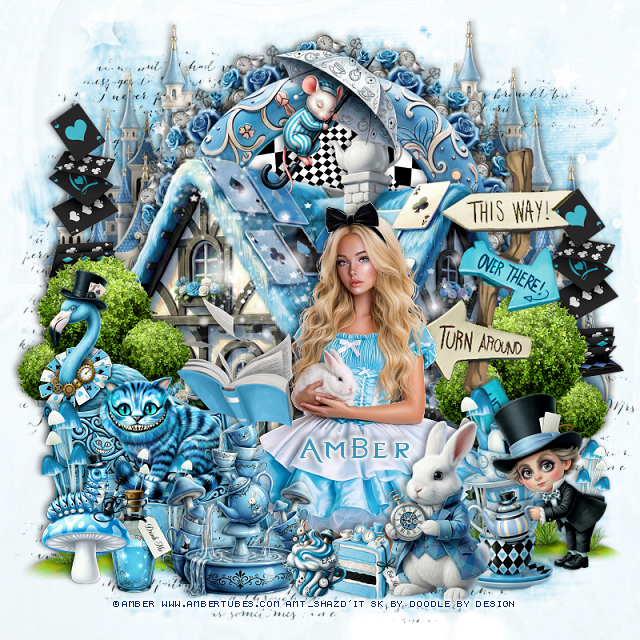
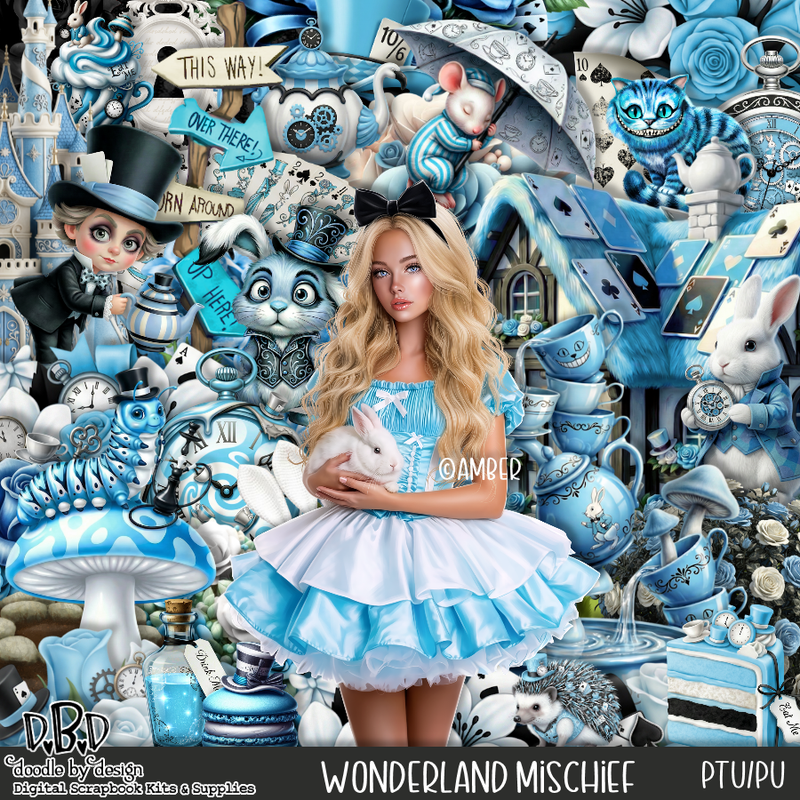
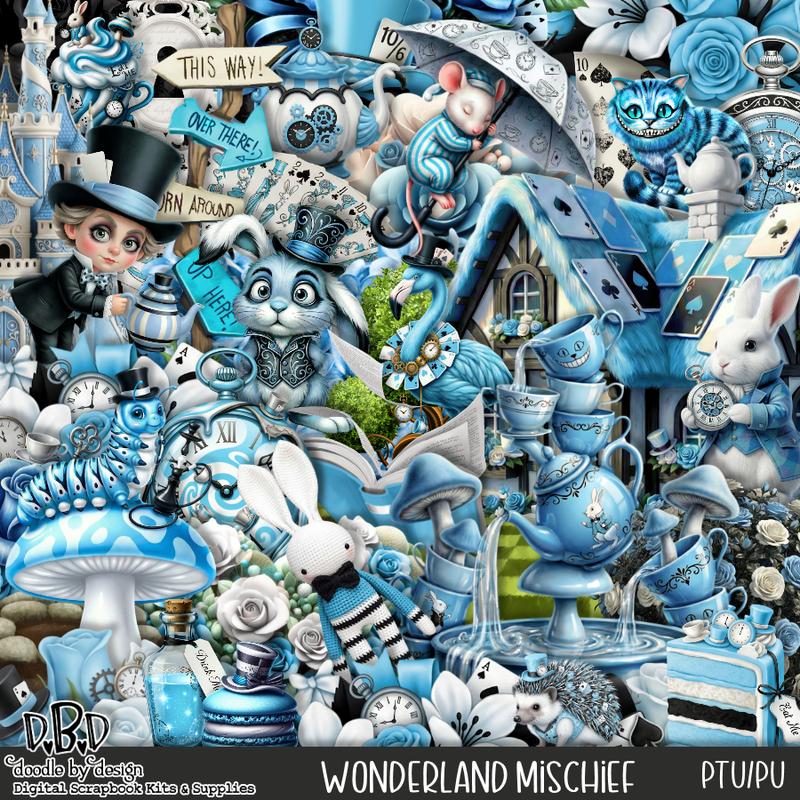
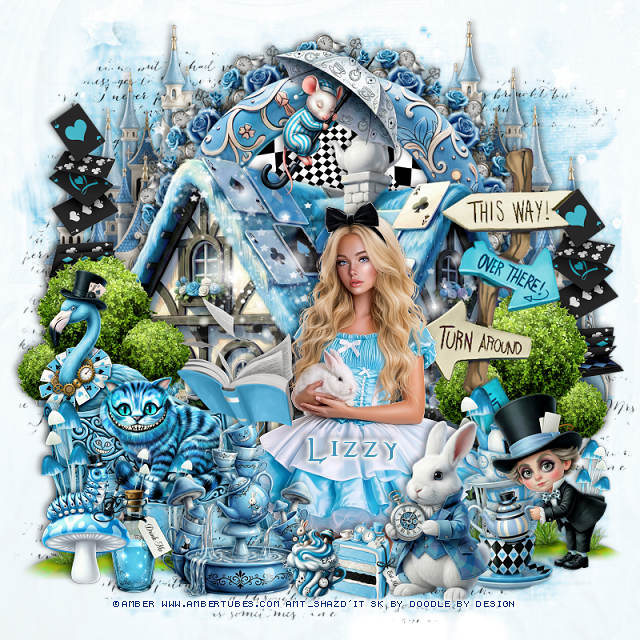
PTU Wonderland Mischief


  This tut was written March 7th, 2026 for those with a basic knowledge of psp. 

I am using the awesome tube ©Amber
The tube is called Alice and Bunny 4
The tube is NOT included
You need a license to use this tube, please do not use without a license
You can find the tube at Amber store HERE


I used PSP2020...but any of them should work.
PTU Scrap Wonderland Mischief by Doodle by Design  HERE
You can find all Doodle by Design kits  HERE 
Miz Teeque Mask 152 HERE
Check the blog HERE
Filter
Mura Meister Copies-Encircle

Font of choice, I used Evanescent

Drop shadow as you go is V -2 H 4, 40, 10, or use what you prefer.
Let's get started
*Remember to add your drop shadow as you go along*

Open a new image 800 x 800, paste paper 7, apply your mask.

Resize frame 1 to 60%, paste at the top, click inside, resize paper 2
to 50%, paste, invert, delete.
Resize 98 to 20%, apply Mura Meister Copies-Encircle, first
3 numbers 14, 45, 45, paste below the frame.
Resize 46 to 75%, paste below the flower circle on the left, duplicate, mirror.
Resize 5 to 80%, paste above the frame.

Resize 40 to 40%, paste on the left above the house, duplicate, 
move to the right and down a little.
Resize 39 to 75%, paste on the right.

Resize the tube to 25%, paste above the sign.

Resize 71 to 27%, paste above the tube to the left a little.
Resize 2 to 45%, paste on the left at the bottom of the house.
Resize 4 to 25%, paste on the bench.
Resize 60 to 40%, paste on the bottom left above the bench, duplicate,
move to the right above the sign.
Resize 23 to 35%, paste at the bottom above the tube to the right.
Resize 7 to 50%, paste on the left below the bench.

Resize 24 to 35%, paste on the bottom right below the rabbit.
Resize 8 to 35%, paste at the bottom above the tube to the left.
Resize 15 to 35%, paste on the bottom right above the cups.
Resize 27 to 40%, paste on the left below the flamingo, duplicate, mirror,
move behind the sign.
Resize 3 to 25%, paste on the bottom left above the mushrooms.
Resize 9 to 20%, paste at the bottom left below the worm mushroom.
Resize 6 and 13 to 15%, paste at the bottom next to the rabbit.
Resize 1 to 28%, paste at the top.
Paste 155 on the mask layer at the upper left, duplicate a few times 
and move where you like, erasing some if needed.
Tap on the house layer, paste 146 on the house how you like.

Add any other elements that you would like, make it your own.
Always readjust your mask and elements how you like them before you
 merge your tag, resize, sharpen.

Crop your tag to be sure no shadows or lines are on the edges.
 Then add your copyright and name.
That's it

Hope you enjoyed doing my tut 

Tag for Lizzy  


Sunday, January 11, 2026

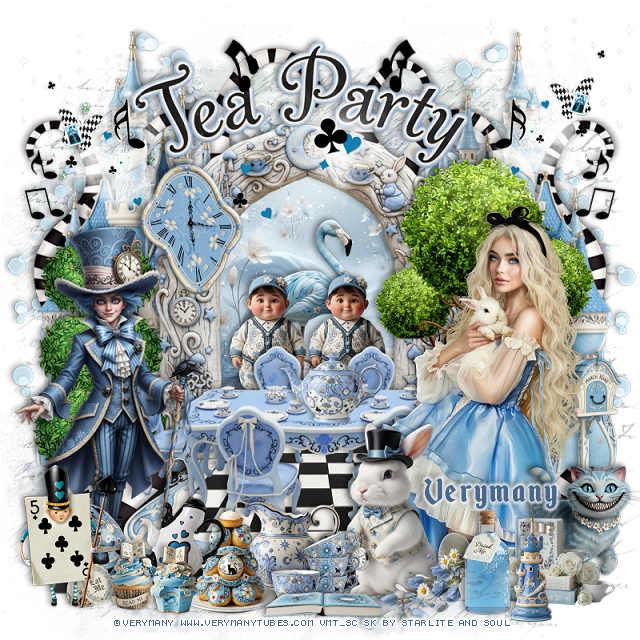
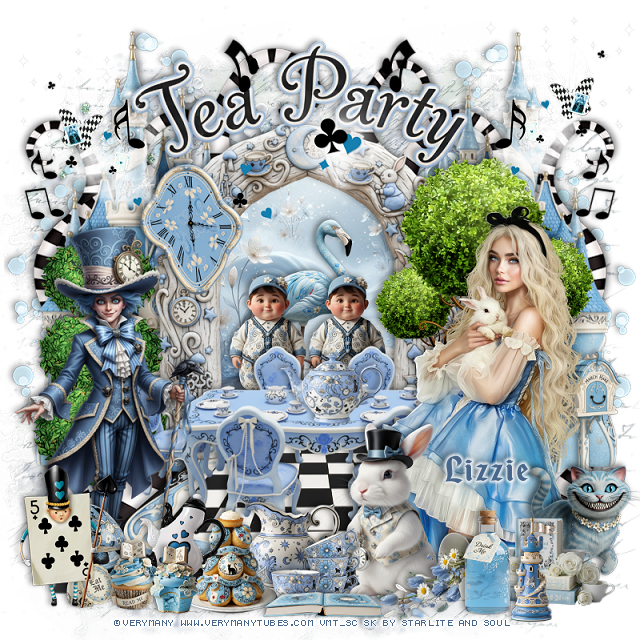
PTU Wonderland Dream


 This tut was written January 11th, 2026 for those with a basic knowledge of psp. 

I am using the beautiful tube by ©Verymany

Tube is called Wonderland Dream
You need a license to use this tube, please do not use without a license
You can find this tube at Verymany's store HERE

I used PSP2020...but any of them should work.
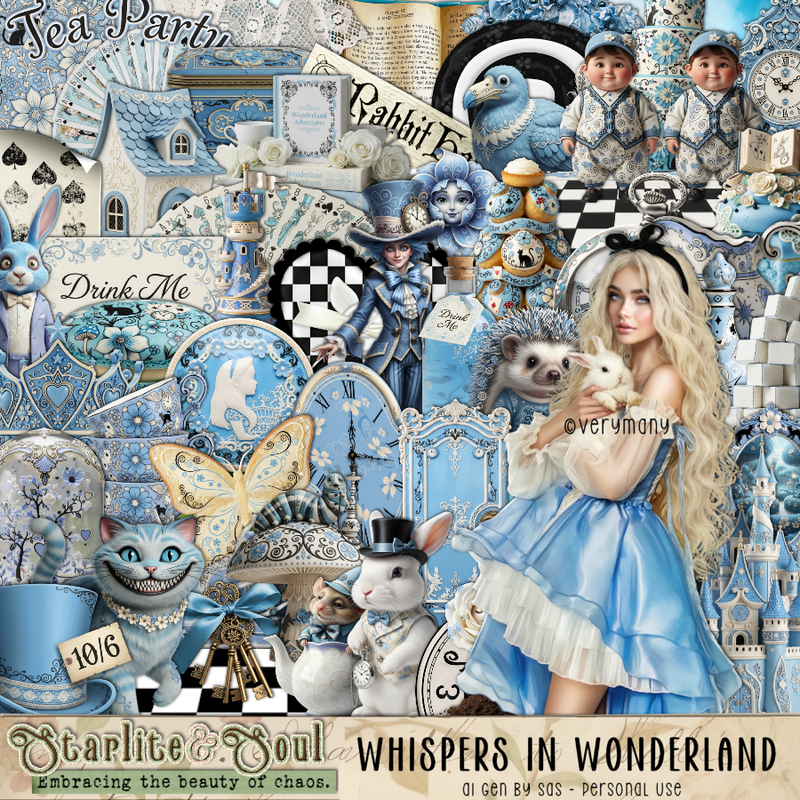
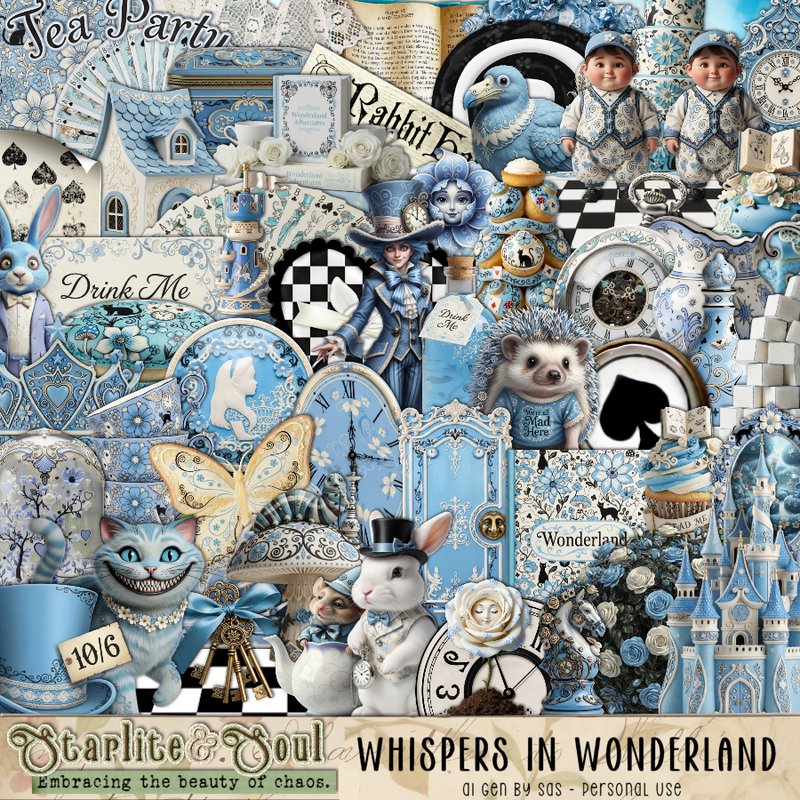
PTU Scrap Whispers of Wonderland by Starlite and Soul  HERE
"Tube is NOT Included"
You can find all Starlite and Soul kits  HERE 

Font of choice, I used Enchanted Land

Drop shadow as you go is V -2 H 4, 40, 10, or use what you prefer.
Let's get started
*Remember to add your drop shadow as you go along*

Open a new image 800 x 800, paste 212 on the bottom layer 
at the upper left, duplicate, move to  the right, duplicate both, 
move to the bottom. 

Paste 32 at the bottom.
Resize 9 to 65%, paste.
Resize paper 2 to 50%, paste below the arch, erase the outside parts.
Resize 3 to 30%, paste on the paper layer.
Resize 41 to 40%, paste below the boys on the paper.
Resize 59 to 75%, paste at the bottom left.
Resize 93 to 50%, paste below the table to the right a little.
Resize 110 to 60%, paste on the left above the arch.
Resize wordart 1 to 65%, paste above the arch.
Resize 1 to 85%, paste below the paper on the right, duplicate, mirror.
Paste 92 above the castle on the left, duplicate, mirror, duplicate, again,
move to the top center.
Paste 191 on the right above the word mask, duplicate, mirror.

Resize the tube to 30%, paste above the table to the right.

Resize 14 to 25%, paste at the bottom above the tube.
Resize 8 to 65%, paste on the bottom left.
Resize 12 to 40%, paste below the tube on the right.
Resize 2 to 25%, paste at the bottom right above the tube.
Resize 28 to 30%, paste at the bottom right above the cat.
Resize 5 to 35%, paste at the bottom below the cup.

Resize 62 to 20%, paste on the table.
Resize 33 to 18%, paste at the bottom.
Resize 34 to 15%, paste at the bottom.
Resize 49 to 20%, paste at the bottom.
Resize 60 to 12%, paste at the bottom.
Resize 37 to 20%, paste at the bottom right by the book.
Resize 104 to 20%, paste at the bottom to the left.
Resize 44 to 25%, paste on the left on the arch.
Resize 39 to 20%, paste at the bottom left.
Resize 56 and 57 to 13%, paste at the bottom left.
Resize 31 to 20%, paste at the bottom right.
Resize 114 to 30%, paste at the bottom left.
Resize 45 to 25%, paste at the bottom in front of the cups.

Resize 196 to 35%, paste on the upper left by the wordart, duplicate, mirror.
Resize 197 to 35%, paste at the top on the arch.
Resize 209 to 50%, paste at the upper right, duplicate, mirror.

Add any other elements that you would like, make it your own.
Always readjust your mask and elements how you like them before you
 merge your tag, resize, sharpen.

Crop your tag to be sure no shadows or lines are on the edges.
 Then add your copyright and name.
That's it

Hope you enjoyed doing my tut

Tag for Lizzie


Friday, September 19, 2025

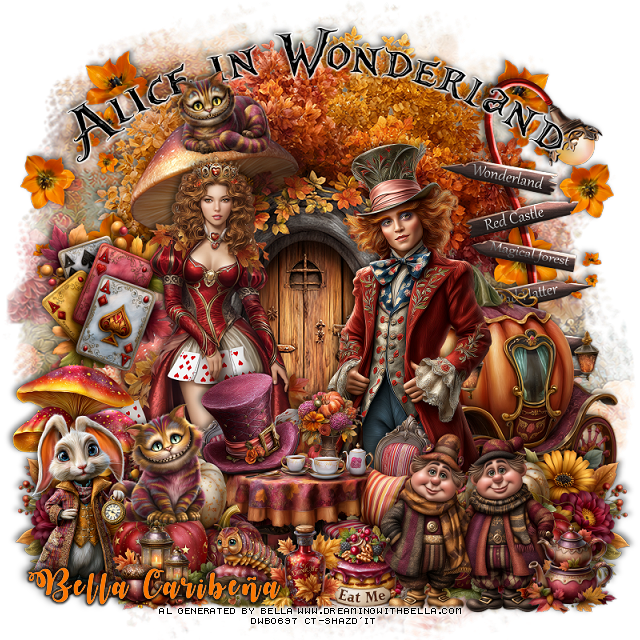
PTU Alice In Wonderfall


 This tut was written September 19th, 2025,  for those with a basic knowledge of psp. 

I am using Awesome Al tubes and kit by Bella Caribeña
Tubes are included
Read the TOU on how to credit your tags

I used PSP2020...but any of them should work.
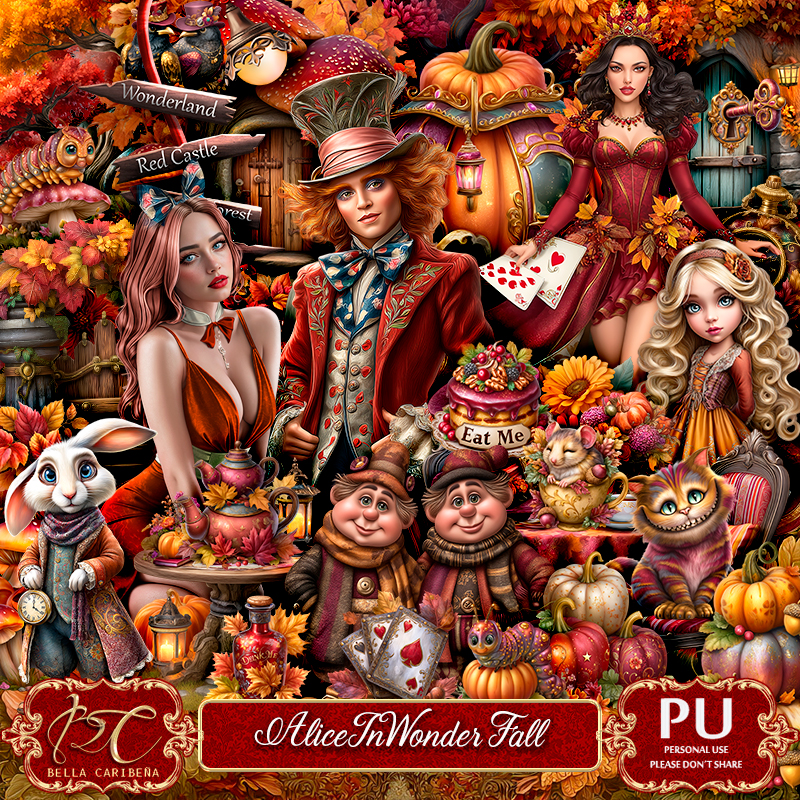
PTU Scrap Alice In Wonderfall by Bella Caribeña  HERE
Alice in Wonderland Theme
Kit contains 1 tube ©Goldwasser, 10 Al gen tubes, 127 elements, 18 papers 
and 2 masks
You can check out the rest of her store HERE 

Font of choice, I used October Twilight

 Drop shadow as you go is V -2 H 4, 50, 10, or use what you prefer.
Let's get started
*Remember to add your drop shadow as you go along*

Open a new image 800 x 800, paste mask element 18.

Paste element 50.
Resize tube 8 to 30%, paste on the right.
Resize tube 9 to 35%, paste on the left.
Paste element 4 to 20%, paste on the right below the tube.
Paste element 40 to 60%, paste on the right below the tube.
Paste element 74 to 50%, paste at the bottom above the tubes.

Resize element 45 to 30%, paste at the bottom left, duplicate, mirror.
Resize element 68 to 30%, paste on the left below the flowers.
Resize element 71 to 35%, paste at the bottom left, duplicate, mirror.
Resize element 118 to 35%, paste on the left below the tube.
Resize element 33 to 25%, paste on the left on the pumpkins.
Resize element 88 to 40%, paste at the bottom.

Paste element 6 at the top, add a white gradient glow.
Resize element 30 to 40%, paste at the bottom left.
Resize element 36 to 20%, paste at the bottom.
Resize element 48 and 49 to 20%, paste at the bottom.
Resize element 57 to 20%, paste at the bottom right.
Resize element 25 to 50%, paste on the right below the house, duplicate,
mirror.
Resize element 59 to 20%, paste at the bottom left.
Resize element 91 to 20%, paste at the top on the mushroom.

Add any other elements you would like, resize.
Crop your tag to be sure no shadows or lines are on the edges.
 Then add your copyright and name.
That's it

            Hope you enjoyed doing my tut             

Thursday, August 22, 2024

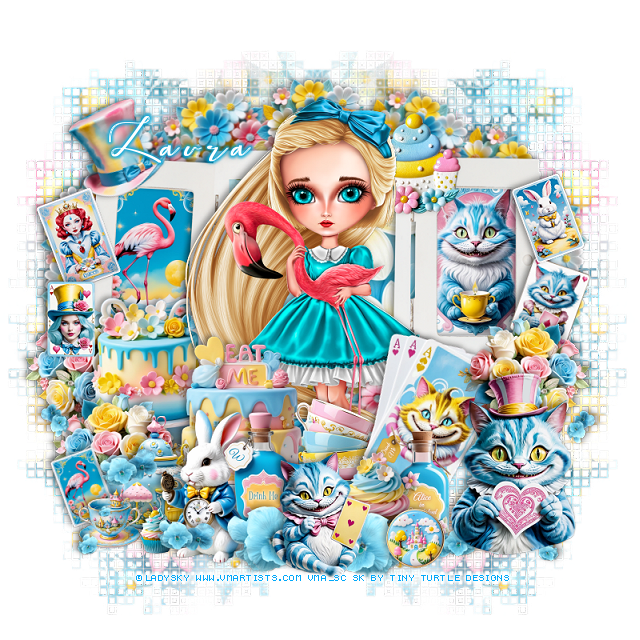
PTU Sofia


This tut was written August 22nd, 2024 for those with a basic knowledge of psp. 

I am using the awesome tube by © LadySky

The tube is called Sofia
You need a license to use this tube, please do not use without a license.
You can find the tube at VMA HERE

I used PSP2020...but any of them should work.
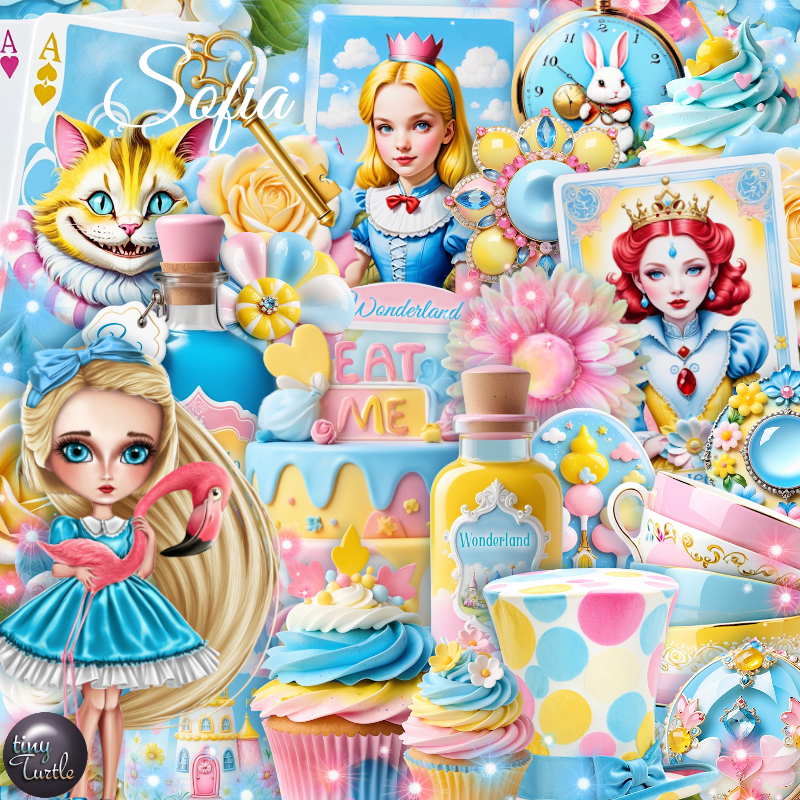
PTU Scrap Sofia by Tiny Turtle Designs  HERE 
"Tube is NOT included"
You can find all Tiny Turtle Designs kits HERE
I used DD Geo Mask 9, (blog is closed now)
Filters
Mura Meister Copies-Encircle

Font of choice, I used Beautiful Kisses

Drop shadow as you go is V -2 H 4, 40, 10, or use what you prefer.
Let's get started
*Remember to add your drop shadow as you go along*

Open a new image 800 x 800, paste paper 22, apply your mask,
duplicate, mirror.

Paste element 158, click inside each frame, resize element 4 to 35%,
in the right frame, resize element 23 to 35%, paste in the left frame, invert,
delete, keep selected.
Resize paper 24 to 65%, paste below the frame.
Resize element 122 to 25%, apply Mura Meister Copies-Encircle, first
3 numbers on 14, 65, 40, paste below the frame.
Resize paper 54 to 35%, paste above the frame on the left.

Resize your tube to 35%, paste.

Resize paper 51 to 35%, paste above the tube on the left.
Resize element 1 and 50 to 25%, paste at the bottom above the cake.
Resize element 120 to 25%, paste on the left below the cake, duplicate,
move above the cake and to the bottom, duplicate, mirror.
Resize element 11 to 30%, paste at the bottom above the teapot.

Resize element 26 to 30%, free rotate to the right at 20, paste on the right by the tube.
Resize element 65 to 20%, paste on the bottom above the cards.
Resize element 75 to 25%, paste at the bottom above the tube, behind the cards.
Resize element 45 to 25%, paste at the bottom right, below the cupcake.

Resize element 76 to 13%, paste at the bottom left.
Resize element 23 to 15%, free rotate to the left, past below the cup on the bottom left.
Resize element 69 to 20%, free rotate to the left at 20, paste on the frame on 
the upper left.
Resize element 94 to 25%, paste at the top on the frame below the tube.
Resize element 58 to 10%, paste at the bottom left.
Resize element 32 to 15%, free rotate to the right at 20, paste on the frame on the right.
Resize element 30 to 35%, paste on the bottom right.
Resize element 142 to 65%, paste at the bottom left, duplicate, mirror, move
below the big cat.
Resize element 22 to 15%, free rotate to the left at 20, paste on the right above the frame.
Resize element 16 to 17%, free rotate to the left at 20, paste on the frame on the left.
Resize element 109 to 20%, paste at the bottom right.
Resize element 33 to 15%, paste on the left by the other card.
Resize element 27 to 25%, paste at the bottom being on the top layer.

Add any other elements you would like, resize.
Crop your tag to be sure no shadows or lines are on the edges.
 Then add your copyright and name.
That's it

Hope you enjoyed doing my tut.  

Tag for Laura   


Wednesday, February 22, 2023

PTU Down the Rabbit Hole


 This tut was written February 22nd, 2023 for those with a basic knowledge of psp. 

I am using the awesome artwork of ©Amber
Tube is Alice and Bunny_2
You need a license to use this tube, do not use without a license.
You can find this tube at VMA Store HERE

I used PSP2020...but any of them should work.
PTU Down The Rabbit Hole by Wicked Princess Scraps  HERE  
Mask of Choice, I used RD Mask Set 163_2 HERE
Check out the rest of the blog HERE
Filters
Mura Meister Copies-Encircle
Screen Works-Light Gauze

Font of choice, I used Alice In Wonderland

Drop shadow is V -1 H -4, 50, 10, Black or use what you prefer.
Let's get started
*Remember to add your drop shadow as you go along*

Open a new image 800 x 800, paste paper 4, apply your mask.

Resize frame 5 to 90%, paste click inside with the magic wand, expand by 5,
resize paper 8 to 75%, paste, invert, delete, keep selected.
Resize your close up to 85%, paste, delete, select none.
Duplicate the tube, go to Adjust, Blur, Gaussian blur, number on 5, change the
blend mode to Screen, then apply Screen Works-Light Gauze 
Resize frame 10 to 68%, paste on the frame.

Resize element flower17 to 20%, apply Mura Meister Copies-Encircle, change the first
3 numbers to 22, 55, 55, move below the paper layer.
Resize element flower1 to 18%, apply Mura Meister, changing the first 3 numbers
to 22, 62, 62, move below the first circle.
Duplicate the first circle, resize larger to 110%, move below the other 2 circles.
Resize the floor to 40%, paste at the bottom.

Resize your tube to 40%, paste on the left above the frames.
Resize the cat to 30%, mirror, paste on the frame at the top.

 Resize card5 to 40%, paste on the left above the tube, duplicate, move behind the
tube and up a bit.
Resize the book to 30%, paste at the bottom left above the tube.
Resize the note to 15%, paste at the bottom above the book.

Resize cardman1 and cardman2 to 20%, paste at the bottom.
Resize the jar to 10%, paste at the bottom to the left.
Resize the brush to 15%, paste by the jar.
Resize cup2 to 20%, paste at the bottom above the note.

Resize card6 to 50%, mirror, paste at the upper right above the frames.
Resize chess piece and chess piece 2 to 10%, paste at the bottom.
Resize cup3 to 30%, paste between the cardman and move one more to the right.

Resize the stool and lamp to 30%, paste on the right above the frame.
Resize the rabbit to 40%, mirror, paste on the right above the stool.
Resize teapot 2 to 25%, paste at the bottom below the rabbit.
Resize treat 4 to 13%, paste at the bottom by the teapot above the rabbit.
Resize treat 6 to 10%, paste at the bottom above the teapot.

Resize the hooka to 30%, paste on the right behind the rabbit.
Resize the watch to 20%, paste at the bottom above the rabbit.
Resize flower 11 to 10%, duplicate once and paste both behind the watch.
Resize bottle and bottle2 to 20%, paste at the bottom.

Resize flower 17 to 20%, duplicate a few times and paste them in different 
places above the frame behind the elements.
Resize the wordart to 35%, add a fat white gradient, paste on the right below the 
rabbit.

Add any other elements you would like, make it your own.
Crop your tag to be sure no shadows or lines are on the edges.
 Then add your copyright and name.
That's it

Hope you enjoyed doing my tut.