Showing posts with label Circus. Show all posts

Saturday, June 20, 2026

PTU Carnival Noir


 This tut was written June 20th, 2026 for those with a basic knowledge of psp. 

I am using the awesome Al tube and kit gen by Carita Creations
Everything used is in the kit
Please read the TOU on how to credit your tags.

I used PSP2020...but any of them should work.
PTU Scrap Carnival Noir by Carita Creationz  HERE
Kit has 180 elements and 10 papers and 5 tube
This kit is filled with Wicked Jesters, Clowns, Wordart, Frames and What not
Check her store out to see all her other kits and tubes HERE
DBV Mask 72 HERE
Vivienne's Digital Tagging Mask 78 HERE
Check the rest of the blog HERE and HERE

Font of choice, I used Carnevalee Freakshow

Drop shadow as you go is V -2 H 4, 50, 10, or use what you prefer.
Let's get started
*Remember to add your drop shadow as you go along*

Open a new image 800 x 800, paste paper 11, apply your mask, 
duplicate, merge down.
Paste mask 78 on paper 11, then paste at the bottom of the tag on one
side, duplicate, mirror, adjust as needed.

Resize 179 to 50%, paste at the upper right, duplicate, mirror.
Resize 137 to 50%, paste at the top above the castle.
Resize 151 to 40%, paste on the left.
Resize 2 to 25%, paste on the left below the building.
Resize 159 to 40%, paste on the left below the flower.
Resize 9 to 50%, paste above the building.
Duplicate the tree, move to the right behind the tent.

Resize 109 to 30%, paste on the upper left.
Resize 154 to 40%, paste on the bottom left.
Resize 146 to 15%, paste on top of the arch.
Resize 30 to 30%, paste on the left below the arch doorway.
Resize tube 1 to 30%, paste on the bottom left.
Resize 62 to 20%, paste on the bottom left below the tube.
Resize 149 to 30%, paste at the bottom.

Resize tube 2 to 40%, paste above the car.
Resize 140 to 30%, paste at the bottom below the car.
Resize 47 to 25%, paste at the upper right on the castle.
Resize 1 to 25%, paste on the right under the 3 faces.
Resize 39 to 20%, paste at the bottom left above the tube.
Resize tube 4 to 20%, paste at the bottom left.
Resize tube 3 to 15%, paste at the bottom by the car and tent.
Resize 153 to 22%, paste at the bottom by the boy.

Resize 168 to 22%, paste at the bottom right below the boy.
Resize 31 to 15%, paste on top of the small tent on the right.
Resize 37 to 25%, paste on the right below the flower.
Resize 108 to 20%, paste on the right below the tents.
Resize 8 to 20%, paste below the bigger tent.
Resize 180 to 17%, paste on the right above the flower.
Resize 145 to 12%, mirror, paste at the bottom right.
Resize 106 to 10%, paste at the bottom left.
Resize 105 to 10%, paste at the bottom by the tube.
Resize 160 to 10%, paste at the bottom right.
Resize 134 to 25%, paste on the upper left.
Resize 133 to 25%, paste on the small tent.
Resize 6 to 15%, paste on the left above the wicked mind sign.
Resize 35 to 10%, paste at the bottom by the dog.
Resize 50 to 17%, paste at the top below the castles.

Add any other elements that you would like, make it your own.
Always readjust your mask and elements how you like them before you
 merge your tag, resize, sharpen.
Crop your tag to be sure no shadows or lines are on the edges.
 Then add your copyright and name.
That's it

Hope you enjoyed doing my tut.       

Saturday, June 13, 2026

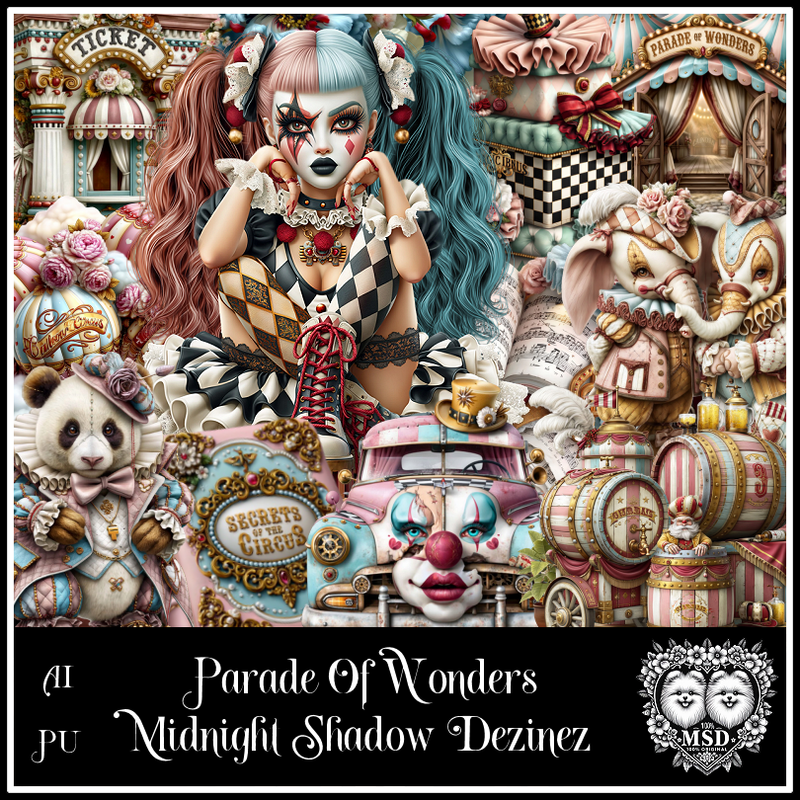
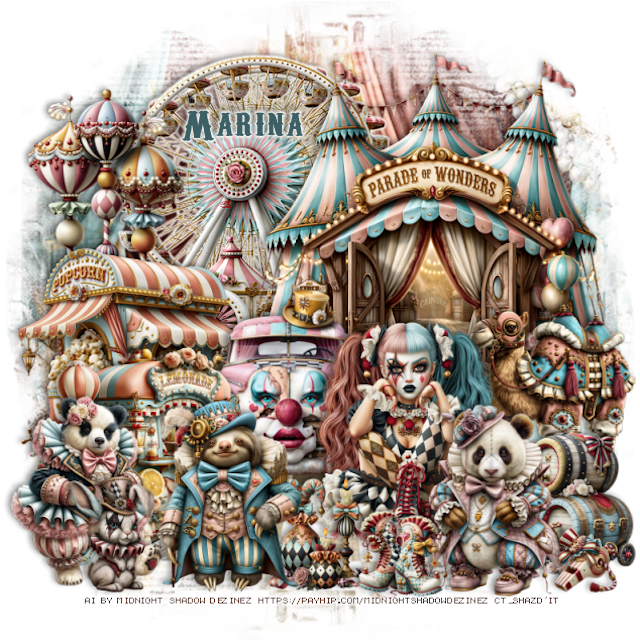
PTU Parade of Wonders


  This tut was written June 13th, 2026 for those with a basic knowledge of psp. 

Awesome AI kit and tube by Midnight Shadow Dezinez

Everything is included in the kit
Read the TOU on how to credit your tags

I used PSP2020...but any of them should work.
PTU Scrap Parade of Wonders by Midnight Shadow Dezinez  HERE
You can find all Midnight Shadow Dezinez kits HERE
MizTeeque Mask 245 HERE
Check the blog out HERE

Font of choice, I used Carnivalee Freakshow

Drop shadow as you go is V -2 H -4, 50, 10, or use what you prefer.
Let's get started
*Remember to add your drop shadow as you go along*

Open a new image 800 x 800, resize paper 9 to 80%, paste, apply your mask.

Resize 20 to 50%, paste on the upper left, add a white gradient glow,
then the drop shadow.
Resize 60 to 60%, paste on the upper right.
Resize 5 to 35%, paste at the bottom of the tent on the left.
Resize 47 to 30%, paste on the right above the tent.
Resize 17 to 35%, paste on the upper left above the ferris wheel.

Resize 35  to 37%, paste at the bottom above the car.

Resize 57 to 40%, paste on the left below the car.
Resize 6 to 30%, paste on the bottom left above the car.
Resize 24 to 30%, paste at the bottom right above the tube.
Resize 29 to 35%, paste on the bottom right below the bear.
Resize 18 to 30%, mirror, paste on the bottom left.
Resize 53 to 20%, paste on the bottom above the tube.
Resize 26 to 30%, paste at the bottom to the left of the tube.
Resize 52 to 12%, paste at the bottom right.
Resize 19 to 15%, paste at the bottom.
Resize 56 to 20%, mirror, paste at the bottom left.

Add any other elements that you would like, make it your own.
Always readjust your mask and elements how you like them before you
 merge your tag, resize, sharpen.

Crop your tag to be sure no shadows or lines are on the edges.
 Then add your copyright and name.
That's it

                 Hope you enjoyed doing my tut                      

Thursday, January 22, 2026

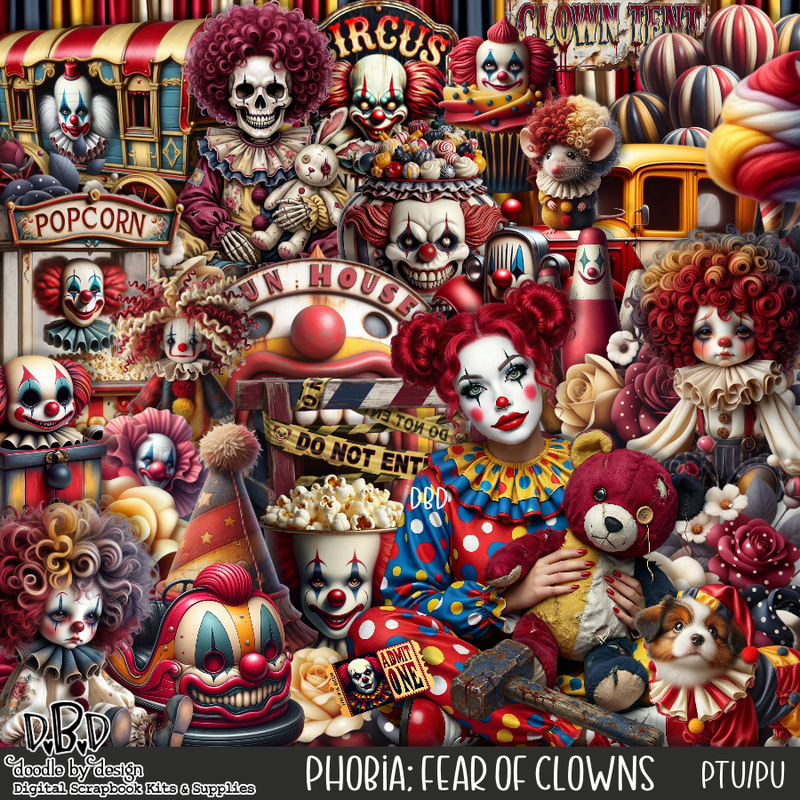
PTU Phobia: Fear of Clowns


 This tut was written January 22nd, 2026 for those with a basic knowledge of psp. 

I am using an Awesome Al gen tube by DBD

Tube is included in the kit
Please read the TOU on how to credit your tags.

I used PSP2020...but any of them should work.
PTU Scrap Phobia:_Fear of Clowns by Doodle by Design  HERE
You can find all Doodle by Design kits  HERE 
RD Mask 717 HERE
Check the blog HERE
Filter
Mura Meister Copies-Encircle

Font of choice, I used Easy November

Drop shadow as you go is V -2 H 4, 50, 10, or use what you prefer.
Let's get started
*Remember to add your drop shadow as you go along*

Open a new image 800 x 800, paste paper 14

Resize frame 7 to 65%, paste, click inside, resize 105 to 75%, paste below 
the frame, invert, delete.
Resize 125 to 20%, apply Mura Meister Copies-Encircle, first 
3 numbers on 14, 50, 50, paste below the frame.
Resize 104 to 20%, apply Mura Meister Copies-Encircle, first 
3 numbers on 20, 56, 56, paste below the flower circle.
Resize 89 to 65%, paste below the frame on the upper left,
duplicate, mirror.

Resize the tube to 20%, paste at the bottom left.

Resize 6 to 25%, paste at the bottom above the tube.
Resize 8 to 20%, paste at the bottom by the jar.
Resize 66 to 40%, paste on the left below the tube.
Resize 10 to 30%, paste on the left below the tube.
Resize 1 to 35%, paste on the right below the tube.
Resize 47 to 25%, paste at the bottom to the right of the jars.
Resize 38 to 50%, paste on the right below the car.
Resize 36 to 35%, paste below the ticket booth.
Resize 2 to 15%, paste on the ticket booth.
Resize 15 to 25%, paste at the bottom below the girl doll.

Resize 104 to 20%, paste on the bottom left.
Resize 48 to 25%, paste on the bottom left.
Resize 55 to 50%, paste above the frame to the right.
Resize 9 to 30%, paste at the bottom right above the car.
Resize 43 to 20%, paste at the bottom by the dog.
Resize 53 to 18%, mirror, paste at the bottom right.
Resize 91 to 25%, paste on the frame on the left below the tube.

Add any other elements that you would like, make it your own.
Always readjust your mask and elements how you like them before you
 merge your tag, resize, sharpen.

Crop your tag to be sure no shadows or lines are on the edges.
 Then add your copyright and name.
That's it

Hope you enjoyed doing my tut


Wednesday, September 3, 2025

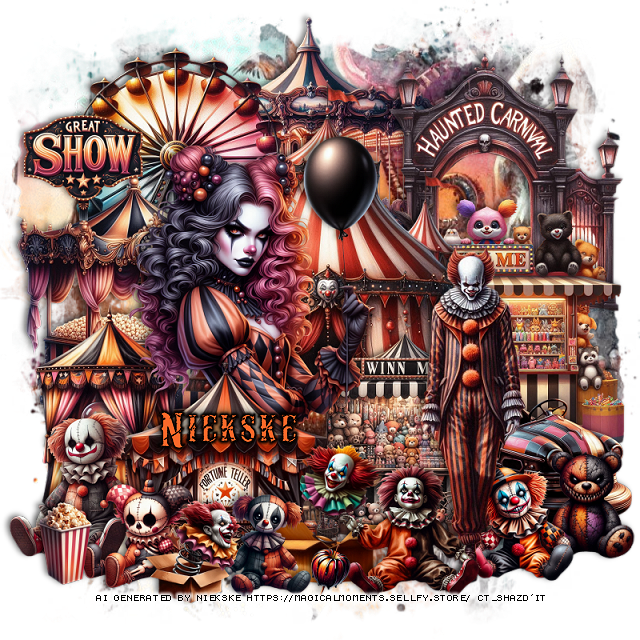
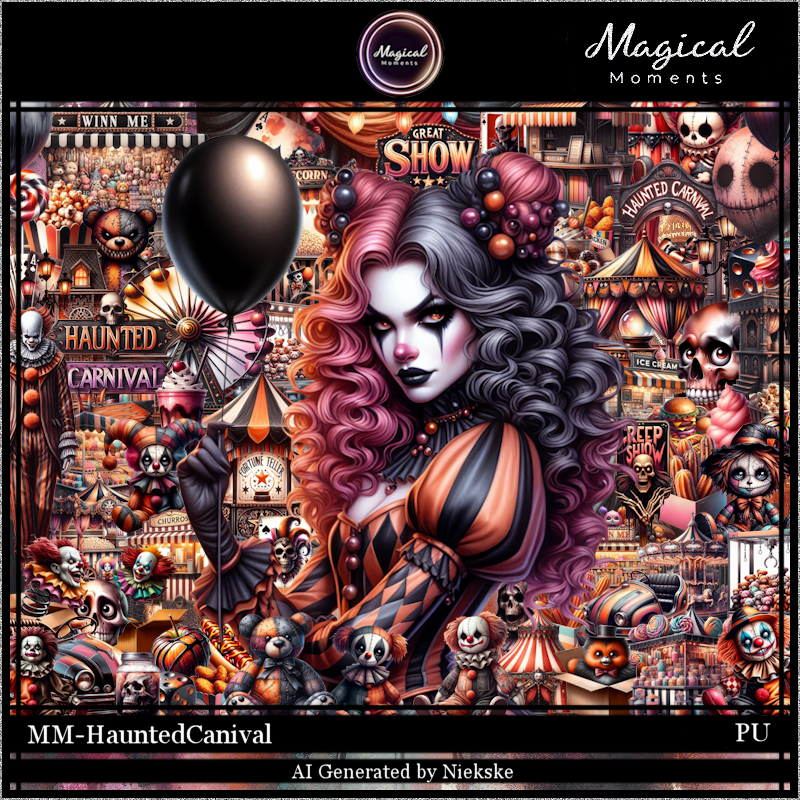
PTU Haunted Carnival


This tut was written September 3rd, 2025 for those with a basic knowledge of psp. 

Awesome Circus Al  kit by Magical Moments
Everything used is included in the kit.
Read the TOU on how to credit your tags

I used PSP2020...but any of them should work.
PTU Scrap Haunted Carnival by Magical Moments HERE  
72 elements, 6 papers and 1 Tube gen by Niekske
Check out the rest of her store HERE
Mask of choice, I used RD Mask 717 HERE
Check out the rest of the blog HERE  

Font of choice, I used Carnevalee Freakshow

Drop shadow is V -2 H 4, 50, 10, color Black or use what you prefer.
Let's get started
*Remember to add your drop shadow as you go along*

Open a new layer 800 x 800, paste paper 1, apply your mask.

Resize element 17 to 40%, paste at the top.
Resize element 38 to 35%, paste on the left above the merry go round.
Resize element 35 to 40%, paste on the right.
Resize element 13 to 40%, paste.
Resize element 58 to 35%, paste on the left below the tent.
Resize element 56 to 35%, paste on the right below the tent.

Resize the tube to 20%, mirror, paste to the left.

Resize element 50 to 18%, paste on the upper left.
Resize element 37 to 30%, paste on the left above the tube.
Resize element 31 to 30%, paste on the left below the fortune teller element.
Resize element 15 to 50%, paste on the right.
Resize element 1 to 25%, paste on the right below the man.
Resize element 48 to 30%, paste above the car.
Resize element 4 to 15%, paste at the bottom right below the man.
Resize element 36 to 20%, paste at the bottom left.
Resize element 51 to 15%, paste at the bottom left.
Resize element 12 and 59 to 20%, paste at the bottom above the man.

Resize element 39 to 15%, paste on the bottom right above the car.
Resize element 66 to 15%, paste at the bottom.
Resize element 2 to 15%, paste at the bottom.
Resize element 23 to 15%, paste at the bottom left.
Resize element 22 to 7%, paste at the bottom.

Add any other elements that you would like, make it your own.
Always readjust your mask and elements how you like them before you
 merge your tag, resize, sharpen.

Crop your tag to be sure no shadows or lines are on the edges.
 Then add your copyright and name.
That's it

Hope you enjoyed doing my tut.     
Saturday, December 14, 2024

CT FB TL for Yvette's ai Art

  "CT FB TL for Yvette's ai Art"

AI generated tube and kit by Yvette ai Art
This is YR Circus Story 
Read the TOU on how to credit your tags

Kit HERE  HERE HERE HERE


Tuesday, September 10, 2024

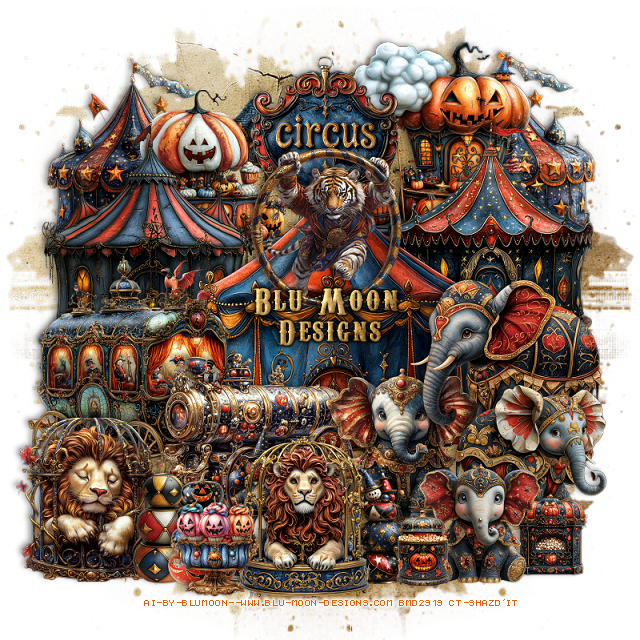
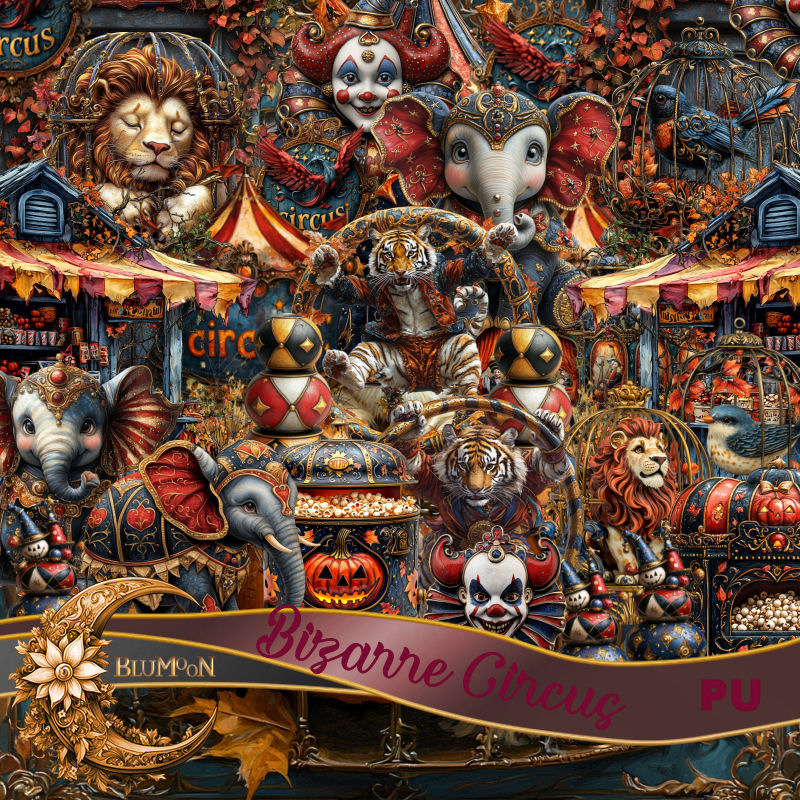
PTU Bizarre Circus


 This tut was written September 10th, 2024 for those with a basic knowledge of psp. 

AI generated kit and tubes by Blu Moon 
Everything is included in the kit
Read the TOU on how to credit your tags 

I used PSP2020...but any of them should work.
PTU Scrap Bizarre Circus by Blu Moon Designs  HERE 
Check out the rest of her store HERE
Circus/Animal theme, the kit contains 46 elements and 15 papers
Mask of choice, I used Vivienne's Digital Tagging Mask 41 HERE
Check out the rest of the blog  HERE

Font of choice, I used Carnevalee Freakshow

Drop Shadow as you go is V -2 H 4, 50, 10, color black or use what you prefer.
Let's get started
*Remember to add your drop shadow as you go along*

Open a new image 800 x 800, paste paper 2, apply your mask, move 

Resize element 31 to 20%, paste at the top.
Resize element 14 to 40%, paste.
Resize element 36 to 30%, paste at the upper left below the tent.
Resize element 37 to 30%, paste on the upper right below the tent.
Resize element 16 to 25%, paste at the upper right below the sign.
Resize element 13 to 25%, paste at the upper left below the sign, 
duplicate, move to the right below the pumpkin and cloud.
Resize element 15 to 20%, paste on the upper left between the 2 tents.

Resize element 44 to 25%, paste on the right above the tent.
Resize element 1 to 20%, paste at the bottom right.
Resize element 45 to 20%, paste below the other elephants.
Resize element 8 and 9 to 10%, paste at the bottom.
Resize element 23 to 25%, paste below the elephants to the left.
Resize element 10 to 30%, mirror,  paste on the left below the cannon.
Resize element 2 to 20%, paste at the bottom being on the top layer.
Resize element 11 to 20%, paste at the bottom behind the lion on the left.
Resize element 12 to 15%, paste on the right behind the lion.
Resize element 6 to 20%, paste on the bottom left.
Resize element 40 to 20%, paste above the tent at the top.
Resize element 43 to 15%, paste at the bottom right between the popcorn elements.
Resize element 18 and 20 to 15%, paste at the bottom left above the lions.
Resize element 17 to 13%, paste at the bottom.

Add any other elements you would like, resize.
Crop your tag to be sure no shadows or lines are on the edges.
 Then add your copyright and name.
That's it

Hope you enjoyed doing my tut    

Sunday, September 8, 2024

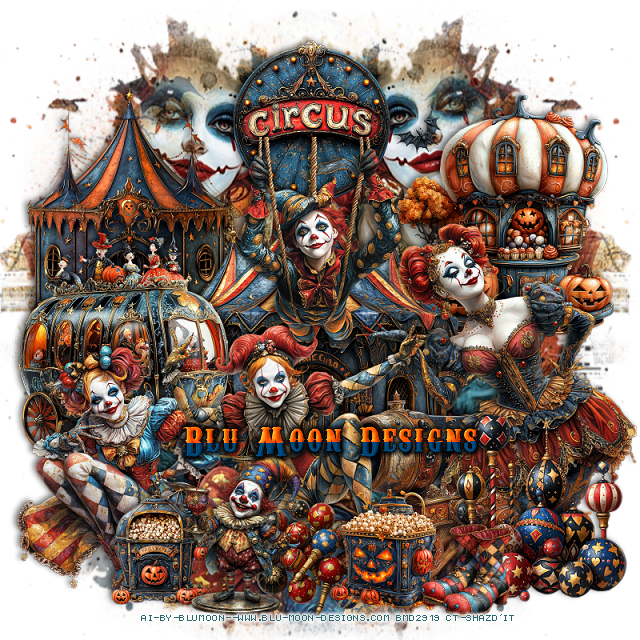
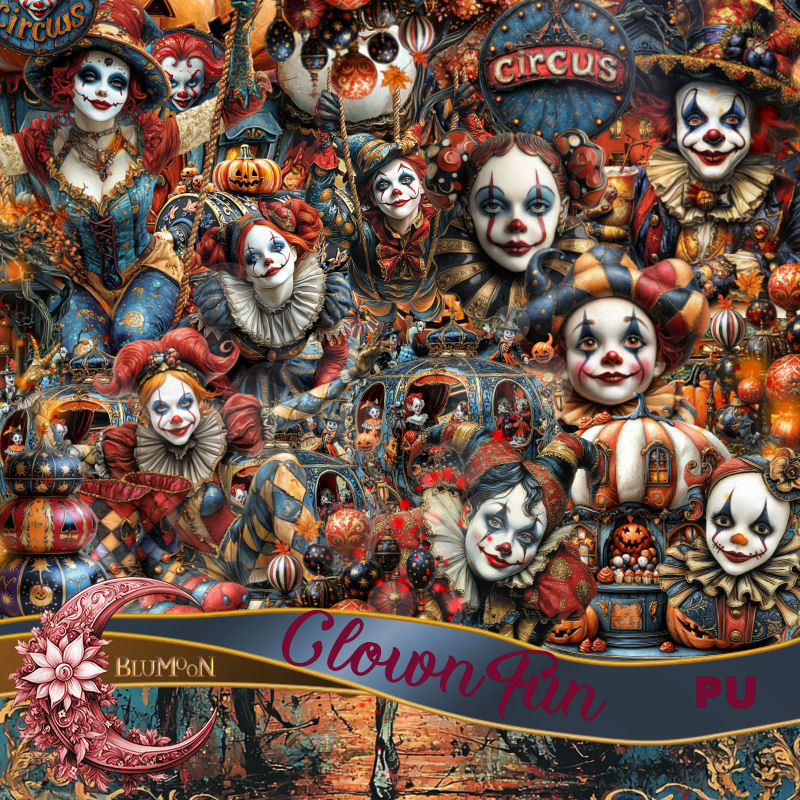
PTU Clown Fun


 This tut was written September 8th, 2024 for those with a basic knowledge of psp. 

AI generated kit and tubes by Blu Moon 
Everything is included in the kit
Read the TOU on how to credit your tags 

I used PSP2020...but any of them should work.
PTU Scrap Clown Fun by Blu Moon Designs  HERE 
Check out the rest of her store HERE
Circus/Clown theme, the kit contains 69 elements and 17 papers
Mask of choice, I used Vivienne's Digital Tagging Mask 41 HERE
Check out the rest of the blog  HERE

Font of choice, I used Carnevalee Freakshow

Drop Shadow as you go is V -2 H 4, 50, 10, color black or use what you prefer.
Let's get started
*Remember to add your drop shadow as you go along*

Open a new image 800 x 800, paste paper 5, apply your mask, move 
to the left, duplicate, mirror, merge the 2 mask together.
Select the mask, select all, float, defloat, paste element 23 on the upper left
of the mask so the face shows, duplicate, mirror, move on the right side, 
invert, delete both, erase the rope part on the one, merge down with the mask

Resize element 39 to 20%, paste at the top center.
Resize element 18 to 30%, paste at the upper right.
Resize element 50 to 30%, paste on the upper left.
Resize element 51 to 40%, paste above the circus sign.

Resize element 36 to 40%, paste on the right above the tent.
Resize element 8 to 30%, mirror, paste on the left above the tent.
Resize element 10 to 25%, paste at the bottom above the lady clown.
Resize element 28 to 25%, paste at the bottom below the lady.
Resize element 49 to 35%, paste at the bottom above the cannon.
Resize element 55 to 15%, paste at the bottom.
Resize element 27 to 25%, paste on the circus sign.
Resize element 64 to 15%, paste at the bottom right.
Resize element 38 to 30%, paste at the bottom left.
Resize element 65 to 15%, paste at the bottom left.
Resize element 60 to 13%, paste at the bottom right.
Resize element 14 to 20%, paste at the bottom left.

Add any other elements you would like, resize.
Crop your tag to be sure no shadows or lines are on the edges.
 Then add your copyright and name.
That's it

Hope you enjoyed doing my tut    

Tuesday, February 20, 2024

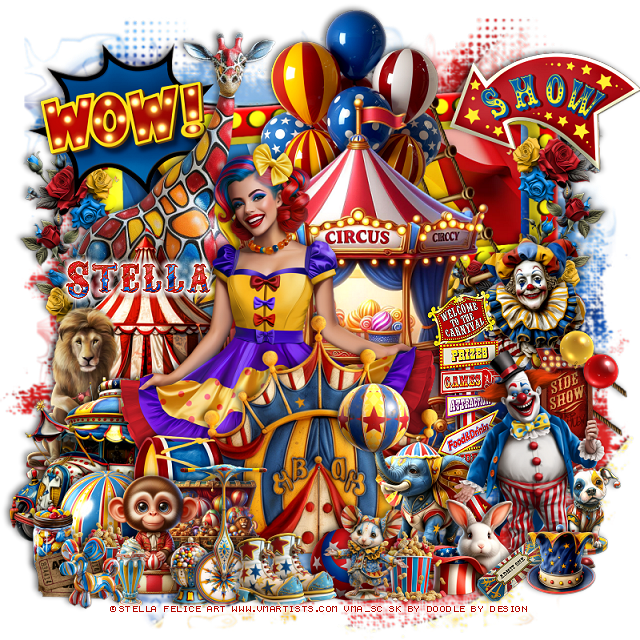
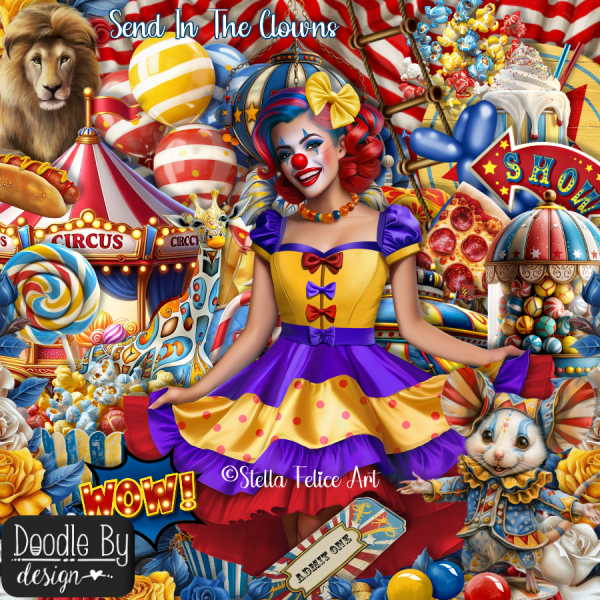
PTU Send in the Clowns


 This tut was written February 20th, 2024 for those with a basic knowledge of psp. 

I am using the awesome tube by ©Stella Felice Art

The tube is called Clown Girl
You need a license to use this tube, please do not use without a license.
You can find the tube at VMA HERE

I used PSP2020...but any of them should work.
PTU Scrap Send in the Clowns by Doodle by Design  HERE
"Tube is NOT included"
You can find all Doodle by Design kits  HERE
Mask of choice I used Miz Teeques Mask 125 HERE
Check out the rest of the blog HERE

Font of choice, I used Carnevalee Freakshow

Drop shadow as you go is V -2 H 4, 50, 10, or use what you prefer.
Let's get started
*Remember to add your drop shadow as you go along*

Open a new image 800 x 800, paste paper 3, apply your mask.

Resize frame 7 to 90%, paste at the top, click inside with the magic
wand, resize paper 9 to 60%, paste, invert, delete.
Paste element 56 on the left above the frame.
Resize element 96 to 40%, paste on the upper left on the frame.
Resize element 95 to 40%, paste on the upper right on the frame.
Resize element 70 to 75%, paste above the giraffe about center.
Resize element 10 to 50%, paste at the top behind the circus wagon.
Resize element 9 to 30%, paste on the right above the handle of the wagon.
Resize element 134 to 40%, paste on the left below the wow sign,
duplicate, mirror, move under the show sign.

Resize your tube to 25%, paste to the left.

Resize element 5 to 50%, paste at the bottom above the tube.
Resize element 40 to 40%, paste on the left behind the tube.
Resize element 42 to 40%, paste behind the car on the left.
Resize element 82 to 20%, paste on the bottom left above the 
curtain/door element.
Resize element 62 to 30%, mirror, paste on the bottom right.

Resize element 17 to 15%, paste on the trunk of the elephant.
Resize element 72 to 50%, paste on the right behind the elephant.
Resize element 84 to 50%, paste on the bottom right above the elephant.
Resize element 76 to 20%, paste at the bottom right above the clown.

Resize element 75 to 25%, paste at the bottom left.
Resize element 52 to 15%, paste at the bottom above the elephant, duplicate,
move to the left by the monkey.
Resize element 50 to 20%, paste behind the clown on the bottom right.
Resize element 58 to 20%, paste at the bottom by the peanuts.
Resize element 66 to 15%, paste on the bottom left behind the peanuts.

Resize element 36 and 71 to 20%, paste at the bottom behind the monkey.
Resize element 23 to 15%, paste at the bottom left above the peanuts.
Resize element 34 to 15%, paste at the bottom right.
Resize element 92 to 50%, paste on the left behind the car.
Resize element 49 to 15%, paste at the bottom right above the rabbit.
Resize element 68 to 15%, paste at the bottom left.
Resize element 54 to 15%, paste at the bottom.

Resize element 97 to 15%, paste at the bottom behind the mouse.
Resize element 73 to 20%, paste on the right behind the clown and dog.
Resize element 26 to 15%, paste at the bottom, duplicate, move over.
Resize element 33 to 30%, paste at the bottom behind the boots.
Resize element 35 to 15%, paste at the bottom left.

Resize element 59 to 75%, paste at the upper right below the balloons.

Add any other elements that you would like, make it your own.
Always readjust your mask and elements how you like them before you
 merge your tag, resize, sharpen.

Crop your tag to be sure no shadows or lines are on the edges.
 Then add your copyright and name.
That's it

Hope you enjoyed doing my tut

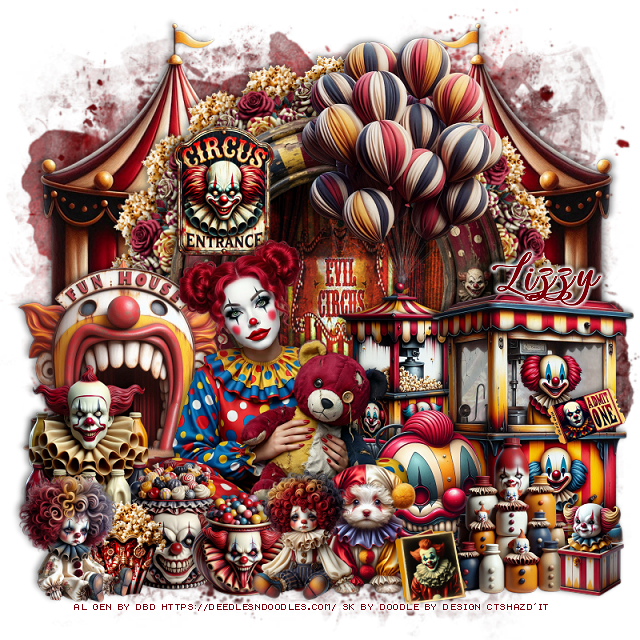
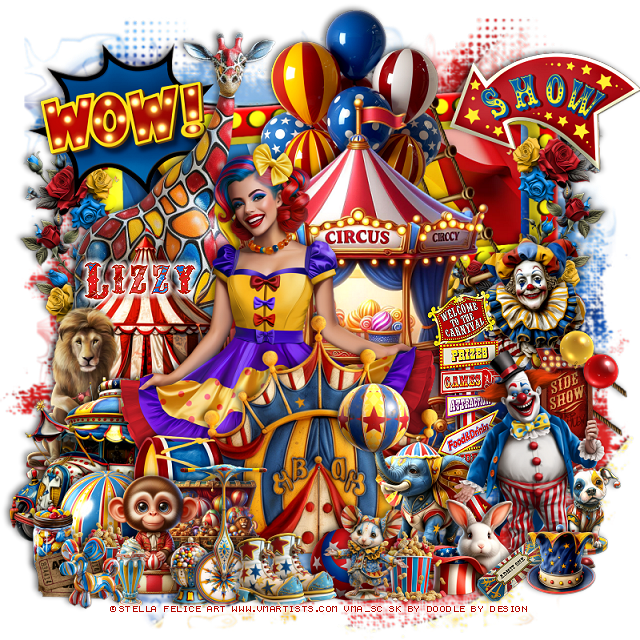
Tag for Lizzy