Showing posts with label Winter/Christmas. Show all posts

Thursday, December 26, 2024

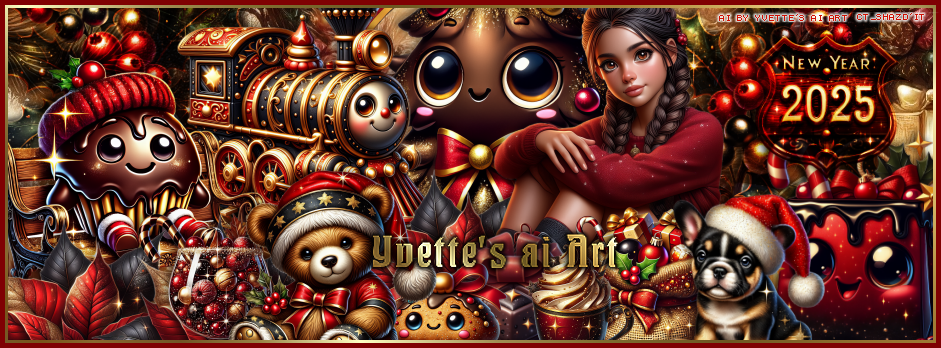
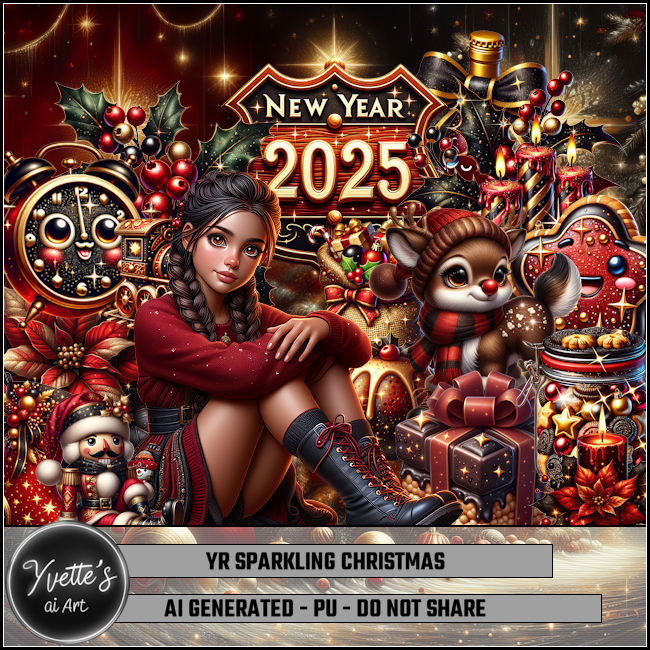
CT FB TL for Yvette's ai Art-Sparkling Christmas

 "CT FB TL for Yvette's ai Art"

AI generated tube and kit by Yvette ai Art
This is YR Sparkling Christmas
Read the TOU on how to credit your tags
Kit HERE HERE HERE HERE 


Sunday, December 22, 2024

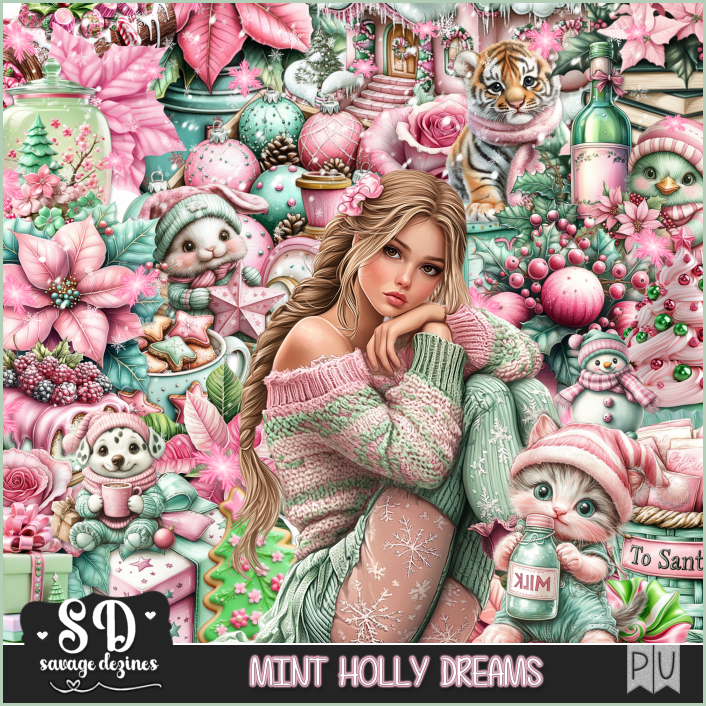
PTU Mint Holly Dreams

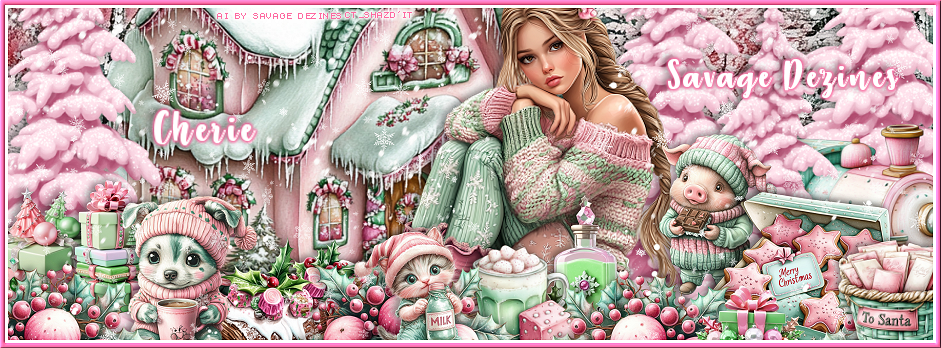
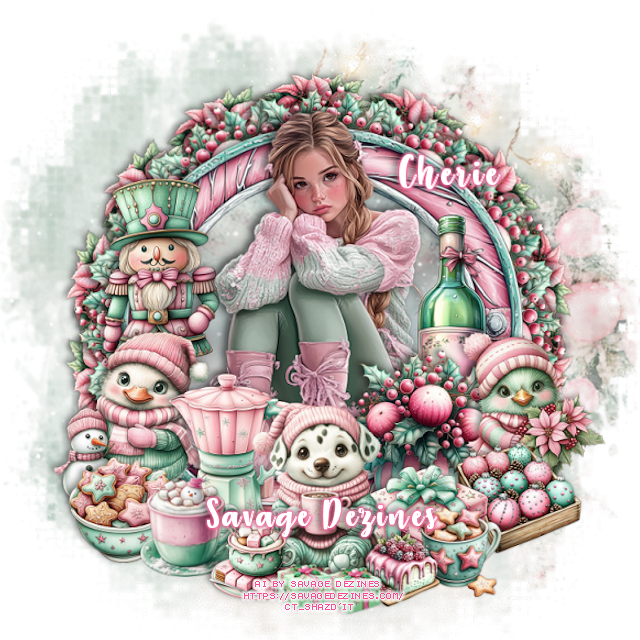
 **CT for Savage Dezines**

Al generated by Savage Dezines
Awesome Mint Holly Dreams Kit

You can find all the store links HERE 


Saturday, December 14, 2024

CT for Verymany and VMArtists

  **CT for Verymany and VMArtists**

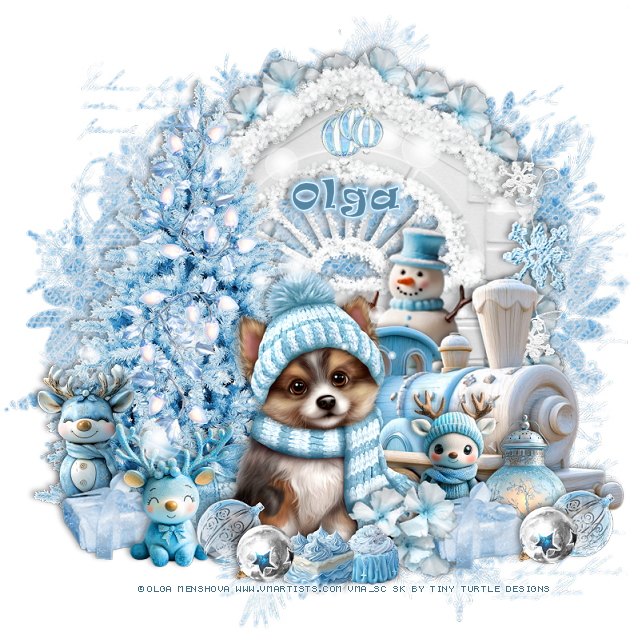
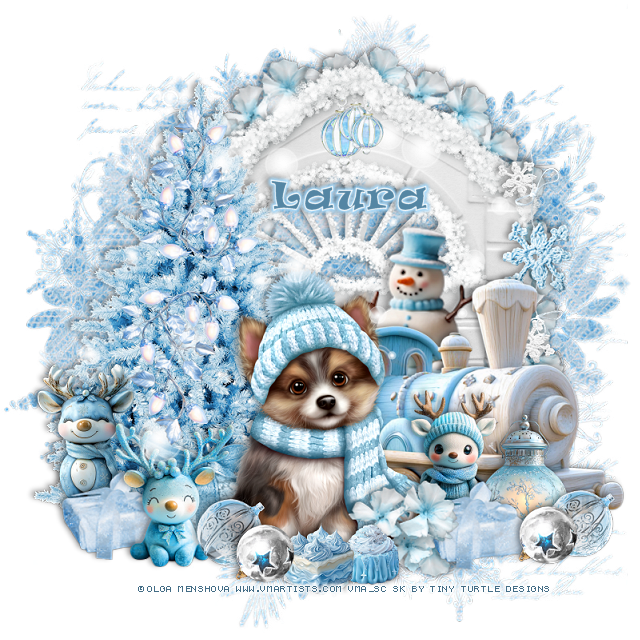
I am using the awesome tube by © Olga Menshova
The tube is called  The Dog and the Hat 
You can find this tube at VMA HERE

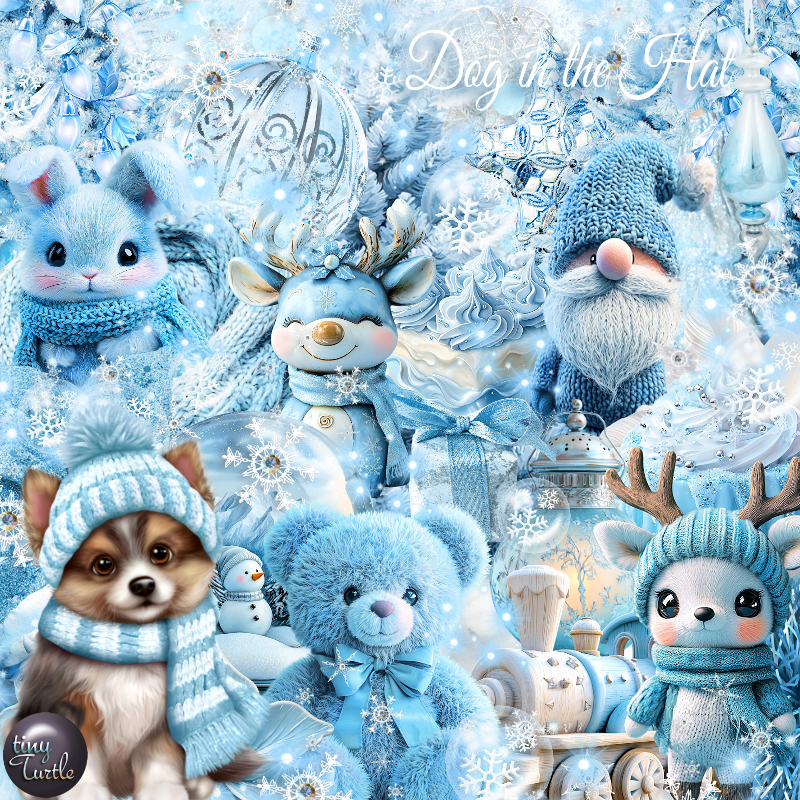
Matching Scrap The Dog in the Hat by Tiny Turtle Designs  HERE
You can find all Tiny Turtle Designs Scraps kits  HERE 


Saturday, December 7, 2024

PTU Cozy Warm Winter


This tut was written December 7th, 2024 for those with a basic knowledge of psp. 

Al tubes and kit by Dreamworld Design

The tube is included in the kit

Read the TOU on how to credit your tags
I used PSP2020...but any of them should work.
PTU Scrap Cozy Warm Winter by DWD  HERE
Beautiful kit with 145 elements, 28 papers, tubes included
You can find all Dreamworld Design kits  HERE

Font of choice, I used Harrington

Drop shadow as you go is V -2 H -4, 40, 10, or use what you prefer
Let's get started
*Remember to add your drop shadow as you go along*

Open a new image 800 x 800, resize mask 2 to 60%, paste 
at the upper left, duplicate, mirror, duplicate both, move down.

Resize element 126 to 75%, paste.
Resize element 6 to 75%, paste below the house, duplicate, move to the right.
Resize frame 8 to 50%, paste at the upper right below the tree, click
inside with the magic, paste paper 5, invert, delete.
Resize element 3, paste in the frame.
Resize element 32 to 40%, paste on the left above the house.
Resize element 30 to 25%, paste above the wagon.
Resize the tube to 30%, paste at the bottom above the shovel.
Resize element 7 to 40%, paste below the tree on the left.
Resize element 15 to 60%, mirror, paste below the tube.

Resize element 56 to 50%, paste on the bottom right below the tube.
Resize element 26 to 45%, paste at the bottom right above the tube.
Resize element 61 to 30%, paste at the bottom right.
Resize element 24 to 40%, paste at the bottom left below the tube.
Resize element 10 to 35%, paste at the bottom above the sled.
Resize element 82 to 25%, paste below the dog on one side, duplicate, move to
the other side.
Resize element 72 to 30%, paste at the bottom above the tube.
Resize element 70 to 25%, paste at the bottom.
Resize element 100 and 103 to 25%, paste at the bottom left above the blanket.
Resize element 114 to 25%, paste on the bottom right.
Resize element 125 to 35%, paste on the bottom left below the cookie jar.
Resize element 132 to 20%, paste on the bottom right.
Resize element 133 to 20%, paste at the bottom by the dog.
Resize element 14 to 40%, mirror, paste on the right below the sign.
Resize wordart 2 to 75%, paste at the top.

Add any other elements that you would like, make it your own.
Always readjust your mask and elements how you like them before you
 merge your tag, resize, sharpen.

Crop your tag to be sure no shadows or lines are on the edges.
 Then add your copyright and name.
That's it

Hope you enjoyed doing my tut  

Friday, December 6, 2024

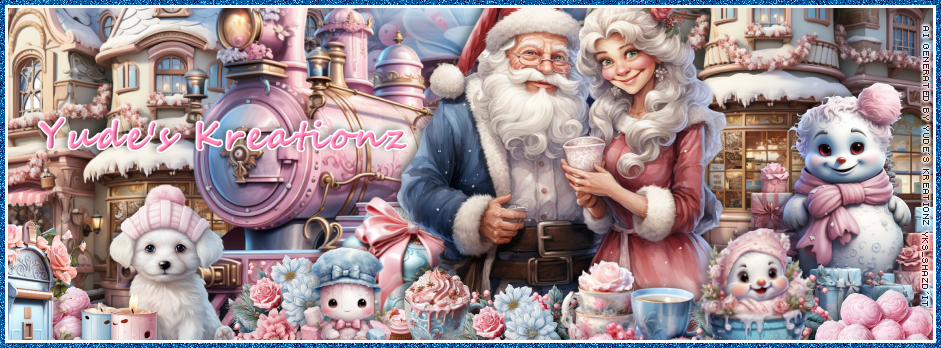
CT FB Timeline and Tag for Yude's Kreationz

       *~*CT  FB Timeline and Tag for Yude's Kreationz*~*

I am using her Awesome Scrap kit  
 "YKS- Winter Is Coming" by Yude's Kreationz 
Al generated tubes is included

Kit:  HERE  HERE HERE

Click on the banner to get the full size 


Thursday, December 5, 2024

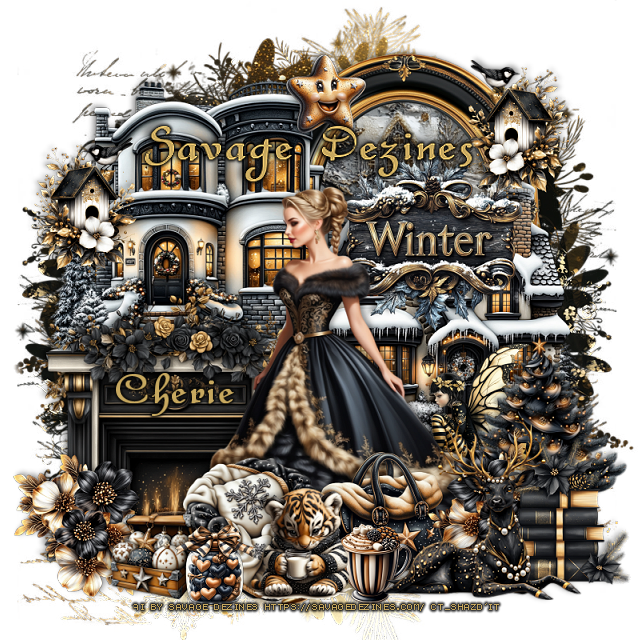
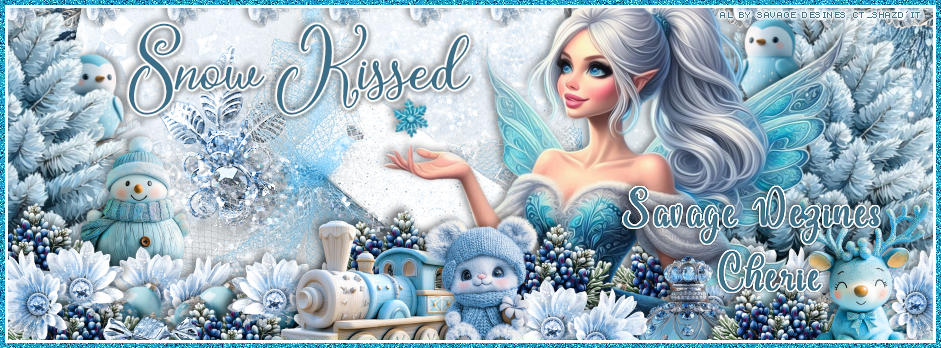
CT for Savage Dezines

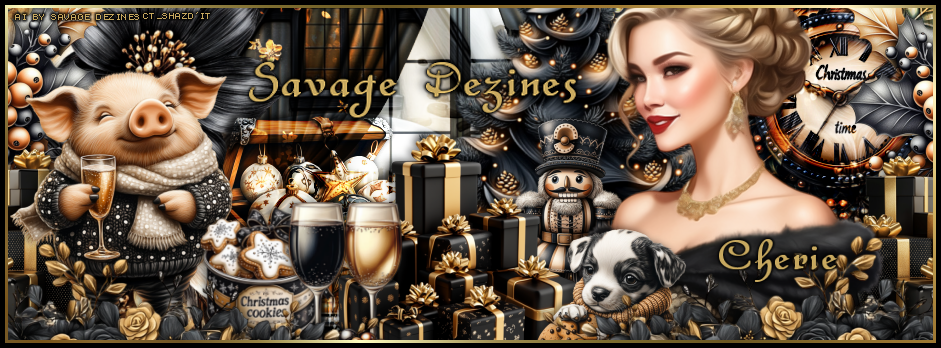
   **CT for Savage Dezines**

Al generated by Savage Dezines
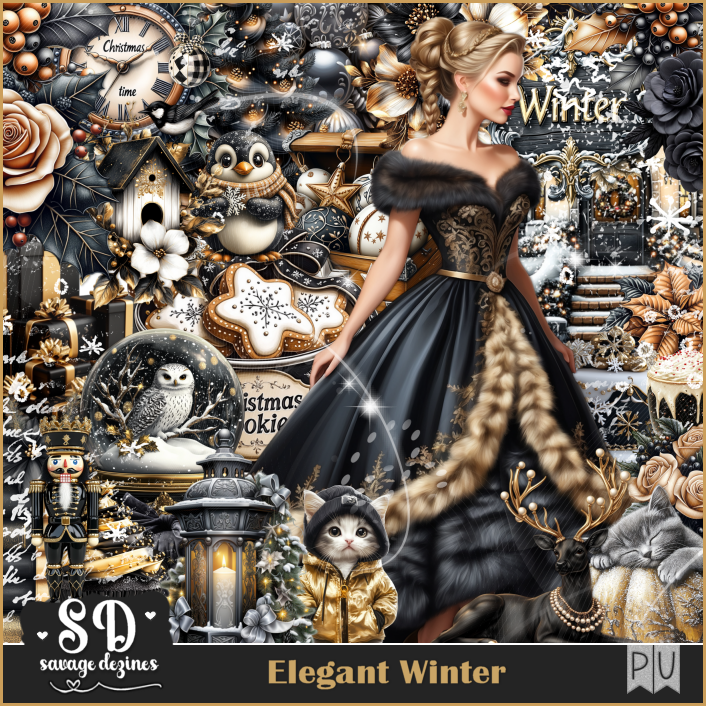
Beautiful Elegant Winter Kit
You can find all the store links HERE


Monday, December 2, 2024

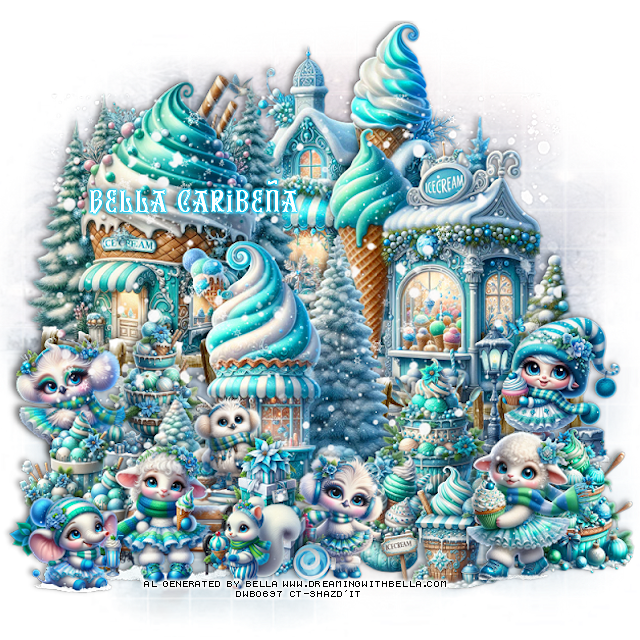
PTU Some Ice Cream


 This tut was written December 1st, 2024 for those with a basic knowledge of psp. 

Beautiful Al tubes/kit by Bella Caribeña
The tubes are included in the kit
Read the TOU on how to credit your tags

I used PSP2020...but any of them should work.
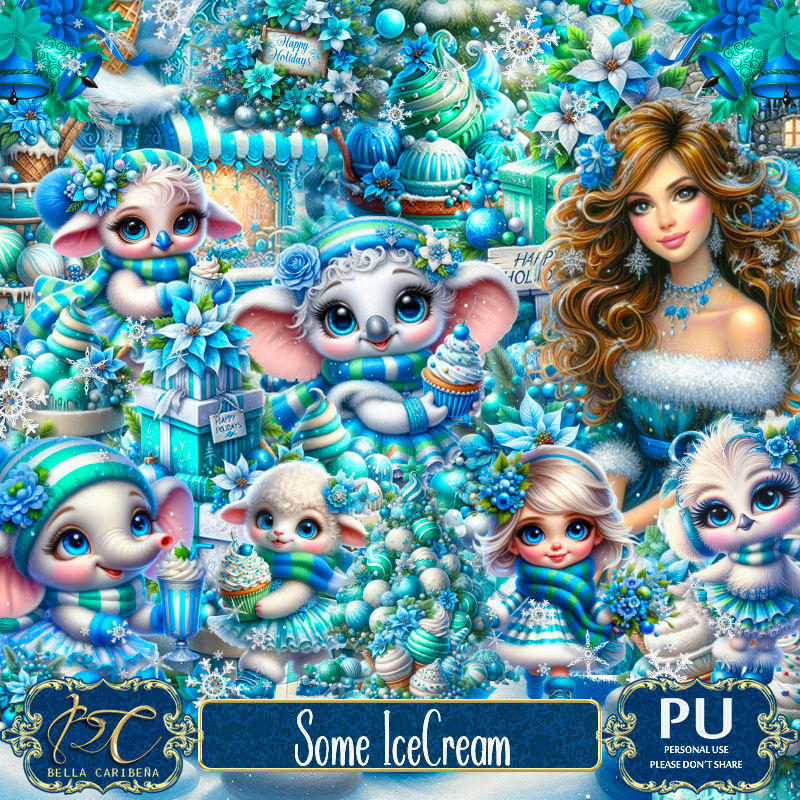
PTU Scrap Some Ice Cream by Bella Caribeña  HERE 
Winter/Christmas  theme kit, 3 Al tubes, 9 Dolls, 3 Masks, 118 elements
 and 19 papers
Check out the rest of her store HERE

Font of choice, I used Christmas Reign

 Drop shadow as you go is V -2 H 4, 40, 10, or use what you prefer.
Let's get started
*Remember to add your drop shadow as you go along*

Open a new image 800 x 800, paste mask 1, duplicate, merge down.

Resize element 87 to 60%, paste at the upper left.
Paste element 16 at the bottom of the building.
Resize element 77 to 75%, paste at the top on the bottom layer.
Resize element 100 to 60%, paste on the right.
Paste element 16 on the right above the building.
Resize element 61 to 60%, paste above the other buildings.
Resize element 60 to 30%, paste at the bottom.
Resize element 64 to 30%, mirror, paste on the right.
Resize element 68 to 30%, paste at the bottom below the bench.
Resize element 108 to 30%, paste on the left above the fence.
Resize element 67 to 25%, paste on the left above the fence.
Paste element 103 on the bottom layer to the left, duplicate, mirror.

Resize element 66 to 30%, paste at the bottom by the bench.
Resize element 94 to 30%, paste on the right.
Resize element 86 to 25%, paste at the bottom below the gifts.
Resize element 63 to 25%, paste below the animal.
Resize element 102 to 20%, paste at the bottom left.
Resize element 97 to 30%, paste at the bottom right.
Resize element 82 to 25%, paste at the bottom right.
Resize element 110 to 20%, paste at the bottom by the gifts.
Resize element 83 to 20%, paste on the steps of the house below the bench.
Resize element 81 to 30%, paste on the bottom right below the animal.
Resize element 26 to 15%, free rotate to the right at 90, paste at the bottom.
Paste element 52 being on the top layer.

Add any other elements you would like, resize.
Crop your tag to be sure no shadows or lines are on the edges.
 Then add your copyright and name.
That's it

Hope you enjoyed doing my tut         

Sunday, December 1, 2024

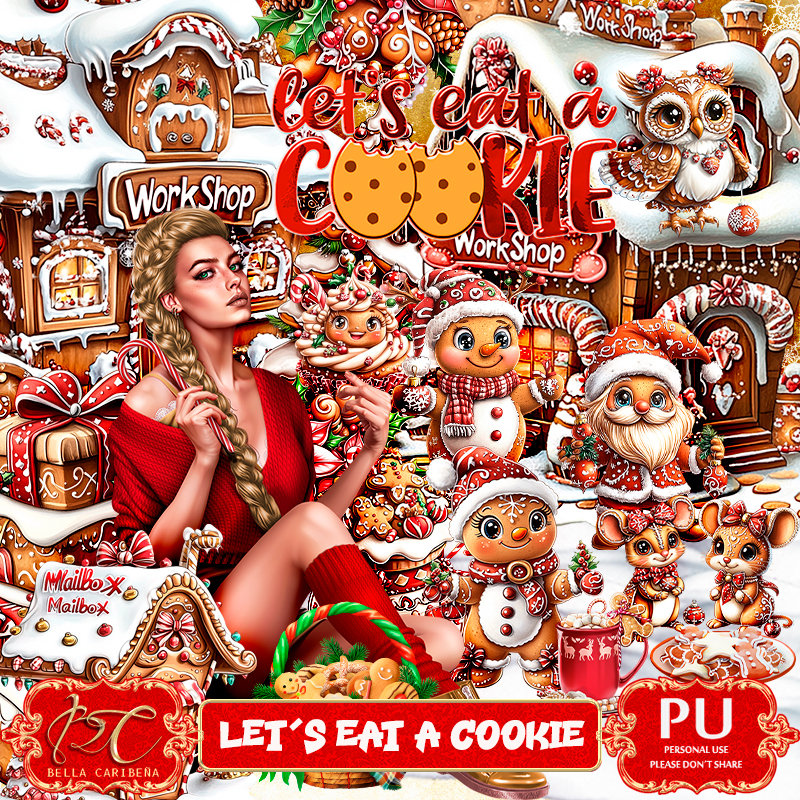
PTU Let's Eat A Cookie


  This tut was written November 30th, 2024 for those with a basic knowledge of psp. 

I am using an awesome tube ©Attila
The tube is included in the kit
Read the TOU on how to credit your tags

I used PSP2020...but any of them should work.
PTU Scrap Let's Eat A Cookie by Bella Caribeña  HERE 
Winter/Christmas  theme kit, 1tube ©Attila, 95 elements and 10 papers
Check out the rest of her store HERE
RD Mask 812 HERE
Check the rest of the blog HERE

Font of choice, I used Caramel Macchiato

 Drop shadow as you go is V -2 H 4, 40, 10, or use what you prefer.
Let's get started
*Remember to add your drop shadow as you go along*

Open a new image 800 x 800, paste paper 6, apply you mask.

Resize element 42 to 55%, paste at the upper left.
Resize element 79 to 90%, paste on the right.
Resize element 80 to 70%, paste at the top below the house.
Resize element 93 to 55%, paste on the right at the top below the bridge building.
Resize element 44 to 65%, paste on the left below the house.
Resize element 90 to 50%, paste on the left between the bridge and house.

Resize element 50 to 30%, paste on the right above the workshop,
duplicate, mirror.
Resize the tube to 20%, paste at the bottom above the bridge.
Resize element 57 to 15%, paste below the tube by the hand.
Resize element 46 to 50%, paste below the tube on the left.
Resize element 88 to 30%, mirror, paste on the lower right.
Resize element 31 and 39 to 30%, paste on the lower left above the tube.
Resize element 59 to 30%, paste below the tube on the right.
Resize element 87 to 30%, paste at the bottom above the tube.

Resize element 58 to 25%, paste above the tube.
Resize element 27 to 15%, paste at the bottom.
Resize element 61 to 15%, paste at the bottom.
Resize element 20 to 20%, paste at the bottom.
Resize element 66 to 20%, paste on the bridge steps.
Resize element 84 to 25%, paste on the bridge steps.
Resize element 68 to 25%, mirror, paste at the bottom right.
Resize element 85 to 25%, paste on the bottom left.
Resize element 54 to 25%, paste on the bottom right below the mouse.
Resize element 34 to 30%, paste at the top.
Resize element 35 to 30%, mirror, paste on the upper right.
Resize element 2 to 35%, paste on the right.
Resize element 16 to 40%, paste at the bottom.

Add any other elements you would like, resize.
Crop your tag to be sure no shadows or lines are on the edges.
 Then add your copyright and name.
That's it

Hope you enjoyed doing my tut         

Thursday, November 28, 2024

CT FB Timeline and Tag for Yude's Kreationz

      *~*CT  FB Timeline and Tag for Yude's Kreationz*~*

I am using her Awesome Scrap kit  
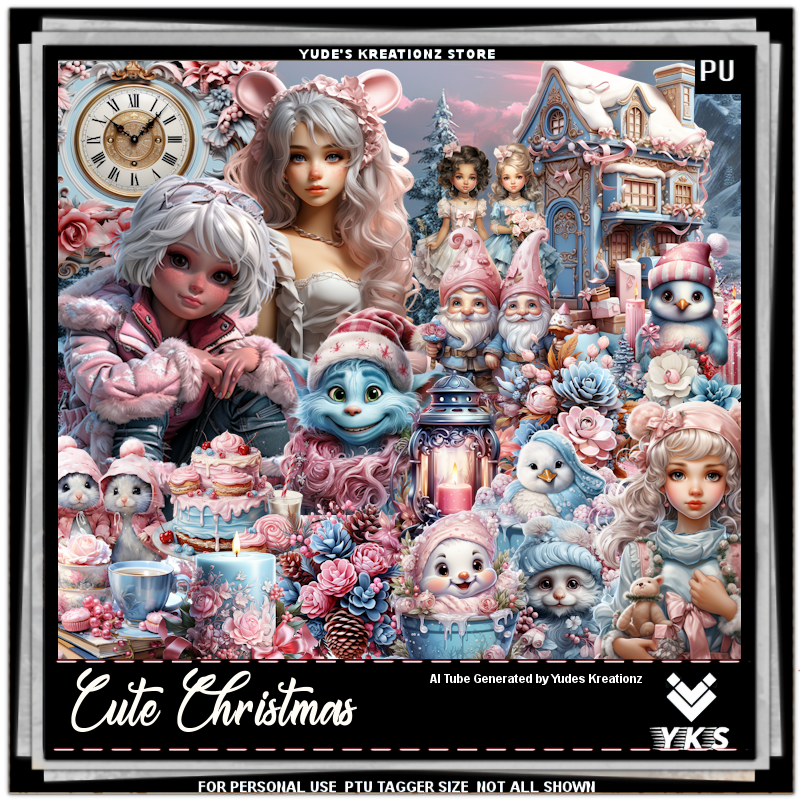
 "YKS- Cute Christmas" by Yude's Kreationz 
Al generated tubes is included

Kit:  HERE  HERE HERE

Click on the banner to get the full size


Monday, November 25, 2024

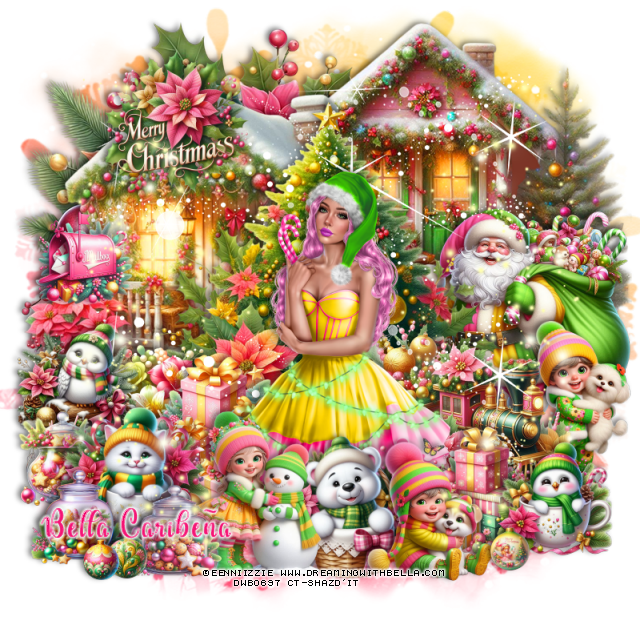
PTU Cold Hugs


This tut was written November 22nd, 2024 for those with a basic knowledge of psp. 

I am using beautiful tube ©Eenniizzie
The tube is included in the kit
Read the TOU on how to credit your tags

I used PSP2020...but any of them should work.
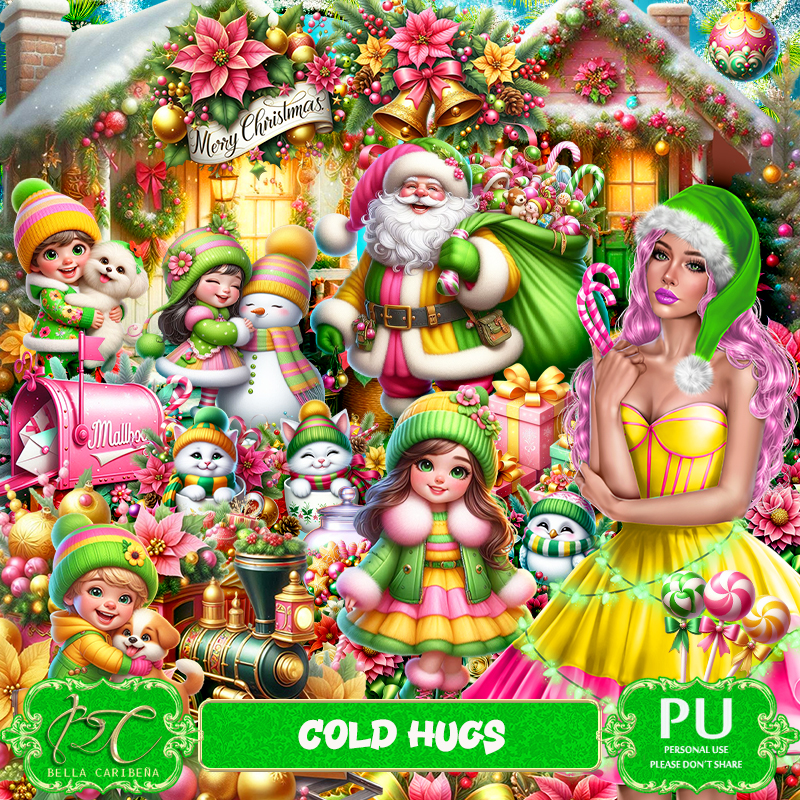
PTU Scrap Cold Hugs by Bella Caribeña  HERE 
Winter/Christmas theme kit, 1 tube ©Eenniizzie, 8 Al generated dolls,
86 elements and 11 papers
Check out the rest of her store HERE

Font of choice, I used Dealova

 Drop shadow as you go is V -2 H 4, 40, 10, or use what you prefer.
Let's get started
*Remember to add your drop shadow as you go along*

Open a new image 800 x 800, paste element 1.

Resize element 61 to 75%, paste below the tube on the right.
Resize element 8 to 85%, paste on the left.
Resize element 28 to 85%, paste on the upper right below the tree.
Resize element 37 to 50%, paste on the bottom right above the tree.
Paste element 22 at the upper left below the house.

Resize the tube to 15%, paste.

Resize element 40 to 50%, paste on the right below the train.
Resize element 23 to 35%, paste below the tube on the left.
Resize element 13 to 30%, paste on the left above the tree.
Resize element 14 to 30%, paste at the bottom above the tube.
Resize element 21 to 25%, paste on the left above the house.
Resize element 6 to 20%, paste on the left on the house.
Resize element 20 to 35%, paste on the right below the train.
Resize element 24 to 30%, paste on the house on the upper left.

Resize element 37 to 35%, paste at the bottom being on the top layer.
Resize element 10 to 20%, paste at the bottom by the girl.
Resize element 3 to 25%, paste at the bottom right.
Resize element 62 to 30%, paste at the bottom.
Resize element 45 to 30%, paste at the bottom below the kids.
Resize element 35 to 30%, paste on the bottom left.
Resize element 66 to 20%, paste on the bottom left below the cat in cup.
Resize element 32 to 20%, paste at the bottom left.
Resize elements 9, 11 and 16 to 10%, paste at the bottom.
Paste element 69 on the left, duplicate, mirror.
Paste element 75 at the top below the tube, duplicate, move down.

Add any other elements you would like, resize.
Crop your tag to be sure no shadows or lines are on the edges.
 Then add your copyright and name.
That's it

Hope you enjoyed doing my tut          

Saturday, November 23, 2024

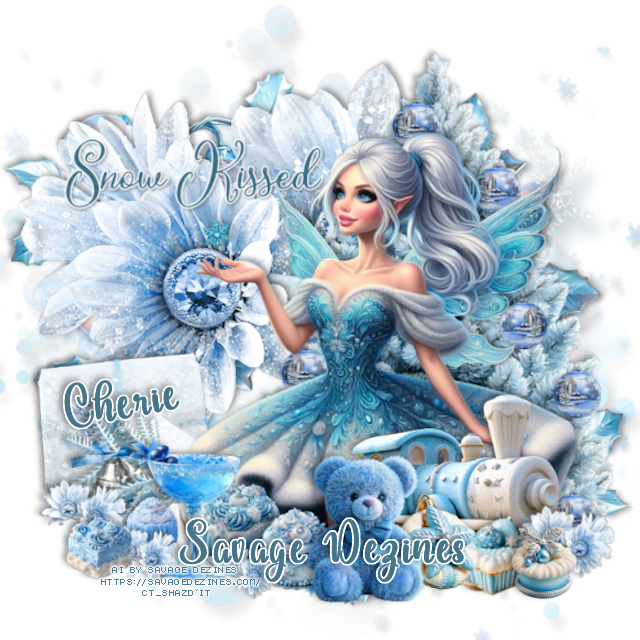
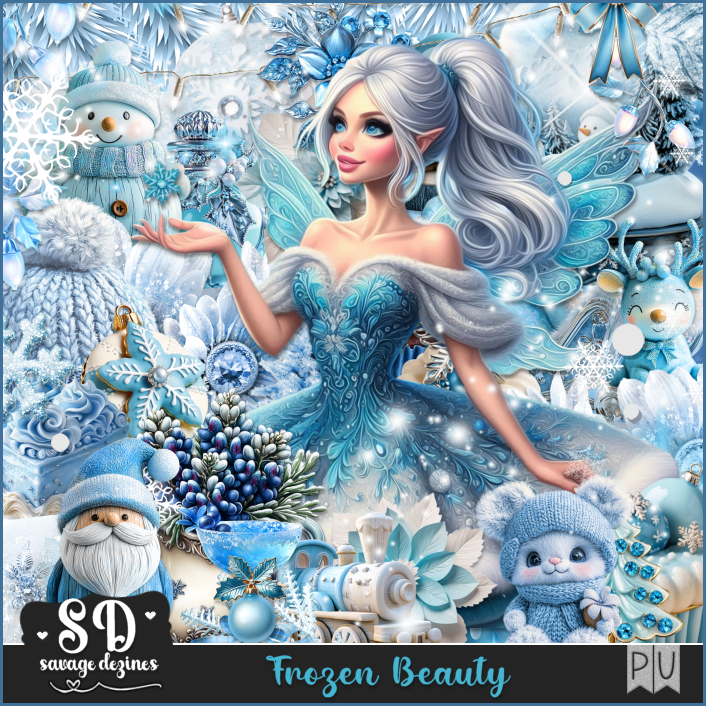
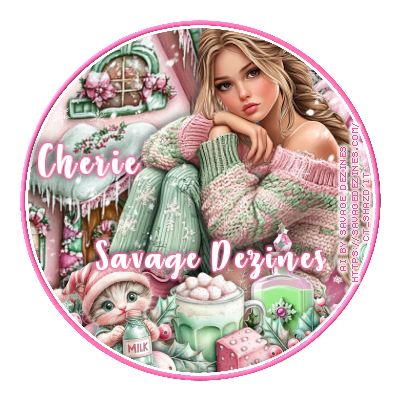
CT for Savage Dezines-Frozen Beauty

 **CT for Savage Dezines**

Al generated by Savage Dezines
Awesome Frozen Beauty Kit
You can find all the store links HERE


Monday, November 18, 2024

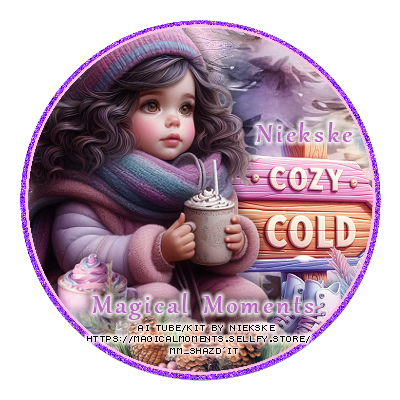
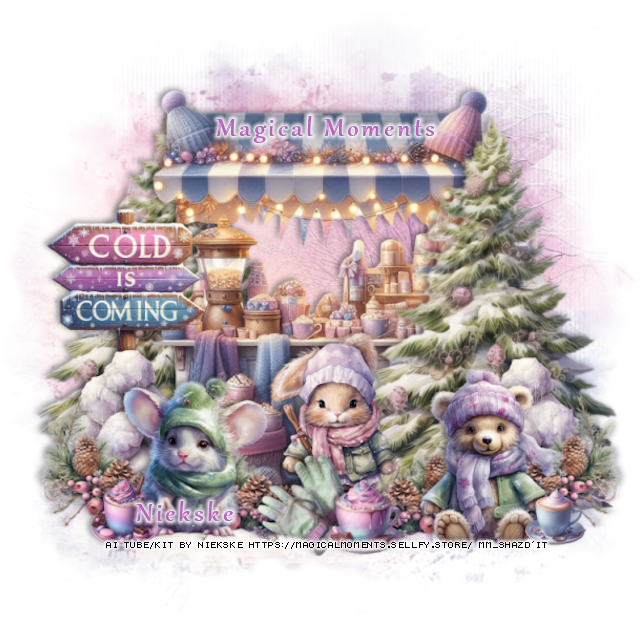
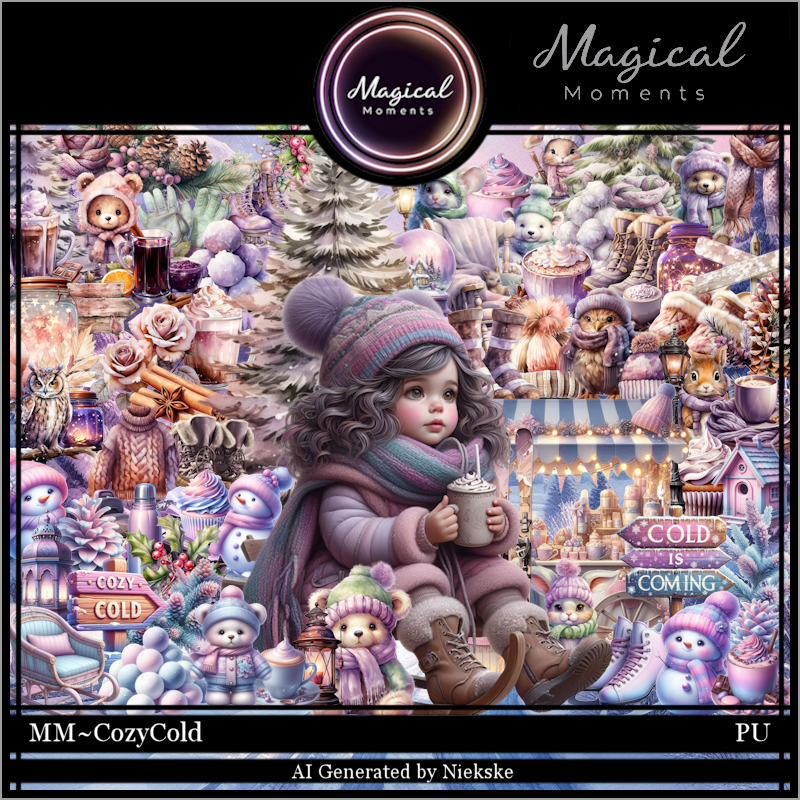
CT for Magical Moments

 ***CT for Magical Moments***

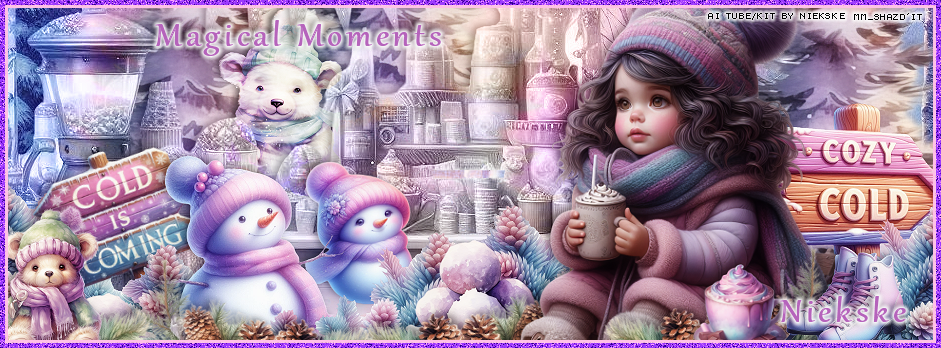
Al generated kit/tube by Niekske


"Cozy Cold" by Magical Moments  HERE HERE
You can find all Magical Moments Scraps kits  HERE


Tuesday, November 12, 2024

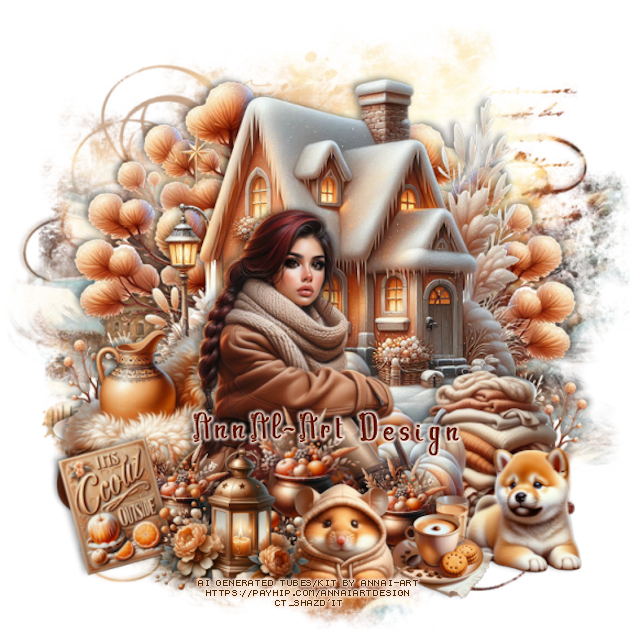
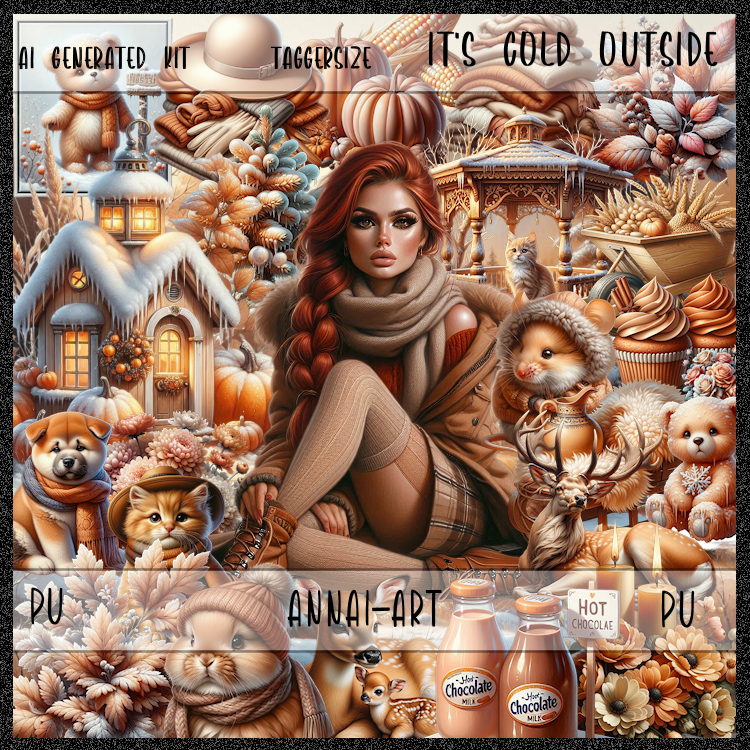
CT for AnnAl-Art Design-It's Cold Outside

    **~**CT for AnnAl-Art Design **~**
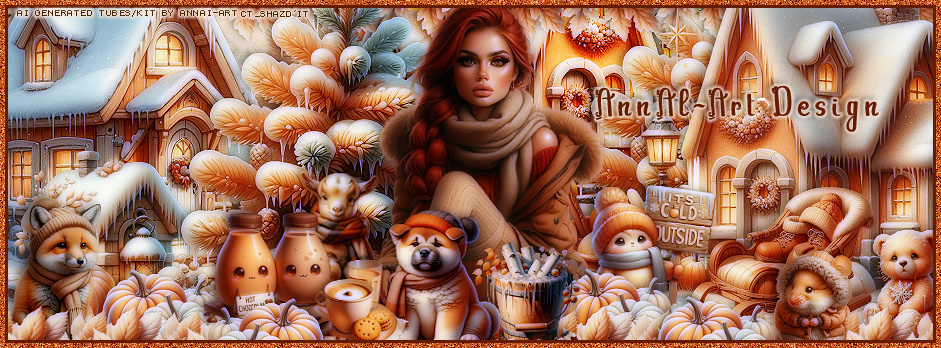

 PTU Scrap It's Cold Outside  by Annai-Art HERE
You can find all AnnAl Art kits  HERE

Timeline and Tag I made with the kit 


Tuesday, November 5, 2024

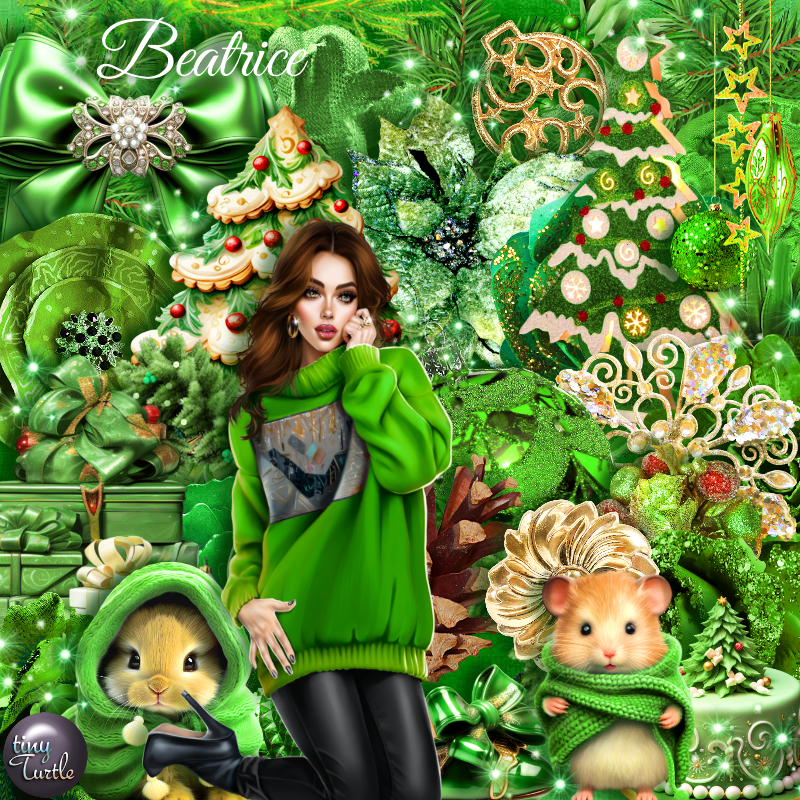
PTU Beatrice


This tut was written November 5th, 2024 for those with a basic knowledge of psp. 

I am using the Awesome tube by © Katharine

Tube is called Beatrice in a Sweater
You need a license to use this tube, please do not use without a license
You can find this tube at VMA HERE

I used PSP2020...but any of them should work.
PTU Scrap Beatrice by Tiny Turtle Designs  HERE
You can find all Tiny Turtle Designs Scraps kits  HERE
Mask of choice, I used DD Half tone mask 2 (blog closed now)

Font of choice, I used Snowflake

Drop shadow as you go is V -2 H 4, 50, 10, or use what you prefer.
Let's get started
*Remember to add your drop shadow as you go along*

Open a new image 800 x 800, paste paper 10, apply your mask, 
move to the left, duplicate, mirror.

Resize element 150 to 80%, free rotate to the right at 20, paste, click inside 
with the magic wand, paste paper 12, invert, delete, keep selected,
 resize your tube to 75%, paste, delete.
Duplicate, go to Adjust, Blur, Gaussian Blur, number on 10, change the 
blend mode to Overlay.
Resize element 23 to 40%, paste on the bottom left.
Resize element 152 to 90%, paste on the left below the gifts.
Paste element 168 on the tree.

Resize the tube to 25%, paste.

Resize element 78 to 50%, paste below the tube.
Resize element 26 to 35%, paste above the tube on the right.
Resize element 16 to 25%, paste at the bottom.
Resize element 15 to 20%, paste on the bottom left, duplicate, move over.
Resize element 18 to 20%, paste on the gift boxes.
Resize element 91 to 30%, paste at the bottom right above the tree.
Resize element 69 to 40%, paste at the bottom left above the gifts, duplicate,
mirror.
Resize element 178 to 50%, paste on the right on the frame.
Resize element 57 to 25%, paste at the top right.
Resize element 55 to 25%, paste at the bottom.
Resize element 30 to 15%, paste at the bottom.
Resize element 32 to 10%, paste at the bottom.
Resize element 122 to 40%, paste at the top below the bow and tube.
Resize element 176 to 30%, paste on the right, free rotate to the right at 20,
duplicate, mirror, free rotate to the right at 40.
Resize element 48 to 30%, paste on the bottom right below the branch.
Resize element 118 to 35%, paste on the lower left below the tube.
Resize element 17 to 20%, paste on the bottom right.

Once happy with the tag, close off a white background if using one, 
merge tag, duplicate, go to Adjust, blur, gaussian blur, number on 10,
change the blend mode to Soft Light, merge down.

Add any other elements that you would like, make it your own.
Always readjust your mask and elements how you like them before you
 merge your tag, resize, sharpen.

Crop your tag to be sure no shadows or lines are on the edges.
 Then add your copyright and name.
That's it

Hope you enjoyed doing my tut

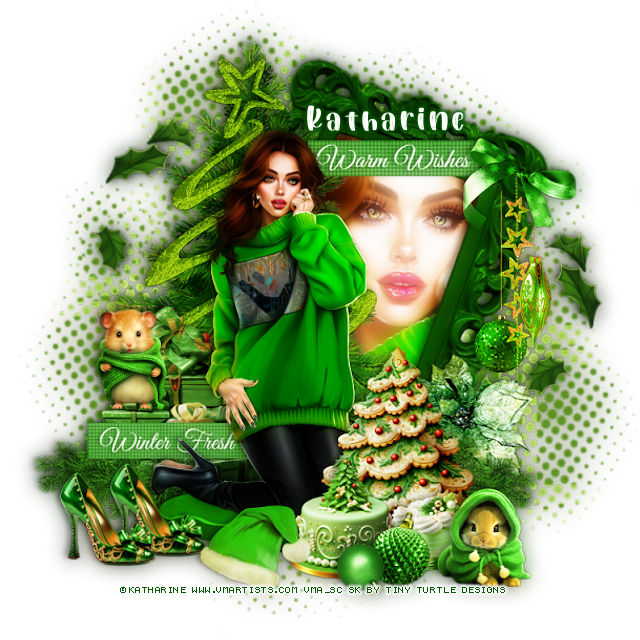
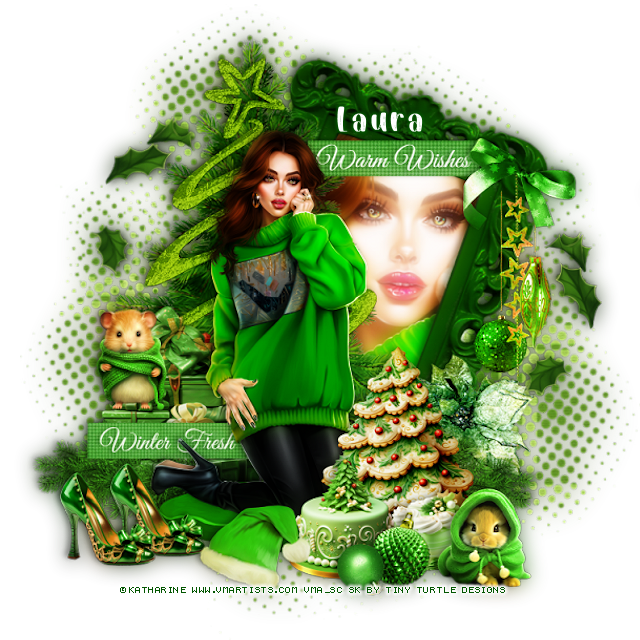
Laura Tag