Showing posts with label Moonshine Dezinez. Show all posts

Monday, February 3, 2025

PTU Fantasy Love


 This tut was written  February 3rd, 2025 for those with a basic knowledge of psp. 

Al generated tube/kit by Moonshine Dezinez

The tube is included in the kit
Read the TOU on how to credit your tags

I use PSP 2020 but any of them should work
PTU Scrap Fantasy Love by Moonshine Dezinez  HERE 
You can find all the stores she sells at on her blog.
You can find all Moonshine Dezinez kits  HERE
 RD Mask 812 HERE
Check the rest of the blog HERE

 Font of choice, I used Andeglei  sanse

Drop shadow as you go is V -2 H -4, 40, 10, or use what you prefer.
Let's get started
*Remember to add your drop shadow as you go along*

Open a new image 800 x 800, paste paper 

Resize element 60 to 70%, paste.
Resize the tube to 45%, paste.
Resize element 50 to 50%, paste below the tube on the left, duplicate, mirror.
Resize element 48 to 25%, paste at the bottom left above the tube,
duplicate, mirror.
Resize element 52 to 25%, paste on the bottom left below the flower.
Resize element 37 to 40%, paste at the upper right below the tube.
Resize element 35 to 35%, paste at the bottom right below the flower.

Resize element 28 to 30%, paste at the bottom.
Resize element 11 to 20%, paste at the bottom.
Resize element 17 to 20%, paste at the bottom.
Resize element 30 to 20%, paste at the bottom left below the cup.
Resize element 36 to 20%, paste at the bottom right below the cookies.
Resize element 38 to 15%, paste at the bottom right.
Resize element 81 to 30%, paste on the bottom left below the elf, 
duplicate, mirror.
Resize element 65 to 15%, paste at the bottom left below the cake.
Resize element 29 to 20%, paste on the bottom right below the mouse.
Resize element 7 to 75%, paste below the window on the left, 
duplicate, mirror.
Resize element 3 to 95%, paste on the mask layer.

Add any other elements that you would like, make it your own.
Always readjust your mask and elements how you like them before you
 merge your tag, resize, sharpen.

Crop your tag to be sure no shadows or lines are on the edges.
 Then add your copyright and name.
That's it

Hope you enjoyed doing my tut           

Tuesday, December 24, 2024

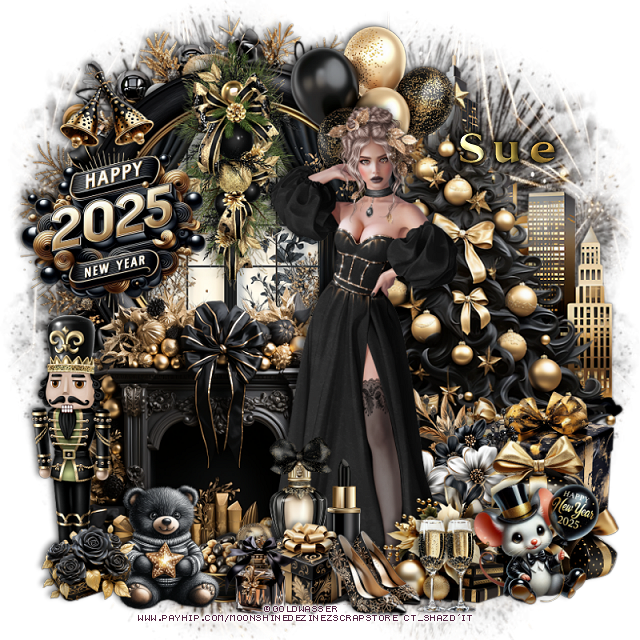
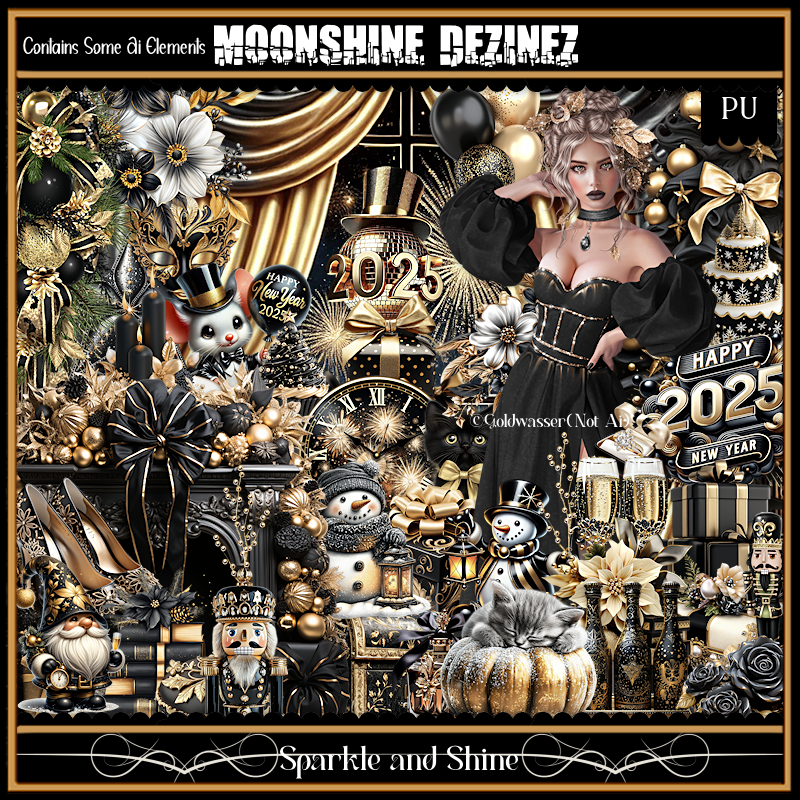
PTU Sparkle and Shine


  This tut was written  December 24th, 2024 for those with a basic knowledge of psp. 

I am using the awesome tube ©Goldwasser

The tube is included in the kit
Read the TOU on how to credit your tags

I use PSP 2020 but any of them should work
PTU Scrap Sparkle and Shine by Moonshine Dezinez  HERE 
You can find all the stores she sells at on her blog.
You can find all Moonshine Dezinez kits  HERE
Mask of choice, I used DD Patriotic Mask 4 (blog closed now)

 Font of choice, I used Simply Lovely

Drop shadow as you go is V -2 H -4, 50, 10, or use what you prefer.
Let's get started
*Remember to add your drop shadow as you go along*

Open a new image 800 x 800, paste paper 9, apply your mask, move to 
the left, duplicate, mirror.

Resize element 47 to 50%, paste on the upper left.
Resize element 52 to 50%, paste below the window, erase the outside parts.
Resize element 69 to 60%, paste below the frame.
Resize element 51 to 65%, paste on the right.
Resize element 20 to 50%, paste on the left.
Resize element 46 to 75%, paste below the wreath on the right.

Resize the tube to 30%, paste.

Resize element 43 to 25%, paste at the bottom right above the tube.
Resize element 44 to 20%, paste at the bottom by the other gift.
Resize element 9 to 25%, paste below the other gifts on the right.
Resize element 81 to 30%, paste below the gifts.
Resize element 58 to 40%, paste on the frame and window.
Resize element 88 to 30%, paste on the left on the window.
Resize element 53 to 40%, paste on the bottom left above the fireplace.
Resize element 37 to 20%, paste at the bottom above the gifts.
Resize element 48 to 15%, paste at the bottom below the shoes.
Resize element 27 to 20%, paste below the gift.

Resize element 30 to 40%, paste at the top below the tube.
Resize element 45 to 15%, paste at the bottom.
Resize element 34 to 20%, paste at the bottom left.
Resize element 41 to 15%, paste at the bottom left.
Resize element 90 to 20%, paste at the bottom right.
Resize element 36 to 13%, paste at the bottom.
Resize element 67 to 15%, paste at the bottom.
Resize element 42 to 15%, mirror, paste at the upper left above the sign.

Add any other elements that you would like, make it your own.
Always readjust your mask and elements how you like them before you
 merge your tag, resize, sharpen.

Crop your tag to be sure no shadows or lines are on the edges.
 Then add your copyright and name.
That's it

Hope you enjoyed doing my tut           
Thursday, December 19, 2024

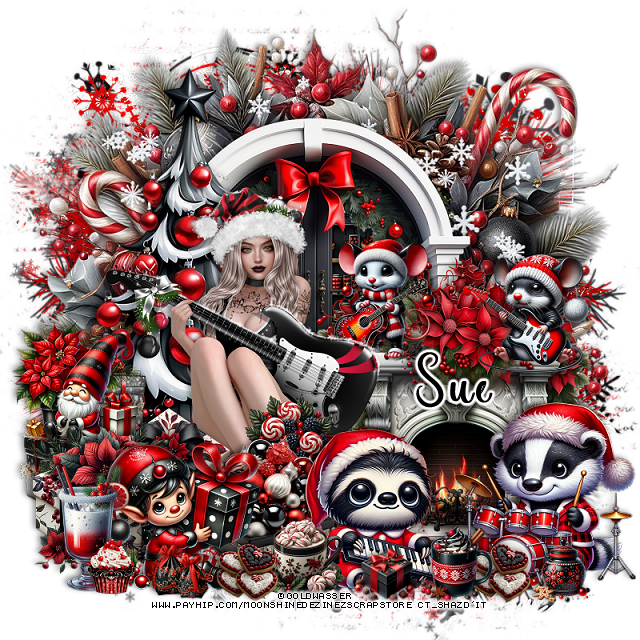
PTU Christmas Party


 This tut was written  December 19th, 2024 for those with a basic knowledge of psp. 

I am using the awesome tube ©Goldwasser

The tube is included in the kit
Read the TOU on how to credit your tags

I use PSP 2020 but any of them should work
PTU Scrap Christmas Party by Moonshine Dezinez  HERE 
You can find all the stores she sells at on her blog.
You can find all Moonshine Dezinez kits  HERE
Mask of choice, I used DD NWM 1 mask (blog closed now)

 Font of choice, I used Coffee Christmas

Drop shadow as you go is V -2 H -4, 50, 10, or use what you prefer.
Let's get started
*Remember to add your drop shadow as you go along*

Open a new image 800 x 800, paste paper 11, apply your mask,
paste paper 10, apply the mask, adjust the papers so some of 
each color shows.

Resize element 12 to 75%, paste at the top.
Resize element 103 to 75%, paste on the wreath at the top.
Resize element 64 to 50%, paste on the wreath.
Resize element 73 to 70%, paste on the left above the window.
Resize element 61 to 50%, paste below the window.
Resize element 46 to 50%, paste on the bottom right.
Resize element 22 to 20%, paste on top of the fireplace.
Resize element 8 to 20%, mirror, paste on top of the fireplace.

Resize the tube to 30%, paste.

Resize element 78 to 25%, paste on the bottom left.
Resize element 66 to 20%, paste on the gift boxes.
Resize element 77 to 20%, paste at the bottom above the tube.
Resize element 55 to 25%, paste at the bottom above the gift.
Resize element 87 to 25%, paste at the bottom left.
Resize element 32 to 30%, paste at the bottom right.
Resize element 50 to 25%, mirror, paste at the bottom.
Resize element 105 to 25%, paste at the bottom left.
Resize element 58 to 20%, paste at the bottom left.
Resize element 67 to 15%, paste at the bottom.
Resize element 69 to 12%, paste at the bottom.
Resize element 59 to 10%, paste at the bottom below the cup on the right,
duplicate, move to the left above the other cup.

Resize element 81 to 15%, paste above the tube behind the raccoon.
Resize element 99 to 10%, paste at the bottom left.
Resize element 72 to 10%, paste at the bottom.
Resize element 21 and 70 to 10%, paste at the bottom right.

Add any other elements that you would like, make it your own.
Always readjust your mask and elements how you like them before you
 merge your tag, resize, sharpen.

Crop your tag to be sure no shadows or lines are on the edges.
 Then add your copyright and name.
That's it

Hope you enjoyed doing my tut           
Wednesday, December 4, 2024

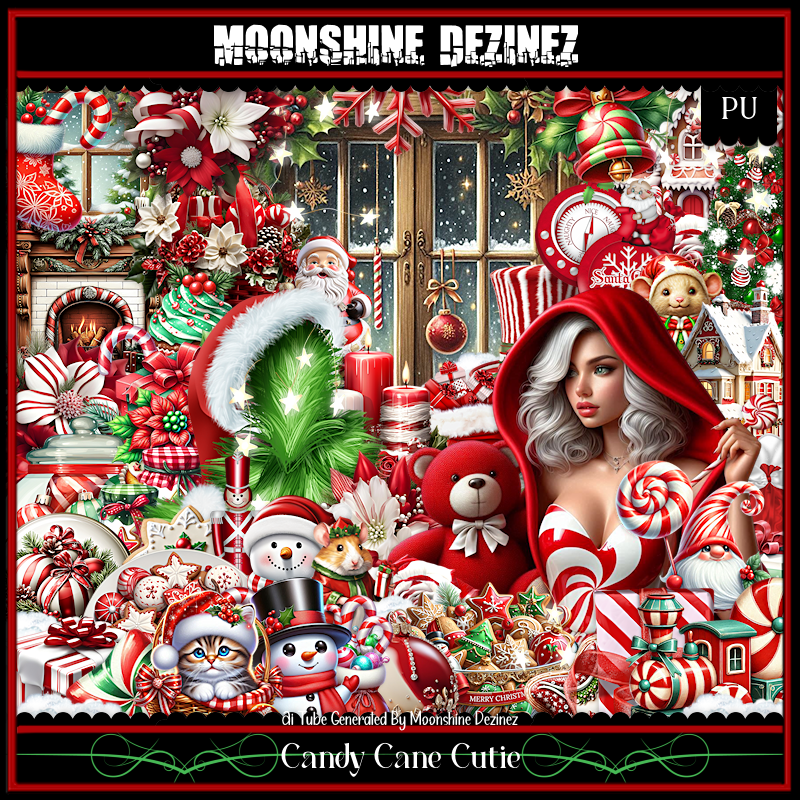
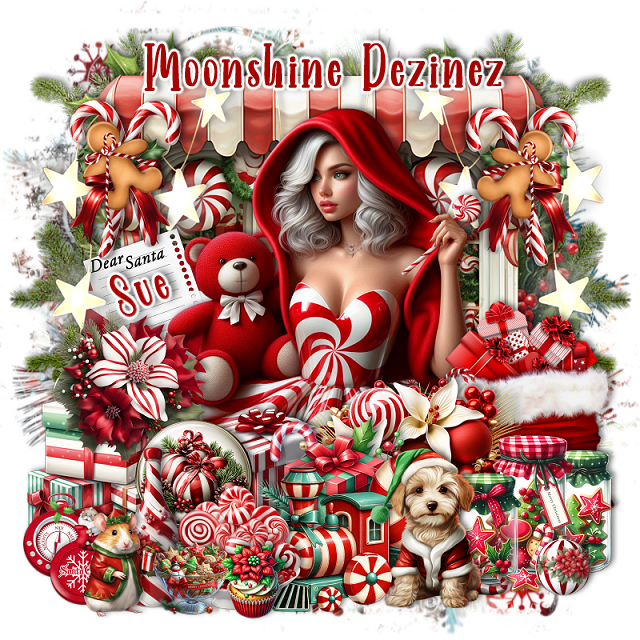
PTU Candy Cane Cutie


  This tut was written  December 4th, 2024 for those with a basic knowledge of psp. 

I am using the beautiful Al tube by Moonshine Dezinez

The tube is included in the kit
Read the TOU on how to credit your tags

I use PSP 2020 but any of them should work
PTU Scrap Candy Cane Cutie by Moonshine Dezinez  HERE 
You can find all the stores she sells at on her blog.
You can find all Moonshine Dezinez kits  HERE
Mask of choice, I used DD NWM 1 mask (blog closed now)

 Font of choice, I used Farmhouse Recipe

Drop shadow as you go is V -2 H -4, 50, 10, or use what you prefer.
Let's get started
*Remember to add your drop shadow as you go along*

Open a new image 800 x 800, paste paper 11, apply your mask.

Paste element 54, resize to 85%, paste.
Resize element 10 to 70%, paste on the window.
Resize element 95 to 75%, paste on the left, erase some of the top string, 
duplicate, mirror.
Resize element 76 to 25%, paste on the upper left, duplicate, mirror.
Resize element 40 to 20%, paste on the candy cane, duplicate, mirror.
Paste element 90 on the bottom layer to the left, duplicate, mirror.

Resize the tube to 30%, paste.

Resize element 23 to 40%, paste on the right above the tube.
Resize element 51 to 35%, paste at the bottom right.
Resize element 39 to 25%, paste on the bottom right.
Resize element 26 to 25%, paste at the bottom.
Resize element 3 to 25%, paste at the bottom.
Resize element 67 to 20%, paste at the bottom below the gift box.
Resize element 12 to 30%, paste on the bottom left.
Resize element 15 to 25%, paste on the left above the gifts.
Resize element 42 to 30%, paste at the bottom below the dog.

Resize element 84 to 20%, paste on the bottom left.
Resize element 74 to 25%, paste at the bottom.
Resize element 68 to 20%, paste at the bottom below the train and bottle.
Resize element 78 to 20%, paste at the bottom.
Resize element 92 to 10%, paste at the bottom right.
Resize element 37 to 12%, paste at the bottom left.
Resize element 48 to 17%, paste at the bottom left.
Resize element 55 to 12%, paste at the bottom.
Resize element 27 to 25%, paste on the left above the window.

Add any other elements that you would like, make it your own.
Always readjust your mask and elements how you like them before you
 merge your tag, resize, sharpen.

Crop your tag to be sure no shadows or lines are on the edges.
 Then add your copyright and name.
That's it

Hope you enjoyed doing my tut           
Monday, November 11, 2024

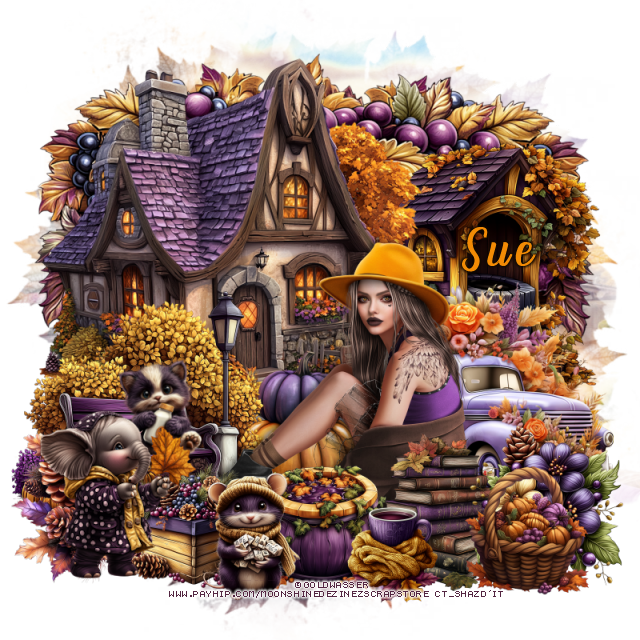
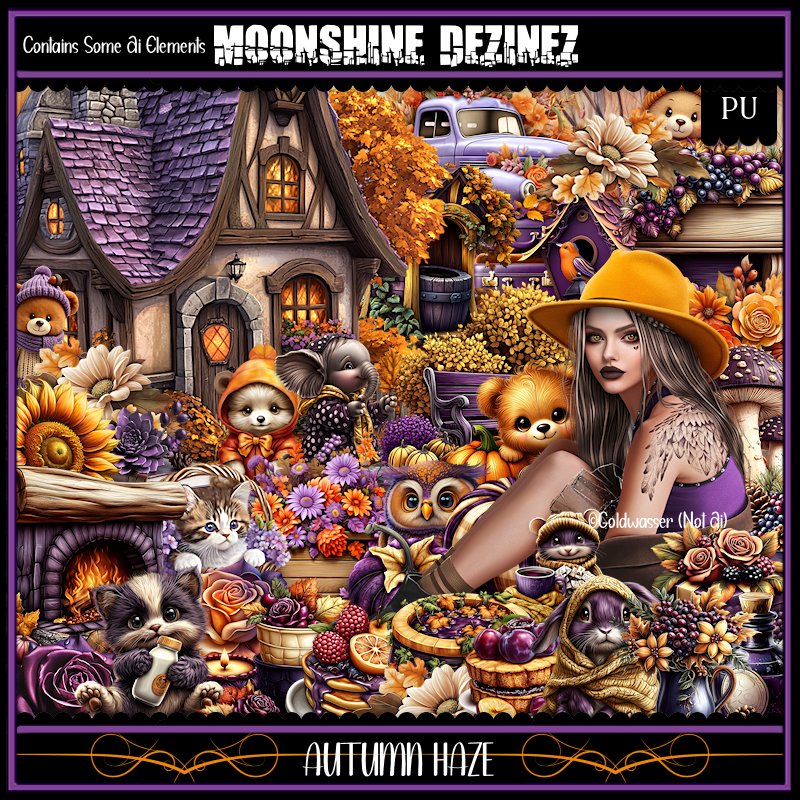
PTU Autumn Haze

**CT  for Moonshine Dezinez**

 PTU Scrap Autumn Haze by Moonshine Dezinez  HERE 

You can find all the stores she sells at on her blog.
You can find all Moonshine Dezinez kits  HERE


Wednesday, November 6, 2024

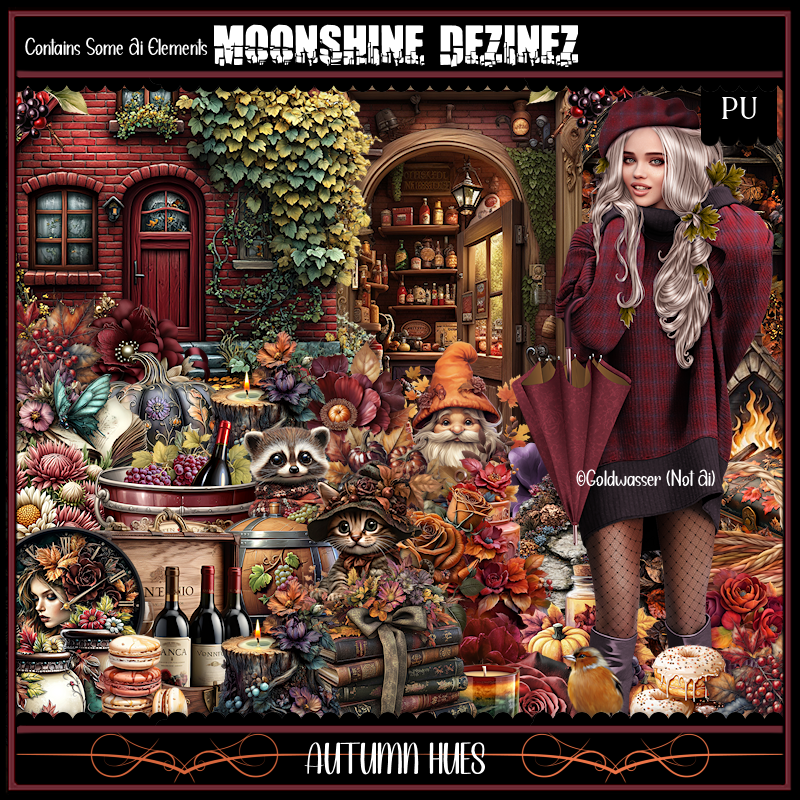
PTU Autumn Hues


 This tut was written  November 6th, 2024 for those with a basic knowledge of psp. 

I am using the awesome an Awesome tube ©Goldwasser

2  Different Tubes are included in the kit
Read the TOU on how to credit your tags

I use PSP 2020 but any of them should work
PTU Scrap Autumn Hues by Moonshine Dezinez  HERE 
You can find all the stores she sells at on her blog.
You can find all Moonshine Dezinez kits  HERE
Mask of choice, I used RD Mask 683 HERE
Check out the rest of the blog HERE

 Font of choice, I used Autumn in November

Drop shadow as you go is V -2 H -4, 50, 10, or use what you prefer.
Let's get started
*Remember to add your drop shadow as you go along*

Open a new image 800 x 800, paste paper 10, apply your mask.

Resize element 6 to 40%, paste on the left, duplicate, mirror,
duplicate both, move to the center more below the other walkways.
Resize element 80 to 60%, paste above the walkways.
Resize element 73 to 15%, paste on the right above the house.
Resize element 75 to 50%, paste below the walkway on the left, duplicate, mirror.
Resize element 10 to 60%, paste at the bottom right above the walkway.
Resize element 5 to 25%, paste on the left below the fireplace.
Resize element 9 to 35%, paste on the left between the houses, duplicate, mirror.
Paste element 69 below the houses on the left, duplicate, mirror.
Resize element 14 to 40%, paste at the bottom on the bottom layer.
Resize element 47 to 50%, paste on the bottom layer at the top center, duplicate,
move to the left, duplicate, mirror.
Resize element 32 to 75%, paste at the upper left below the leaves, duplicate, mirror.

Resize your tube to 25%, paste on the right.

Resize element 4 to 35%, paste on the left below the walkway, duplicate, mirror.
Resize element 40 to 20%, paste below the logs.
Resize element 94 to 25%, paste on the house on the left, duplicate, mirror,
erase the trunk.
Resize element 72 to 30%, paste on the right below the tube on the walkway.
Resize element 79 to 20%, paste below the logs.
Resize element 83 to 20%, paste below the tube.
Resize element 96 to 20%, paste at the bottom right above the tube.
Resize element 90 to 25%, paste at the bottom.
Resize element 16 to 20%, paste at the bottom by the tube, duplicate, move
to the left.
Resize element 93 to 20%, paste behind the fireplace on the left.
Resize element 13 to 25%, paste at the bottom.
Resize element 21 to 25%, paste on the left above the house.
Resize element 38 to 15%, paste above the house on the steps.

Add any other elements that you would like, make it your own.
Always readjust your mask and elements how you like them before you
 merge your tag, resize, sharpen.

Crop your tag to be sure no shadows or lines are on the edges.
 Then add your copyright and name.
That's it

Hope you enjoyed doing my tut           

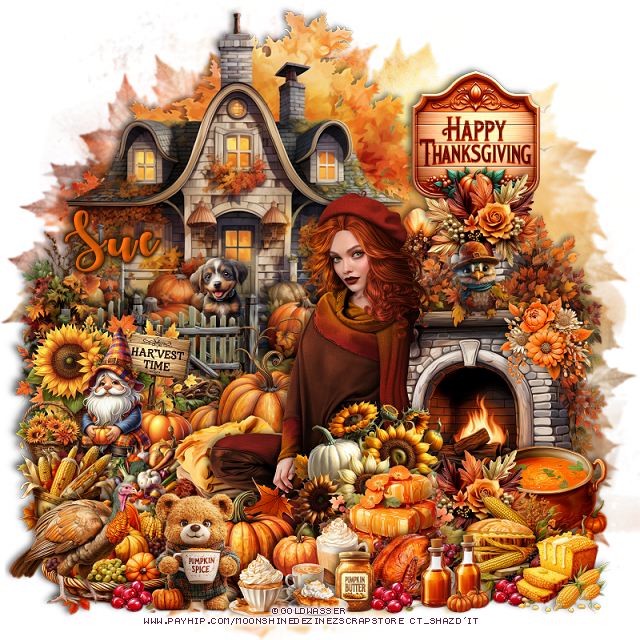
PTU Forever Thankful


This tut was written  November 6th, 2024 for those with a basic knowledge of psp. 

I am using the awesome an Awesome tube ©Goldwasser

2  Different Tubes are included in the kit
Read the TOU on how to credit your tags

I use PSP 2020 but any of them should work
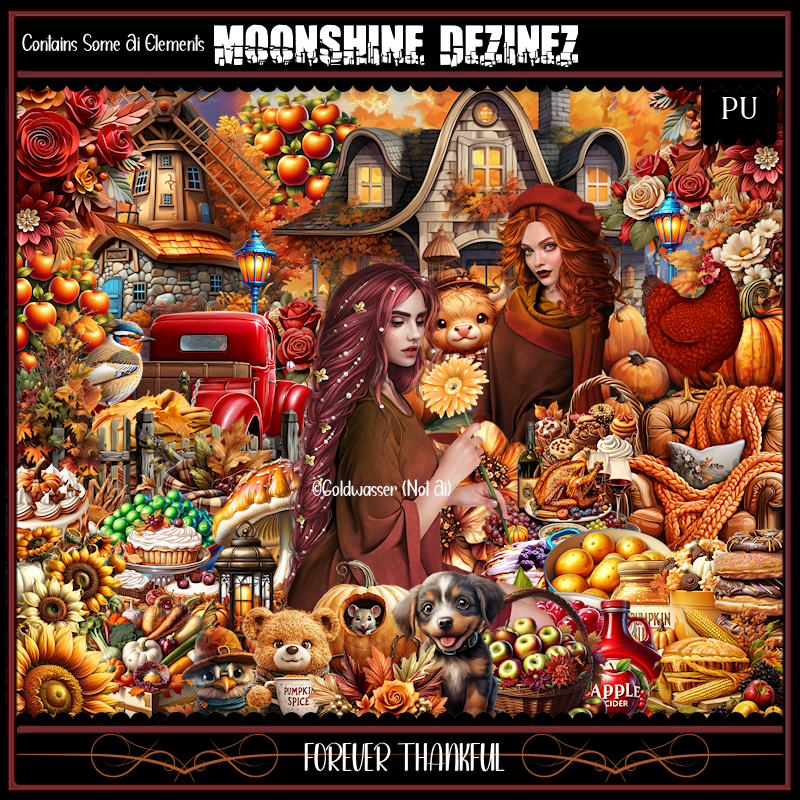
PTU Scrap Forever Thankful by Moonshine Dezinez   HERE 
You can find all the stores she sells at on her blog.
You can find all Moonshine Dezinez kits  HERE
Mask of choice, I used RD Mask 683 HERE
Check out the rest of the blog HERE

 Font of choice, I used Autumn in November

Drop shadow as you go is V -2 H -4, 50, 10, or use what you prefer.
Let's get started
*Remember to add your drop shadow as you go along*

Open a new image 800 x 800, paste paper 3, apply your mask.

Resize element 51 to 60%, paste at the upper left.
Resize element 37 to 40%, paste above the house to the left.
Resize element 47 to 45%, paste on the lower right.
Resize element 95 to 30%, paste on the left above the fence.
Resize element 10 and 14 to 15%, paste on the left above the gnome.

Resize your tube to 30%, paste.

Resize element 80 to 30%, paste below the tube on the left,
Resize element 65 to 25%, paste below the tube on the left.
Resize element 41 to 15%, paste at the bottom above the tube.
Resize element 71 to 25%, paste below the fireplace on the right behind the tube.

Resize element 82 to 20%, paste at the bottom below the cup.
Resize element 118 to 25%, paste at the upper right.
Resize element 58 to 25%, paste at the bottom left below the book.
Resize element 77 to 20%, paste at the bottom left.
Resize element 43 to 20%, paste on the bottom left.
Resize element 54 to 25%, paste on the right above the tube.
Resize element 17 to 15%, paste at the bottom.
Resize element 81 to 12%, paste at the bottom.

Resize element 46 to 25%, paste at the bottom above the tube.
Resize element 53 to 20%, paste at the top above the fireplace at the bottom
of the sign, duplicate, move to the bottom in front of the fireplace.
Resize element 28 to 25%, paste on the bottom right above the flowers.
Resize element 29 to 10%, paste at the bottom by the bear.
Resize element 79 to 15%, paste at the bottom right.
Resize element 25 to 20%, paste on the bottom right above the fireplace.
Resize element 35 to 7%, paste at the bottom right, duplicate, twice move to 
the left.
Resize element 32 to 15%, paste at the bottom right.
Resize element 60 to 15%, paste on the fireplace shelf.
Resize element 40 to 15%, paste on the fireplace.
Resize element 98 to 10%, paste at the bottom.
Resize element 39 to 13%, paste on the step of the house.

Add any other elements that you would like, make it your own.
Always readjust your mask and elements how you like them before you
 merge your tag, resize, sharpen.

Crop your tag to be sure no shadows or lines are on the edges.
 Then add your copyright and name.
That's it

Hope you enjoyed doing my tut           
Monday, October 14, 2024

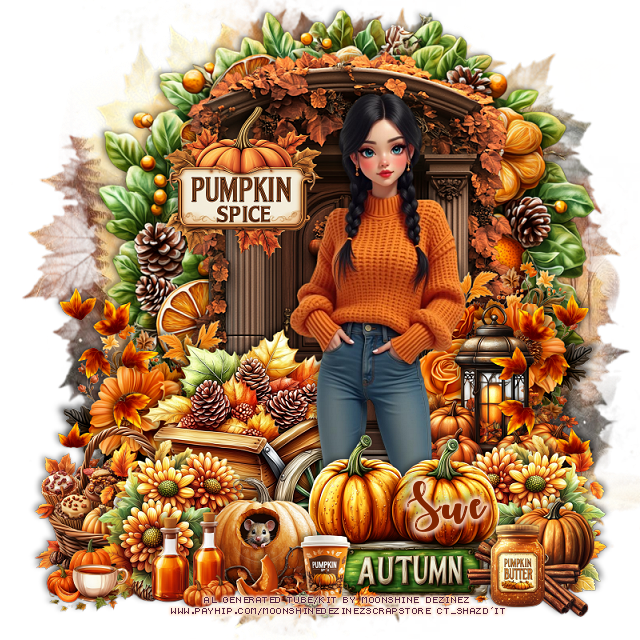
PTU Pumpkin Trails


This tut was written  October 14th, 2024 for those with a basic knowledge of psp. 

I am using the awesome Al generated tube by Moonshine Dezinez

It is included in the kit
Please read the TOU on how to credit your tags

I use PSP 2020 but any of them should work
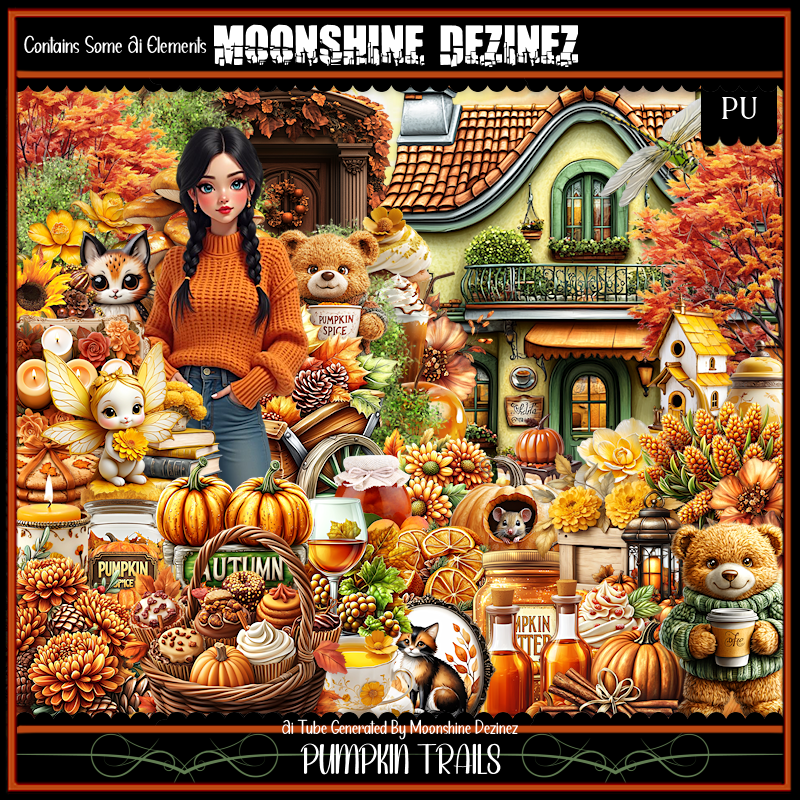
PTU Scrap Pumpkin Trails by Moonshine Dezinez  HERE  
You can find all the stores she sells at on her blog.
You can find all Moonshine Dezinez kits  HERE
Mask of choice, I used RD Mask 683 HERE
Check out the rest of the blog HERE

 Font of choice, I used Autumn in November

Drop shadow as you go is V -2 H -4, 40, 10, or use what you prefer.
Let's get started
*Remember to add your drop shadow as you go along*

Open a new image 800 x 800, paste paper 2, apply your mask.

Resize element 20 to 75%, paste.
Resize element 21 to 65%, paste behind the door.

Resize your tube to 50%, paste.

Resize element 63 to 40%, paste at the bottom left behind the tube.
Resize element 15 to 30%, paste at the bottom above the tube.
Resize element 9 to 30%, paste on the bottom left below the tube, duplicate, mirror.
Resize element 26 to 20%, paste at the bottom left.
Resize element 78 to 10%, paste at the bottom.
Resize element 14 to 15%, paste at the bottom left.
Resize element 29 to 20%, paste at the bottom right.
Resize element 11 to 25%, paste on the bottom left below the wagon.

Resize element 37 to 13%, paste at the bottom right.
Resize element 72 to 18%, paste at the bottom.
Resize element 27 to 13%, paste at the bottom left.
Resize element 61 to 25%, paste on the left above the basket,
duplicate, mirror.
Resize element 35 to 30%, paste on the right above the door.
Resize element 82 to 40%, paste on the left above the door.
duplicate, mirror.
Resize element 43 to 25%, paste on the door on the upper left.

Add any other elements that you would like, make it your own.
Always readjust your mask and elements how you like them before you
 merge your tag, resize, sharpen.

Crop your tag to be sure no shadows or lines are on the edges.
 Then add your copyright and name.
That's it

Hope you enjoyed doing my tut