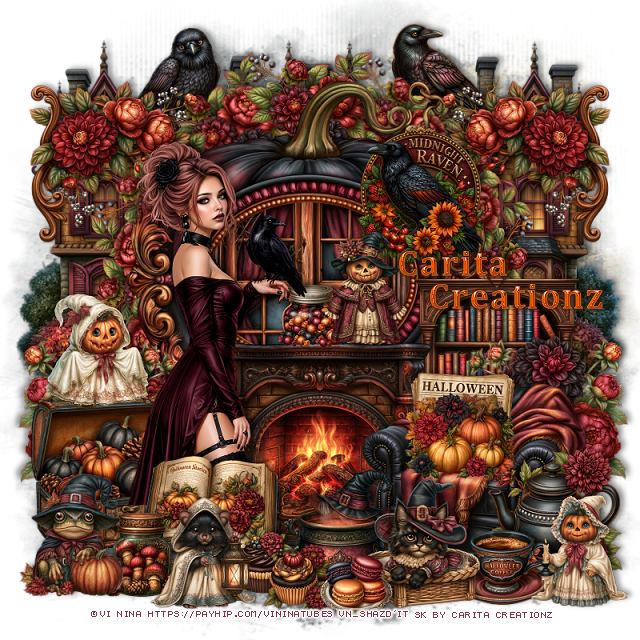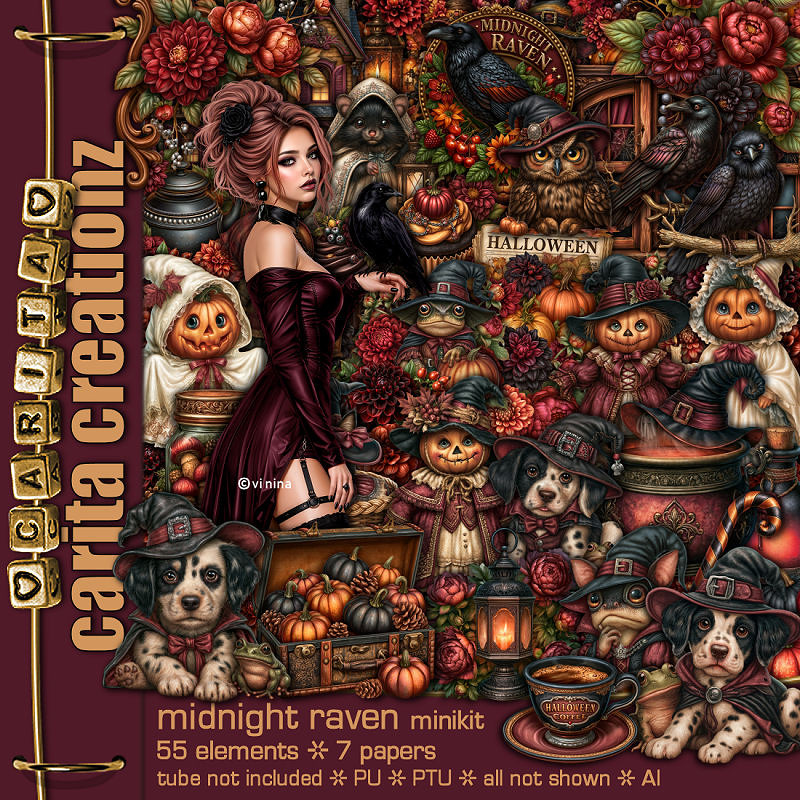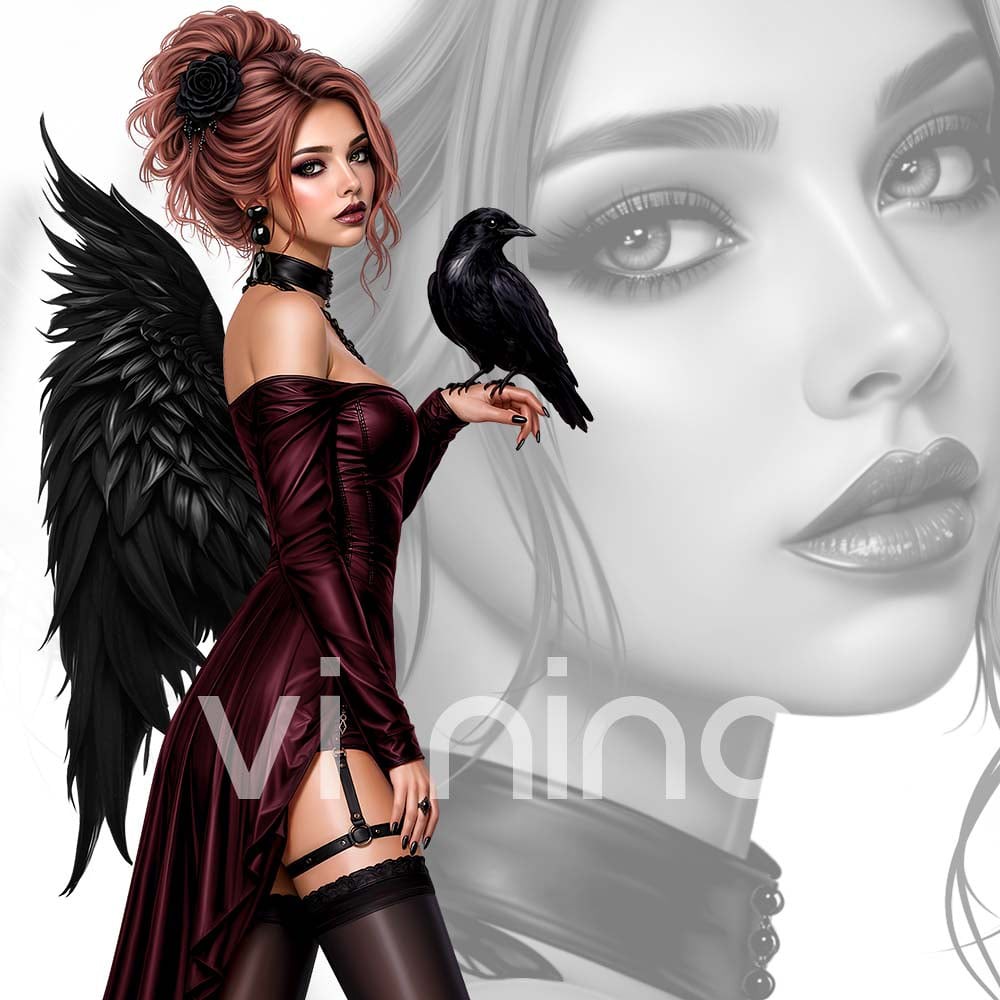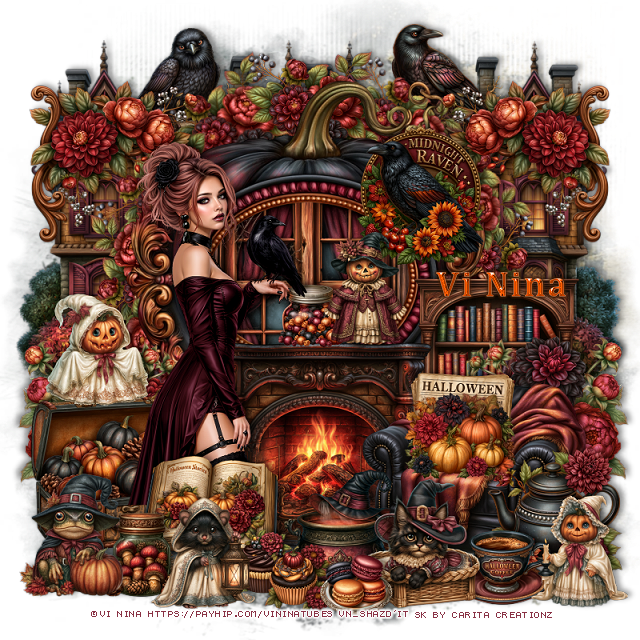
Showing posts with label CT for Vinina and Carita Creationz. Show all posts

Monday, June 15, 2026

PTU Blue Ocean


 This tut was written June 15th, 2026 for those with a basic knowledge of psp. 

I am using the Beautiful tube ©Vi Nina
The tube is called Blue Breeze
The tube is "NOT" included
You need a license to use this tube, please do not use without a license
You can find the tube at Vi Nina Store HERE

I used PSP2020...but any of them should work.
PTU Scrap Blue Ocean by Carita Creationz  HERE
Kit has 90 elements and 10 papers 
Check her store out to see all her other kits and tubes HERE
Mask of choice, I used Miz Teeques Mask 152 HERE 
Check the rest of the blog HERE

Font of choice, I used Champion

Drop shadow as you go is V -2 H 4, 50, 10, or use what you prefer.
Let's get started
*Remember to add your drop shadow as you go along*

Open a new image 800 x 800, resize paper 4 to 85%, apply your mask, 
move to the upper left, duplicate, move down on the bottom right.
Duplicate more if you want and resize and move around.

Resize 42 to 30%, paste at the upper right.
Resize 20 to 23%, paste on the framed picture.
Resize 69 to 50%, paste at the top above the frame.
Resize 50 to 55%, paste on the left.
Resize 86 to 25%, paste on the left above the hut.
Resize 65 and 66 to 20%, paste by the wheel.

Resize 8 to 50%, paste at the bottom left below the hut, duplicate,
move up to the right under the frame.
Resize 39 to 30%, paste on the upper right above the dolphin and frame.
Resize 77 to 30%, paste on the right above the boat.
Resize 2 to 15%, free rotate to the right at 15, paste below the sign by the boat.
Resize 30 to 50%, paste above the hut at the bottom.

Resize the tube to 35%, paste at the bottom.

Resize 25 to 50%, paste on the upper left behind the hut, duplicate,
move to the right above the light house.
Resize 11 to 30%, paste on the bottom left above the chair layer.
Resize 59 to 20%, paste on the bottom left below the sign.
Resize 9 to 25%, paste at the bottom above the sign.
Resize 10 to 15%, paste at the bottom by the basket.
Resize 12 to 15%, paste at the bottom above the tube.

Resize 23 and 55 to 15%, paste at the bottom left by the basket.
Resize 40 and 49 to 15%, paste at the bottom by the tube.
Resize 13 to 25%, paste below the tube on the right.
Resize 24 to 15%, paste at the bottom to the right of the tube.
Resize 75 to 15%, paste on the right below the basket.
Resize 47 to 20%, paste at the bottom below the flip flops.
Resize 70 to 20%, paste on the bottom right below the radio.
Resize 64 to 20%, paste at the bottom left.
Resize 3 to 20%, paste behind the radio.
Resize 21 to 20%, paste below the radio on the right.
Resize 1 to 20%, paste behind the head of the tube.
Resize 28 to 20%, paste on the left below the bear.
Resize 62 to 17%, mirror, paste at the upper left above the hut.
Resize 60 to 15%, paste on the left on the sign.
Resize 31 to 15%, paste at the top above the mask layer.

Add any other elements that you would like, make it your own.
Always readjust your mask and elements how you like them before you
 merge your tag, resize, sharpen.
Crop your tag to be sure no shadows or lines are on the edges.
 Then add your copyright and name.
That's it

Hope you enjoyed doing my tut.       

Tag for Nina   


Thursday, June 11, 2026

PTU Summer Glory 1


 This tut was written June 11th, 2026 for those with a basic knowledge of psp. 

I am using the Beautiful tube ©Vi Nina
The tube is called Summer Glory
The tube is "NOT" included
You need a license to use this tube, please do not use without a license
You can find the tube at Vi Nina Store HERE

I used PSP2020...but any of them should work.
PTU Scrap Summer Glory by Carita Creationz  HERE
Kit has 118 elements and 10 papers 
Check her store out to see all her other kits and tubes HERE
Mask of choice, I used Miz Teeques Mask 100 HERE 
Check the blog out HERE

Font of choice, I used Russel Dexter

Drop shadow as you go is V -2 H 4, 50, 10, or use what you prefer.
Let's get started
*Remember to add your drop shadow as you go along*

Open a new image 800 x 800, resize paper 3 to 80%, apply your mask, 

Resize 44 to 55%, paste, click inside, resize paper 7 to 35%, paste below 
the frame, invert, delete.
Resize 46 to 50%, paste above the white frame.
Resize 11 to 20%, apply Mura Meister Copies-Encircle, first 3 numbers
on 9, 40, 40, paste below the frame.
Resize 67 to 20%, apply Mura Meister Copies- change the first 3 numbers
to 12, 45, 45, paste below the first circle, if using a white background, 
close that off first, then merge these layers together and move up.
Resize 30 to 50%, paste on the right below the frames, duplicate, mirror.

Resize your tube to 40%, paste on the right above the frame.

Resize 72 to 40%, paste below the tube on the left.
Resize 63 to 40%, paste on the bottom right below the tube.
Resize 23 to 40%, mirror, paste on the bottom left.

Resize 9 to 35%, paste on the upper left above the frame.
Resize 11 to 25%, paste on the upper right below the tube, duplicate,
mirror, move to the left below the sign at the top, duplicate,
move down behind the chair.
Resize 94 to 25%, paste on the bottom right  above the tube layer.
Resize 76 to 23%, paste at the bottom above the tube.
Resize 5 to 20%, paste at the bottom left above the chair.
Resize 26 to 20%, paste at the bottom left above the flowers.

Resize 18 to 17%, at the bottom left.
Resize 67 to 20%, paste at the bottom below the boots.
Resize 92 to 18%, paste at the bottom by the boots.
Resize 85 to 23%, paste at the bottom by the bottle.
Resize 29 to 15%, paste on the chair.
Resize 8 to 20%, paste on the bottom right.
Resize 69 to 15%, paste on the bottom right.
Resize 107 to 17%, paste on the bottom below the dog.
Resize 12 to 8%, paste at the bottom by the dog.
Resize 28 to 25%, mirror, paste at the top.

Add any other elements that you would like, make it your own.
Always readjust your mask and elements how you like them before you
 merge your tag, resize, sharpen.
Crop your tag to be sure no shadows or lines are on the edges.
 Then add your copyright and name.
That's it

Hope you enjoyed doing my tut.       

Tag for Nina   


PTU Summer Glory 2


 This tut was written June 11th, 2026 for those with a basic knowledge of psp. 

I am using the Beautiful tube ©Vi Nina
The tube is called Summer Glory
The tube is "NOT" included
You need a license to use this tube, please do not use without a license
You can find the tube at Vi Nina Store HERE

I used PSP2020...but any of them should work.
PTU Scrap Summer Glory by Carita Creationz  HERE
Kit has 118 elements and 10 papers 
Check her store out to see all her other kits and tubes HERE
Mask of choice, I used Miz Teeques Mask 70 HERE 
Check the rest of the blog HERE

Font of choice, I used Playbill

Drop shadow as you go is V -2 H 4, 50, 10, or use what you prefer.
Let's get started
*Remember to add your drop shadow as you go along*

Open a new image 800 x 800, paste paper 8, apply your mask, 

Resize 46 to 65%, paste, duplicate, resize to 52, paste.
Resize 47 to 60%, paste between the frames, click inside, paste
paper 8, invert, delete, merge the frames and paper together, move up.
Resize 37 to 60%, paste at the upper right on the frame, duplicate, mirror,
move below the frame on the left, duplicate, move down more on the left.

Resize the tube to 40%, paste on the right.

Resize 77 to 50%, paste on the left.
Resize 6 to 30%, paste below the tube on the right.
Resize 98 to 30%, paste below the tube on the left, duplicate, mirror,
resize to 85%, paste at the bottom above the tube.
Resize 49 to 25%, paste at the bottom below the flower on the left.
Resize 87 to 25%, paste at the bottom above the grill behind the burger.
Resize 2 to 25%, paste on the bottom right.
Resize 4 to 22%, paste on the bottom right by the boots.
Resize 78 to 25%, paste at the bottom above the flowers.

Resize 90 to 15%, paste at the bottom by the basket.
Resize 21 to 20%, paste at the bottom below the football.
Resize 27 to 23%, paste at the bottom by the burger.
Resize 89 to 15%, paste at the bottom left.
Resize 31 to 35%, paste on the upper left.
Resize 97 to 13%, paste at the bottom.
Resize 79 to 14%, free rotate to the right at 15, paste at the bottom right.
Resize 3 and 10 to 15%, paste above the tube behind the flowers.
Resize 59 to 25%, paste on top of the grill.

Add any other elements that you would like, make it your own.
Always readjust your mask and elements how you like them before you
 merge your tag, resize, sharpen.
Crop your tag to be sure no shadows or lines are on the edges.
 Then add your copyright and name.
That's it

Hope you enjoyed doing my tut.       

Tag for Nina   



Friday, June 5, 2026

PTU Bohemian Western


  This tut was written June 5th, 2026 for those with a basic knowledge of psp. 

I am using the Beautiful tube ©Vi Nina
The tube is called Bohemian Western
The tube is "NOT" included
You need a license to use this tube, please do not use without a license
You can find the tube at Vi Nina Store HERE

I used PSP2020...but any of them should work.
PTU Scrap Bohemian Western by Carita Creationz  HERE
Kit has 118 elements and 10 papers 
Check her store out to see all her other kits and tubes HERE
Miz Teeques Mask 52 HERE
Check the rest of the blog HERE

Font of choice forgot which one I used lol

Drop shadow as you go is V -2 H 4, 50, 10, or use what you prefer.
Let's get started
*Remember to add your drop shadow as you go along*

Open a new image 800 x 800, paste paper 7, apply your mask, 

Resize 40 to 45%, paste at the top.
Resize 42 to 50%, paste at the upper left.
Resize 41 to 60%, paste on the right.
Resize 86 to 17%, paste in front of the barn doors.
Resize 112 to 45%, paste at the bottom left.
Resize 85 to 25%, paste on the right above the barn.
Resize 106 to 95%, paste on the bottom layer on the left so the 
grass and rocks shows at the bottom, duplicate, mirror.
Paste 54 on the bottom layer at the top.

Resize your tube to 30%, paste by the sign.

Resize 36 to 30%, paste behind the tube.
Resize 85 to 25%, paste above the wheel.
Resize 102 to 25%, paste at the bottom right by the horse.
Resize 114 to 15%, paste on the right below the water tub.
Resize 96 to 35%, paste at the bottom right above the water tub.
Resize 106 to 25%, paste below the horse.
Resize 30 to 25%, paste below the tube by the rocks.
Resize 32 to 25%, paste on the bottom left below the tube.
Resize 23 to 20%, paste on the bottom left below the open suitcase.

Resize 78 and 70 to 15%, paste at the bottom above the tube.
Resize 34 to 18%, paste at the bottom by the other books.
Resize 25 to 20%, paste at the bottom to the right of the books.
Resize 24 to 10%, paste at the bottom.
Resize 6 to 20%, paste at the bottom by the horse.
Resize 21 to 20%, paste at the bottom left.
Resize 3 to 18%, paste at the bottom left.
Resize 5 to 20%, paste on the bottom left.
Resize 113 to 20%, paste on the wheel behind the tube.

Resize 104 to 13%, paste on the bottom right.
Resize 2 to 15%, paste at the bottom right.
Resize 61 to 15%, paste at the bottom above the books.
Resize 19 to 13%, paste on the left on the sign post.
Resize 17 to 50%, paste at the upper right below the barn.
Resize 48 to 13%, paste on the box by the tube.

Add any other elements that you would like, make it your own.
Always readjust your mask and elements how you like them before you
 merge your tag, resize, sharpen.
Crop your tag to be sure no shadows or lines are on the edges.
 Then add your copyright and name.
That's it

Hope you enjoyed doing my tut.       

Tag for Nina   


Thursday, May 21, 2026

PTU Ice Cream


 This tut was written May 21st, 2026 for those with a basic knowledge of psp. 

I am using the Beautiful tube ©Vi Nina
The tube is called Ice Cream
Tube comes in several colors and a close up
The tube is "NOT" included
You need a license to use this tube, please do not use without a license
You can find the tube at Vi Nina Store HERE

I used PSP2020...but any of them should work.
PTU Scrap Ice Cream by Carita Creationz  HERE
Kit has 60 elements and 10 papers 
Check her store out to see all her other kits and tubes HERE
Monti's Blind Mask 1 HERE
Check the blog out HERE

Font of choice, I used Ice Cream Sandwich

Drop shadow as you go is V -2 H 4, 40, 10, or use what you prefer.
Let's get started
*Remember to add your drop shadow as you go along*

Open a new image 800 x 800, paste paper 8, apply your mask, 
duplicate, merge down.

Resize 43 to 65%, paste, click inside, paste paper 10, invert, delete.
Resize 36 to 45%, paste at the bottom right above the frame.
Resize 24 to 20%, paste in the chair.

Resize the tube to 40%, paste above the chair.

Resize 6 to 30%, paste at the bottom above the tube.
Resize 5 to 25%, paste at the bottom right above the basket.
Resize 16 to 30%, paste on the upper right.
Resize 38 to 35%, paste below the tube on the left.
Resize 13 to 30%, paste at the bottom below the blankets.
Resize 53 to 20%, paste at the bottom above the basket.

Resize 3 to 50%, paste on the bottom right below the frame,
duplicate, mirror.
Resize 55 to 50%, paste below the frame on the upper right, duplicate, mirror.
Resize 46 to 105%, paste on the bottom layer below the flowers.

Resize 37 to 25%, paste at the bottom right.
Resize 31 to 25%, paste on the bottom left.
Resize 54 to 15%, paste at the bottom by the book.

Resize 32 to 15%, paste at the bottom.
Resize 56 to 30%, paste on the right above the chair.
Resize 30 to 30%, paste on the right on the frame layer.
Resize 21 to 15%, paste on the bottom left.
Resize 15 to 20%, paste at the bottom by the book.

Resize 35 to 30%, paste on the left below the bucket.
Resize 49 and 50 to 25%, paste on the bottom left, move the candy jar
between the bears to the left.
Resize 26 to 20%, paste on the right above the summer sign.

Add any other elements that you would like, make it your own.
Always readjust your mask and elements how you like them before you
 merge your tag, resize, sharpen.
Crop your tag to be sure no shadows or lines are on the edges.
 Then add your copyright and name.
That's it

Hope you enjoyed doing my tut.       

Tag for Nina   
Wednesday, May 6, 2026

PTU Blooming Hydrangeas


  This tut was written May 6th, 2026 for those with a basic knowledge of psp. 

I am using the Beautiful tube ©Vi Nina
The tube is called Hydrengea
Tube comes in several colors and a close up
The tube is "NOT" included
You need a license to use this tube, please do not use without a license
You can find the tube at Vi Nina Store HERE

I used PSP2020...but any of them should work.
PTU Scrap Blooming Hydrangeas by Carita Creationz  HERE
Kit has 75 elements and 11 papers 
Check her store out to see all her other kits and tubes HERE

Font of choice, I used Misteri Caps

Drop shadow as you go is V -2 H 4, 40, 10, or use what you prefer.
Let's get started
*Remember to add your drop shadow as you go along*

Open a new image 800 x 800, resize 54 to 85%, paste on the right,
duplicate, mirror.

Resize 43 to 65%, paste at the upper left.
Resize 35 to 75%, paste below the house on the upper right.
Resize 31 to 20%, paste on the left by the flowers on the house.
Resize 58 to 65%, paste at the bottom.
Resize 56 to 37%, paste at the bottom to the left of the door.
Resize 50 to 17%, paste on the chair.
Resize 21 to 20%, paste on the left by the chair.
Resize 42 to 35%, paste at the bottom right.
Resize 36 to 40%, paste on the right below the door.
Resize 34 to 40%, mirror, paste on the window.

Resize the tube to 30%, paste at the bottom above the chair.

Resize 62 to 15%, paste on the fireplace.
Resize 26 to 17%, paste on the fireplace.
Resize 25 to 12%, paste on the fireplace.

Resize 39 to 25%, mirror, paste on the fireplace on the right.
Resize 40 to 25%, paste on the left below the door.
Resize 30 to 25%, paste on the left above the crate.

Resize 59 to 25%, paste at the bottom above the tube.
Resize 27 to 20%, paste at the bottom below the tube behind the books.
Resize 23 to 23%, paste at the bottom left below the tube by the chair.
Resize 22 to 20%, paste at the bottom by the book.
Resize 15 to 13%, paste at the bottom by the book.
Resize 17 to 25%, paste at the bottom right.
Resize 4 to 20%, paste at the bottom below the coffee pot.
Resize 8 and 61 to 15%, paste at the bottom by the dog.

Resize 13 to 20%, paste at the bottom above the purse.
Resize 3 to 22%, paste at the bottom below the purse.
Resize 12 to 22%, paste at the bottom below the hat.
Resize 33 to 10%, paste at the bottom above the hat.
Resize 41 to 23%, paste at the bottom left.
Resize 57 to 17%, paste at the bottom below the hat and bear.

Add any other elements that you would like, make it your own.
Always readjust your mask and elements how you like them before you
 merge your tag, resize, sharpen.
Crop your tag to be sure no shadows or lines are on the edges.
 Then add your copyright and name.
That's it

Hope you enjoyed doing my tut.       

Tag for Nina