Showing posts with label Verymany. Show all posts

Wednesday, July 15, 2026

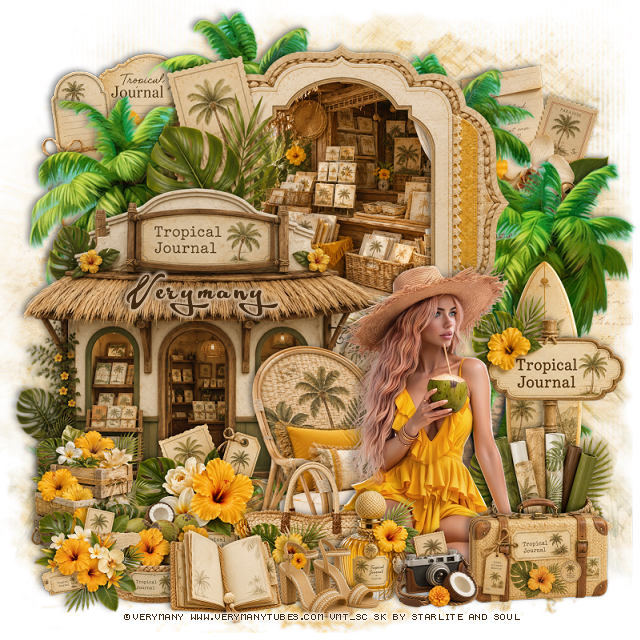
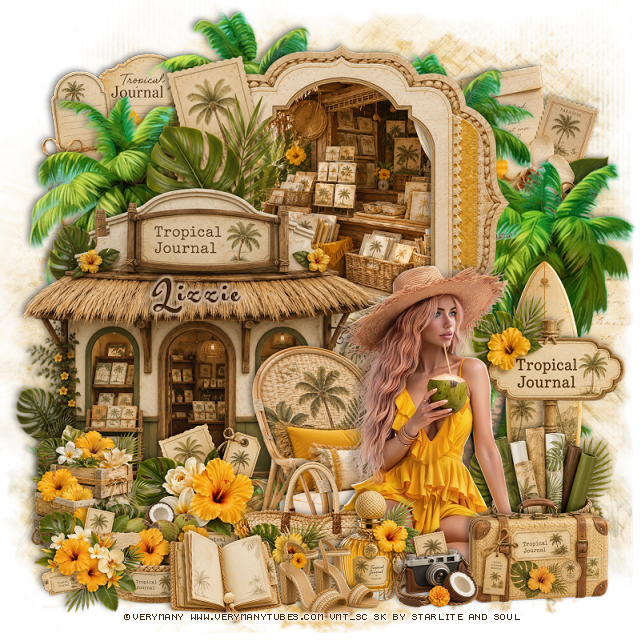
PTU Tropical Journal


 This tut was written July 14th, 2026 for those with a basic knowledge of psp. 

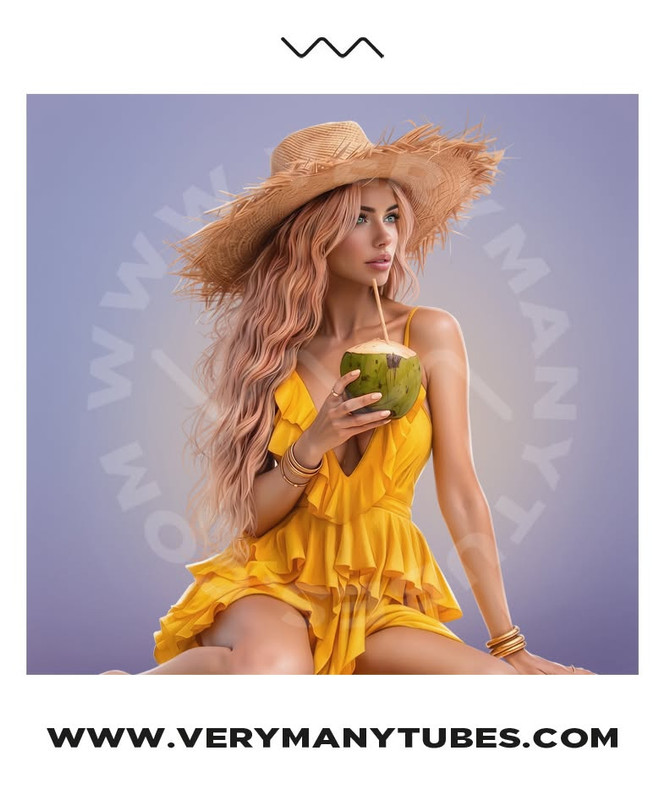
I am using the beautiful tube by © Verymany

Tube is called Island Beauty
Tube is NOT included
You need a license to use this tube, please do not use without a license
You can find this tube at Verymany store HERE

I used PSP2020...but any of them should work.
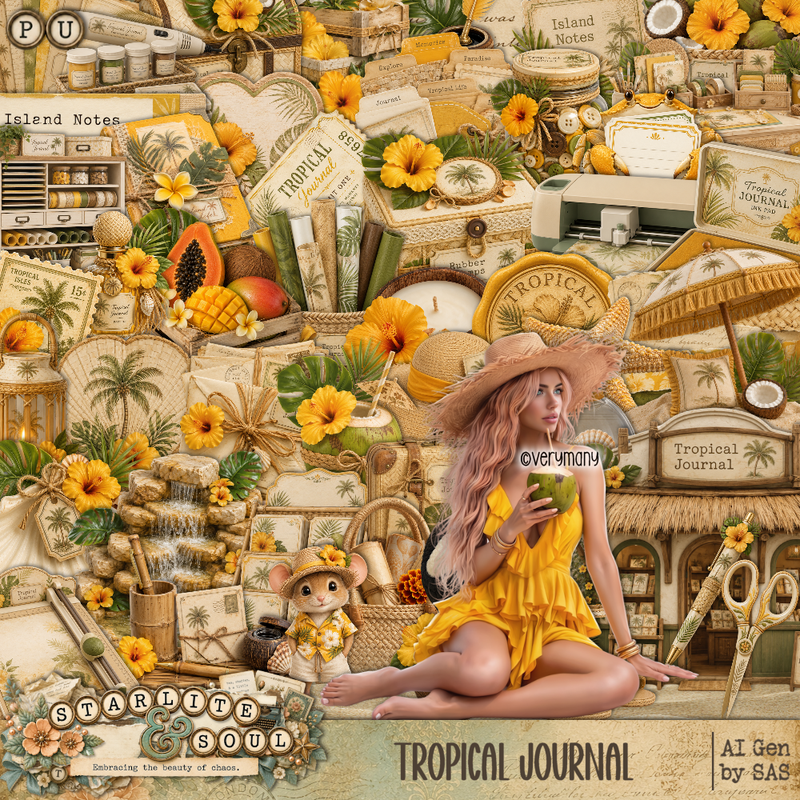
PTU Scrap Tropical Journal by Starlite and Soul  HERE
You can find all Starlite and Soul kits  HERE 
RD Mask 673 HERE
Check the rest of the blog HERE

Font of choice, I used Acryle Script

Drop shadow as you go is V -2 H 4, 40, 10, or use what you prefer.
Let's get started
*Remember to add your drop shadow as you go along*

Open a new image 800 x 800, paste paper 20, apply your mask, duplicate,
merge down.

Resize frame 1 to 65%, paste at the top, click inside
resize paper 7 to 40%, paste, invert, delete.
Resize 1 to 65%, paste above the frame on the left.
Resize 46 to 45%, mirror, paste at the bottom above the frame.
Resize 137 to 90%, paste on the upper left below the frame, duplicate, move
to the right and down.
Resize 174 to 40%, paste on the upper right below the tree.

Resize the tube to 30%, paste at the bottom right.

Resize 52 to 25%, paste at the bottom above the tube.
Resize 51 to 20%, paste at the bottom above the purse.
Resize 16 to 18%, paste at the bottom above the purse.
Resize 15 to 15%, paste at the bottom by the bottle.
Resize 170 to 25%, paste below the chair on the left.
Resize 109 to 40%, paste below the tube on the right.
Resize 97 to 25%, paste on the bottom right below the tube.
Resize 94 to 25%, paste on the left.
Resize 68 to 20%, paste at the bottom left.

Resize 38 to 35%, paste on the upper left below the palm tree.
Resize 9 to 20%, paste at the bottom by the shoes.
Resize 65 to 25%, paste on the bottom right above the tube.
Resize 173 to 20%, paste at the bottom left.
Resize 63 to 50%, paste on the right below the sign.

Add any other elements that you would like, make it your own.
Always readjust your mask and elements how you like them before you
 merge your tag, resize, sharpen.

Crop your tag to be sure no shadows or lines are on the edges.
 Then add your copyright and name.
That's it

Hope you enjoyed doing my tut

Tag for Lizzie   


Tuesday, July 14, 2026

PTU Beachside Scoops


 This tut was written July 14th, 2026 for those with a basic knowledge of psp. 

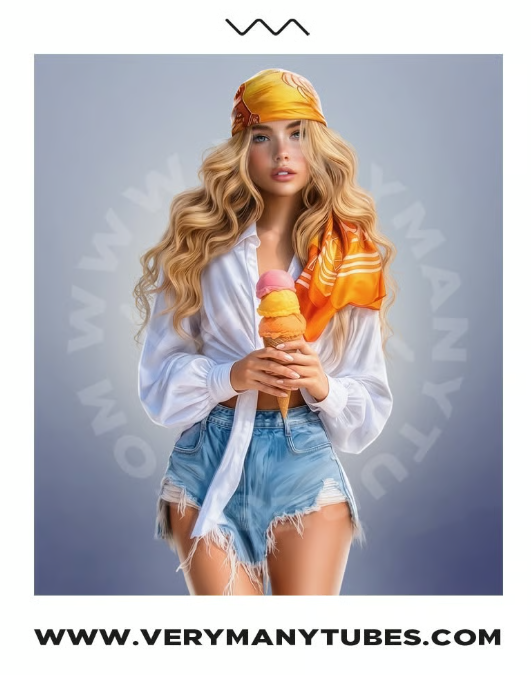
I am using the awesome tube ©Verymany
The tube is called Ice Cream 3
The tube is NOT included
You need a license to use this tube, please do not use without a license
You can find the tube at Verymany store HERE


I used PSP2020...but any of them should work.
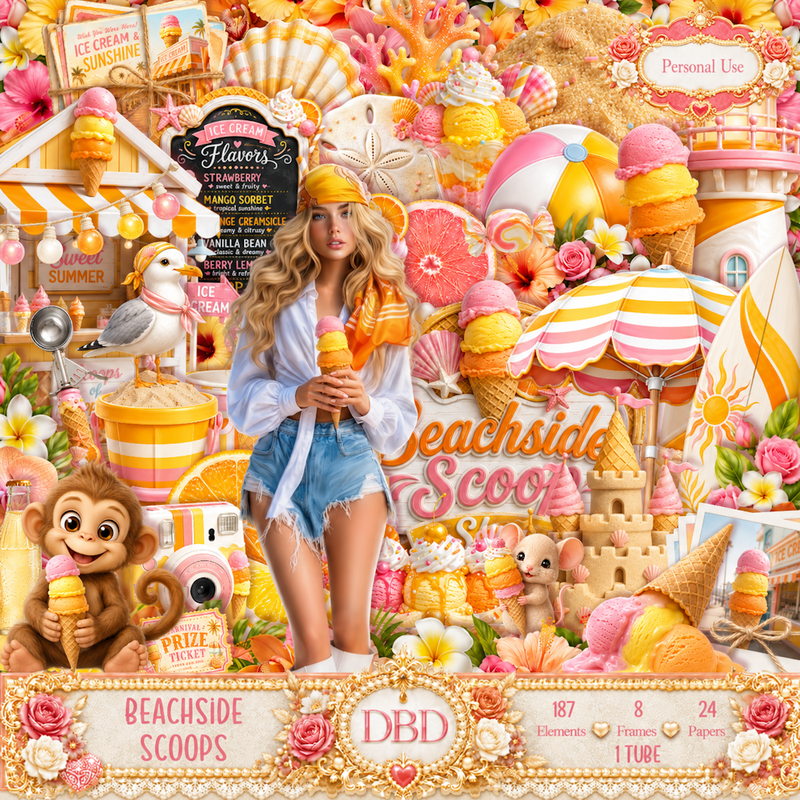
PTU Scrap Beachside Scoops by Doodle by Design  HERE
You can find all Doodle by Design kits  HERE 
DBV Mask 72 HERE
Check the blog Here

Font of choice, I used Acryle Script

Drop shadow as you go is V -2 H 4, 40, 10, or use what you prefer.
Let's get started
*Remember to add your drop shadow as you go along*

Open a new image 800 x 800, paste paper 17, apply your mask, move
to the left, duplicate, mirror, adjust, duplicate, merge down.

Resize frame 8 to 60%, paste at the upper left, click inside, paste
paper 18, move how you like, invert, delete.
Resize 105 to 60%, paste on the upper right.
Resize 18 to 60%, paste on the left.
Resize 99 to 50%, paste above the frame behind the buildings.

Resize 162 to 50%, paste on the left below the ice cream building, 
duplicate, change the blend mode to Screen, merge down, duplicate, 
mirror, move up on the right.
Resize 134 to 50%, paste on the upper right below the palm leaves,
duplicate, mirror, move below the frame.
Resize 146 to 50%, paste on the right at the bottom of the gift shop.
Resize 19 to 25%, paste on the left by the ice cream stand.
Resize 17 to 50%, paste on the bottom right.

Resize the tube to 30%, paste in the center.

Resize 14 to 30%, paste at the bottom above the tube.
Resize 7 to 22%, paste at the bottom left above the sign.
Resize 110 to 18%, paste at the bottom on the right of the sign.
Resize 95 to 30%, paste below the tube on the right.
Resize 76 to 20%, paste on the bottom right below the sign.
Resize 90 to 20%, paste below the ice cream cones on the bottom left.
Resize 112 to 12%, paste at the bottom left by the cones.
Resize 21 to 15%, paste on the bottom right above the chest.
Resize 98 to 20%, paste on the bottom right.

Resize 89 to 15%, paste on top of the radio.
Resize 78 to 20%, paste below the radio on the left.
Resize 94 to 15%, paste on the bottom left above the camera.
Resize 25 to 12%, paste on the left on the counter of the ice cream stand.
Resize 93 to 15%, paste on the bottom left below the ball.
Paste 170 at the bottom left on the bottom layer, duplicate, mirror, adjust.

Add any other elements that you would like, make it your own.
Always readjust your mask and elements how you like them before you
 merge your tag, resize, sharpen.

Crop your tag to be sure no shadows or lines are on the edges.
 Then add your copyright and name.
That's it

Hope you enjoyed doing my tut 

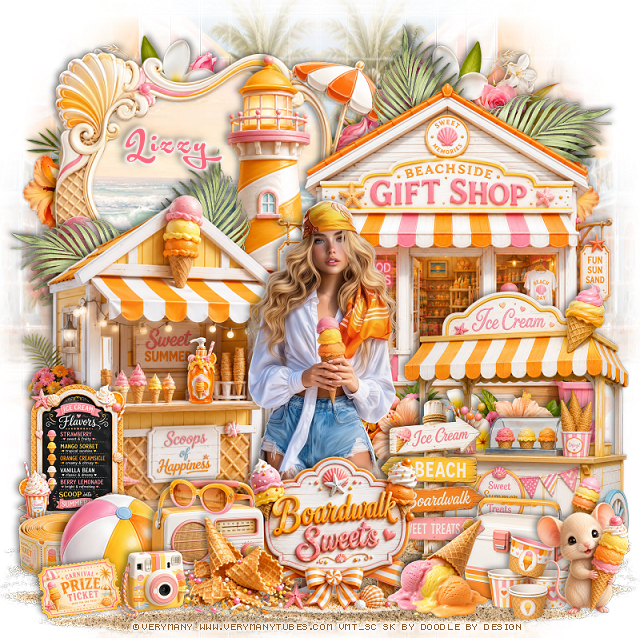
Tag for Lizzy    


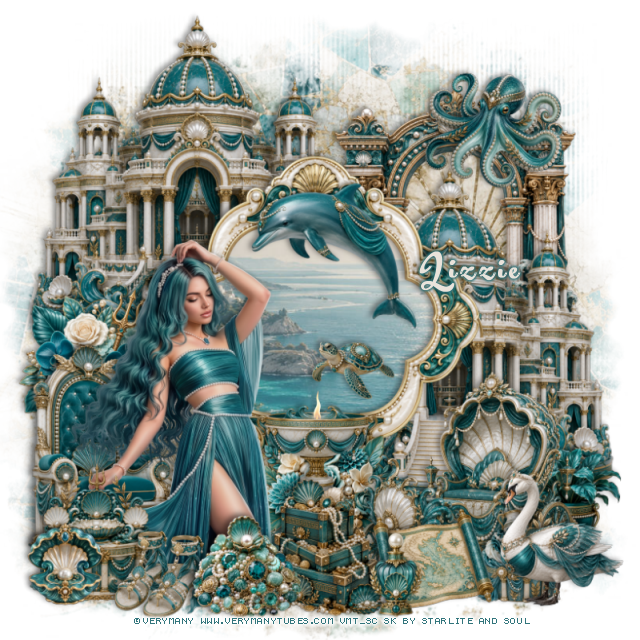
PTU Goddess of the Sea


 This tut was written July 14th, 2026 for those with a basic knowledge of psp. 

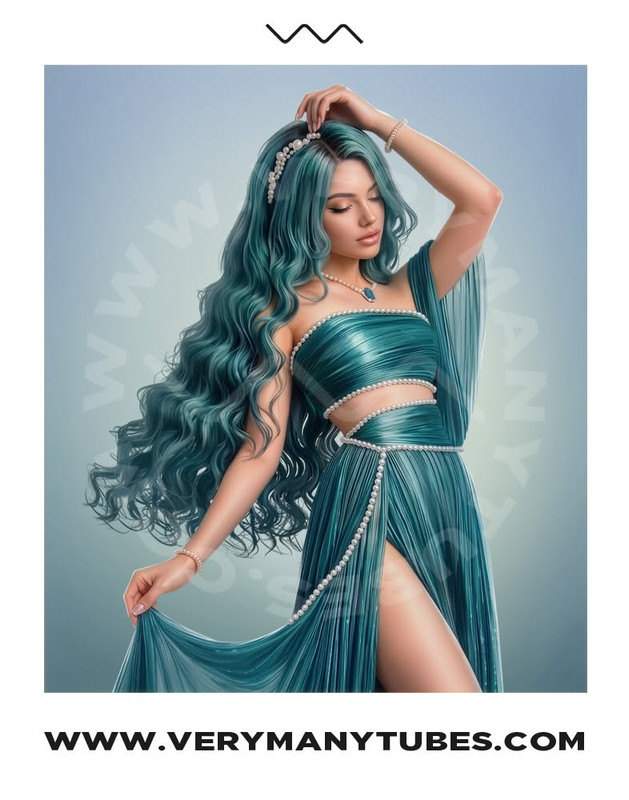
I am using the beautiful tube by © Verymany

Tube is called Goddess of the Sea
Tube is NOT included
You need a license to use this tube, please do not use without a license
You can find this tube at Verymany store HERE

I used PSP2020...but any of them should work.
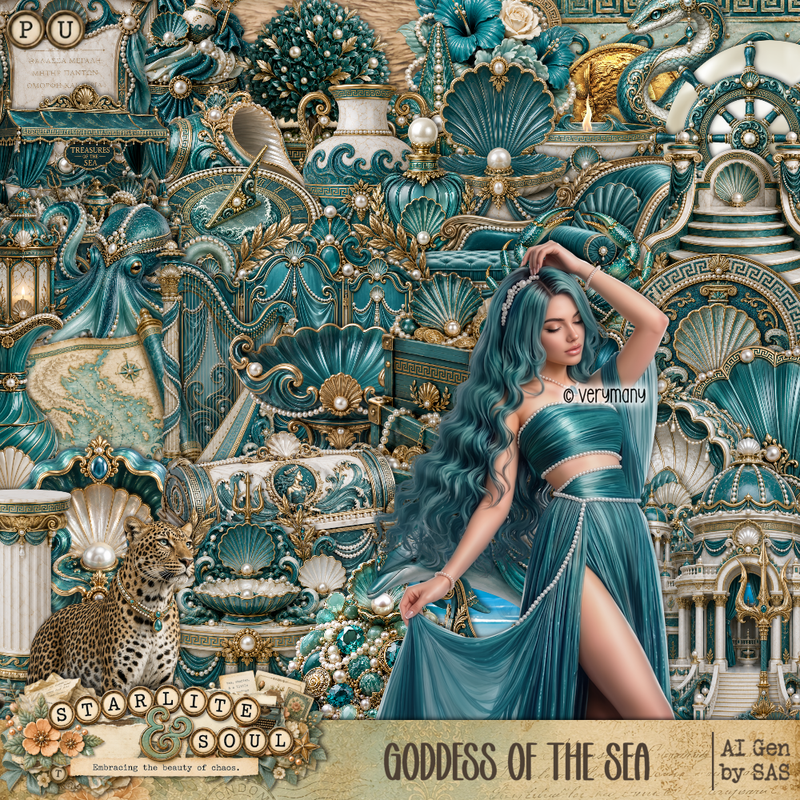
PTU Scrap Goddess of the Sea by Starlite and Soul  HERE
You can find all Starlite and Soul kits  HERE 
RD Mask 673 HERE
Check the rest of the blog HERE

Font of choice, I used Acryle Script

Drop shadow as you go is V -2 H 4, 40, 10, or use what you prefer.
Let's get started
*Remember to add your drop shadow as you go along*

Open a new image 800 x 800, paste paper 13, apply your mask.

Resize frame 7 to 60%, paste, click inside, paste paper 5, invert, delete.
Resize 1 to 60%, paste below the frame at the upper left, duplicate,
move down on the right.
Resize 28 to 50%, paste on the upper right behind the building.
Resize 64 to 25%, paste at the upper right on the arch.
Resize 13 to 40%, paste at the bottom right.

Resize the tube to 28%, paste on the left of the frame.

Resize 4 to 30%, paste at the top of the frame.
Resize 43 to 20%, paste on the bottom right below the carriage.
Resize 144 to 25%, paste at the bottom of the building on the left.
Resize 85 to 40%, mirror, paste on the bottom left below the tube.
Resize 11 to 25%, paste at the bottom left above the tube.
Resize 15 to 17%, paste at the bottom left.
Resize 147 to 25%, paste at the bottom on the frame.
Resize 87 to 30%, paste below the tube above the flowers.

Resize 63 to 15%, paste in the frame.
Resize 51 to 15%, paste on the bottom left.
Resize 42 to 25%, paste at the bottom.
Resize 3 to 25%, paste on the bottom right above the carriage.
Resize 49 to 20%, paste at the bottom.
Resize 69 to 22%, paste at the bottom to the right.
Resize 78 to 17%, paste at the bottom below the map.
Resize 32 to 15%, paste at the bottom by the map.

Add any other elements that you would like, make it your own.
Always readjust your mask and elements how you like them before you
 merge your tag, resize, sharpen.

Crop your tag to be sure no shadows or lines are on the edges.
 Then add your copyright and name.
That's it

Hope you enjoyed doing my tut

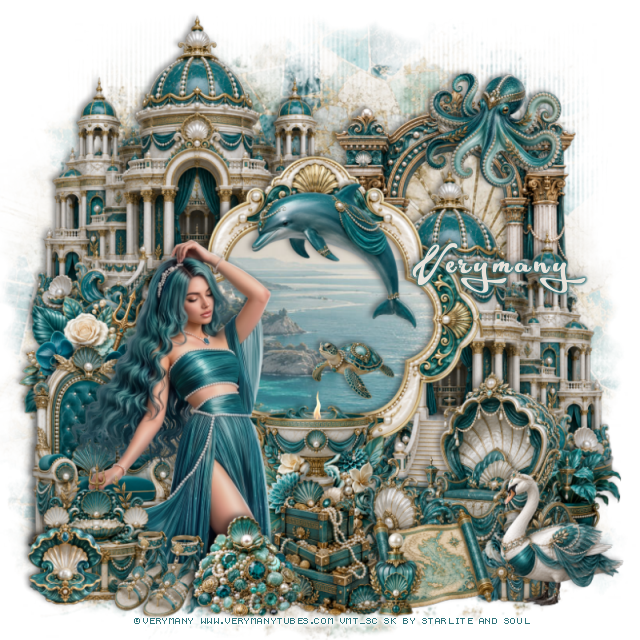
Tag for Lizzie   


Monday, July 6, 2026

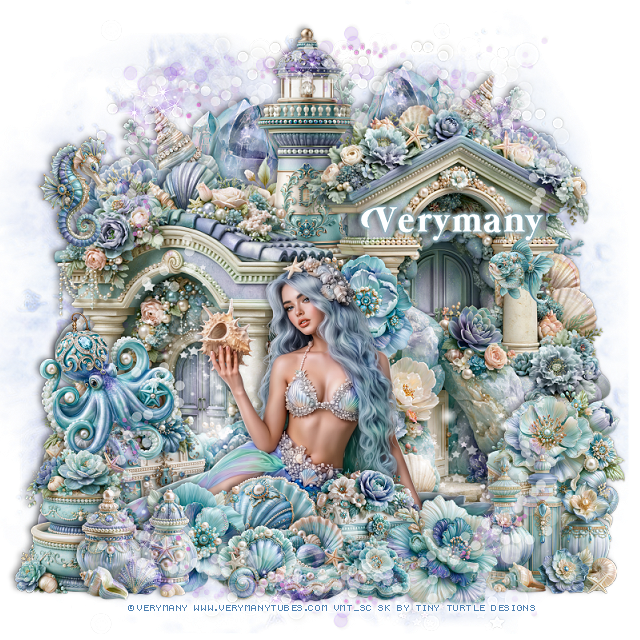
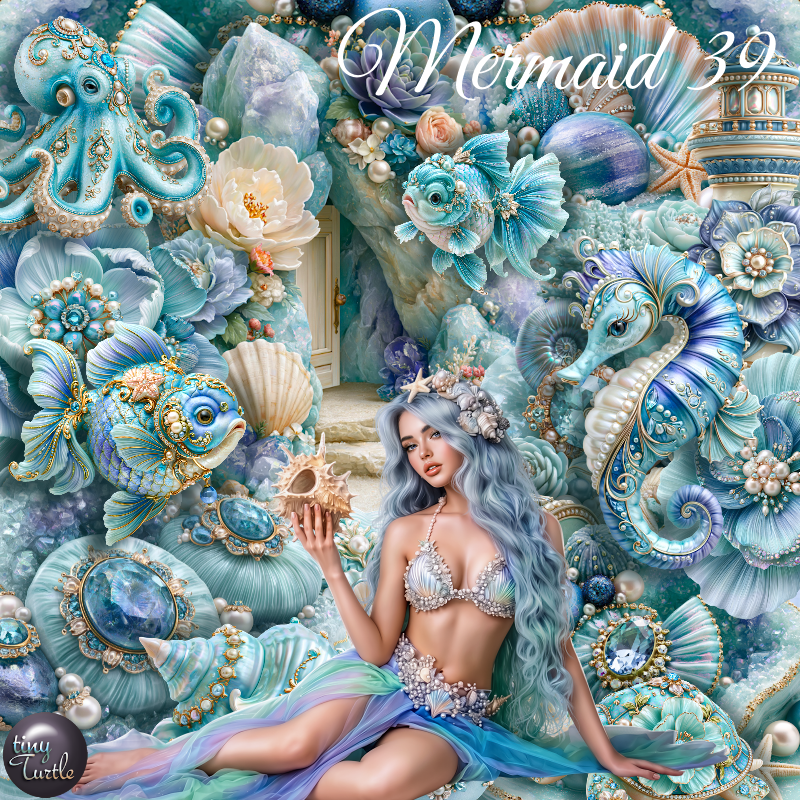
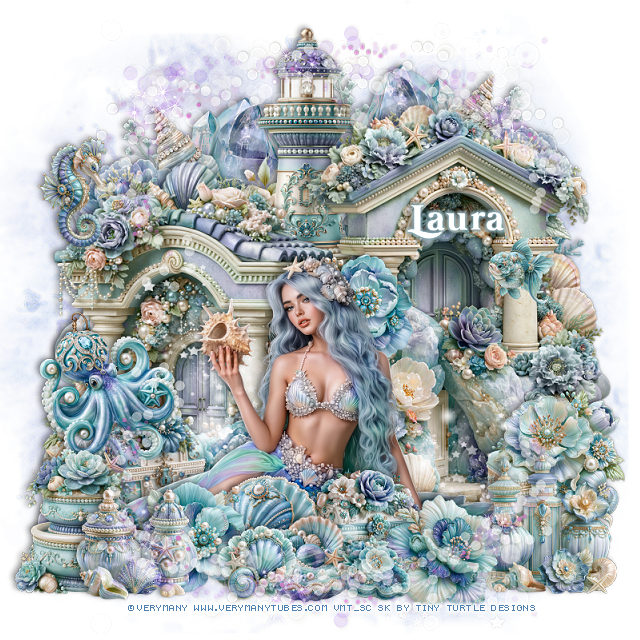
PTU Mermaid 39


  This tut was written July 5th, 2026 for those with a basic knowledge of psp. 

I am using the beautiful tube by © Verymany

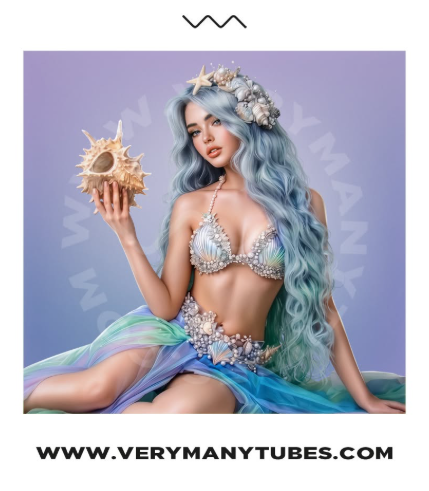
Tube is called Mermaid 39
Tube is NOT included
You need a license to use this tube, please do not use without a license
You can find this tube at Verymany HERE

I used PSP2020...but any of them should work.
PTU Scrap Mermaid 39 by Tiny Turtle Designs  HERE
You can find all Tiny Turtle Designs kits  HERE 
Mask of choice, I used RD Mask 116_4  HERE
Check out the rest of the blog HERE

Font of choice, I used Mermaid Swash Caps

Drop shadow as you go is V -2 H 4, 40, 10, or use what you prefer.
Let's get started
*Remember to add your drop shadow as you go along*

Open a new image 800 x 800, paper paper 3, apply your mask.
Paste paper 7, apply your mask, merge the papers together.

Resize 50 to 55%, paste at the top.
Resize 39 to 55%, paste on the right.
Resize 38 to 55%, paste on the left.

Resize the tube to 30%, paste at the bottom.

Resize 44 to 40%, paste below the tube to the right.
Resize 63 to 25%, paste on the bottom right.
Resize 7 to 20%, paste below the tube on the left, duplicate, move
to behind her head.
Resize 21 to 17%, paste at the bottom above the tube.
Resize 51 to 20%, paste at the bottom below the shell.
Resize 82 to 20%, paste on the bottom left below the tube.

Resize 27 to 25%, paste at the bottom right.
Resize 18 to 20%, paste at the bottom by the bottles.
Resize 65 to 25%, paste on the left above the chest.
Resize 5 to 20%, paste at the bottom below the shell.
Resize 61 to 25%, paste on the bottom left.
Resize 9 to 20%, paste at the bottom left.
Resize 78 to 15%, paste at the bottom above the flower.
Resize 104 to 22%, paste on the bottom left.
Resize 72 to 12%, mirror, paste on the right.
Resize 93 to 12%, paste at the bottom by the shells.
Resize 35 to 20%, paste on the upper left.
Paste 119 below the tube where you like.
Paste 122 at the bottom, duplicate, flip, move to the top.
Resize 46 to 55%, paste at the upper left above the mask, duplicate, mirror.

Add any other elements that you would like, make it your own.
Always readjust your mask and elements how you like them before you
 merge your tag, resize, sharpen.

Crop your tag to be sure no shadows or lines are on the edges.
 Then add your copyright and name.
That's it

Hope you enjoyed doing my tut

Tag for Laura   


Sunday, July 5, 2026

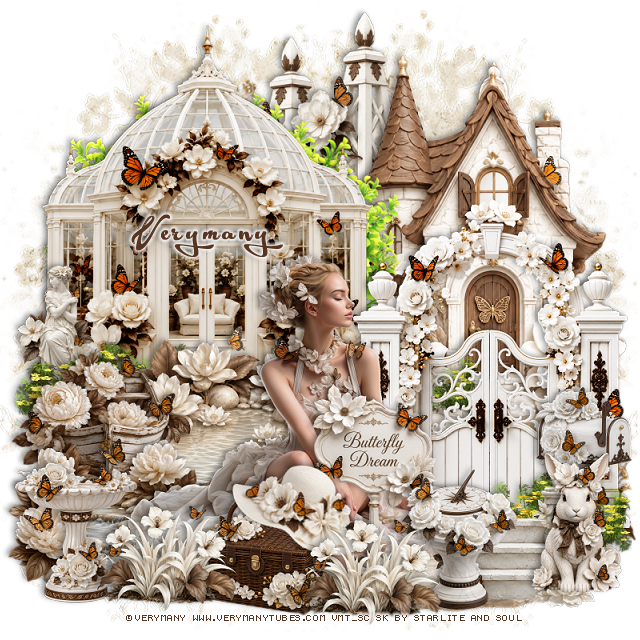
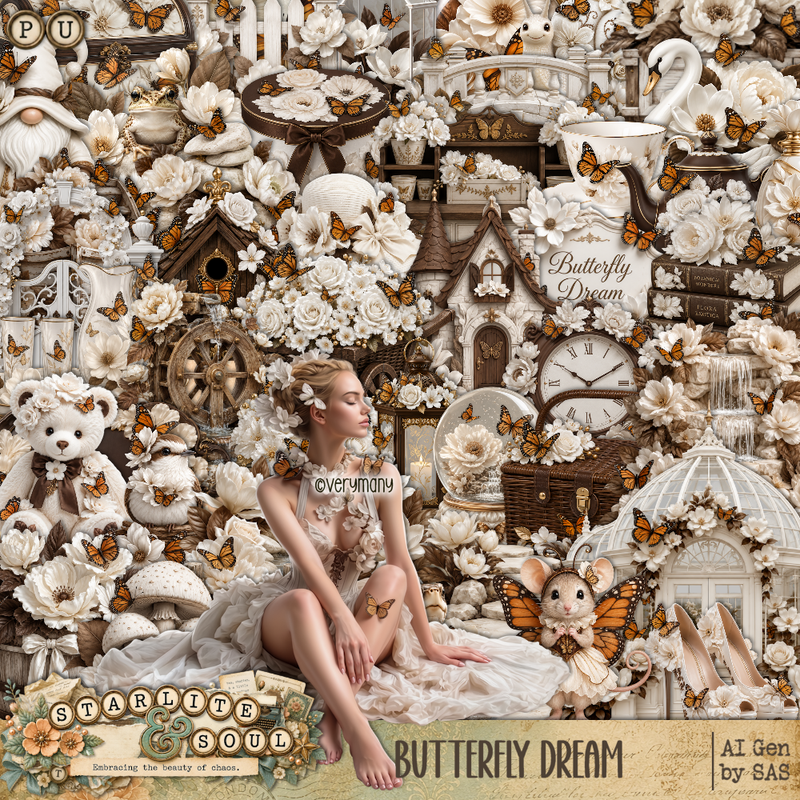
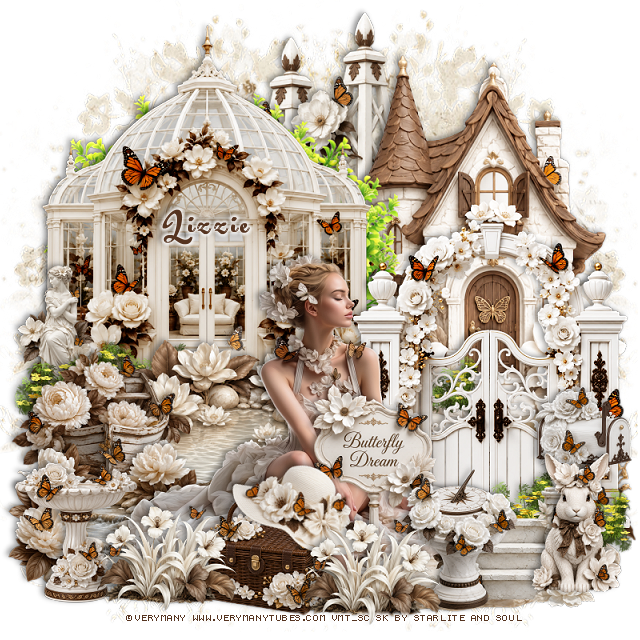
PTU Butterfly Dream


 This tut was written July 4th, 2026 for those with a basic knowledge of psp. 

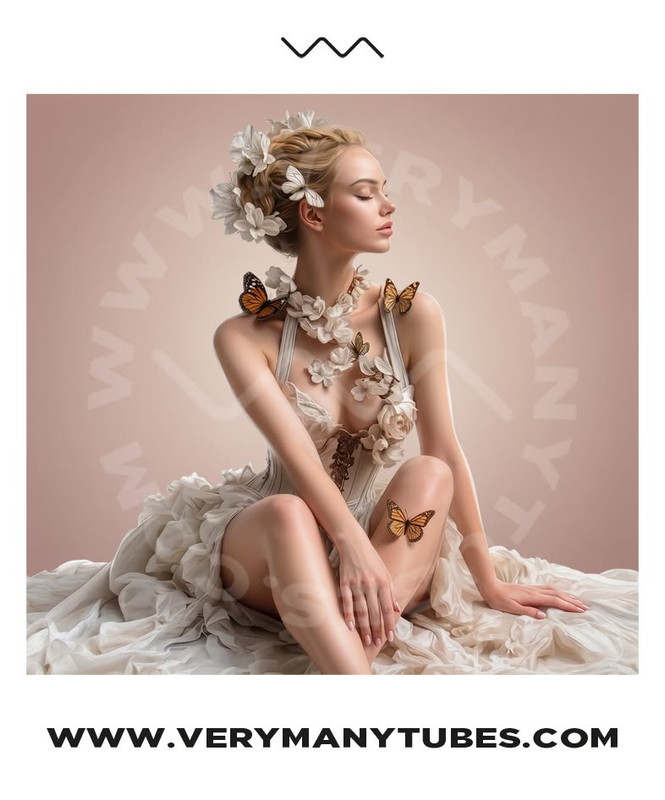
I am using the beautiful tube by © Verymany

Tube is called Butterfly Dream
Tube is NOT included
You need a license to use this tube, please do not use without a license
You can find this tube at Verymany store HERE

I used PSP2020...but any of them should work.
PTU Scrap Butterfly Dream by Starlite and Soul  HERE
You can find all Starlite and Soul kits  HERE 
RD Mask 731 HERE
Check the rest of the blog HERE

Font of choice, I used Acryle Script

Drop shadow as you go is V -2 H 4, 40, 10, or use what you prefer.
Let's get started
*Remember to add your drop shadow as you go along*

Open a new image 800 x 800, paste paper 19, apply your mask, move
to the left, duplicate, mirror.

Resize 60 to 65%, paste on the right, duplicate, change the blend 
mode to Screen, merge down.
Resize 1 to 65%, paste at the left, duplicate, change the blend mode
to Soft Light, merge down.
Resize 63 to 65%, paste at the top below the house, duplicate, move over and
down a little.
Resize 19 to 55%, paste on the bottom right, duplicate, change the blend 
mode to Overlay, merge down.
Resize 130 to 65%, paste between the house and dome building.

Paste 119 at the bottom of the dome building, duplicate, move to the 
bottom right above the gate.
Resize 54 to 30%, paste on the left below the greenery.
Resize 77 to 40%, paste at the bottom of the dome building in front of the doors.
Resize 78 to 33%, paste on the left above the pond.
Resize 24 to 25%, paste at the bottom right below the greenery.
Resize 80 to 35%, paste at the bottom left above the boat.

Resize the tube to 30%, paste at the bottom.

Resize 36 to 23%, paste at the bottom left above the tube.
Resize 18 to 25%, paste on the bottom left.
Resize 67 to 25%, paste at the bottom left above the basket, duplicate, 
move to the right of the basket.
Resize 57 to 30%, paste at the bottom above the tube.
Resize 71 to 75%, paste on the bottom layer at the bottom right.

Resize 25 to 25%, paste at the bottom to the right of the flowers.
Resize 50 to 25%, free rotate to the right at 20, paste on the handle of the basket.
Resize 52 to 25%, paste on the bottom right.
Resize 56 to 30%, paste below the rabbit and sun dial.

Add any other elements that you would like, make it your own.
Always readjust your mask and elements how you like them before you
 merge your tag, resize, sharpen.

Crop your tag to be sure no shadows or lines are on the edges.
 Then add your copyright and name.
That's it

Hope you enjoyed doing my tut

Tag for Lizzie  


Tuesday, June 30, 2026

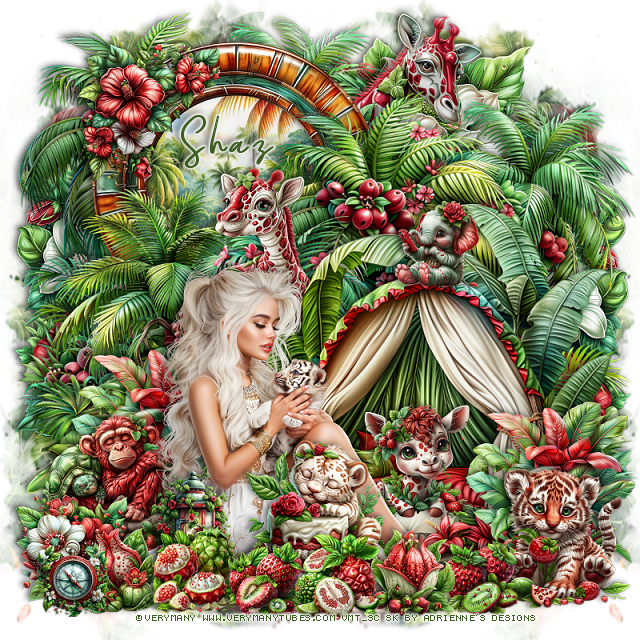
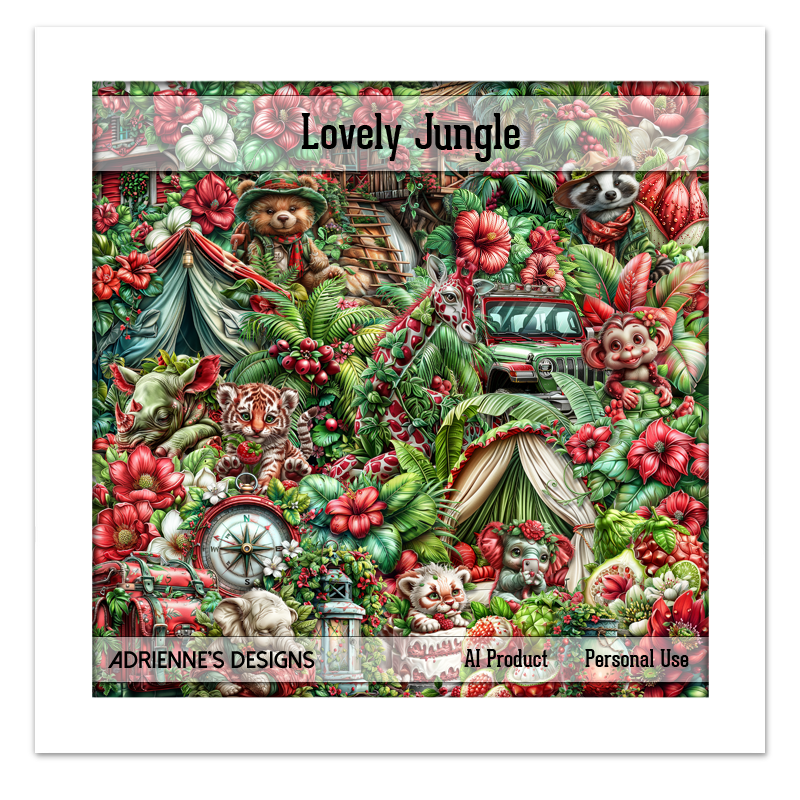
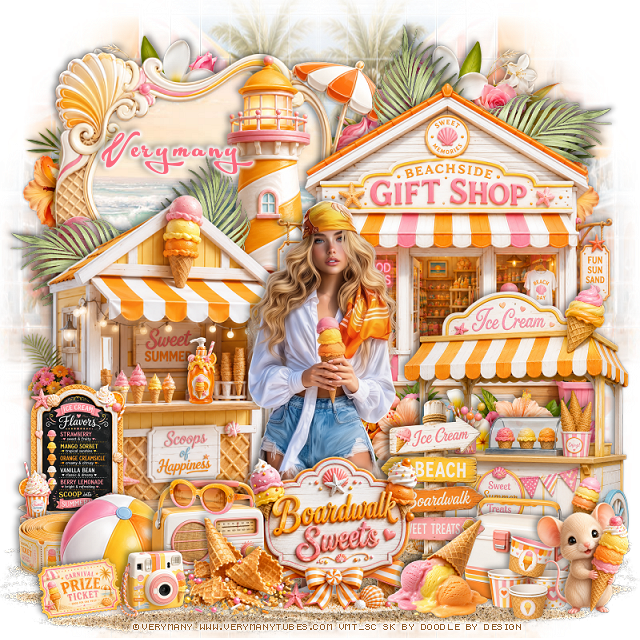
FTU Lovely Jungle


This tut was written June 30th, 2026,  for those with a basic knowledge of psp. 

I am using the beautiful tube ©Verymany 
Tube is called Little Tiger
You need a license to use this tube, please do not use without a license.
You can find the tube at their store HERE

I used PSP2020...but any of them should work.
FTU Scrap Lovely Jungle by Adrienne's Designs  HERE
You can find all her kits on her blog  HERE
Mask of choice, I used Miz Teeques 386 HERE 
Check the blog out HERE

Font of choice I used Gloriant

 Drop shadow as you go is V -2 H 4, 40, 10, or use what you prefer.
Let's get started

*Remember to add your drop shadow as you go along* 

Open a new image  800 x 800, paste paper 5, apply your mask, 
move to the right, duplicate, mirror, adjust erase a little off the bottom.

Resize 46 to 70%, paste on the upper right.
Resize 70 to 65%, paste on the bottom right.
Resize 47 to 65%, paste on the bottom left.
Resize 49 to 30%, paste on the bottom right, duplicate, move to the left.
Resize frame 3 to 50%, paste at the upper left, below all the plants, click inside,
resize paper 6 to 40%, paste below the frame, invert, delete.
Resize the right palm plant to the top left behind the frame.
Resize 130 to 20%, paste on the tent bed.
Resize 42 to 25%, paste on the upper left on the frame.
Resize 27 to 50%, paste on the upper right below the plants.

Resize the tube to 33%, paste at the bottom to the left.

Resize 116 to 25%, paste at the bottom right.
Resize 111 to 27%, paste at the bottom above the tube.
Resize 28 to 20%, paste on the bottom left below the tube.
Resize 12 to 15%, paste at the bottom left above the tube.
Resize 132 to 50%, paste at the upper right below the frame.
Resize 133 to 30%, paste below the tent bed behind the tube.

Resize 108 to 15%, paste at the bottom left.
Resize 104 to 13%, paste at the bottom by the cake.
Resize 103 to 13%, paste on the bottom right by the tiger.
Resize 9 to 15%, paste at the bottom by the cake.
Resize 140 to 25%, paste on the left below the tube.
Resize 138 to 25%, paste on the left below the flower behind the tube.
Resize 82 to 20%, paste at the bottom below the fruits.
Resize 118 to 15%, paste on top of the tent bed.
Resize 88 to 13%, paste at the bottom left.
Resize 107 to 15%, paste at the bottom above the cake.
Resize 18 to 50%, paste on the right above the mask layer, duplicate, 
mirror, adjust to your liking.

Add any other elements that you would like, make it your own.
Always readjust your mask and elements how you like them before you
 merge your tag, resize, sharpen.

Crop your tag to be sure no shadows or lines are on the edges.
 Then add your copyright and name.
That's it

             Hope you enjoyed doing my tut