Showing posts with label Unicorn. Show all posts

Wednesday, June 24, 2026

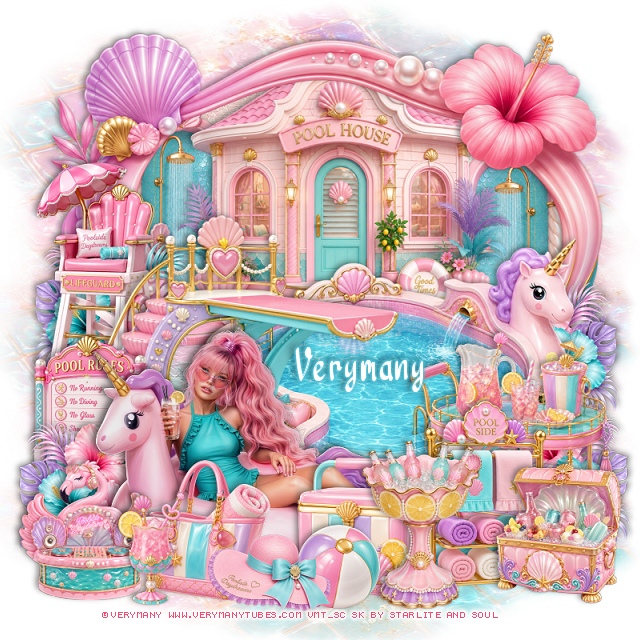
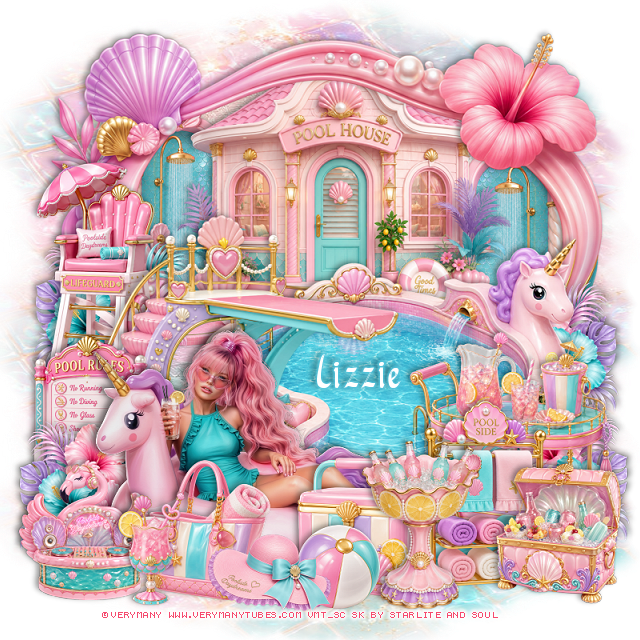
PTU Poolside Daydreams


 This tut was written June 24th, 2026 for those with a basic knowledge of psp. 

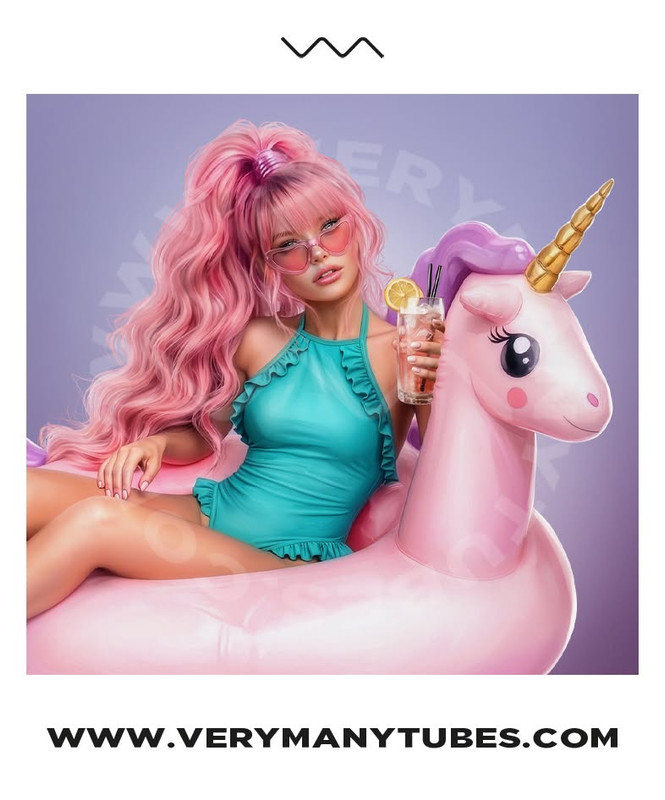
I am using the beautiful tube by © Verymany

Tube is called Unicorn Chill
Tube is NOT included
You need a license to use this tube, please do not use without a license
You can find this tube at Verymany store HERE

I used PSP2020...but any of them should work.
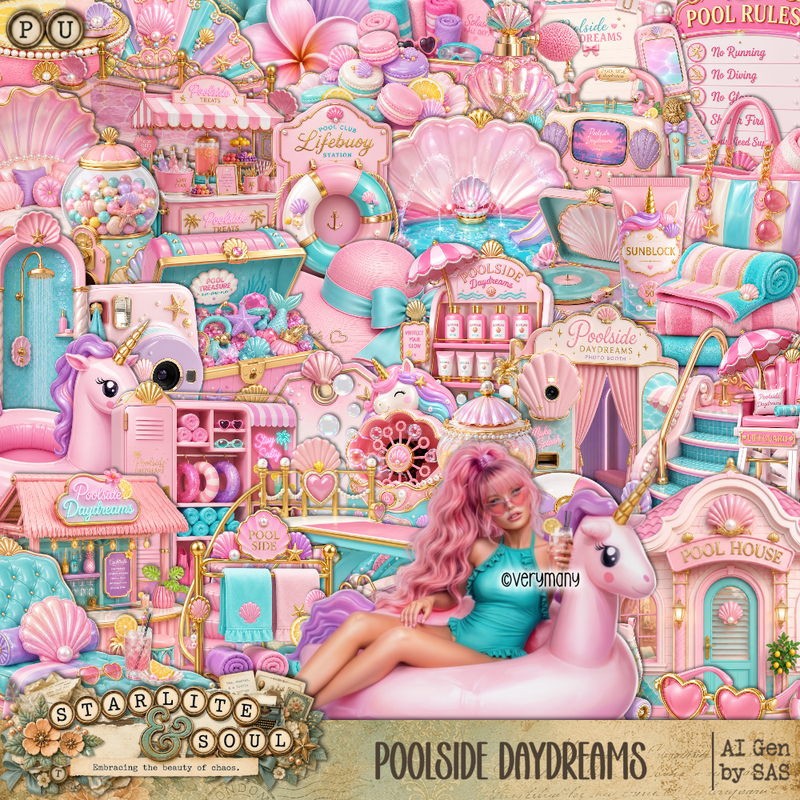
PTU Scrap Poolside Daydreams by Starlite and Soul  HERE
You can find all Starlite and Soul kits  HERE 
Lori's PSP Graphics Mask 922 HERE
Check the rest of the blog HERE

Font of choice, I used River Water

Drop shadow as you go is V -2 H 4, 40, 10, or use what you prefer.
Let's get started
*Remember to add your drop shadow as you go along*

Open a new image 800 x 800, paste paper 13, apply your mask.

Paste frame 3, click inside, paste paper 15, invert, delete.
Resize 1 to 60%, paste at the top below the frame.
Resize 49 to 45%, paste on the left below the pool house, duplicate, mirror.
Resize 47 to 70%, paste above the frame to the left and down.
Resize 55 to 55%, paste on the left above the pool.
Resize 50 to 45%, paste on the left below the stairs.
Resize 153 to 28%, paste on the bottom left above the stairs, duplicate, mirror,
duplicate again, move up on the right below the pool, duplicate again, 
mirror, adjust behind the lifeguard stand.

Resize the tube to 25%, mirror, paste at the bottom left.

Resize 88 to 25%, paste on the left below the flowers.
Resize 21 to 40%, paste at the bottom right.
Resize 48 to 35%, paste at the bottom right.
Resize 66 to 25%, paste at the bottom left above the tube.
Resize 70 to 30%, paste at the bottom above the towels on the rack.
Resize 16 to 25%, paste at the bottom below the stand with the drinks.
Resize 9 to 15%, paste at the bottom above the chest.
Resize 85 to 22%, paste at the bottom above the ball.
Resize 92 to 20%, paste at the bottom left.
Resize 6 to 25%, paste at the bottom below the hat and drink.
Resize 68 to 25%, paste at the bottom right.

Add any other elements that you would like, make it your own.
Always readjust your mask and elements how you like them before you
 merge your tag, resize, sharpen.

Crop your tag to be sure no shadows or lines are on the edges.
 Then add your copyright and name.
That's it

Hope you enjoyed doing my tut

Tag for Lizzie  


Monday, May 27, 2024

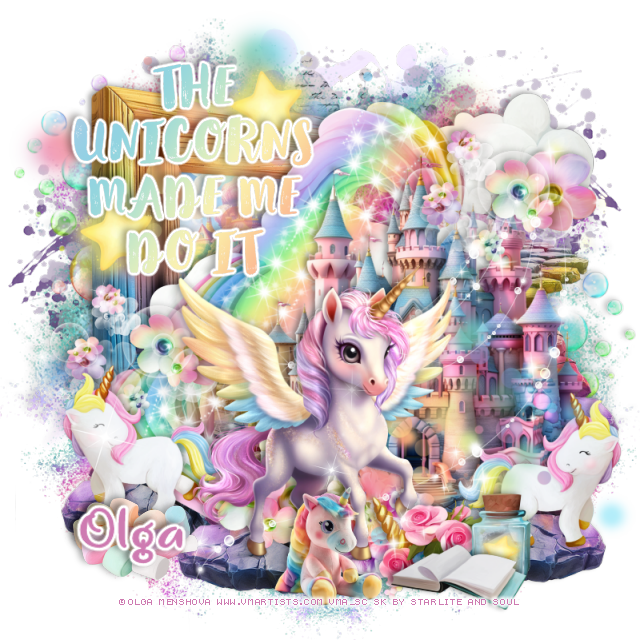
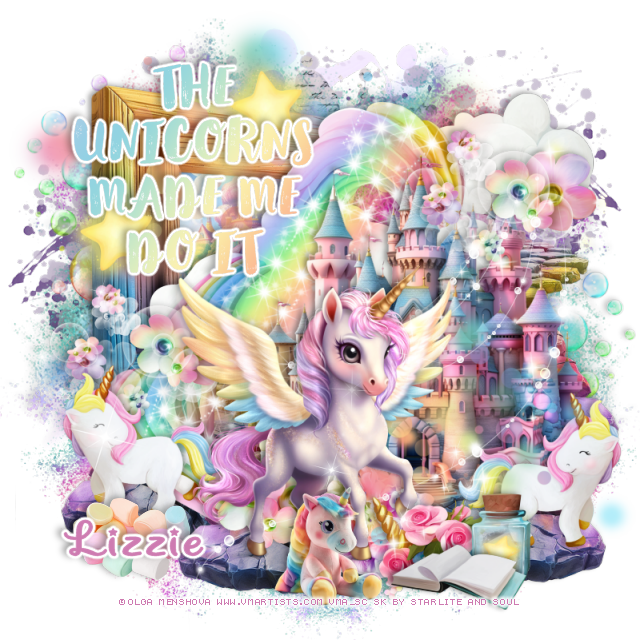
PTU Unicorn


 This tut was written May 27th, 2024 for those with a basic knowledge of psp. 

I am using the Adorable  tube by © Olga Menshova

Tube is called Unicorn
You need a license to use this tube, please do not use without a license
You can find this tube at VMA HERE

I used PSP2020...but any of them should work.
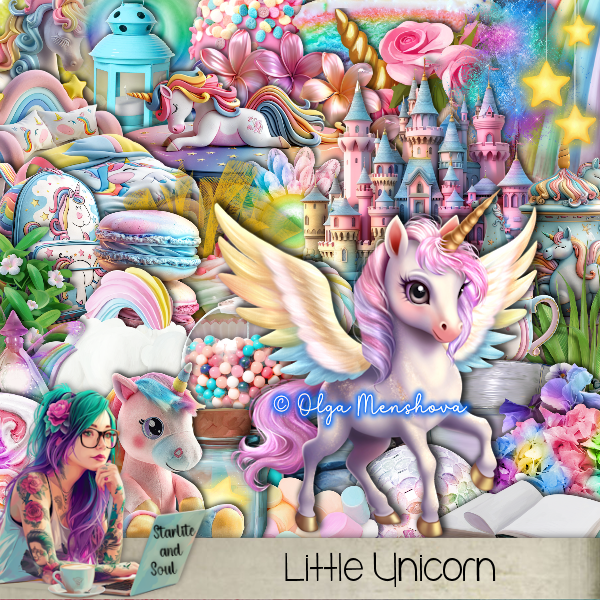
PTU Scrap Little Unicorn by Starlite and Soul  HERE
You can find all Starlite and Soul kits  HERE
 
Font of choice, I used Unicorn Giggles

Drop shadow as you go is V -2 H 4, 40, 10, or use what you prefer.
Let's get started
*Remember to add your drop shadow as you go along*

Open a new image 800 x 800

Paste element 38 on the upper left.
Resize element 12 to 75%, paste above the rainbow.
Resize frame 8 to 60%, paste at the upper left below the rainbow, click inside
with the magic wand, resize paper 4 to 60%, move how you like, invert,
delete, select none.
Resize element 38 to 115%, paste below the frame at the upper left,
duplicate, mirror, erase any of the trunk showing at the bottom.
Mirror element 32, free rotate to the right at 15, paste on the rainbow.

Resize your tube to 20%, paste to the left.

Resize element 119 to 30%, paste at the bottom below the unicorn.
Resize element 109 to 25%, paste at the bottom below the unicorn.
Resize element 120 to 40%, paste below the unicorn on the rainbow, duplicate,
move to the upper right above the castle.
Resize element 9 to 50%, paste on the right below the castle, duplicate, move
over and down more, duplicate again, move over, duplicate once more, mirror,
move to the left below the frame layer, adjust all to your liking.
Rotate element 28 to the left at 90, paste below the stone path to the left,
duplicate, mirror.

Resize element 6 to 25%, paste at the bottom above the unicorn.
Resize element 36 to 50%, paste at the upper right below the rainbow.
Resize element 53 to 30%, paste at the bottom by the stuff unicorn.
Resize element 14 to 30%, paste at the bottom by the flowers.
Resize element 17 to 25%, paste at the top on the frame, duplicate, move 
to the left and down more.
Resize element 15 to 20%, paste at the bottom behind the book.
Resize element 64 to 40%, paste on the right above the castle,
duplicate, mirror.
Paste element 176 at the top being on the bottom layer, duplicate, mirror,
move down on the left.
Paste element 175 on the frame at the upper left, duplicate, resize to 75%, 
paste at the bottom right below the unicorn tube.
Paste element 165 at the bottom being on the top layer.
Paste element 171 on the right.
Paste element 178 below the unicorn.
Resize element 164 to 65%, paste at the upper left below the paper layer
of the frame, duplicate, move to the right and down.
Resize element 18 to 30%, paste at the bottom left.
Resize the wordart to 40%, add a fat white gradient glow.

Add any other elements that you would like, make it your own.
Always readjust your mask and elements how you like them before you
 merge your tag, resize, sharpen.

Crop your tag to be sure no shadows or lines are on the edges.
 Then add your copyright and name.
That's it

Hope you enjoyed doing my tut

Tag for Lizzie


Tuesday, February 20, 2024

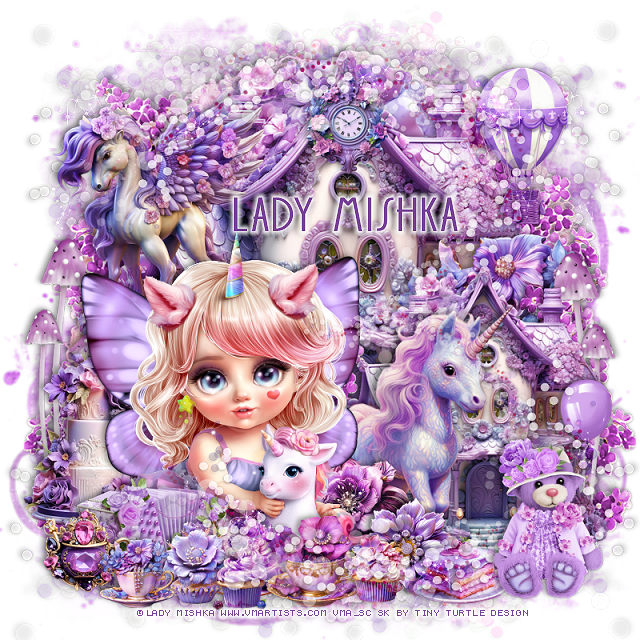
PTU Fantasy Love


 This tut was written February 20th, 2024 for those with a basic knowledge of psp. 

I am using the awesome tube by © Lady Mishka

The tube is called Lyalya with Unicorn
You need a license to use this tube, please do not use without a license.
You can find the tube at VMA HERE

I used PSP2020...but any of them should work.
PTU Scrap Fantasy Love by Tiny Turtle Designs  HERE 
"Tube is NOT included"
You can find all Tiny Turtle Designs kits HERE
Mask of choice, I uses RD Mask 719 HERE
Check out the rest of the blog HERE 

Font of choice, I used DK Soerabaja

Drop shadow as you go is V -2 H 4, 50, 10, or use what you prefer.
Let's get started
*Remember to add your drop shadow as you go along*

Open a new image 800 x 800, paste paper 8, apply your mask.

Paste element 135 at the top, duplicate, flip, move below the top one.
Paste element 125 at the top, duplicate, resize to 65%, move to the
bottom right.
Resize element 26 to 55%, paste between the houses, erase the handle.
Paste element 44 behind the little house on the right, duplicate, move to 
the top behind the big house, duplicate, mirror, duplicate, move down 
on the left.

Resize the tube to 25%, paste at the bottom left, being on the top layer.
Resize element 95 to 30%, paste at the bottom left.
Resize element 14 to 40%, paste at the upper left behind the tube.
Resize element 130 to 60%, paste on the right behind the tube.
Resize element 8 to 30%, paste at the bottom above the unicorn.
Resize element 25 to 25%, paste at the bottom.
Resize element 124 to 50%, paste on the left behind the tube.
Resize element 78 to 30%, paste at the upper right.
Resize element 9 to 25%, paste at the bottom left.

Resize element 2 and 5 to 25%, paste at the bottom above the tube.
Resize element 24 and 26 to 20%, paste at the bottom left.
Resize element 23 to 25%, paste on the top house.
Resize element 94 to 35%, paste at the bottom right.
Resize element 89 to 35%, paste on the right behind the bear.
Resize element 128 and 129 to 15%, paste at the bottom.

Resize element 34 to 75%, paste on the left behind the cake, duplicate,
mirror, move below the little house.
Resize element 6 to 25%, paste at the bottom right.
Paste element 149 on the bottom layer at the bottom left, duplicate, mirror,
duplicate both, flip, move to the top.
Paste element 148 at the bottom, mirror, move below the bear,
duplicate, flip, move where you like, erase a little if needed.

Add any other elements you would like, resize.
Crop your tag to be sure no shadows or lines are on the edges.
 Then add your copyright and name.
That's it

Hope you enjoyed doing my tut.  

Tag for Laura  


Friday, June 17, 2022

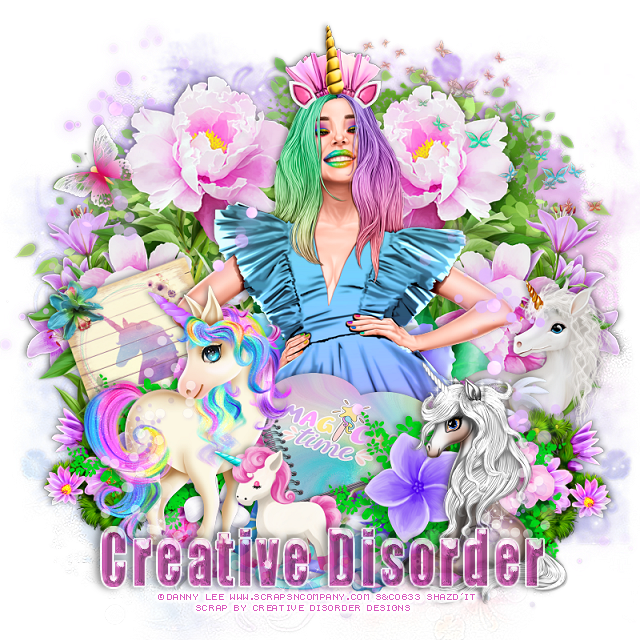
PTU Rainbow Unicorn


 This tut was written June 16th, 2022 for those with a basic knowledge of psp. 

I am using the awesome artwork of Danny Lee
Tube is called Rainbow Unicorn
You need a license to use this tube, do not use without a license.
You can find this tube at S&CO HERE

I used PSP2020...but any of them should work.
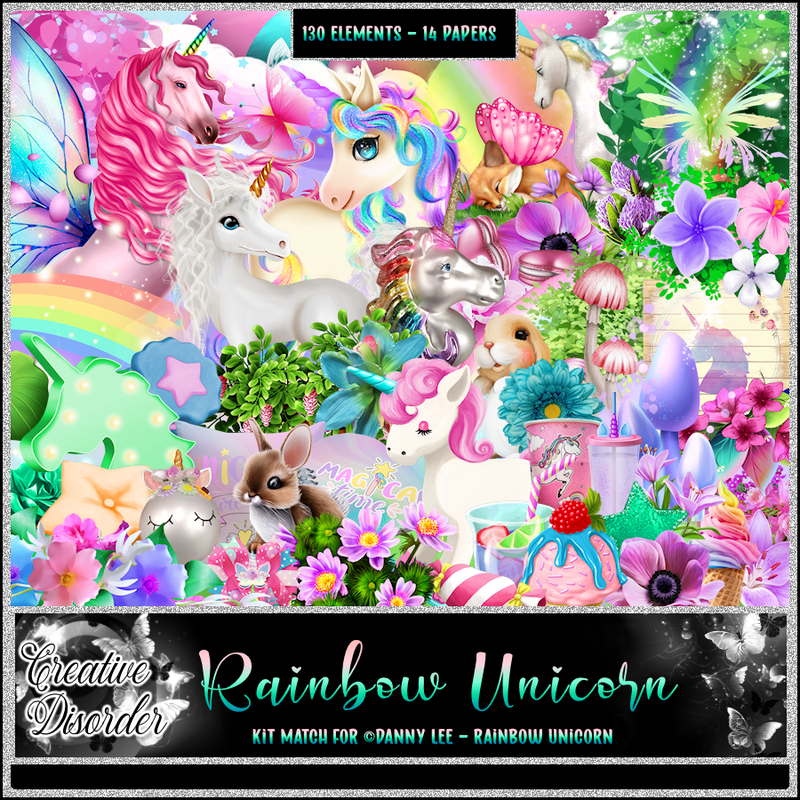
PTU matching kit Rainbow Unicorn by Creative Disorder  HERE
Awesome kit with 130 elements and 14 papers
Check out her blog HERE
Mask of choice, I used Miz Teeques Mask 292 HERE
Check out the rest of the blog HERE

Font of choice, I used Impact

Drop shadow is V -1 H -4, 40, 10, or use what you prefer.
Let's get started
*Remember to add your drop shadow as you go along*

Open a new image 800 x 800, select all, paste paper 11 into selections, apply your mask, 
delete, merge group.

Resize element 74 to 80%, paste on the left, duplicate, mirror.
Resize your tube to 55%, paste center above the flowers.
Resize element 26 to50%, paste on the left above the tube, duplicate, move to 
the right and down more.
Resize element 39 to 35%, paste between the flowers.
Paste element 81 on the mask layer at the right, duplicate, mirror, move
down a little on the left.

Resize element 28 to 30%, free rotate to the left at 20 degrees, paste below the tube
on the left.
Resize element 4 to 40%, paste at the lower left being on the top layer.
Resize element 5 to 30%, paste at the bottom by the other unicorn.
Resize element 6 to 40%, mirror, paste on the right below the tube.
Resize element 46 to 50%, paste at the lower left below the flowers, duplicate,
mirror.

Resize element 13 to 40%, paste at the lower right being on the top layer.
Resize element 70 to 55%, paste at the upper right.
Resize element 15 to 55%, paste behind the tube and up a little, duplicate, move
down to the bottom.
Resize element 25 to 20%, paste at the bottom.

Resize element 44 to 40%, paste on the left below the green element, duplicate,
mirror.
Resize element 123 to 60%, paste on the upper left being on top, duplicate, mirror, 
move down on the right.
Resize element 91 to 20%, paste at the upper left.
Resize element 18 to 15%, paste on the left on the sign.
Paste element 116 at the bottom.

Add any other elements that you would like, make it your own.
Always readjust your mask and elements how you like them before you
 merge your tag, resize, sharpen.

Crop your tag to be sure no shadows or lines are on the edges.
 Then add your copyright and name.
That's it

Hope you enjoyed doing my tut.