Showing posts with label Bella Caribena. Show all posts

Wednesday, October 21, 2026

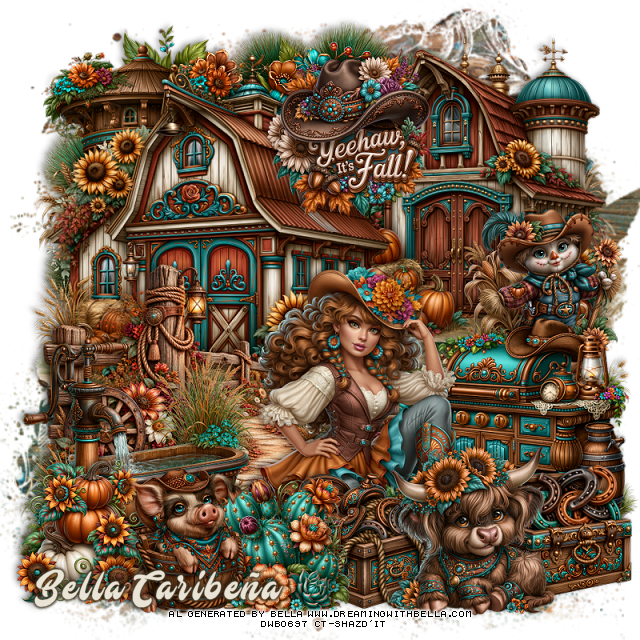
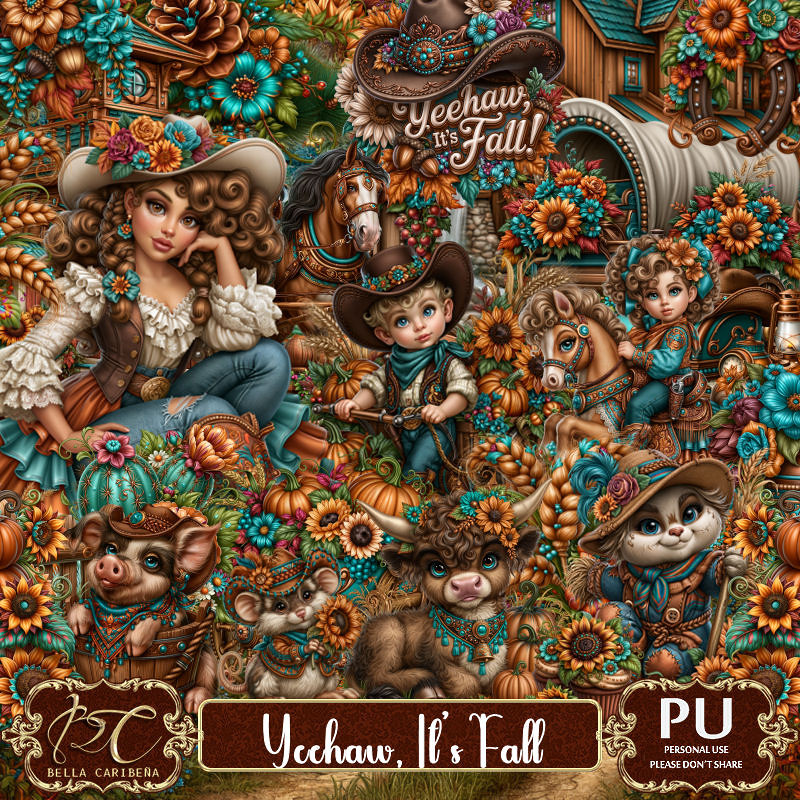
PTU Yeehaw It's Fall


   This tut was written October 20th, 2026,  for those with a basic knowledge of psp. 

Awesome Al kit and tubes by Bella Caribeña
Everything is included in the kit
Read the TOU on how to credit tags

I used PSP2020...but any of them should work.
PTU Scrap Yeehaw Its Fall by Bella Caribeña  HERE
Fall/Wild West Theme
Kit contains 3Al tubes, 107 elements, 20 papers and 3 masks
You can check out the rest of her store HERE 

Font of choice I used Mustardo

 Drop shadow as you go is V -2 H 4, 50, 10, or use what you prefer.
Let's get started
*Remember to add your drop shadow as you go along*

Open a new image 800 x 800, paste mask 3, resize to fit your tag.

Resize 98 to 65%, paste at the upper right.
Resize 97 to 75%, paste on the left.
Resize 7 to 75%, paste above the barn on the bottom left.
Paste 85 at the upper left below the barns.
Resize 78 to 50%, paste at the upper left above the tree.

Resize 1 to 55%, paste at the bottom.

Resize 20 to 35%, paste on the right below the tube.
Resize 83 to 45%, paste on the right below the tube.
Resize 73 to 40%, paste at the bottom left.
Resize 71 to 30%, mirror, paste at the bottom by the tub.
Resize 58 to 35%, paste at the bottom right above the tube.
Resize 100 to 30%, paste on the bottom right below the bull.
Resize 101 to 30%, paste below the bull to the left.

Resize 30 to 30%, paste on the bottom left below the pig.
Resize 15 to 30%, paste at the bottom by the pig and saddle box, moving
the pig above the cactus.
Resize 36 to 35%, paste at the top.

Add any other elements you would like, resize.
Crop your tag to be sure no shadows or lines are on the edges.
 Then add your copyright and name.
That's it

            Hope you enjoyed doing my tut          

Sunday, October 18, 2026

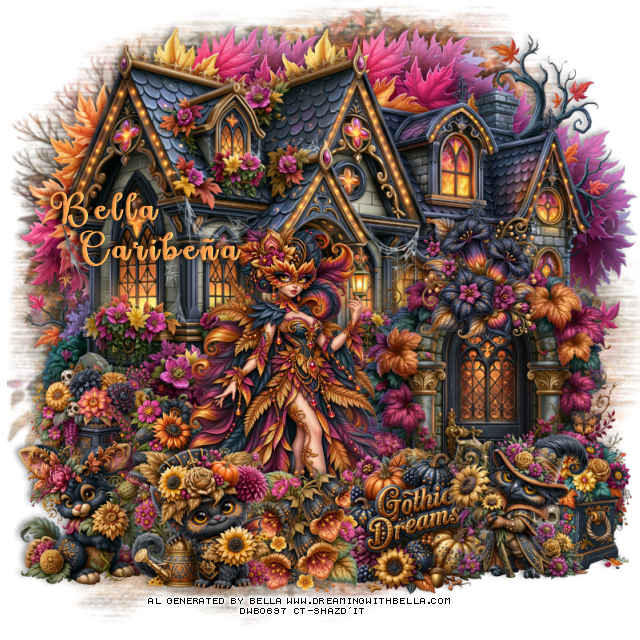
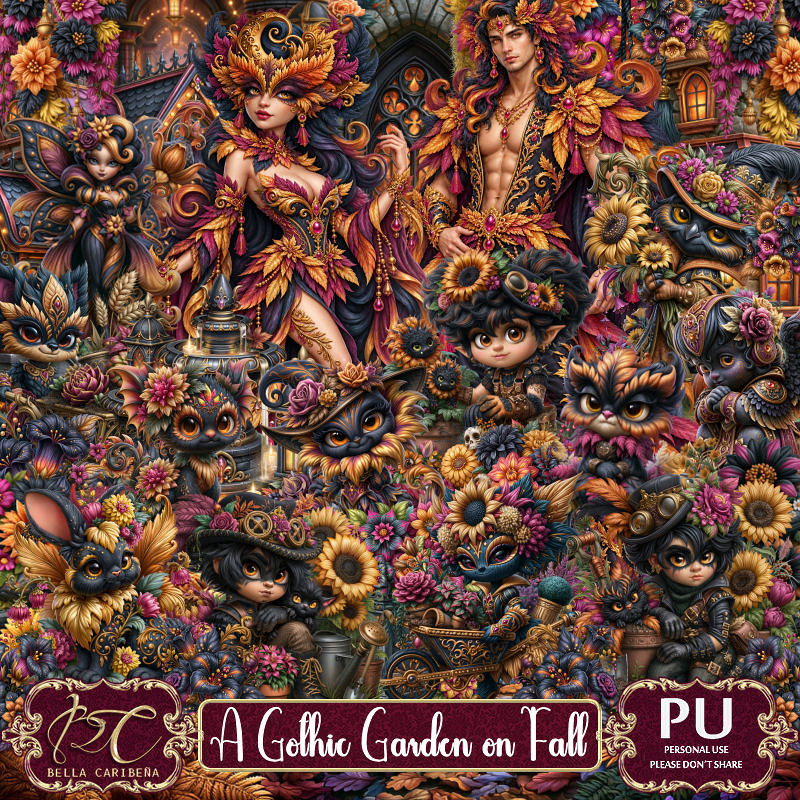
PTU A Gothic Garden On Fall

  This tut was written October 18th, 2026,  for those with a basic knowledge of psp. 

Awesome Al kit and tubes by Bella Caribeña
Everything is included in the kit
Read the TOU on how to credit tags

I used PSP2020...but any of them should work.
PTU Scrap A Gothic Garden On Fall by Bella Caribeña  HERE
Gothic/Fantasy Theme
Kit contains 4 Al tubes, 148 elements, 17 papers and 3 masks
You can check out the rest of her store HERE 

Font of choice I used Love Vale

 Drop shadow as you go is V -2 H 4, 50, 10, or use what you prefer.
Let's get started
*Remember to add your drop shadow as you go along*

Open a new image 800 x 800, paste mask 3, resize to fit your tag.

Resize 28 to 75%, paste on the upper right.
Resize 25 to 85%, paste at the upper left.
Resize 112 to 60%, paste at the bottom to the right.
Resize 9 to 30%, paste on the bottom left above the house.
Resize 115 to 85%, paste at the top below the houses on the right,
duplicate, move to the left and below the tree.

Resize 10 to 30%, paste on the bottom right above the door.
Resize tube 3 to 20%, paste to the left of the door.
Resize 21 to 30%, paste on the left below the tube.
Resize 49 to 30%, mirror, paste on the bottom right above the planter.
Resize 68 to 30%, paste on the bottom left.
Resize 86 to 30%, paste at the bottom above the tube.
Resize 145 to 30%, paste at the bottom.
Resize 84 to 25%, paste at the bottom below the animal.
Resize 47 to 25%, paste on top of the door.

Add any other elements you would like, resize.
Crop your tag to be sure no shadows or lines are on the edges.
 Then add your copyright and name.
That's it

            Hope you enjoyed doing my tut          
Friday, October 16, 2026

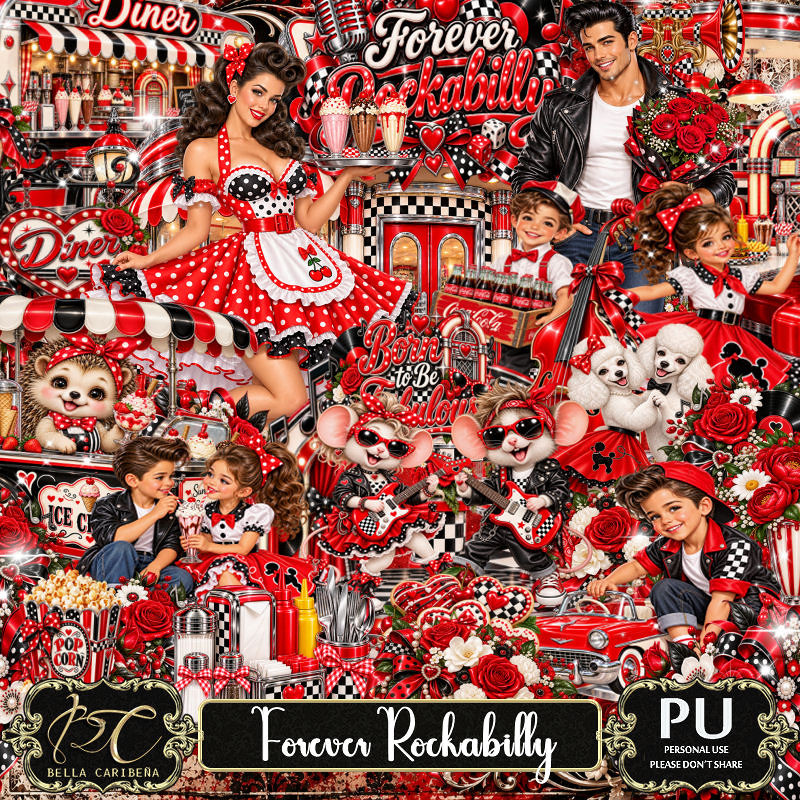
PTU Forever Rockabilly


You can also get matching tubes 

  This tut was written October 16th, 2026,  for those with a basic knowledge of psp. 

Awesome Al kit and tubes by Bella Caribeña
Everything is included in the kit
Read the TOU on how to credit tags

I used PSP2020...but any of them should work.
PTU Scrap Forever Rockabilly by Bella Caribeña  HERE
Rockabilly Theme
Kit contains 7 Al tubes, 90 elements, 17 papers and 2 masks
You can check out the rest of her store HERE 

Font of choice I used Love Vale

 Drop shadow as you go is V -2 H 4, 50, 10, or use what you prefer.
Let's get started
*Remember to add your drop shadow as you go along*

Open a new image 800 x 800, paste 6, resize to fit your tag.

Resize 85 to 90%, paste at the top.
Resize 63 to 90%, paste at the bottom.
Resize 23 to 65%, paste at the upper left below the diner.
Resize 65 to 65%, paste on the upper right below the diner.
Resize 3 to 45%, mirror, paste on the right below the walkway.
Resize 61 to 50%, paste on the bottom right above the walkway.
Resize tube 4 to 20%, paste below the table and chairs on the right.

Resize 34 to 30%, paste at the bottom above the table.
Resize tube 3 to 25%, paste at the bottom.
Resize 29 to 40%, paste at the bottom left.
Resize 35 to 20%, paste at the bottom left.
Resize 45 to 20%, paste on the light post on the left.
Paste 16 below the tubes where you like.
Resize 90 to 20%, paste at the bottom above the tubes.
Resize 28 to 20%, paste at the bottom.

Add any other elements you would like, resize.
Crop your tag to be sure no shadows or lines are on the edges.
 Then add your copyright and name.
That's it

            Hope you enjoyed doing my tut         
Monday, October 12, 2026

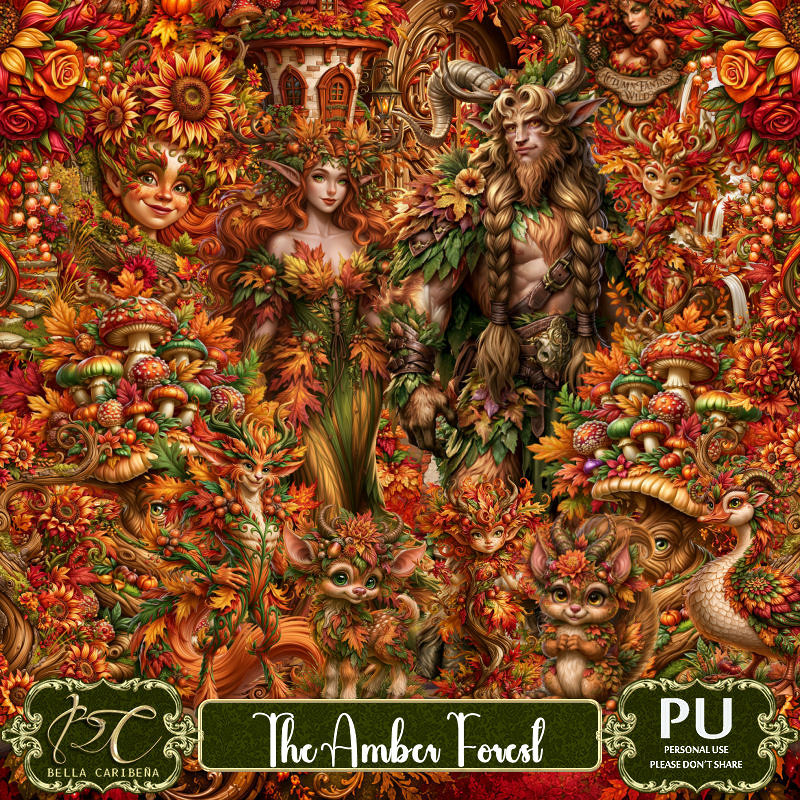
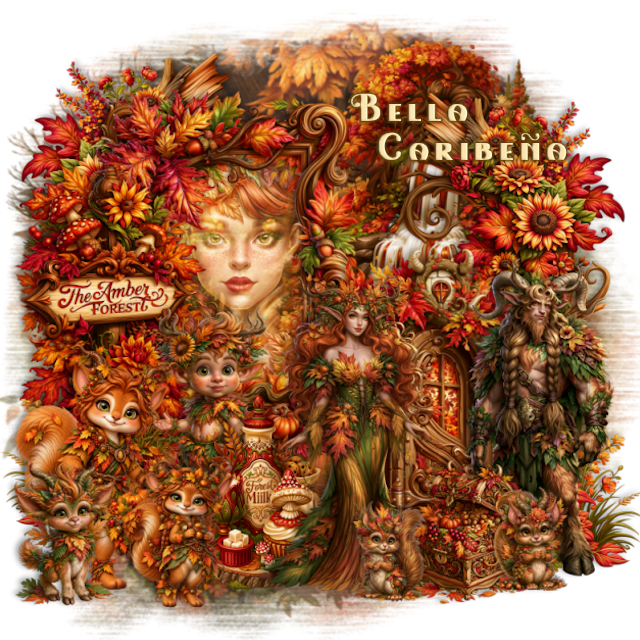
PTU The Amber Forest

 This tut was written October 12th, 2026,  for those with a basic knowledge of psp. 

Awesome Al kit and tubes by Bella Caribeña
Everything is included in the kit
Read the TOU on how to credit tags

I used PSP2020...but any of them should work.
PTU Scrap The Amber Forest by Bella Caribeña  HERE
Fantasy/Autumn Theme
Kit contains 3 Al tubes, 115 elements, 20 papers and 3 masks
You can check out the rest of her store HERE 

Font of choice I used Love Fairy

 Drop shadow as you go is V -2 H 4, 50, 10, or use what you prefer.
Let's get started
*Remember to add your drop shadow as you go along*

Open a new image 800 x 800, resize 87 to 115%, paste.

Resize 46 to 75%, paste on the upper left, click inside, paste
64, invert, delete.
Change the blend mode to Screen.
Resize 108 to 75%, paste at the right.
Resize 62 to 60%, paste on the left above the frame.

Resize tube 2 and 3 to 20%, paste above the door.

Resize 1 to 50%, paste on the bottom left.
Resize 109 to 85%, paste at the upper right below the frame.
Resize 4 to 10%, paste below the lady tube and the fox.
Paste 9 on the right below the door, duplicate, mirror, adjust on the 
left below the frame.
Resize 112 to 30%, paste at the bottom by the tubes.
Resize 27 and 28 to 20%, paste at the bottom by the chest.
Resize 114 to 30%, paste at the bottom to the left by the cart.
Resize 16 to 30%, paste on the bottom left.
Resize 67 to 40%, paste on the left below the milk element.

Add any other elements you would like, resize.
Crop your tag to be sure no shadows or lines are on the edges.
 Then add your copyright and name.
That's it

            Hope you enjoyed doing my tut         

Saturday, October 10, 2026

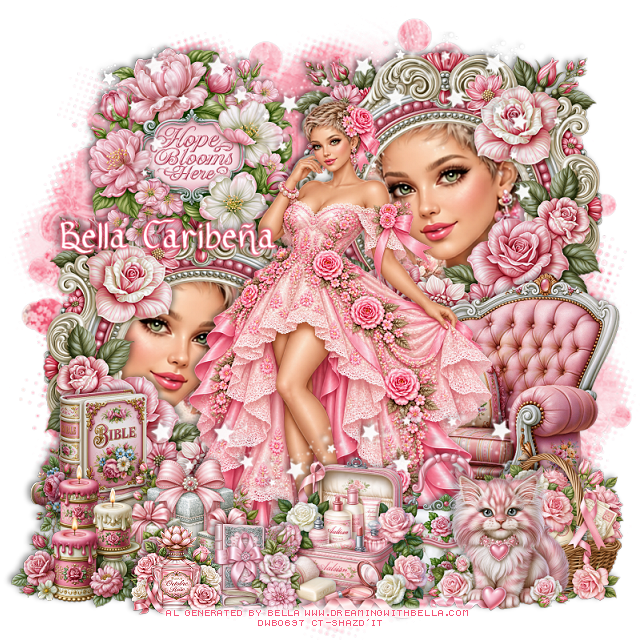
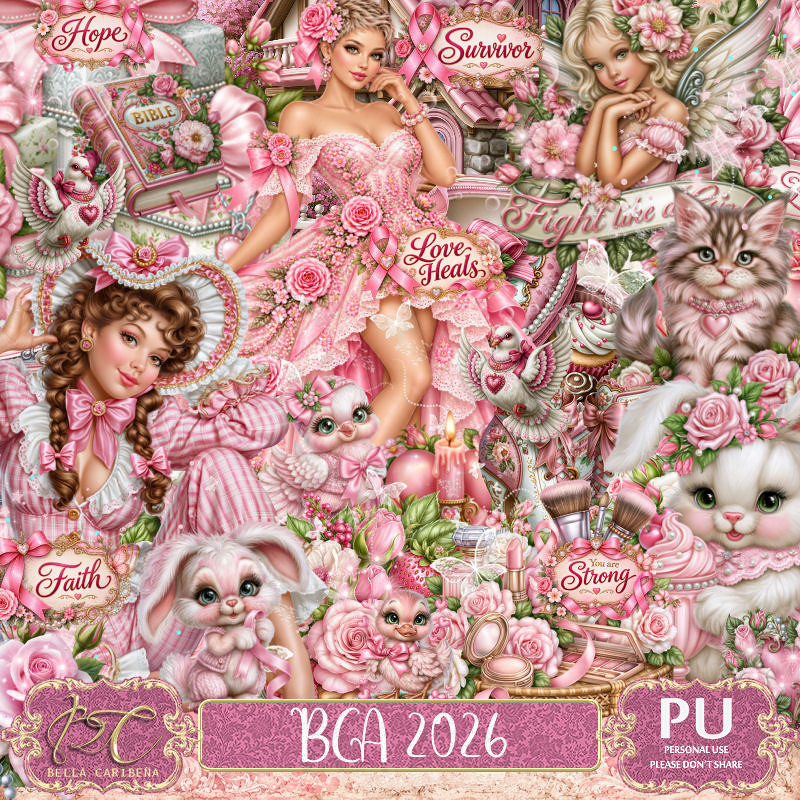
PTU BCA 2026


 This tut was written October 10th, 2026,  for those with a basic knowledge of psp. 

Awesome Al kit and tubes by Bella Caribeña
Everything is included in the kit
Read the TOU on how to credit tags

I used PSP2020...but any of them should work.
PTU Scrap BCA 2026 by Bella Caribeña  HERE
BCA Theme
Kit contains 4 Al tubes, 146 elements, 17 papers and 3 masks
You can check out the rest of her store HERE 

Font of choice I used Ribbon of Hope

 Drop shadow as you go is V -2 H 4, 40, 10, or use what you prefer.
Let's get started
*Remember to add your drop shadow as you go along*

Open a new image 800 x 800, paste mask 3, resize to fit,
change the color to #f78fa5, lower the opacity to 70%.

Resize tube Pink Rose Gown Portrait to 30%, mirror, paste.
Resize 84 to 65%, paste at the upper right below the tube, duplicate, mirror, 
move down on the left, click inside the frames.
Resize tube Pink Rose Gown Portrait to 85%, paste in the bottom left frame, 
duplicate, mirror, move up in the right frame, delete both tubes,
keep selected, add paper 8 below the tubes, delete, select none.

Resize 47 to 60%, paste on the bottom right below the tube.
Resize 97 to 45%, paste on the upper left above the frames.
Resize 83 to 38%, paste at the bottom above the tube.
Resize 66 to 35%, paste at the bottom to the right and below the case.
Resize 78 to 30%, paste at the bottom right.
Resize 54 to 30%, paste at the bottom left.
Resize 52 to 30%, paste on the bottom left.
Resize 85 to 30%, paste at the bottom left below the candles.
Resize 98 to 30%, paste at the bottom right.
Resize 57 and 91 to 20%, paste at the bottom to the left.
Paste 9 below the tube at the top, erase the parts on the face in
the frame, duplicate, move down above the tube.

Add any other elements you would like, resize.
Crop your tag to be sure no shadows or lines are on the edges.
 Then add your copyright and name.
That's it

            Hope you enjoyed doing my tut        
Tuesday, October 6, 2026

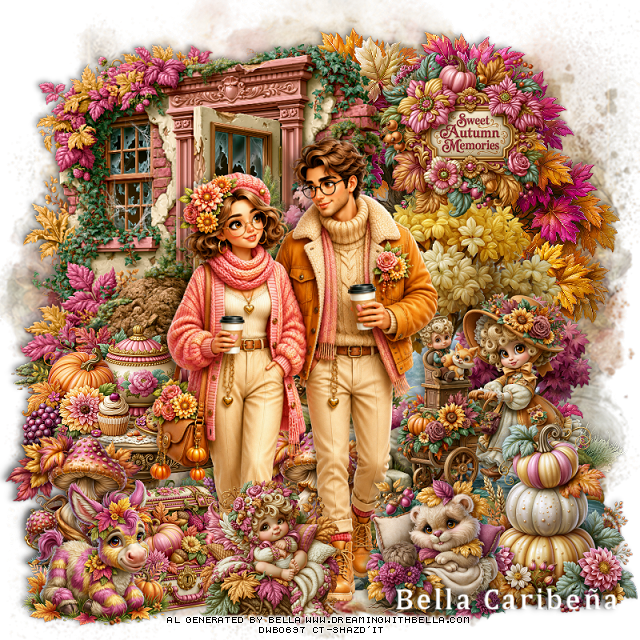
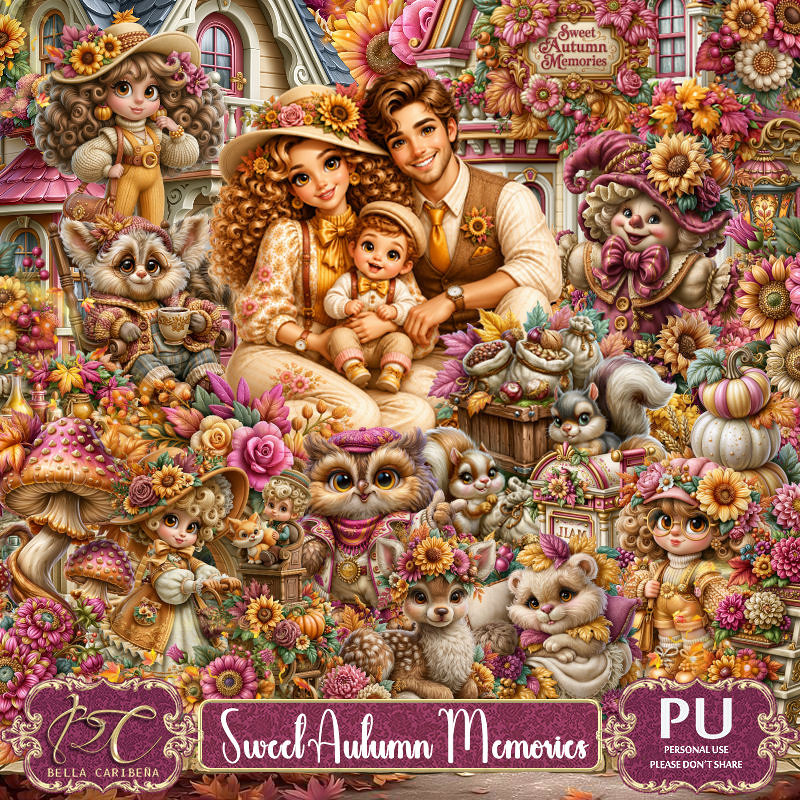
PTU Sweet Autumn Memories


  This tut was written October 6th, 2026,  for those with a basic knowledge of psp. 

Awesome Al kit and tubes by Bella Caribeña
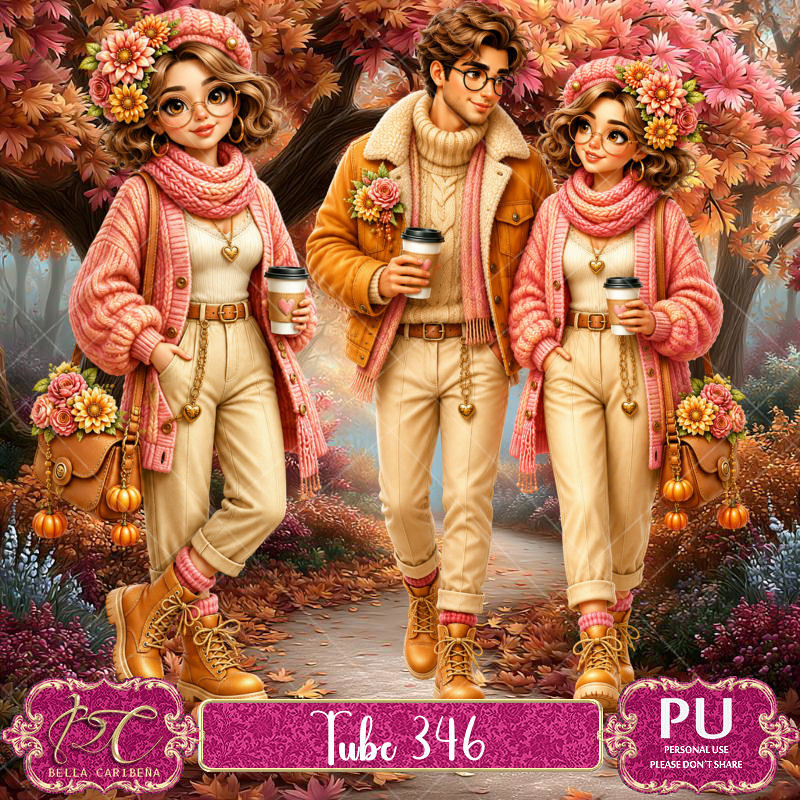
I paired it with a tube form Tube Pack 346, not included
Read the TOU on how to credit tags

I used PSP2020...but any of them should work.
PTU Scrap Sweet Autumn Memories by Bella Caribeña  HERE
Autumn Theme
Kit contains 3 Al tubes, 144 elements, 20 papers and 3 masks
Tube Pack 346 HERE
You can check out the rest of her store HERE 

Font of choice I used Cambria

 Drop shadow as you go is V -2 H 4, 40, 10, or use what you prefer.
Let's get started
*Remember to add your drop shadow as you go along*

Open a new image 800 x 800, paste mask 2, resize to fit.

Paste 27 on the upper right.
Resize 12 to 80%, paste on the upper left.
Resize 20 to 90%, paste on the right.
Resize 16 to 50%, paste on the bottom left.
Resize 26 to 35%, paste at the upper right.

Resize tube pack 2 to 30%, paste on the left.

Resize 5 to 30%, paste at the bottom left.
Resize 29 to 30%, paste at the bottom below the tube, duplicate, move
to the right above the table.
Resize 81 to 40%, paste on the bottom right.
Resize 34 to 30%, paste at the bottom right.
Resize 57 to 30%, paste at the bottom left.
Resize 10 to 30%, paste at the bottom above the tube.
Resize 118 to 40%, paste on the right below the tube and pumpkins.

Add any other elements you would like, resize.
Crop your tag to be sure no shadows or lines are on the edges.
 Then add your copyright and name.
That's it

            Hope you enjoyed doing my tut        

Saturday, October 3, 2026

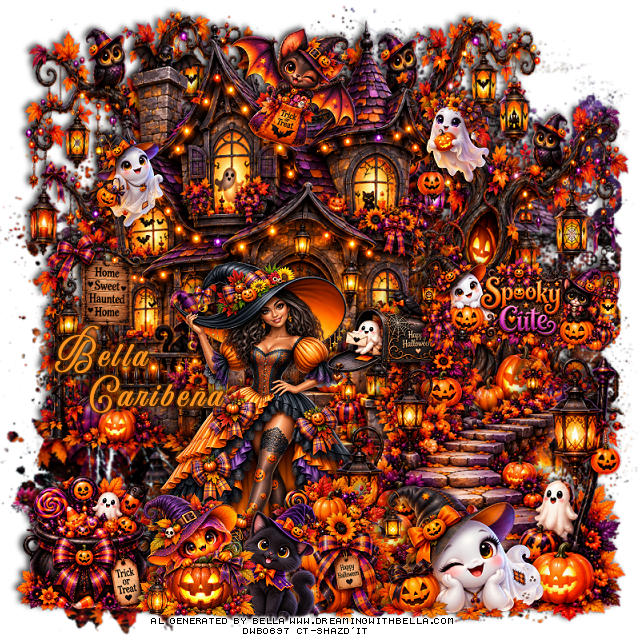
PTU Spooky Cute


  This tut was written October 3rd, 2026,  for those with a basic knowledge of psp. 

Awesome Al kit and tubes by Bella Caribeña
Everything used is in the kit
Read the TOU on how to credit tags

I used PSP2020...but any of them should work.
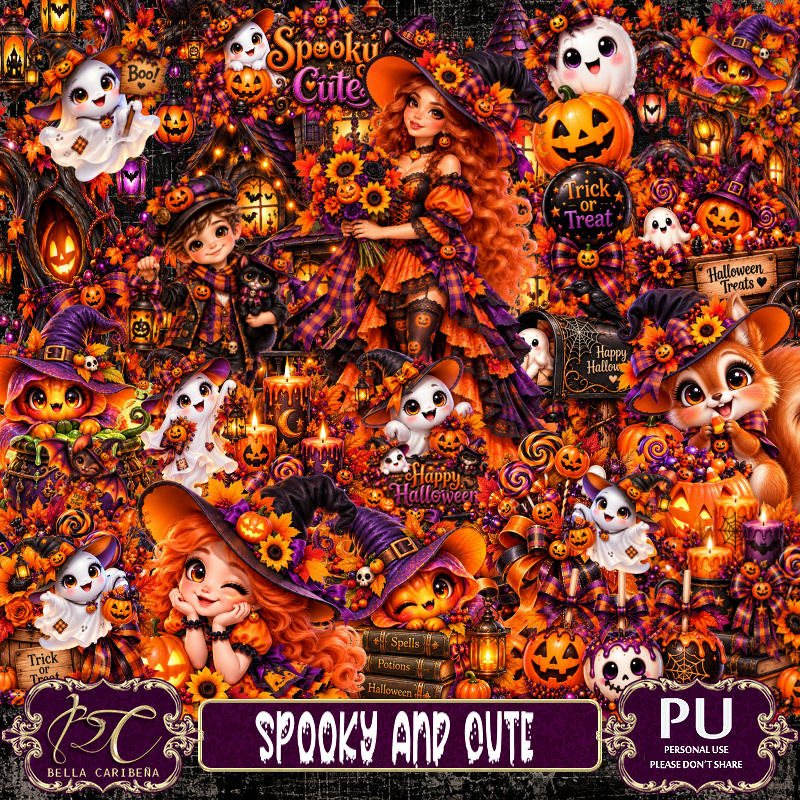
PTU Scrap Spooky and Cute by Bella Caribeña  HERE
Halloween Theme
Kit contains 4 Al tubes, 110 elements, 20 papers and 3 masks
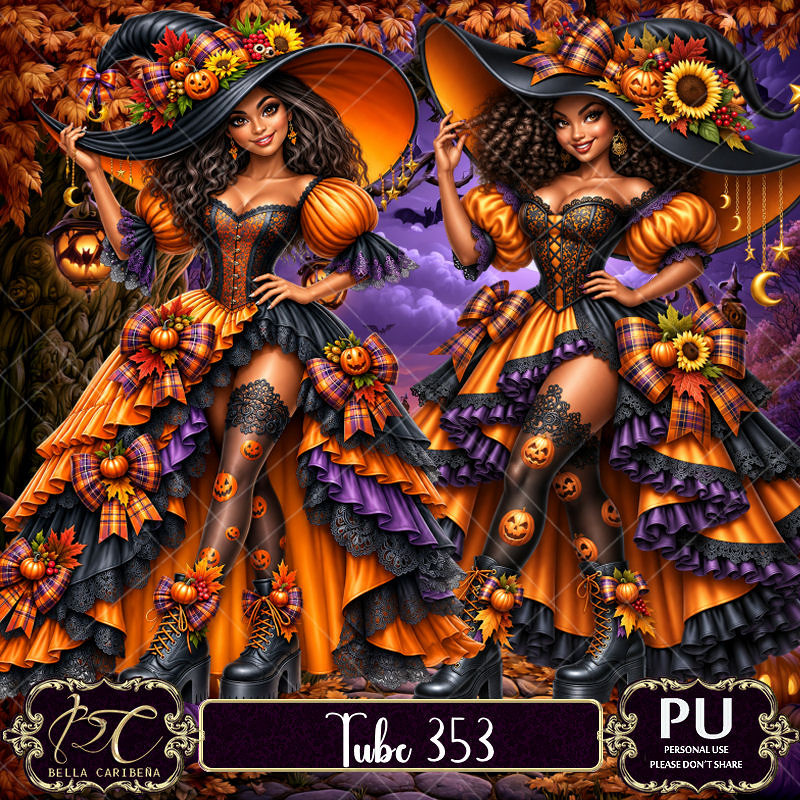
Tube Pack 353 HERE
You can check out the rest of her store HERE 

Font of choice I used Aurethia

 Drop shadow as you go is V -2 H 4, 40, 10, or use what you prefer.
Let's get started
*Remember to add your drop shadow as you go along*

Open a new image 800 x 800, paste mask 2.

Resize 94 to 90%, paste on the upper left.
Resize 86 to 65%, paste on the bottom right above the house.
Resize 84 to 85%, paste below the house on the upper left, duplicate, 
move to the right.
Resize 9 to 20%, paste at the upper right on the house.
Resize 8 to 20%, paste at the upper left on the house.

Resize tube 2 from the pack 353 to 20%, paste below the 
walkway.

Resize 1 to 30%, paste on the right of the tube below the walkway.
Resize 3 to 30%, paste on the bottom left above the tube.
Resize 39 to 40%, paste on the right about half way up.
Resize 69 to 30%, paste at the bottom by the walkway.
Resize 42 to 30%, paste at the bottom right.
Resize 57 to 25%, paste at the top.
Resize 5 to 25%, paste at the bottom by the tube.
Resize 45 to 25%, paste at the bottom by the cat.

Add any other elements you would like, resize.
Crop your tag to be sure no shadows or lines are on the edges.
 Then add your copyright and name.
That's it

            Hope you enjoyed doing my tut        
Sunday, September 27, 2026

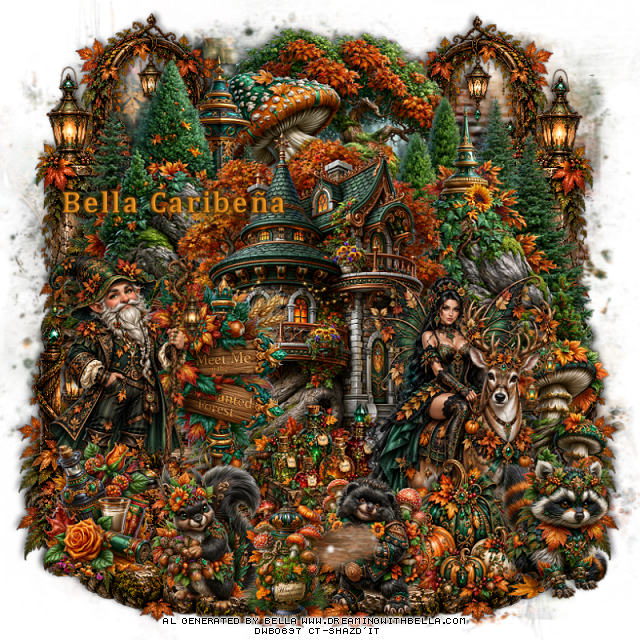
PTU Meet Me On The Forest


  This tut was written September 27th, 2026,  for those with a basic knowledge of psp. 

Awesome Al kit and tubes by Bella Caribeña
Everything used is in the kit
Read the TOU on how to credit tags

I used PSP2020...but any of them should work.
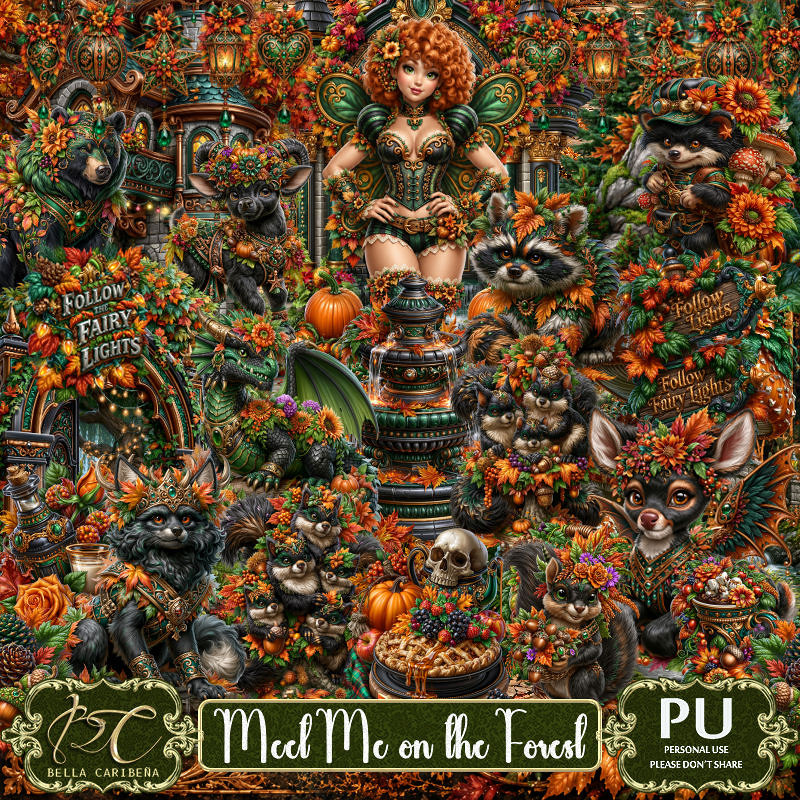
PTU Scrap Meet Me On The Forest by Bella Caribeña  HERE
Autumn/Fairy Theme
Kit contains 4 Al tubes, 172 elements, 17 papers 
You can check out the rest of her store HERE 
RD Mask 674 HERE 
Check the blog out HERE

Font of choice I used Cambria

 Drop shadow as you go is V -2 H 4, 40, 10, or use what you prefer.
Let's get started
*Remember to add your drop shadow as you go along*

Open a new image 800 x 800, paste paper 7, apply your mask.

Resize 67 to 75%, paste at the top.
Resize 73 to 65%, paste on the upper left.
Resize 72 to 65%, mirror, paste on the upper right.
Resize 65 to 75%, paste.
Resize 74 to 40%, paste on the left.
Paste 7 on the upper right being on the bottom layer at the top, 
duplicate, mirror, duplicate the right one, mirror, move
down on the bottom left, duplicate the left one, mirror, move
down on the bottom right.

Resize tube 2 to 20%, paste on the bottom right.
Resize tube 1 to 20%, paste on the left by the sign.
Resize 116 to 40%, paste on the right below the tube.
Resize 5 to 30%, paste at the bottom below the deer.
Resize 129 to 30%, paste at the bottom left above the tube.
Resize 3 to 30%, paste at the bottom above the deer.

Resize 100 to 30%, paste at the bottom right.
Resize 80 to 30%, paste on the bottom left.
Resize 96 to 30%, paste at the bottom above the pumpkins.
Resize 35 to 25%, paste at the bottom.

Add any other elements you would like, resize.
Crop your tag to be sure no shadows or lines are on the edges.
 Then add your copyright and name.
That's it

            Hope you enjoyed doing my tut