Showing posts with label Spa. Show all posts

Monday, June 8, 2026

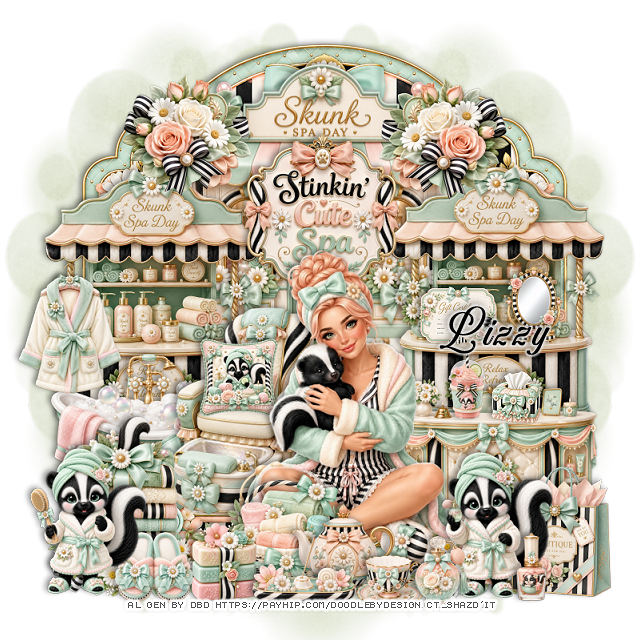
PTU Stinkin" Cute Spa


 This tut was written June 7th, 2026 for those with a basic knowledge of psp. 

I am using the awesome tube Al gen by DBD
Everything is included in the kit
Read the TOU on how to credit your tags


I used PSP2020...but any of them should work.
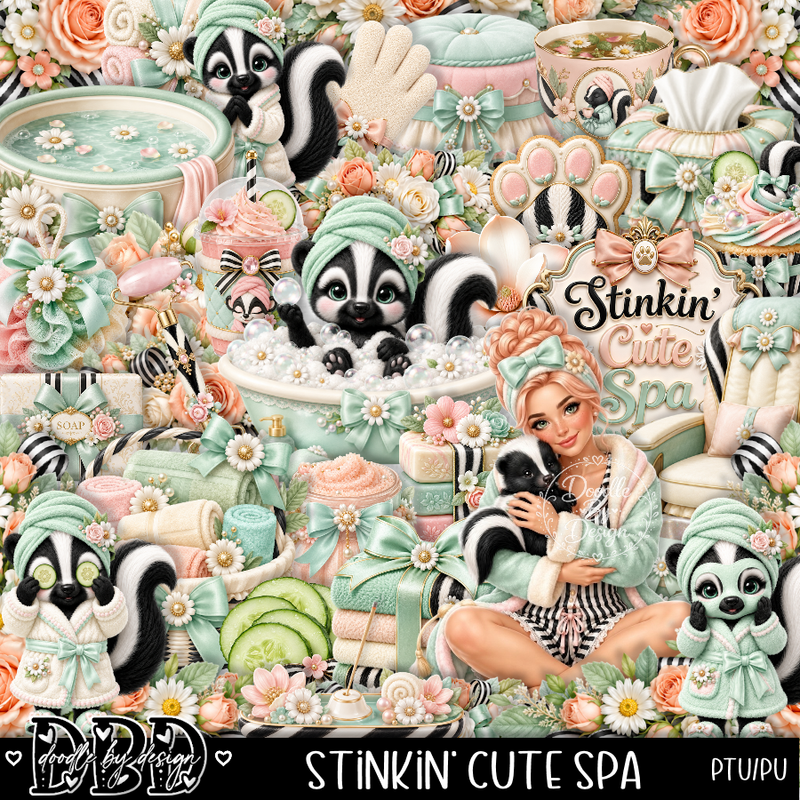
PTU Scrap Stinkin' Cute Spa by Doodle by Design  HERE
You can find all Doodle by Design kits  HERE 
Mask of choice, I used Miz Teeques Mask 63 HERE 
Check the blog out HERE

Font of choice, I used Aurethia

Drop shadow as you go is V -2 H 4, 40, 10, or use what you prefer.
Let's get started
*Remember to add your drop shadow as you go along*

Open a new image 800 x 800, paste paper 11, apply your mask,
move to the left, duplicate, mirror.

Paste frame 6, click inside, paste paper 3, invert, delete.
Resize 124 to 50%, paste at the top on the frame.
Resize 130 to 40%, paste on the bottom right above the frame.
Resize 126 to 50%, paste on the right below the desk, duplicate, move
to the left.
Resize 132 to 40%, paste up and center.
Resize 152 to 25%, paste at the upper right being on the top layer,
duplicate, mirror.

Resize the tube to 35%, paste at the bottom.

Resize 125 to 40%, paste at the bottom below the tube on the left.
Resize 105 to 15%, paste in the chair.
Resize 166 to 35%, paste at the bottom left below the tube, duplicate, mirror.
Resize 42 to 15%, paste at the bottom above the tube on the left.
Resize 11 to 38%, paste on the left below the chair.
Resize 121 to 25%, paste on the bottom left below the flowers.
Resize 17 to 23%, paste at the bottom below the soap.

Resize 82 to 25%, paste at the bottom right.
Resize 9 to 28%, paste on the bottom right by the bag.
Resize 18 to 25%, paste on the left on the shelf pole.
Resize 6 to 28%, paste on the bottom left.
Resize 116 to 10%, paste on the desk on the right.
Resize 62 to 15%, paste on the right on the shelf.
Resize 81 to 15%, paste on the shelf by the mirror.
Resize 135 to 20%, paste at the bottom.
Resize 136 to 13%, paste at the bottom.

Resize 26 to 13%, paste at the bottom by the cup.
Resize 50 to 20%, paste at the bottom.
Resize 19 to 15%, paste at the bottom left below the skunk.
Resize 92 to 13%, paste at the bottom right.
Resize 34 to 13%, paste on the desk by the tissue box.

Add any other elements that you would like, make it your own.
Always readjust your mask and elements how you like them before you
 merge your tag, resize, sharpen.

Crop your tag to be sure no shadows or lines are on the edges.
 Then add your copyright and name.
That's it

Hope you enjoyed doing my tut 

Friday, August 2, 2024

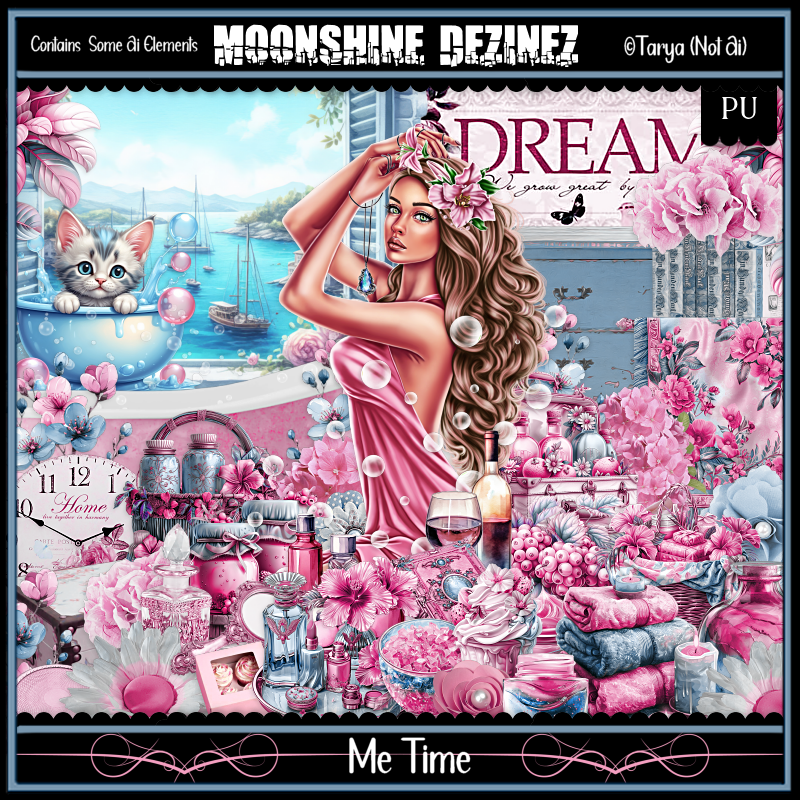
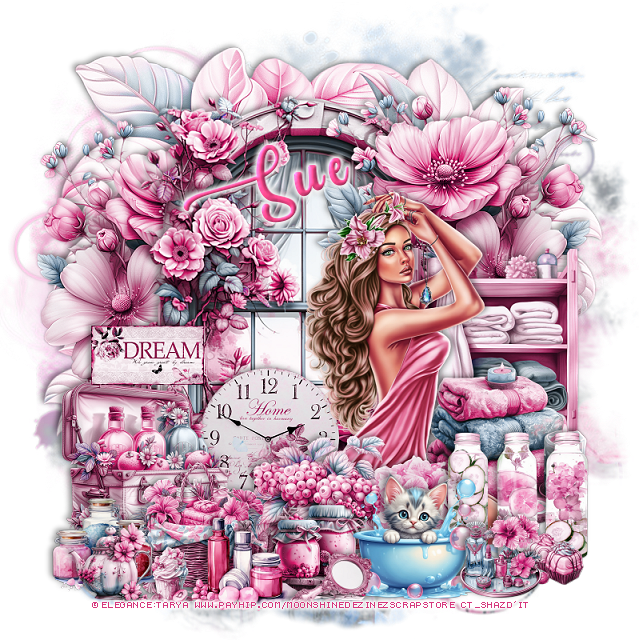
PTU Me Time


This tut was written  August 2nd, 2024 for those with a basic knowledge of psp. 

I am using the awesome tube by ©Tarya

It is included in the kit
Please read the TOU on how to credit your tags

I use PSP 2020 but any of them should work
PTU Scrap Me Time by Moonshine Dezinez  HERE  
You can find all the stores she sells at on her blog.
You can find all Moonshine Dezinez kits  HERE
Mask of choice, I used Miz Teeques Mask 56 HERE
Check out the rest of the blog HERE

 Font of choice, I used Pacific Again

Drop shadow as you go is V -2 H -4, 40, 10, or use what you prefer.
Let's get started
*Remember to add your drop shadow as you go along*

Open a new image 800 x 800, paste paper 2, apply your mask.

Resize element 77 to 65%, paste.
Paste element 74 below the window at the top.
Resize the tube to 25%, mirror, paste at the bottom right.
Resize element 2 to 30%, paste at the bottom left.
Resize element 1 to 25%, paste at the bottom.
Resize element 49 to 30%, paste at the bottom right below the tube.
Resize element 60 to 25%, paste on the bottom left.
Resize element 52 to 50%, paste on the right above the window,
duplicate, mirror, move below the window.
Resize element 80 to 35%, paste on the right above the flower.

Resize element 7 to 20%, paste at the bottom left.
Resize element 43 to 20%, paste at the bottom.
Resize element 56 to 25%, above the window at the bottom.
Resize element 50 to 25%, paste at the bottom above the tube.
Resize element 76 to 25%, paste at the bottom right.

Resize element 24 to 20%, paste at the bottom.
Resize element 18 to 20%, paste at the bottom.
Resize element 48 to 15%, paste on the left.
Resize element 66 to 10%, paste at the bottom left.
Resize element 62 to 10%, paste at the bottom right.
Resize element 75 to 15%, paste at the bottom right.
Resize element 53 to 15%, paste at the bottom.
Resize element 70 to 15%, paste at the bottom.

Add any other elements that you would like, make it your own.
Always readjust your mask and elements how you like them before you
 merge your tag, resize, sharpen.

Crop your tag to be sure no shadows or lines are on the edges.
 Then add your copyright and name.
That's it

Hope you enjoyed doing my tut         
Sunday, April 28, 2024

PTU Spa


This tut was written April 28th, 2024 for those with a basic knowledge of psp. 

I am using an awesome AI generated tube by  AI-Tamara Scrap Vision

The tube is included in the kit
Read the TOU on how to credit your tags 

I used PSP2020...but any of them should work.
PTU Scrap Spa by Luna Bella  HERE HERE HERE
Spa theme kit. 
82 elements and 10 papers. This kit is for personal use Only
Mask of choice, I used Vivenne's Digital Tagging Mask 12 HERE
Check out the rest of the blog HERE
Filters 
Mura Meister Copies-Encircle.

Font of choice, I used Kiss Boom

Drop shadow as you go is V -2 H 4, 40, 10, or use what you prefer.
Let's get started
*Remember to add your drop shadow as you go along*

Open a new image 800 x 800, paste element 5, apply your mask.
Paste element 10 above the mask layer.

Resize element AlEl 19 to 25%, apply Mura Meister Copies-Encircle,
first 3 numbers on 10, 65, 65, paste.
Resize element AlEl 2 to 85%, paste.

Resize the tube to 25%, paste above the tub.

Resize element AlEl 5 to 35%, paste at the bottom right.
Resize element AlEl 36 to 40%, paste at the top, move to the right, duplicate,
move up and to the left.
Resize element AlEl 33 to 20%, paste at the bottom right.
Resize element AlEl 18 to 20%, paste at the bottom.

Resize element 38 to 50%, paste to the left and below the tube.
Resize element AlEl 12 to 50%, paste on the right below the tub, duplicate,
mirror.
Resize element 41 to 25%, paste at the bottom.
Resize element AlEl 24 to 20%, paste at the bottom left.
Resize element 40 to 15%, paste at the bottom.
Resize element AlEl 16 to 30%, paste at the bottom left below the jar.
Resize element 44 to 15%, paste at the bottom.
Resize element AlEl 6 to 15%, paste on the left where you like, duplicate, 
mirror.
Paste element 29 on the mask how you like.

Add any other elements you would like, resize.
Crop your tag to be sure no shadows or lines are on the edges.
 Then add your copyright and name.
That's it

Hope you enjoyed doing my tut