Showing posts with label Designs by Rens. Show all posts

Wednesday, November 20, 2024

PTU Rustique Wine


 This tut was written November 20th, 2024 for those with a basic knowledge of psp. 

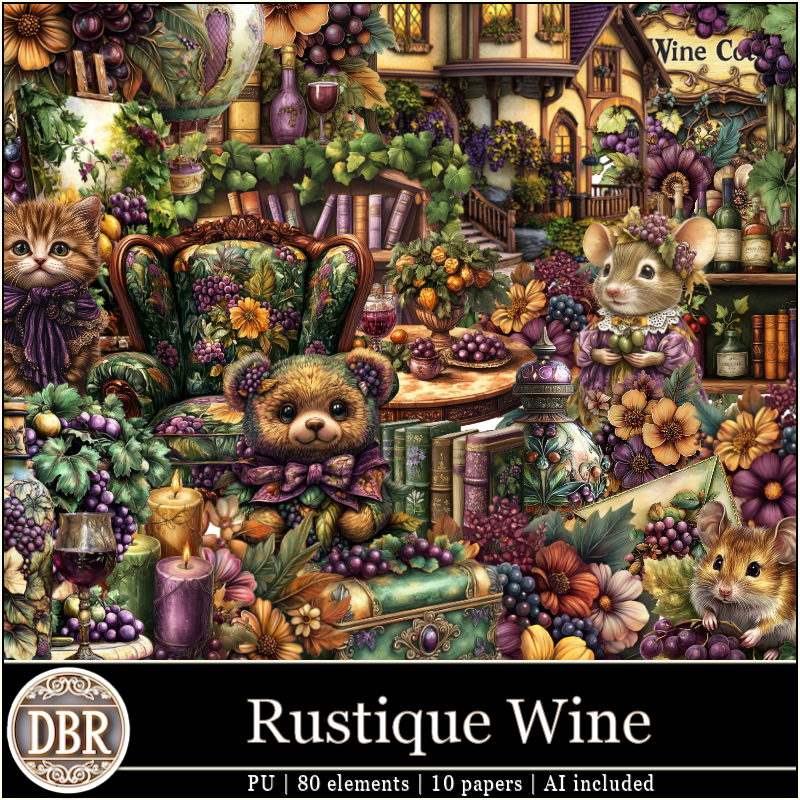
I am using a beautiful kit Rustique Wine
Al generated by Designs by Rens 
Everything used is included in the kit
Read the TOU on how to credit your tags

I used PSP2020...but any of them should work.
PTU Rustique Wine kit by Designs By Rens  HERE HERE
Beautiful kit with 80 elements and 10 papers 
Mask of choice, I used Vivienne's Digital Tagging Mask 17 HERE
Check out the rest of the blog  HERE

Font of choice, I used AR Essence

Drop shadow is V-1 H-10, Color Black at 50 or use what you prefer. 
Let's get started
*Remember to add your drop shadow as you go along*

Open a new image 800 x 800. paste paper 5, resize your mask to
115%, apply, duplicate, mirror.

Resize elements 4 and 65 to 60%, paste at the top.
Resize element 46 to 50%, paste above the houses.
Resize element 11 to 30%, paste on the left at the bottom of the house,
duplicate, mirror.
Resize element 20 to 30%, paste at the top above the houses.
Resize element 69 to 40%, paste on the left below the fountain.
Resize element 32 to 45%, paste on the right below the fountain.
Resize element 16 to 30%, paste on the left below the fountain above the book 
shelf.

Resize element 3 to 30%, paste at the bottom above the fountain.
Resize element 21 to 30%, paste at the bottom right above the wagon,
duplicate, mirror.
Resize element 55 to 30%, paste at the bottom above the flowers,
duplicate, mirror.
Resize element 53 to 25%, paste at the bottom below the left flower.
Resize element 41 to 30%, paste below the right flower.
Resize element 8 to 40%, paste on the bottom left.
Resize element 80 to 30%, paste on the bottom left.
Resize element 61 to 40%, paste on the bottom right.
Resize element 63 to 30%, paste behind the dog on the right.
Resize element 27 to 25%, paste at the bottom above the dog.
Resize element 70 to 20%, paste at the bottom.
Resize element 77 to 15%, paste at the bottom.
Resize element 56 to 25%, paste at the bottom.
Resize element 47 to 30%, paste at the bottom.
Resize element 6 to 90%, paste on the upper left above the mask, duplicate, mirror.
Rotate element 57 to the left at 90, paste on the bottom layer above the mask 
to the right about half way down, duplicate, mirror.

Add any other elements you would like, make it your own.
Crop your tag to be sure no shadows or lines are on the edges.
 Then add your copyright and name.
That's it

Hope you enjoyed doing my tut.     

Wednesday, November 6, 2024

CT for Designs By Rens

  ***CT for Designs By Rens ***

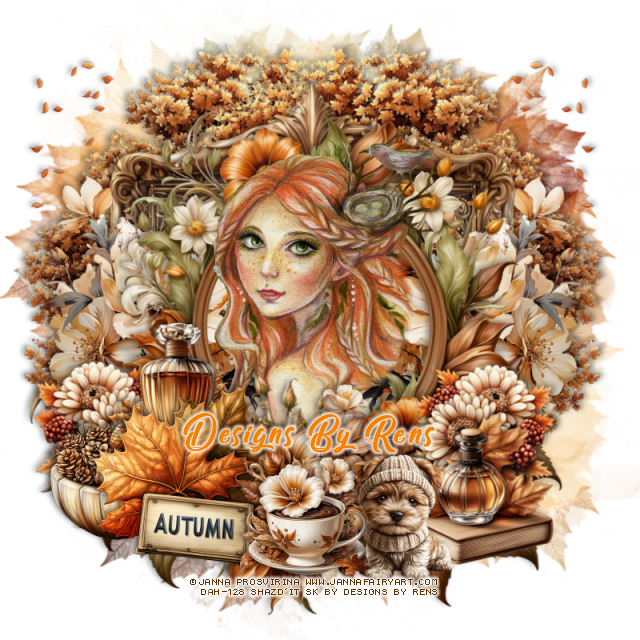
I am using the Awesome  tube by © Janna Provirina

Tube is called Bella Bird
You can find the tube at DAH store HERE

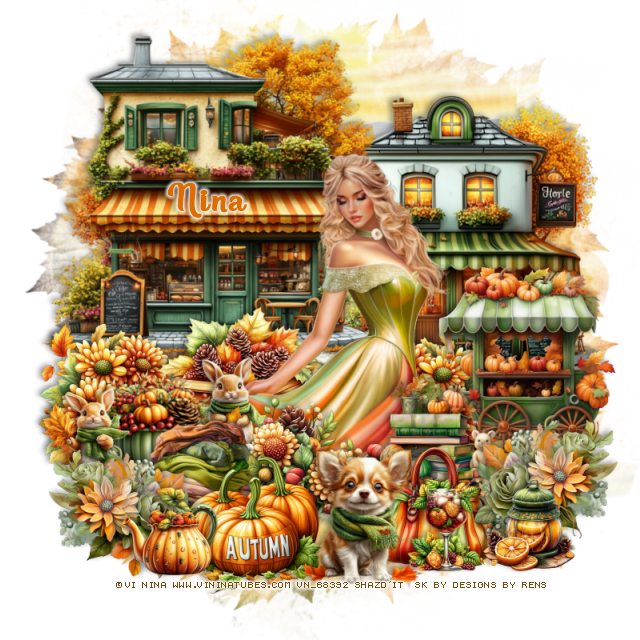
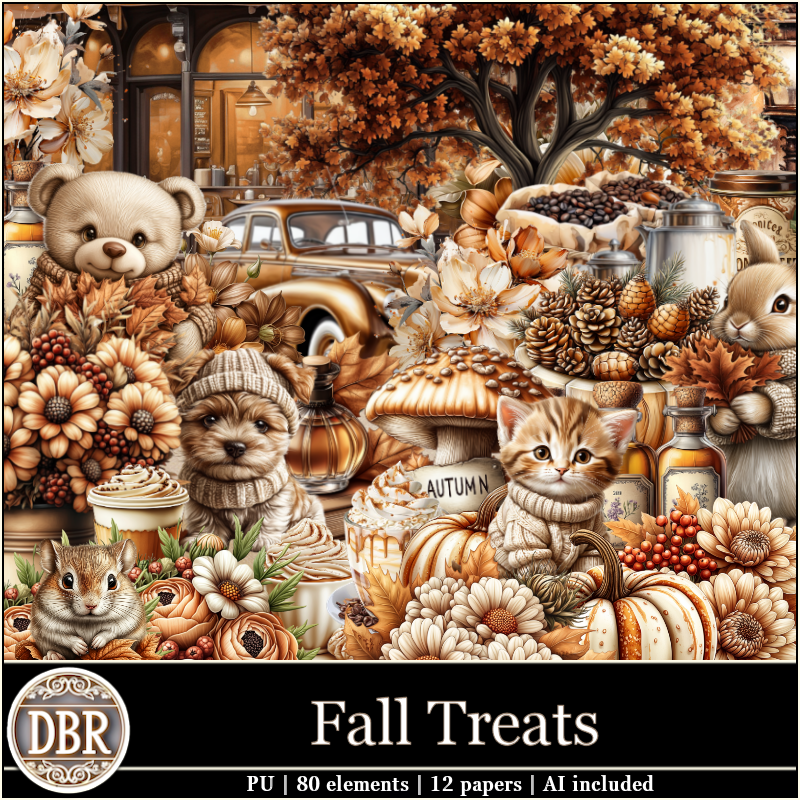
I paired it with the beautiful kit Fall Treats by Designs By Rens
HERE  HERE 


Thursday, October 24, 2024

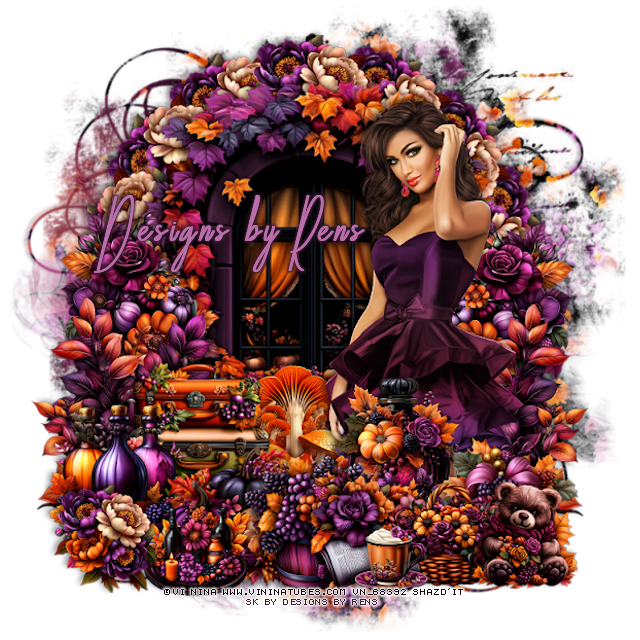
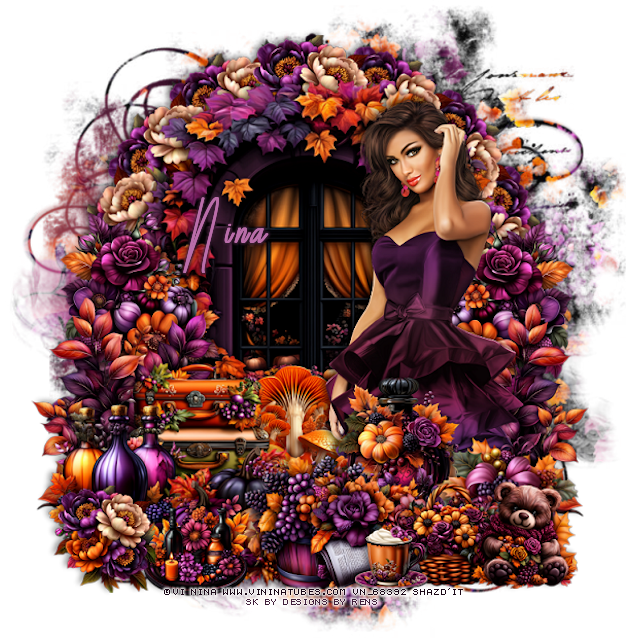
CT for Designs By Rens and Vi Nina

 ***CT for Designs By Rens and Vi Nina***

I am using the Awesome  tube by © Vi Nina

Tube is called Nikita
You can find the tube at her store HERE

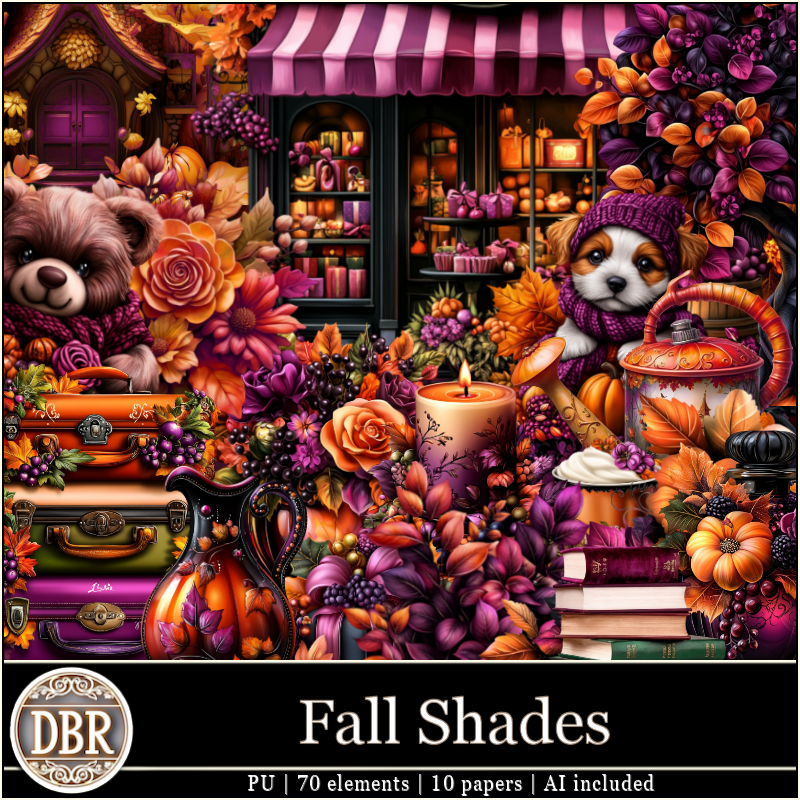
I paired it with the beautiful kit Fall Shades by Designs By Rens
HERE  HERE 


Wednesday, October 16, 2024

CT for Designs By Rens and ViNina

    ***CT for Designs By Rens and Vi Nina***

I am using the Awesome  tube by © Vi Nina

Tube is called Melody
You can find the tube at her store HERE

I paired it with the beautiful kit Classic Autumn by Designs By Rens


Saturday, October 5, 2024

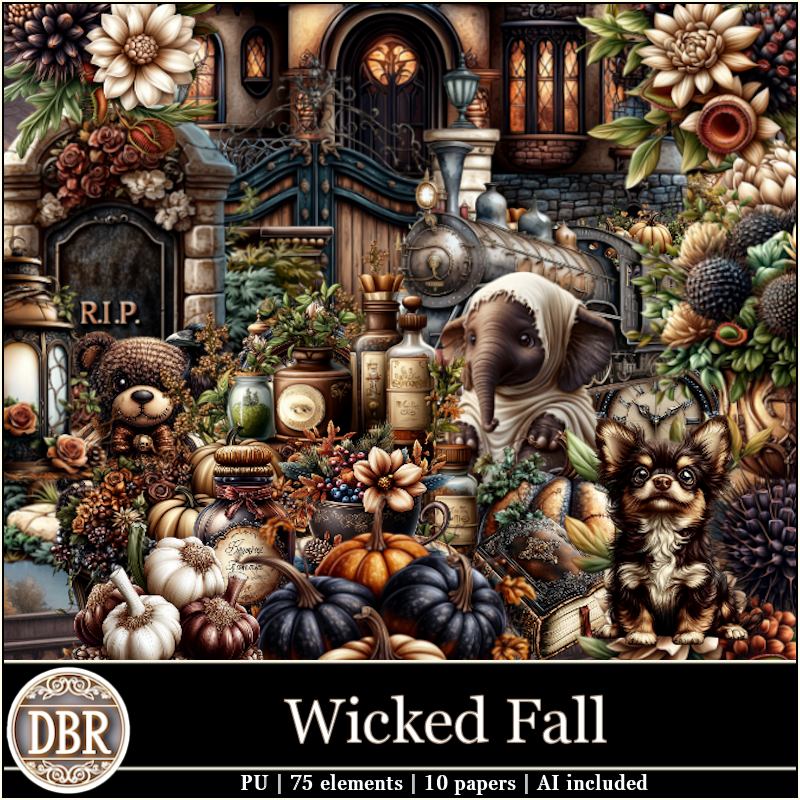
PTU Wicked Fall


 This tut was written October 5th, 2024 for those with a basic knowledge of psp. 

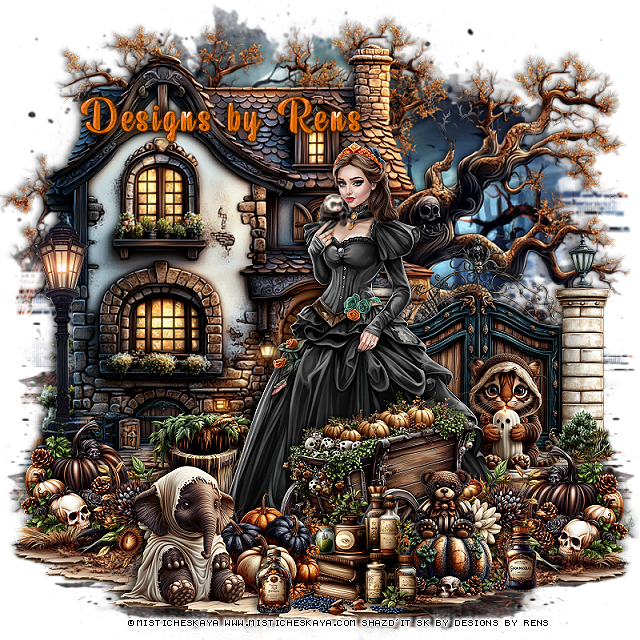
I am using a beautiful tube ©Misticheskaya
The tube is called Gothic Lady
You need a license to use this tube, please do not use without a license
You can find her tube at her store HERE

I used PSP2020...but any of them should work.
PTU Wicked Fall kit by Designs By Rens  HERE HERE
Beautiful Fall kit with 75 elements and 10 papers 
Mask of choice, I used Vivienne's Digital Tagging Mask 41 HERE
Check out the rest of the blog  HERE

Font of choice, I used Beauty Mountains

Drop shadow is V-1 H-10, Color Black at 40 or use what you prefer. 
Let's get started
*Remember to add your drop shadow as you go along*

Open a new image 800 x 800. paste paper 8, apply your mask.

Resize element 2 to 85%, paste on the left.
Resize element 11 to 55%, paste on the right.
Resize element 63 to 90%, paste below the house on the upper left,
duplicate, move to the right and down a little.
Resize element 58 to 25%, paste on the right above the gate.
Resize element 37 to 25%, paste on the bottom left above the house, duplicate,
mirror, move above the animal.
Paste element 7 on the bottom layer, move to the bottom right so 
the dirt part shows, erase the tree part, duplicate, mirror.

Resize your tube to 20%, paste above the gate.

Resize element 10 to 25%, paste on the left above the pumpkin,
duplicate, mirror, move above the tube.
Resize element 26 to 40%, paste above the tube at the bottom.
Resize element 43 to 20%, paste at the bottom above the wagon.
Resize element 31 to 15%, paste on the bottom above the pumpkin.
Resize element 24 to 28%, paste at the bottom.
Resize element 13 to 25%, paste at the bottom.
Resize element 30 to 15%, paste at the bottom.
Resize element 27 to 25%, paste at the bottom left below the tube.
Resize element 17 to 15%, paste on the pumpkin.
Resize element 47 to 30%, paste at the bottom left.
Resize element 32 to 85%, paste on the left above the house.

Add any other elements you would like, make it your own.
Crop your tag to be sure no shadows or lines are on the edges.
 Then add your copyright and name.
That's it

Hope you enjoyed doing my tut.     
Friday, September 27, 2024

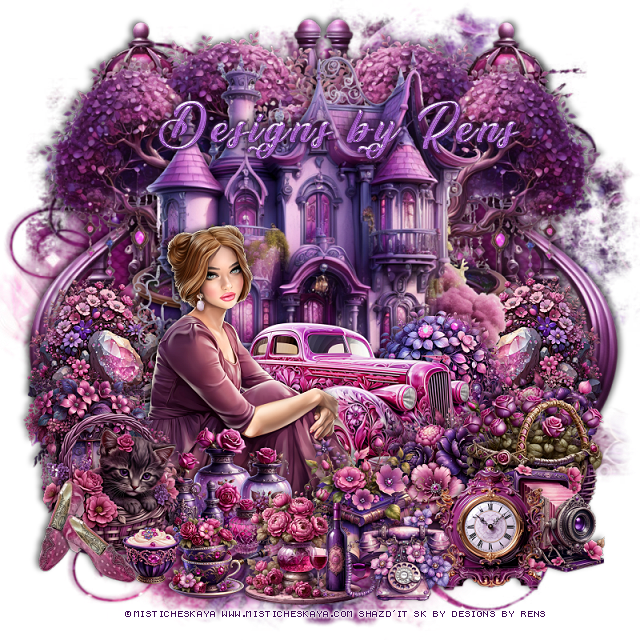
PTU Purple Gem


This tut was written September 27th, 2024 for those with a basic knowledge of psp. 

I am using a beautiful tube ©Misticheskaya
The tube is called Lettisia
You need a license to use this tube, please do not use without a license
You can find her tube at her store HERE

I used PSP2020...but any of them should work.
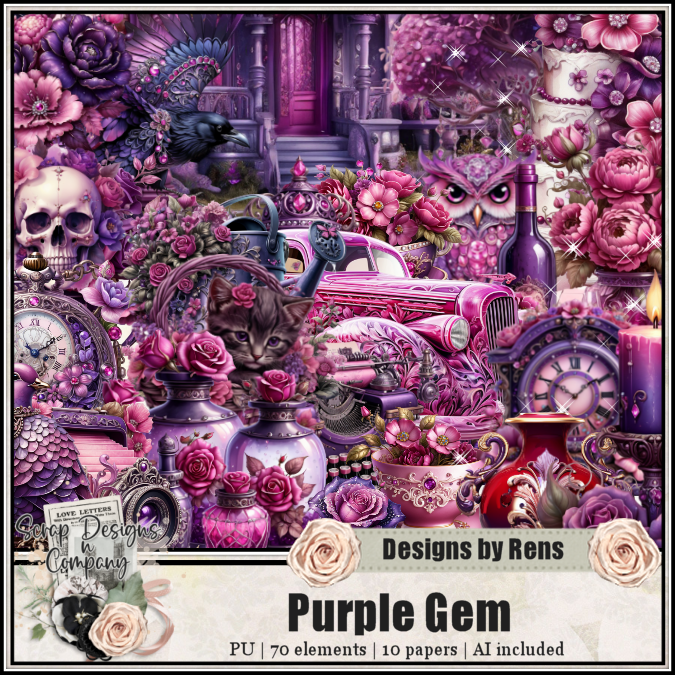
PTU Purple Gem kit by Designs By Rens  HERE 
Beautiful Purple kit with 70 elements and 10 papers 
Mask of choice, I used Miz Teeques Mask 56 HERE
Check out the rest of the blog HERE

Font of choice, I used Sunrise Place

Drop shadow is V-1 H-10, Color Black at 40 or use what you prefer. 
Let's get started
*Remember to add your drop shadow as you go along*

Open a new image 800 x 800. paste paper 2, apply your mask.

Resize element 44 to 75%, paste at the top.
Resize element 41 to 80%, paste below the house on the upper left, duplicate, mirror.
Resize element 58 to 30%, paste below the house on the left, duplicate, mirror.
Resize element 29 to 50%, paste above the house.

Resize your tube to 25%, paste above the car.

Resize element 3 to 30%, paste below the car.
Resize element 19 to 30%, paste on the left above the tube.
Resize element 25 to 30%, paste at the bottom above the vase.
Resize element 27 to 30%, paste at the bottom above the tube.
Resize element 7 to 30%, paste on the bottom left.
Resize element 62 to 25%, paste on the bottom right, duplicate, move
to the left more above the car.

Resize element 35 to 25%, paste on the bottom right below the book.
Resize element 49 to 30%, paste on the bottom right below the camera.
Resize element 46 to 25%, paste at the bottom above the book.
Resize element 57 to 25%, paste at the bottom.
Resize element 63 to 20%, paste at the bottom left.
Resize element 23 to 12%, paste at the bottom left.
Resize element 56 to 30%, paste at the bottom left.
Resize element 26 to 30%, paste on the bottom right above the camera.
Paste element 10 on the bottom layer on the left, duplicate, mirror.

Add any other elements you would like, make it your own.
Crop your tag to be sure no shadows or lines are on the edges.
 Then add your copyright and name.
That's it

Hope you enjoyed doing my tut.     
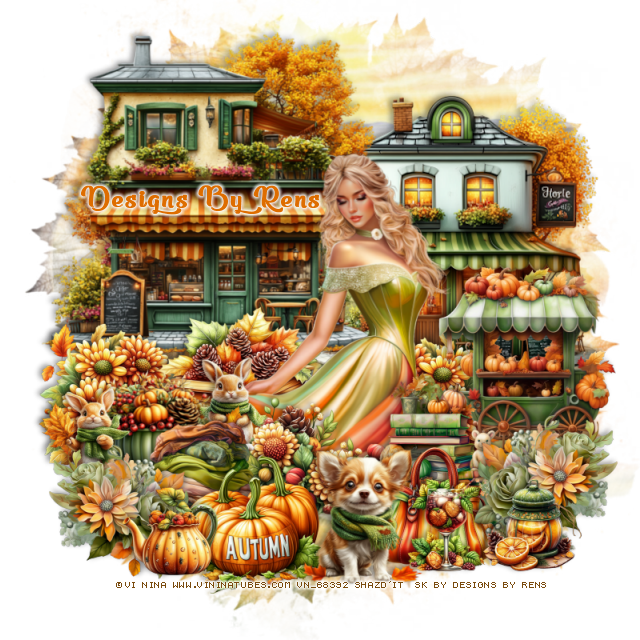
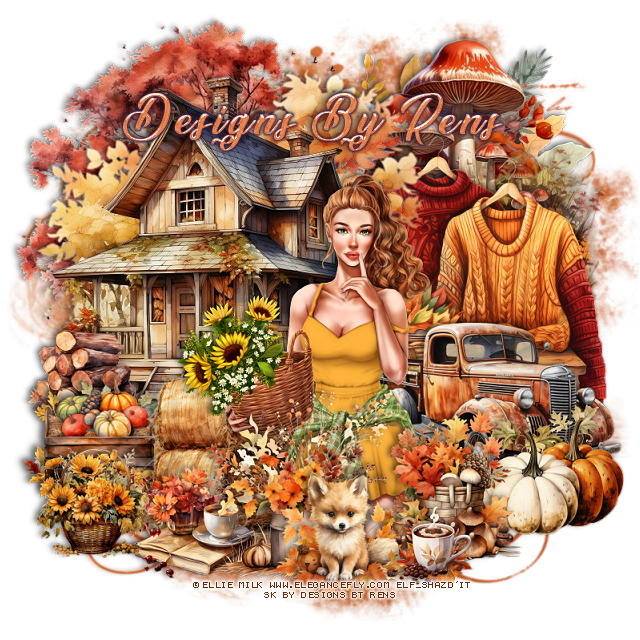
PTU Autumn Day


This tut was written September 27th, 2024 for those with a basic knowledge of psp. 

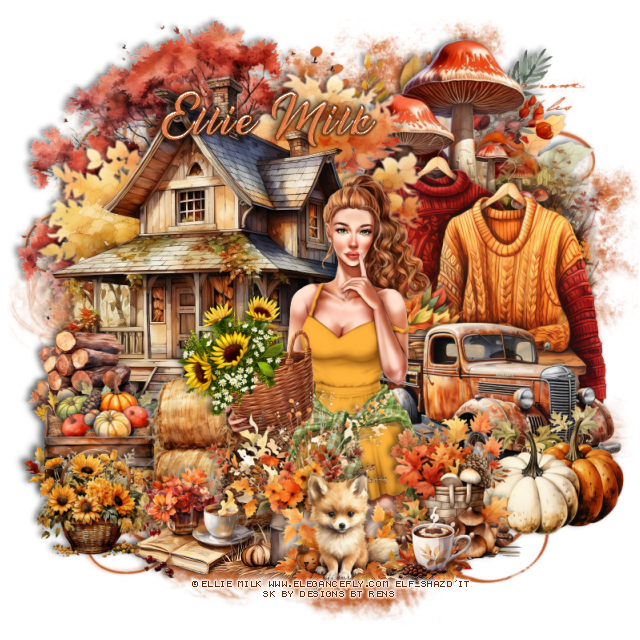
I am using a beautiful tube ©Ellie Milk
The tube is called Olivia
You need a license to use this tube, please do not use without a license
You can find her tube at Elegancefly store HERE

I used PSP2020...but any of them should work.
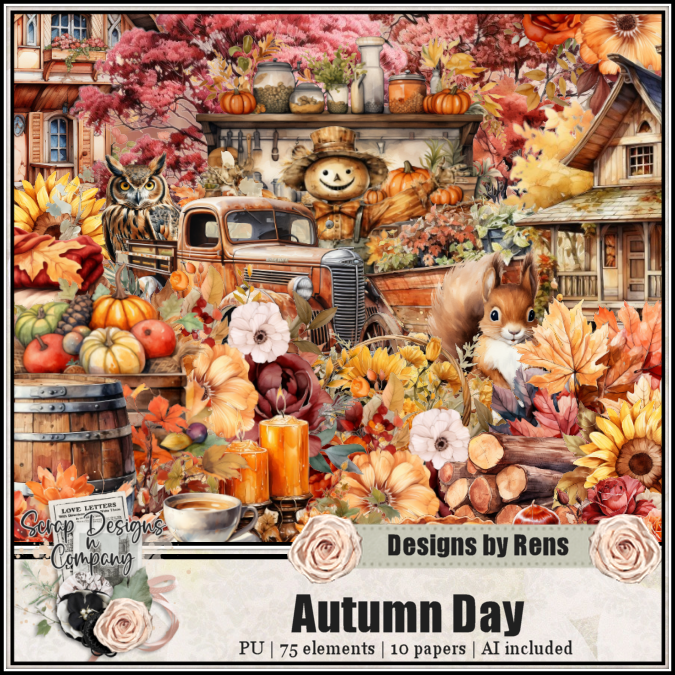
PTU Autumn Day kit by Designs By Rens  HERE 
Beautiful Purple kit with 75 elements and 10 papers 
Mask of choice, I used Miz Teeques Mask 56 HERE
Check out the rest of the blog HERE

Font of choice, I used Sunrise Place

Drop shadow is V-1 H-10, Color Black at 40 or use what you prefer. 
Let's get started
*Remember to add your drop shadow as you go along*

Open a new image 800 x 800. paste paper 7, apply your mask.

Paste element 47 at the upper left.
Paste element 53 on the right below the house.
Resize element 24 to 30%, paste on the left above the house.
Paste element 21 at the upper left below house.
Resize element 29 to 85%, paste on the upper right below the tree.
Mirror element 2, paste at the upper right below the mushroom.

Resize your tube to 20%, paste.

Resize element 10 to 65%, paste on the right below the tube.
Resize element 64 to 50%, paste on the bottom right above the tube.
Resize element 67 to 40%, paste on the right above the truck.
Resize element 62 to 40%, paste at the bottom above the tube.
Resize element 15 to 50%, paste below the tube on the right.
Resize element 9 to 30%, paste at the bottom.
Resize element 7 to 45%, paste on the left above the logs.
Resize element 11 to 35%, paste at the bottom.
Resize element 16 to 40%, paste at the bottom.
Resize element 32 to 25%, paste at the bottom.

Add any other elements you would like, make it your own.
Crop your tag to be sure no shadows or lines are on the edges.
 Then add your copyright and name.

That's it, Hope you enjoyed doing my tut.
Tag for Ellie