Showing posts with label Mardi Gras. Show all posts

Saturday, February 14, 2026

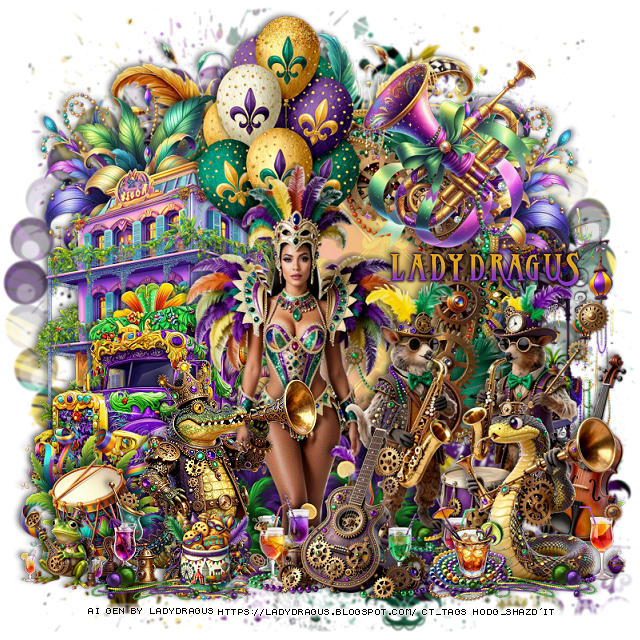
PTU Steamed Mardi Gras


  This tut was written February 14th, 2026 for those with a basic knowledge of psp. 

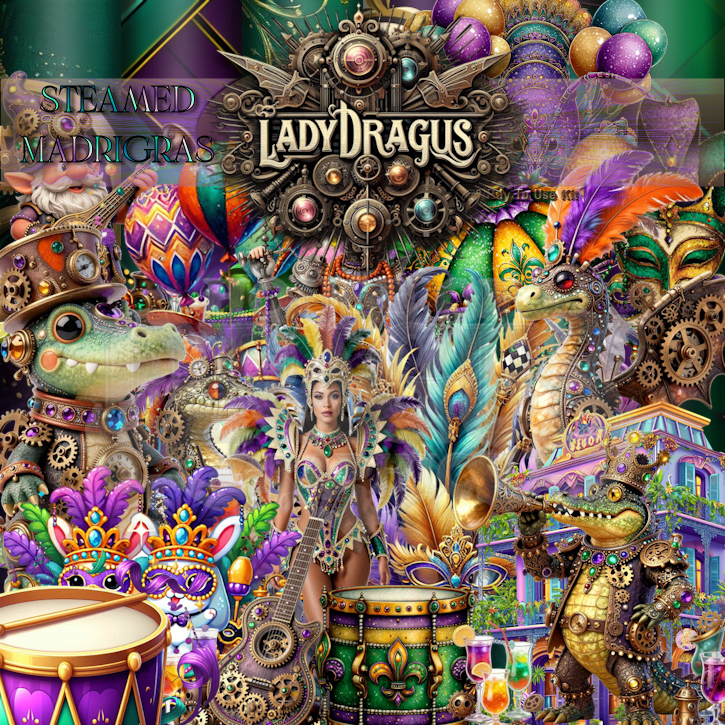
I am using the Awesome Al kit by LadyDragus

Steampunk and Mardi Gras mixed together
Al tubes are included gen by LadyDragus
Read the TOU on how to credit your tags


I used PSP2020...but any of them should work.

PTU Scrap Steamed Mardi Gras  by Lady Dragus  HERE HERE
Click on the number 110 then scroll down and you will see the Masks HERE
Check the blog HERE

Font of choice, I used Dragonlord

Drop shadow as you go is V -2 H 4, 40, 10, or use what you prefer.
Let's get started
*Remember to add your drop shadow as you go along*

Open a new image 800 x 800, paste paper 14, apply your mask, resize.

Resize frame 7 to 60%, paste.
Resize frame 6 to 60%, paste on the frame.
Resize frame 8 to 60%, paste on the frame, merge the frames.
Draw around the frame, add a new layer, fill with #f5da9f.
Resize paper 13 to 35%, paste, change the blend mode to Soft Light.

Resize 10 to 40%, paste on the frame at the upper left, duplicate,
mirror, move below the frame.
Resize 37 to 80%, paste at the top below the flowers.
Resize 25 to 50%, paste on the bottom left above the flowers.
Resize 27 to 55%, paste on the left below the bus.

Resize tube 2 to 70%, paste above the bus, erase the feet.

Resize 60 to 30%, paste below the tube on the bottom left, duplicate,
mirror.
Resize 17 to 30%, paste on the left.
Resize 39 to 45%, paste at the top below the tube.
Resize 110 to 35%, paste at the upper right.
Resize 19 to 40%, mirror, paste at the bottom above the tube.
Resize 98 to 35%, mirror, paste at the bottom on the right.
Resize 15 to 35%, paste at the bottom.
Resize 34 to 15%, paste at the bottom by the gator.
Resize 36 to 15%, paste at the bottom by the snake.
Resize 113 to 50%, paste on the right behind the snake.
Resize 92 to 45%, paste on the right below the frame.
Resize 100 to 15%, paste on the bottom left.
Resize 61 to 30%, paste at the bottom left, duplicate, mirror.

Add any other elements that you would like, make it your own.
Always readjust your mask and elements how you like them before you
 merge your tag, resize, sharpen.

Crop your tag to be sure no shadows or lines are on the edges.
 Then add your copyright and name.
That's it

Hope you enjoyed doing my tut  

Saturday, February 7, 2026

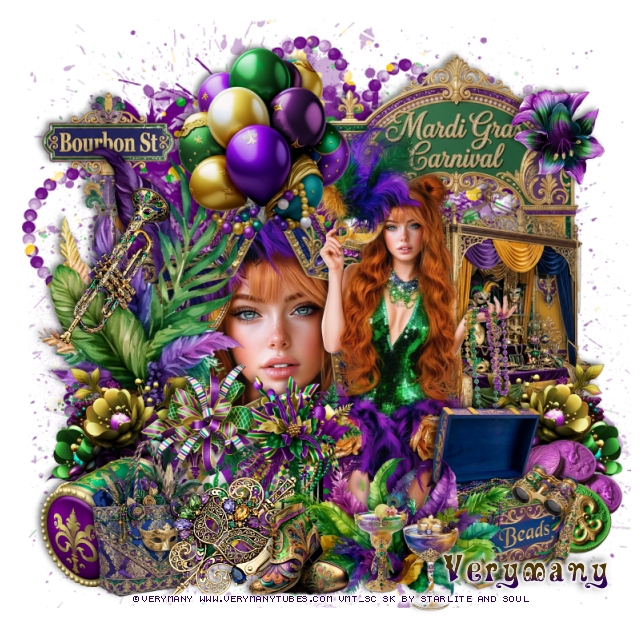
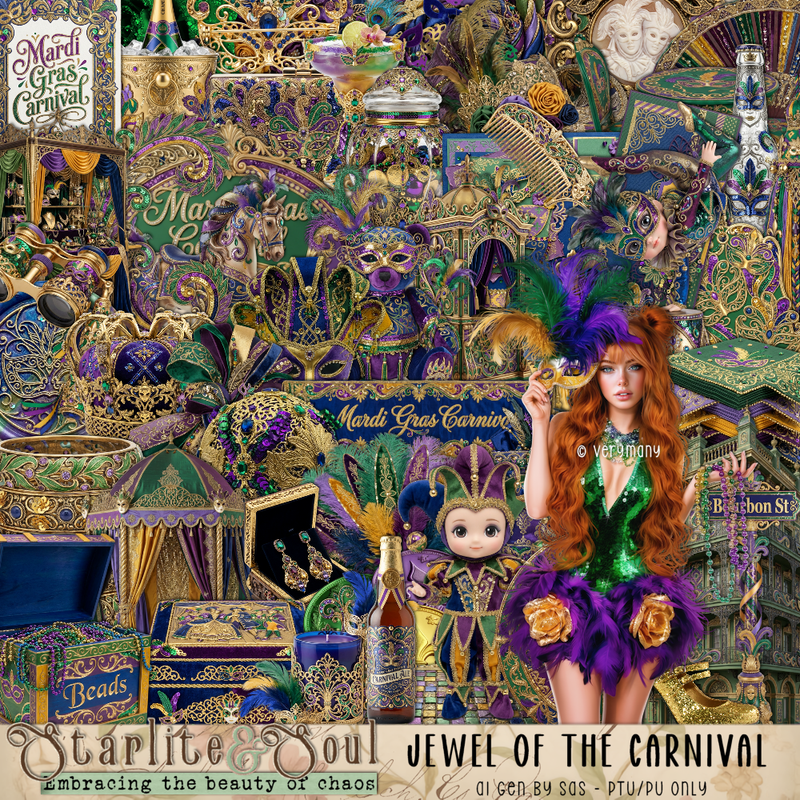
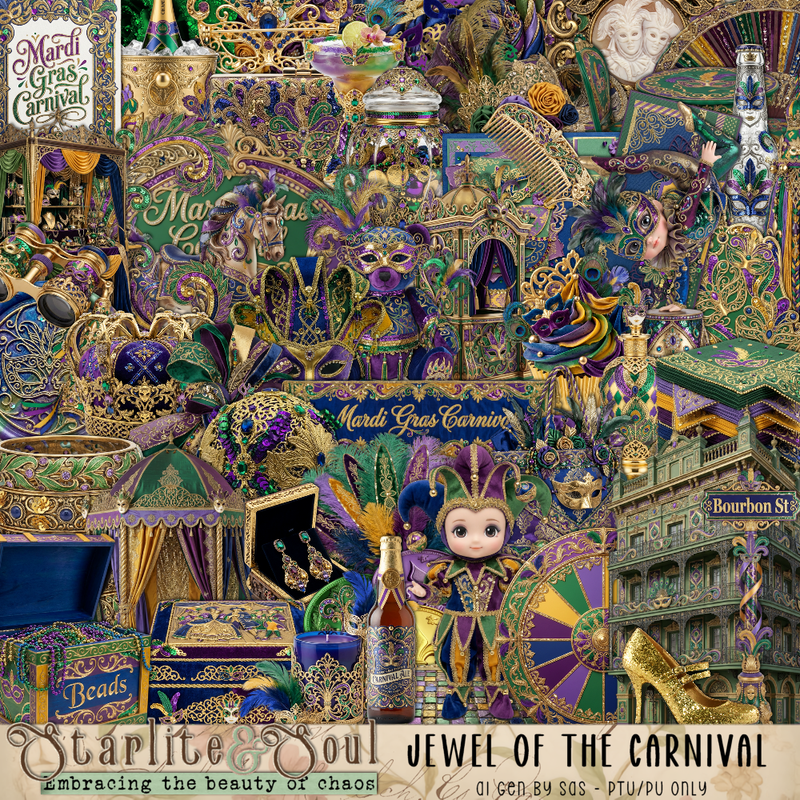
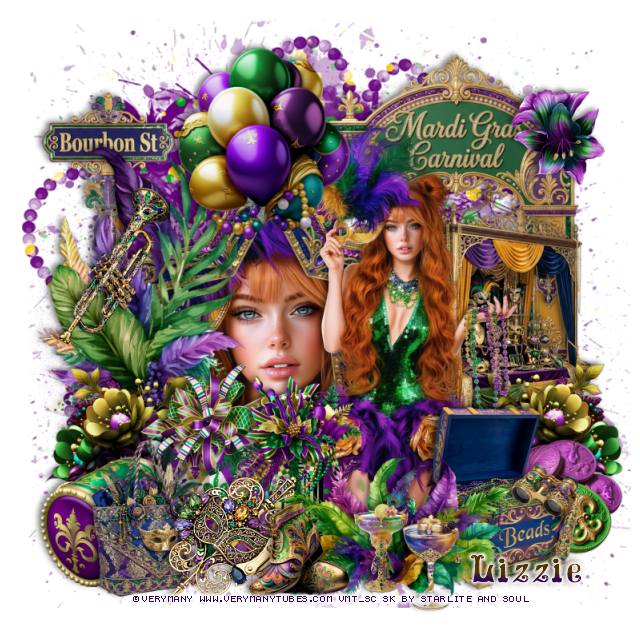
PTU Jewel of the Carnival


This tut was written February 7th, 2026 for those with a basic knowledge of psp. 

I am using the beautiful tube by © Verymany

Tube is called Mardi Gras 4
You need a license to use this tube, please do not use without a license
You can find this tube at Verymany store HERE

I used PSP2020...but any of them should work.
PTU Scrap Jewel of the Carnival by Starlite and Soul HERE
You can find all Starlite and Soul  kits  HERE 

Font of choice, I used Mardi Gras

Drop shadow as you go is V -2 H 4, 40, 10, or use what you prefer.
Let's get started
*Remember to add your drop shadow as you go along*

Open a new image 800 x 800, paste 183, resize to fit your tag.

Resize frame 7 to 70%, paste on the left, click inside with the 
magic wand, resize the tube to 75%, paste, invert, delete.
Resize 89 to 75%, paste above the frame on the left.

Resize your tube to 30%, paste to the right.

Resize 88 to 50%, paste at the bottom above the tube.
Resize 75 to 60%, paste on the right below the tube.
Resize 28 to 65%, paste on the upper right below the stand.
Resize 7 to 35%, paste below the flowers on the right.
Resize 93 to 40%, paste at the top above the frame.
Resize 109 to 40%, paste at the bottom below the flower to the left.
Resize 106 to 35%, paste at the bottom left below the lantern.

Resize 10 to 65%, paste on the upper left below the frame.
Resize 12 to 25%, paste at the bottom, sharpen.
Resize 82 to 25%, paste on the bottom right below the chest.
Resize 65 to 30%, paste on the bottom left below the mask.
Resize 85 to 20%, paste at the bottom.
Resize 46 and 48 to 20%, paste at the bottom.
Resize 141 to 40%, paste on the bottom right below the coins,
duplicate, mirror.
Resize 74 to 30%, paste on the left on the leaves.
Resize 53 to 20%, paste on the bottom right on the chest.
Resize 90 to 30%, mirror, paste below the bag on the left.
Resize 162 to 20%, paste at the upper right on the sign.

Add any other elements that you would like, make it your own.
Always readjust your mask and elements how you like them before you
 merge your tag, resize, sharpen.

Crop your tag to be sure no shadows or lines are on the edges.
 Then add your copyright and name.
That's it

Hope you enjoyed doing my tut
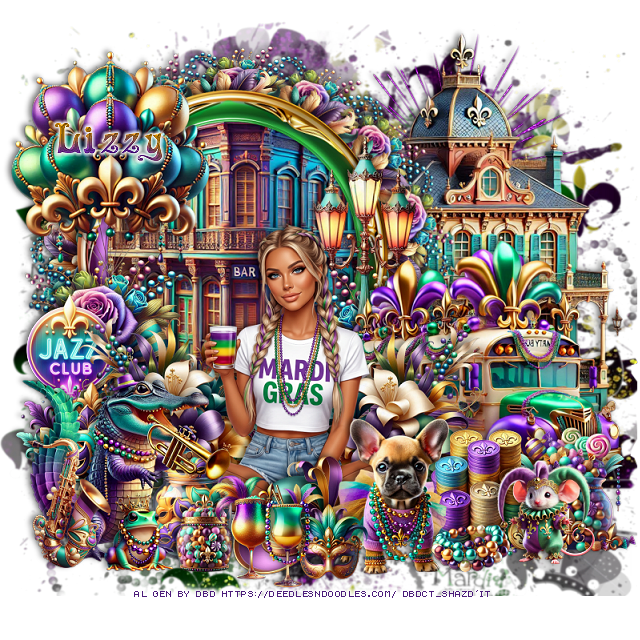
Tag for Lizzie 


Wednesday, January 28, 2026

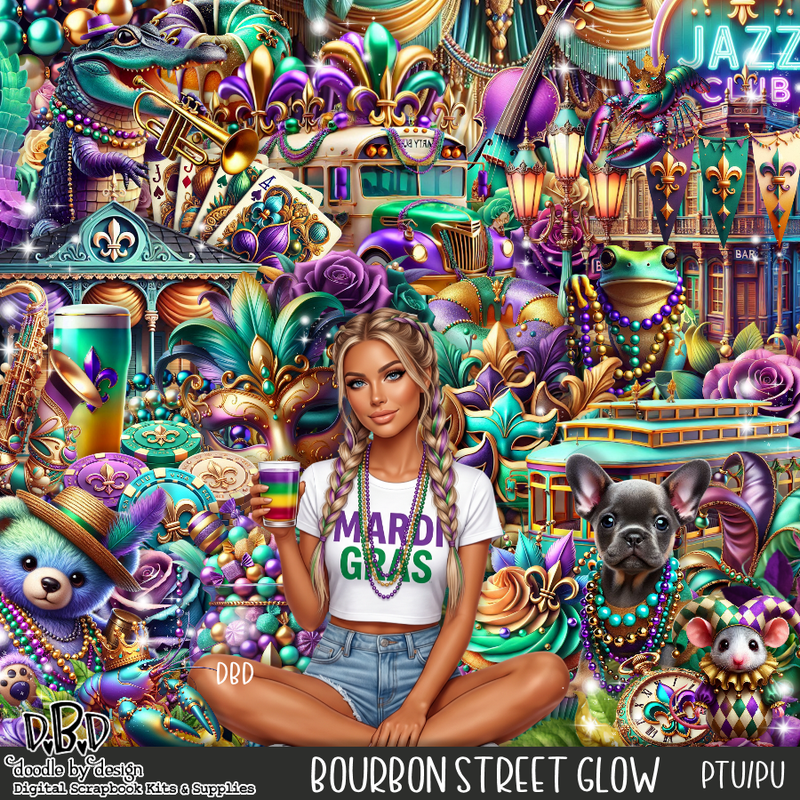
PTU Bourbon Street Glow


  This tut was written January 28th, 2026 for those with a basic knowledge of psp. 

I am using an Awesome Al gen tube by DBD

Tube is included in the kit
Please read the TOU on how to credit your tags.

I used PSP2020...but any of them should work.
PTU Scrap Bourbon Street Glow by Doodle by Design  HERE
You can find all Doodle by Design kits  HERE 
The easy lum psp mask 1203 listed under 110 HERE
Check the blog HERE
Filter
Mura Meister Copies-Encircle

Font of choice, I used Mardi Gras

Drop shadow as you go is V -2 H 4, 50, 10, or use what you prefer.
Let's get started
*Remember to add your drop shadow as you go along*

Open a new image 800 x 800, paste paper 5, apply your mask.

Resize frame 1 to 65%, paste on the upper left, click inside, 
resize 72 to 75%, invert, delete.
Resize 83 to 75%, mirror, paste below the frame on the right.
Resize 28 to 20%, apply Mura Meister Copies-Encircle, first 3 numbers
on 12, 45, 45, paste below the frame.
Resize 135 to 20%, apply Mura Meister Copies-Encircle, first 3 numbers
on 14, 50, 50, paste below the circle.

Resize the tube to 40%, paste above the frame at the bottom.

Resize 127 to 35%, paste below the tube on the right,
duplicate, mirror.
Resize 135 to 30%, paste below the flower on the left, duplicate,
mirror, paste below the flower on the right.
Resize 10 to 55%, mirror, paste on the right below the flowers.
Resize 90 to 30%, paste at the bottom above the tube.

Resize 51 to 25%, paste at the bottom right below the dog.
Resize 49 to 25%, paste at the bottom below the dog to the left.
Resize 47 to 25%, paste on the bottom right below the coins.
Resize 50 to 45%, paste at the upper left on the frame.
Resize 27 to 50%, paste below the bus by the frame.
Resize 70 to 30%, paste on the bottom left below the tube.
Resize 6 to 40%, mirror, paste on the bottom left above the tube.

Resize 17 to 25%, paste on the left between the flowers.
Resize 22 to 20%, paste a the bottom right.
Resize 23 to 20%, paste below the hat on the left.
Resize 12 to 15%, paste at the bottom by the jar.
Resize 52 to 15%, paste at the bottom right by the dog.
Resize 3 to 15%, paste at the bottom.
Resize 29 to 20%, paste at the bottom.
Resize 98 to 20%, paste at the bottom.
Resize 95 to 25%, paste at the bottom left above the alligator.
Resize 15 to 15%, paste at the bottom left.
Mirror 184, paste below the house on the upper right.

Add any other elements that you would like, make it your own.
Always readjust your mask and elements how you like them before you
 merge your tag, resize, sharpen.

Crop your tag to be sure no shadows or lines are on the edges.
 Then add your copyright and name.
That's it

Hope you enjoyed doing my tut

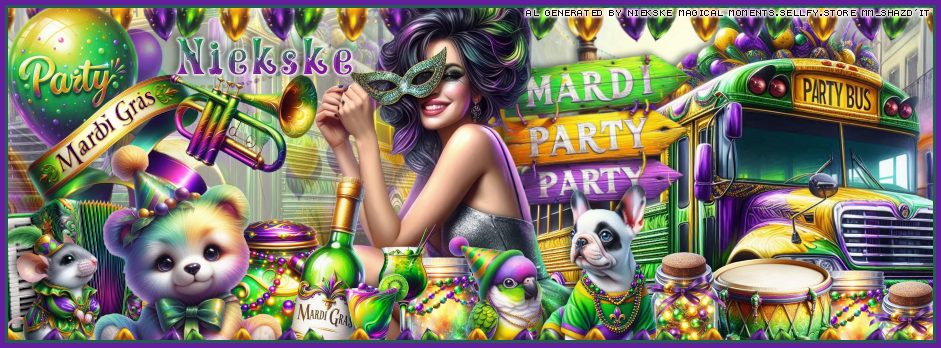
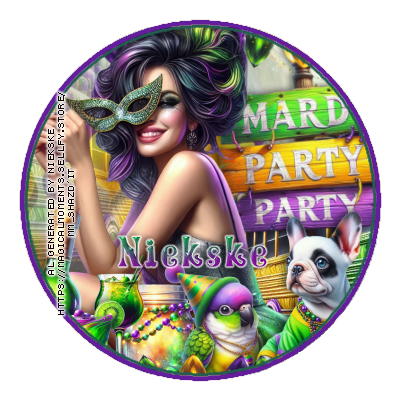
CT for Magical Moments

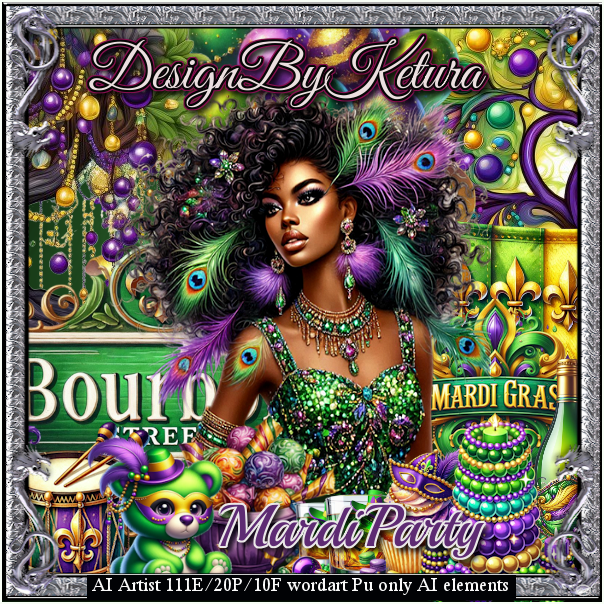
  **~**CT for Magical Moments **~**

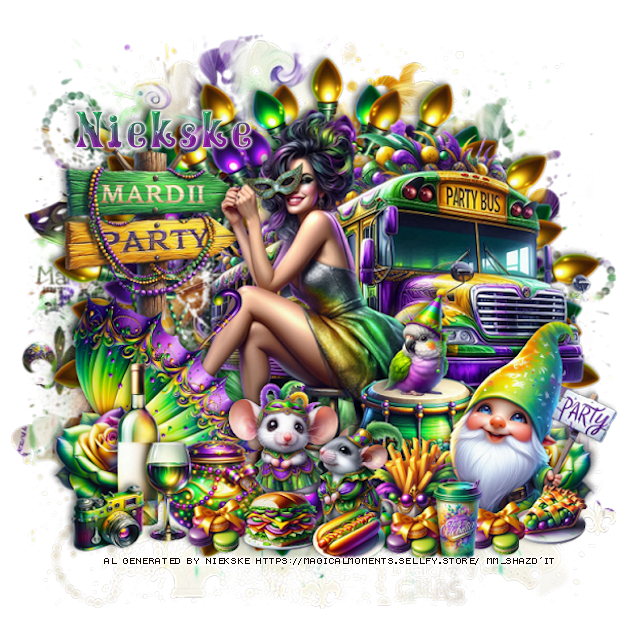
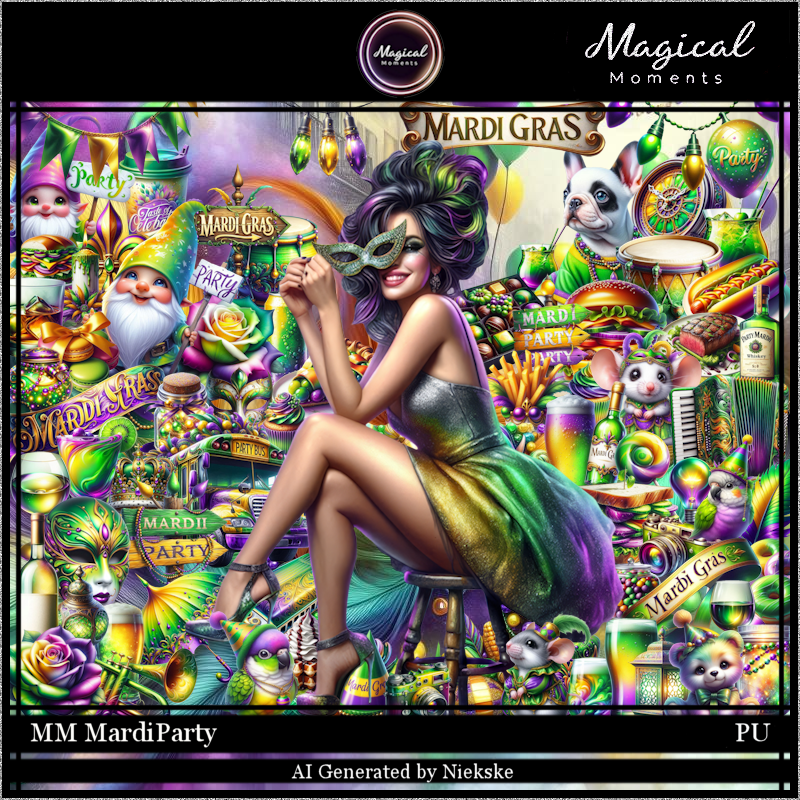
 PTU Scrap Mardi Party by Magical Moments HERE 
You can find all Magical Moments kits  HERE

Timeline and Tag I made with the kit 


Friday, January 23, 2026

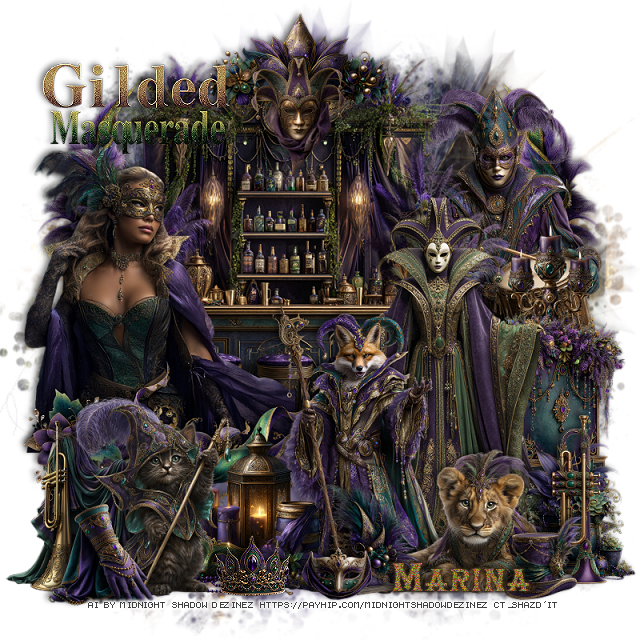
PTU Gilded Masquerade


 This tut was written January 23rd, 2026 for those with a basic knowledge of psp. 

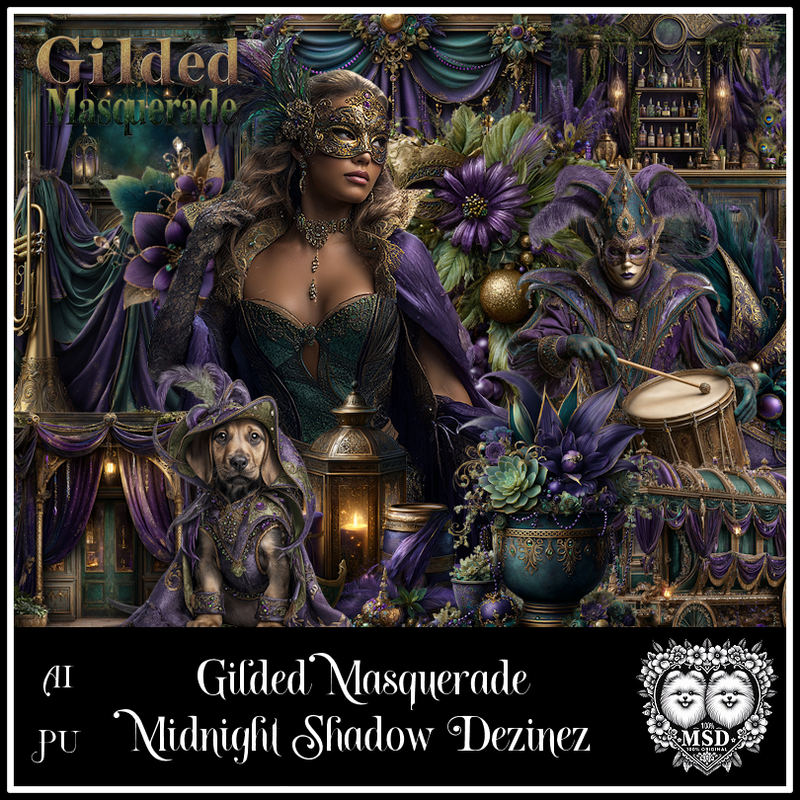
Awesome AI kit and tube by Midnight Shadow Dezinez

Everything used is included in the kit
Read the TOU on how to credit your tags

I used PSP2020...but any of them should work.
PTU Scrap Gilded Masquerade by Midnight Shadow Dezinez  HERE
You can find all Midnight Shadow Dezinez kits HERE
Mask of choice, I used RD Mask 753 HERE
Check out the rest of the blog HERE

Font of choice, I used HerrFoch Trash

Drop shadow as you go is V -2 H -4, 50, 10, or use what you prefer.
Let's get started
*Remember to add your drop shadow as you go along*

Open a new image 800 x 800, paste paper 9, apply your mask.

Resize 53 to 70%, paste at the upper left.
Resize 52 to 30%, paste at the top on the bar.
Resize 49 to 20%, paste at the top.
Resize 3 to 50%, paste on the left above the bar.
Resize 57 to 35%, paste at the bottom of the tube.
Resize 46 to 25%, paste on the left above the ribbon.
Resize 4 to 60%, paste on the right.
Resize 13 to 50%, paste above the lady to the left.
Resize 12 to 25%, paste at the bottom right.

resize 34 to 35%, paste on the bottom right below the lady.
Resize 19 to 20%, paste on the right below the cabinet at the top of it.
Resize 43 to 25%, paste at the bottom right below the animal.
Resize 10 to 40%, paste on the upper right below the candles.
Resize 44 to 30%, paste at the bottom right by the animal.
Resize 20 to 30%, paste at the bottom by the fox.
Resize 14 to 35, paste to the left of the lantern.

Resize 9 to 30%, paste on the bottom left below the cat.
Resize 45 to 20%, paste at the bottom left above the cat.
Resize 5 to 15%, paste at the bottom right.
Resize 33 to 20%, paste at the bottom above the fox.
Resize 55 to 45%, paste at the upper left, sharpen a couple of times.
Resize 8 to 13%, paste at the bottom by the cat, sharpen.
Resize 2 to 12%, paste at the bottom.
Resize 59 to 40%, paste at the upper right below the drummer, duplicate, mirror.

Add any other elements that you would like, make it your own.
Always readjust your mask and elements how you like them before you
 merge your tag, resize, sharpen.

Crop your tag to be sure no shadows or lines are on the edges.
 Then add your copyright and name.
That's it

Hope you enjoyed doing my tut           
Saturday, March 1, 2025

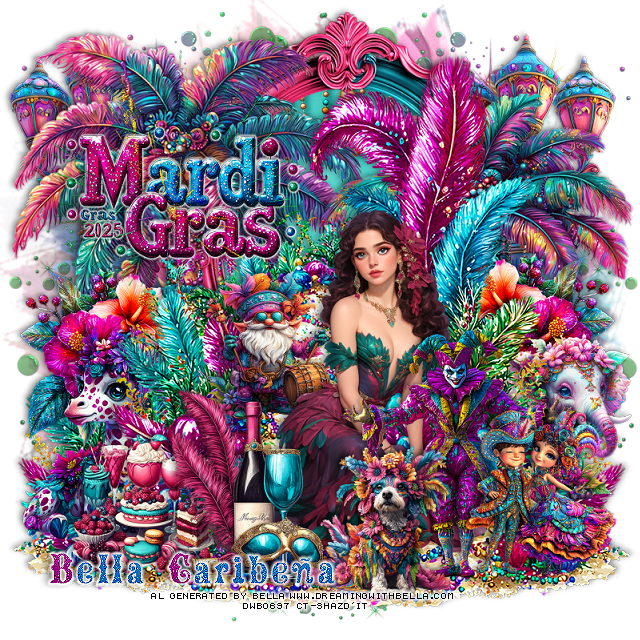
PTU Cherry Mardi Gras


 This tut was written March 1st, 2025,  for those with a basic knowledge of psp. 

I am using the Al tubes by Bella Caribeña 
Tubes are included
Read the TOU on how to credit your tags

I used PSP2020...but any of them should work.
PTU Scrap Cherry Mardi Gras by Bella Caribeña  HERE 
Mardi Gras theme kit 
Kit contains 5 Al tubes by Bella, 3 Bonus Close ups,  
117 elements and 17 papers.
You can check out the rest of her store HERE

Font of choice, I used Mardi Gras

 Drop shadow as you go is V -2 H 4, 50, 10, or use what you prefer.
Let's get started
*Remember to add your drop shadow as you go along*

Open a new image 800 x 800, paste element 73, resize larger to 115%.

Paste element 62 up a bit, duplicate, move to the bottom layer and down to
the bottom left, duplicate, mirror.
Resize element 39 to 90%, paste on the left below the walkway.
Resize element 38 to 75%, paste on the right below the walkway and down.
Resize element 72 to 50%, paste at the upper left, add a gradient glow.
Paste element 75 below the trees at the top, click inside the frame, resize paper
 15 to 50%, paste so the beads shows, invert, delete.

Resize tube 5 to 45%, paste at the bottom.

Resize element 68 to 25%, paste at the bottom above the tube.
Resize element 69 to 40%, paste on the left below the walkway, duplicate, mirror.
Resize element 48 to 45%, paste on the left below the walkway.
Resize element 97 to 30%, paste at the bottom above the tube.
Resize element 96 to 40%, mirror, paste on the bottom right below the walkway.
Resize element 35 to 60%, paste at the top below the trees on one side,
duplicate, move to the other side.
Resize element 80 to 30%, paste on the walkway below the tube.
Resize element 36 to 35%, paste at the bottom right, move the elephant 
up more.
Resize element 26 to 30%, paste at the bottom left.
Resize element 29 to 50%, paste at the bottom right below the dog and couple.
Resize element 7 to 50%, paste on the left above the mardi gras sign.
Paste element 6 above the mask layer at the upper left, duplicate, mirror,
duplicate both, move to the bottom erasing some of it.

Add any other elements you would like, resize.
Crop your tag to be sure no shadows or lines are on the edges.
 Then add your copyright and name.
That's it

Hope you enjoyed doing my tut       
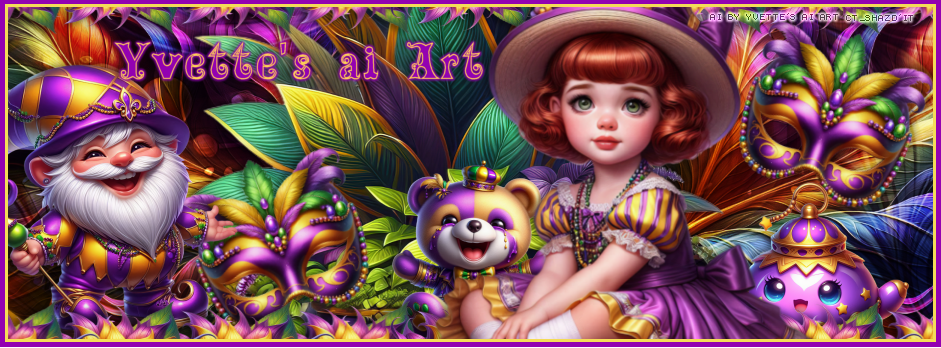
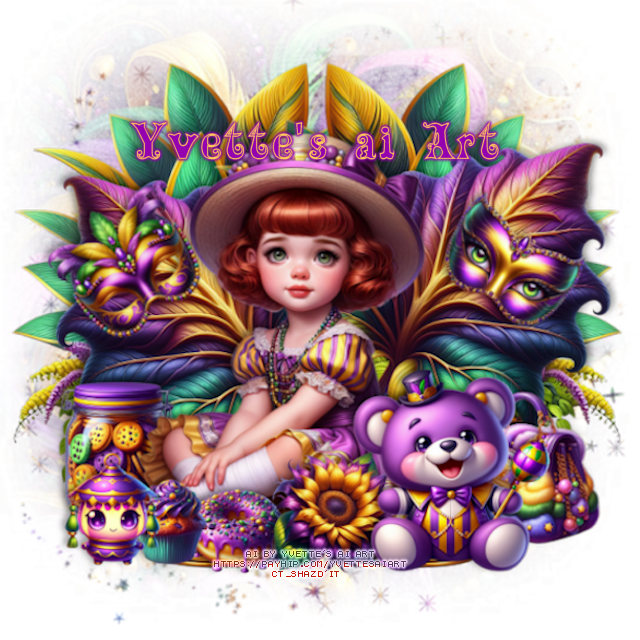
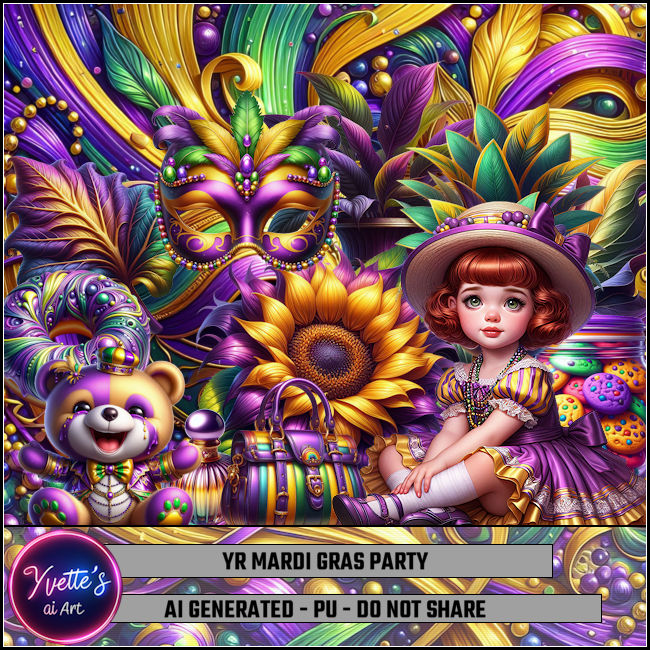
CT FB TL for Yvette's ai Art-Mardi Gras Party

   "CT FB TL for Yvette's ai Art"

AI generated tube and kit by Yvette ai Art
This is YR  Mardi Gras Party
Read the TOU on how to credit your tags

Kit HERE HERE 


Thursday, February 27, 2025

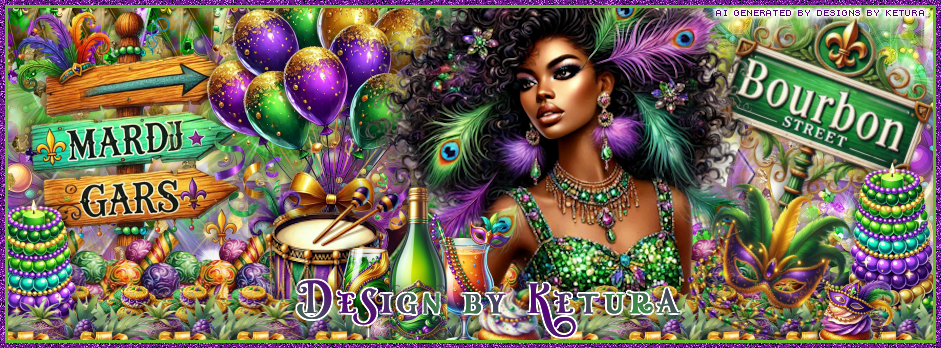
CT for Design By Ketura-Mardi Party

**~**CT for Design By Ketura**~** 

Awesome Mardi Gras kit
Kit contains 110 elements, 20 papers and 10 frames
Wordart and 2 Al generated Tubes by Ketura

You can find the kit HERE HERE HERE HERE HERE

Here is the Timeline and Tag made with the kit


Sunday, February 23, 2025

FTU Carnevale


 This tut was written February 23rd, 2025 for those with a basic knowledge of psp.

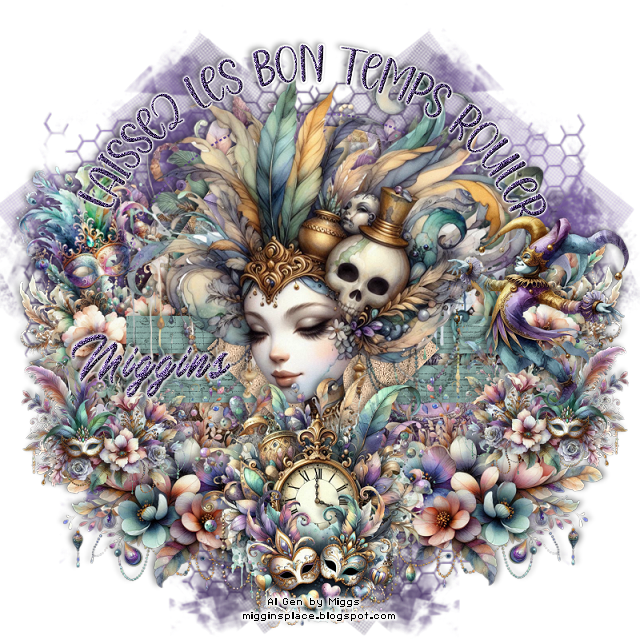
Al generated tube and kit by Miggins
Several tubes, elements, templates, mask and more
Awesome Carnevale kit

I used PSP2020...but any of them should work.
FTU Al kit Carnevale by Miggins HERE
Check out the rest of the blog HERE
Filters
xero-Fritillary

Font of choice, I used Mardi Gras

Drop shadow is  V-1 H-4 Black, 40, 10, use what you prefer.
Let's get started
*Remember to add your drop shadow as you go along*
 
Open the template, hold the shift key and the letter d, close the original.
Delete layer 11.

Layer 1, change the color to #72569c.
Move the wordart up more at the top, recolor if you prefer.
Layer 2, paste paper 30, apply xero-Fritillary with these numbers,
5, 30, 35, 30.
Layer 4, resize paper 23 to 35%, paste, invert, delete.
Layer 6, change the color #72569c.
Merge layer 9 with layer 8, select all, resize paper 23 to 35%, paste,
invert, delete.
Layer 5, resize paper 28 to 35%, paste, invert, delete.
Layer 10, paste paper 26, invert, delete.

Resize element 29 to 60%, paste above the large circle.
Resize element 44 to 50%, paste being on the top layer.
Resize element 35 to 35%, paste at the bottom.
Resize element 58 to 35%, paste below the clock on the left, duplicate, mirror.
Resize element 107 to 30%, paste on the left below the double green rectangles, 
duplicate, mirror.
Resize element 154 to 20%, free rotate to the left at 20, paste on the upper left.
Resize element 87 to 20%, paste at the bottom above the clock.
Resize element 153 to 20%, paste on the right, duplicate, mirror.
Resize element 24 to 25%, paste on the upper right.

Add any other elements that you would like, make it your own.
Always readjust your mask and elements how you like them before you
 merge your tag, sharpen once.
Crop your tag to make sure no shadows or anything on the edges

 Then add your copyright and name.

That's it

Hope you enjoyed doing my tut.