Showing posts with label Farm. Show all posts

Wednesday, July 29, 2026

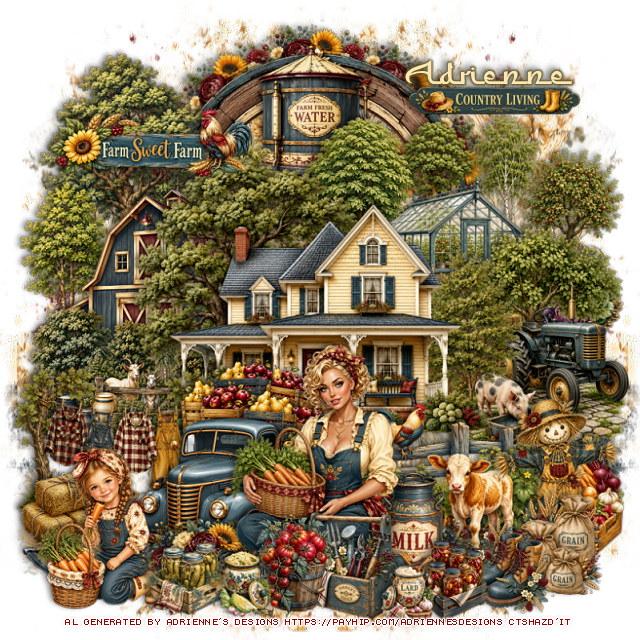
PTU Farmhouse Summer


 This tut was written July 29th, 2026,  for those with a basic knowledge of psp. 

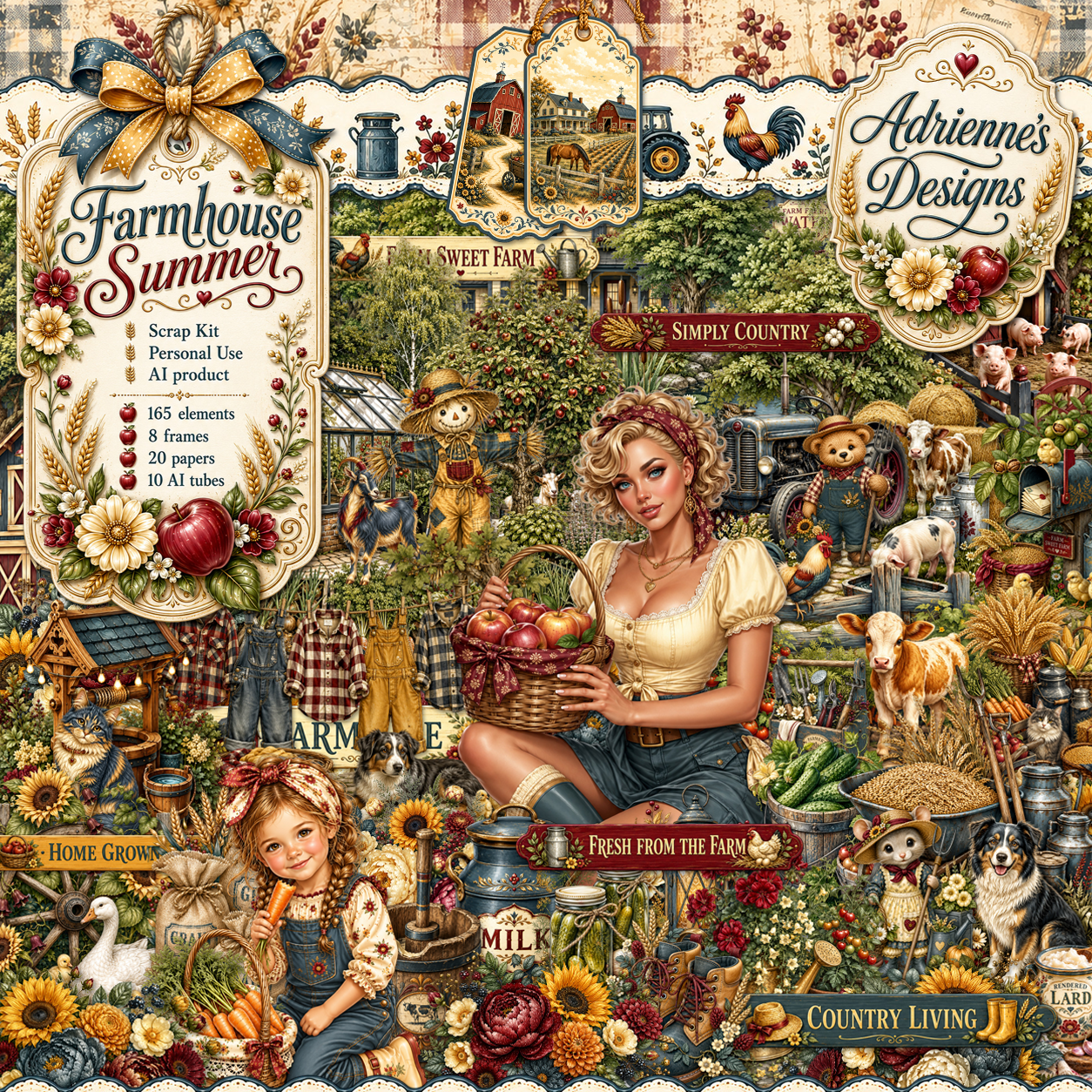
I am using the beautiful Al kit by Adrienne's Designs
Everything used is in the kit 
Read the TOU on how to credit your tags

I used PSP2020...but any of them should work.
PTU Scrap Farmhouse Summer by Adrienne's Designs  HERE
Check out the rest of her store  HERE
or
you can find all her kits on her blog  HERE
Mask of choice, I used MizTeeques 173 HERE 
Check the blog out HERE
Filter
Mura Meister Copies-Encircle

Font of choice I used Furgan

 Drop shadow as you go is V -2 H 4, 50, 10, or use what you prefer.
Let's get started

*Remember to add your drop shadow as you go along* 

Open a new image  800 x 800, paste paper 5, apply your mask, move
to the left, duplicate, mirror.

Resize frame 6 to 55%, click inside, resize paper 2 to 40%, paste,
invert, delete.
Resize 1 to 20%, apply Mura Meister Copies-Encircle, first 3 numbers
on 10, 45, 45, paste below the circle.
Resize 31 to 35%, paste at the top above the frame.
Resize 21 to 55%, paste on the upper left above the water tower.
Resize 24 to 55%, paste on the upper right.

Resize 19 to 65%, paste in the center.
Resize 33 to 40%, mirror, paste below the house on the right.
Resize 47 to 50%, paste on the right above the house.
Resize 88 to 23%, paste on the right below the fence.
Resize 94 to 30%, paste on the right above the fence.
Resize 26 to 35%, paste on the left below the house.
Resize 70 to 40%, paste at the bottom of the house to the left.
Resize 72 to 40%, paste on the left below the truck.

Resize tube 2 to 25%, paste at the bottom.

Resize 86 to 18%, paste at the bottom above the tube.
Resize 5 to 20%, paste at the bottom below the tube behind the tomato pot,
duplicate, mirror.
Resize tube 9 to 15%, paste at the bottom left.
Resize 101 to 20%, paste on the bottom left below the girl.
Resize 97 to 20%, paste at the bottom right.
Resize 105 to 20%, paste at the bottom above the tube.
Resize 93 to 20%, paste below the tube on the right.
Resize 106 to 17%, paste at the bottom right above the grain bags.
Resize 149 to 15%, paste at the bottom by the boots.
Resize 148 to 15%, paste at the bottom by the girl.
Resize 145 and 147 to 12%, paste at the bottom.

Select which ones you want from 164 and 165, resize 20 to 25%,
 paste where you like.

Add any other elements that you would like, make it your own.
Always readjust your mask and elements how you like them before you
 merge your tag, resize, sharpen.

Crop your tag to be sure no shadows or lines are on the edges.
 Then add your copyright and name.
That's it

             Hope you enjoyed doing my tut                

Wednesday, April 22, 2026

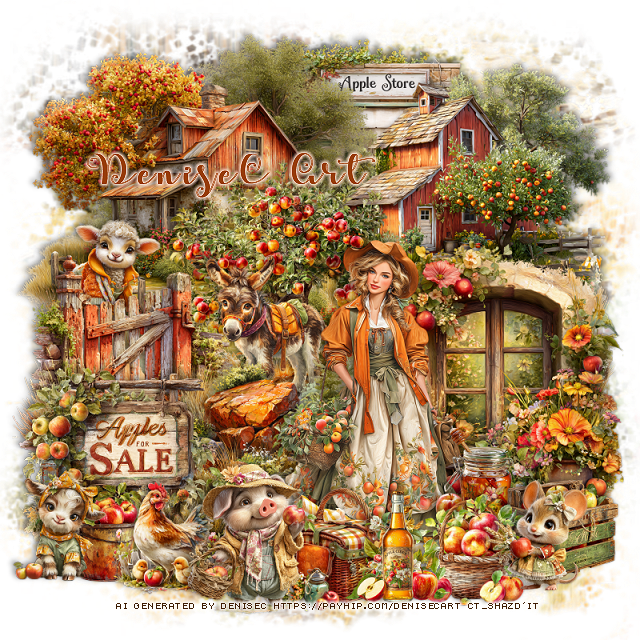
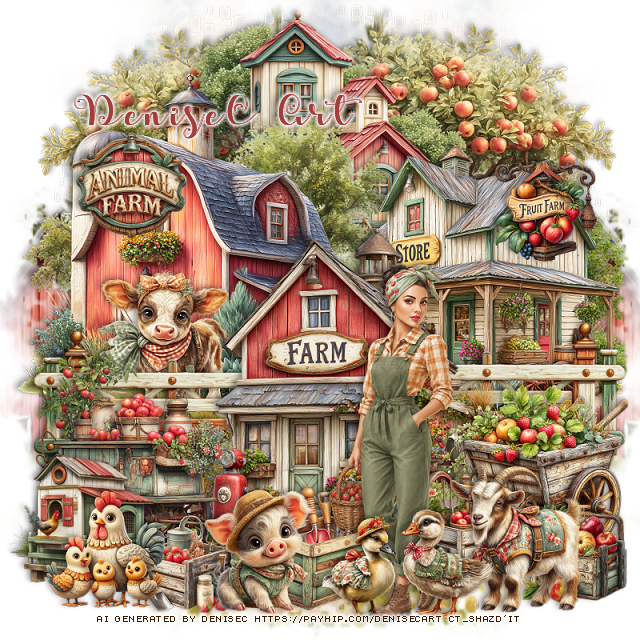
PTU Harvest At The Apple Farm

 This tut was written April 21st, 2026 for those with a basic knowledge of psp. 

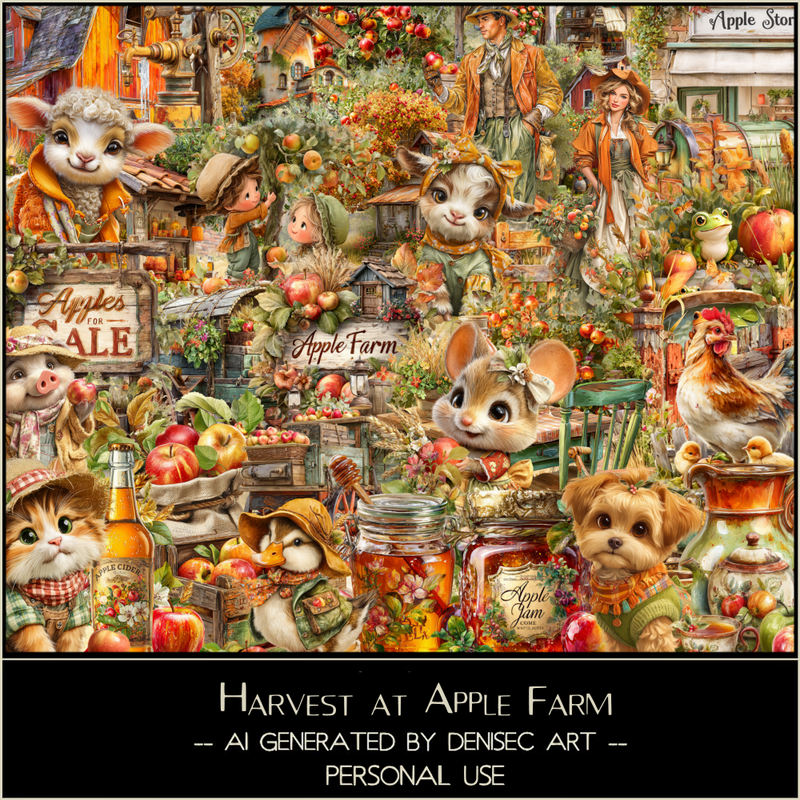
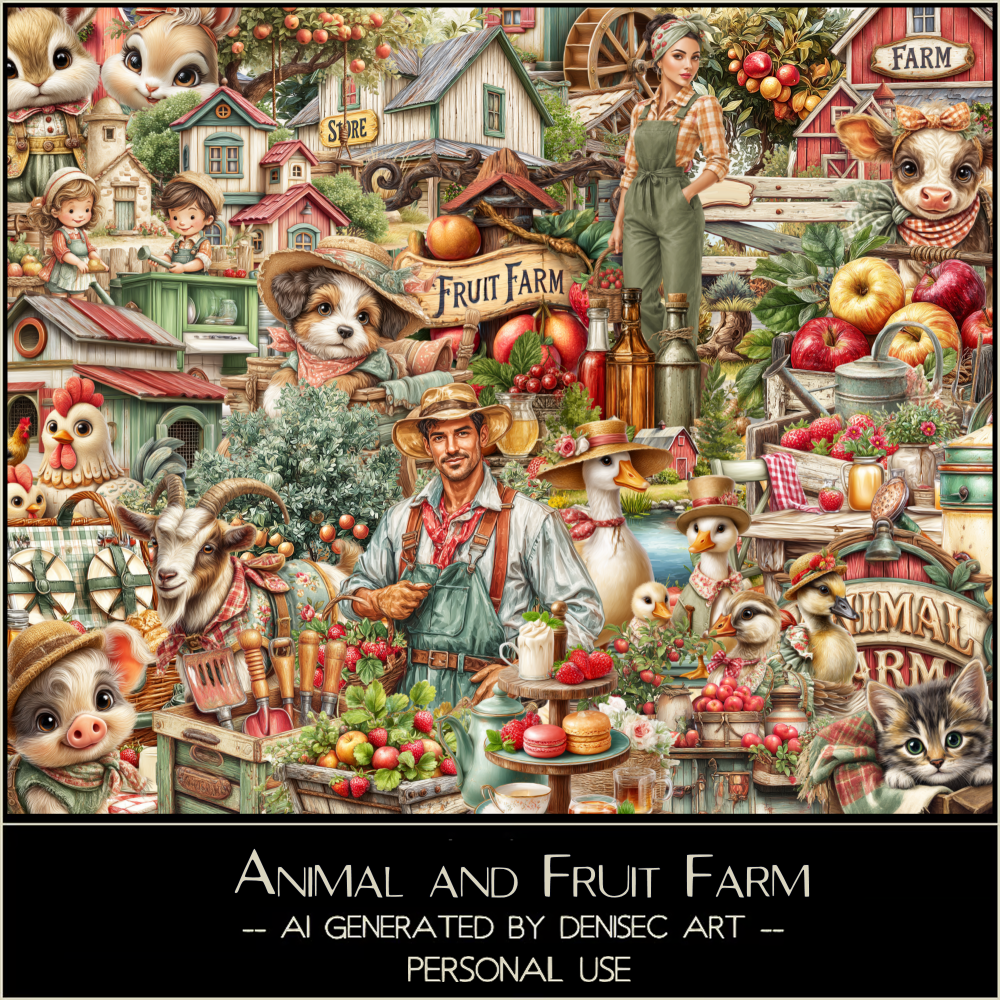
I am using the beautiful Al kit/tube by DeniseC Art

Everything is included in the kit
Please read their TOU on how to credit your tags

I used PSP2020...but any of them should work.
PTU Scrap Harvest At Apple Farm by DeniseC Art HERE
Check out her store here for more of her kits  HERE 
Miz Teeques Mask 52 HERE
Check the blog out HERE

Font of choice, I used Apples Script

Drop shadow as you go is V -2 H 4, 40, 10, or use what you prefer.
Let's get started
*Remember to add your drop shadow as you go along*

Open a new image 800 x 800,  paste paper 1, apply your mask.

Resize 13 to 45%, paste at the upper left.
Resize 50 to 35%, paste at the bottom right.
Resize 11 to 25%, paste at the top below the barns.
Resize 49 to 40%, mirror, paste at the upper right below the barn.
Resize 52 to 30%, paste on the bottom left above the barn.
Resize 56 to 30%, paste on the left below the path.
Resize 33 to 20%, paste above the tree.
Resize 12 to 30%, paste on the left of the tree.
Resize 28 to 15%, paste below the gate.

Resize 45 to 45%, paste at the bottom above the window.

Resize 36 to 25%, paste at the bottom left.
Resize 18 to 13%, paste at the bottom left.
Resize 37 to 17%, paste at the bottom above the lady.
Resize 48 to 20%, paste at the bottom above the basket.
Resize 17 to 15%, paste at the bottom below the pig on the left.
Resize 26 to 15%, paste at the bottom above the basket.
Resize 47 to 15%, paste at the bottom below the beer bottle.
Resize 38 to 15%, paste on the right below the basket.
Resize 44 to 15%, paste on the bottom right.
Resize 7 to 15%, paste on the bottom left.
Resize 6 to 15%, paste at the bottom right.

Add any other elements that you would like, make it your own.
Always readjust your mask and elements how you like them before you
 merge your tag, resize, sharpen.

Crop your tag to be sure no shadows or lines are on the edges.
 Then add your copyright and name.
That's it

Hope you enjoyed doing my tut   
Saturday, November 29, 2025

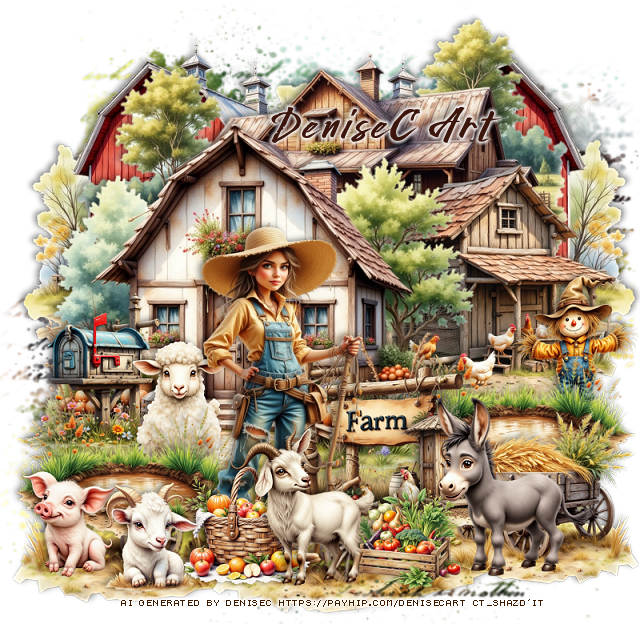
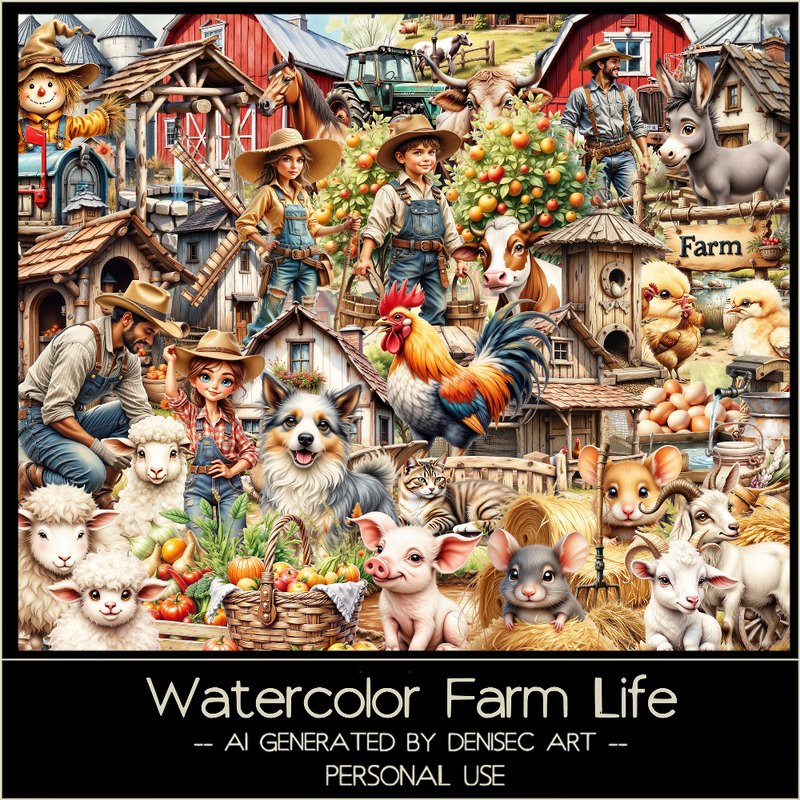
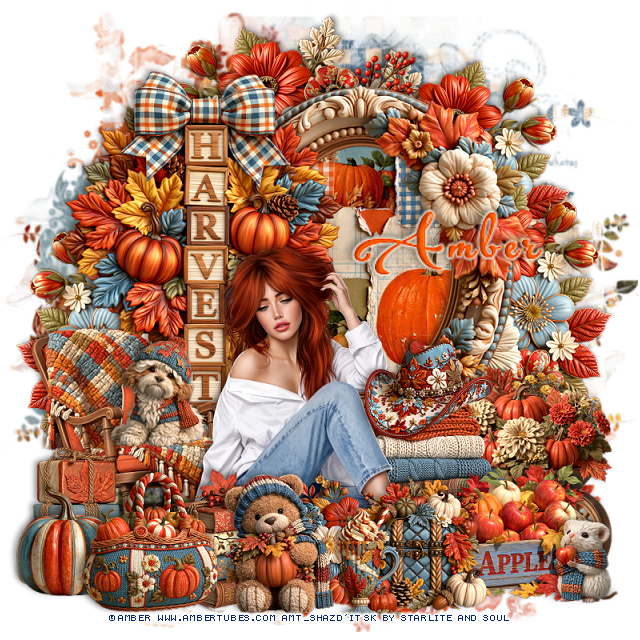
PTU Watercolor Farm Life


 This tut was written November 29th, 2025 for those with a basic knowledge of psp. 

I am using the beautiful Al kit/tube by DeniseC Art

Everything is included in the kit
Please read their TOU on how to credit your tags

I used PSP2020...but any of them should work.
PTU Scrap Watercolor Farm Life HERE
Check out her store here for more of her kits  HERE 
Miz Teeques Mask 354 HERE
Check out the rest of the blog HERE

Font of choice, I used Wild West

Drop shadow as you go is V -2 H 4, 40, 10, or use what you prefer.
Let's get started
*Remember to add your drop shadow as you go along*

Open a new image 800 x 800,  paste paper 1, apply your mask.

Resize element 26 to 50%, paste at the upper left, duplicate, mirror.
Resize element 68 to 65%, paste at the top above the barns.
Resize element 53 to 55%, paste on the left.
Resize element 20 to 40%, paste on the right below the house.
Resize element 37 to 20%, paste above the house at the bottom.

Resize element 48 to 45%, paste above the sign.
Resize element 14 to 20%, paste above the sign.
Resize element 46 to 25%, paste at the bottom above the lady.
Resize element 8 to 30%, paste at the bottom right below the sign, duplicate,
move to the left, move the mailbox below the puddle.
Resize element 42 to 15%, paste at the bottom left above the puddle.
Resize element 9 to 17%, paste at the bottom above the lady.

Resize element 29 to 15%, paste at the bottom.
Resize element 33 to 20%, paste on the right below the puddle.
Resize element 36 to 28%, paste on the bottom right.
Resize element 13 to 15%, paste at the bottom left.
Resize element 60 to 20%, paste on the left below the puddle.
Resize element 6 to 30%, mirror, paste at the bottom right below the donkey,
duplicate, resize larger to 125%, mirror, move to the bottom layer on the
left, duplicate, move to the center more.

Add any other elements that you would like, make it your own.
Always readjust your mask and elements how you like them before you
 merge your tag, resize, sharpen.

Crop your tag to be sure no shadows or lines are on the edges.
 Then add your copyright and name.
That's it

Hope you enjoyed doing my tut

Monday, October 13, 2025

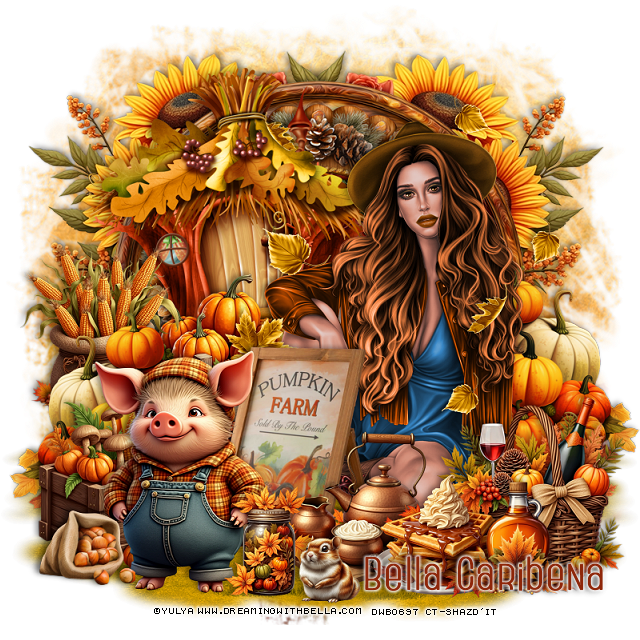
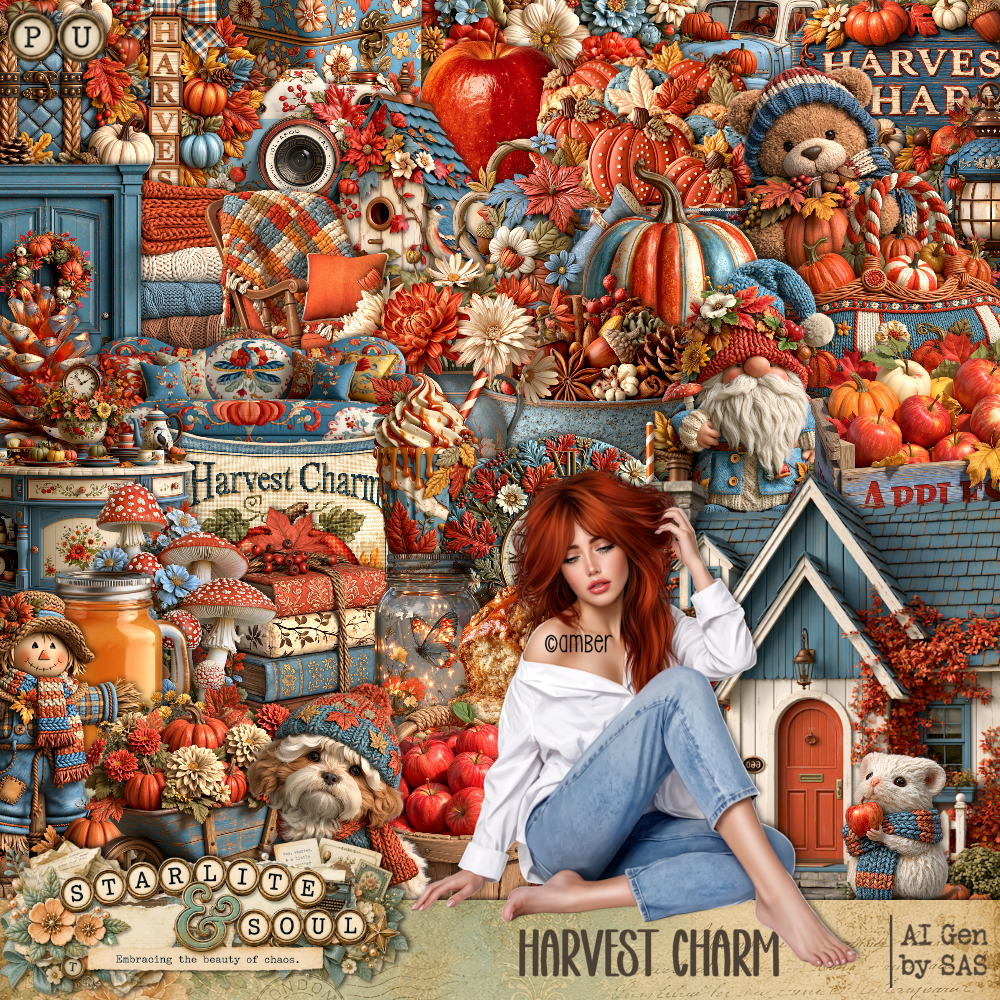
PTU Farm


 This tut was written October 13th, 2025,  for those with a basic knowledge of psp. 

Awesome tube © Yulya
The tube is included
Read the TOU on how to credit your tags

I used PSP2020...but any of them should work.
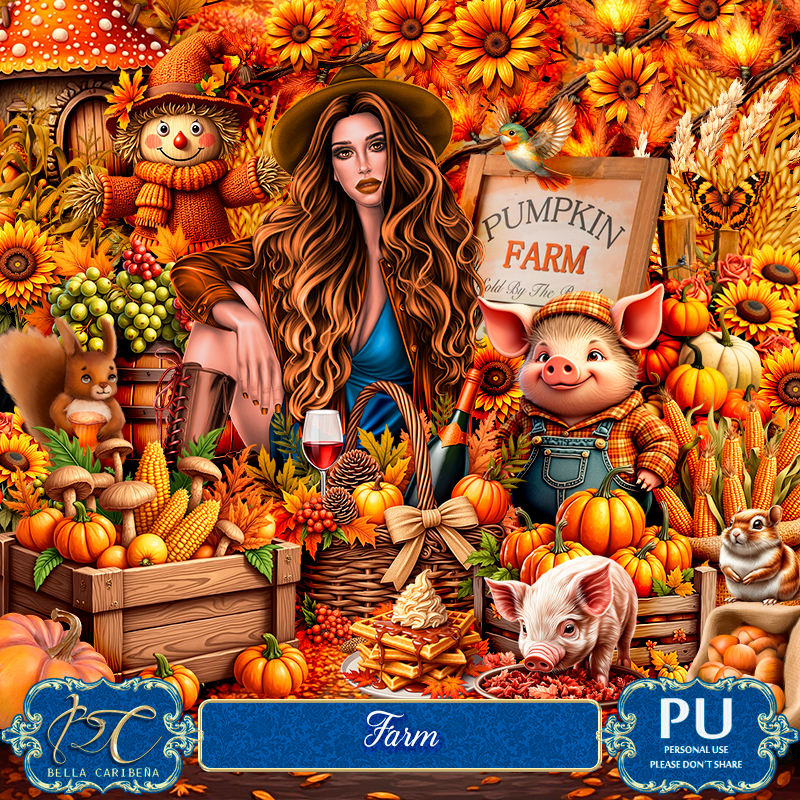
PTU Scrap Farm by Bella Caribeña  HERE
Autumn Theme
Kit contains 1 Tube © Yulya, 75 elements, 11 papers 
You can check out the rest of her store HERE 

Font of choice, I used Home Away

 Drop shadow as you go is V -2 H 4, 50, 10, or use what you prefer.
Let's get started
*Remember to add your drop shadow as you go along*

Open a new image 800 x 800, paste element 4.

Resize element 55 to 85%, paste.
Resize element 54 to 75%, paste on top of the frame.
Resize element 31 to 50%, paste to the left and up on the frame.
Paste element 62 below the frames on the right, duplicate, mirror.
Paste element 49 on the bottom on the bottom layer to the right,
duplicate, mirror.

Resize your tube to 25%, paste on the right.

Resize element 39 to 50%, paste below the tube on the right, duplicate, mirror.
Resize element 75 to 40%, paste at the bottom right above the tube.
Resize element 63 to 40%, paste at the bottom.
Resize element 71 to 30%, paste at the bottom.
Resize element 25 to 50%, paste above the tube.
Resize element 74 to 45%, paste below the pumpkins.
Resize element 73 to 40%, paste on the bottom left below the sign.

Resize element 61 to 25%, paste at the bottom by the waffles.
Resize element 65 to 35%, paste on the left below the pumpkins.
Resize element 69 to 50%, paste at the bottom left above the sign.
Resize element 1 to 25%, paste at the bottom.
Resize element 42 to 15%, paste at the bottom.
Resize element 30 to 20%, paste at the bottom left.
Paste element 18 where you like.

Add any other elements you would like, resize.
Crop your tag to be sure no shadows or lines are on the edges.
 Then add your copyright and name.
That's it

            Hope you enjoyed doing my tut              
Wednesday, August 27, 2025

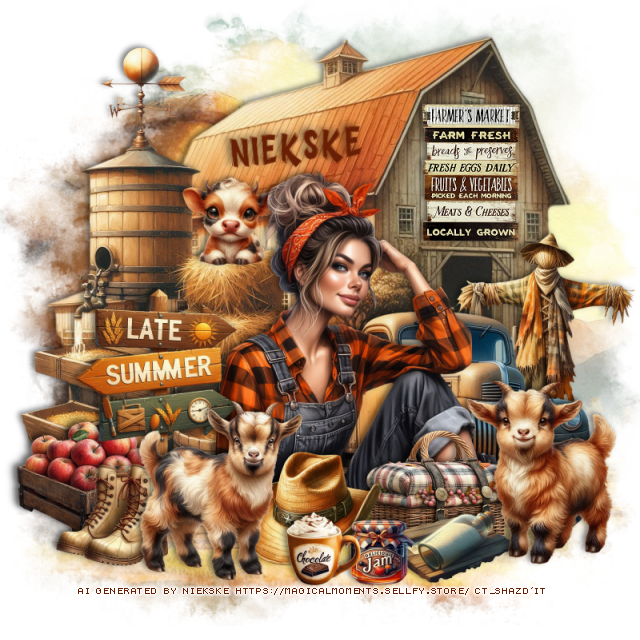
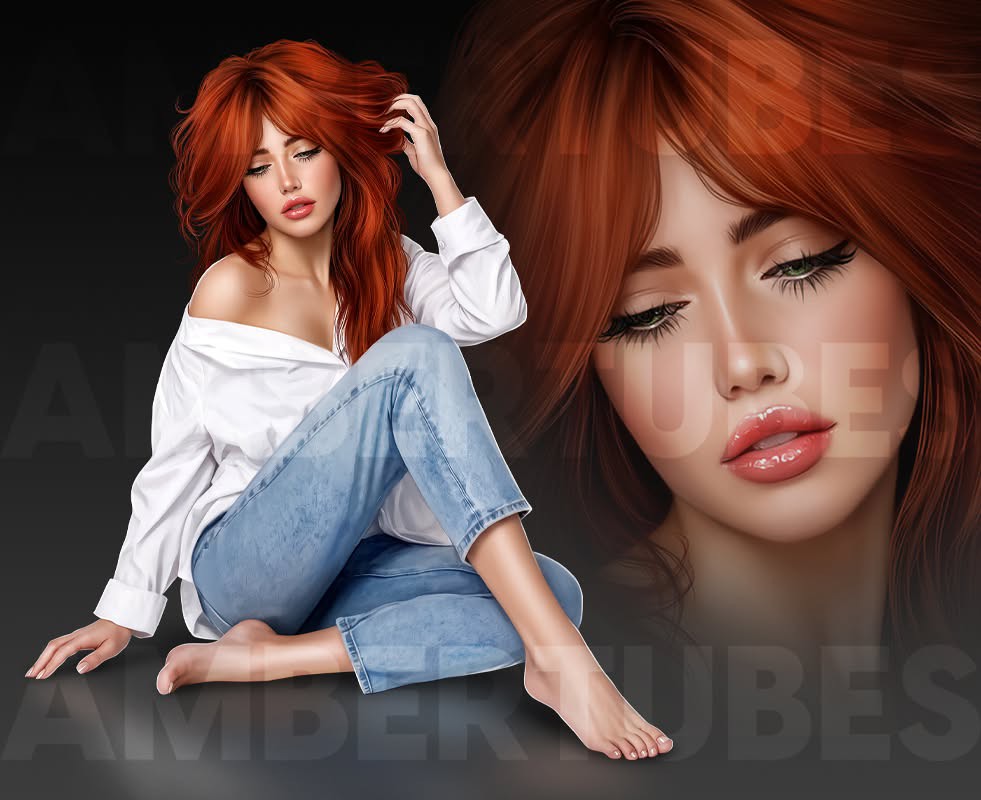
PTU Late Summer At The Farm


This tut was written August 26th, 2025 for those with a basic knowledge of psp. 

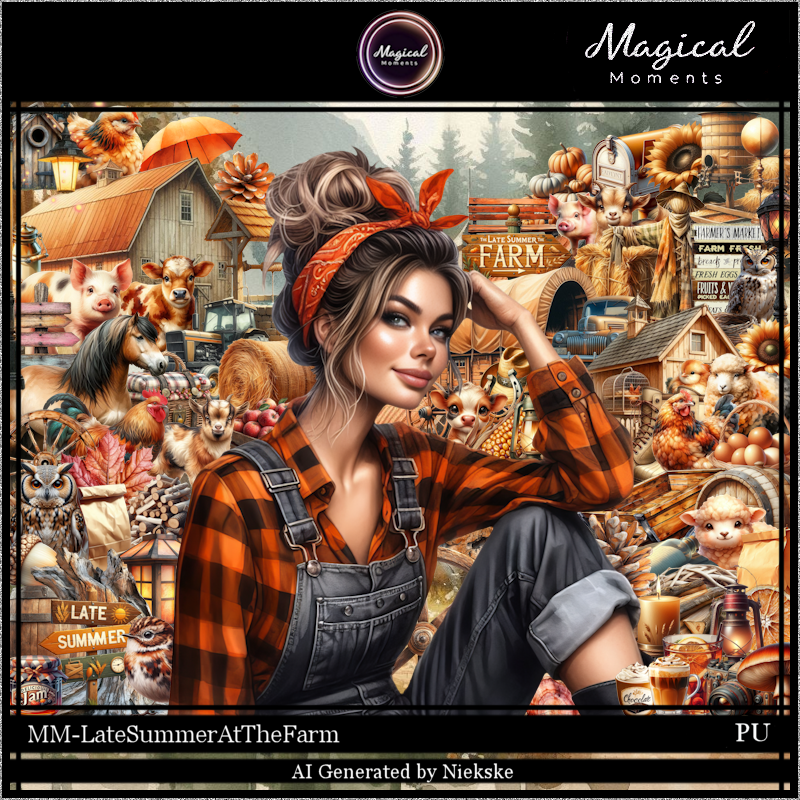
Al tube and kit by Magical Moments
Tube is included in the kit
Read the TOU on how to credit your tags

I used PSP2020...but any of them should work.
PTU Scrap Late Summer At The Farm by Magical Moments HERE  
Mask of choice, I used Lori's Mask 1230 HERE
Check out the rest of the blog HERE

Font of choice, I used Wild Lines

Drop shadow is V -2 H 4, 50, 10, color Black or use what you prefer.
Let's get started
*Remember to add your drop shadow as you go along*

Open a new image 800 x 800, paste paper 4, apply your mask, duplicate,
merge down.

Resize element 71 to 75%, paste at the top.
Resize element 68 to 50%,  paste on the left.
Resize the tube to 20%, paste.
Resize element 53 to 40%, mirror, paste on the right below the tube.
Resize element 46 to 25%, paste at the bottom above the tube.
Resize element 45 to 25%, paste on the bottom left.
Resize element 33 to 15%, paste at the bottom by the apples.
Resize element 16 to 18%, paste at the bottom.

Resize element 37 to 25%, paste at the bottom.
Resize element 47 to 20%, paste on the barn.
Resize element 50 to 15%, paste on top of the water barrel.
Resize element 67 to 25%, paste at the bottom right.
Resize element 60 to 18%, paste at the bottom above the tube behind the
goat.
Resize element 3 to 10%, paste at the bottom by the bottle.
Resize element 62 to 30%, paste on the right below the truck.

Resize element 57 to 25%, paste below the boots.
Resize element 78 to 12%, paste at the bottom.
Resize element 52 to 12%, paste on the straw bale behind the tube.

Add any other elements that you would like, make it your own.
Always readjust your mask and elements how you like them before you
 merge your tag, resize, sharpen.

Crop your tag to be sure no shadows or lines are on the edges.
 Then add your copyright and name.
That's it

Hope you enjoyed doing my tut.     

Monday, July 28, 2025

PTU Cattle and Corn


  This tut was written July 28th, 2025 for those with a basic knowledge of psp. 

Awesome AI kit and tube by Midnight Shadow Dezinez

Everything used is included in the kit
Read the TOU on how to credit your tags

I used PSP2020...but any of them should work.
PTU Scrap Cattle and Corn by Midnight Shadow Dezinez  HERE
You can find all Midnight Shadow Dezinez kits HERE
RD Mask 683 they are also numbered 671 to 674 HERE
Check the rest of the blog HERE

Font of choice, I used Wild Ones

Drop shadow as you go is V -2 H -4, 40, 10, or use what you prefer.
Let's get started
*Remember to add your drop shadow as you go along*

Open a new image 800 x 800, resize paper 6 to 80%, apply your mask.

Resize element 11 to 90%, paste at the upper left, duplicate, mirror.
Resize element 27 to 75%, paste on the upper right below the tree.
Resize element13 to 90%, paste above the pond.
Resize element 29 to 60%, paste above the house.

Resize element 16 to 50%, mirror, paste on the right below the tower.
Resize element 14 to 40%, paste below the tube on one side, duplicate, mirror.
Resize element 56 to 50%, paste on the right below the bale of hay.
Resize element 49 to 55%, paste on the left below the tube.
Resize element 12 to 50%, paste on the left above the tube.
Resize element 28 to 45%, paste on the right above the tube.
Resize element 37 to 35%, paste on the right below the cow.
Resize element 43 to 35%, paste on the right above the tube.

Resize element 9 to 25%, paste on the upper left above house.
Resize element 1 to 30%, paste below the chair on the left.
Resize element 3 to 30%, paste on the left above the cow.
Resize element 30 to 30%, paste on the upper right on the tower.
Resize element 22 to 25%, paste on the right below the cow.
Resize element 2 to 25%, paste at the bottom below the flowers.
Resize element 45 to 40%, paste on  the right below the barrels.
Resize element 19 to 25%, mirror, paste on the bottom.
Resize element 26 to 20%, paste at the bottom right.

Add any other elements that you would like, make it your own.
Always readjust your mask and elements how you like them before you
 merge your tag, resize, sharpen.

Crop your tag to be sure no shadows or lines are on the edges.
 Then add your copyright and name.
That's it

Hope you enjoyed doing my tut         
Thursday, April 17, 2025

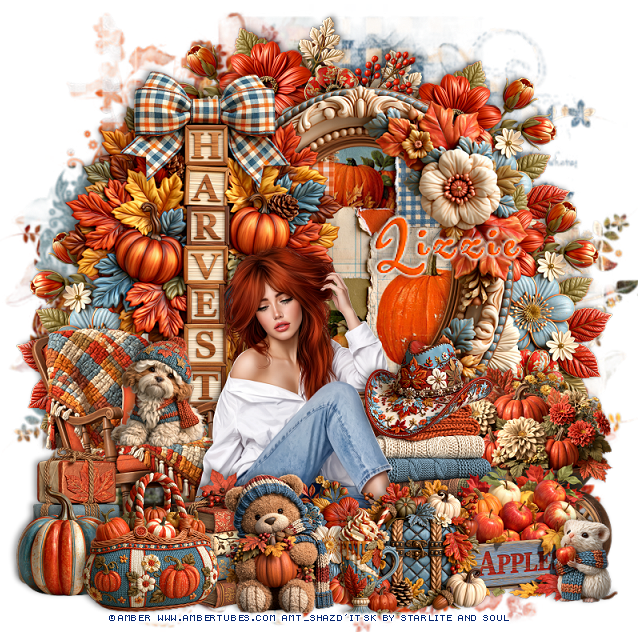
PTU Charming Piglets


   This tut was written April 17th, 2025 for those with a basic knowledge of psp. 

Awesome AI kit and tube by Midnight Shadow Dezinez

Everything used is included in the kit
Read the TOU on how to credit your tags

I used PSP2020...but any of them should work.
PTU Scrap Charming Piglets by Midnight Shadow Dezinez  HERE
You can find all Midnight Shadow Dezinez kits  HERE
RD Mask 964 HERE
Check the rest of the blog HERE

Font of choice, I used Pig

Drop shadow as you go is V -2 H -4, 40, 10, or use what you prefer.
Let's get started
*Remember to add your drop shadow as you go along*

Open a new image 800 x 800, paste 6, apply your mask.

Paste element 30, duplicate, mirror, move below the first one.
Resize element 27 to 50%, paste on the upper right below the tree layer.
Resize element 23 to 50%. paste at the bottom left.
Resize element 15 to 75%, paste at the upper left below the trees.
Resize element 16 to 40%, mirror, paste on the bottom right.
Resize element 8 to 30%, paste at the bottom left.
Resize element 50 to 40%, paste on the bottom left below the barrels,
duplicate, move to the right below the chair.

Resize element 60 to 40%, paste on the right below the chair.
Resize element 51 to 30%, paste on the bottom right above the chair.
Resize element 39 to 35%, paste on the left below the barrels.
Resize element 44 to 35%, paste on the right below the tube.
Resize element 13 to 30%, paste at the bottom left above the barrels.
Resize element 55 to 30%, paste below the pig.
Resize element 56 to 50%, paste at the bottom below the barrels, duplicate 
a couple of times, move over where you like.
Resize element 14 to 35%, paste below the pigs looking at the picture,
duplicate, move to the left below the cactus.
Resize element 20 to 40%, paste at the bottom being on the top layer.

Resize element 19 to 25%, paste at the bottom above the wagon, erase the chains.
Resize element 26 to 25%, paste at the bottom.
Resize element 35 to 30%, mirror, paste at the bottom.
Resize element 43 to 40%, paste on the left above the bales of hay, move 
the hay up.

Add any other elements that you would like, make it your own.
Always readjust your mask and elements how you like them before you
 merge your tag, resize, sharpen.

Crop your tag to be sure no shadows or lines are on the edges.
 Then add your copyright and name.
That's it

Hope you enjoyed doing my tut