Showing posts with label Scraps Dimensions. Show all posts

Saturday, September 21, 2024

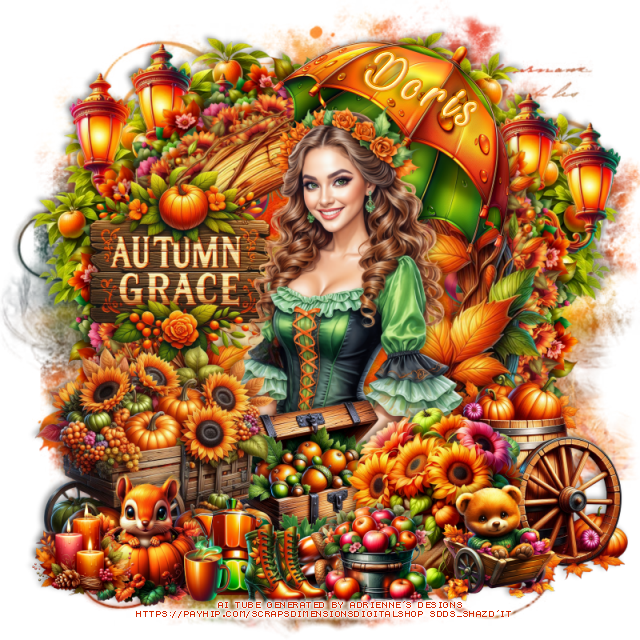
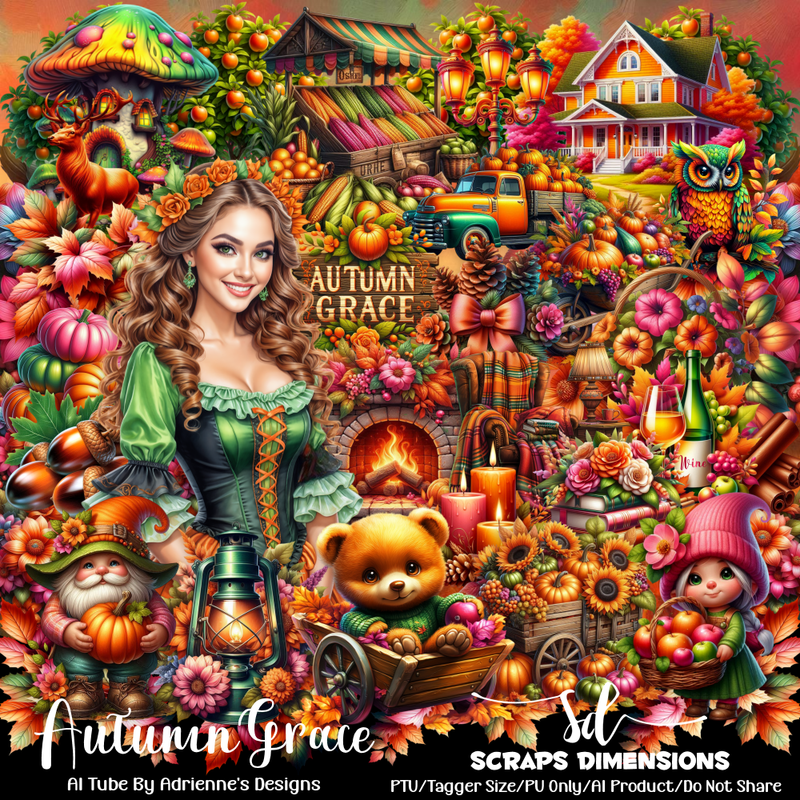
PTU Autumn Grace


This tut was written  August 21st, 2024 for those with a basic knowledge of psp. 

Al generated tube by Adrienne's Designs
Al kit by Scraps Dimensions
Read the TOU on how to credit your tags

I used PSP2020...but any of them should work.
PTU Scrap Autumn Grace by Scraps Dimensions  HERE
Check her store HERE
Mask of choice, I used Miz Teeques Mask 56 HERE
Check out the rest of the blog HERE
Filter
Mura Meister Copies

 Font of choice, I used Beautiful and Openhearted

Drop shadow as you go is V -2 H -4, 40, 10, or use what you prefer.
Let's get started
*Remember to add your drop shadow as you go along*

Open a new image 800 x 800, paste paper 8, apply your mask.

Resize element 68 to 75%, paste, click inside with the magic wand, paste
paper 12, invert, delete.
Resize element 57 to 30%, apply Mura Meister Copies-Encircle, first 
3 numbers on 16, 60, 60, paste below the frame.
Resize element 60 to 30%, apply Mura Meister Copies-Encircle, first 3 
numbers on 16, 55, 55, paste above the circle.
Paste element 31 below the flower circles on the left, duplicate, mirror.

Resize your tube to 40%, mirror, paste.

Resize element 64 to 55%, paste at the bottom left, above the tube.
Resize element 11 to 45%, paste on the left on the frame.
Resize element 73 to 40%, paste below the wagon on the right.
Resize element 72 to 20%, paste at the bottom.
Resize element 55 to 50%, paste below the tube at the top right.
Resize element 10 to 50%, paste on the bottom right.
Resize element 1 to 50%, mirror, paste on the bottom right below the bag.
Resize element 29 to 25%, paste at the bottom.
Resize element 34 to 65%, paste at the upper right below the flowers,
duplicate, mirror, move up a bit on the left.
Resize element 6 to 30%, paste at the bottom left.
Resize element 43 to 25%, paste at the bottom.
Resize element 44 to 15%, paste at the bottom.
Resize element 3 to 25%, paste at the bottom right.
Resize element 16 to 25%, paste at the bottom left.
Resize element 75 to 20%, paste at the bottom.

Add any other elements that you would like, make it your own.
Always readjust your mask and elements how you like them before you
 merge your tag, resize, sharpen.
Crop your tag to be sure no shadows or lines are on the edges.
 Then add your copyright and name.
That's it

Hope you enjoyed doing my tut.    

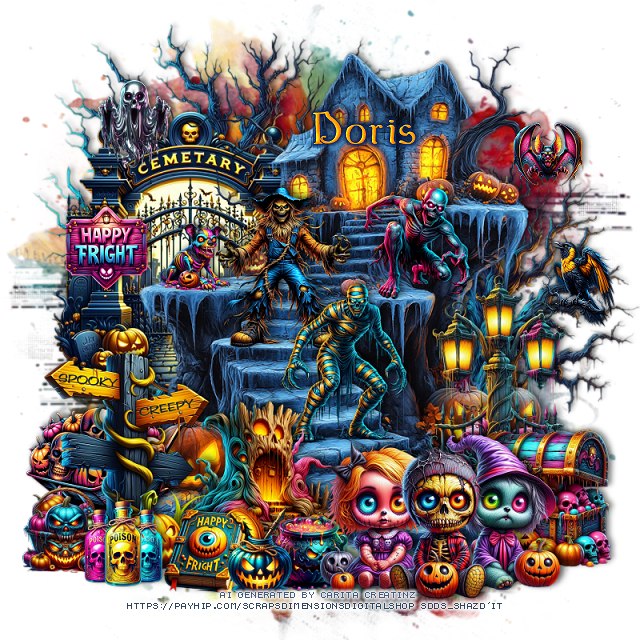
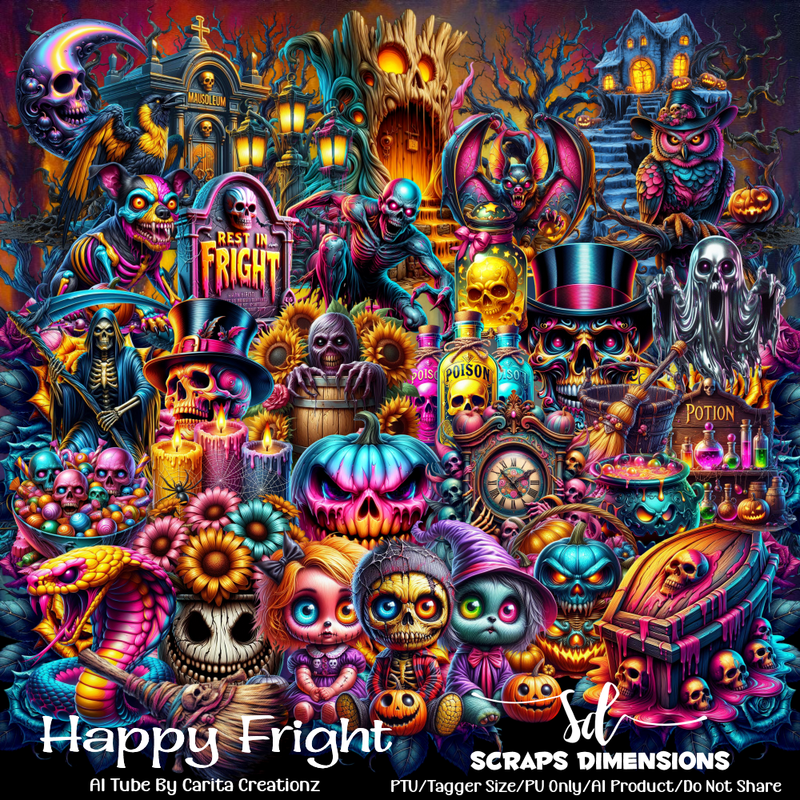
PTU Happy Fright


This tut was written  August 21st, 2024 for those with a basic knowledge of psp. 

Al generated tube by Carita Creationz
Al kit by Scraps Dimensions
Read the TOU on how to credit your tags

I used PSP2020...but any of them should work.
PTU Scrap Happy Fright by Scraps Dimensions  HERE
Check her store HERE
Mask of choice, I used Vivienne's Digital Tagging Mask 41 HERE
Check out the rest of the blog HERE

 Font of choice, I used bu Wicked

Drop shadow as you go is V -2 H -4, 50, 10, or use what you prefer.
Let's get started
*Remember to add your drop shadow as you go along*

Open a new image 800 x 800, paste paper 4, apply your mask.

Paste element 34 at the upper right.
Paste element 29 on the upper left below the house, duplicate,
resize to 75%, move down on the right.
Resize element 41 to 65%, paste on the left below the house.
Resize element 70 to 50%, paste on the bottom left above the house.
Resize element 71 to 35%, paste on the bottom left below the sign.
Resize element 77 to 30%, paste at the bottom right.
Resize element 90 to 30%, paste at the bottom.
Resize element 59 to 50%, paste below the chest on the right.

Resize element 51 to 35%, paste on the stairs.
Resize element 7 to 15%, paste on the left of the scarecrow.
Resize element 45 to 35%, paste on the stairs.
Resize element 55 to 35%, paste at the bottom left below the sign.
Resize element 11 to 25%, paste on the right on the flat spot of the house.
Resize element 61 to 20%, paste at the bottom left.
Resize element 53 to 20%, paste at the bottom.
Resize element 66 to 20%, paste at the bottom.
Resize element 2 to 15%, paste at the upper right.
Resize element 4 to 20%, paste at the bottom below the kids.
Resize element 9 to 20%, paste on the upper left.
Resize element 1 to 20%, paste on the bottom left below the bottles.
Resize element 67 to 20%, mirror, paste on the right on the tree.
Resize element 28 to 20%, paste on the left on the fence post.

Add any other elements that you would like, make it your own.
Always readjust your mask and elements how you like them before you
 merge your tag, resize, sharpen.
Crop your tag to be sure no shadows or lines are on the edges.
 Then add your copyright and name.
That's it

Hope you enjoyed doing my tut.    
Tuesday, August 20, 2024

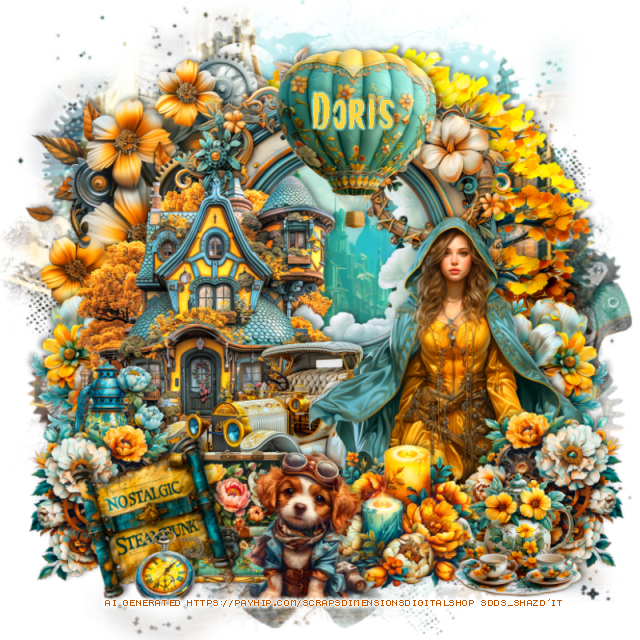
PTU Nostalgic Steampunk


This tut was written  August 20th, 2024 for those with a basic knowledge of psp. 

Al generated tube by Scrap Dimensions
Al kit by Scraps Dimensions
Read the TOU on how to credit your tags

I used PSP2020...but any of them should work.
PTU Scrap Nostalgic Steampunk by Scraps Dimensions  HERE
Check her store HERE
Mask of choice, I used Miz Teeques Mask 261 HERE
Check out the rest of the blog HERE

 Font of choice, I used Brush

Drop shadow as you go is V -2 H -4, 40, 10, or use what you prefer.
Let's get started
*Remember to add your drop shadow as you go along*

Open a new image 800 x 800, paste paper 9, apply your mask.

Paste element 5 on the upper left.
Paste element 64 on the upper right below the gears.
Resize element 24 to 75%, paste, click inside with the magic wand, paste 
paper 10 how you like, invert, delete.
Resize element 26 to 60%, paste on the left above the frame.

Resize tube 2 to 40%, paste on the right.

Resize element 51 to 35%, paste at the bottom above the tube.
Resize element 45 to 45%, paste above the house.
Resize element 30 to 35%, paste at the bottom left above the car, duplicate,
mirror, move above the tube.
Resize element 9 to 40%, paste at the top above the frame.
Resize element 8 to 35%, paste on the right below the tube, duplicate,
mirror, move below the house on the left.
Resize element 33 to 30%, paste at the bottom right.
Resize element 32 to 30%, paste on the left below the car.
Resize element 38 to 30%, paste at the bottom below the left flower.
Resize element 60 to 35%, paste at the bottom.
Resize element 80 to 30%, free rotate to the left at 15, paste on the bottom left.
Resize element 54 to 20%, paste at the bottom left above the sign.

Add any other elements that you would like, make it your own.
Always readjust your mask and elements how you like them before you
 merge your tag, resize, sharpen.
Crop your tag to be sure no shadows or lines are on the edges.
 Then add your copyright and name.
That's it

Hope you enjoyed doing my tut.    
Thursday, August 1, 2024

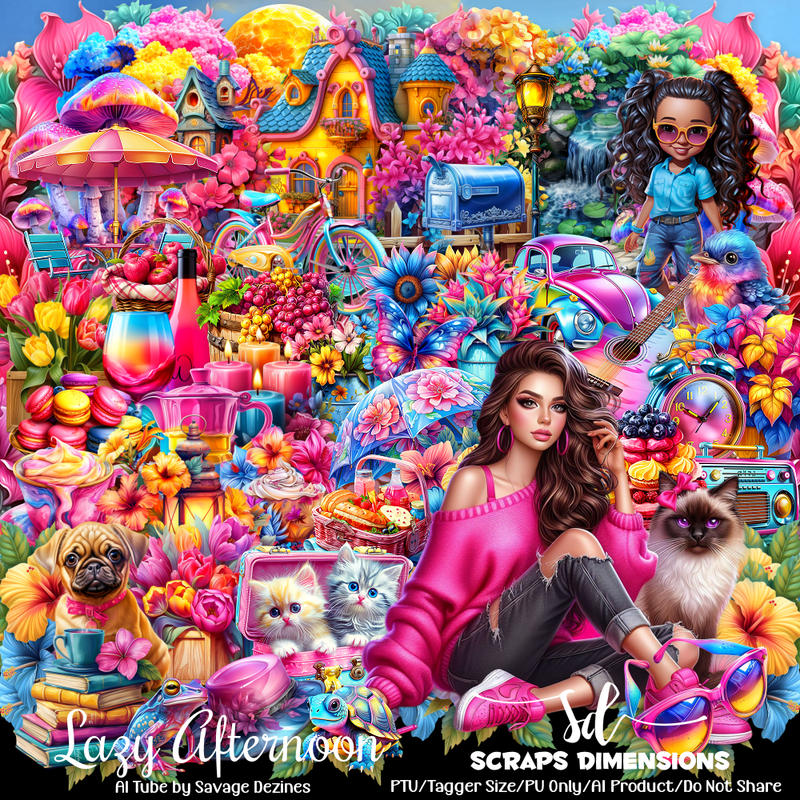
PTU Lazy Afternoon


This tut was written  August 1st, 2024 for those with a basic knowledge of psp. 

Al generated tube by Savage Dezines
Al kit by Scraps Dimensions
Read the TOU on how to credit your tags

I used PSP2020...but any of them should work.
PTU Scrap Lazy Afternoon by Scraps Dimensions  HERE
Check her store HERE
Mask of choice, I used Miz Teeques Mask 56 HERE
Check out the rest of the blog HERE

 Font of choice, I used Lovely Home

Drop shadow as you go is V -2 H -4, 40, 10, or use what you prefer.
Let's get started
*Remember to add your drop shadow as you go along*

Open a new image 800 x 800, paste paper 2, apply your mask.

Resize element 22 to 55%, paste at the upper left.
Resize element 24 to 85%, paste behind the house, duplicate, move to
the center, duplicate, mirror.
Resize element 39 to 85%, paste below the tree on the upper right, 
click inside with the magic wand, resize paper 1 to 40%.
Resize element 49 to 50%, paste above the house on the left, duplicate,
move to the right below the house.
Resize element 18 to 25%, paste on the left on the fence.

Resize the tube to 45%, paste.

Resize element 66 to 55%, mirror, paste on the left below the tube.
Resize element 47 to 40%, paste at the bottom right above the tube.
Resize element 13 to 40%, paste at the bottom above the tube.
Resize element 63 to 30%, paste at the bottom below the basket.
Resize element 75 to 50%, paste on the right below the tube.
Paste element 72 above the house.
Resize element 7 to 25%, paste at the bottom.
Resize element 46 to 40%, paste on the bottom right below the tube.
Resize element 11 to 15%, paste at the bottom.
Resize element 19 to 40%, paste at the bottom left above the car.
Resize element 4 to 30%, paste at the bottom left above the cart.
Resize element 6 to 20%, paste at the bottom right above the tube.
Resize element 8 to 25%, paste at the bottom right above the tube.
Resize element 34 to 30%, paste at the bottom left.
Resize element 20 to 17%, paste at the bottom right.

Add any other elements that you would like, make it your own.
Always readjust your mask and elements how you like them before you
 merge your tag, resize, sharpen.
Crop your tag to be sure no shadows or lines are on the edges.
 Then add your copyright and name.
That's it

Hope you enjoyed doing my tut.   
Saturday, July 6, 2024

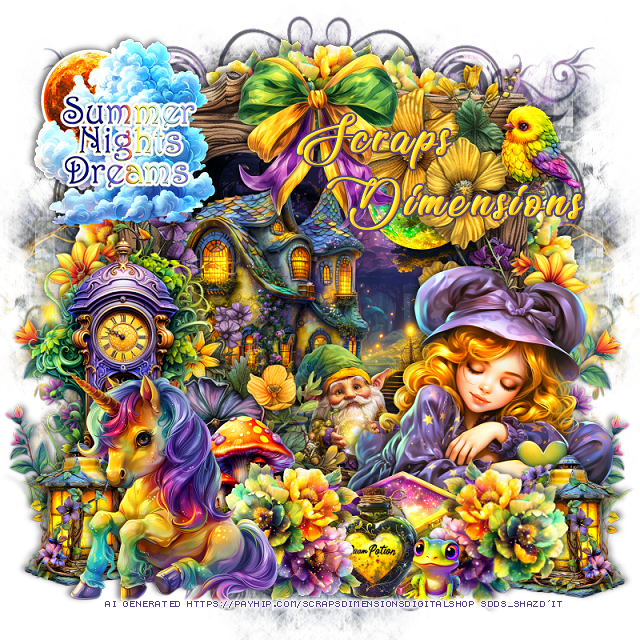
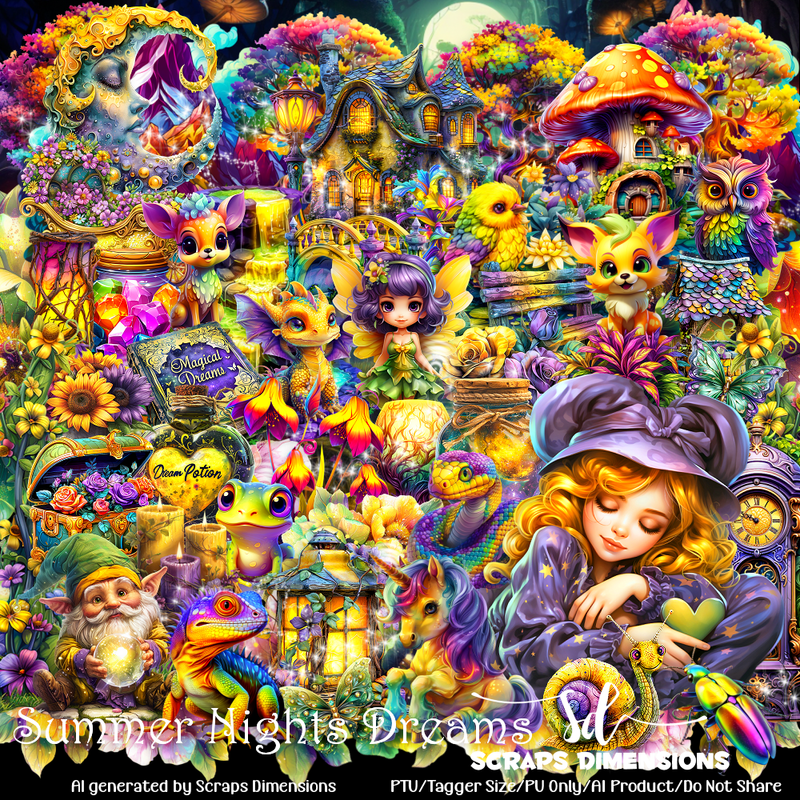
PTU Summer Nights Dreams


This tut was written  July 6th, 2024 for those with a basic knowledge of psp. 

Al generated tube and kit by Scraps Dimensions
Read the TOU on how to credit your tags

I used PSP2020...but any of them should work.
PTU Scrap Summer Nights Dreams by Scraps Dimensions  HERE
Check her store HERE
Mask of choice, I used RD Mask 122_1 HERE  
Check out the rest of the blog HERE
Filters
Mura Meister Copies-Encircle

 Font of choice, I used Lovely Home

Drop shadow as you go is V -2 H -4, 50, 10, or use what you prefer.
Let's get started
*Remember to add your drop shadow as you go along*

Open a new image 800 x 800, paste paper 7, apply your mask, move
to the right, duplicate, mirror.

Paste element 70, click inside with the magic wand, resize paper 7
to 50%, paste below the frame.
Resize element 65 to 30%, apply Mura Meister Copies-Encircle, first
3 numbers on 14, 60, 60, move below the frame.
Resize element 14 to 60%, paste in the frame to the left.
Resize element 3 to 30%, paste in the frame in the upper right.
Resize element 1 to 50%, paste on the bottom right on the frame.
Resize element 65 to 30%, paste at the bottom above the tube to the left, duplicate,
mirror, free rotate to the right at 20.
Resize element 79 to 40%, paste on the upper left on the frame.

Resize element 80 to 30%, paste at the bottom below the flower.
Resize element 40 to 30%, paste between the flower and box.
Resize element 8 to 50%, paste at the bottom left above the flowers.
Resize element 20 to 30%, paste above the house behind the tube.
Resize element 15 to 30%, paste below the flowers behind the unicorn.
Resize element 23 to 65%, paste below the unicorn on the left.
Resize element 27 to 30%, paste below the unicorn on the left, duplicate,
mirror, move below the flower on the right.
Resize element 7 to 20%, paste at the bottom.
Resize element 60 to 60%, paste on the right above the frame, duplicate, 
mirror.
Resize element 76 to 40%, paste at the top on the frame.
Resize element 37 to 20%, paste on the upper right.

Add any other elements that you would like, make it your own.
Always readjust your mask and elements how you like them before you
 merge your tag, resize, sharpen.
Crop your tag to be sure no shadows or lines are on the edges.
 Then add your copyright and name.
That's it

Hope you enjoyed doing my tut.   
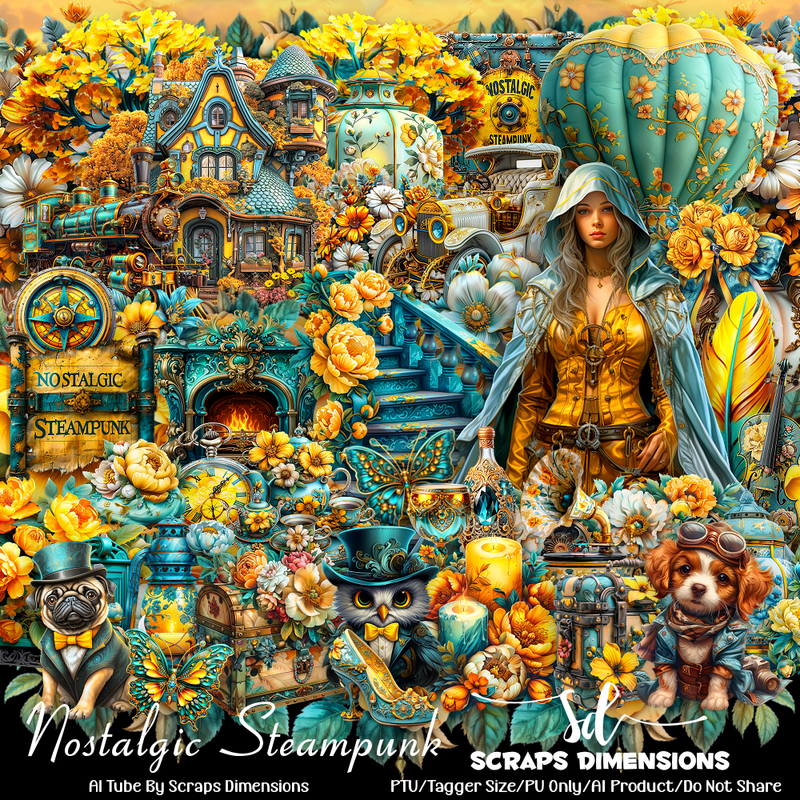
Friday, June 21, 2024

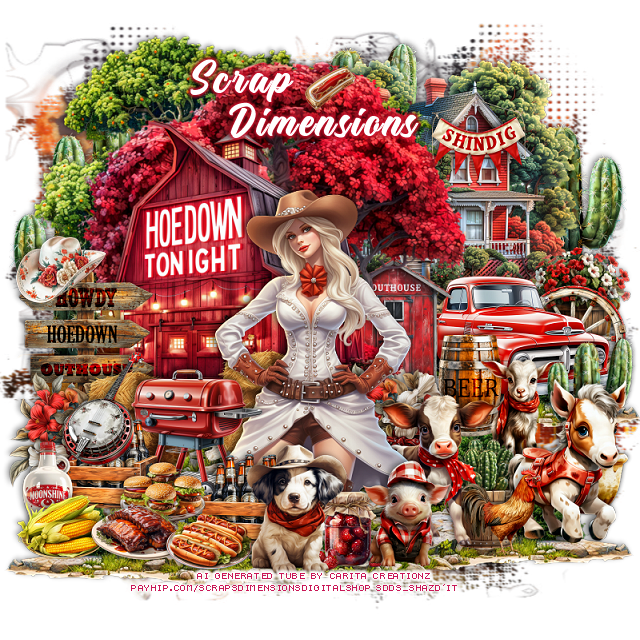
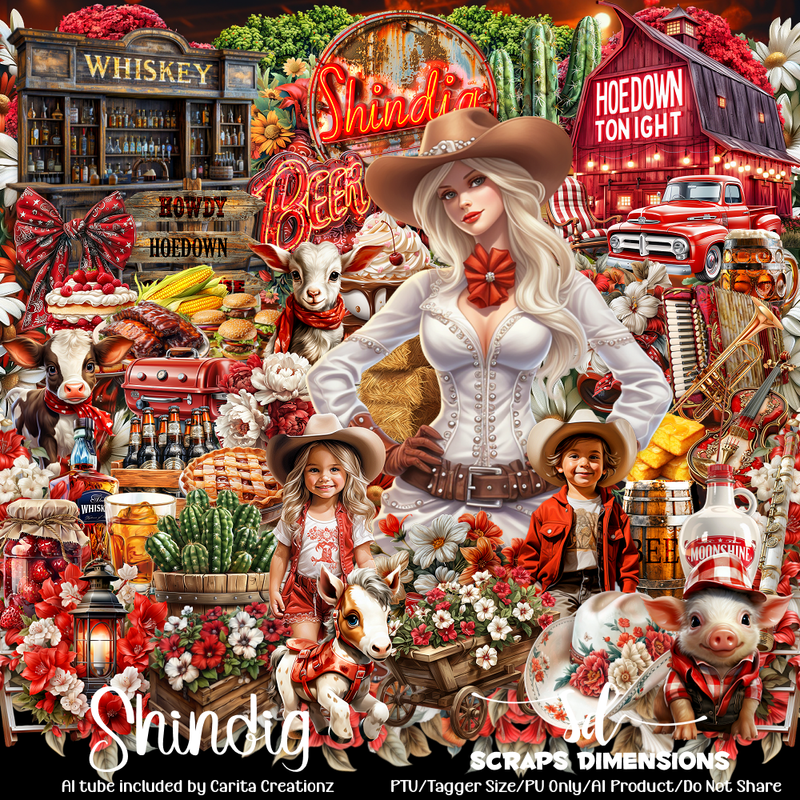
PTU Shindig


This tut was written  June 21th, 2024 for those with a basic knowledge of psp. 

Awesome Al generated tube by Carita Creationz
The tube is included in the kit
Read the TOU on how to credit your tags

I used PSP2020...but any of them should work.
PTU Scrap Shindig by Scraps Dimensions  HERE
Check her store HERE
Mask of choice, I used Miz Teeques Mask 125 HERE
Check out the rest of the blog HERE

 Font of choice, I used Legends

Drop shadow as you go is V -2 H -4, 50, 10, or use what you prefer.
Let's get started
*Remember to add your drop shadow as you go along*

Open a new image 800 x 800, paste paper 10, apply your mask.

Resize element 67 to 90%, paste at the upper left, duplicate the tree,
take your free hand tool, draw around the rock area, copy and paste as a 
new layer to use later on the tag.
Resize element 66 to 90%, paste at the upper left, erase the bottom part.
Resize element 9 to 65%, paste above the red tree.
Resize element 69 to 30%, paste on the right below the red tree.
Resize element 65 to 60%, mirror, paste on the upper right below the trees.

Resize element 57 to 50%, paste on the right above the house.
Resize element 20 to 25%, paste on the right below the truck.
Copy and paste the rock layer you cut out under the truck, duplicate,
move down more in front of the barn, duplicate again, move down
to the right more, duplicate, mirror, do more if you like.
Resize element 28 to 30%, paste on the left above the barn.
Resize element 44 to 25%, paste at the bottom above the sign, duplicate,
move to the right above the barn.
Resize element 24 to 30%, paste by the flower by the sign, duplicate, move
over by the barn.

Resize the tube to 40%, paste.

Resize element 47 to 35%, paste on the left.
Resize element 60 to 25%, paste at the bottom above the bar b que, 
duplicate, move to the left more.
Resize element 38, 48, 49 and 50 to 20%, paste at the bottom left.
Resize element 68 to 20%, paste on the left behind the corn.
Resize element 45 to 25%, paste on the right behind the truck.
Resize element 16 to 35%, paste on the right below the tube.
Resize element 22 to 25%, paste below the cow on the right.
Resize element 17 to 25%, paste behind the cactus plant.
Resize element 61 to 25%, paste behind the goat.
Resize element 18 to 40%, paste on the bottom right.
Resize element 19 to 30%, paste at the bottom.
Resize element 71 to 25%, paste at the bottom.

Resize element 77 to 20%, paste at the bottom below the dog and pig.
Resize element 23 to 65%, paste above the mask layer on the right, duplicate,
mirror, duplicate, move up behind the house, duplicate again, resize to 50%, 
move behind the horse.
Resize element 79 to 20%, paste at the bottom right.
Resize element 1 to 25%, paste on the bottom left on the crate of beer.
Resize element 2 to 20%, paste on the house on the upper right.
Resize element 12 to 20%, paste on the post sign.
I resized element 6 to 10%, pasted by the name.

Add any other elements that you would like, make it your own.
Always readjust your mask and elements how you like them before you
 merge your tag, resize, sharpen.
Crop your tag to be sure no shadows or lines are on the edges.
 Then add your copyright and name.
That's it

Hope you enjoyed doing my tut.   
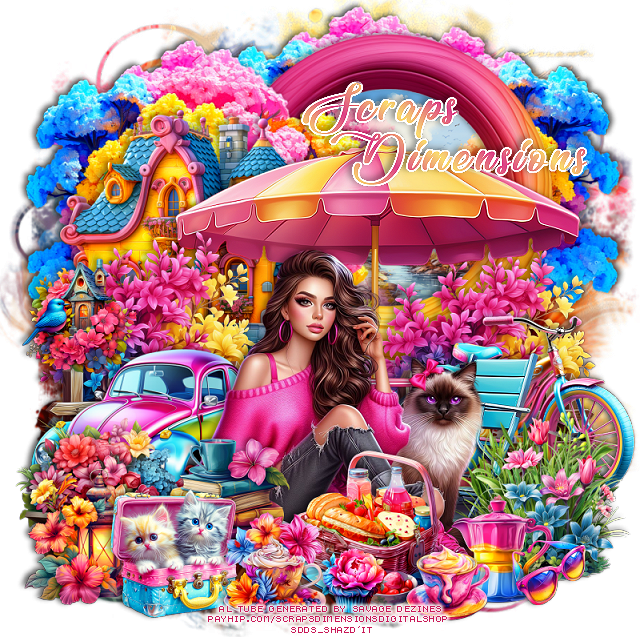
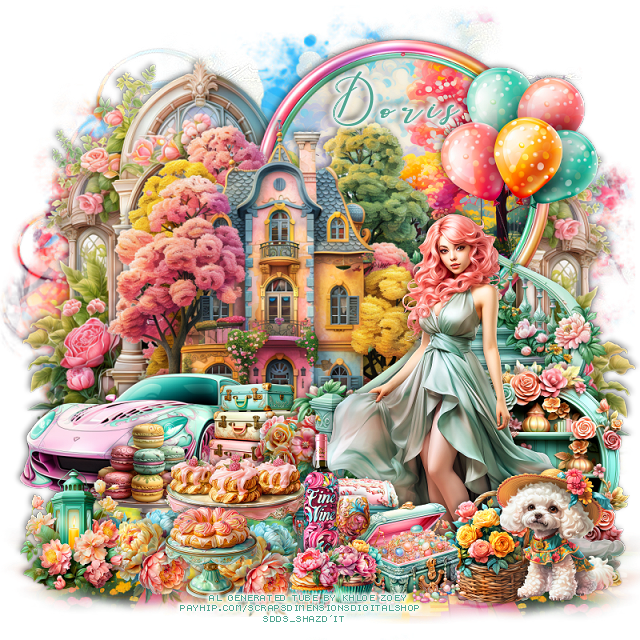
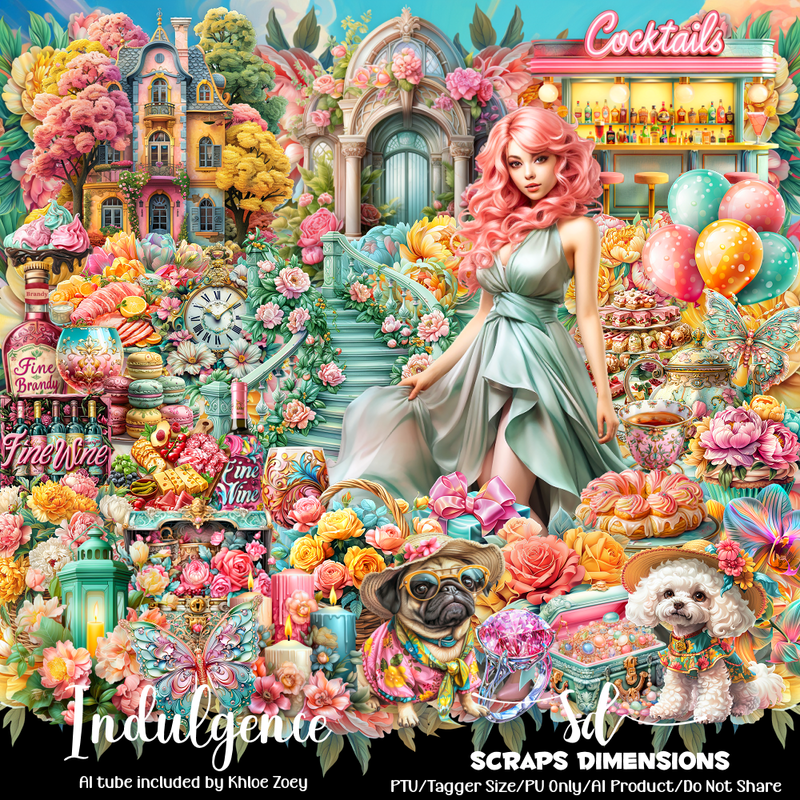
PTU Indulgence


This tut was written  June 20th, 2024 for those with a basic knowledge of psp. 

Beautiful Al generated tube by Khloe Zoey
The tube is included in the kit
Read the TOU on how to credit your tags

I used PSP2020...but any of them should work.
PTU Scrap Indulgence by Scraps Dimensions  HERE
Check her store HERE
Mask of choice, I used Vivienne's Digital Tagging Mask 78 HERE  
Check out the rest of the blog HERE
Miz Teeques Mask 56 HERE
Check out the rest of the blog HERE

 Font of choice, I used Beautiful Kisses

Drop shadow as you go is V -2 H -4, 40, 10, or use what you prefer.
Let's get started
*Remember to add your drop shadow as you go along*

Open a new image 800 x 800, paste paper 4, apply mask 56, 
delete, merge group.
Paste paper 5, apply Mask 78 at the bottom, delete, paste on the
bottom, duplicate, mirror.

Resize element 5 to 85%, paste at the upper left, duplicate, mirror, move down 
a little on the right
Resize element 29 to 75%, paste on the upper right, click inside with
the magic wand, resize paper 5 to 50, paste, invert, delete, select none.
Resize element 8 to 75%, paste above the frame.
Resize element 1 to 75%, paste on the right, erase some of the upper left
rail to go behind the house.

Resize the tube to 50%, paste on the bottom right above the stairs.

Resize element 24 to 60%, mirror, paste on the left up by the house.
Resize element 67 to 50%, paste the strings on the right on the rail of the stairs.
Resize element 51 to 25%, paste above the car.
Resize element 4 to 50%, paste behind the tube on the bottom right.
Resize element 77 to 25%, paste at the bottom above the tube.
Resize element 56 to 30%, mirror, paste at the bottom right.
Resize element 52 and 53 to 25%, paste at the bottom.

Resize element 32 to 25%, paste at the bottom below the stairs on the left.
Resize element 16 to 30%, paste at the bottom being on the top layer.
Resize element 10 and 11 to 15%, paste at the bottom by the chests.
Resize element 85 to 20%, paste at the bottom, duplicate, move to the left behind
the dish.
Resize element 15 to 20%, paste at the bottom.
Resize element 12 to 30%, paste on the left below the other stands of sweets.
Resize element 33 to 30%, paste at the bottom left.
Resize element 17 to 30%, paste at the bottom below the cupcakes.
Resize element 19 to 50%, paste by the bottle.

Add any other elements that you would like, make it your own.
Always readjust your mask and elements how you like them before you
 merge your tag, resize, sharpen.
Crop your tag to be sure no shadows or lines are on the edges.
 Then add your copyright and name.
That's it

Hope you enjoyed doing my tut.