Showing posts with label Autumn/Fall. Show all posts

Sunday, November 9, 2025

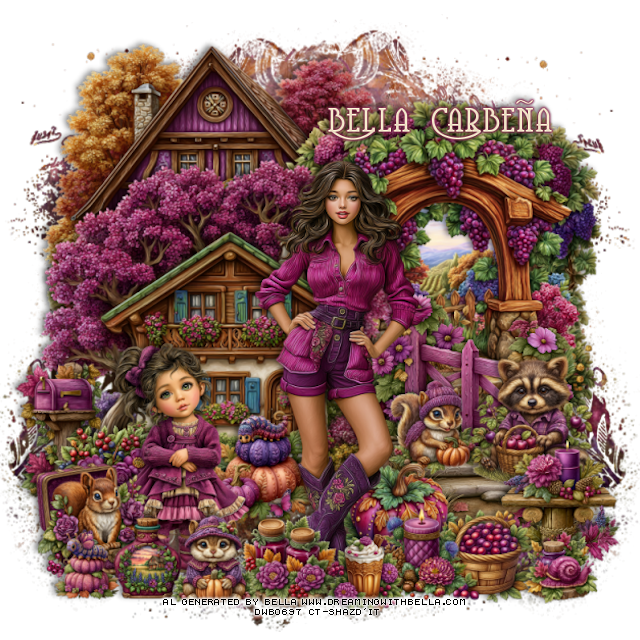
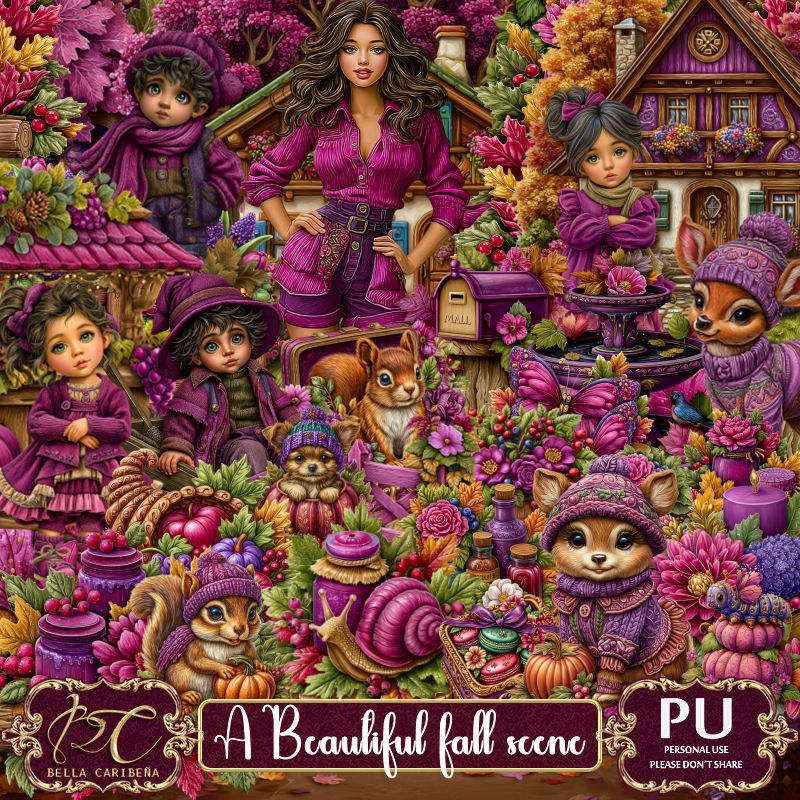
PTU A Beautiful Fall Scene


 This tut was written November 8th, 2025,  for those with a basic knowledge of psp. 

Beautiful Al kit/tubes by Bella Caribeña
Tubes are included
Read the TOU on how to credit your tags

I used PSP2020...but any of them should work.
PTU Scrap A Beautiful Fall Scene by Bella Caribeña  HERE
Autumn Theme
Kit contains © 2Julia Fox tubes,  1 Al gen tubes/4 Al gen Dolls, 3 masks, 
93 elements, 20 papers  
You can check out the rest of her store HERE 

Font of choice I used Coventry Garden

 Drop shadow as you go is V -2 H 4, 50, 10, or use what you prefer.
Let's get started
*Remember to add your drop shadow as you go along*

Open a new image 800 x 800, paste mask 3, move to the left, 
duplicate, mirror.

Resize element 73 to 75%, mirror, paste at the upper left.
Resize element 4 to 65%, paste on the right.
Resize element 28 to 60%, paste on the right above the arch.
Resize element 52 to 50%, paste on the right.
Resize element 27 to 75%, paste on the left.
Resize element 76 to 27%, paste on the left by the house.
Resize element 26 to 25%, paste at the bottom left above the mailbox.

Resize Bella's tube 1 to 35%, paste.

Resize element 11 to 28%, paste on the bottom right.
Resize element 67 to 25%, paste at the bottom right.
Resize element 5 to 20%, paste at the bottom right.
Resize element 31 to 25%, paste below the basket.
Resize doll 4 to 28%, paste at the bottom left.
Resize element 36 to 25%, paste at the bottom left.
Resize element 56 to 25%, paste below the girl and tube.

Resize element 35 to 20%, paste on the right on the walkway.
Resize element 9 to 20%, paste at the bottom.
Resize element 17 to 17%, paste at the bottom.
Resize element 20 to 20%, paste at the bottom below the candle.
Resize element 7 to 17%, paste at the bottom left.
Resize element 13 to 20%, paste at the bottom.
Resize element 60 to 15%, paste at the bottom right.
Resize element 55 to 15%, paste at the bottom left.

Add any other elements you would like, resize.
Crop your tag to be sure no shadows or lines are on the edges.
 Then add your copyright and name.
That's it

            Hope you enjoyed doing my tut               

Wednesday, November 5, 2025

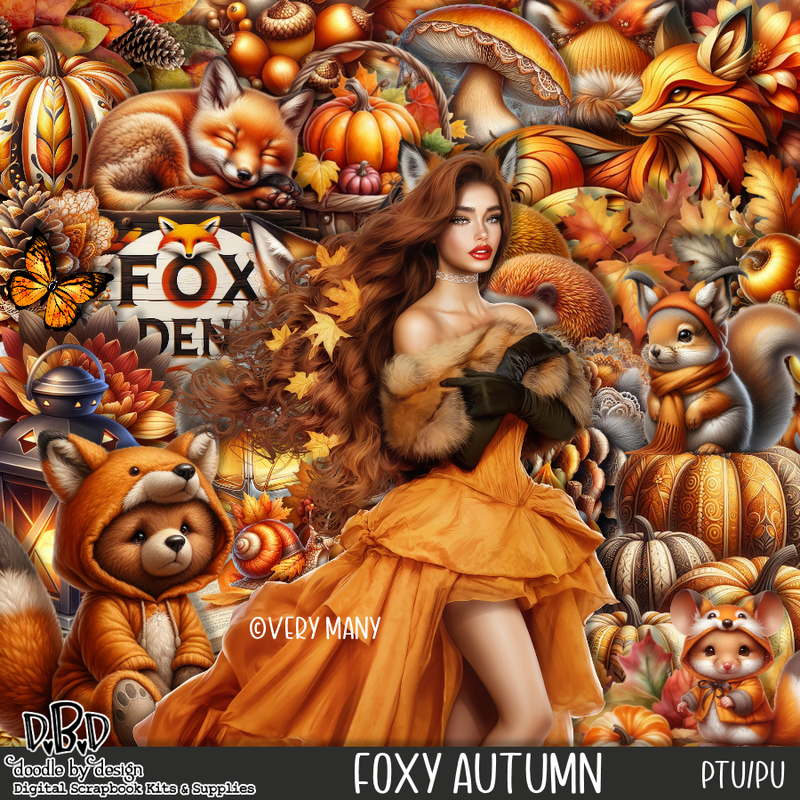
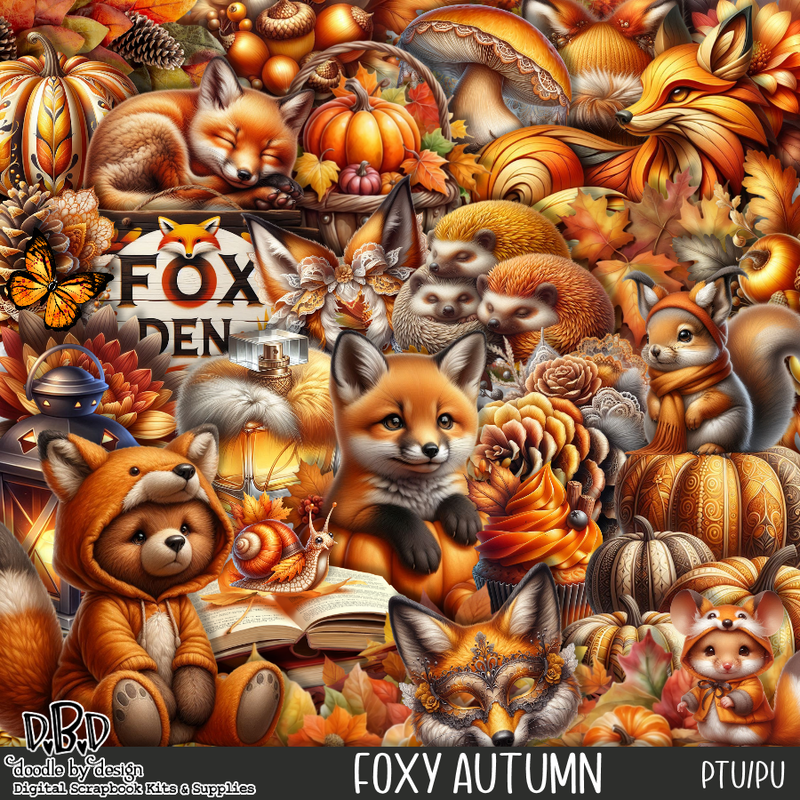
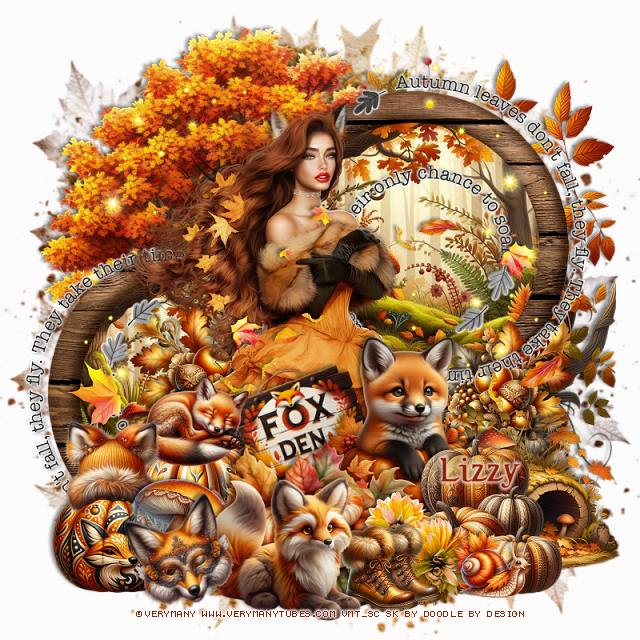
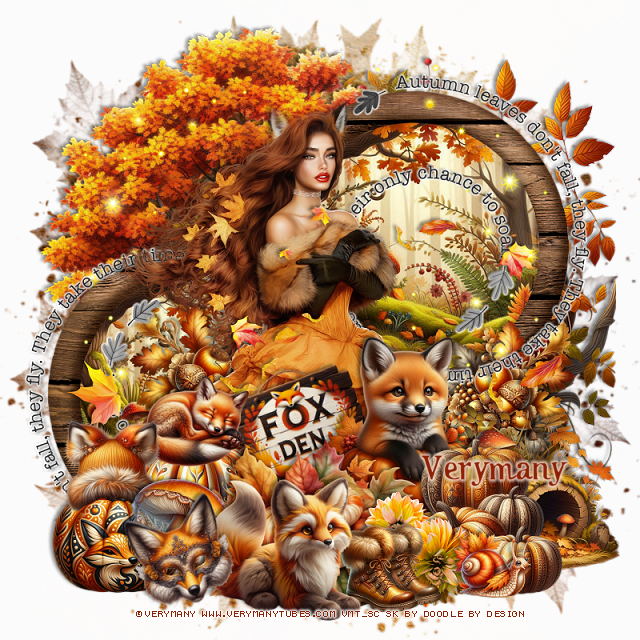
PTU Foxy Autumn


  This tut was written November 4th, 2025 for those with a basic knowledge of psp. 

I am using the beautiful tube by © Verymany

Tube is called Foxy Autumn 
You need a license to use this tube, please do not use without a license
You can find this tube at VMT HERE

I used PSP2020...but any of them should work.
PTU Scrap Foxy Autumn by Doodle by Design  HERE
You can find all Doodle by Design kits  HERE 
Mask of choice, I used RD 681 HERE
Check out the rest of the blog HERE

Font of choice, I used Octoberfest

Drop shadow as you go is V -2 H 4, 40, 10, or use what you prefer.
Let's get started
*Remember to add your drop shadow as you go along*

Open a new image 800 x 800, paste paper 7, apply your mask twice, if
you don't you will have a film on just one.

Paste element 58 at the upper left.
Resize frame 1 to 60%, paste to the right of the tree, click inside,
paste paper 6 to 40%, paste, invert, delete.
Duplicate the frame and paper, move down on the left.

Resize the tube to 30%, paste.

Resize element 96 to 50%, paste at the bottom above the tube.
Resize element 28 to 35%, paste below the pumpkins to the right.
Resize element 21 to 30%, paste at the bottom above the fox.
Resize element 13 to 30%, paste on the right on the frame layer behind
the fox, duplicate, mirror.
Resize element 117 to 25%, paste at the bottom.
Resize wordart 1 to 65%, paste on the upper right below the tube,
duplicate, mirror, flip, move down by the left frame.
Mirror element 51, paste on the right below the frames.

Resize element 20 and 22 to 25%, paste on the bottom left below the pumpkins.
Resize element 5 to 20%, paste on the back pumpkin.
Resize element 9 to 25%, free rotate to the left at 20, paste above the tube.
Resize element 16 to 20%, paste at the bottom left.
Resize element 19 to 20%, paste at the bottom.
Resize element 37 to 40%, paste on the bottom right below the pumpkins.
Resize element 8 to 30%, paste at the bottom.
Resize element 18 to 20%, paste on the pumpkin on the left, take you 
free hand tool, draw around the bottom of the hat to sit on the pumpkin.
Paste element 160 above the tube where you like.
Paste element 147 on the left above the frame, duplicate, mirror.
Resize element 31 to 15%, paste at the bottom right.
Resize element 14 to 15%, paste at the bottom.
Resize element 10 to 20%, free rotate to the left at 20, paste at the bottom left.

Add any other elements that you would like, make it your own.
Always readjust your mask and elements how you like them before you
 merge your tag, resize, sharpen.

Crop your tag to be sure no shadows or lines are on the edges.
 Then add your copyright and name.
That's it

Hope you enjoyed doing my tut
Tag for Lizzy


Sunday, November 2, 2025

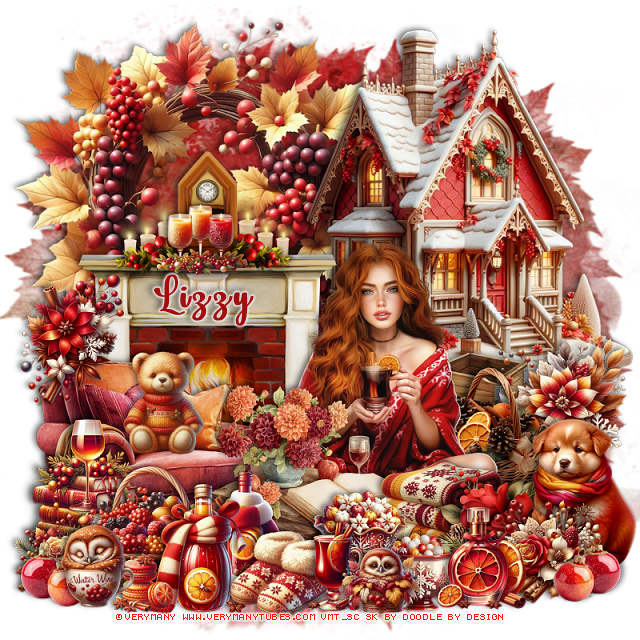
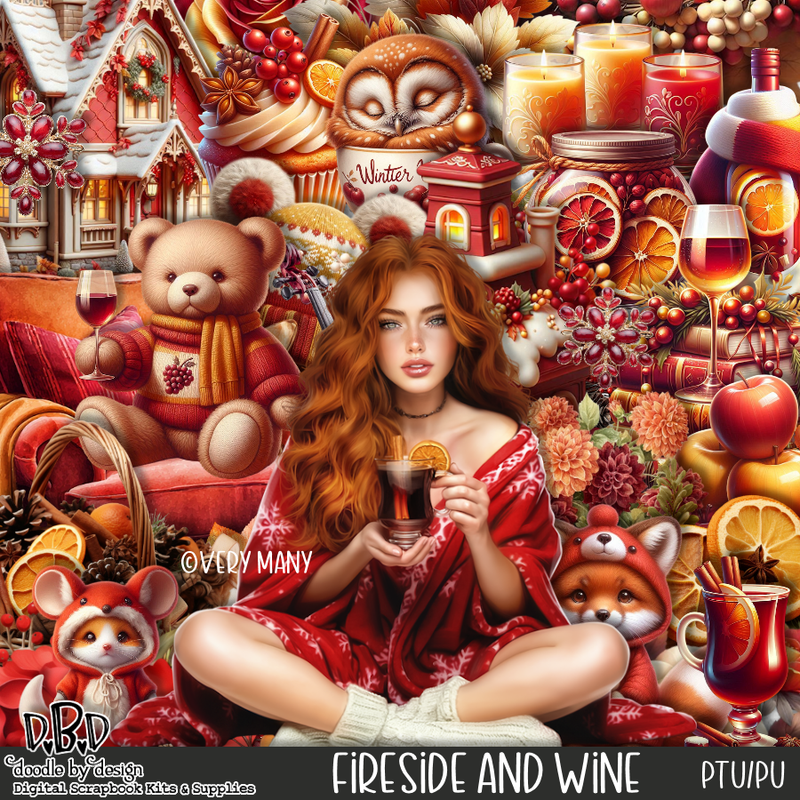
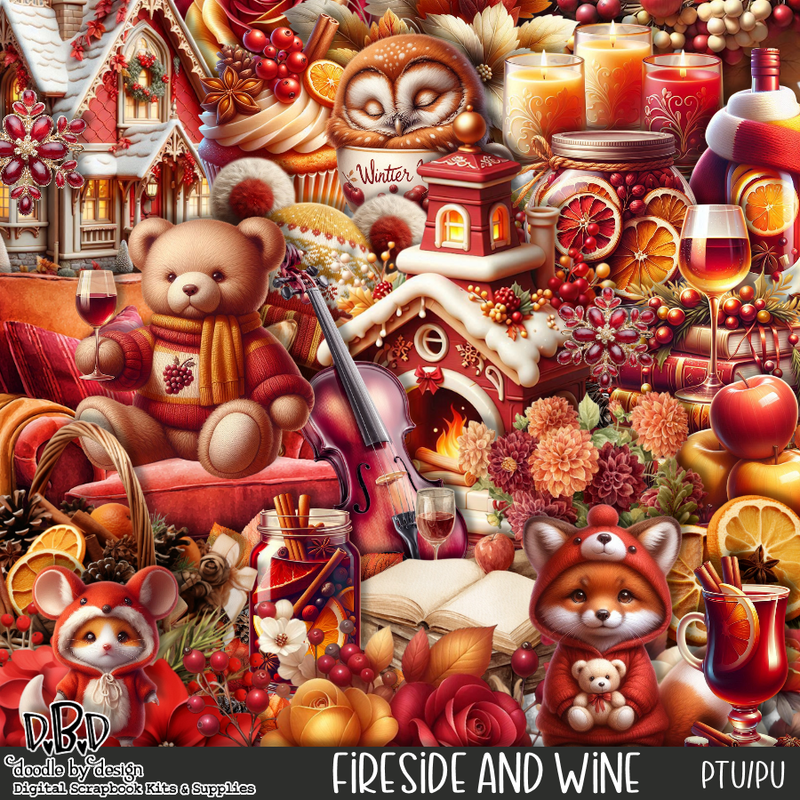
PTU Fireside and Wine


 This tut was written November 2nd, 2025 for those with a basic knowledge of psp. 

I am using the beautiful tube by © Verymany

Tube is called Fireside Evening
You need a license to use this tube, please do not use without a license
You can find this tube at VMT HERE

I used PSP2020...but any of them should work.
PTU Scrap Fireside and Wine by Doodle by Design  HERE
You can find all Doodle by Design kits  HERE 
Mask of choice, I used RD 683 HERE
Check out the rest of the blog HERE

Font of choice, I used Lovely Butterfly

Drop shadow as you go is V -2 H 4, 40, 10, or use what you prefer.
Let's get started
*Remember to add your drop shadow as you go along*

Open a new image 800 x 800, paste paper 11, apply your mask.

Resize element 22 to 70%, mirror, paste on the upper right.
Resize element 20 to 75%, paste on the upper left below the house.
Resize element 115 to 60%, paste on the left above the house.
Resize element 132 to 25%, paste on the bottom right above the house.
Resize element 111 to 25%, paste on the right below the flowers.

Resize the tube to 35%, paste at the bottom.

Resize element 62 to 45%, paste on the bottom left below the tube.
Resize element 19 to 28%, paste on the bottom left above the chair.
Resize element 12 to 20%, paste in the chair.
Resize element 63 to 40%, paste at the bottom above the tube.
Resize element 36 to 25%, paste at the bottom above the table.
Resize element 38 to 25%, paste at the bottom to the right of the table.
Resize element 31 to 15%, paste at the bottom left by the basket.
Resize element 136 to 15%, paste at the bottom left below the owl.

Resize element 26 and 27 to 25%, paste at the bottom above the basket.
Resize element 42 to 20%, paste at the bottom.
Resize element 108 to 30%, paste on the right below the tube, move the
flower below the basket.
Resize element 46 to 18%, paste at the bottom above the slippers.
Resize element 47 to 15%, paste at the bottom.

Resize element 13 to 20%, paste at the bottom right above the blankets.
Resize element 4 to 12%, paste on the bottom left.
Resize element 168 to 30%, paste on the bottom right below the perfume bottle.
Resize element 21 to 32%, mirror, paste on the bottom right.
Resize element 137 to 20%, paste on the bottom right above the dog.
Resize element 6 to 17%, paste on the bottom.
Resize element 17 to 18%, paste on top of the fireplace.
Resize element 84 to 13%, paste at the bottom right, duplicate, mirror,
move below the owl cup.
Resize element 133 to 25%, paste on the left above the chair.
Resize element 30 to 15%, paste on the bottom.

Add any other elements that you would like, make it your own.
Always readjust your mask and elements how you like them before you
 merge your tag, resize, sharpen.

Crop your tag to be sure no shadows or lines are on the edges.
 Then add your copyright and name.
That's it

Hope you enjoyed doing my tut
Tag for Verymany  


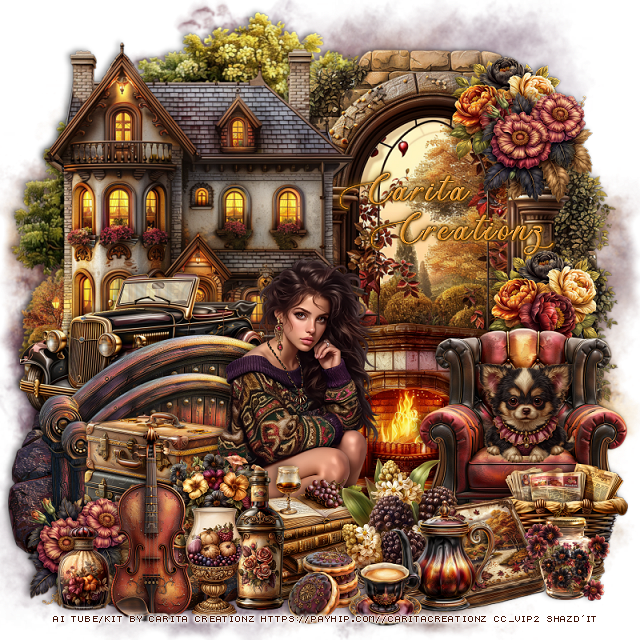
PTU Whispers of Yesterday


  This tut was written November 1st, 2025 for those with a basic knowledge of psp. 

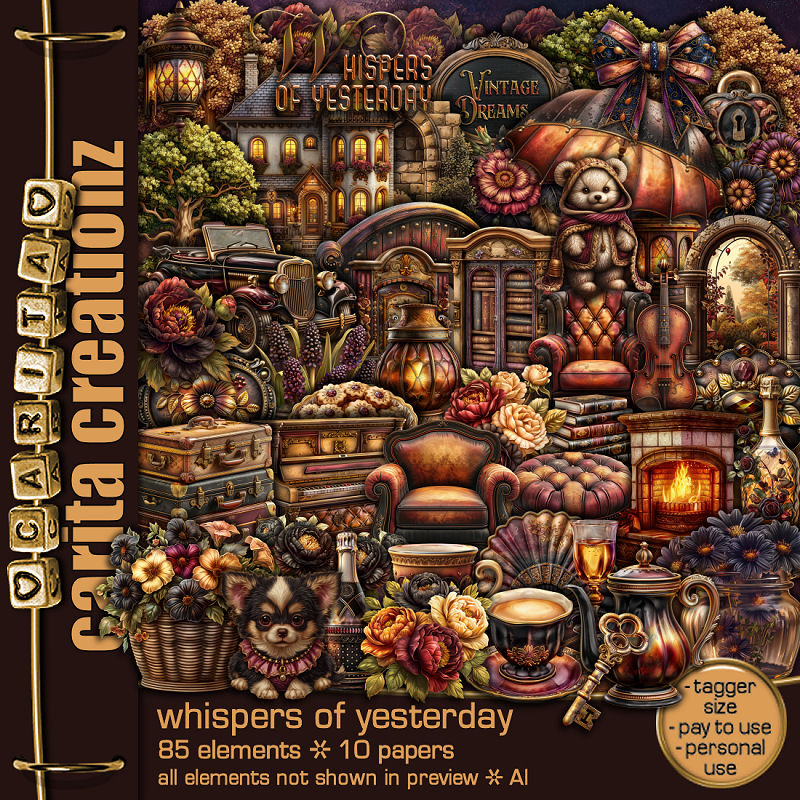
I am using the Awesome Al kit by Carita Creationz
Tube is NOT included
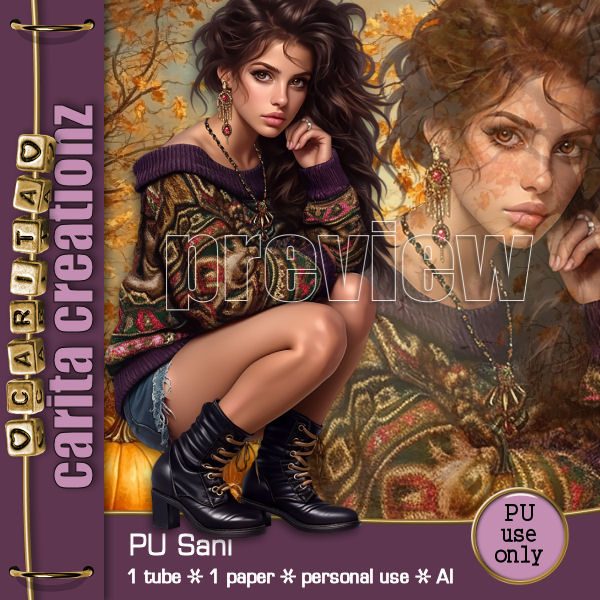
You can get the tube called Sani at her store HERE
Read the TOU on how to credit your tags.

I used PSP2020...but any of them should work.
PTU Scrap Whispers of Yesterday kit by Carita Creationz  HERE
Kit has 85 elements, 10 papers and 7 frames
Check her store out to see all her other kits and tubes HERE
Mask of choice, I used Lori's PSP Graphics Mask 1230 HERE
Check out the rest of the blog HERE

Font of choice, I used Ants Valley

Drop shadow as you go is V -2 H 4, 50, 10, or use what you prefer.
Let's get started
*Remember to add your drop shadow as you go along*

Open a new image 800 x 800, paste 1, apply your mask, duplicate,
merge down.

Resize element 40 to 85%, paste at the upper left.
Resize element 35 to 70%, paste on the upper right.
Resize element 37 to 65%, paste on the right above the brick wall.
Resize element 31 to 55%, paste on the bottom left above the tree.
Resize element 15 to 45%, mirror, paste above the house.

Resize element 30 to 50%, paste on the left above the car, duplicate,
resize to 80%, move down a little.
Resize element 14 to 40%, paste on the bottom right above the window.
Resize element 29 to 40%, paste on the bottom right above 
the fireplace.

Resize the tube to 40%, paste at the bottom to the left of the fireplace.

Resize element 20 to 30%, paste below the tube on the left.
Resize element 38 to 25%, paste at the bottom above the tube.
Resize element 76 to 25%, paste at the bottom by the books.
Resize element 61 to 18%, paste in the chair.
Resize element 85 to 25%, paste at the bottom by the books.
Resize element 78 to 20%, paste at the bottom by the flowers.
Resize element 60 to 20%, paste at the bottom left, duplicate, move to the
upper right on the window.
Resize element 3 to 20%, paste on the upper right below the flower, duplicate,
move down behind the chair.

Resize element 27 to 20%, paste at the bottom left by the bottle.
Resize element 82 to 23%, paste at the bottom right below the book.
Resize element 32 to 13%, paste at the bottom by the bottle.
Resize element 23 to 35%, paste on the bottom left.
Resize element 2 to 13%, paste at the bottom.
Resize element 7 to 15%, paste at the bottom left.
Resize element 72 to 15%, paste at the bottom left.
Resize element 6 to 20%, paste below the cup.
Resize element 13 to 20%, paste above the tube behind the books.

Add any other elements that you would like, make it your own.
Always readjust your mask and elements how you like them before you
 merge your tag, resize, sharpen.
Crop your tag to be sure no shadows or lines are on the edges.
 Then add your copyright and name.
That's it

Hope you enjoyed doing my tut.       

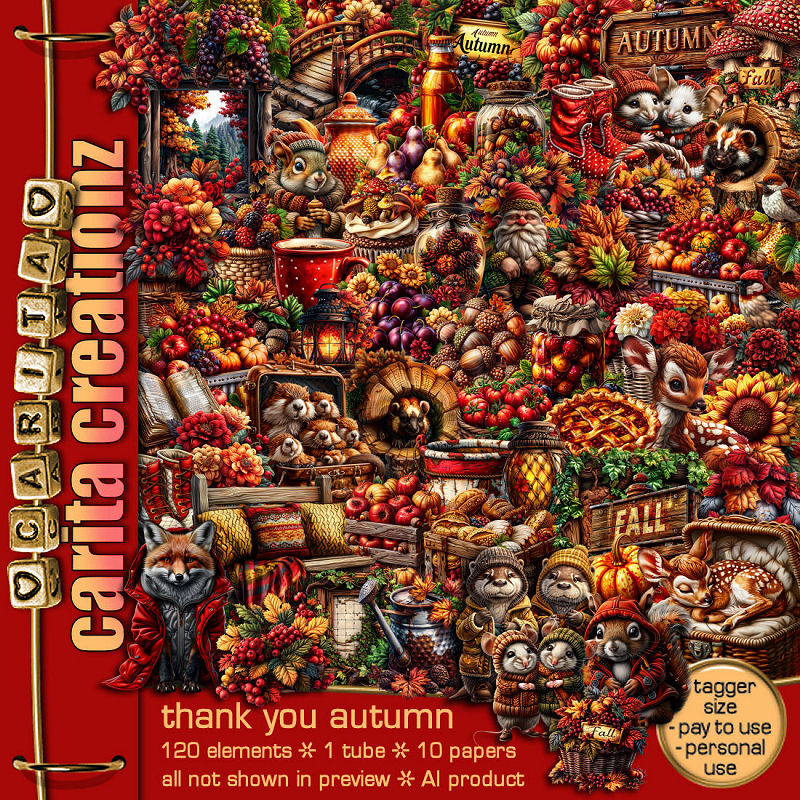
PTU Thank You Autumn


 This tut was written November 1st, 2025 for those with a basic knowledge of psp. 

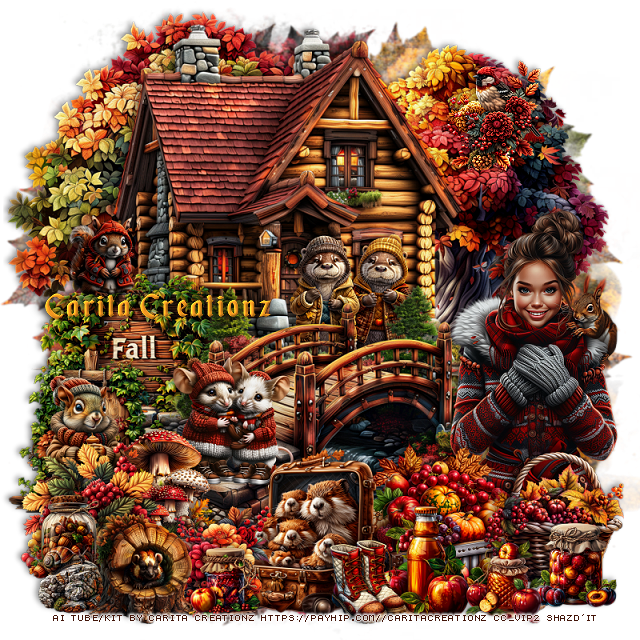
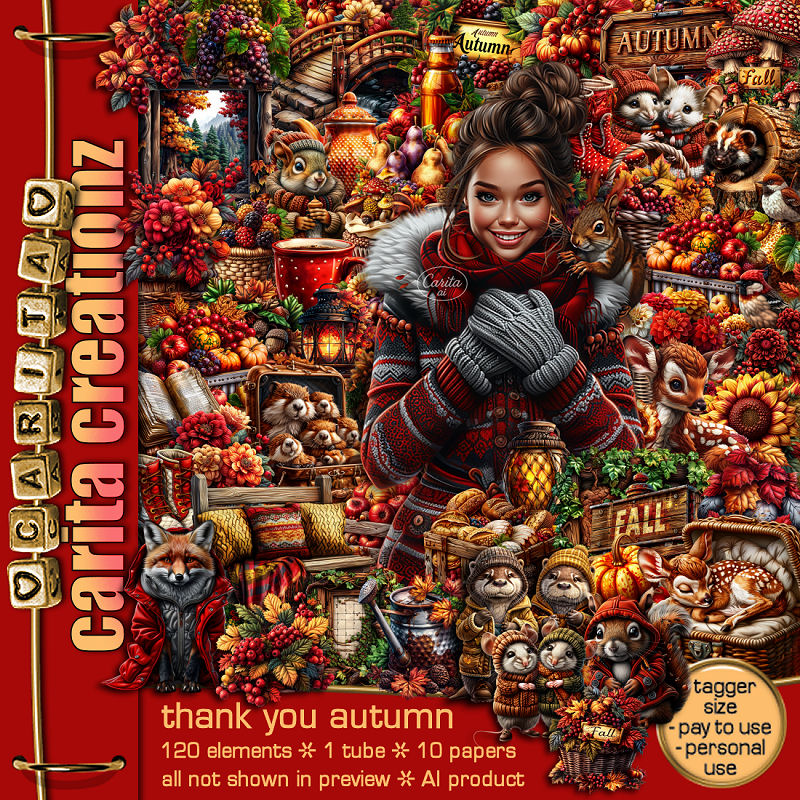
I am using the Awesome Al kit by Carita Creationz
Beautiful Autumn kit, Tube is included
Read the TOU on how to credit your tags.

I used PSP2020...but any of them should work.
PTU Scrap Thank you Autumn kit by Carita Creationz  HERE
Kit has 120 elements, 10 papers and 10 frames and 1 tube
Check her store out to see all her other kits and tubes HERE
Mask of choice, I used RD 683 HERE
Check out the rest of the blog HERE

Font of choice, I used Enchanted Land

Drop shadow as you go is V -2 H 4, 50, 10, or use what you prefer.
Let's get started
*Remember to add your drop shadow as you go along*

Open a new image 800 x 800, paste paper 7, apply your mask.

Resize element 88 to 60%, paste.
Resize element 100 to 65%, paste at the upper left below the bridge.
Resize element 53 to 65%, paste below the house at the upper left.
Resize element 89 to 40%, paste on the left below the bridge.
Resize element 5 to 50%, paste on the right below the house.
Resize element 101 to 60%, paste on the right below the house.

Resize the tube to 40%, paste on the right above the bridge.

Resize element 71 to 30%, paste on the left above the bridge.
Resize element 28 to 20%, paste at the bottom left above the bridge.
Resize element 11 to 25%, paste on the bottom left behind the tree stump.
Resize element 45 to 25%, paste at the bottom right above the tube.
Resize element 43 to 15%, paste at the bottom right.
Resize element 32 to 15%, paste at the bottom right.
Resize element 27 to 30%, paste at the bottom below the basket.
Resize element 63 to 20%, paste at the bottom left.

Resize element 22 to 30%, paste at the bottom.
Resize element 62 to 15%, paste on the bottom left below the stump.
Resize element 91 to 20%, paste on the left below the flowers.
Resize element 51 to 23%, paste on the bridge below the mushrooms.
Resize element 50 to 20%, paste on the left below the flowers.
Resize element 48 to 20%, paste at the bottom below the stump.
Resize element 66 to 12%, paste at the bottom left.
Resize element 4 to 25%, paste below the bridge in front of the cabin.
Resize element 2 to 15%, paste on the left on the sign.
Resize element 36 to 20%, paste on the upper right on the tree.
Resize element 16 to 15%, paste at the bottom.
Resize element 94 to 13%, paste at the bottom.

Add any other elements that you would like, make it your own.
Always readjust your mask and elements how you like them before you
 merge your tag, resize, sharpen.
Crop your tag to be sure no shadows or lines are on the edges.
 Then add your copyright and name.
That's it

Hope you enjoyed doing my tut.       

Friday, October 31, 2025

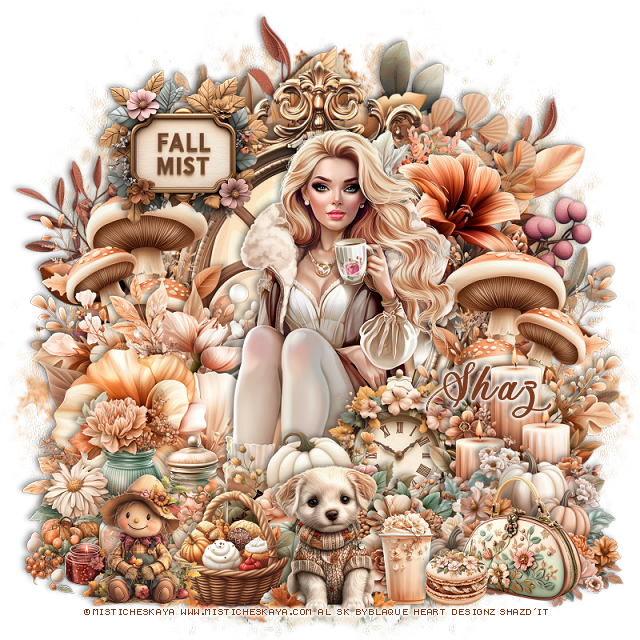
FTU Fall Mist


 This tut was written October 31st, 2025 for those with a basic knowledge of psp. 

I am using the beautiful tube ©Misticheskaya

The tube is "Not Included"

I am using the Beautiful Al kit by Blaque Heart Designz

It is part of the October 2025 Blog Train
You need a license to use this tube, please do not use without a license.
You can find this tube at her store HERE

I used PSP2020...but any of them should work.
FTU Scrap Fall Mist by Blaque Heart Designz  HERE
You can check out her blog HERE
Mask of choice, I used Miz Teeques Mask 173 HERE
Check out the rest of the blog HERE    

Font of choice, I used Ants Valley

Drop shadow as you go is V -2 H -4, 40, 10, or use what you prefer.
Let's get started
*Remember to add your drop shadow as you go along*

Open a new image 800 x 800, paste paper 9, apply your mask, move
to the left, duplicate, mirror.

Resize frame 6 to 60%, paste, click inside, resize element 85 to 
65%, paste below the frame, invert, delete, merge the frame and element.
Resize element 120 to 65%, paste below the frame.
Resize element 121 to 80%, paste below the first wreath.
Resize element 101 to 50%, paste on the frame on the bottom left.
Resize element 98 to 40%, mirror, paste at the upper right on the frame.

Resize the tube to 30%, paste above the flower.

Resize element 96 to 40%, paste on the right below the tube,
duplicate, mirror.
Resize element 54 to 30%, paste on the bottom right above the tube.
Resize element 51 to 35%, paste on the bottom left above the tube.
Resize element 44 to 35%, paste at the bottom above the tube.
Resize element 46 to 35%, paste on the bottom right.
Resize element 102 to 25%, paste between the pumpkins.

Resize element 23 to 25%, paste at the bottom.
Resize element 69 to 30%, paste above the tube.
Resize element 12 to 27%, paste at the bottom by the basket.
Resize element 39 to 20%, paste at the bottom right.
Resize element 31 to 13%, paste at the bottom by the drink.
Resize element 14 to 23%, paste at the bottom left.
Resize element 64 on the bottom right below the cookie.
Resize element 50 to 30%, paste at the upper left.

Add any other elements that you would like, make it your own.
Always readjust your mask and elements how you like them before you
 merge your tag, resize, sharpen.

Crop your tag to be sure no shadows or lines are on the edges.
 Then add your copyright and name.
That's it

Hope you enjoyed doing my tut               
Thursday, October 30, 2025

PTU Lovely Fall Afternoon


 This tut was written October 29th, 2025,  for those with a basic knowledge of psp. 

Awesome Al kit/tubes by Bella Caribeña 
Tubes and Dolls are included
Read the TOU on how to credit your tags

I used PSP2020...but any of them should work.
PTU Scrap Lovely Fall Afternoon by Bella Caribeña  HERE
Autumn Theme
Kit contains 7 Al gen tubes/dolls, 3masks, 135 elements, 16 papers  
You can check out the rest of her store HERE 

Font of choice I used Autumn In November

 Drop shadow as you go is V -2 H 4, 50, 10, or use what you prefer.
Let's get started
*Remember to add your drop shadow as you go along*

Open a new image 800 x 800, paste mask element 33, move to
the right, duplicate, merge down, duplicate, mirror.

Resize element 88 to 90%, paste on the upper left.
Resize element 81 to 90%, paste on the left above the tree.
Resize element 70 to 90%, paste on the upper right.
Paste element 47 on the bottom layer below the house layer, on the right, 
duplicate, mirror.
Resize element 92 to 50%, paste on the right, click inside, resize
paper 11 to 40%, paste, invert, delete.
Resize element 41 to 25%, paste on the frame at the upper right.
Resize element 72 to 30%, paste at the bottom of the frame on the right,
duplicate, mirror, move on the frame on the right.
Resize element 104 to 30%, paste above the left flower, duplicate,
mirror, move above the right flower.

Resize tube 6 to 28%, paste on the right above the corn.
Resize tube 1 to 28%, paste on the left.

Resize element 56 to 40%, paste on the left by the tube.
Resize tube 3 to 25%, paste at the bottom.
Resize element 73 to 25%, paste below the tube on the left, duplicate,
mirror, move behind the tube on the right.
Resize element 79 to 30%, paste at the bottom above the tube.
Resize element 106 to 30%, paste on the right by the tube by the frame.
Resize element 83 to 30%, paste on the bottom left.

Resize element 68 to 30%, paste at the bottom above the tube to the left.
Resize element 84 to 15%, paste at the bottom left.
Resize element 28 to 23%, paste at the bottom left.
Resize element 113 to 15%, paste at the bottom above the tube.
Resize element 107 to 15%, paste at the bottom.
Resize element 46 to 20%, paste below the cupcake and cookie jar.
Resize element 29 to 20%, paste at the bottom by the cupcake.
Resize element 35 to 35%, paste below the sitting tube to the right.
Resize element 48 to 30%, paste on the right below the raccoon.
Resize element 53 to 20%, mirror, paste on the bottom right.

Add any other elements you would like, resize.
Crop your tag to be sure no shadows or lines are on the edges.
 Then add your copyright and name.
That's it

            Hope you enjoyed doing my tut