Showing posts with label Curious Creative Dreams. Show all posts

Sunday, May 18, 2025

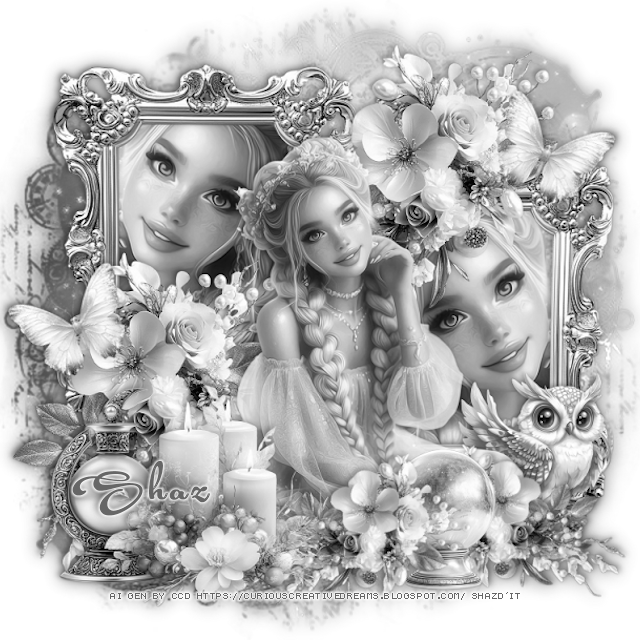
FTU Moonstone Magic Blogtrain


 This tut was written May 18th, 2025 for those with a basic knowledge of psp.

Beautiful Al kit 
The kit is Al generated by Curious Creative Dreams
Read the TOU on how to credit your tags

I used PSP2020...but any of them should work.
FTU Al  kit Passion 4 Scraps Blogtrain, Moonstone Magic  by 
Curious Creative Dreams HERE
Check out the rest of the blog HERE
Mask of choice, I used Miz TeeQue's Mask 186 HERE
Check out the rest of the blog HERE

Font of choice, I used Acryle Script

Drop shadow is  V-1 H-3 Black, 40, 10, use what you prefer.
Let's get started
*Remember to add your drop shadow as you go along*
 
Open a new image 800 x 800, paste paper 2, apply your mask.

Resize element 5 to 45%, paste on the upper left, duplicate, move to 
the right and down, click inside the frames, paste paper 2, invert, delete.
Resize element 1 to 40%, paste above the frames at the top right, duplicate, move
down to the left.
Resize the tube to 60%, paste below the right frame, click in the frame, invert,
delete the tube, duplicate, mirror, move in the left frame.

Resize the tube to 35%, paste above the flowers.

Resize element 6 to 30%, paste at the bottom left above the tube.
Resize element 4 to 30%, paste at the bottom left below the candles.
Resize element 8 to 20%, paste on the bottom right below the tube.
Resize element 1 to 20%, free rotate to the right at 40, paste at the bottom 
above the tube, duplicate, mirror, move to the right.
Resize element 9 to 20%, paste at the bottom between the flowers.
Resize element 7 to 15%, free rotate to the left at 25, paste on the left by the
flowers, duplicate, mirror, move up on the right.

Close off any white background, merge together.
Go to Adjust, Hue and Saturation, Colorize, both numbers on 0.
Duplicate the tag, go to Adjust, Blur, Gaussian blur, number on 10, 
change the blend mode to Soft Light, merge down.

Add any other elements that you would like, make it your own.
Always readjust your mask and elements how you like them before you
 merge your tag, sharpen once.
Crop your tag to make sure no shadows or anything on the edges

 Then add your copyright and name.
That's it

Hope you enjoyed doing my tut.     

Wednesday, April 16, 2025

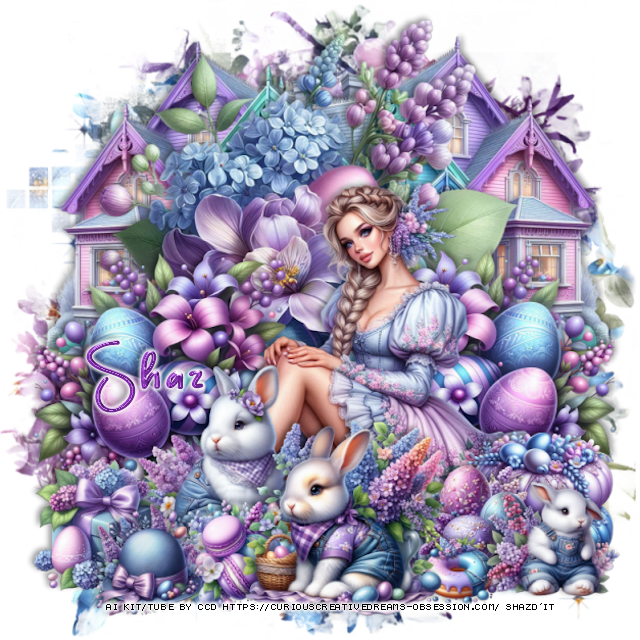
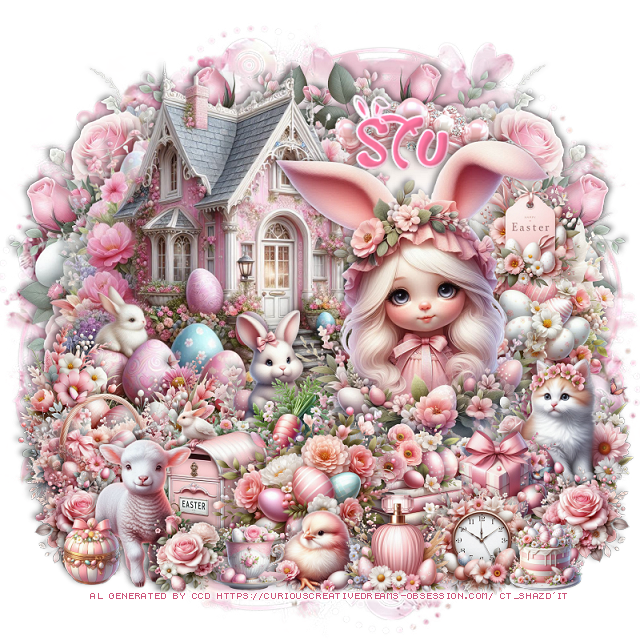
PTU Blooming and Buddies


 This tut was written April 16thth, 2025 for those with a basic knowledge of psp.

Al generated tube and kit by Curious Creative Dreams
2 Al tubes are included
Read TOU on how to credit your tags

I used PSP2020...but any of them should work.
PTU Blooming and Bunnies by Curious Creative Dreams HERE
Check out the rest of the store HERE
SC Mask 7 HERE
Check the rest of the blog HERE

Font of choice, I used Glorious Easter

Drop shadow is  V-1 H-4 Black, 40, 10, use what you prefer.
Let's get started
*Remember to add your drop shadow as you go along*
 
Open a new image 800 x 800, resize paper 14 to 80%, paste, apply the mask.

Resize frame 3 to 45%, paste  to the right, click inside, paste paper 2, invert, delete.
Resize element 69 to 50%, paste above the frame on the left.
Resize element 81 to 40%, paste above the house on the right.
Resize element 34 to 50%, paste on the left below the house, duplicate, mirror,
move below the frame.
Resize element 5 to 20%, paste on the right above the girl bunny.
Resize element 20 to 25%, paste on the right on the frame.

Resize element 46 to 17%, paste at the bottom right above the cat.
Resize element 11 to 25%, paste on the bottom left.
Resize element 66 to 30%, paste on the left above the house.
Resize element 94 to 15%, paste above the rabbit.
Resize element 61 to 25%, paste at the bottom above the gift.
Resize element 53 to 25%, paste at the bottom below the flowers.
Resize element 33 to 20%, paste on the right above the gift box.
Resize element 117 to 20%, paste below the mailbox on the left.

Resize element 43 to 13%, paste at the bottom.
Resize element 77 to 15%, paste at the bottom right, duplicate, mirror.
Resize element 19 to 15%, paste at the bottom right.
Resize element 92 to 15%, paste at the bottom.
Resize element 114 to 10%, paste at the bottom.
Resize element 113 to 20%, paste at the bottom left.
Resize element 78 to 12%, paste at the bottom by the sheep.
Resize element 32 to 10%, paste at the bottom right.
Resize element 47 to 15%, paste on the right below the girl rabbit.

Add any other elements that you would like, make it your own.
Always readjust your mask and elements how you like them before you
 merge your tag, sharpen once.
Crop your tag to make sure no shadows or anything on the edges

 Then add your copyright and name.
That's it

Hope you enjoyed doing my tut.    
PTU Eggcellent Friends


 This tut was written April 16thth, 2025 for those with a basic knowledge of psp.

Al generated tube and kit by Curious Creative Dreams
2 Al tubes are included
Read TOU on how to credit your tags

I used PSP2020...but any of them should work.
PTU Eggcellent Friends by Curious Creative Dreams HERE
Check out the rest of the store HERE
SC Mask 23 HERE
Check the rest of the blog HERE

Font of choice, I used Always

Drop shadow is  V-1 H-4 Black, 40, 10, use what you prefer.
Let's get started
*Remember to add your drop shadow as you go along*
 
Open a new image 800 x 800, paper 17, apply the mask.

Resize frame 1 to 55%, paste, click inside, paste paper 17, invert, delete.
Resize tube 1 to 45%, paste.
Resize element 4 and 5 to 40%, paste 4 on the left.
Resize element 87 to 35%, paste at the top below the flowers.
Resize element 83 to 40%, paste on the right below the tube.
Resize element 28 to 30%, paste on the bottom below the tube.
Resize element 74 to 25%, paste on the bottom right above the house.
Resize element 49 to 25%, paste on the left below the bottom flower.
Resize element 95 to 32%, paste at the bottom right above the tube.

Resize element 23 to 20%, paste at the bottom right above the car.
Resize element 112 to 20%, paste at the bottom right.
Resize element 30 to 15%, paste on the left below the tube.
Resize element 58 to 15%, paste at the bottom above the tube.
Resize element 91 to 15%, paste at the bottom below the jar.
Resize element 61 to 25%, paste at the bottom left above the jars.
Resize element 72 to 20%, paste at the bottom left.
Resize element 52 to 15%, paste at the bottom above the car.
Resize element 95 to 15%, paste on the right on the house.
Resize element 82 to 15%, paste on the bottom right.
Resize element 113 to 15%, paste at the bottom left.
Resize element 51 to 12%, paste at the bottom.
Resize element 92 to 15%, paste on the left.
Resize element 2 to 15%, paste at the bottom.

Add any other elements that you would like, make it your own.
Always readjust your mask and elements how you like them before you
 merge your tag, sharpen once.
Crop your tag to make sure no shadows or anything on the edges

 Then add your copyright and name.
That's it

Hope you enjoyed doing my tut.     
Tuesday, April 8, 2025

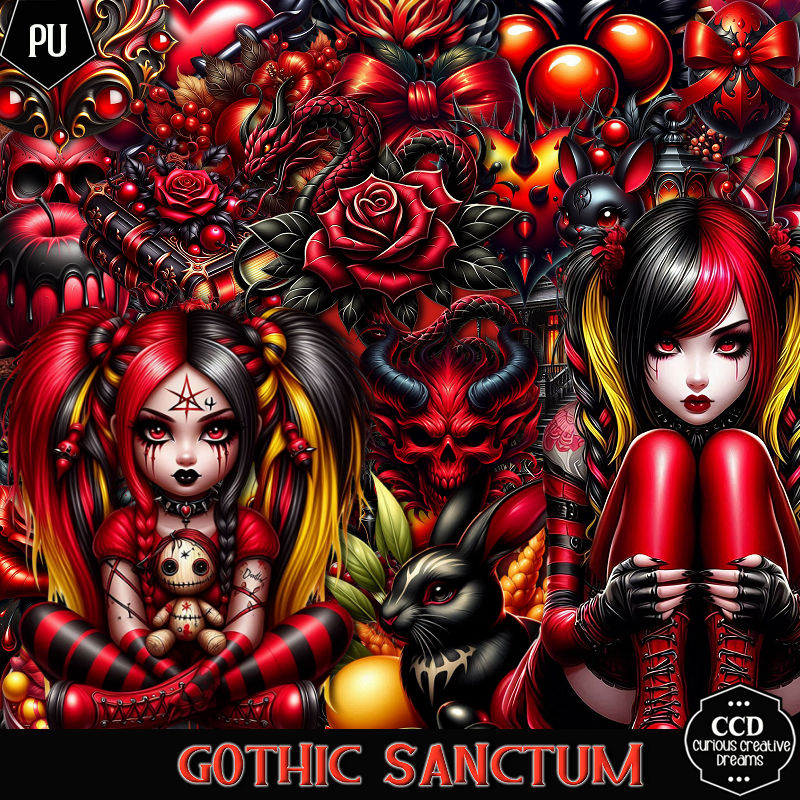
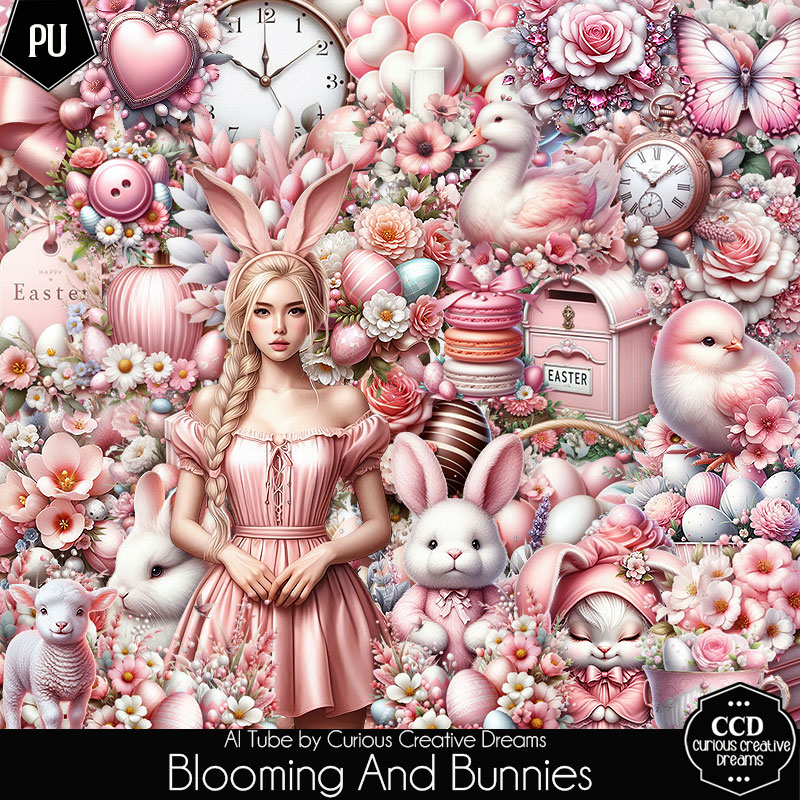
PTU Gothic Sanctum


  This tut was written April 7th, 2025 for those with a basic knowledge of psp.

Al generated tube and kit by Curious Creative Dreams
Blog Train Easter kit 
Read TOU on how to credit your tags

I used PSP2020...but any of them should work.
PTU Gothic Sanctum by Curious Creative Dreams HERE
Check out the rest of the store HERE
Vivienne's Digital Tagging Mask 41 HERE
Check out the rest of the blog HERE

Font of choice, I used Backstreet 

Drop shadow is  V-1 H-4 Black, 50, 10, use what you prefer.
Let's get started
*Remember to add your drop shadow as you go along*
 
Open a new image 800 x 800, paste paper one, apply the mask, move
to the left, duplicate, mirror.

Resize frame 6 to 60%, paste at the upper left, click inside, resize
element 62 to 55%. paste below the frame.
Resize element 63 to 60%, paste on the right above the frame, erase 
the frame and element showing inside the window, duplicate,
the window, mirror, move below the frame on the left.

Resize tube 1 to 27%, paste above the frame at the bottom.

Resize element 72 to 35%, apply Mura Meister Copies-Encircle, first 3 
numbers on 12, 50, 50, move below the frame.
Resize element 97 to 30%, paste below the tube on the right, duplicate, mirror.
Resize element 99 to 25%, paste at the bottom above the tube on the left,
duplicate, mirror.
Resize element 22 to 35%, paste on the left above the frame.
Resize element 44 to 20%, paste on the bottom left.
Resize element 68 to 25%, paste at the bottom.
Resize element 65 to 20%, paste below the drink on the right.
Resize element 3 to 20%, paste below the drink on the left.

Resize element 1 to 20%, paste at the bottom.
Resize element 49 to 23%, paste on the bottom right.
Resize element 96 to 15%, paste at the bottom right.
Resize element 31, 33 and 35 to 15%, paste at the bottom.
Resize element 36 to 40%, paste on the right on the bottom layer so 
just a little of it shows, duplicate, move to the top, duplicate, mirror.
Resize element 83 to 10%, paste at the bottom.
Resize element 81 to 25%, paste on the right below the flowers.
Resize element 58 to 15%, mirror, paste at the bottom left.

Add any other elements that you would like, make it your own.
Always readjust your mask and elements how you like them before you
 merge your tag, sharpen once.
Crop your tag to make sure no shadows or anything on the edges

 Then add your copyright and name.
That's it

Hope you enjoyed doing my tut.    
Sunday, March 23, 2025

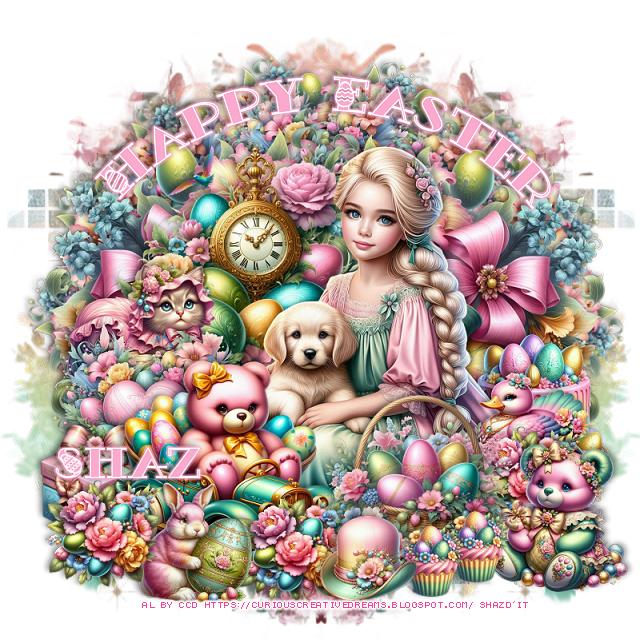
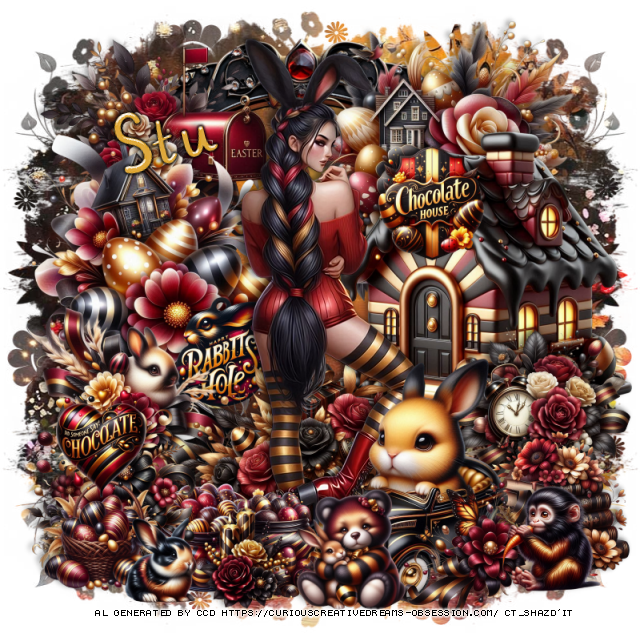
FTU March Easter 2025 Blogtrain

 This tut was written March 23rd, 2025 for those with a basic knowledge of psp.

Al generated tube and kit by Curious Creative Dreams
Blog Train Easter kit 
Read TOU on how to credit your tags

I used PSP2020...but any of them should work.
FTU March Easter 2025 Blogtrain by Curious Creative Dreams HERE
Check out the rest of the blog HERE
RD Mask 812 HERE
Check out the rest of the blog HERE

Font of choice, I used Champion

Drop shadow is  V-1 H-4 Black, 40, 10, use what you prefer.
Let's get started
*Remember to add your drop shadow as you go along*
 
Open a new image 800 x 800

Resize element 22 to 50%, mirror, paste.
Resize element 25 to 25%, paste at the bottom above the tube.
Resize element 2 to 15%, paste at the bottom left below the rabbit.
Resize element 24 to 25%, paste at the bottom left below the cookies.
Resize element 10 to 15%, paste at the bottom right below the rabbit.
Resize element 12 to 15%, paste at the bottom left.
Resize element 14 to 20%, paste at the bottom right below the eggs.
Resize element 18 to 30%, paste below the tube on the left, duplicate, mirror.
Resize element 6 to 20%, paste at the bottom left below the hat.

Resize element 26 to 65%, mirror, paste on the left on the bottom layer
and up.
Resize element 4 to 45%, paste on the left, below the flowers, duplicate, mirror.
Resize element 3 to 10%, paste at the bottom.
Resize element 17 to 15%, paste at the bottom right.

Paste element 39 on the bottom layer, apply Mura Meister Copies-Wall paper rotate,
default settings, apply your mask.

Add any other elements that you would like, make it your own.
Always readjust your mask and elements how you like them before you
 merge your tag, sharpen once.
Crop your tag to make sure no shadows or anything on the edges

 Then add your copyright and name.
That's it

Hope you enjoyed doing my tut.    
Saturday, March 22, 2025

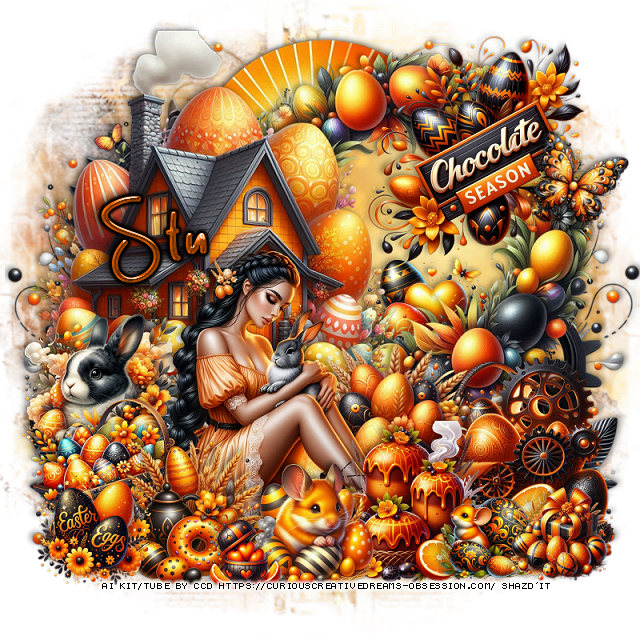
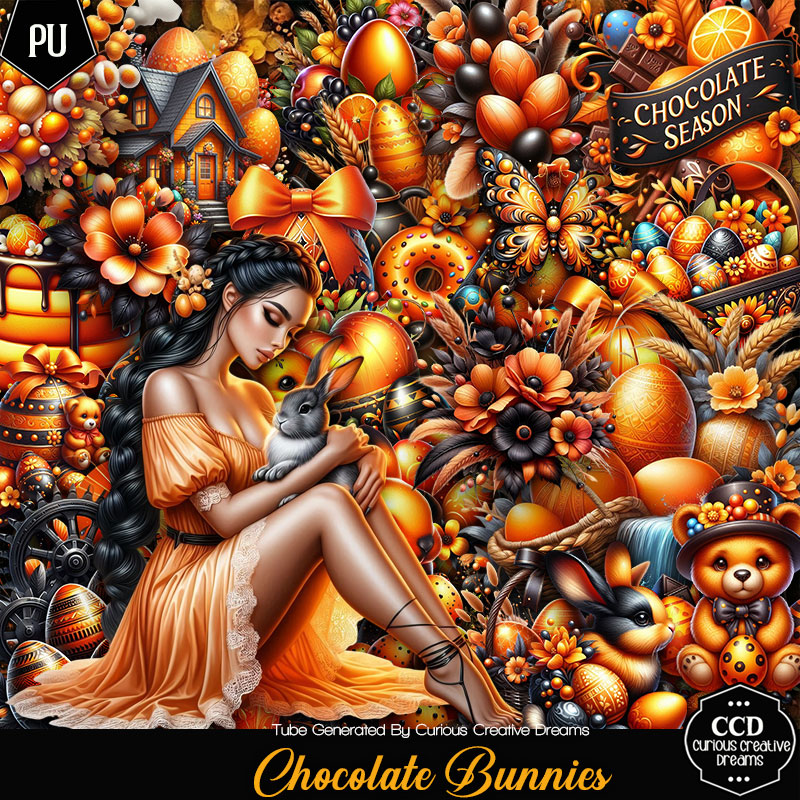
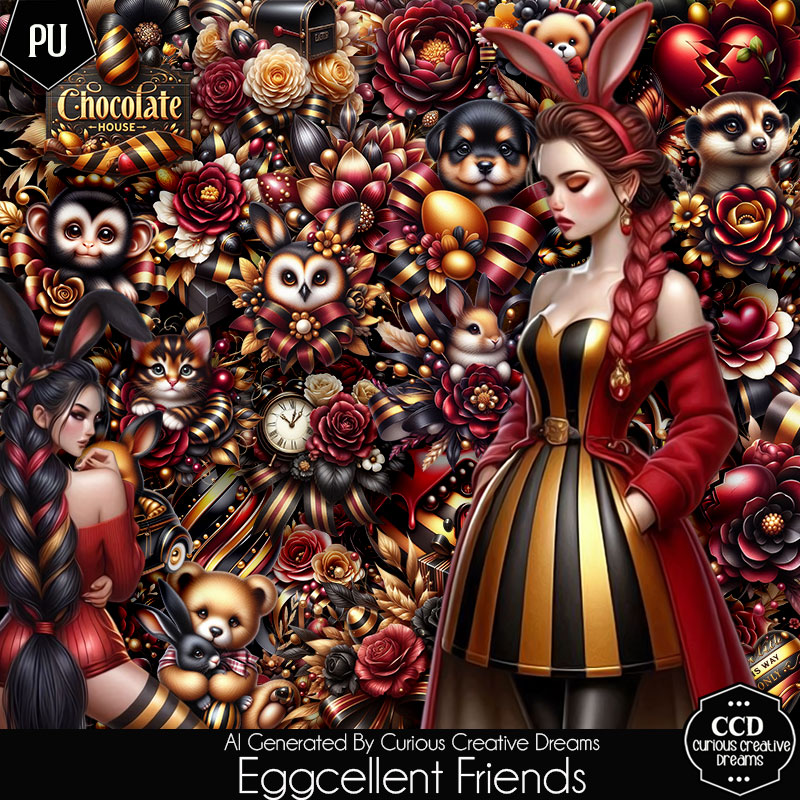
PTU Chocolate Bunnies


This tut was written March 22nd, 2025 for those with a basic knowledge of psp. 

I am using the beautiful Al tube by Curious Creative Dreams

Tube is included in the kit.
Read the TOU on how to credit your tags.

I used PSP2020...but any of them should work.
PTU Scrap Chocolate Bunnies by Curious Creative Dreams  HERE 
You can find all Curious Creative Dreams  kits  HERE
Mask of choice, I used Miz Teeques Mask 245 HERE
Check out the rest of the blog HERE  

Font of choice, I used Champion

Drop shadow as you go is V -2 H 4, 50, 10, or use what you prefer.
Let's get started
*Remember to add your drop shadow as you go along*

Open a new image 800 x 800, resize paper 7 to 80, apply your mask.

Resize frame 3 to 50%, paste on the upper right, click inside, paste
paper 19, invert, delete.
Resize element 6 to 60%, paste on the upper left.
Resize element 15 to 25%, paste on the frame at the bottom.

Resize the tube to 25%, paste at the bottom.

Resize element 54 to 25%, paste at the bottom left below the tube.
Resize element 53 to 25%, paste at the bottom above the tube.
Resize element 56 to 30%, paste on the left below the flowers.
Resize element 47 to 30%, paste below the tube on the right.
Resize element 9 to 20%, paste at the bottom above the tube.
Resize element 14 to 25%, paste at the bottom below the mouse.
Resize element 32 to 35%, paste at the top right above the frame.
Resize element 19 to 20%, paste at the bottom left above the flowers.
Resize element 34 to 35%, paste on the bottom right above the frame.

Resize element 93 to 90%, paste on the bottom layer at the upper left,
duplicate, mirror.
Resize element 58 to 15%, paste on the bottom.
Resize element 64 to 15%, paste at the bottom right.
Resize element 3 to 13%, paste at the bottom.
Resize element 38 to 15%, free rotate to the right at 20, paste on the upper right.

Add any other elements that you would like, make it your own.
Always readjust your mask and elements how you like them before you
 merge your tag, resize, sharpen.
Crop your tag to be sure no shadows or lines are on the edges.
 Then add your copyright and name.
That's it

Hope you enjoyed doing my tut.    
Monday, March 17, 2025

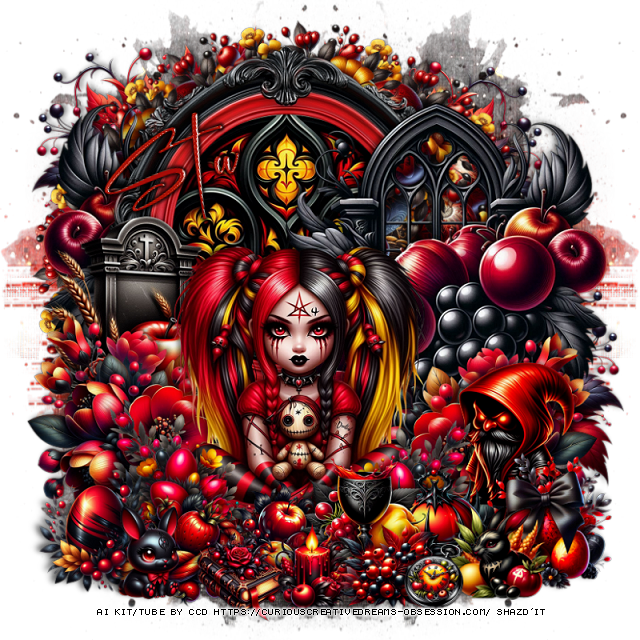
FTU Egg Hunt

  This tut was written March 16th, 2025 for those with a basic knowledge of psp.

Al generated tube and kit by Curious Creative Dreams
Blog Train Easter kit 
Read TOU on how to credit your tags

I used PSP2020...but any of them should work.
FTU Egg Hunt Blogtrain by Curious Creative Dreams HERE
Check out the rest of the blog HERE
RD Mask 812 HERE
Check out the rest of the blog HERE

Font of choice, I used Easter Egg

Drop shadow is  V-1 H-4 Black, 40, 10, use what you prefer.
Let's get started
*Remember to add your drop shadow as you go along*
 
Open a new image 800 x 800, resize paper 3 to 85%, apply your mask.

Resize element 12 to 25%, apply Mura Meister Copies-Encircle, first 
3 numbers on 14, 60, 50, paste
Resize element 11 to 255, apply Mura Meister, first 3 numbers on 
16, 55, 45, paste.

Resize the tube to 40%, mirror, paste.
Resize element 19 to 30%, paste at the bottom above the tube.
Resize element 11 to 25%, paste on the left below the car.
Resize element 16 to 35%, paste on the left below the tube.
Resize element 12 to 40%, paste on the left below the flowers with the clock,
duplicate, mirror.
Resize element 13 to 25%, paste at the bottom right.
Resize element 4 to 20%, mirror, paste at the bottom right above the basket.
Resize element 6 to 20%, mirror, paste on the left above the clock flowers.
Resize element 18 to 15%, paste on the bottom left below the car.
Resize element 15 to 20%, paste on the right below the tube.

Resize element 7 to 15%, paste at the bottom left.
Resize element 14 to 15%, paste at the bottom above the car.
Resize element 10 to 10%, paste at the bottom by the basket, duplicate, 
move over a little.
Resize element 2 to 15%, paste at the bottom left above the rabbit,
duplicate, move to the middle below the hat and rabbit, duplicate once 
more, move to the right behind the bear.
Resize element 17 to 15%, paste on the right above the cake.

Add any other elements that you would like, make it your own.
Always readjust your mask and elements how you like them before you
 merge your tag, sharpen once.
Crop your tag to make sure no shadows or anything on the edges

 Then add your copyright and name.
That's it
Hope you enjoyed doing my tut.