Showing posts with label Birthday. Show all posts

Saturday, May 23, 2026

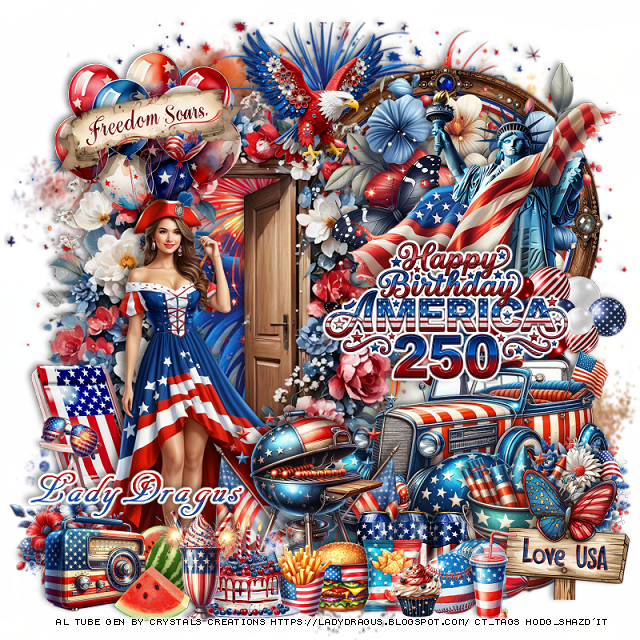
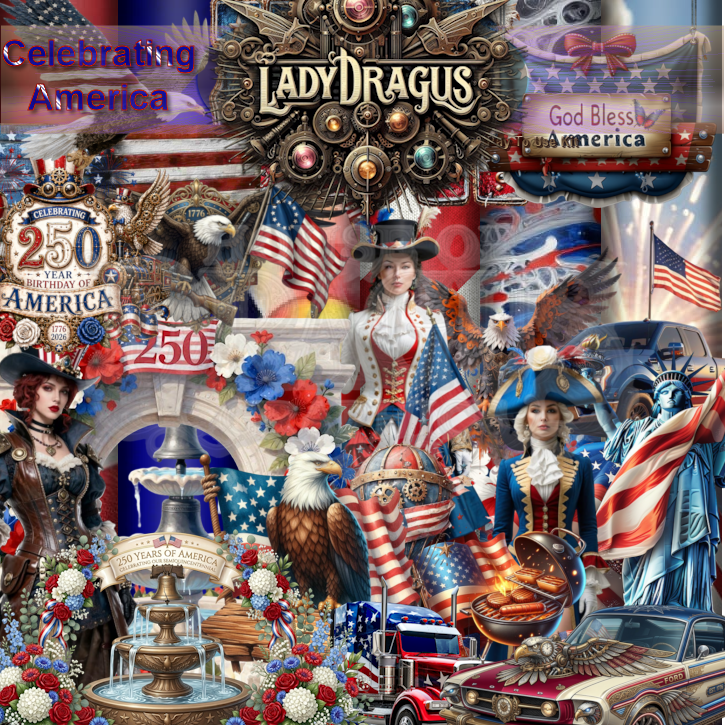
PTU 250 Years Birthday

 This tut was written May 22nd, 2026 for those with a basic knowledge of psp. 

I am using the awesome Al kit by LadyDragus

Al tube used gen by Crystal's Creations
Everything used is included in the kit
Read the TOU on how to credit your tags


I used PSP2020...but any of them should work.

PTU Scrap 250 Years Birthday by Lady Dragus  HERE  
Check her store out to see all her other kits and tubes HERE
Mask of choice, I used RD Mask Set 135_2 HERE
Check out the rest of the blog HERE

Font of choice, I used AR Decode

Drop shadow as you go is V -2 H 4, 40, 10, or use what you prefer.
Let's get started
*Remember to add your drop shadow as you go along*

Open a new image 800 x 800, paste paper 10, apply your mask.
Resize 140 to 105%, paste, erase the bottom stem part.

Resize frame 14 to 50%, paste at the upper right.
Resize 7 to 75%, paste on the left above the frame.
Resize 21 to 50%, paste on the right above the frame.
Resize 20 to 60%, paste on the upper right above the flowers.

Resize 23 to 50%, paste on the left above the door.

Resize 91 to 50%, paste on the bottom right.
Resize wordart 8 to 25%, add a fat white gradient glow, paste on
the right.
Resize 99 to 40%, paste below the wordart on the right.
Resize 109 to 40%, paste below the tube on the upper left.
Resize 148 to 30%, paste on the balloons.
Resize 75 to 25%, paste at the top.
Resize 24 to 55%, paste below the tube on the bottom left.

Resize 179 to 35%, paste at the bottom above the car.
Resize 158 to 25%, paste at the bottom.
Resize 25, 29 and 27 to 15%, paste at the bottom.
Resize 59 to 15%, paste at the bottom to the right of the can drinks.
Resize 60 to 12%, paste at the bottom.
Resize 157 to 20%, paste at the bottom to the left of the fries.
Resize 141 to 10%, paste at the bottom.
Resize 90 to 10%, paste on the arm of the chair.

Resize 114 to 25%, paste on the bottom right below the balls.
Resize 147 to 23%, paste on the bottom right.
Resize 160 to 20%, paste on the right above the car behind the sign.
Resize 174 to 20%, paste on the bottom left above the tube.
Resize 183 to 20%, paste on the bottom left.
Resize 182 to 20%, paste at the bottom left.
Resize 106 to 15%, paste below the radio.
Resize 104 to 15%, paste at the bottom above the radio.
Resize 26 to 18%, paste on the bottom right by the balls.

Add any other elements that you would like, make it your own.
Always readjust your mask and elements how you like them before you
 merge your tag, resize, sharpen.

Crop your tag to be sure no shadows or lines are on the edges.
 Then add your copyright and name.
That's it

Hope you enjoyed doing my tut   

Friday, April 17, 2026

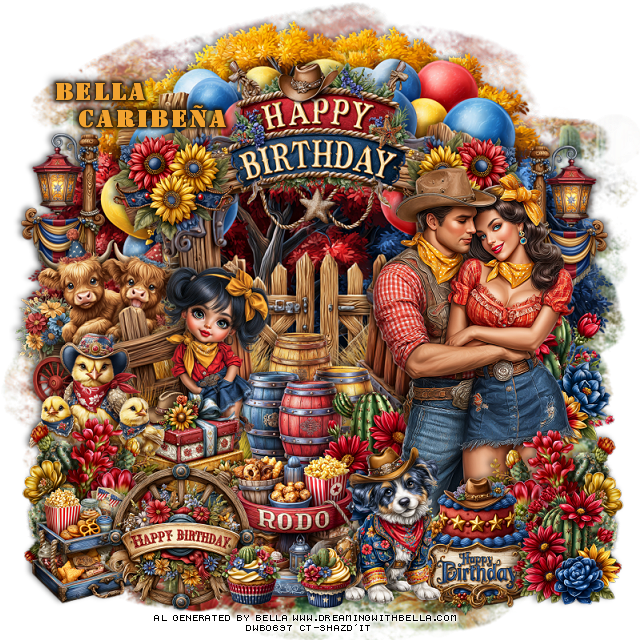
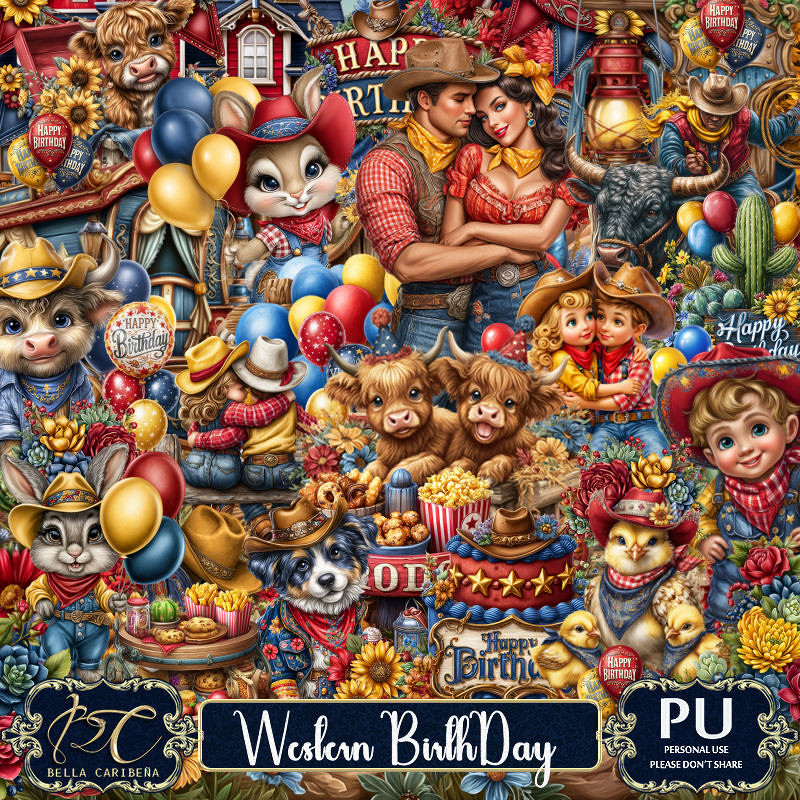
PTU Western Birthday


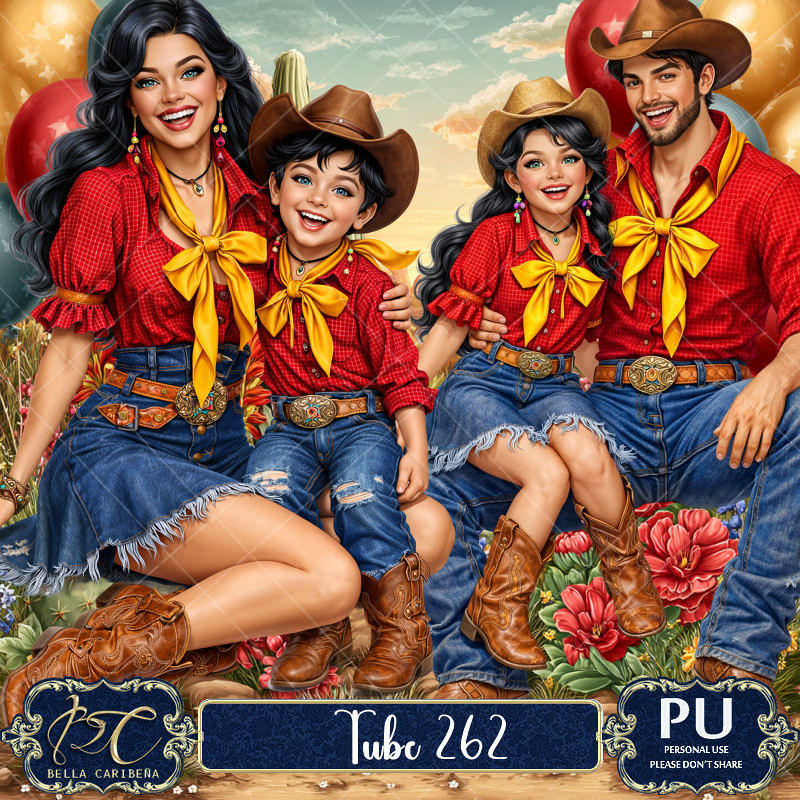
Here is a tube pack 262 that is a match HERE

    This tut was written April 16th, 2026,  for those with a basic knowledge of psp. 

Awesome Al kit by Bella Caribeña
Everything is included
Read the TOU on how to credit tags

I used PSP2020...but any of them should work.
PTU Scrap Western Birthday by Bella Caribeña  HERE
Western/Birthday Theme
Kit contains 4 Al gen tubes, 136 elements, 18 papers and 3 masks
You can check out the rest of her store HERE 

Font of choice I used Stencil

 Drop shadow as you go is V -2 H 4, 50, 10, or use what you prefer.
Let's get started
*Remember to add your drop shadow as you go along*

Open a new image 800 x 800, paste mask 2, resize to fit your tag.

Paste 15 to the top right, duplicate, move to the left.
Paste element 12 above the trees.
Resize 60 to 30%, paste on the upper left, duplicate, mirror.
Resize 72 to 40%, paste on the left above the light post.
Paste element 8 above the cows.
Resize 14 to 40%, paste at the top.
Resize 64 to 25%, paste on the left of the sign, duplicate, mirror.
Resize 41 to 30%, paste on the bottom left.

Resize tube 4 to 23%, paste on the right.

Resize 84 to 30%, paste at the bottom below the chicks.
Resize 5 to 40%, paste below the suitcases.
Resize 23 to 35%, paste on the bottom right above the tube, duplicate,
mirror.
Resize 104 to 30%, paste on the right below the tube.
Resize 7 to 30%, paste at the bottom right above the flowers.
Resize 57 to 33%, paste on the bottom right above the cake on the left.
Resize 103 to 30%, paste at the bottom below the tube to the left.
Resize 98 to 30%, paste on the bottom left above the flowers.
Resize 86 to 30%, paste below the girl.
Resize 77 to 30%, paste at the bottom below the dog.

Resize 28 and 29 to 13%, paste at the bottom.
Resize 74 to 25%, paste on the bottom left below the wheel.
Resize 109 to 25%, paste on the bottom right.

Add any other elements you would like, resize.
Crop your tag to be sure no shadows or lines are on the edges.
 Then add your copyright and name.
That's it

            Hope you enjoyed doing my tut                 
Tuesday, April 14, 2026

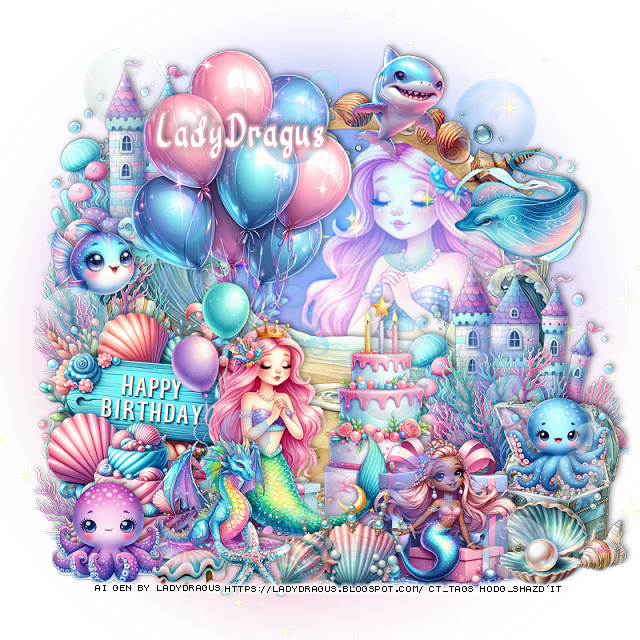
PTU Mermaid Birthday

 This tut was written April 14th, 2026 for those with a basic knowledge of psp. 

I am using the awesome Al kit by LadyDragus

Everything used is included in the kit
Read the TOU on how to credit your tags


I used PSP2020...but any of them should work.

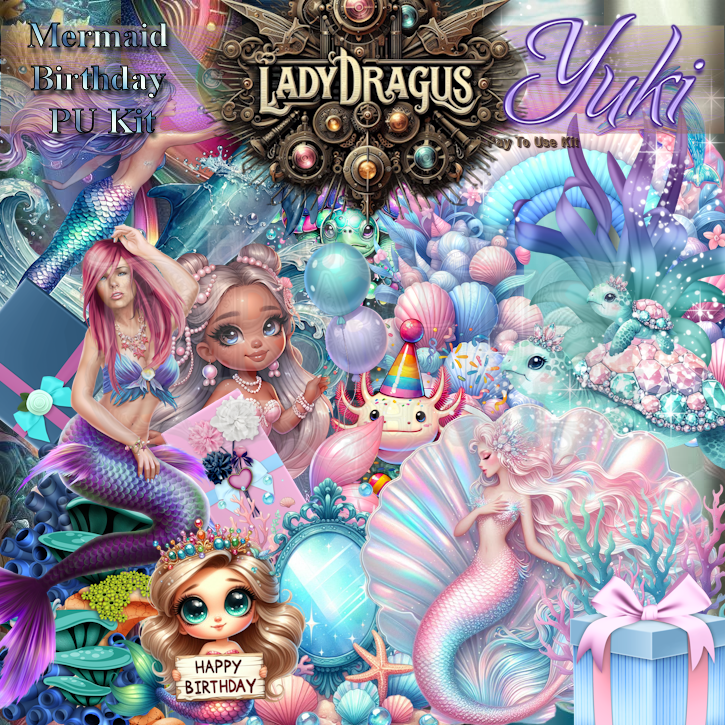
PTU Scrap Mermaid Birthday by Lady Dragus  HERE  
Comes with 120 elements, 17 frames, 22 papers, 2 Non Al tubes by Yuki
and 2 Al tubes by LD

Font of choice, I used River Water

Drop shadow as you go is V -2 H 4, 40, 10, or use what you prefer.
Let's get started
*Remember to add your drop shadow as you go along*

Open a new image 800 x 800

Paste element 10, resize larger to 115%.
Resize frame 10 to 70%, paste, draw around the frame, mirror
element 79, paste to the right, invert, delete, change the blend mode to Overlay.
Resize 100 to 40%, paste on the bottom left above the frame.
Resize 79 to 50%, paste at the bottom above the sign.
Resize 6 to 50%, paste at the top below the sign.

Resize 39 to 30%, paste at the bottom right.
Resize 36 to 15%, paste at the bottom right above the chest.
Resize 24 to 25%, paste on the bottom left.
Resize 23 to 25%, paste on the right below the chest, duplicate, move to
the bottom left below the sigh, duplicate, move up more
Resize 17 to 30%, paste at the bottom left by the mermaid.
Resize 13 to 20%, paste at the bottom left.

Resize 62 to 25%, paste on the right about midway up.
Resize 109 to 25%, paste at the bottom right, move the pear shell above.
Resize 1 to 20%, paste at the bottom.
Resize 22 to 15%, paste on the upper left.
Resize 66 to 20%, paste at the upper right.
Resize 86 to 20%, paste on the right on the chest.
Resize 2 to 13%, paste at the bottom by the dragon.
Resize 35 to 10%, paste at the bottom by the dragon.
Resize 67 to 40%, paste on the right below the chest, duplicate, move
to the upper left below the balloons.
Resize 84 to 13%, paste at the bottom by the dragon.
Resize 8 to 85%, paste where you like being on the top layer.

Add any other elements that you would like, make it your own.
Always readjust your mask and elements how you like them before you
 merge your tag, resize, sharpen.

Crop your tag to be sure no shadows or lines are on the edges.
 Then add your copyright and name.
That's it

Hope you enjoyed doing my tut   
Thursday, January 8, 2026

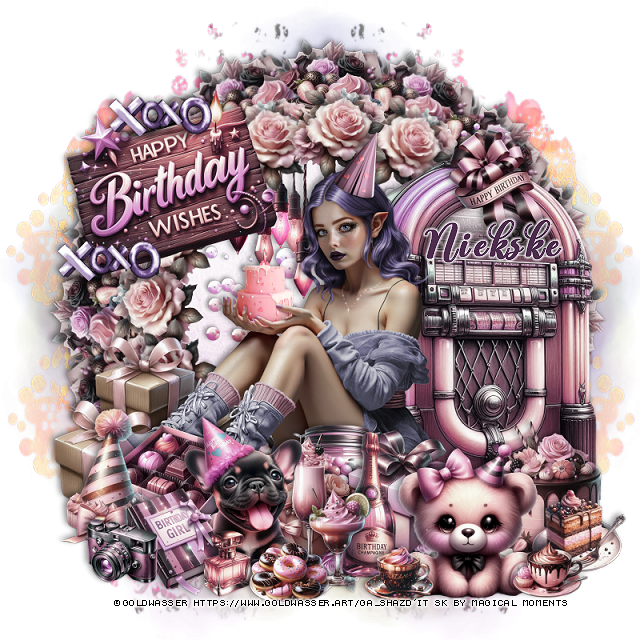
PTU Party Time


  This tut was written January 8th, 2026 for those with a basic knowledge of psp.

I am using the beautiful tube by © Goldwasser 

Tube is called Eirlys
Tube is "NOT included
You need a license to use this tube, please do not use without a license
You can find this tube at Goldwasser store HERE


I used PSP2020...but any of them should work.
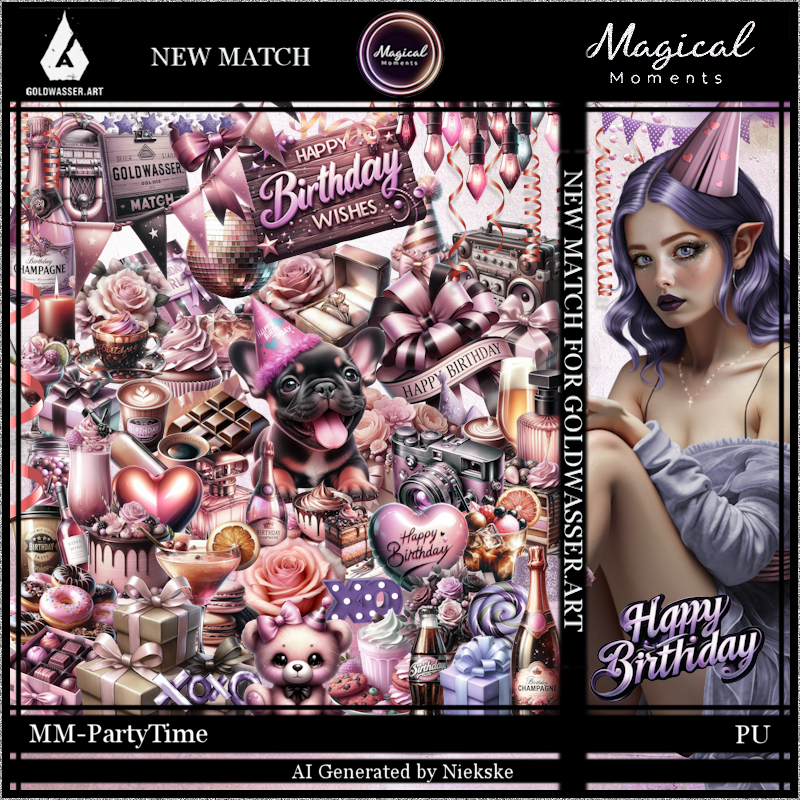
PTU Scrap Party Time by Magical Moments HERE  
Kit has 72 elements, 5 papers 
Check out the rest of her store HERE   
Filter
Mura Meister Copies-Encircle.

Font of choice, I used Another Day

Drop shadow is V -2 H 4, 50, 10, color Black or use what you prefer.
Let's get started
*Remember to add your drop shadow as you go along*

Open a new layer 800 x 800, paste element 12, duplicate, merge down,
duplicate, mirror, resize to fit your tag.
Paste 17 on the mask layer on the upper right, duplicate, mirror,
duplicate both, move to the bottom.

Resize 66 to 15%, apply Mura Meister Copies-Encircle, first 3 numbers
on 16, 55, 55, paste.
Click inside, paste paper 1, invert, delete.
Resize 39 to 20%, apply Mura Meister changing the first number
to 18, paste below the flower circle.
Resize 7 to 20%, apply Mura Meister changing the numbers to 16, 65, 65,
paste below the other circles.
Resize 72 to 75%, paste on the paper layer in the circle.
Resize 11 to 25%, paste below the hearts at the top of the flower circle.

Resize the tube to 35%, paste at the bottom.

Resize 52 to 30%, paste on the upper left below the tube.
Resize 15 to 25%, paste on the bottom of the sign to the left, duplicate,
move to the top of the sign.
Resize 23 to 30%, paste on the left below the tube.
Resize 71 to 45%, paste below the tube on the right.
Resize 41 to 15%, paste at the bottom above the tube.
Resize 31 and 32 to 20%, paste at the bottom above the tube.
Resize 53 to 15%, paste at the bottom.
Resize 48 to 20%, paste at the bottom below the drink and bottle.
Resize 55 to 20%, paste at the bottom below the bottle to the right.
Resize 45 to 20%, paste at the bottom above the tube.
Resize 4 to 20%, paste at the bottom left below the dog.

Resize 10 to 20%, paste on the bottom right.
Resize 63 to 20%, paste at the bottom left above the candy box.
Resize 28 to 20%, paste at the bottom right below the bear.
Resize 36 to 17%, paste on the bottom right by the cake.
Resize 70 to 15%, paste at the bottom left.
Resize 35 to 10%, paste at the bottom left.
Resize 44 to 12%, paste at the bottom right above the bear.
Resize 34 to 10%, paste on the bottom left above the book.
Resize 49 to 15%, paste on the juke box.
Resize 25 to 10%, paste at the bottom by the dog.
Resize 58 to 12%, paste at the bottom by the bottle.

Add any other elements that you would like, make it your own.
Always readjust your mask and elements how you like them before you
 merge your tag, resize, sharpen.

Crop your tag to be sure no shadows or lines are on the edges.
 Then add your copyright and name.
That's it

Hope you enjoyed doing my tut.         

Wednesday, January 7, 2026

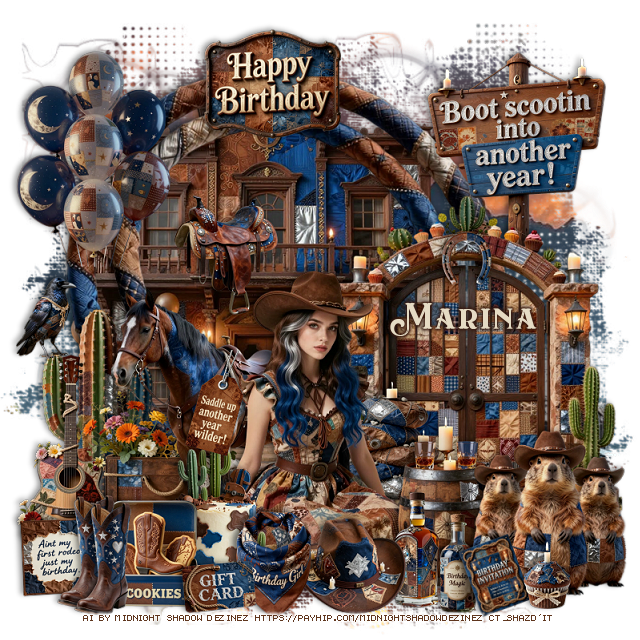
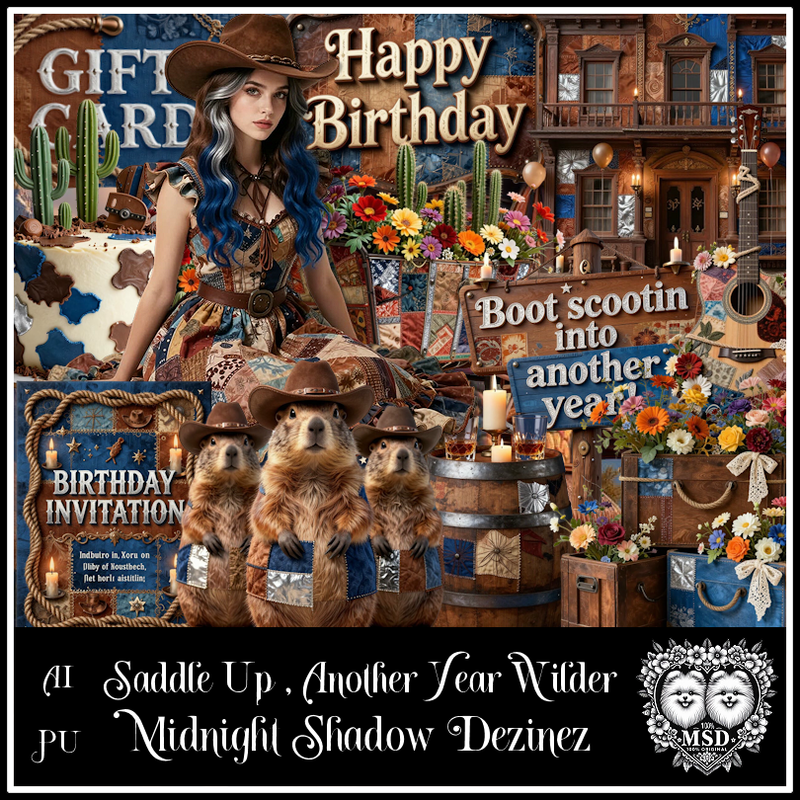
PTU Saddle Up Another Year Wilder


This tut was written January 7th, 2026 for those with a basic knowledge of psp. 

Awesome AI kit and tube by Midnight Shadow Dezinez

Everything used is included in the kit
Read the TOU on how to credit your tags

I used PSP2020...but any of them should work.
PTU Scrap Saddle Up Another Year Wilder by Midnight Shadow Dezinez  HERE
You can find all Midnight Shadow Dezinez kits HERE
Mask of choice, I used Miz Teeques Mask 125 HERE
Check out the rest of the blog HERE

Font of choice, I used Eastwood

Drop shadow as you go is V -2 H -4, 50, 10, or use what you prefer.
Let's get started
*Remember to add your drop shadow as you go along*

Open a new image 800 x 800, paste paper 5, apply your mask.

Resize 27 to 75%, paste on the upper left.
Resize 30 to 90%, paste above the building.
Resize 43 to 60%, paste on the bottom right.
Resize 44 to 25%, paste at the top.
Resize 39 to 40%, paste on the bottom left of the building.
Resize 13 to 35%, paste at the bottom to the left of the gate.
Resize 58 to 35%, paste below the gate on the upper right.
Resize 31 to 35%, paste on the upper left.

Resize 51 to 50%, paste at the bottom.

Resize 3 to 50%, mirror, paste below the tube to the left.
Resize 34 to 25%, paste at the bottom above the tube.
Resize 22 to 30%, paste below the tube to the right.
Resize 2 to 30%, paste at the bottom above the tube.
Resize 12 and 46 to 20%, paste at the bottom by the barrel.
Resize 33 and 55 to 20%, paste at the bottom by the bottles.
Resize 52 to 20%, paste at the bottom left above the cake.
Resize 28 to 35%, paste on the bottom left below the cookies.
Resize 47 to 28%, paste at the bottom right.
Resize 9 to 13%, paste at the bottom left above the cookies.
Resize 35 to 13%, paste at the bottom by the cookies.
Resize 17 to 13%, paste at the bottom right, free rotate to the left at 20.
Resize 20 to 12%, paste at the bottom right.
Resize 48 to 20%, paste on the bottom left above the cookies, duplicate,
move over.
Resize 29 to 20%, paste on the rail of the building.
Pick which element 57 you want, resize to 20%, paste above the horse like it is 
hanging off the saddle.
Resize 36 to 10%, flip, paste on the gate.
Resize 40 to 17%, paste on the cactus on the left.

Add any other elements that you would like, make it your own.
Always readjust your mask and elements how you like them before you
 merge your tag, resize, sharpen.

Crop your tag to be sure no shadows or lines are on the edges.
 Then add your copyright and name.
That's it

Hope you enjoyed doing my tut          
Tuesday, July 1, 2025

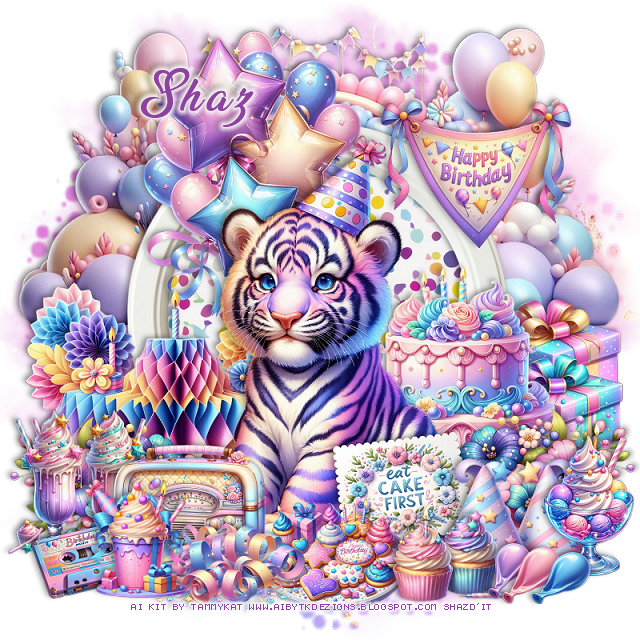
FTU Tiggy Birthday

 This tut was written June 29th, 2025 for those with a basic knowledge of psp.

I am using an awesome Al kit by TammyKat
The kit is called Tiggy Birthday
Read the TOU on how to credit your tags

I used PSP2020...but any of them should work.
FTU Tiggy Birthday by TammyKat  HERE
Check out the rest of the blog  HERE
Mask of choice, I used MizTeeque Mask 70 HERE
Check out the rest of the blog HERE

Font of choice, I used Lucy Said Ok

Drop shadow is  V-1 H-4 Black, 40, 10, use what you prefer.
Let's get started
*Remember to add your drop shadow as you go along*
 
Open a new image to 800 x 800, paste paper 13, apply your mask.

Resize frame 2 to 55%, paste. click inside, paste paper 13, invert, delete.
Resize Balloon arch 1 to 75%, paste below the frame at the top.
Resize balloons 3 to 40%, paste at the upper left above the frame.
Resize decor 2 to 40%, paste on the bottom left.
Resize cake 3 to 35%, paste on the bottom right.
Resize presents 5 to 30%, paste on the right below the cake.
Resize flower 20 to 30%, paste at the bottom left above the decor, duplicate, 
mirror, adjust above the cake.

Resize tiger 3 to 40%, paste above the flowers about center.

Resize hats 1 to 20%, paste on the bottom right.
Resize radio 3 to 20%, paste on the bottom left.
Resize cassette 2 to 15%, paste at the bottom left.
Resize ice cream 2 to 20%, paste on the bottom right.
Resize cupcake 3 to 15%, paste at the bottom by the hats.
Resize milkshakes 1 to 20%, paste on the left below the radio.
Resize the cookies 3 to 20%, paste at the bottom below the cupcakes.
Resize streamers 1 to 20%, paste at the bottom.
Resize drink 4 to 15%, paste at the bottom left.
Deflated balloons 1 resize to 15%, paste at the bottom right.
Resize banner 1 to 25%, paste at the upper right.
Resize wordart card 1 to 20%, paste at the bottom above the tiger.

Add any other elements that you would like, make it your own.
Always readjust your mask and elements how you like them before you
 merge your tag, sharpen once.
Crop your tag to make sure no shadows or anything on the edges

 Then add your copyright and name.
That's it
Hope you enjoyed doing my tut.