Showing posts with label Wedding. Show all posts

Sunday, October 26, 2025

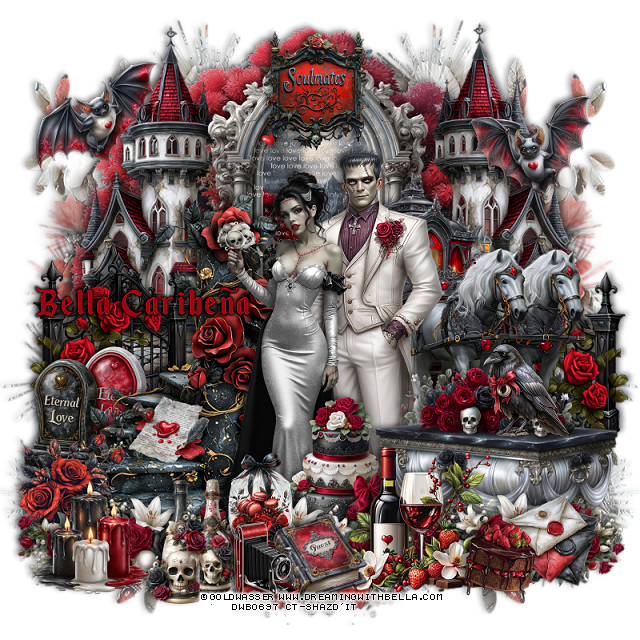
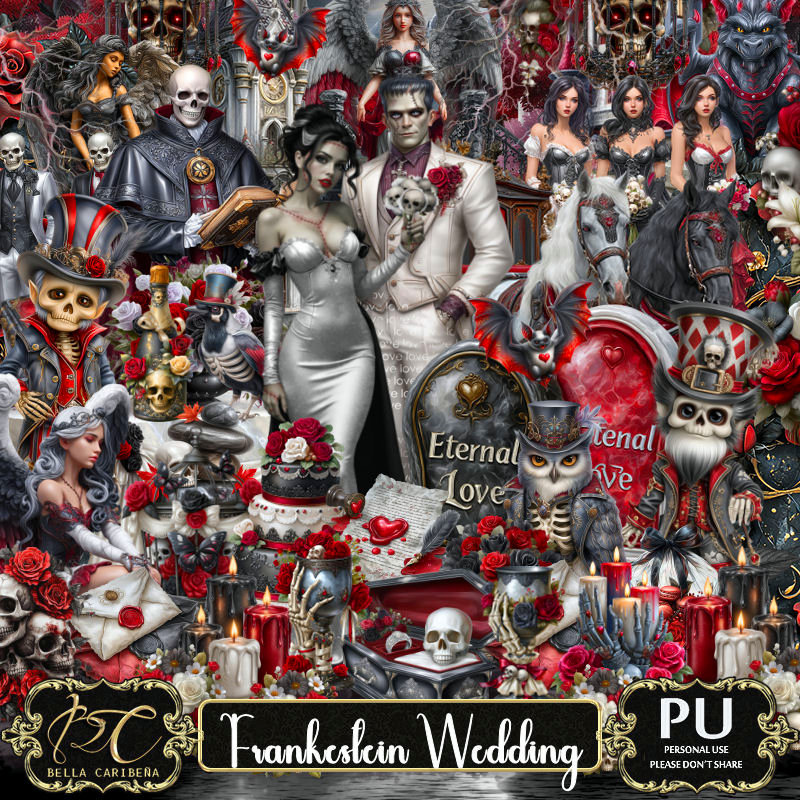
PTU Frankestein Wedding


 This tut was written October 25th, 2025,  for those with a basic knowledge of psp. 

Awesome tube ©Goldwasser
Tubes and Dolls are included
Read the TOU on how to credit your tags

I used PSP2020...but any of them should work.
PTU Scrap Frankestein Wedding by Bella CaribeƱa  HERE
Frankestein Theme
Kit contains 1 ©Goldwasser tube, 5 Al gen tubes, 174 elements, 16 papers  
You can check out the rest of her store HERE 

Font of choice I used Enchanted Land

 Drop shadow as you go is V -2 H 4, 50, 10, or use what you prefer.
Let's get started
*Remember to add your drop shadow as you go along*

Open a new image 800 x 800, paste element 15 on the left, duplicate, mirror.

Resize element 90 to 95%, paste at the top.
Resize element 45 to 70%, paste at the upper left, duplicate, mirror.
Resize element 47 to 65%, paste at the top above the castles.
Resize element 5 to 50%, paste on the window.
Resize element 22 to 75%, paste on the left.
Resize element 147 to 45%, paste on the left below the stairs, duplicate, mirror.

Resize the Goldwasser tube to 22%, paste.
Resize tube 5 to 35%, paste on the right below the bride tube.

Resize element 74 to 50%, paste on the right below the man.
Resize element 117 to 50%, paste at the bottom right above the tubes.
Resize element 18 to 30%, paste at the bottom.
Resize element 66 to 30%, paste on the left below the stairs.
Resize element 127 to 50%, paste at the bottom right below the drinks,
duplicate, move more to the center, duplicate again, move to the left.
Resize element 32 to 30%, paste at the bottom below the row of flowers.
Resize element 88 to 20%, mirror, paste on the right on the table.

Resize element 98 to 20%, paste at the bottom above the flowers.
Resize element 12 to 17%, paste at the bottom.
Resize element 62 to 18%, paste on the steps on the left.
Resize element 157 to 30%, paste on the bottom left above the stair.
Resize element 26 to 20%, paste below the camera and book.
Resize element 35 to 20%, paste at the bottom right.
Resize element 45 and 110 to 25%, paste at the bottom left.
Resize element 126 to 25%, paste at the upper left.
Resize element 86 to 25%, mirror, paste at the upper right.

Resize element 164 to 25%, paste at the top.
Resize element 99 to 25%, paste on the bottom left.
Resize element 11 to 22%, paste at the bottom right.

Add any other elements you would like, resize.
Crop your tag to be sure no shadows or lines are on the edges.
 Then add your copyright and name.
That's it

            Hope you enjoyed doing my tut               

Saturday, April 27, 2024

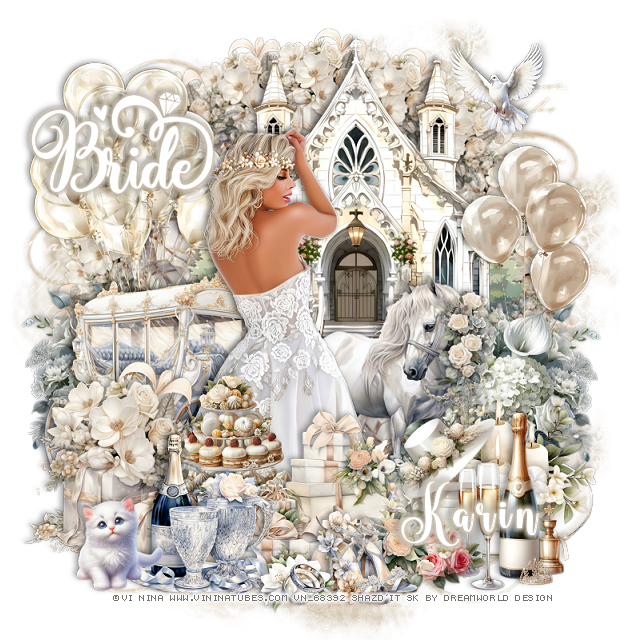
PTU Bride 3


 This tut was written April 27th, 2024 for those with a basic knowledge of psp. 

I am using a beautiful tube by ©Vi Nina

The tube is called Alexandra
You need a license to use this tube, please do not use without a license
You find this tube at her store HERE

I used PSP2020...but any of them should work.
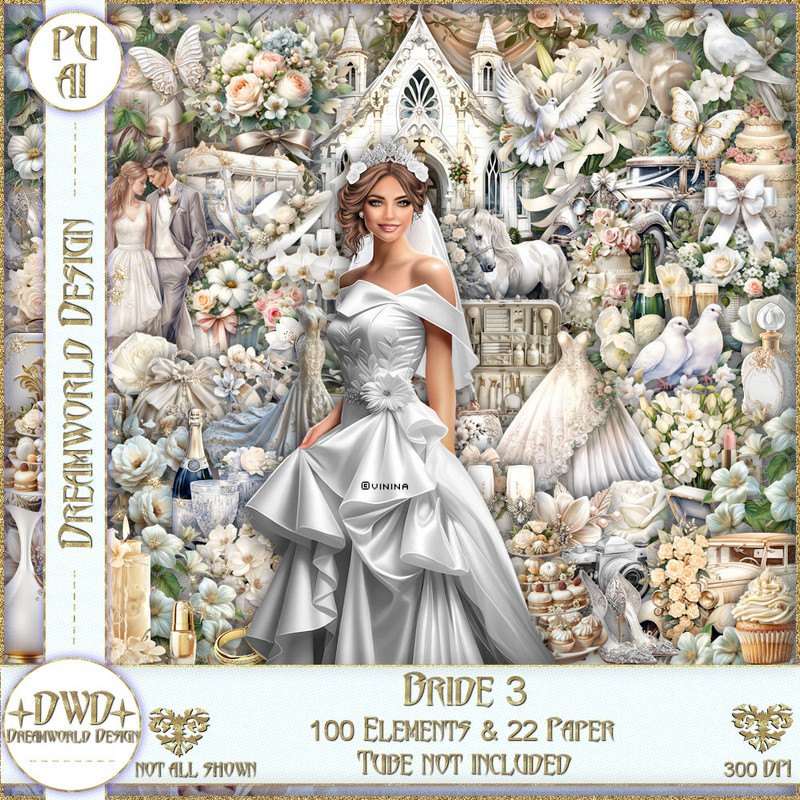
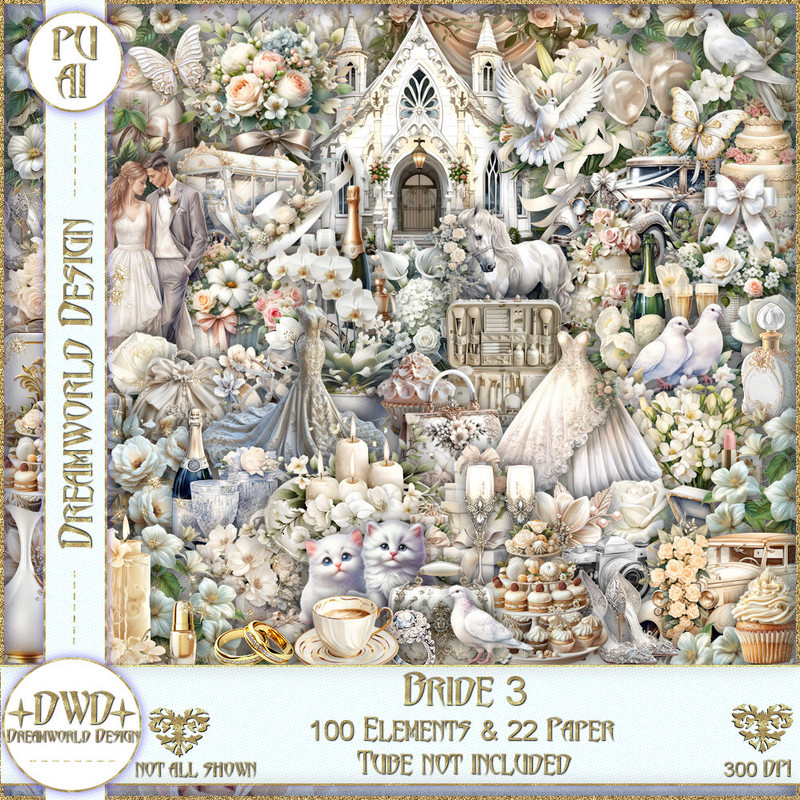
PTU Scrap Bride 3 by DWD  HERE
Beautiful kit with 100 elements and 22 papers, a match for 
Vi Nina Bride 3 tube.
You can find all Dreamworld Design kits  HERE
Mask of choice, I used Miz Teeques Mask 56 HERE
Check out the rest of the blog HERE
Filters
Mura Meister Copies-Encircle.

Font of choice, I used Wingcharm

Drop shadow as you go is V -2 H 4, 40, 10, or use what you prefer.
Let's get started
*Remember to add your drop shadow as you go along*

Open a new image 800 x 800, paste paper 15, apply your mask.

Resize element 24 to 60%, paste at the top.
Paste element 10 behind the church.
Resize element 31 to 35%, apply Mura Meister Copies-Encircle, first
3 numbers on 18, 60, 60, paste below the church.

Resize your tube to 35%, paste.

Resize element 22 to 50%, mirror, paste behind the tube to the left.
Resize element 69 to 60%, mirror, paste behind the tube.
Resize element 41 to 65%, mirror, paste behind the carriage on the left.
Resize element 61 to 60%, paste on the upper left below the flowers.
Resize element 31 to 50%, paste at the bottom left above the tube.
Resize element 90 to 40%, paste above the tube.

Resize element 37 to 40%, paste at the bottom.
Resize element 32 to 50%, paste above the tube to the right below the 
champagne. 
Resize element 21 to 25%, paste at the bottom.
Resize element 1 to 40%, paste on the bottom right below the shoes.
Resize element 19 to 20%, paste at the bottom.
Resize element 11 to 40%, paste at the bottom right above the candles.
Resize element 53 to 50%, paste behind the carriage, duplicate, mirror.
Resize element 60 to 50%, paste on the right below the flowers.
Resize element 67 to 30%, paste at the bottom left.
Resize element 70 to 30%, mirror, paste at the upper right.
Resize wordart 1 to 30%, change the color to white, paste where you like.

Add any other elements that you would like, make it your own.
Always readjust your mask and elements how you like them before you
 merge your tag, resize, sharpen.

Crop your tag to be sure no shadows or lines are on the edges.
 Then add your copyright and name.
That's it

Hope you enjoyed doing my tut