Showing posts with label BCA. Show all posts

Sunday, October 18, 2026

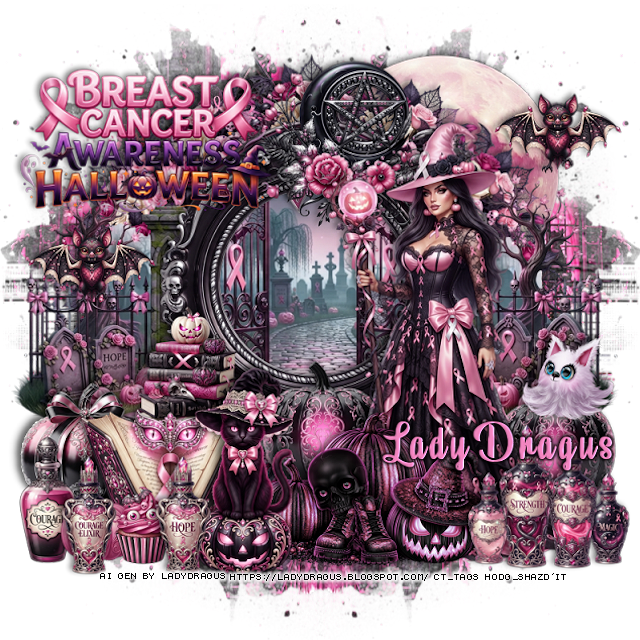
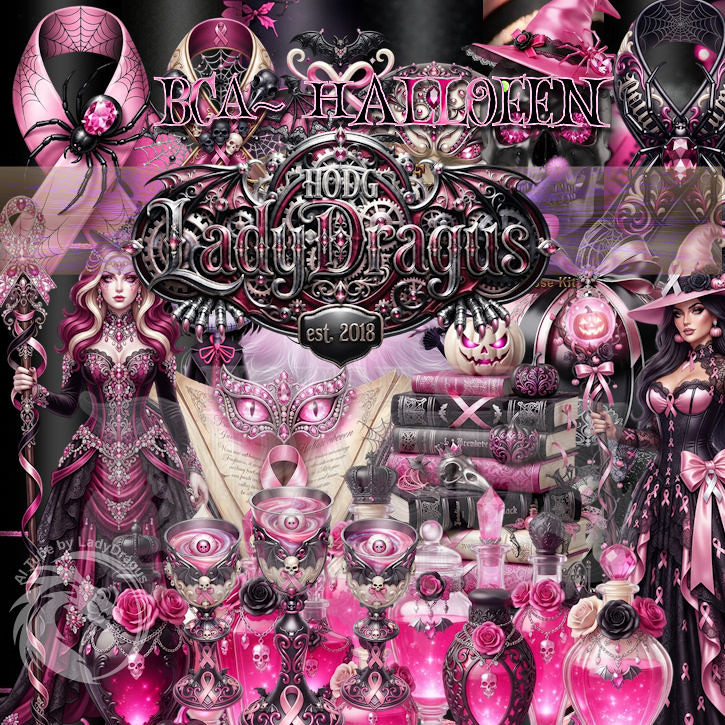
PTU BCA Halloween

 This tut was written October 18th, 2026 for those with a basic knowledge of psp. 

Awesome BCA Halloween Al kit by LadyDragus

Everything used is in the kit 
Read the TOU on how to credit your tags 


I used PSP2020...but any of them should work.

PTU Scrap BCA Halloween by LadyDragus  HERE  HERE
Check her store out to see all her other kits and tubes HERE
Vivienne's Digital Tagging Mask 41 HERE
Check the blog HERE

Font of choice, I used Beauty Mountains

Drop shadow as you go is V -2 H 4, 50, 10, or use what you prefer.
Let's get started
*Remember to add your drop shadow as you go along*

Open a new image 800 x 800, paste the second paper 1, apply your
mask, move to the left, duplicate, mirror.

Resize 81 to 35%, apply Mura Meister Copies-Encircle, first 3 numbers
on 12, 50, 40, paste.
Resize 10 to 75%, paste.
Resize 61 to 65%, paste.
Resize frame 9 to 50%, paste.
Resize 104 to 50%, paste at the upper right below the flower circle.
Resize 56 to 30%, paste at the top on the frame to the right a bit.

Resize tube 3 to 60%, paste on the right.
Resize wordart 1 to 35%, paste at the upper left.
Resize 80 to 25%, paste below the tube on the right, duplicate, move
to the left of the tube.
Resize 17 to 25%, paste at the bottom right above the tube.

Resize 42 to 30%, paste at the bottom above the tube.
Resize 78 to 25%, paste on the bottom left.
Resize 66 to 35%, paste at the bottom.
Resize 5 to 25%, paste on the bottom left above the pumpkin.
Resize 6 to 30%, paste at the bottom left below the cat.

Resize 16 to 30%, paste below the cat on the left.
Resize 30 to 15%, paste on the right on the pumpkin.
Resize 82 to 20%, paste at the bottom left.
Resize 102 to 20%, paste at the bottom.
Resize 92 to 15%, paste at the upper right, duplicate, move down on 
the left by the wordart.

Add any other elements that you would like, make it your own.
Always readjust your mask and elements how you like them before you
 merge your tag, resize, sharpen.

Crop your tag to be sure no shadows or lines are on the edges.
 Then add your copyright and name.
That's it

Hope you enjoyed doing my tut      

Saturday, October 17, 2026

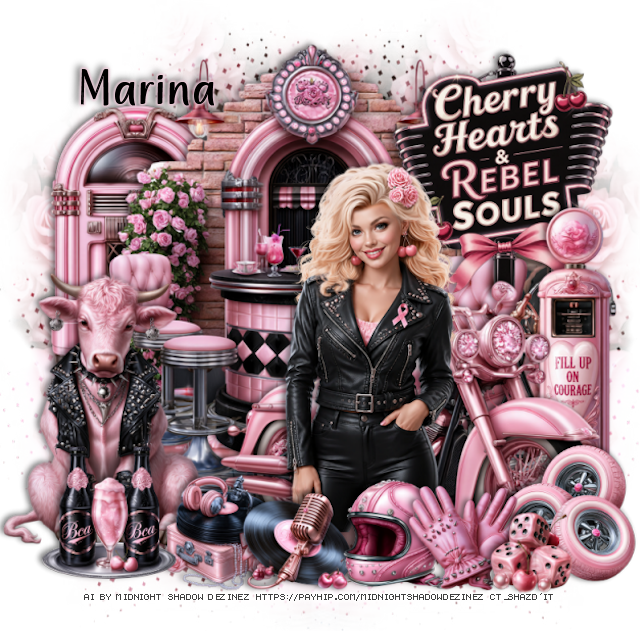
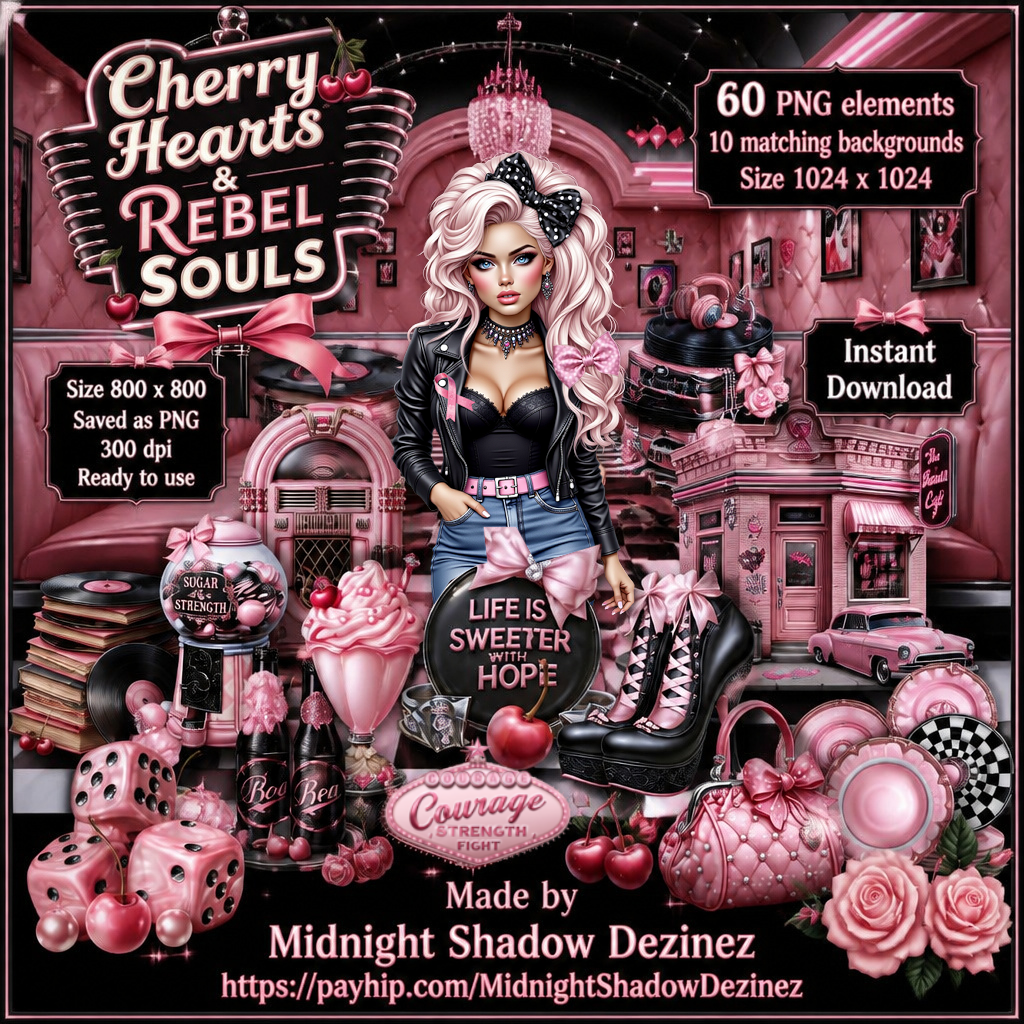
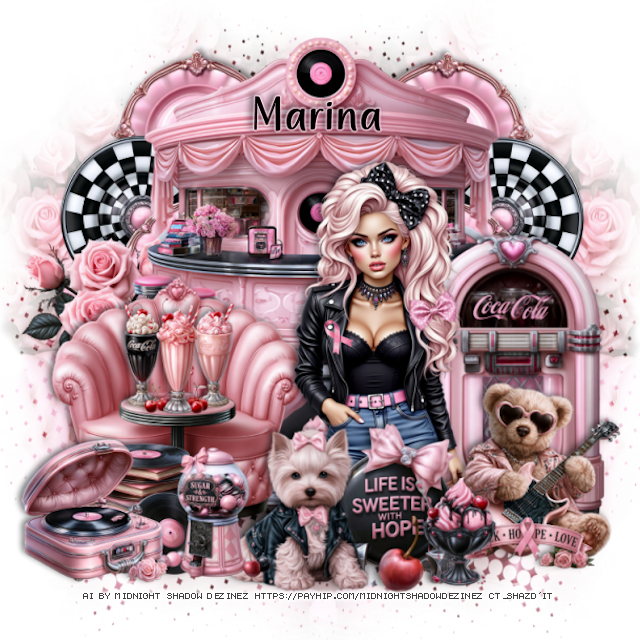
PTU Cherry Hearts and Rebel Souls


Tag I made with the tube in the kit, no tut

 This tut was written October 17th, 2026 for those with a basic knowledge of psp. 

Awesome AI kit and tube by Midnight Shadow Dezinez

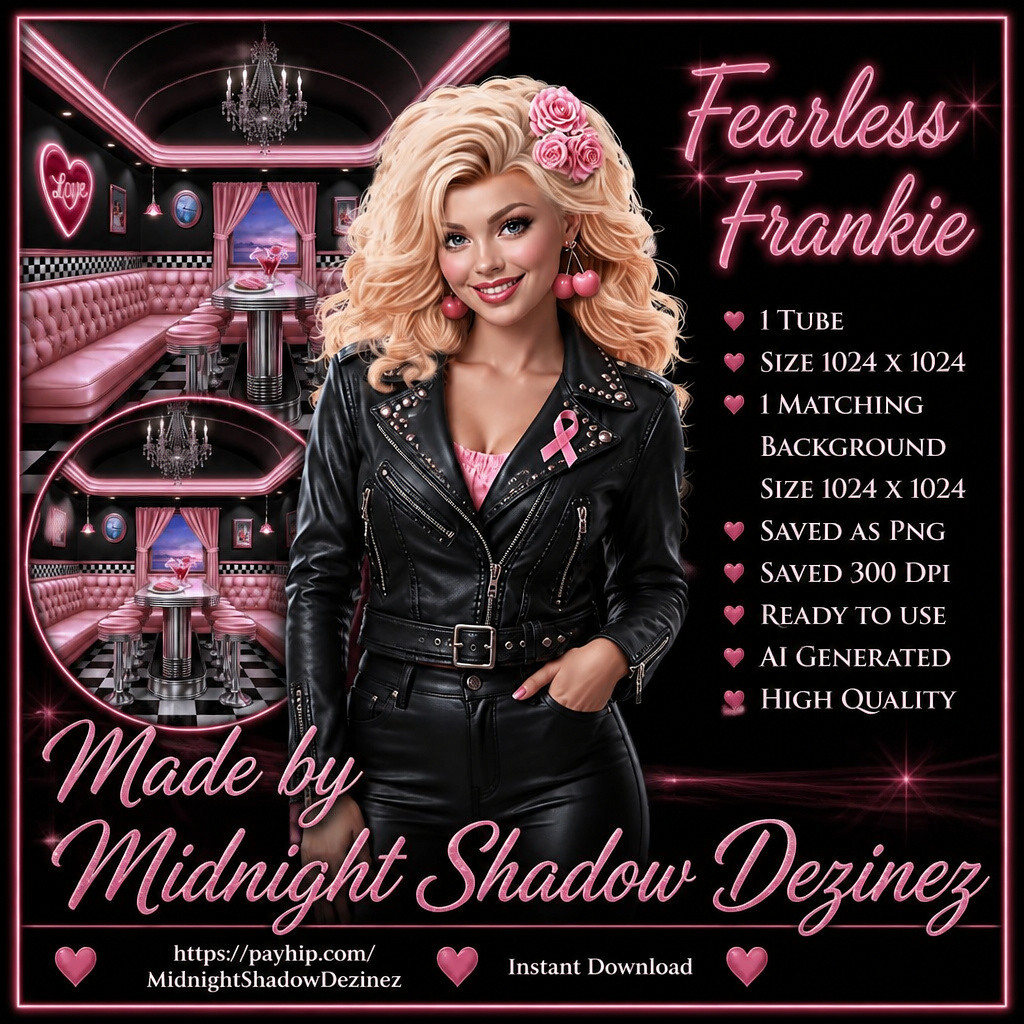
I paired it with the tube Frankie, not included, you can get it HERE

Read the TOU on how to credit your tags


I used PSP2020...but any of them should work.
PTU Scrap Cherry Hearts and Rebel Souls by Midnight Shadow Dezinez  HERE
You can find all Midnight Shadow Dezinez kits HERE
Vivienne's Digital Tagging Mask 30 HERE
Check the blog HERE

Font of choice, I used Amazing Quirky

Drop shadow as you go is V -2 H -4, 50, 10, or use what you prefer.
Let's get started
*Remember to add your drop shadow as you go along*

Open a new image 800 x 800, paste paper 8, apply your mask, 
move to the right, duplicate, mirror, merge, adjust to fit your tag.

Resize 22 to 75%, paste.
Resize 1 to 65%, paste on the bottom right.
Resize the Fearless Frankie tube to 45%, paste above the bike.
Resize 8 to 45%, paste on the left below the wall.
Resize 26 to 40%, paste on the upper right below the bike.
Draw around one of the pumps element 25, resize to 50%, paste
at the bottom right below the bike.

Resize 54 to 20%, paste at the bottom above the tube.
Resize 55 to 20%, paste at the bottom right.
Resize 19 to 15%, paste at the bottom right.
Resize 56 to 25%, paste on the bottom right above the bike.
Resize 27 to 45%, paste on the bottom left.
Resize 16 to 25%, paste on the bottom left above the bull.
Resize 14 to 20%, paste at the bottom below the helmet.
Resize 11 to 23%, paste at the bottom left below the record.
Resize 16 to 25%, paste on the bottom left.

Add any other elements that you would like, make it your own.
Always readjust your mask and elements how you like them before you
 merge your tag, resize, sharpen.

Crop your tag to be sure no shadows or lines are on the edges.
 Then add your copyright and name.
That's it

                 Hope you enjoyed doing my tut        
Saturday, October 10, 2026

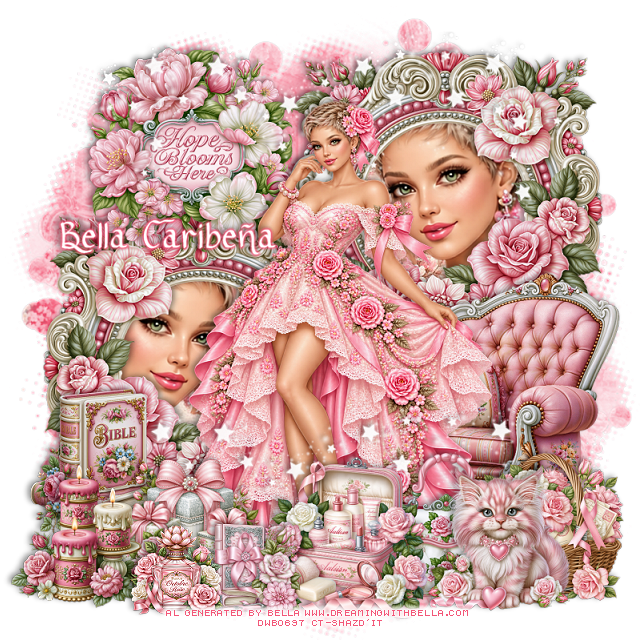
PTU BCA 2026


 This tut was written October 10th, 2026,  for those with a basic knowledge of psp. 

Awesome Al kit and tubes by Bella Caribeña
Everything is included in the kit
Read the TOU on how to credit tags

I used PSP2020...but any of them should work.
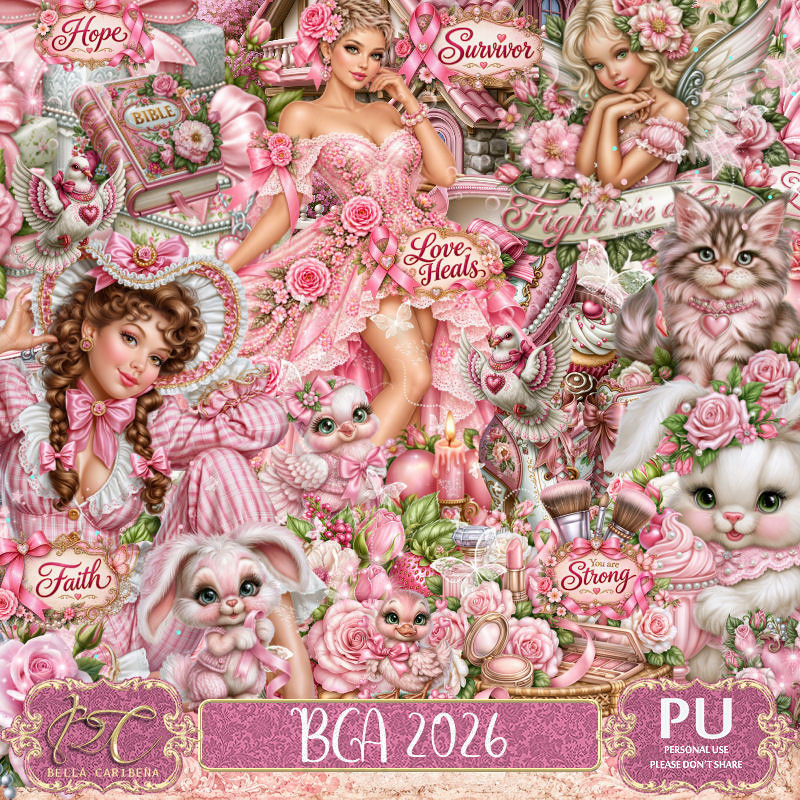
PTU Scrap BCA 2026 by Bella Caribeña  HERE
BCA Theme
Kit contains 4 Al tubes, 146 elements, 17 papers and 3 masks
You can check out the rest of her store HERE 

Font of choice I used Ribbon of Hope

 Drop shadow as you go is V -2 H 4, 40, 10, or use what you prefer.
Let's get started
*Remember to add your drop shadow as you go along*

Open a new image 800 x 800, paste mask 3, resize to fit,
change the color to #f78fa5, lower the opacity to 70%.

Resize tube Pink Rose Gown Portrait to 30%, mirror, paste.
Resize 84 to 65%, paste at the upper right below the tube, duplicate, mirror, 
move down on the left, click inside the frames.
Resize tube Pink Rose Gown Portrait to 85%, paste in the bottom left frame, 
duplicate, mirror, move up in the right frame, delete both tubes,
keep selected, add paper 8 below the tubes, delete, select none.

Resize 47 to 60%, paste on the bottom right below the tube.
Resize 97 to 45%, paste on the upper left above the frames.
Resize 83 to 38%, paste at the bottom above the tube.
Resize 66 to 35%, paste at the bottom to the right and below the case.
Resize 78 to 30%, paste at the bottom right.
Resize 54 to 30%, paste at the bottom left.
Resize 52 to 30%, paste on the bottom left.
Resize 85 to 30%, paste at the bottom left below the candles.
Resize 98 to 30%, paste at the bottom right.
Resize 57 and 91 to 20%, paste at the bottom to the left.
Paste 9 below the tube at the top, erase the parts on the face in
the frame, duplicate, move down above the tube.

Add any other elements you would like, resize.
Crop your tag to be sure no shadows or lines are on the edges.
 Then add your copyright and name.
That's it

            Hope you enjoyed doing my tut        
Thursday, October 8, 2026

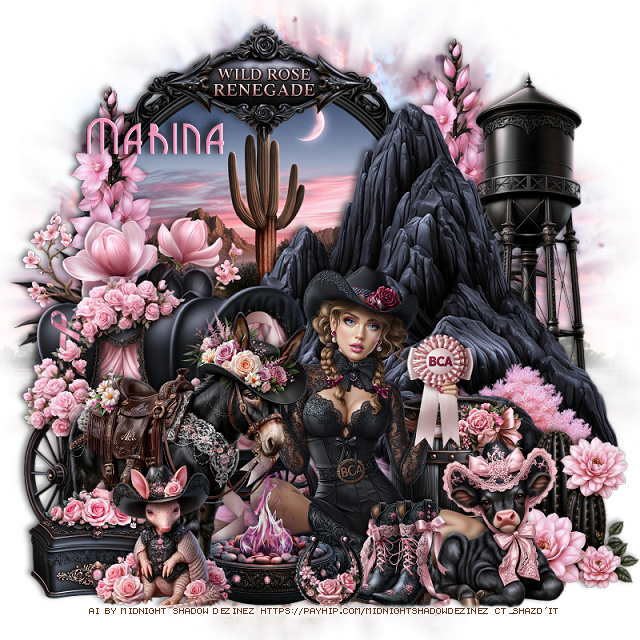
PTU Wild Rose Renegade


 This tut was written October 8th, 2026 for those with a basic knowledge of psp. 

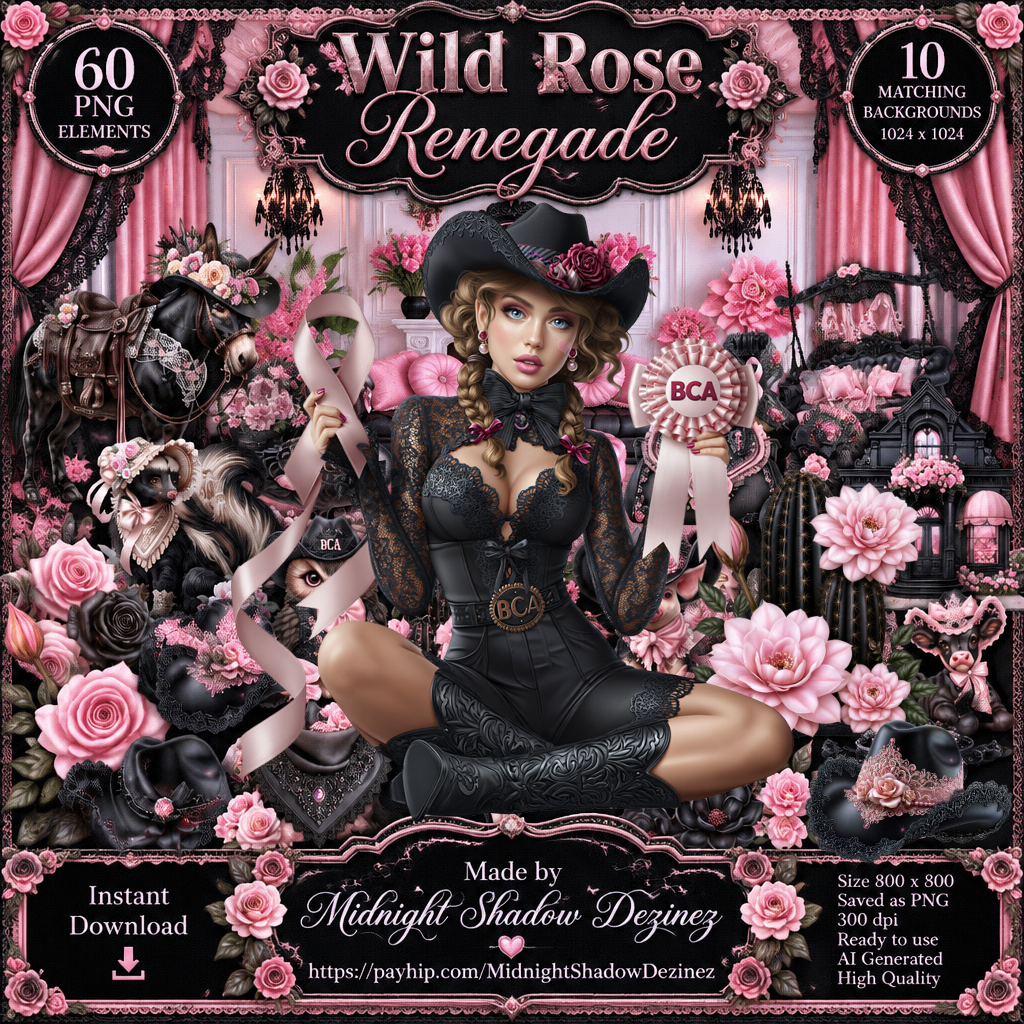
Awesome AI kit and tube by Midnight Shadow Dezinez

Everything is included in the kit

Read the TOU on how to credit your tags


I used PSP2020...but any of them should work.
PTU Scrap Wild Rose Renegade by Midnight Shadow Dezinez  HERE
You can find all Midnight Shadow Dezinez kits HERE
Miz Teeques Mask 81 HERE
Check the blog HERE

Font of choice, I used GrenadierNF

Drop shadow as you go is V -2 H -4, 50, 10, or use what you prefer.
Let's get started
*Remember to add your drop shadow as you go along*

Open a new image 800 x 800, paste paper 8, apply your mask.

Resize 47 to 60%, paste on the upper left.
Resize 29 to 75%, paste on the right.
Resize 13 to 60%, paste on the bottom left.
Resize 24 to 40%, paste on the left below the wagon.
Resize 46 to 45%, paste on the left below the flowers, duplicate, 
move to the right above the circle scene.

Resize 19 to 50%, paste at the bottom.

Resize 6 to 45%, paste on the bottom left above the tube.
Resize 1 to 255, paste at the bottom below the donkey.
Resize 56 to 60%, paste on the right below the rock.
Resize 55 to 30%, mirror, paste below the tube on the right.
Resize 18 to 28%, paste on the bottom right above the tube.
Resize 35 to 30%, paste at the bottom right.
Resize 45 to 25%, paste on the bottom left above the donkey.
Resize 3 to 25%, paste at the bottom left above the box.
Resize 42 to 35%, paste at the top.
Resize 4 to 20%, paste at the bottom by the cow.
Resize 49 to 15%, paste at the bottom.

Add any other elements that you would like, make it your own.
Always readjust your mask and elements how you like them before you
 merge your tag, resize, sharpen.

Crop your tag to be sure no shadows or lines are on the edges.
 Then add your copyright and name.
That's it

                 Hope you enjoyed doing my tut       
Tuesday, October 6, 2026

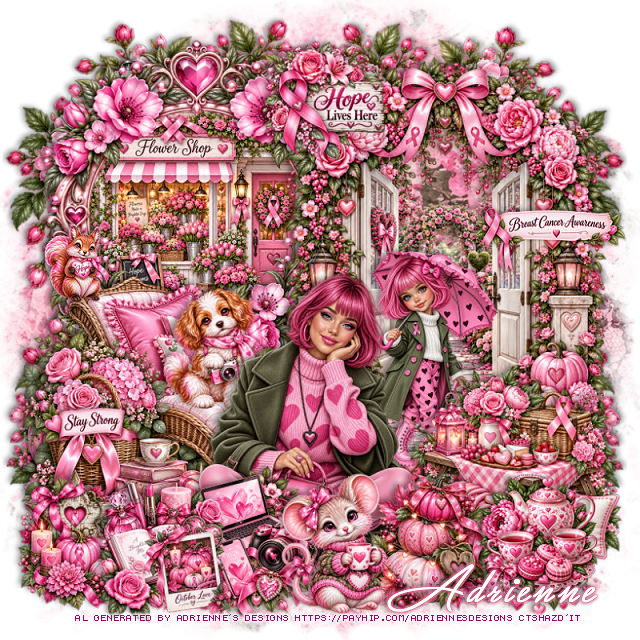
PTU Pink Power

  This tut was written October 5th, 2026,  for those with a basic knowledge of psp. 

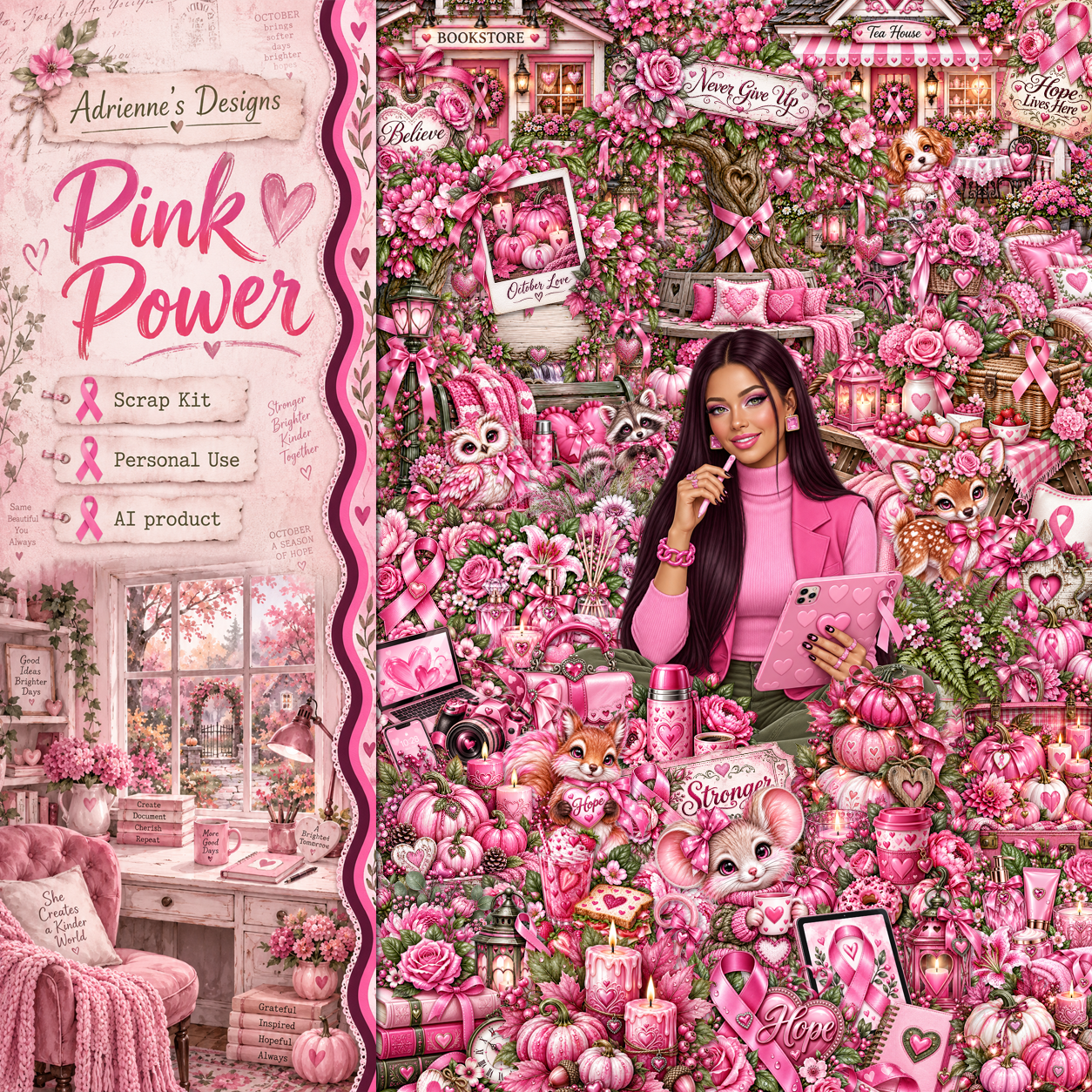
I am using the beautiful Al kit by Adrienne's Designs
Everything used is in the kit 
Read the TOU on how to credit your tags

I used PSP2020...but any of them should work.
PTU Pink Power by Adrienne's Designs  HERE
228 elements, 10 frames, 20 papers, 10 Al tubes
Check out the rest of her store  HERE
or
you can find all her kits on her blog  HERE
Lori's PSP Graphics Mask 1226 HERE
Check the rest of the blog HERE

Font of choice I used Great Day

 Drop shadow as you go is V -2 H 4, 40, 10, or use what you prefer.
Let's get started

*Remember to add your drop shadow as you go along* 

Open a new image 800 x 800, paste paper 5, apply your mask,

Resize 40 to 65%, paste on the upper left.
Resize 43 to 50%, paste on the upper left below the doors.
Resize frame 5 to 60%, paste on the upper left above the building.
Resize 57 to 50%, paste on the bottom left above the doors.
Resize 174 to 20%, paste on the seat.
Resize 171 to 13%, paste on the back of the seat.
Resize 25 to 85%, paste on the upper left below the frame, duplicate, mirror,
erase the part showing in the door.

Resize tube 7 to 28%, paste at the bottom to the left.
Resize tube 4 to 20%, paste below the tube.

Resize 52 to 35%, paste on the bottom right below the tube.
Resize 76 to 23%, paste at the bottom right above the tube.
Resize 97 to 20%, paste at the top.
Resize 117 to 25%, paste at the bottom above the tube.
Resize 175 to 23%, paste at the bottom.
Resize 84 to 23%, paste on the bottom left.
Resize 127 to 23%, paste at the bottom left.
Resize 187 to 23%, paste on the bottom right.
Resize 213 to 15%, paste at the bottom left.
Select which ones you want from 228, resize and paste where you like.

Add any other elements that you would like, make it your own.
Always readjust your mask and elements how you like them before you
 merge your tag, resize, sharpen.

Crop your tag to be sure no shadows or lines are on the edges.
 Then add your copyright and name.
That's it

             Hope you enjoyed doing my tut                
Friday, September 25, 2026

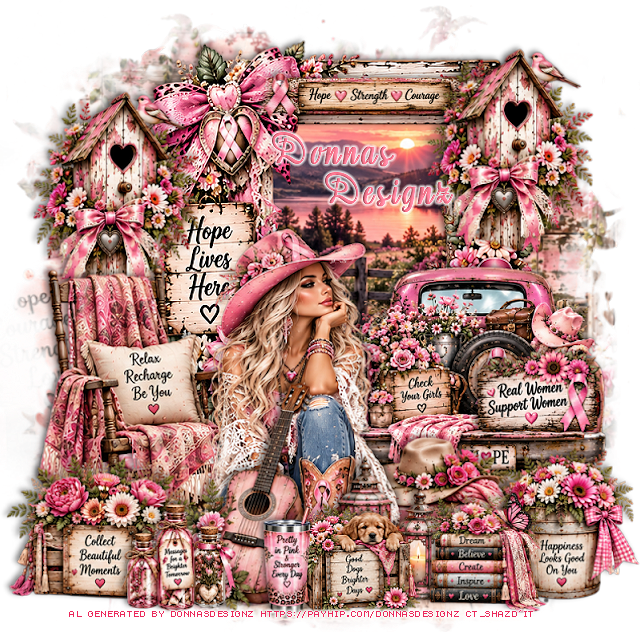
PTU Wild Hearts Wear Pink

 This tut was written September 25th, 2026 for those with a basic knowledge of psp. 

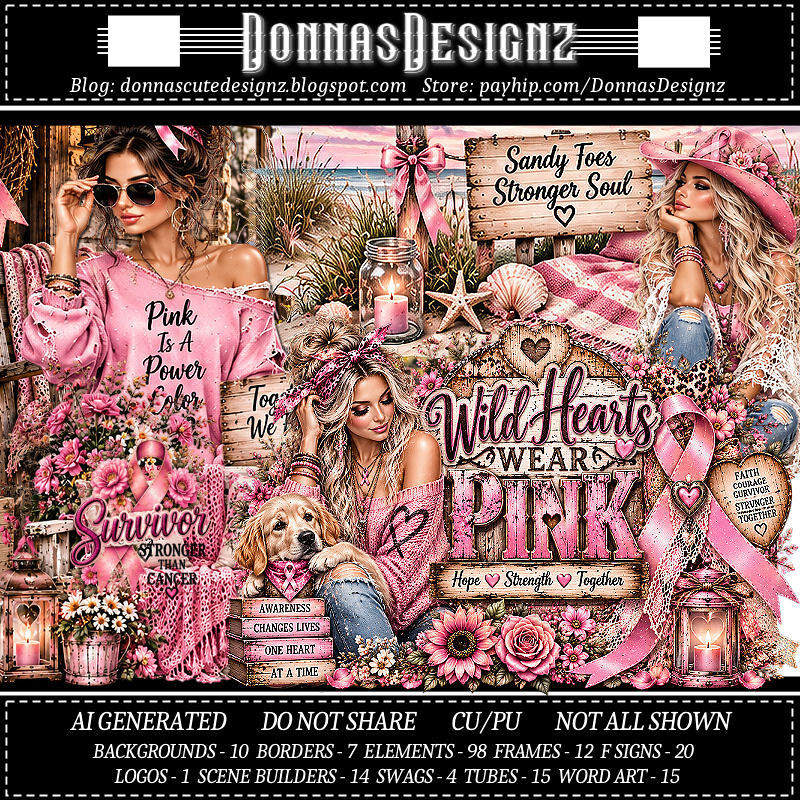
I am using the Awesome Al kit/Tubes by Donna Designz
Everything used is included in the kit
Please read the TOU on how to credit your tags

I used PSP2020...but any of them should work.
PTU Scrap Wild Hearts Wear Pink by Donnas Designz  HERE
Check her store out to see all her other kits and tubes HERE
RD Mask Set 99_3 HERE
Check the blog out HERE

Font of choice, I used Aromabar

Drop shadow as you go is V -2 H 4, 40, 10, or use what you prefer.
Let's get started
*Remember to add your drop shadow as you go along*

Open a new image 800 x 800, resize paper 1 to 80%, paste, apply your mask.

Paste frame 6, click inside, resize paper 2 to 75%, paste, move 
where you like, invert, delete.
Resize SB1 to 65%, paste on the bottom right above the frame.
Resize tube 12 to 85%, mirror, paste at the bottom left above the truck.
Paste 42 on the left below the tube.
Resize 39 to 65%, paste on the bottom left above the tube.
Resize 16 to 80%, paste at the bottom above the tube.
Resize 46 to 75%, paste on the bottom right below the tube.

Resize 76 to 80%, paste on the upper right on the frame, duplicate,
move to the left below the chair, move the frame a little more to the right.
Resize 40 to 65%, paste at the bottom above the tube.
Resize 47 to 65%, paste on the bottom right.
Resize 23 to 45%, paste at the bottom to the left.
Resize 32 to 45%, paste at the bottom.
Resize 80 to 50%, paste at the bottom by the dog.
Resize 36 to 50%, paste at the bottom right.
Resize FS 11 to 45%, paste on the tailgate of the truck.
Resize border 1 to 40%, paste at the top below the bird house, erase 
both ends.

Add any other elements that you would like, make it your own.
Always readjust your mask and elements how you like them before you
 merge your tag, resize, sharpen.
Crop your tag to be sure no shadows or lines are on the edges.
 Then add your copyright and name.
That's it

Hope you enjoyed doing my tut.     

Tuesday, September 22, 2026

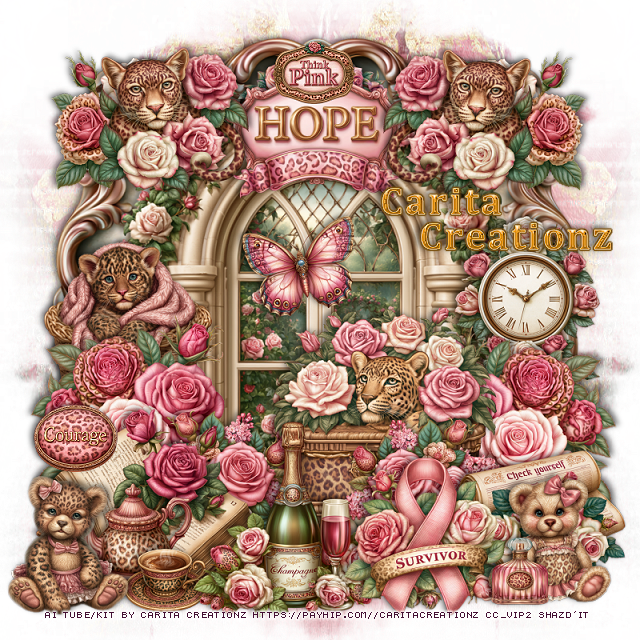
PTU Roses and Roars


  This tut was written September 22nd, 2026 for those with a basic knowledge of psp. 

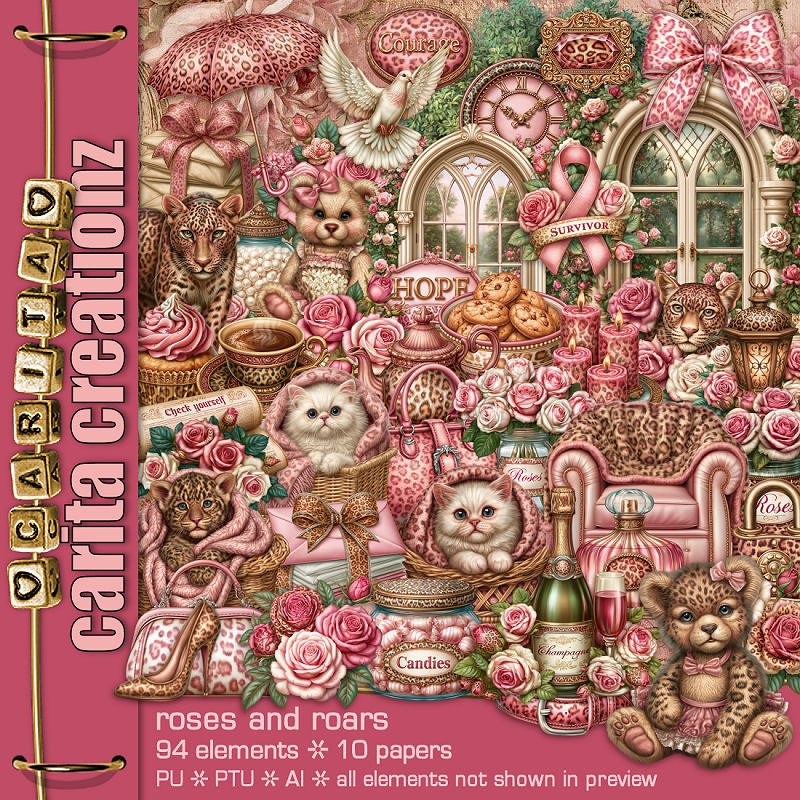
I am using the beautiful Al kit Roses and Roars by Carita Creationz
Everything used is included in the kit
Please read the TOU on how to credit your tags.

I used PSP2020...but any of them should work.
PTU Scrap Roses and Roars by Carita Creationz  HERE
Check her store out to see all her other kits and tubes HERE
RD Mask Set 129_2 Here
Check the rest of the blog HERE

Font of choice, I used Cambria

Drop shadow as you go is V -2 H 4, 40, 10, or use what you prefer.
Let's get started
*Remember to add your drop shadow as you go along*

Open a new image 800 x 800, paste paper 2, apply your mask,
move to the left, duplicate, mirror.

Resize 34 to 95%, paste.
Resize 41 to 75%, paste.
Resize 83 to 30%, paste at the top below the window.
Resize 17 to 35%, paste at the bottom left above the window, duplicate, 
mirror.
Resize 53 to 30%, paste at the bottom above the left flower, 
duplicate, mirror.
Resize 42 to 40%, paste on the right between the flowers.

Resize 58 to 40%, paste at the bottom left above the flowers.
Resize 23 to 30%, paste on the left below the flowers.
Resize 72 to 30%, paste on the right on the window below the flowers.
Resize 3 to 35%, paste at the bottom above the book.
Resize 92 to 30%, paste at the top on the window.
Resize 94 to 15%, paste at the top on the wordart.
Resize 38 to 27%, paste on the upper right on the wordart, duplicate,
mirror.
Resize 4 to 25%, paste at the upper left below the leopard, duplicate, mirror.
Resize 90 to 30%, paste at the bottom to the right of the champagne.
Resize 93 to 30%, paste on the bottom right below the ribbon.

Resize 1 to 23%, paste on the bottom right.
Resize 26 to 20%, paste at the bottom left below the champagne layer.
Resize 27 to 15%, paste at the bottom left.
Resize 47 to 25%, mirror, paste at the bottom left.
Resize 91 to 15%, paste on the left on the book.
Resize 2 to 12%, paste at the bottom right.
Resize 86 to 20%, paste on the window.

Add any other elements that you would like, make it your own.
Always readjust your mask and elements how you like them before you
 merge your tag, resize, sharpen.
Crop your tag to be sure no shadows or lines are on the edges.
 Then add your copyright and name.
That's it

Hope you enjoyed doing my tut.       

Friday, September 18, 2026

PTU BCA 2026

     **CT for Savage Dezines**

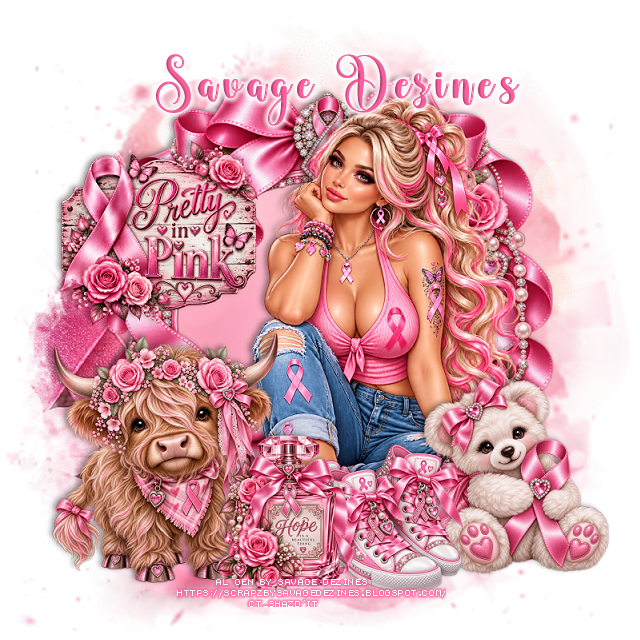
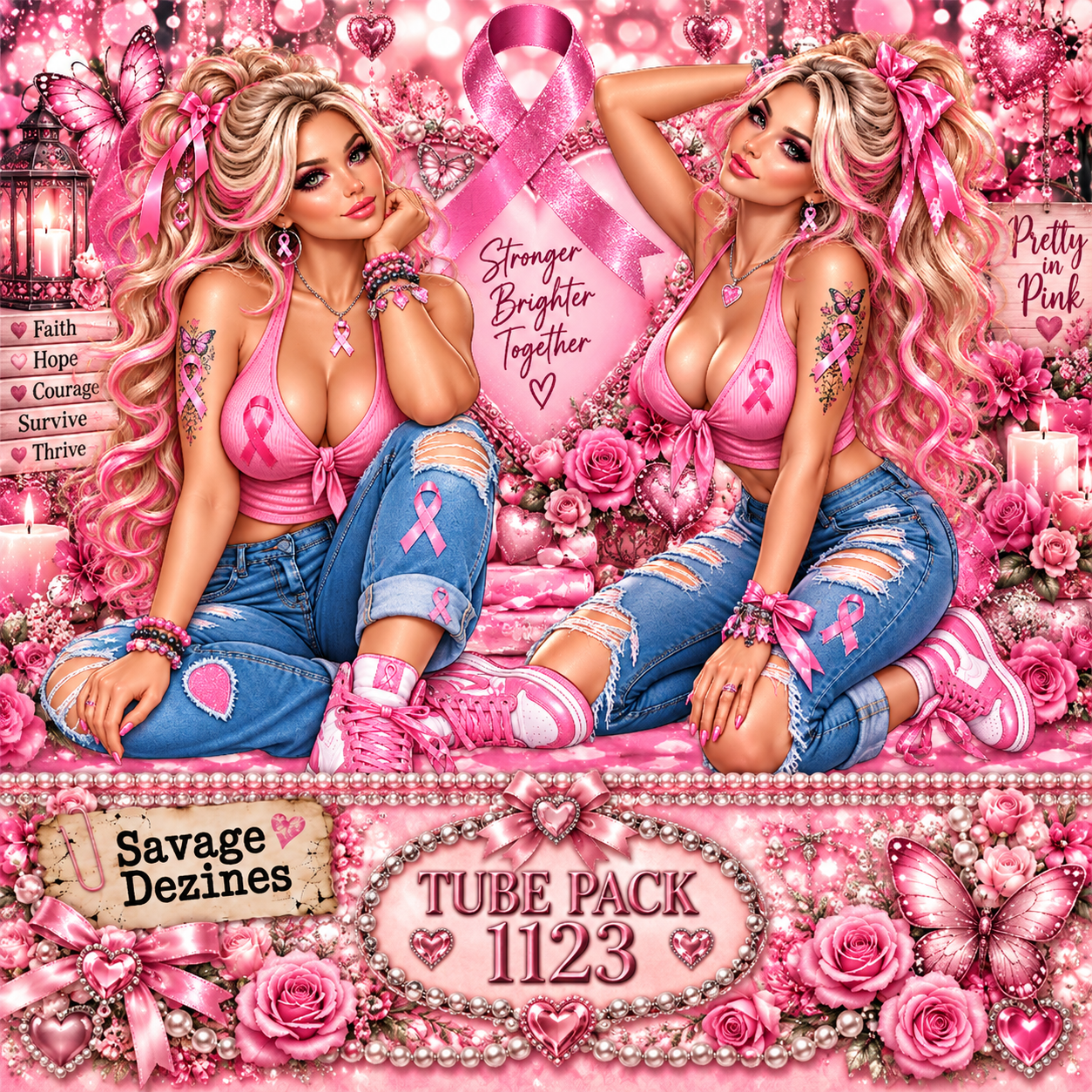
I used the tube pack 1123, you can purchase at SNCO HERE

Al generated by Savage Dezines
Beautiful BCA 2026 Al kit match for the tubes

You can find all the store links  HERE