Showing posts with label LadySky. Show all posts

Sunday, February 9, 2025

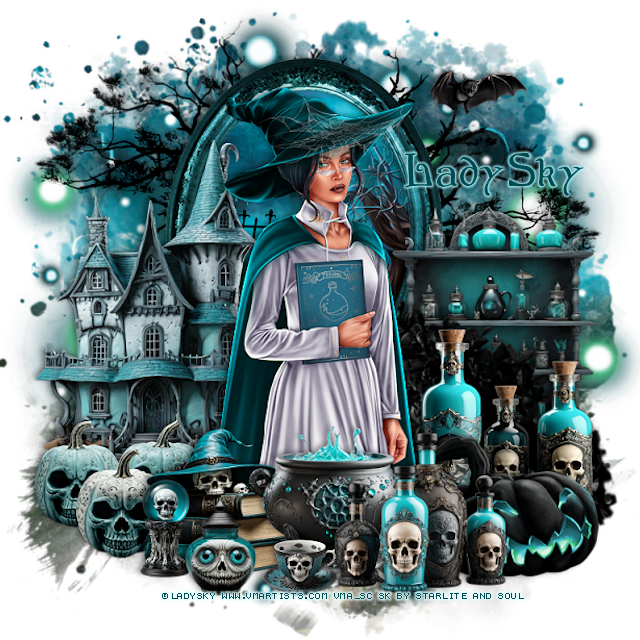
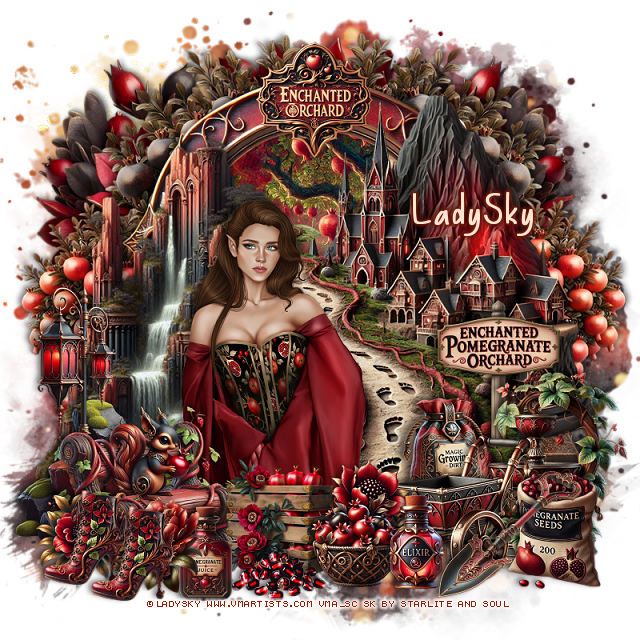
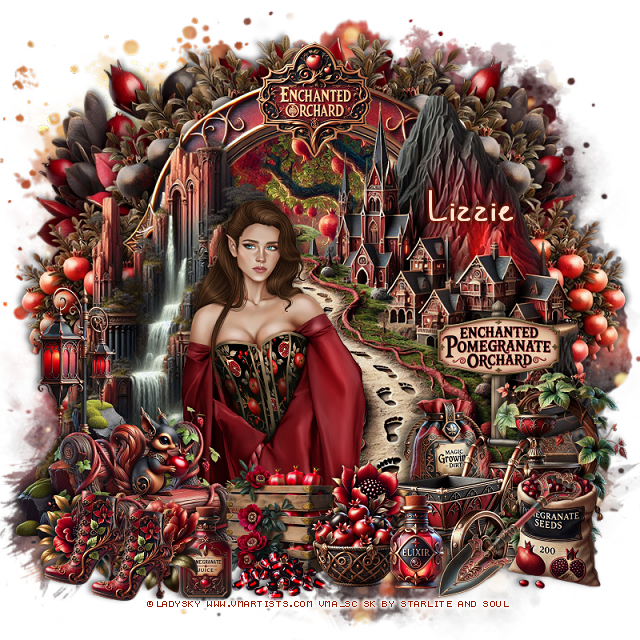
PTU Enchanted Orchard


  This tut was written February 8th, 2025 for those with a basic knowledge of psp. 

I am using the beautiful tube by ©LadySky

The tube is Mirabel 
You need a license to use this tube, please do not use without a license
You can find the tube at VMA HERE

I used PSP2020...but any of them should work.
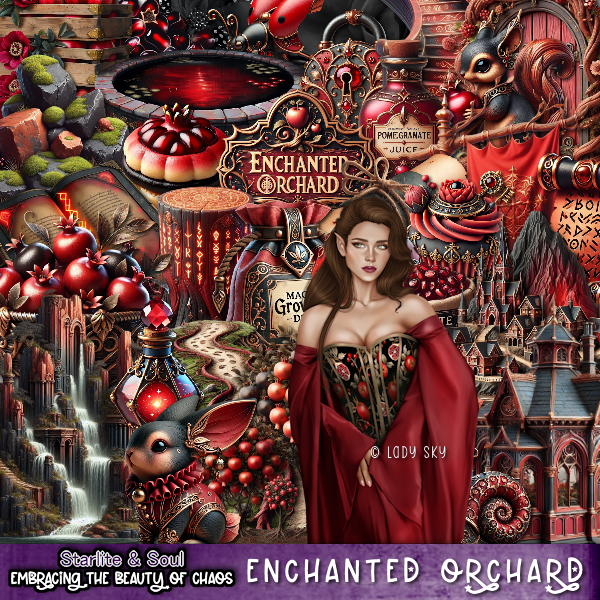
PTU Scrap Enchanted Orchard by Starlite and Soul  HERE
You can find all Starlite and Soul kits  HERE
Mask of choice, I used RD Mask 720 HERE
Check out the rest of the blog HERE 

Font of choice, I used Basically Yes 

Drop shadow as you go is V -2 H 4, 50, 10, or use what you prefer.
Let's get started
*Remember to add your drop shadow as you go along*

Open a new image 800 x 800, paste paper 8, apply your mask.

Resize frame 2 to 75%, paste, click inside, resize paper 3 to 50%, 
paste, invert, delete.
Resize element 26 to 75%, mirror, paste on the left above the frame.
Resize element 64 to 75%, paste on the right.
Resize element 42 to 75%, paste between the rock and houses element. 
Paste element 75 below the paper layer of the frame on the left, duplicate, mirror.
Resize element 46 to 90%, paste above the mask layer at the upper right,
duplicate, mirror.

Resize the tube to 17%, paste on the left.

Resize element 94 to 40%, paste on the bottom right above the path.
Resize element 84 to 40%, paste at the bottom left above the tube.
Resize element 65 to 40%, paste on the left below the tube behind the bench.
Resize element 20 to 35%, paste at the bottom right.
Resize element 39 to 25%, paste at the bottom right.
Resize element 78 to 40%, paste below the bench.
Resize element 69 to 20%, mirror, paste on the bench.
Resize element 40 to 20%, paste at the bottom.
Resize element 100 to 25%, paste at the bottom above the tube.
Resize element 120 and 122 to 20%, paste at the bottom left.
Resize element 76 to 20%, paste on the right below the wagon.
Resize element 98 to 20%, paste at the bottom above the crate.
Resize element 97 to 30%, paste on the right below the wagon.

Resize element 31 to 25%, paste at the top on the frame.
Resize element 63 to 20%, paste at the bottom left, duplicate, move over.
Resize element 55 to 20%, paste at the bottom.
Resize element 118 to 20%, paste below the basket.
Resize element 28 to 20%, paste at the bottom.
Resize element 2 to 20%, paste on the bottom right.

Add any other elements that you would like, make it your own.
Always readjust your mask and elements how you like them before you
 merge your tag, resize, sharpen.

Crop your tag to be sure no shadows or lines are on the edges.
 Then add your copyright and name.
That's it

Hope you enjoyed doing my tut

Tag for Lizzie 


Monday, November 4, 2024

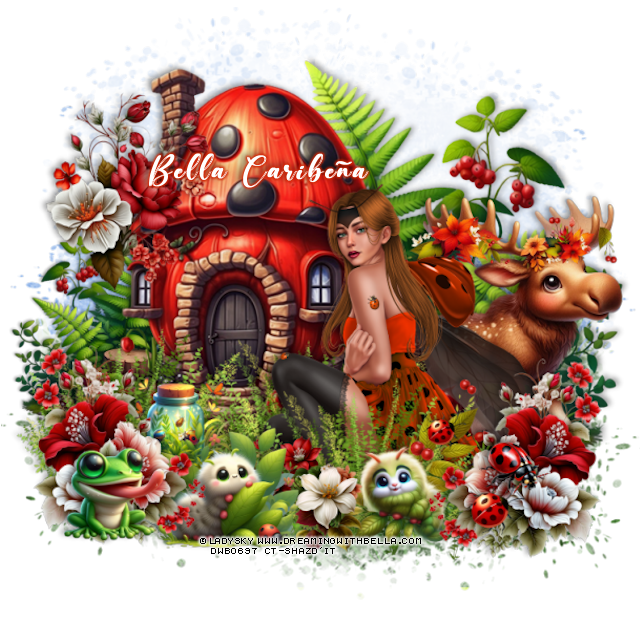
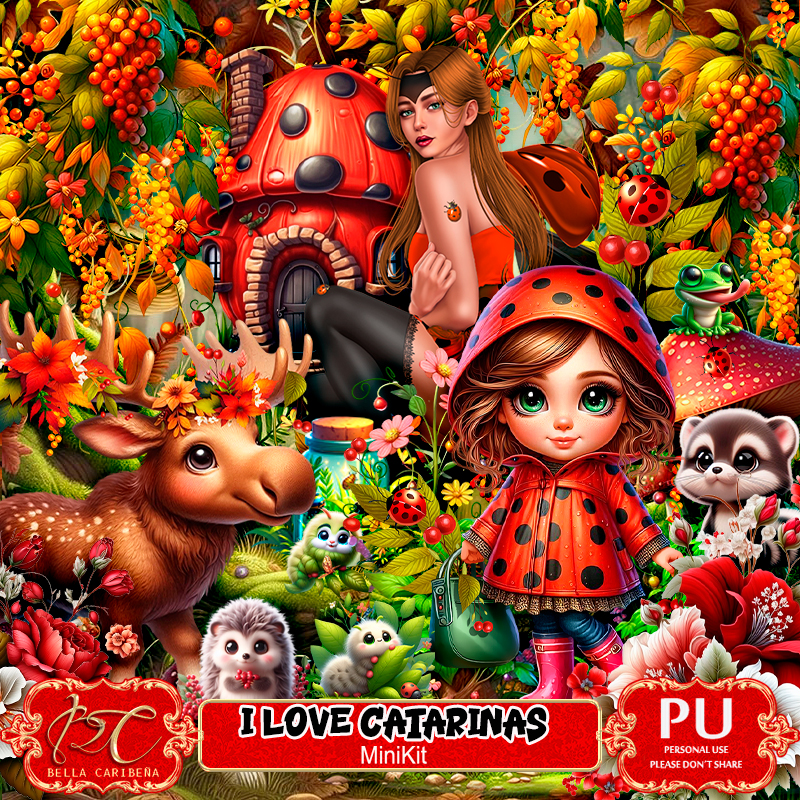
PTU I Love Catarinas


This tut was written November 4th, 2024 for those with a basic knowledge of psp. 

I am using the awesome tube ©LadySky
The tube is included in the kit
You need a license to use this tube, please do not use without a license
Use your license from DWB store

I used PSP2020...but any of them should work.
PTU Scrap I Love Catarinas by Bella CaribeƱa  HERE 
Mini kit, 1 tube ©LadySky, 4 Al generated dolls, 56 elements and 8 papers
Check out the rest of her store HERE

Font of choice, I used Beautiful Day

 Drop shadow as you go is V -2 H 4, 40, 10, or use what you prefer.
Let's get started
*Remember to add your drop shadow as you go along*

Open a new image 800 x 800,  paste element 23.

Resize element 42 to 75%, paste on the left.
Mirror element 8, paste on the right below the house, duplicate, resize to 
50%, paste on the left below the house.
Resize element 14 to 50%, paste on the right above the house.
Resize element 33 to 40%, paste on the bottom right above the moose,
duplicate, mirror.
Resize element 34 to 40%, paste on the house on the upper left.
Resize element 53 to 50%, paste at the bottom above the house to one
side, duplicate, mirror.

Resize the tube to 25%, paste.

Resize element 6 to 30%, paste at the bottom above the tube.
Resize element 5 to 25%, paste below the flowers on the left.
Resize element 53 to 50%, paste at the bottom above the tube, move the right 
flower above it.
Resize element 7 to 25%, mirror, paste at the bottom below the flower.
Resize element 32 to 25%, paste at the bottom between the bugs.
Resize element 18 to 20%, paste at the bottom left.
Resize element 9 to 25%, paste on the right below the insect.
Resize element 13 and 41 to 15%, paste at the bottom right.

Add any other elements you would like, resize.
Crop your tag to be sure no shadows or lines are on the edges.
 Then add your copyright and name.
That's it

Hope you enjoyed doing my tut       

Thursday, October 31, 2024

CT for Verymany and VMArtists

 ***CT for Verymany and VMArtists***

I am using the Awesome tube by © LadySky

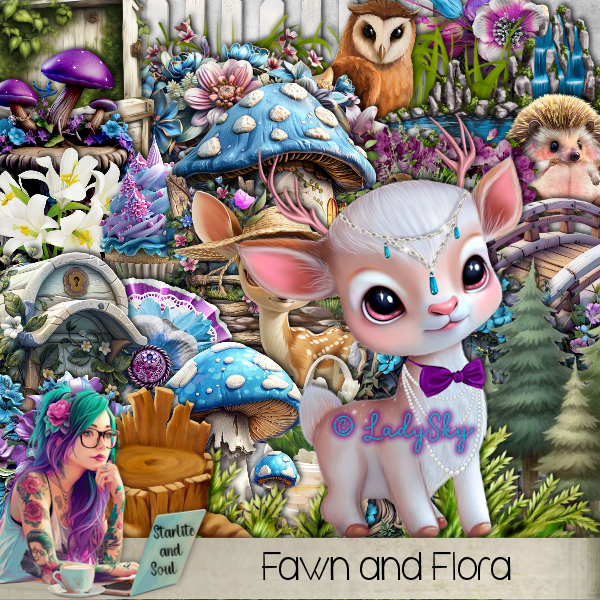
Tube is called Fawn

You can find this tube at VMA HERE
Matching kit Fawn and Flora by Starlite and Soul  HERE
You can find all Starlite and Soul kits  HERE


Wednesday, October 23, 2024

CT for Verymany and VMArtists

     ***CT for Verymany and VMArtists***

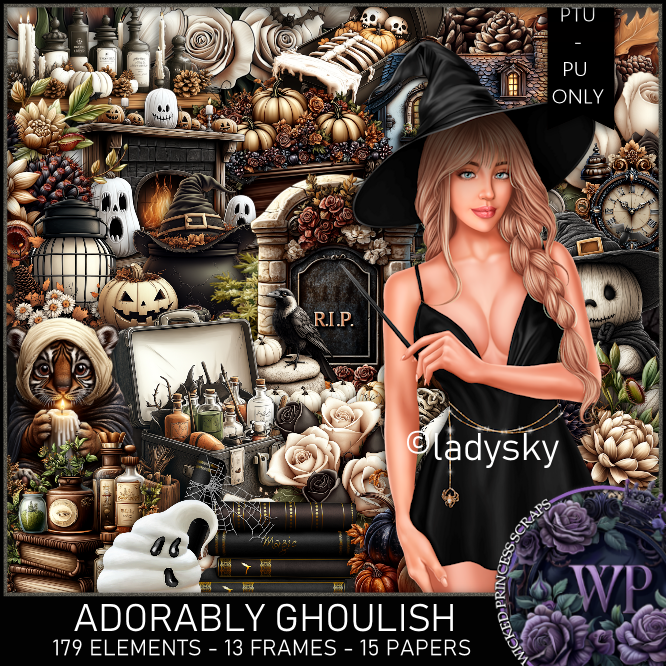
I am using the Awesome tube by © LadySky

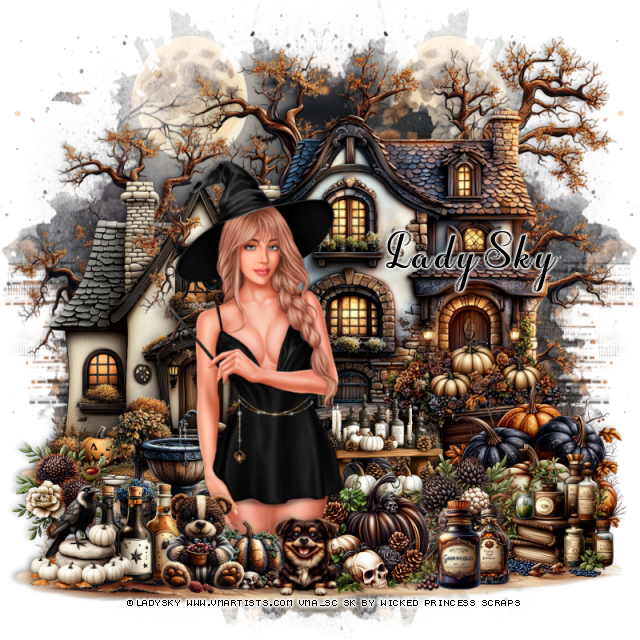
Tube is called Samantha 2

You can find this tube at VMA HERE
Matching kit Adorably Ghoulish by Wicked Princess Scraps  HERE
You can find all Wicked Princess Scraps kits  HERE


Tuesday, October 15, 2024

CT for Verymany and VMArtists

   ***CT for Verymany and VMArtists***

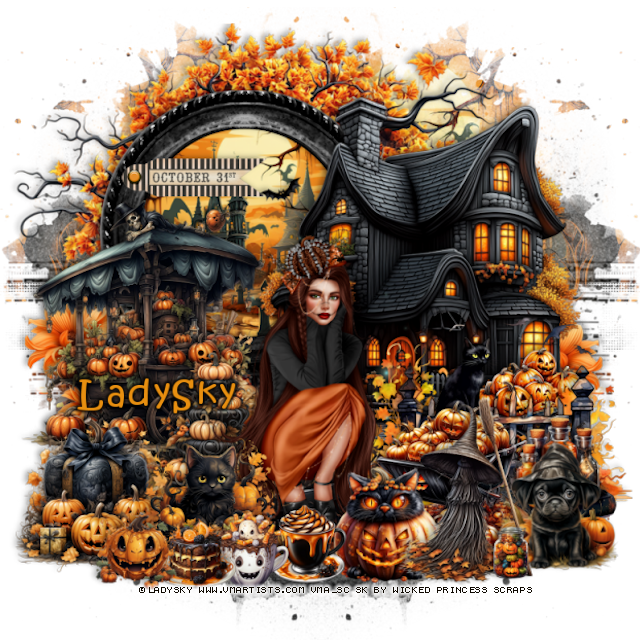
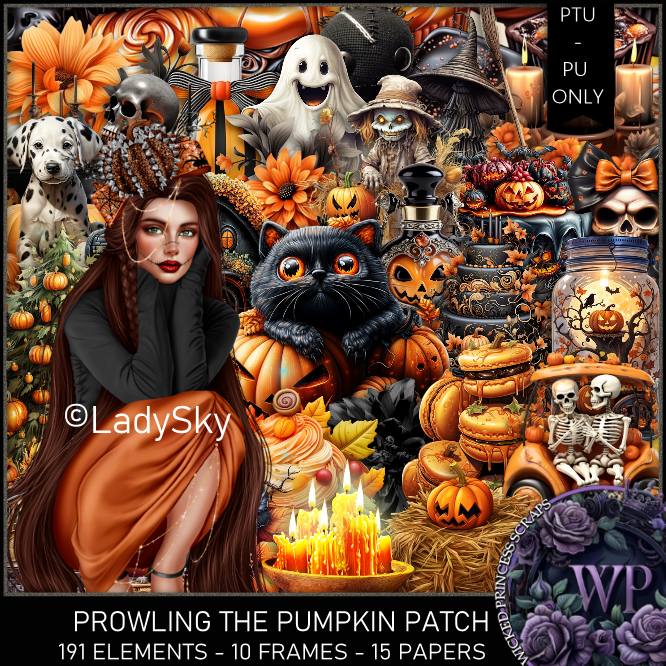
I am using the Adorable tube by © LadySky

Tube is called Lucretia

You can find this tube at VMA HERE
Matching kit Prowling The Pumpkin Patch by Wicked Princess Scraps  HERE
You can find all Wicked Princess Scraps kits  HERE


Wednesday, October 9, 2024

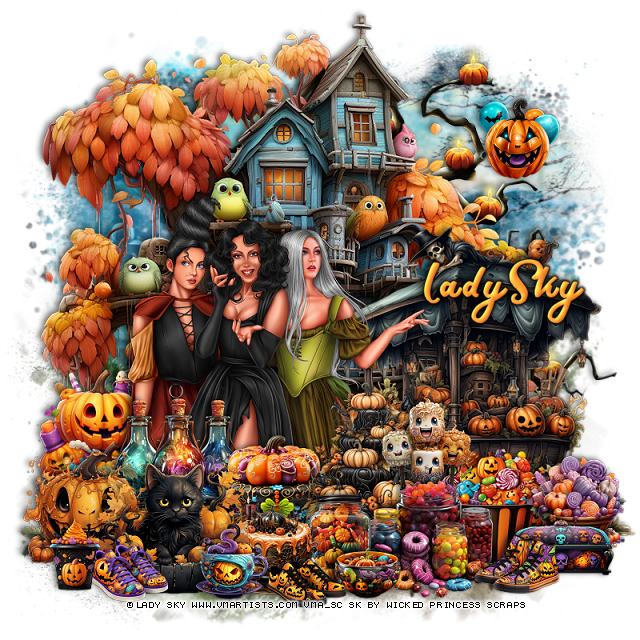
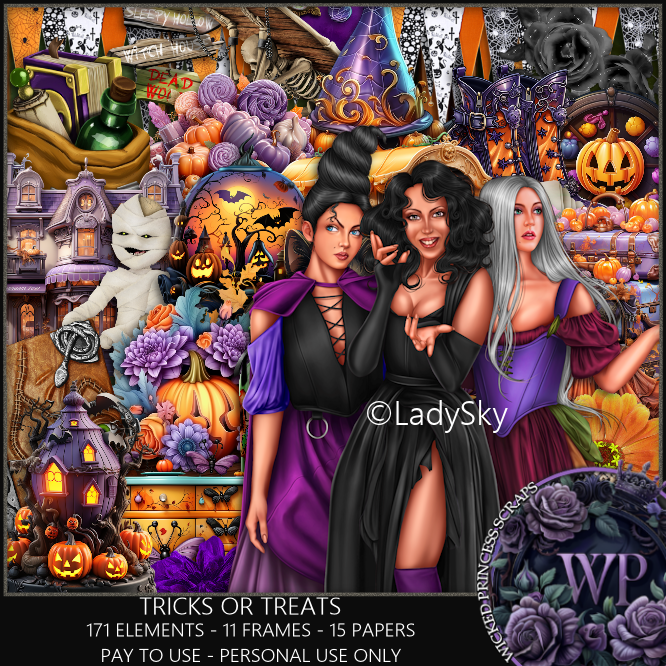
PTU Tricks or Treats


 This tut was written October 9th, 2024 for those with a basic knowledge of psp. 

I am using the Awesome tube by © LadySky

Tube is called Witch Sisters
You need a license to use this tube, please do not use without a license
You can find this tube at VMA HERE

I used PSP2020...but any of them should work.
PTU Scrap Tricks or Treats by Wicked Princess Scraps HERE
You can find all Wicked Princess Scraps kits  HERE
Mask of choice, I used RD Mask 756 HERE
Check out the rest of the blog  HERE

Font of choice, I used Mothica

Drop shadow as you go is V -2 H 4, 50, 10, or use what you prefer.
Let's get started
*Remember to add your drop shadow as you go along*

Open a new image 800 x 800, paste paper 5, apply your mask.

Paste element 47 at the top.
Paste element 22 at the upper right above the mask.
Resize element 166 to 20%, paste at the upper right.
Resize element 55 to 65%, paste on the right.
Resize your tube to 20%, paste on the left.
Resize element 58 to 30%, paste at the bottom left above the tube.
Resize element 56 to 25%, paste below the cat on the left.
Resize element 139 to 25%, paste at the bottom below the cat.
Resize element 63 to 20%, paste at the bottom.
Resize element 62 to 30%, paste on the bottom to the right of the cake.
Resize element 142 to 30%, paste on the left below the tubes.

Resize element 46 to 25%, paste above the tube behind the cat.
Resize element 64 to 20%, paste on the right below the cake.
Resize element 48 to 25%, paste on the bottom right.
Resize element 152 to 25%, paste on the bottom right below the jar.
Resize element 140 to 15%, paste at the bottom.
Resize element 59 to 20%, paste on the right below the jars.
Resize element 42 and 175 to 20%, paste at the bottom right.
Resize element 122 to 17%, paste at the bottom left.
Resize element 155 to 17%, paste at the bottom right.
Resize element 107 to 17%, paste at the bottom.
Resize element 115 to 15%, paste at the bottom.
Resize element 136 to 15%, paste at the bottom left.

Add any other elements that you would like, make it your own.
Always readjust your mask and elements how you like them before you
 merge your tag, resize, sharpen.

Crop your tag to be sure no shadows or lines are on the edges.
 Then add your copyright and name.
That's it

Hope you enjoyed doing my tut

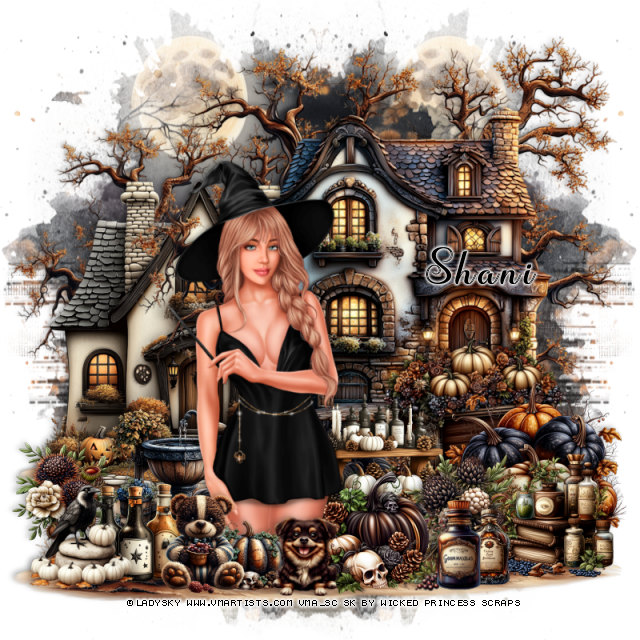
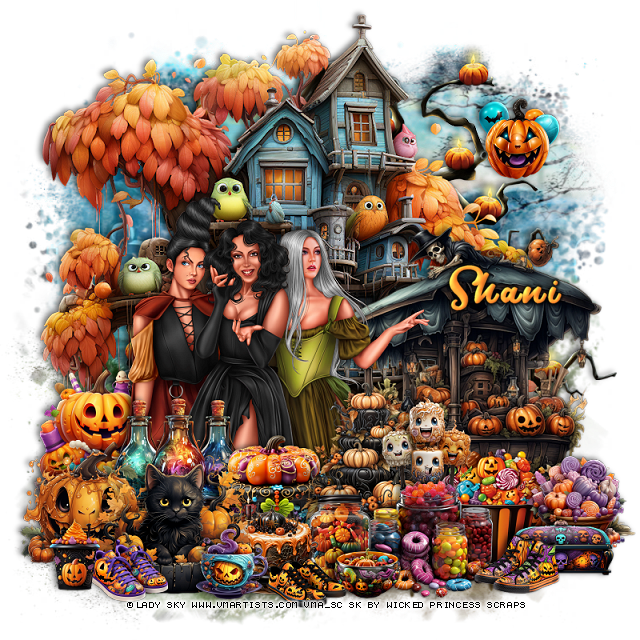
Shani Tag 

Sunday, October 6, 2024

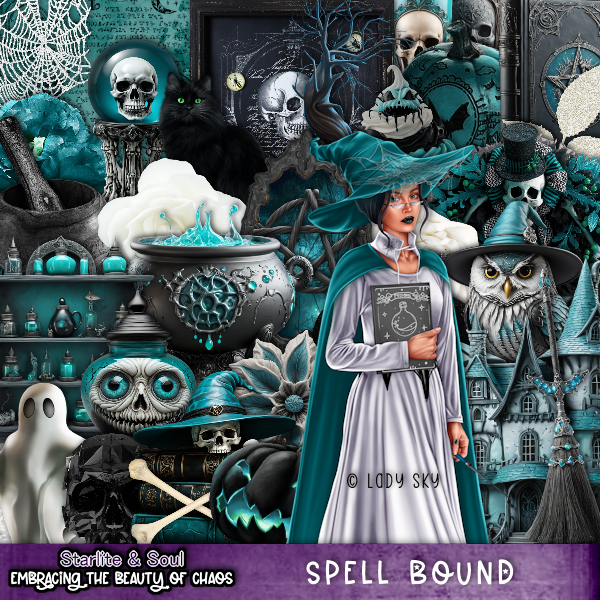
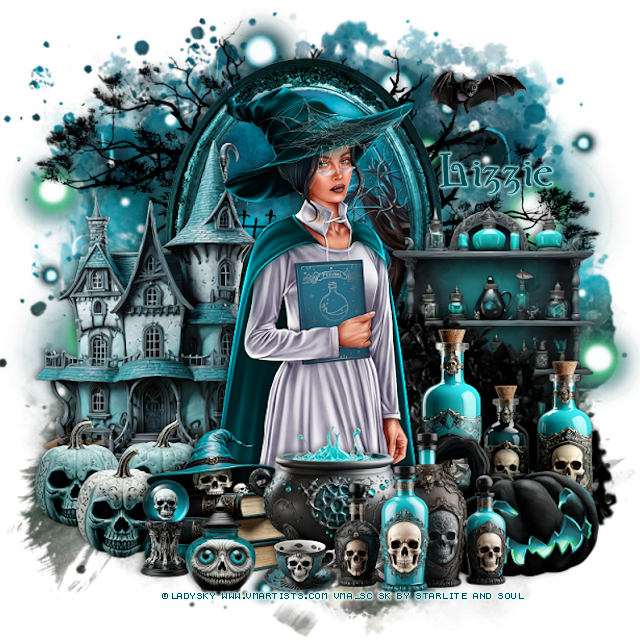
PTU Spell Bound


This tut was written October 6th, 2024 for those with a basic knowledge of psp. 

I am using the Awesome tube by © LadySky

Tube is called Monica
You need a license to use this tube, please do not use without a license
You can find this tube at VMA HERE

I used PSP2020...but any of them should work.
PTU Scrap Spell Bound by Starlite and Soul  HERE
You can find all Starlite and Soul kits  HERE
Mask of choice, I used RD Mask 720 HERE
Check out the rest of the blog HERE

Font of choice, I used bu Wicked

Drop shadow as you go is V -2 H 4, 50, 10, or use what you prefer.
Let's get started
*Remember to add your drop shadow as you go along*

Open a new image 800 x 800, paste paper 22, apply your mask.

Resize frame 3 to 65%, free rotate to the left at 90, paste at the top,
click inside with the magic wand, resize paper 1 to 50%, paste, invert, delete.
Paste element 93 at the top below the frame on the right, duplicate, mirror.
Resize element 18 to 75%, paste on the left above the frame.

Resize your tube to 25%, paste.

Resize element 3 to 30%, paste at the bottom above the tube.
Resize element 10 to 35%, paste below the books on the left.
Resize element 5 to 35%, paste at the bottom above the books.
Resize element 8 to 35%, paste at the bottom right above the pot.
Resize element 47 to 40%, mirror, paste on the right below the bottles.
Resize element 9 to 40%, paste below the pumpkin on the right.
Resize element 29 to 15%, paste at the bottom.
Resize element 13 to 85%, paste on the right below the tube.
Resize element 2 to 50%, paste on the right above the frame.
Resize element 1 and 24 to 20%, paste at the bottom left.
Resize element 40 to 20%, paste at the upper right.
Paste element 160 on the mask layer at the upper right, duplicate, 
move to the left.

Add any other elements that you would like, make it your own.
Always readjust your mask and elements how you like them before you
 merge your tag, resize, sharpen.

Crop your tag to be sure no shadows or lines are on the edges.
 Then add your copyright and name.

That's it 

Lizzie tag 


Thursday, September 26, 2024

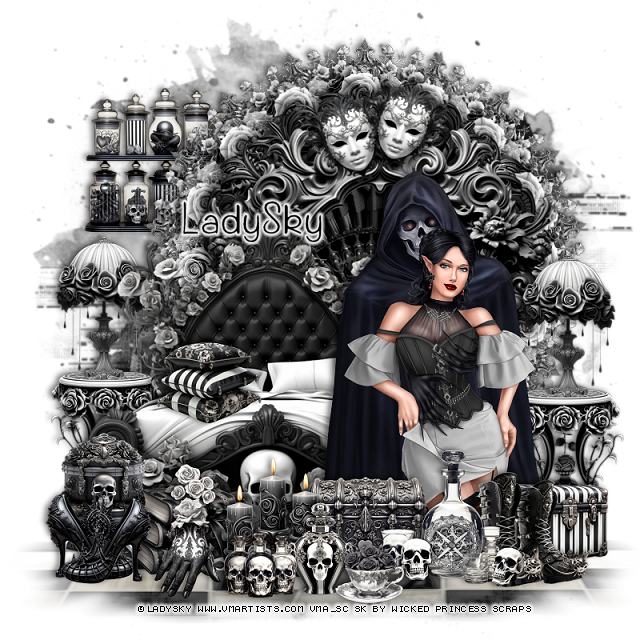
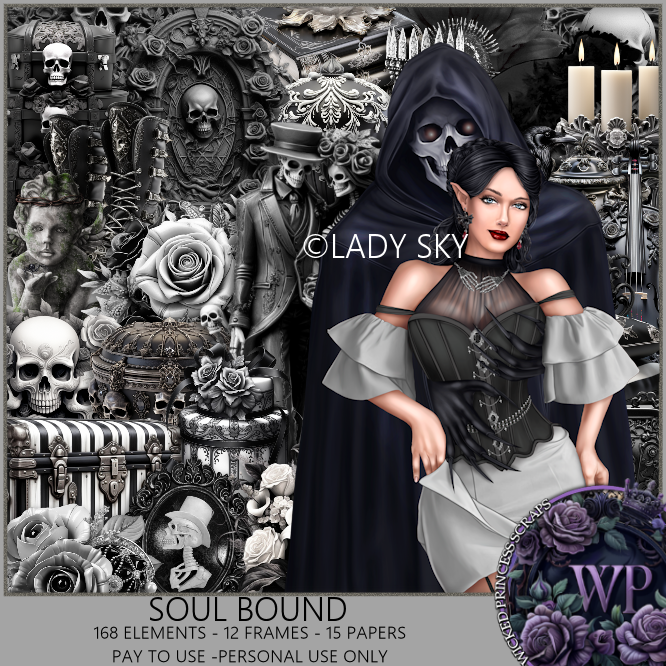
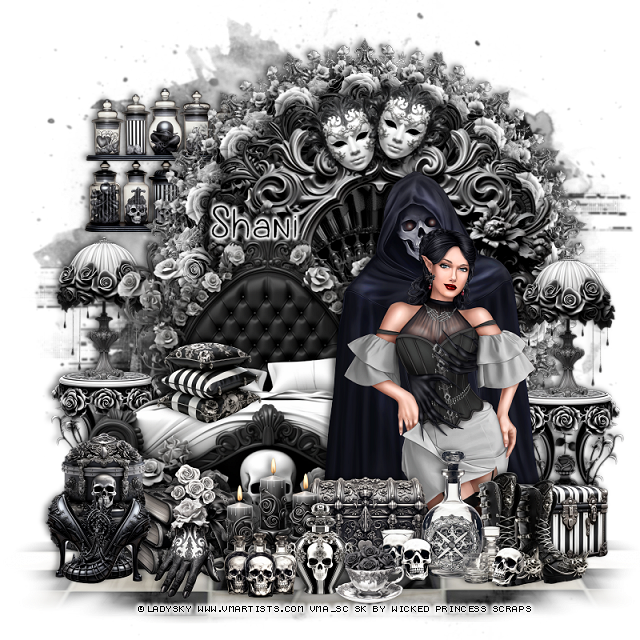
PTU Soul Bound


 This tut was written September 26th, 2024 for those with a basic knowledge of psp. 

I am using the Awesome tube by © LadySky

Tube is called Madeline
You need a license to use this tube, please do not use without a license
You can find this tube at VMA HERE

I used PSP2020...but any of them should work.
PTU Scrap Soul Bound by Wicked Princess Scraps HERE
You can find all Wicked Princess Scraps kits  HERE
Mask of choice, I used Vivienne's Digital Tagging Mask 41 and 78 HERE
Check out the rest of the blog  HERE

Font of choice, I used Gants De Soie

Drop shadow as you go is V -2 H 4, 50, 10, or use what you prefer.
Let's get started
*Remember to add your drop shadow as you go along*

Open a new image 800 x 800, paste paper 5, apply your mask,

Resize element 33 to 25%, apply Mura Meister Copies-Encircle, first 3
numbers on 18, 50, 50, paste.
Resize element 29 to 20%, apply Mura Meister Copies-Encircle, first 3
numbers on 16, 48, 48, paste.
Resize element 57 to 65%, paste.
Resize element 70 to 75%, paste, merge all these layer together.
Resize element 12 to 65%, paste on the left.
Resize element 21 to 30%, paste on the left below the bed, duplicate, mirror.
Resize element 9 to 30%, paste on the left on the table, duplicate, mirror.
Resize element 74 to 35%, paste at the bottom of the bed.

Resize your tube to 18%, paste to the right.

Resize element 27 to 25%, paste at the bottom above the tube.
Resize element 117 to 25%, paste at the bottom left.
Resize element 22 to 25%, paste at the bottom left.
Resize element 10 to 30%, paste at the bottom left.
Resize element 17 to 15%, paste at the bottom left.
Resize element 15 to 20%, paste at the bottom left.
Resize element 5 to 25%, paste at the bottom.
Resize element 100 to 25%, mirror, paste at the bottom right.
Resize element 144 to 25%, paste on the bottom right below the boots.
Resize element 101 to 20%, paste at the bottom left, duplicate, mirror,
move back to the left.
Resize element 28 to 20%, free rotate to the left at 20, paste 
on the frame at the top, duplicate, mirror.
Resize element 122 to 20%, paste on the bed.
Resize element 121 to 20%, paste at the bottom by the cup.
Resize element 143 to 20%, paste at the upper left below the frame.
Resize element 150 to 15%, paste at the bottom.

Paste element 59, apply mask 78, invert, delete, merge group, move to the 
bottom layer at the bottom left, duplicate, mirror.

Add any other elements that you would like, make it your own.
Always readjust your mask and elements how you like them before you
 merge your tag, resize, sharpen.

Crop your tag to be sure no shadows or lines are on the edges.
 Then add your copyright and name.
That's it

Hope you enjoyed doing my tut

Shani Tag  


Thursday, August 22, 2024

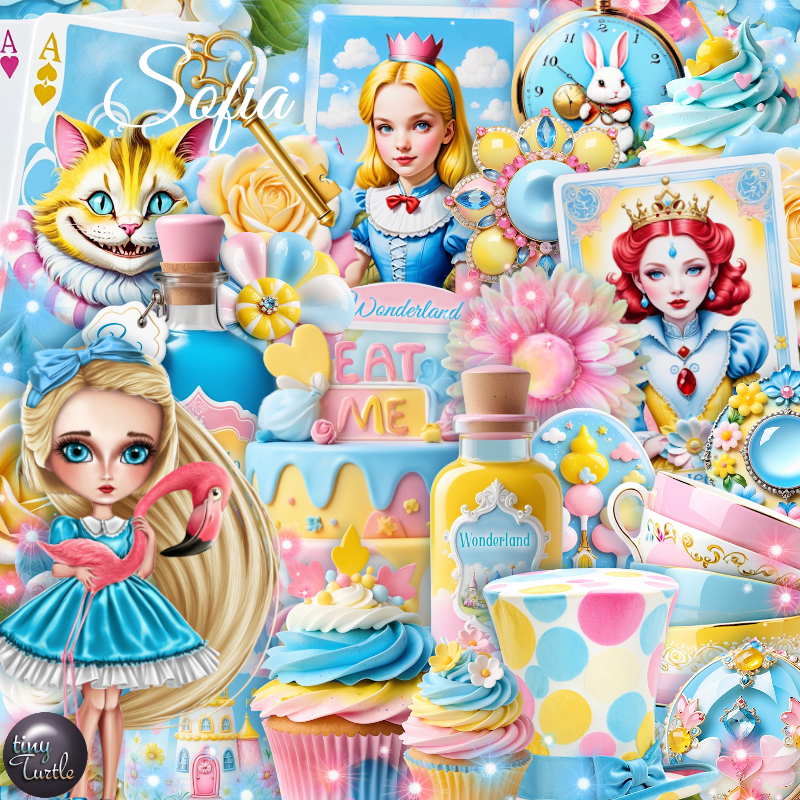
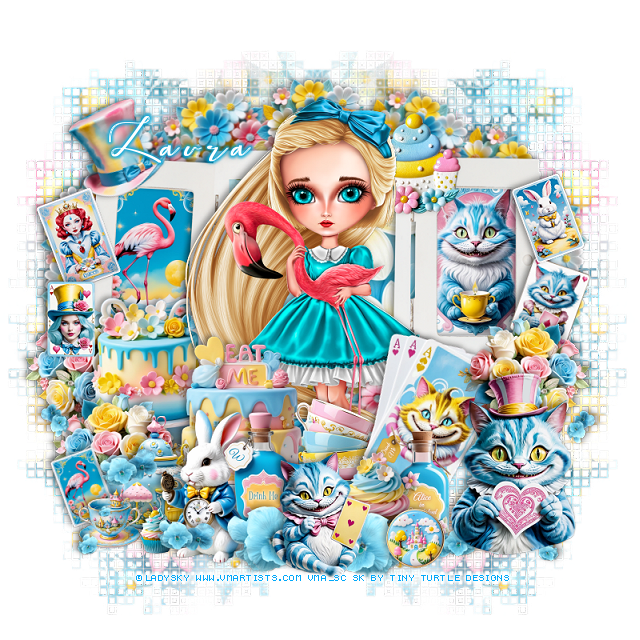
PTU Sofia


This tut was written August 22nd, 2024 for those with a basic knowledge of psp. 

I am using the awesome tube by © LadySky

The tube is called Sofia
You need a license to use this tube, please do not use without a license.
You can find the tube at VMA HERE

I used PSP2020...but any of them should work.
PTU Scrap Sofia by Tiny Turtle Designs  HERE 
"Tube is NOT included"
You can find all Tiny Turtle Designs kits HERE
I used DD Geo Mask 9, (blog is closed now)
Filters
Mura Meister Copies-Encircle

Font of choice, I used Beautiful Kisses

Drop shadow as you go is V -2 H 4, 40, 10, or use what you prefer.
Let's get started
*Remember to add your drop shadow as you go along*

Open a new image 800 x 800, paste paper 22, apply your mask,
duplicate, mirror.

Paste element 158, click inside each frame, resize element 4 to 35%,
in the right frame, resize element 23 to 35%, paste in the left frame, invert,
delete, keep selected.
Resize paper 24 to 65%, paste below the frame.
Resize element 122 to 25%, apply Mura Meister Copies-Encircle, first
3 numbers on 14, 65, 40, paste below the frame.
Resize paper 54 to 35%, paste above the frame on the left.

Resize your tube to 35%, paste.

Resize paper 51 to 35%, paste above the tube on the left.
Resize element 1 and 50 to 25%, paste at the bottom above the cake.
Resize element 120 to 25%, paste on the left below the cake, duplicate,
move above the cake and to the bottom, duplicate, mirror.
Resize element 11 to 30%, paste at the bottom above the teapot.

Resize element 26 to 30%, free rotate to the right at 20, paste on the right by the tube.
Resize element 65 to 20%, paste on the bottom above the cards.
Resize element 75 to 25%, paste at the bottom above the tube, behind the cards.
Resize element 45 to 25%, paste at the bottom right, below the cupcake.

Resize element 76 to 13%, paste at the bottom left.
Resize element 23 to 15%, free rotate to the left, past below the cup on the bottom left.
Resize element 69 to 20%, free rotate to the left at 20, paste on the frame on 
the upper left.
Resize element 94 to 25%, paste at the top on the frame below the tube.
Resize element 58 to 10%, paste at the bottom left.
Resize element 32 to 15%, free rotate to the right at 20, paste on the frame on the right.
Resize element 30 to 35%, paste on the bottom right.
Resize element 142 to 65%, paste at the bottom left, duplicate, mirror, move
below the big cat.
Resize element 22 to 15%, free rotate to the left at 20, paste on the right above the frame.
Resize element 16 to 17%, free rotate to the left at 20, paste on the frame on the left.
Resize element 109 to 20%, paste at the bottom right.
Resize element 33 to 15%, paste on the left by the other card.
Resize element 27 to 25%, paste at the bottom being on the top layer.

Add any other elements you would like, resize.
Crop your tag to be sure no shadows or lines are on the edges.
 Then add your copyright and name.
That's it

Hope you enjoyed doing my tut.  

Tag for Laura