Showing posts with label New Year 2024. Show all posts

Friday, December 29, 2023

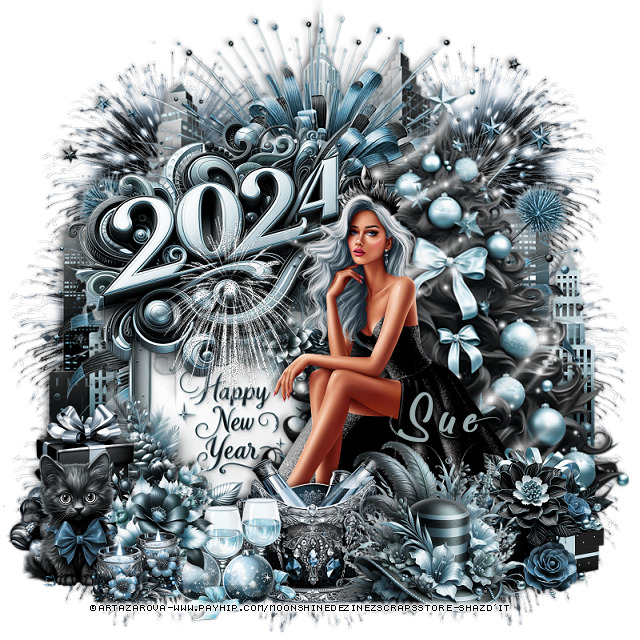
PTU A New Start


 This tut was written  December 28th, 2023 for those with a basic knowledge of psp. 

I am using an awesome tube  by ©Artazarova

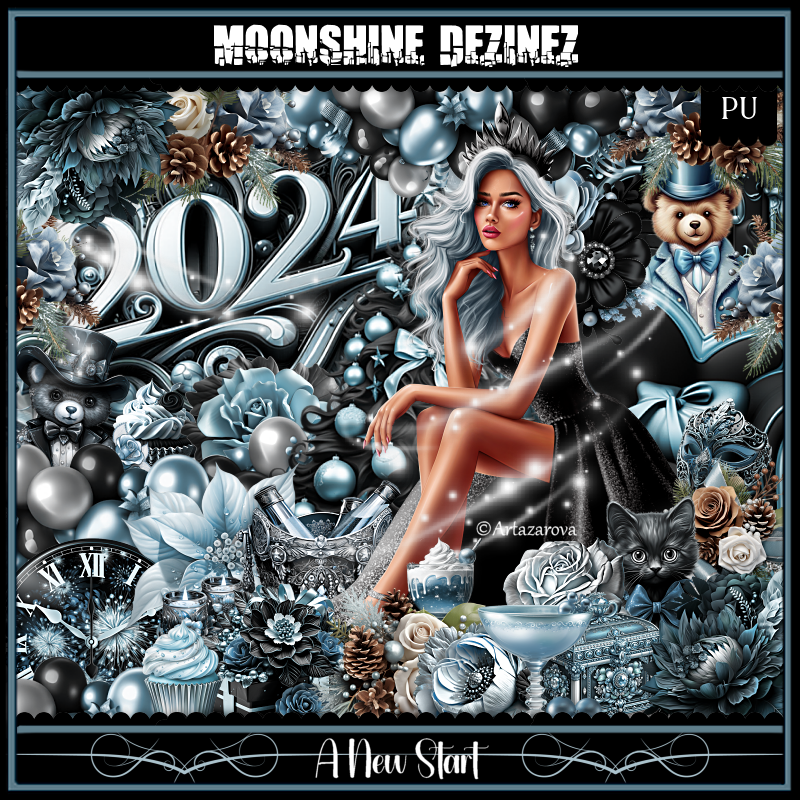
The tube is included in the kit
Read the TOU on how to credit your tag.

I used PSP2020...but any of them should work.
PTU Scrap A New Start by Moonshine Dezinez  HERE  
You can find all the stores she sells at on her blog.
You can find all Moonshine Dezinez kits  HERE

 Font of choice, I used Follow Me

Drop shadow as you go is V -2 H -4, 50, 10, or use what you prefer.
Let's get started
*Remember to add your drop shadow as you go along*

Open a new image 800 x 800

Resize element 71 to 90%, paste at the top.
Paste element 20 above the buildings.

Resize your tube to 15%, paste on the bottom right.
Resize element 14 to 50%, paste on the left behind the tube.
Resize element 13 to 50%, paste on the upper left above the sign.

Resize element 19 to 35%, paste at the bottom above the tube.
Resize element 32 to 85%, paste behind the tube on the right.
Resize element 68 to 30%, paste at the bottom right above the tube.
Resize element 16 to 45%, paste at the bottom behind the hat.
Resize element 54 to 25%, paste at the bottom.

Resize element 67 to 35%, mirror, paste on the left.
Resize element 21 to 25%, paste at the bottom left.
Resize element 34 and 78 to 25%, paste at the bottom left.
Resize element 35 to 90%, paste on the tree behind the tube.
Resize element 4 to 50%, paste on the 2024 sign, sharpen, add noise at
75%.
Resize element 7 to 50%, paste on the upper left behind the buildings,
duplicate, mirror, duplicate a few more times and move down on each 
side how you like and at the bottom.

Add any other elements that you would like, make it your own.
Always readjust your mask and elements how you like them before you
 merge your tag, resize, sharpen.

Crop your tag to be sure no shadows or lines are on the edges.
 Then add your copyright and name.
That's it

Hope you enjoyed doing my tut  

Thursday, December 21, 2023

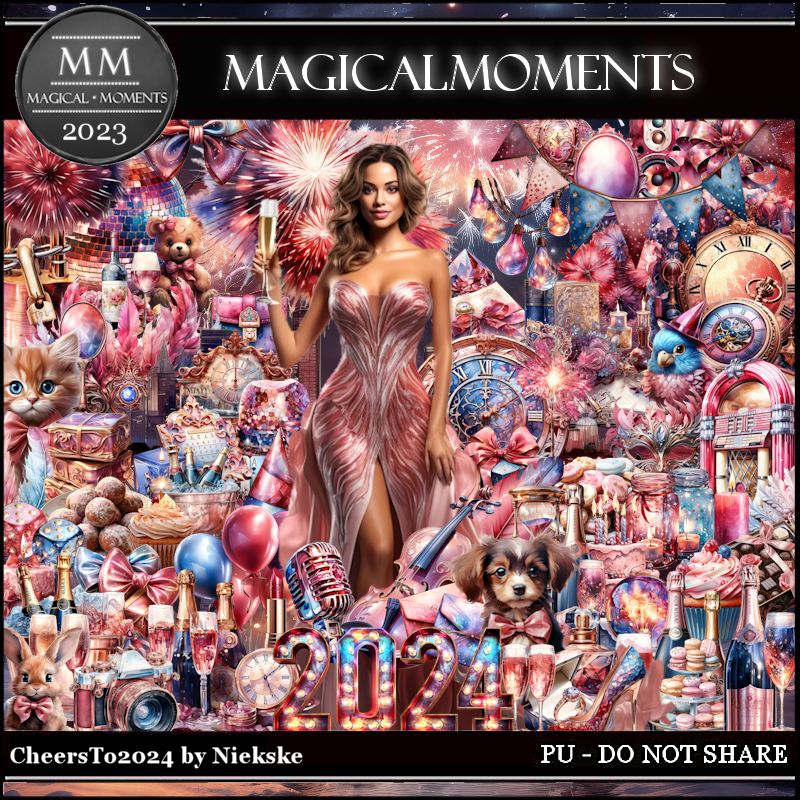
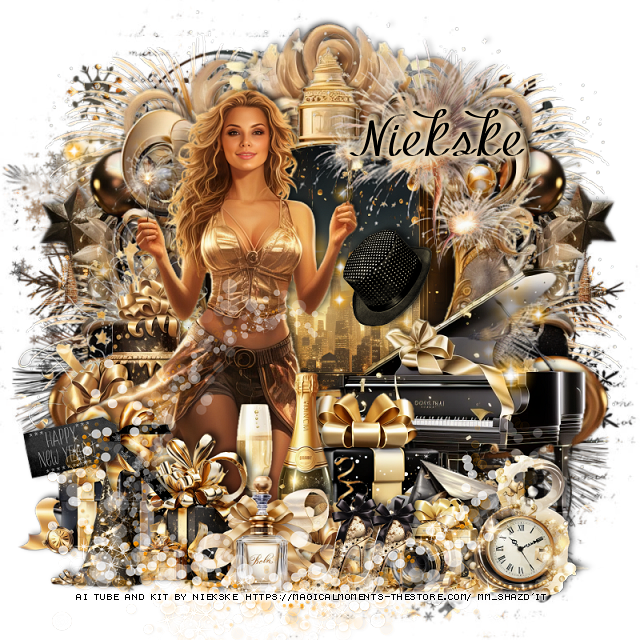
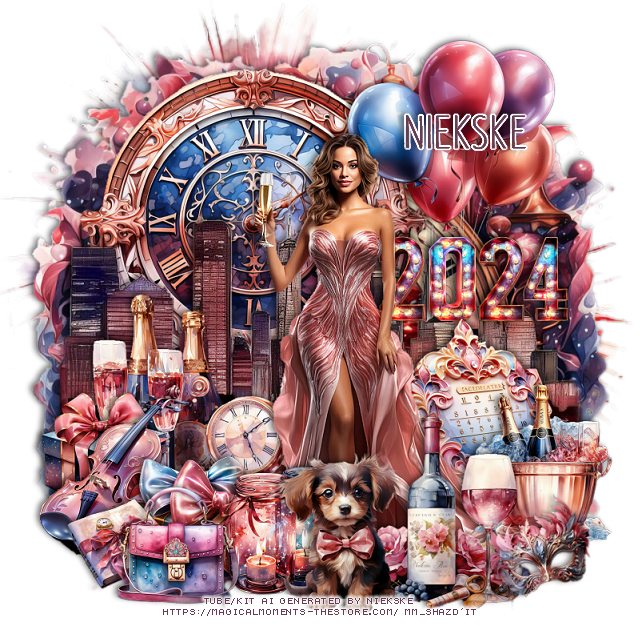
PTU Cheers to 2024


 This tut was written December 21th, 2023 for those with a basic knowledge of psp. 

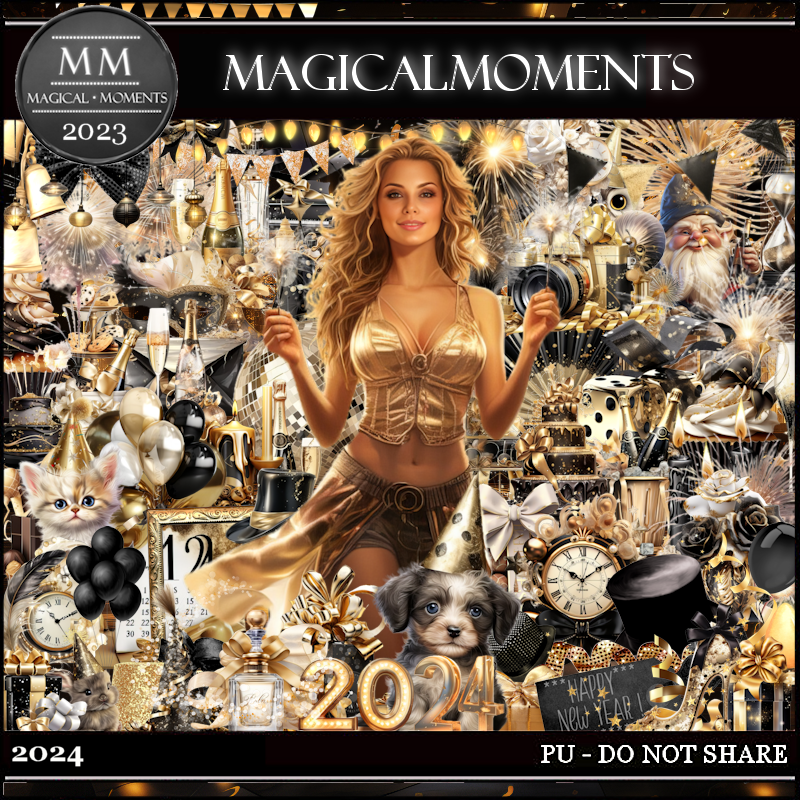
AI generated tube and kit by Niekske
The tube is included in the kit
Read the TOU on how to credit your tags

I used PSP2020...but any of them should work.
PTU Scrap Cheers to 2024 by Magical Moments HERE  HERE 

Font of choice, I used DK Southside Fizz

Drop shadow is V -2 H 4, 50, 10, color Black or use what you prefer.
Let's get started
*Remember to add your drop shadow as you go along*

Open a new image 800 x 800

Resize element 12 to 98%, paste.
Resize element 53 to 78%, paste.

Resize the tube to 25%, paste.
Resize element 48 to 30%, paste behind the tube on the right.
Resize element 20 to 50%, paste behind the tube to the left.
Paste element 39 above the clock at the bottom, erase
the outer part on each side.

Resize element 3 to 40%, paste on the left below the tube.
Resize element 15 to 25%, paste on the bottom right above the tube.
Resize element 47 to 30%, paste at the bottom right.
Resize element 28 to 20%, paste at the bottom above the tube.
Resize element 21 to 20%, paste at the bottom below the bottles.
Resize element 34 to 22%, paste at the bottom.

Resize element 38 to 15%, paste at the bottom right, free rotate to the
left at 15.
Resize element 70 to 20%, paste on the bottom left below the gifts.
Resize element 50 to 15%, paste at the bottom left.
Resize element 44 to 20%, paste at the bottom.
Resize element 11 to 40%, paste on the upper right behind the tube.
Resize element 1 to 35%, paste on the right below the tube.
Resize element 73 to 25%, paste on the bottom left below the book.

Add any other elements that you would like, make it your own.
Always readjust your mask and elements how you like them before you
 merge your tag, resize, sharpen.

Crop your tag to be sure no shadows or lines are on the edges.
 Then add your copyright and name.
That's it

Hope you enjoyed doing my tut.


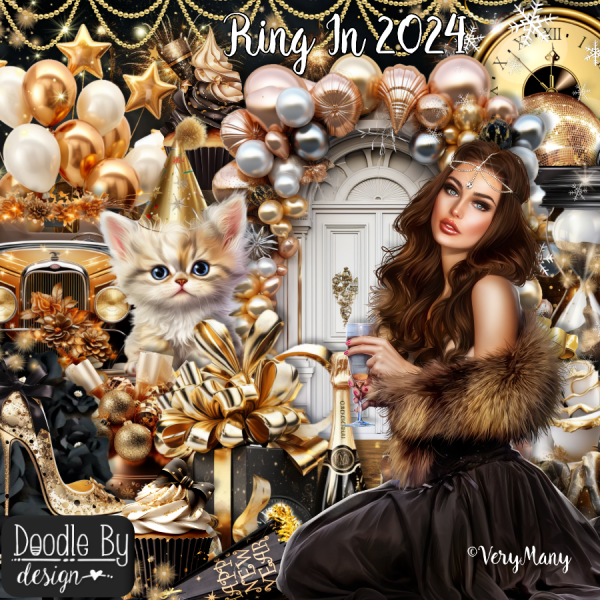
PTU Ring In 2024


This tut was written December 21th, 2023 for those with a basic knowledge of psp. 

I am using the awesome tube by ©Verymany

The tube is called  Happy 2024
You need a license to use this tube, please do not use without a license.
You can find the tube at VMT HERE

I used PSP2020...but any of them should work.
PTU Scrap Ring in 2024 by Doodle by Design  HERE
"Tube is NOT included"
You can find all Doodle by Design kits  HERE
Mask of choice, I used DD Mask NWM1 (blog closed now)

 Font of choice, I used Christmas Favorites

Drop shadow as you go is V -2 H -4, 50, 10, or use what you prefer.
Let's get started
*Remember to add your drop shadow as you go along*

Open a new image 800 x 800, paste paper 2, apply your mask.

Resize frame 8 to 85%, paste, duplicate, change the blend mode 
to Multiply, merge down, click inside with the magic wand,
resize paper 23 to 65%, paste, invert, delete.
Resize element 26 to 40%, paste on the paper, change the blend mode
to Soft Light.
Paste element 121 above the sign.

Resize element 87 to 25%, apply Mura Meister Copies-Encircle, first 
3 numbers on 15, 52, 62, move below the paper layer.
Resize element 84 to 25%, apply Mura Meister, change the first 3
numbers to 18, 55, 65, move below the first circle.
Resize element 10 to 65%, paste on the right.
Resize element 7 to 65%, paste on the upper right behind the frame.

Resize your tube to 35%, paste to the left.

Resize element 47 to 60%, paste on the left behind the tube.
Resize element 48 to 35%, paste at the bottom above the tube.
Resize element 49 to 40%, paste at the bottom above the gift.
Resize element 9 to 30%, paste behind the tube by the car.
Resize element 14 to 35%, paste on the bottom left above the tube.
Resize element 44 to 25%, paste at the bottom left.
Resize element 46 to 25%, paste at the bottom.

Resize element 6 to 35%, paste above the tube at the bottom.
Resize element 21 to 30%, paste at the bottom right.
Resize element 3 to 75%, paste behind the tube.
Resize element 19 to 35%, paste at the bottom right above the car.

Add any other elements that you would like, make it your own.
Always readjust your mask and elements how you like them before you
 merge your tag, resize, sharpen.

Crop your tag to be sure no shadows or lines are on the edges.
 Then add your copyright and name.
That's it

Hope you enjoyed doing my tut
Tag for Lizzy


Sunday, December 17, 2023

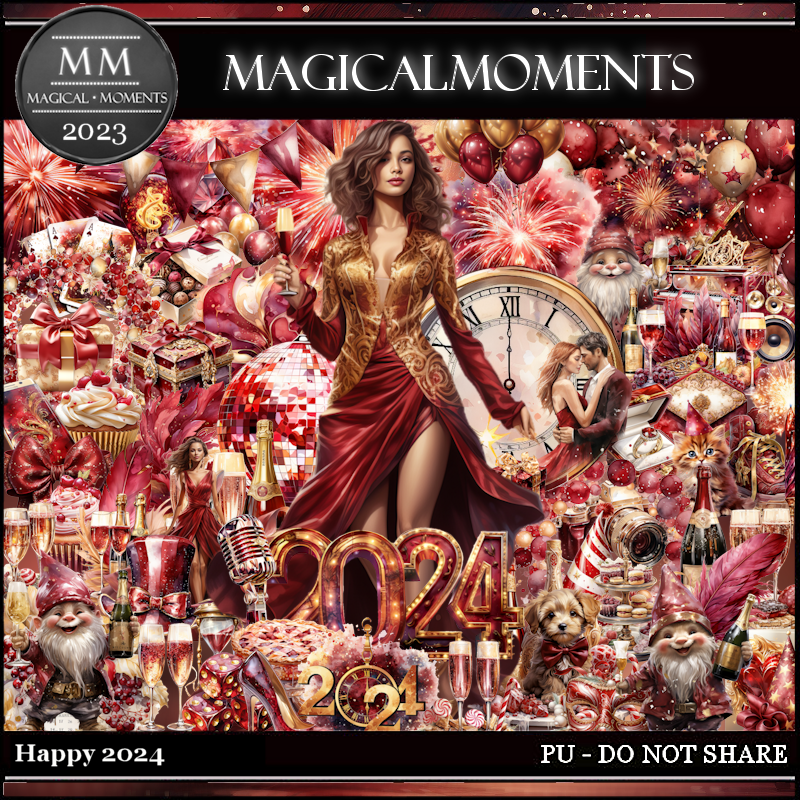
PTU Happy 2024


 This tut was written December 17th, 2023 for those with a basic knowledge of psp. 

AI generated tube and kit by Niekske
The tube is included in the kit
Read the TOU on how to credit your tags

I used PSP2020...but any of them should work.
PTU Scrap Happy 2024 by Magical Moments HERE  HERE 

Font of choice, I used MF Kind & Witty

Drop shadow is V -2 H 4, 40, 10, color Black or use what you prefer.
Let's get started
*Remember to add your drop shadow as you go along*

Open a new image 800 x 800

Resize element 37 to 75%, paste at the top.
Resize element Happy 2024 tube to 25%, paste at the bottom.
Resize element 50 to 40%, paste behind the tube on the left.
Resize element 66 to 25%, paste behind the tube on the right.

Resize element 38 to 65%, paste on the bottom left below the 2024 clock,
duplicate, mirror.
Resize element 19 to 35%, paste at the upper left behind the 2024 clock.
Resize element 36 to 85%, paste on the bottom layer at the top.
Resize element 13 to 50%, paste at the upper right.
Resize element 45 to 30%, paste at the bottom above the tube.
Resize element 11 to 50%, paste on the left behind the disco ball about 
half way down.

Resize element 3 to 35%, paste on the bottom right.
Resize element 46 to 30%, paste the bow on the bottle.
Resize element 62 to 20%, paste behind the little man on the right.
Resize element 60 to 20%, paste on the left above the piano.
Resize element 63 to 20%, paste at the bottom above the tube, 
duplicate, move to the right behind the tube above the speaker.
Resize element 9 to 12%, paste on the dog's head.
Resize element 8 to 10%, paste at the bottom on the glass.
Resize element 27, 32, 34 and 65 to 10%, paste at the bottom.

Add any other elements that you would like, make it your own.
Always readjust your mask and elements how you like them before you
 merge your tag, resize, sharpen.

Crop your tag to be sure no shadows or lines are on the edges.
 Then add your copyright and name.
That's it

Hope you enjoyed doing my tut.


Tuesday, December 12, 2023

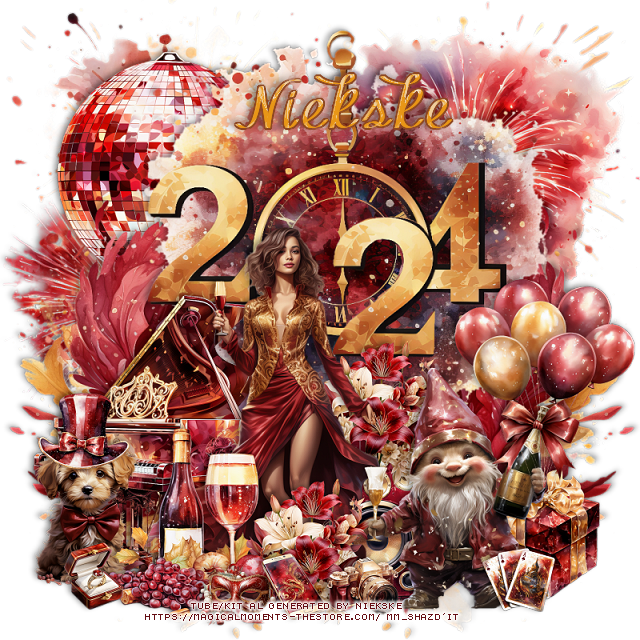
PTU 2024


 This tut was written December 12th, 2023 for those with a basic knowledge of psp. 

I am using an awesome AI generated tube by Niekske
The tube is 2024
The tube is included in the kit
Read the TOU on how to credit your tags

I used PSP2020...but any of them should work.
PTU 2024 by Magical Moments HERE  HERE 
Mask of choice, I used DD NWM 1 (blog closed now)

Font of choice, I used MF Kind & Witty

Drop shadow is V -2 H 4, 50, 10, color Black or use what you prefer.
Let's get started
*Remember to add your drop shadow as you go along*

Open a new image 800 x 800, paste paper 1, apply your mask, move 

Resize element 61 to 75%, paste, click inside with the magic wand, resize
paper 1 to 65%, paste, invert, delete.
Resize element 37 to 75%, paste below the frame on the left, duplicate,
mirror.

Resize your tube to 30%, paste to the left.

Resize element 65 to 35%, paste at the bottom above the tube.
Resize element 3 to 20%, paste at the bottom behind the champagne bottle.
Resize element 2 to 15%, paste at the bottom left above the tube.
Resize element 79 to 25%, paste at the bottom left.

Resize element 73 to 25%, paste at the bottom.
Resize element 76 to 25%, paste at the bottom left.
Resize element 77 to 20%, paste at the bottom right.
Resize element 66 to 20%, paste at the bottom, duplicate, move over.
Resize element 78 to 55%, paste on the right above the frame.
Resize element 32 to 30%, paste at the bottom right.

Resize element 35 to 50%, paste at the upper right above the frame.
Resize element 41 to 50%, paste on the left behind the tube.
Resize element 72 to 50%, paste on the left below the frame layer
at the top, move down more on the side, duplicate both, mirror.

Resize element 21 to 20%, paste on the right above the piano.
Resize element 19 to 30%, paste on the bow on the gift on the left.
Resize element 55 to 30%, free rotate to the right at 20, paste behind the
camera.
Paste element 28 at the bottom being on the top layer.
Paste element 8 below the tube layer.

Add any other elements that you would like, make it your own.
Always readjust your mask and elements how you like them before you
 merge your tag, resize, sharpen.

Crop your tag to be sure no shadows or lines are on the edges.
 Then add your copyright and name.
That's it

Hope you enjoyed doing my tut.