Showing posts with label Chocolates. Show all posts

Friday, May 1, 2026

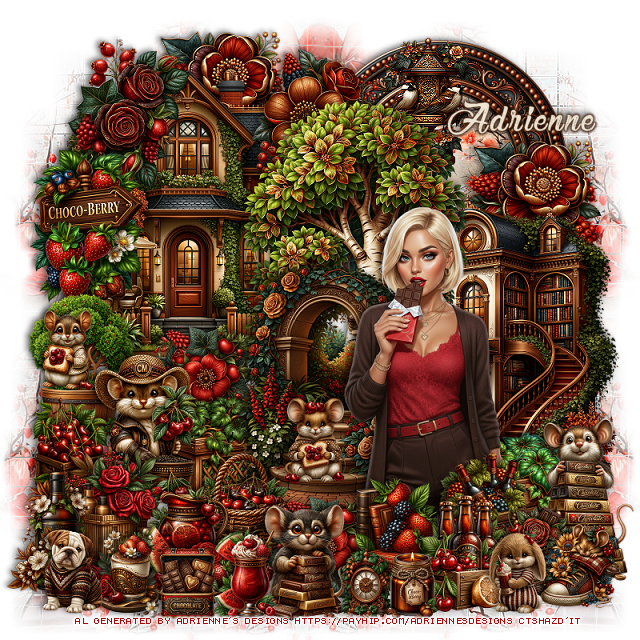
PTU Choco-Berry

 This tut was written May 1st, 2026,  for those with a basic knowledge of psp. 

Awesome Al kit and tubes by Adrienne's Designs
Everything is included
Read the TOU on how to credit tags

I used PSP2020...but any of them should work.
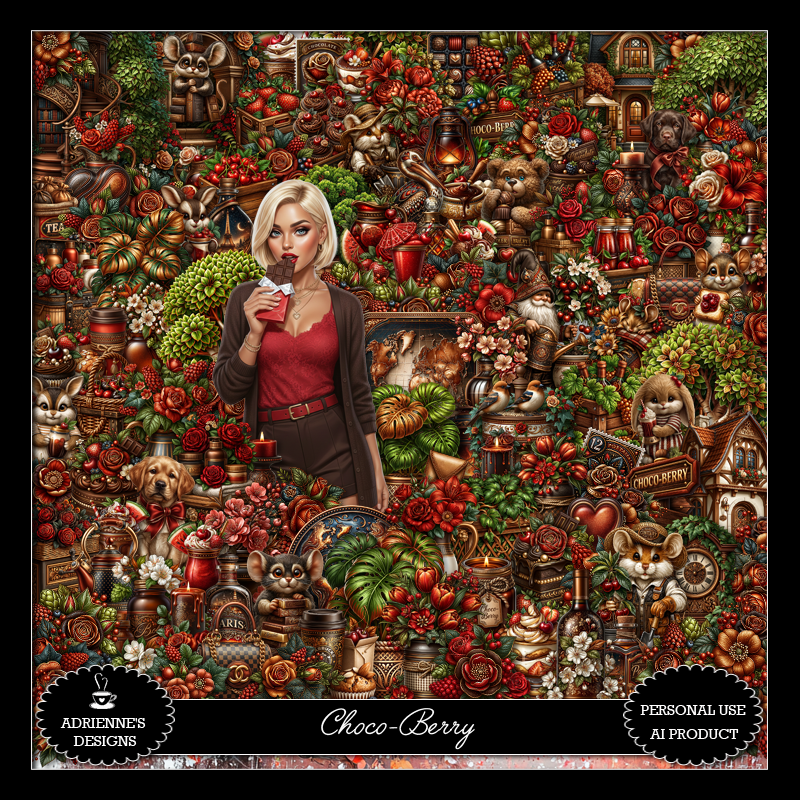
PTU Scrap Choco-Berry by Adrienne's Designs  HERE
Check out the rest of her store  HERE
or
you can find all her kits on her blog  HERE
Mask of choice, I used WSL 84, the link is no longer available

Font of choice I used Chocolate and Delight

 Drop shadow as you go is V -2 H 4, 50, 10, or use what you prefer.
Let's get started

*Remember to add your drop shadow as you go along* 

Open a new image  800 x 800, resize paper 20 to 75%, apply your mask,
duplicate several times and move to fill the background the way you like.

Resize 62 to 50%, paste at the upper left.
Resize frame 2 to 45%, paste on the upper right below the house, click
inside, resize paper 7 to 40%, mirror, paste where you like, invert, delete.
Resize 16 to 25%, paste at the upper left above the house.
Resize 60 to 50%, paste above the house and down a little.
Resize 72 to 50%, paste on the right below the tree, erase the bottom
part of the tree.

Resize 65 to 45%, mirror, paste above the tree.
Resize 5 to 25%, paste at the top below the tree on the house.
Resize 17 to 25%, paste at the upper left below the house, 
duplicate, move to the right above the frame.
Resize 19 to 20%, paste on the left at the bottom of the house.
Resize 53 to 20%, paste above the flower.
Resize 242 to 25%, paste on the upper left.
Resize 57 to 25%, paste on the left at the bottom of the house.

Resize tube 4 to 35%, paste at the bottom to the right above 
the arch with the steps.

Resize 52 to 20%, paste on the bottom right below the tube.
Resize 141 to 25%, paste on the left above the plant and flower.
Resize 203 to 17%, paste below the mouse on the left.
Resize 136 to 28%, paste on the bottom right above the tube layer.
Resize 225 to 15%, paste on the bottom right above the tube.
Resize 152 to 15%, paste on the left on the plant's pot.
Resize 80 and 190 to 20%, paste at the bottom above the tube.
Resize 19 to 20%, paste at the bottom below the book.
Resize 201 to 25%, paste at the bottom below the flower.
Resize 194 to 20%, paste above the tube at the bottom behind the bottles.
Resize 75 to 23%, paste at the upper right below the tree.

Resize 138 to 20%, paste at the bottom.
Resize 151 to 15%, paste on the steps.
Resize 209 to 20%, paste at the bottom to the left of the mouse.
Resize 179 to 15%, paste at the bottom.
Resize 97 to 23%, paste at the bottom left below the pitcher.
Resize 188 to 20%, paste on the bottom left.
Resize 227 to 15%, paste at the bottom left.
Resize 130 to 15%, paste at the bottom right.

Resize 116 and 125 to 12%, paste at the bottom.
Resize 145 to 15%, paste at the bottom left.
Resize 133 to 15%, paste on the bottom right.
Resize 230 to 13%, paste at the bottom.

Add any other elements that you would like, make it your own.
Always readjust your mask and elements how you like them before you
 merge your tag, resize, sharpen.

Crop your tag to be sure no shadows or lines are on the edges.
 Then add your copyright and name.
That's it

Hope you enjoyed doing my tut             

Sunday, August 11, 2024

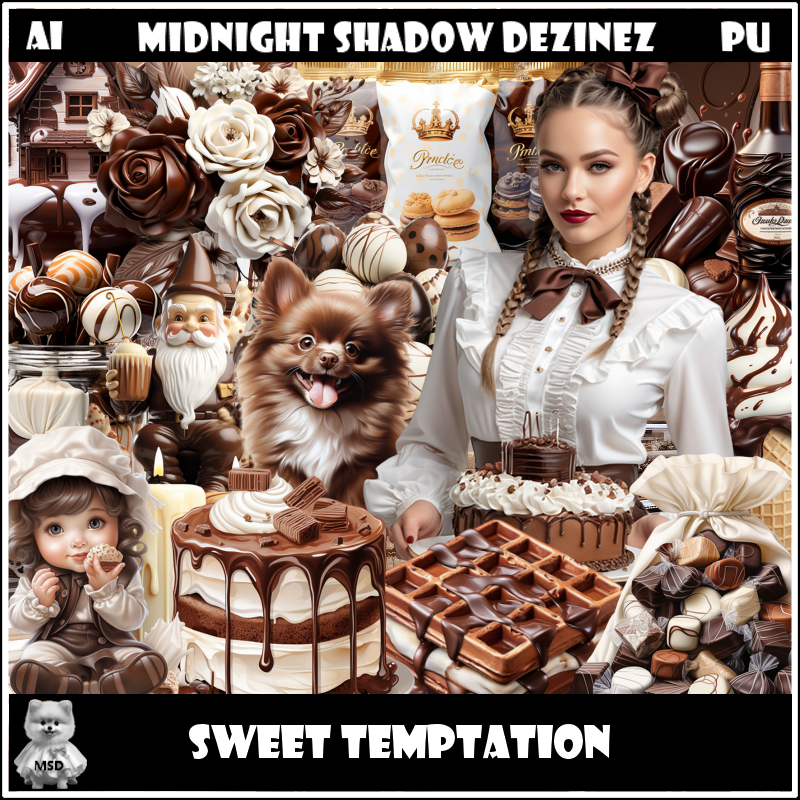
PTU Sweet Temptation


This tut was written August 10th, 2024 for those with a basic knowledge of psp. 

Awesome AI kit and tube by Midnight Shadow Dezinez

Everything used is included in the kit
Read the TOU on how to credit your tags

I used PSP2020...but any of them should work.
PTU Scrap Sweet Temptation by Midnight Shadow Dezinez  HERE    
Everything used is included in the kit
You can find all Midnight Shadow Dezinez kits  HERE
Mask of choice, I used RD Mask 720 HERE
Check out the res of the blog HERE

 Font of choice, I used Caramel Macchiato

Drop shadow as you go is V -2 H -4, 50, 10, or use what you prefer.
Let's get started
*Remember to add your drop shadow as you go along*

Open a new image 800 x 800, paste paper 5, apply your mask, move
to the left, duplicate, mirror.

Resize element 57 to 75%, paste at the upper left.
Resize element 34 to 75%, paste on the right below the building.
Resize element 42 to 75%, paste above the buildings.
Resize element 18 to 40%, paste on the right.
Resize element 15 to 35%, paste behind the head of the tube,
duplicate, move down on the left.
Resize element 2 to 30%, paste above the building below the flower.
Resize element 14 to 30%, paste on the bottom left above the flower.
Resize element 46 to 45%, paste at the bottom left.

Resize element 41 to 25%, paste at the bottom above the lady.
Resize element 29 to 30%, paste at the bottom to the left candy.
Resize element 5 to 30%, paste on the right above the tub of sheep.
Resize element 31 to 30%, paste on the bottom left below the candy.
Resize element 19 to 20%, paste at the bottom.
Resize element 36 to 25%, paste at the bottom left.
Resize element 16 to 20%, paste on the right.
Resize element 24 to 18%, paste on the right.
Resize element 48 to 15%, paste at the bottom.
Resize element 27 to 18%, paste at the bottom.
Resize element 20 to 22%, paste at the bottom left.
Resize element 10 to 18%, paste at the bottom right.
Resize element 14 to 20%, paste at the bottom.
Resize element 22 to 20%, paste on the right.
Resize element 53 to 20%, paste on the right.
Resize element 17 to 50%, paste at the top.
Paste element 25 on the right above the mask, duplicate, mirror.

Add any other elements that you would like, make it your own.
Always readjust your mask and elements how you like them before you
 merge your tag, resize, sharpen.

Crop your tag to be sure no shadows or lines are on the edges.
 Then add your copyright and name.
That's it

Hope you enjoyed doing my tut        

Sunday, November 20, 2022

PTU Chocolate Delight


 This tut was written November 20th, 2022 for those with a basic knowledge of psp. 

I am using the awesome tube by Laguna

The tube is called Mouse and Chocolate Cake
You need a license to use this tube, please do not use without a license.
You can find this tube at PFD store HERE

I used PSP2020...but any of them should work.
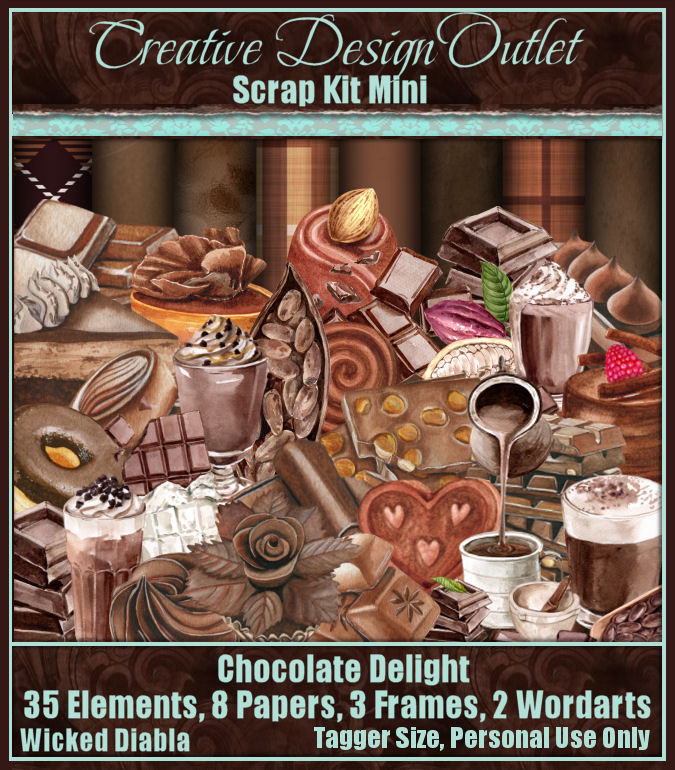
PTU Scrap Chocolate Delight mini by Wicked Diabla Designs  HERE 
This kit has 35 elements, 8 papers, 3 Frames and 2 Wordarts
Mask of choice, I used DD Geo Mask_3  HERE
Check out the rest of the Blog HERE

Font of choice, I used ?????

Drop shadow is V -1 H -4, 50, 10, color black or use what you prefer.
Let's get started
*Remember to add your drop shadow as you go along*

Open a new image 800 x 800, paste paper 7, apply your mask, delete, merge group.

Resize element 27 to 20%, paste, apply Mura Meister Copies-Encircle, first 
3 numbers on 26, 70, 70
Resize element 34 to 20%, free rotate to the left at 90 degrees, apply the same
Mura Meister settings, move below the first circle.
Resize element 34 to 25%, apply Mura Meister Copies with these setting
24, 64, 64, paste on the top circle.

Click in the bottom circle, expand by 5, paste paper 8, invert, delete, select none.
Add a Texture to the paper, I used Effects, Texture Effects, Weave with these numbers,
5, 5, 50, color white.
Resize element 8 to 70%, paste on the right above the frame.

Resize the tube to 35%, paste on the left above the candy.

Paste element 16 on the left behind the tube.
Resize element 34 to 40%, paste at the bottom above the tube.
Resize element 2 to 50%, paste at the bottom.
Resize element 18 to 25%, paste below the tube on the right, duplicate, move above
the tube.
Resize element 11 to 15%, paste on the lower right behind the cup, duplicate.
move down a little.

Resize element 15 to 25%, paste at the lower left.
Resize element 17, 28, 29, 30, 32, to 10%, paste at the bottom where you like.
Resize element 1 and 20 to 25%, paste at the bottom.
Resize element 9 to 20%, paste at the lower right.
Resize element 25 to 20%, paste at the lower right.

Resize wordart 1 to 30%, paste at the upper right being on the top layer, click on
each of the white letters, paste paper 4, invert, delete, select none.

Add a fat gradient, color of choice. to the heart and wordart. then click inside the heart
expand by 4, add a new layer, fill with color of choice, I used #efd8c3, 
resize your tube to 15%, paste below the heart, invert, delete, select none.
Resize element 3 to 20%, paste at the upper right above the heart.
Resize element 13 to 25%, duplicate, paste both above the big candy on the right,
free rotate one to 20 degrees to the right.
Resize element 22 to 25%, paste on top of the big candy under the wordart.

Add any other elements that you would like, make it your own.
Always readjust your mask and elements how you like them before you
 merge your tag, resize, sharpen.

Crop your tag to be sure no shadows or lines are on the edges.
 Then add your copyright and name.
That's it

Hope you enjoyed doing my tut.