
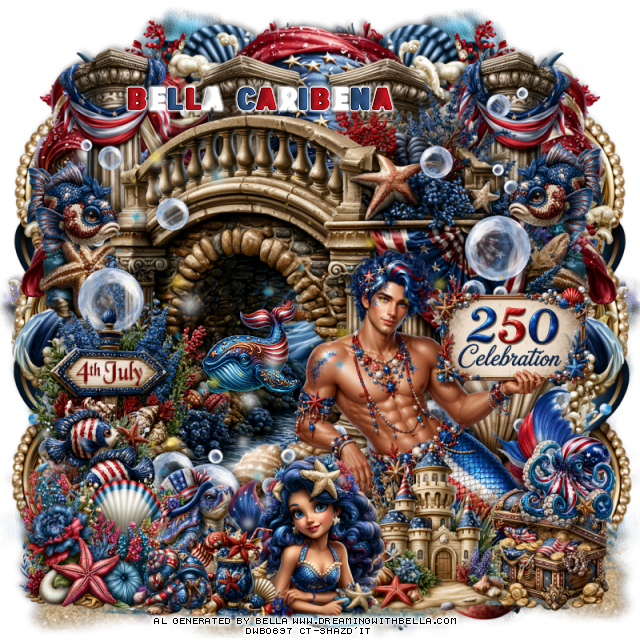
This tut was written June 6th, 2026, for those with a basic knowledge of psp.
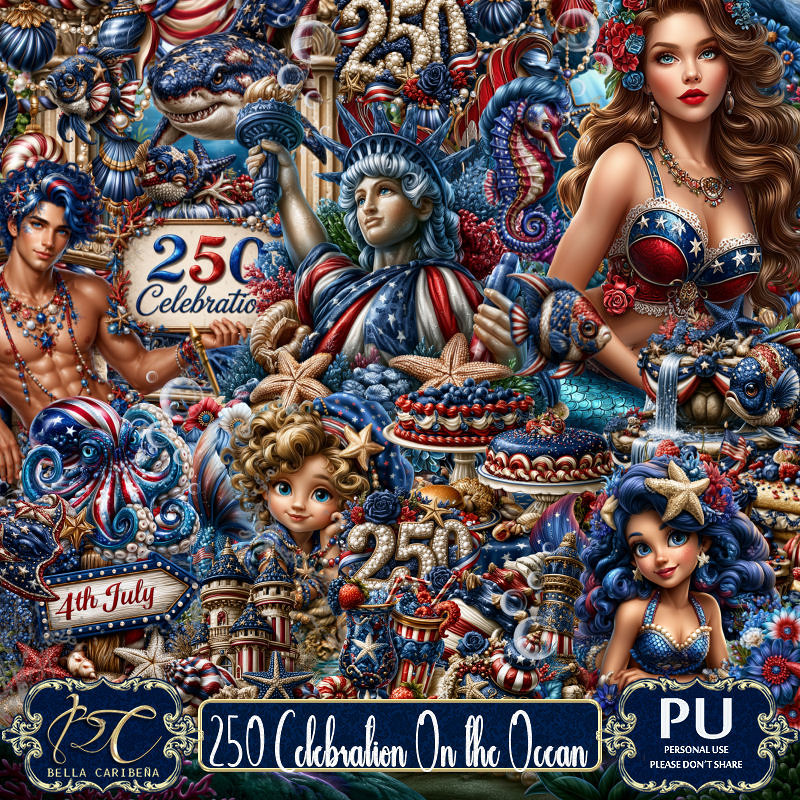
Awesome Al kit and tubes by Bella Caribeña
Everything is included in the kit
Read the TOU on how to credit tags
I used PSP2020...but any of them should work.
4th of July/Ocean Theme
Kit contains 5Al gen tubes, 149 elements, 15 papers and 3 masks
There are tubes that match this kit you can use also
Packs 290, 291 and 292
You can check out the rest of her store HERE
Font of choice I used USA Spirit
Drop shadow as you go is V -2 H 4, 50, 10, or use what you prefer.
Let's get started
*Remember to add your drop shadow as you go along*
Open a new image 800 x 800, paste mask 3, move to the left,
duplicate, mirror, erase some if needed and adjust to fit, merge
together.
Go to Effects, Texture Effects, Sandstone, 20, 80, 13
45, color white.
Paste 38 on the right, duplicate, mirror, let some of the gold show
on the sides, duplicate both, move to the bottom.
Paste element 4.
Resize 36 to 60%, paste below the bridge on the upper right,
duplicate, mirror.
Paste 3 below the columns on the right, duplicate, mirror.
Resize 42 to 20%, paste in the opening of the bridge.
Paste 60 on the bottom layer above the mask at the bottom right,
duplicate, mirror, you just want the water showing at the bottom.
Paste 125 at the bottom above the water to the left, duplicate, mirror.
Resize tube 5 to 20%, paste at the bottom right above the bridge.
Resize 27 to 35%, paste at the bottom above the tube.
Resize 46 to 25%, paste at the bottom right below the castle.
Resize 62 to 35%, paste at the bottom above the castle.
Resize 66 to 20%, paste at the bottom by the mermaid.
Resize 146 to 30%, paste on the bottom left.
Resize 6 to 25%, paste on the left below the flower.
Resize 96 to 35%, paste on the left below the fish.
Resize 8 to 20%, paste above the tube on the right, duplicate, mirror.
Resize 16 to 20%, paste on the bottom right on top of the chest.
Resize 53 to 15%, paste at the bottom left by the drink.
Resize 14 to 20%, paste below the mermaid.
Paste 108 on the left being on the top layer.
Click on the bridge layer, paste 113 on the right below the tube,
duplicate, mirror.
Add any other elements you would like, resize.
Crop your tag to be sure no shadows or lines are on the edges.
Then add your copyright and name.
That's it
Hope you enjoyed doing my tut

No comments:
Post a Comment