Showing posts with label New Year. Show all posts

Tuesday, December 30, 2025

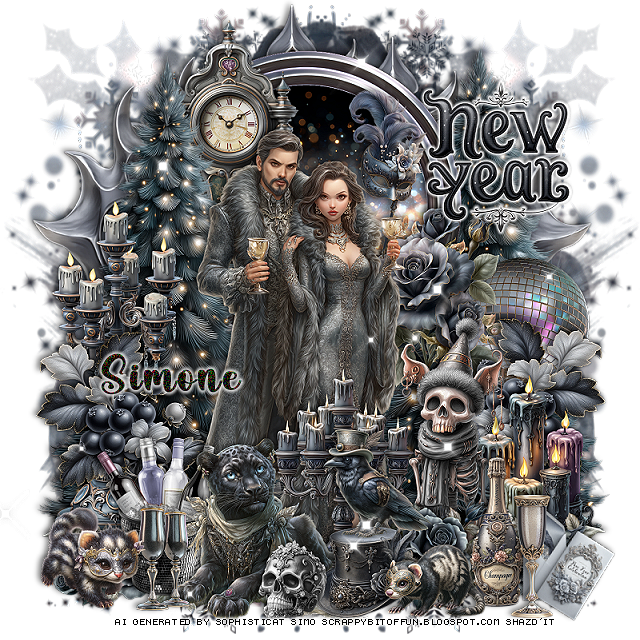
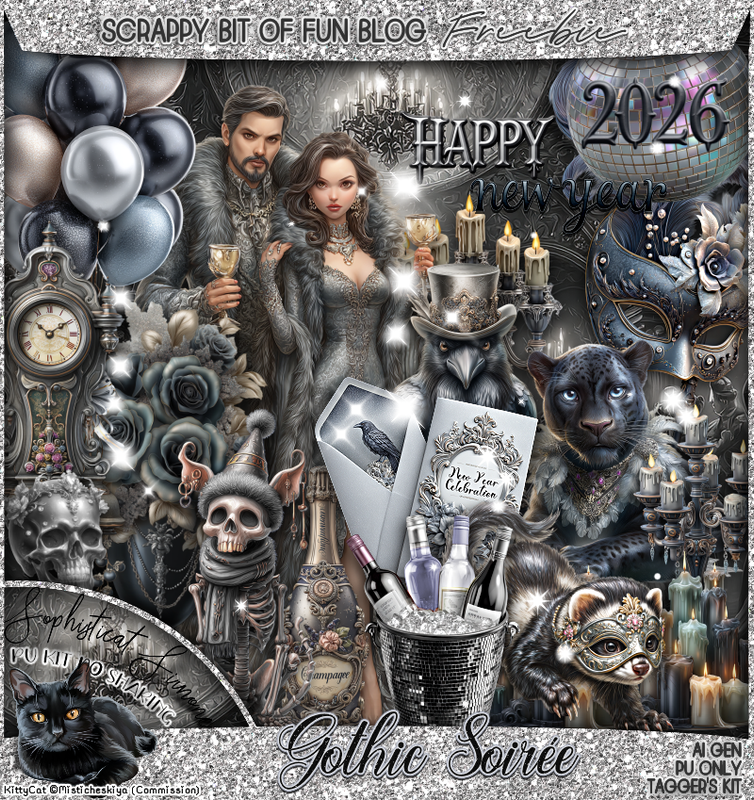
FTU Gothic Soirée


 This tut was written December 30th, 2025,  for those with a basic knowledge of psp. 

I am using the Awesome FTU Al kit by Simone aka (Scrappy Bit of Fun) 
The tube is included in the kit
Please read the TOU on how to credit your tags

I used PSP2020...but any of them should work.
FTU Al kit Gothic Soirée by Simone HERE
You can check out the rest of the blog HERE
Simone's Mask 243 HERE 

Font of choice, I used  Simple October

 Drop shadow as you go is V -2 H 4, 50, 10, or use what you prefer.
Let's get started
*Remember to add your drop shadow as you go along*

Open a new image 800 x 800, paste paper 16, apply your mask,
move to the right, duplicate, mirror.

Resize frame 3 to 60%, paste, click inside, resize paper 17 to 50%, paste, 
invert, delete.
Resize 1 to 40%, paste.
Resize 74 to 15%, paste below the tube up by her hand.
Resize 42 to 25%, mirror, paste on the frame on the right.
Resize 24 to 30%, paste at the bottom above the tube.
Resize 99 to 27%, paste at the bottom above the candles.
Resize 16 to 45%, paste on the left below the tube, duplicate, mirror,
move below the frame on the right.
Resize 11 to 40%, paste at the top below the tree.
Resize 68 to 40%, paste at the bottom above the tree on the left, duplicate,
mirror.
Resize 62 to 25%, paste on the bottom right below the flowers,
duplicate, mirror.
Resize 107 to 75%, paste below the trees at the top, duplicate, move
one to the left and one to the right.

Resize 89 to 15%, paste at the bottom above the animal.
Resize 2 to 35%, paste on the bottom right below the flower row.
Resize 20 to 25%, paste on the right below the skeleton.
Resize 26 to 30%, paste on the left below the berry leaves.
Resize 84 to 25%, paste on the bottom left below the animal.
Resize 30 to 15%, paste at the bottom left.
Resize 97 to 15%, paste at the bottom left.
Resize 29 to 20%, paste at the bottom right above the flowers.
Resize 31 to 17%, paste at the bottom right.
Resize 82 to 15%, rotate to the right at 20, paste on the bottom
 right below the glass.
Resize 4 to 15%, paste on top of the hat.
Resize 95 to 15%, mirror, paste at the bottom right above the bottle.
Resize 109 to 15%, paste at the upper right, add a gradient glow.
Resize 27 to 12%, paste at the bottom by the hat.
Resize 5 to 25%, flip, paste on the right below the flowers and berries.
Paste 117 where you like being on the top layer.

Add any other elements you would like, resize.
Crop your tag to be sure no shadows or lines are on the edges.
 Then add your copyright and name.
That's it

            Hope you enjoyed doing my tut    

Monday, December 29, 2025

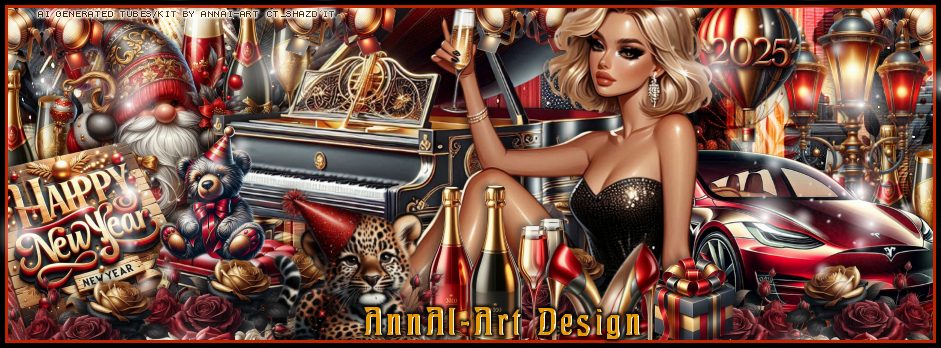
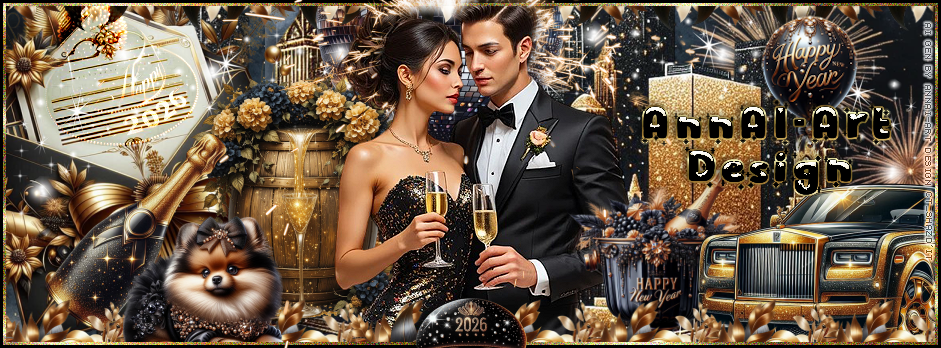
CT Timeline and Tag for AnnAl-Art Design

  **~**CT for AnnAl-Art Design **~**

 PTU Scrap Countdown to New Year by Annai-Art  HERE  
You can find all AnnAl Art kits  HERE

Timeline and Tag I made with the kit    


Friday, December 5, 2025

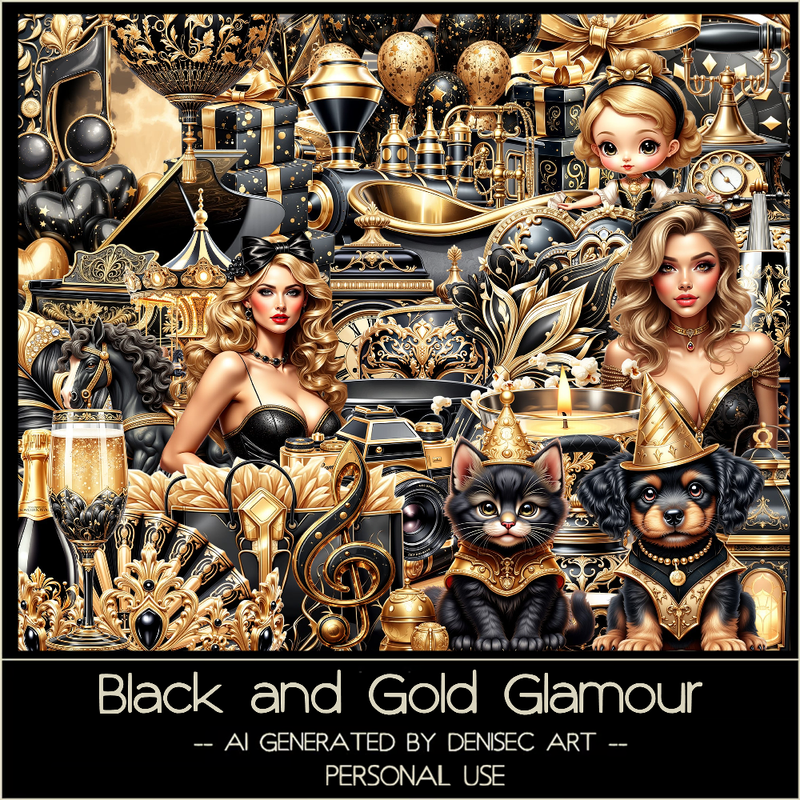
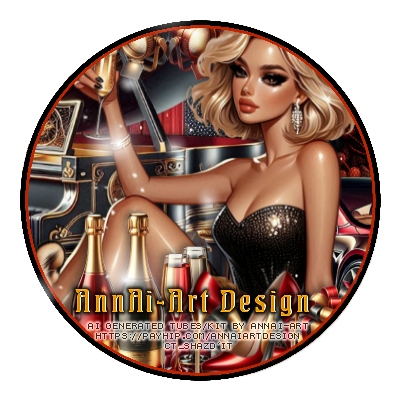
PTU Black and Gold Glamour


  This tut was written December 4th, 2025 for those with a basic knowledge of psp. 

I am using the beautiful Al kit/tube by DeniseC Art

Everything is included in the kit
Please read their TOU on how to credit your tags

I used PSP2020...but any of them should work.
PTU Scrap Black and Gold Glamour HERE
Check out her store here for more of her kits  HERE 
Miz Teeques Mask 354 HERE
Check out the rest of the blog HERE

Font of choice, I used Absolute

Drop shadow as you go is V -2 H 4, 40, 10, or use what you prefer.
Let's get started
*Remember to add your drop shadow as you go along*

Open a new image 800 x 800,  paste paper 2, apply your mask.

Resize element 49 to 45%, paste at the top.
Resize element 6 to 30%, paste below the frame.
Resize element 14 to 45%, paste at the bottom left above the frame.
Resize element 30 to 25%, paste at the bottom above the piano.
Resize element 11 to 40%, paste on the right.
Resize element 47 to 30%, paste at the bottom above the lady.
Resize element 55 to 30%, paste above the fan to the left a little.
Resize element 3 to 30%, paste at the bottom.
Resize element 31 to 45%, paste below the lady on the upper right.

Resize element 37 to 25%, paste below the lady on the right.
Resize element 40 to 30%, paste on the upper left below the frame.
Resize element 36 to 12%, paste at the upper left above the frame, duplicate, 
move down on the left.
Resize element 13 to 17%, paste at the bottom above the bags.
Resize element 39 to 25%, paste at the bottom right.
Resize element 34 to 23%, paste at the bottom above the gifts.

Resize element 23 to 25%, paste on the right below the gifts.
Resize element 1 to 15%, paste on the left above the piano.
Resize element 56 to 15%, paste at the top on the frame, duplicate, 
move to the left on the disc ball.
Resize element 19 to 20%, paste at the bottom left.
Resize element 2 to 25%, paste on the bottom left above the suitcase.
Resize element 48 to 13%, paste at the bottom above the suitcase.
Resize element 50 to 20%, paste at the bottom by the hat.
Resize element 52 to 15%, paste at the bottom.
Resize element 28 to 15%, paste at the bottom.
Resize element 58 to 13%, free rotate to the left at 20, paste at the bottom left.
Resize element 59 to 15%, paste at the bottom right.

Add any other elements that you would like, make it your own.
Always readjust your mask and elements how you like them before you
 merge your tag, resize, sharpen.

Crop your tag to be sure no shadows or lines are on the edges.
 Then add your copyright and name.
That's it

Hope you enjoyed doing my tut
Tuesday, December 31, 2024

PTU New Year Cheer


This tut was written December 31st, 2024 for those with a basic knowledge of psp. 

I am using the Awesome tube by © Katharine

Tube is called Seductive Diana
You need a license to use this tube, please do not use without a license
You can find this tube at VMA HERE

I used PSP2020...but any of them should work.
PTU Scrap New Year Cheer by Tiny Turtle Designs  HERE
You can find all Tiny Turtle Designs Scraps kits  HERE

Font of choice, I used  Coffee Christmas

Drop shadow as you go is V -2 H 4, 50, 10, color black or use what you prefer.
Let's get started
*Remember to add your drop shadow as you go along*

Open a new image 800 x 800, paste element 146, resize larger to fit your tag.

Resize element 96 to 75%, paste, click inside with the magic wand, 
paste paper 3. invert, delete.
Paste element 51 below the frame,
Resize element 99 to 85%, paste below the window.
Resize element 109 to 90%, paste on the right above the frame.

Resize the tube to 25%, paste to the left.

Resize element 99 to 30%, paste at the bottom above the tube,
duplicate, mirror.
Resize element 29 to 30%, paste at the bottom, duplicate, mirror.
Resize element 20 to 30%, paste at the bottom below the flowers.
Resize element 16 to 30%, paste at the bottom left.
Resize element 19 to 35%, paste at the bottom right.
Resize element 100 to 25%, paste on the left above the tube.

Resize element 26 to 30%, paste on the bottom left.
Resize element 97 to 30%, paste on the upper left below the tube.
Resize element 44 and 45 to 30%, paste on the right on the tree.
Resize element 18 to 25%, paste below the books to the right.
Resize element 140 to 30%, paste at the bottom right below the dog,
duplicate, mirror.
Paste element 83 how you like, being on the top layer,
Resize element 46 to 25%, paste on the lower left.

Add any other elements that you would like, make it your own.
Always readjust your mask and elements how you like them before you
 merge your tag, resize, sharpen.

Crop your tag to be sure no shadows or lines are on the edges.
 Then add your copyright and name.
That's it

Hope you enjoyed doing my tut
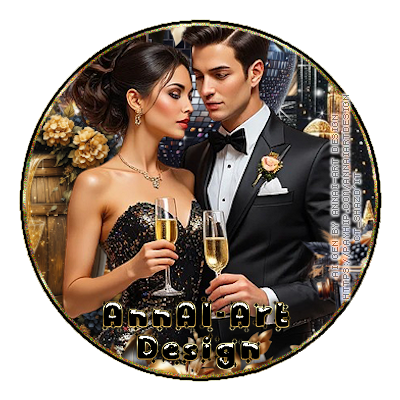
Laura Tag   


Friday, December 27, 2024

PTU Oh Dear Another Year


   This tut was written December 27th, 2024 for those with a basic knowledge of psp. 

I am using the beautiful tube by © Misticheskaya

2 Tubes are included in the kit
Read the TOU on how to credit your tags

I used PSP2020...but any of them should work.
PTU Scrap Oh Dear Another Year by Portuguese Girl Designs  HERE
You can find all Portuguese Girl Designs  HERE
 Lori's PSP Graphics Mask 1226 HERE
Check the rest of the blog HERE

Font of choice, I used Beauty Sleep

Drop shadow as you go is V -2 H 4, 40, 10, or use what you prefer.
Let's get started
*Remember to add your drop shadow as you go along*

Open a new image 800 x 800, paste paper 1, apply your mask, mirror, 

Resize element 59 to 75%, paste, move up, click inside with the magic wand,
paste paper 1, invert, delete.
Paste element 91 below the paper layer on the right, duplicate, mirror.
Resize element 9 to 65%, paste on the upper left above the frame.
Resize element 7 to 30%, paste on the upper right below the balloons.
Resize element 44 to 75%, paste on the right, duplicate, mirror.
Resize element 56 to 65%, paste on the left above the balloons.
Resize element 52 to 55%, paste on the right.
Resize element 58 to 50%, paste on the bottom left.
Resize element 46 to 75%, paste below the tube on the right.

Resize the tube to 20%, paste about center.

Resize element 12 to 25%, paste on the right above the tube.
Resize element 42 to 30%, paste on the right.
Resize element 53 to 25%, paste at the bottom right.
Resize element 41 to 20%, paste at the bottom above the champagne bucket.
Resize element 5 to 35%, paste at the bottom above the tube to the left.
Resize element 38 to 30%, paste at the bottom above the card.
Resize element 55 to 25%, paste at the bottom.
Resize element 34 to 20%, paste at the bottom right.
Resize element 11 to 15%, paste at the bottom right.
Resize element 10 to 30%, paste at the bottom left above the card.
Resize element 18 to 25%, paste at the bottom left.
Resize element 30 to 13%, paste at the bottom.
Resize element 28 to 25%, paste at the bottom left.

Add any other elements that you would like, make it your own.
Always readjust your mask and elements how you like them before you
 merge your tag, resize, sharpen.

Crop your tag to be sure no shadows or lines are on the edges.
 Then add your copyright and name.
That's it

Hope you enjoyed doing my tut 

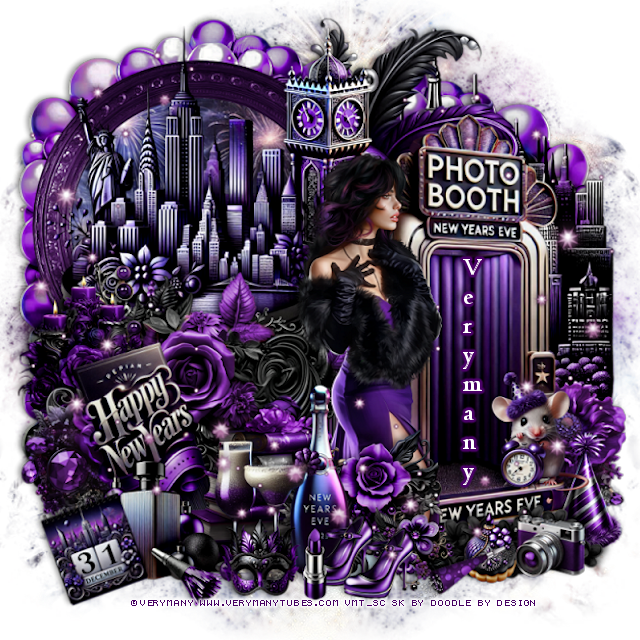
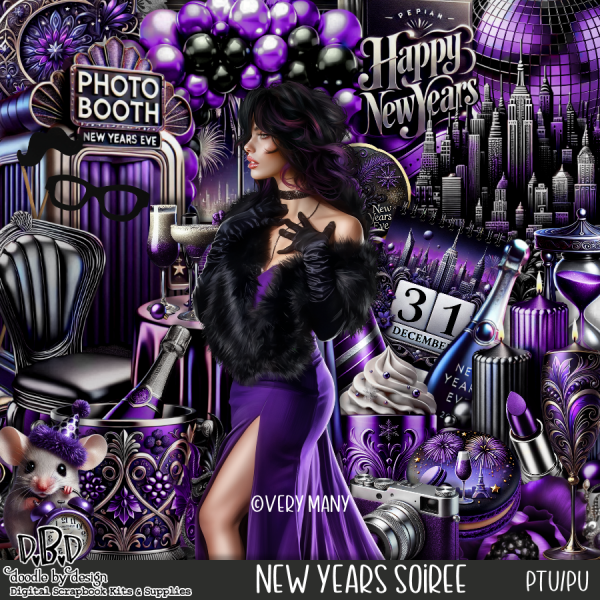
PTU New Year Soiree


  This tut was written December 26th, 2024 for those with a basic knowledge of psp. 

I am using the beautiful tube by © Verymany

Tube is called New Year Party 4
You need a license to use this tube, please do not use without a license
You can find this tube at VMT HERE

I used PSP2020...but any of them should work.
PTU Scrap New Year Soiree by Doodle by Design  HERE
You can find all Doodle by Design kits  HERE
 Lori's PSP Graphics Mask 1226 HERE
Check the rest of the blog HERE

Font of choice, I used Centaur

Drop shadow as you go is V -2 H 4, 40, 10, or use what you prefer.
Let's get started
*Remember to add your drop shadow as you go along*

Open a new image 800 x 800, paste 17, apply your mask, mirror, 

Resize frame 7 to 60%, paste on the upper left, click inside the frame 
with the magic wand, resize paper 15 to 60%, paste, invert, delete.
Resize element 31 to 75%, paste above the frame.
Resize element 94 to 55%, paste on the left above the city scape.
Resize element 71 to 30%, paste on the left above the flower.

Resize your tube to 30%, mirror, paste to the right.

Resize element 96 to 35%, paste at the bottom of the tube.  
Resize element 18 to 40%, paste at the bottom above the flower.
Resize element 16 to 30%, paste to the left above the bottle.
Resize element 69 to 35%, paste below the tube.
Resize element 49 to 65%, paste at the top below the city scape.
Resize element 44 to 90%, paste on the right below the tube.
Resize element 37 to 15%, paste at the bottom, duplicate, move over.
Resize element 28 to 40%, free rotate to the left, paste on the left below the books.

Resize element 10 to 30%, paste on the bottom left.
Resize element 115 to 35%, paste behind the sign on the left.
Resize element 3 to 20%, free rotate to the left at 20, paste at the bottom left.
Mirror element 34, paste at the upper right below the frame.
Resize element 42 to 25%, paste at the bottom right on the photo booth.
Resize element 95 to 20%, paste at the bottom below the shoes.
Paste element 17 below the frame, duplicate, move to the right behind the booth.
Resize element 113 to 25%, paste at the bottom above the photo booth, duplicate,
mirror, move to the right more.
Paste element 48 on the right on the bottom layer.
Resize element 14 to 25%, paste below the mouse on the bottom right.
Resize element 115 to 35%, paste on the bottom right below the photo booth.
Resize element 12 to 15%, paste at the bottom above the black flowers.
Resize element 41 to 15%, paste to the bottom left.
Resize element 1 to 17%, paste at the bottom.
Resize element 30 to 15%, paste at the bottom by the shoes.
Resize element 4 to 15%, paste at the bottom.
Resize element 65 to 20%, paste at the bottom.
Paste element 136 on the left, duplicate, mirror, erase some that you don't want.

Add any other elements that you would like, make it your own.
Always readjust your mask and elements how you like them before you
 merge your tag, resize, sharpen.

Crop your tag to be sure no shadows or lines are on the edges.
 Then add your copyright and name.
That's it

Hope you enjoyed doing my tut
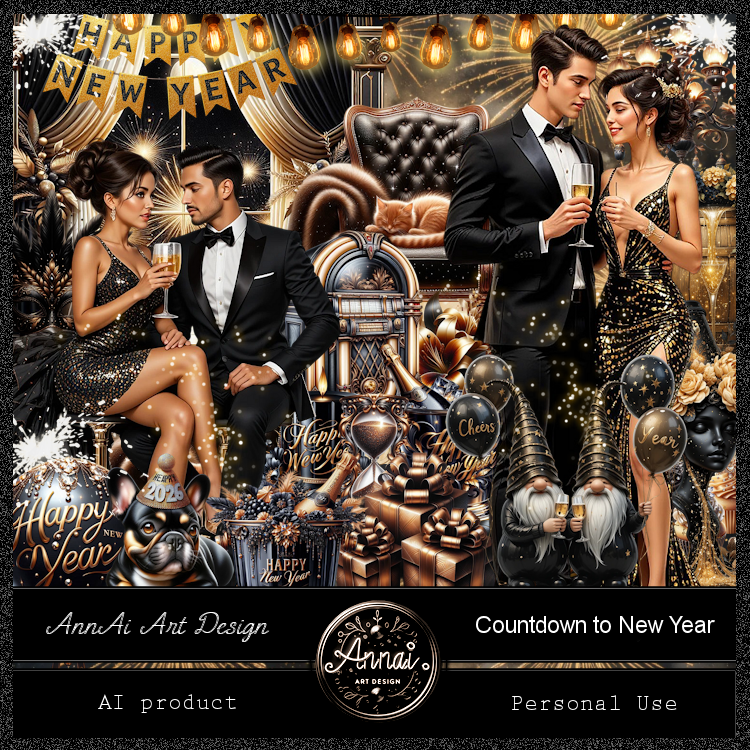
Lizzy tag  


Thursday, December 26, 2024

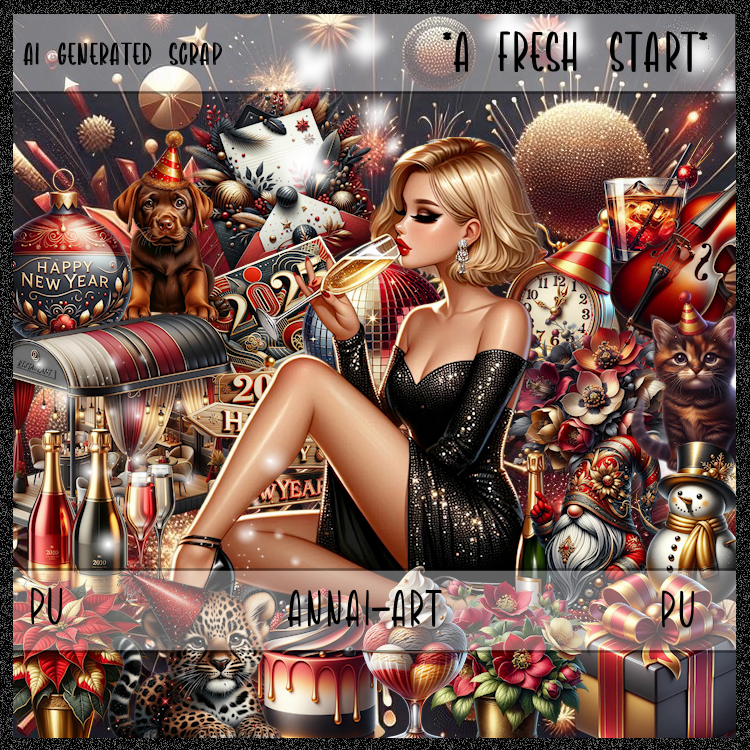
CT for AnnAl-Art Design-A Fresh Start

  **~**CT for AnnAl-Art Design **~**

 PTU Scrap A Fresh Start by Annai-Art HERE HERE HERE
You can find all AnnAl Art kits  HERE

Timeline and Tag I made with the kit  


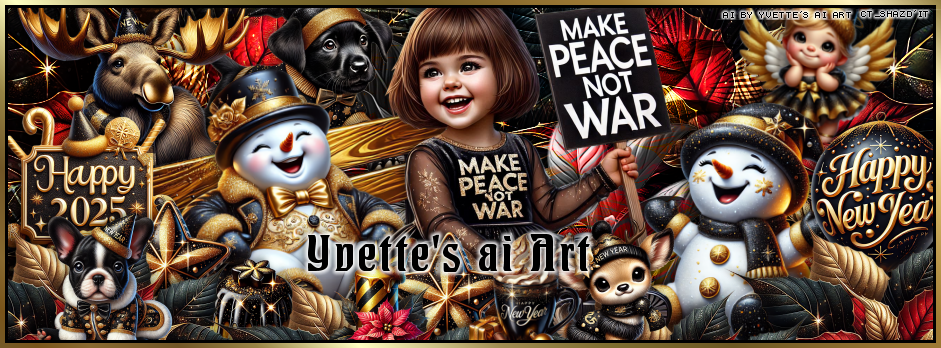
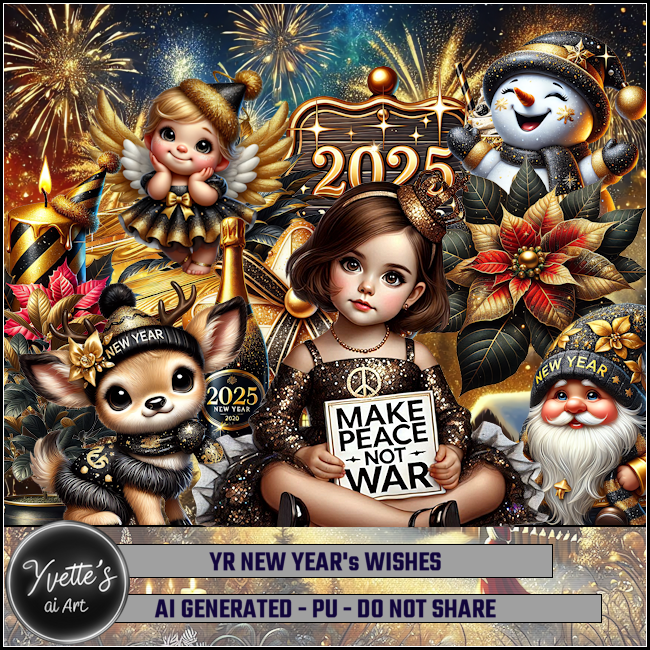
CT FB TL for Yvette's ai Art-New Year Wishes

  "CT FB TL for Yvette's ai Art"

AI generated tube and kit by Yvette ai Art
This is YR New Year Wishes
Read the TOU on how to credit your tags

Kit HERE HERE HERE HERE


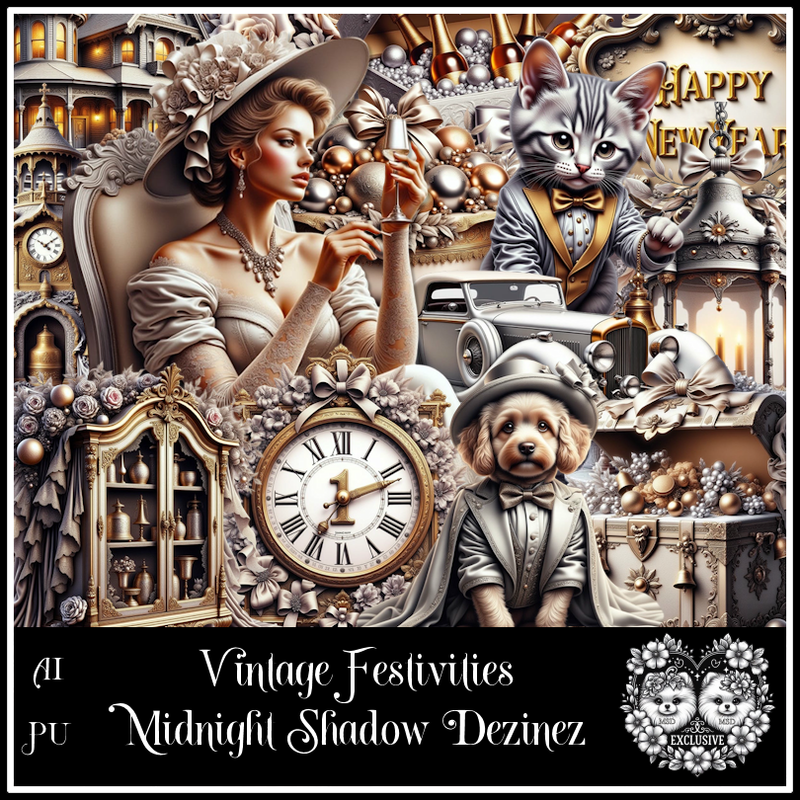
PTU Vintage Festivities


  This tut was written December 26th, 2024 for those with a basic knowledge of psp. 

Awesome AI kit and tube by Midnight Shadow Dezinez

Everything used is included in the kit
Read the TOU on how to credit your tags

I used PSP2020...but any of them should work.
PTU Scrap Vintage Festivities Exclusive by Midnight Shadow Dezinez  HERE
Everything used is included in the kit
You can find all Midnight Shadow Dezinez kits  HERE
Lori's PSP Graphics Mask 1226 HERE
Check the rest of the blog HERE

Font of choice, I used Beauty Sleep

Drop shadow as you go is V -2 H -4, 40, 10, or use what you prefer.
Let's get started
*Remember to add your drop shadow as you go along*

Open a new image 800 x 800, paste paper 1, apply your mask.

Resize element 16 to 60%, paste.
Resize element 14 to 85%, paste below the lady on the right.
Resize element 20 to 40%, paste at the bottom above the lady.
Resize element 24 to 75%, paste below the lady on the left.
Resize element 13 to 35%, paste at the bottom below the champagne.
Resize element 37 to 40%, paste at the bottom below the champagne.
Resize element 39 to 35%, paste on the upper left.
Resize element 42 to 60%, paste on the right.
Resize element 12 to 40%, paste on the left below the drinks.
Paste element 15 on the bottom layer to the left, duplicate, mirror.

Resize element 35 to 30%, paste at the bottom left.
Resize element 52 to 20%, paste at the bottom, duplicate, move over.
Resize element 38 to 30%, paste at the bottom by the fireplace.
Resize element 18 to 40%, paste at the bottom.
Resize element 1 to 25%, paste at the bottom.
Resize element 51 to 15%, paste at the bottom left by the shoes.
Resize element 40 to 25%, paste at the bottom left.
Resize element 44 to 25%, free rotate to the left at 20, paste on the left.
Resize element 39 to 25%, free rotate to the right at 20, paste on the right.
Resize element 8 to 20%, paste at the bottom right.
Resize element 22 to 15%, paste at the bottom.
Resize element 45 to 20%, paste at the bottom.

Add any other elements that you would like, make it your own.
Always readjust your mask and elements how you like them before you
 merge your tag, resize, sharpen.

Crop your tag to be sure no shadows or lines are on the edges.
 Then add your copyright and name.
That's it

Hope you enjoyed doing my tut