Showing posts with label Spring/Gothic. Show all posts

Monday, February 26, 2024

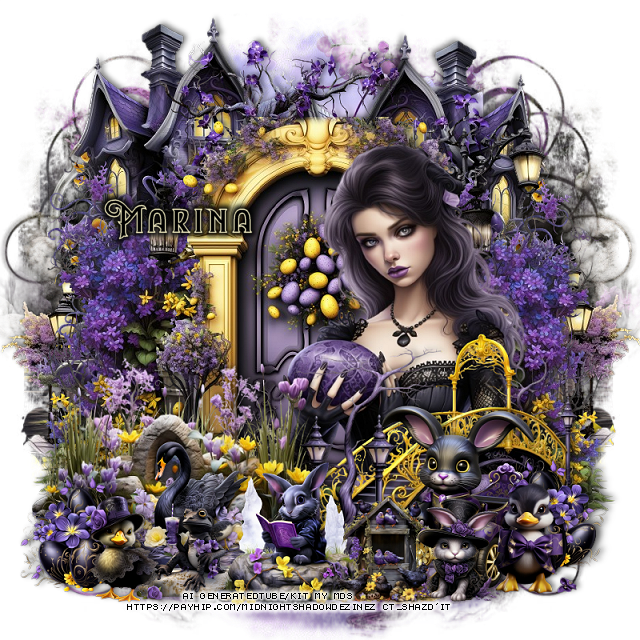
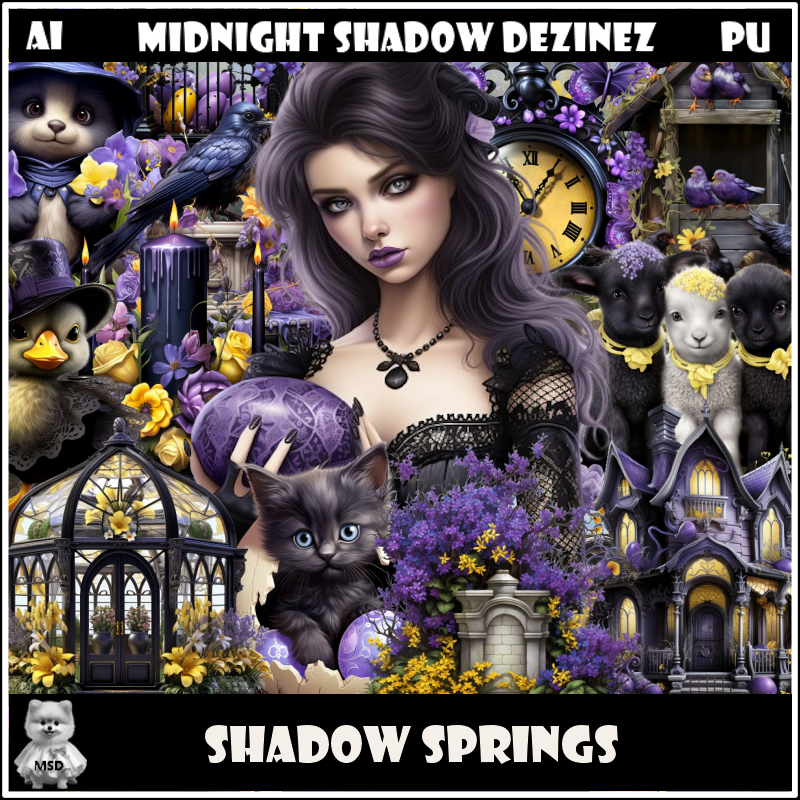
PTU Shadow Springs


This tut was written February 26th, 2024 for those with a basic knowledge of psp. 

Awesome AI kit and tube by Midnight Shadow Dezinez

Everything used is included in the kit
Read the TOU on how to credit your tags

I used PSP2020...but any of them should work.
PTU Scrap  Shadow Springs by Midnight Shadow Dezinez  HERE  HERE  
Everything used is included in the kit
You can find all Midnight Shadow Dezinez kits  HERE
Mask of choice I used Miz Teeques Mask 56 HERE
Check out the rest of the blog HERE

 Font of choice, I used Night Forest-eZnRg

Drop shadow as you go is V -2 H -4, 50, 10, or use what you prefer.
Let's get started
*Remember to add your drop shadow as you go along*

Open a new image 800 x 800, resize paper 10 to 80%, apply your mask.

Paste element 20.
Paste element 1 behind the door at the top.
Paste element 32 on the left behind the door, duplicate, mirror.
Paste element 34 on the bottom layer at the upper left, duplicate, mirror.
Paste element 52 on the bottom right below the house, duplicate, mirror.

Resize element 38 to 85%, paste.
Resize element 47 to 75%, paste on the bottom right above the tube.
Resize element 57 to 75%, paste on the bottom right above the pond.
Resize element 49 to 35%, paste on the pond.

Resize element 35 to 35%, paste at the bottom left, duplicate, mirror,
move to the end of the bridge on the right.
Resize element 30 to 50%, mirror, paste on the bottom right.
Resize element 21 to 40%, paste at the bottom in front of the bridge.
Resize element 7 to 30%, paste at the bottom left.
Resize element 7 to 25%, paste at the bottom left below the rabbit and duck.
Resize element 17 to 30%, paste at the bottom above the rabbit on the go cart.
Resize element 11 to 30%, paste on the bottom right.
Resize element 16 to 30%, paste on the bottom right.

Add any other elements that you would like, make it your own.
Always readjust your mask and elements how you like them before you
 merge your tag, resize, sharpen.

Crop your tag to be sure no shadows or lines are on the edges.
 Then add your copyright and name.
That's it

Hope you enjoyed doing my tut      

Sunday, February 25, 2024

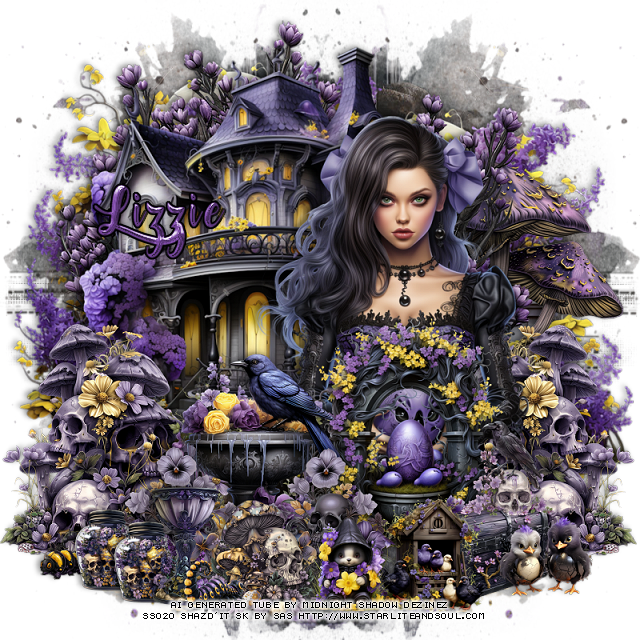
PTU Gothic Spring


This tut was written  February 25th, 2024 for those with a basic knowledge of psp. 

I am using an awesome AI tube generated by MDS
The tube is included in the kit
Read the TOU on how to credit your tags

I used PSP2020...but any of them should work.
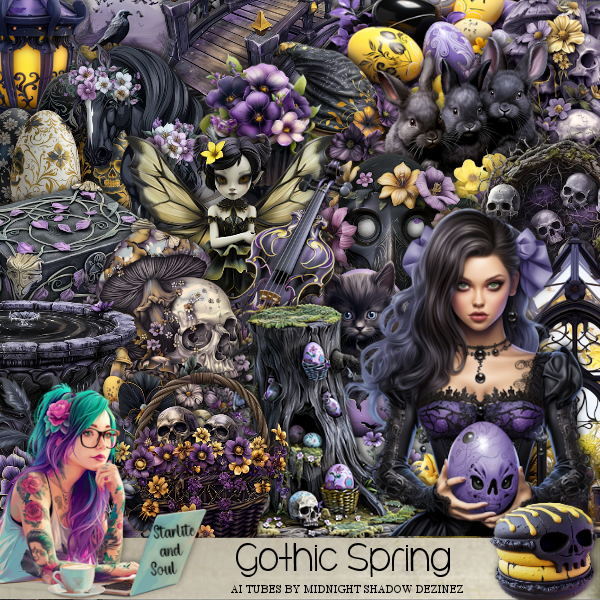
PTU Scrap Gothic Spring by Starlite and Soul  HERE
Check her store out to see all her other kits HERE
Mask of choice I used Vivienne's Digital Tagging Mask 41 HERE
Check out the rest of the blog HERE

 Font of choice, I used Lost In Wild

Drop shadow as you go is V -2 H -4, 50, 10, or use what you prefer.
Let's get started
*Remember to add your drop shadow as you go along*

Open a new image 800 x 800, paste paper 6, apply your mask, move
to the left, duplicate, mirror.

Paste element 59 at the top.
Resize element 11 to 85%, paste above the tree to the left.
Resize element 20 to 90%, paste behind the tree on the left, duplicate,
move to the right.
Resize tube 2 to 45%, paste on the right.

Resize element 13 to 40%, paste at the bottom above the tube.
Resize element 125 to 30%, paste at the bottom above the fountain, duplicate,
mirror, move back by the fountain.
Resize element 21 to 50%, paste above the tube.

Resize element 79 to 50%, paste behind the tube on the right,
duplicate, mirror.
Resize element 73 to 25%, paste at the bottom being on the top layer.
Resize element 17 to 25%, paste at the bottom right.
Resize element 97 to 25%, paste at the bottom right behind the birdhouse.
Resize element 14 and 24 to 20%, paste at the bottom.
Resize element 70 to 25%, paste at the bottom left.
Resize element 86 to 17%, paste below the glass, duplicate, move over a little.

Resize element 75 to 50%, paste on the right below the tree.
Resize element 35 and 92 to 13%, paste at the bottom where you like.
Resize element 32 to 20%, paste on the right on the trunk.

Add any other elements that you would like, make it your own.
Always readjust your mask and elements how you like them before you
 merge your tag, resize, sharpen.

Crop your tag to be sure no shadows or lines are on the edges.
 Then add your copyright and name.
That's it

Hope you enjoyed doing my tut.      

Friday, April 14, 2023

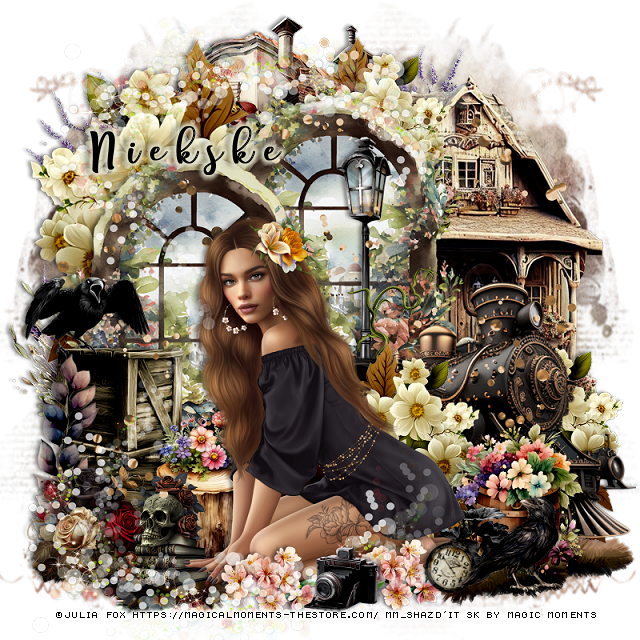
PTU Dark Days in Spring


This tut was written April 14th, 2023 for those with a basic knowledge of psp. 

I am using the awesome artwork of ©Julia Fox
Tube is included with the kit
You need a license to use this tube, do not use without a license.
Read the TOU about the license

I used PSP2020...but any of them should work.
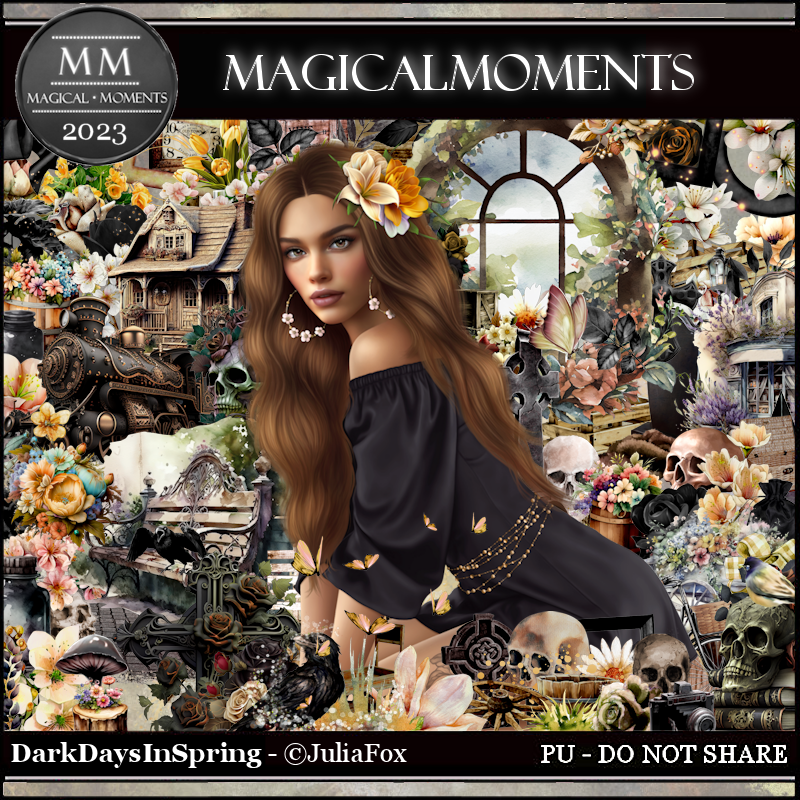
PTU Dark Days in Spring by Magic Moments HERE  HERE
Beautiful kit Spring theme with 100 elements, 10 papers and 
the awesome tube by Julia Fox
Miz Teeque's Mask 222 HERE
Check out the rest of the blog HERE

Font of choice, I used Free Style Script

Drop shadow is V -1 H -4, 40, 6, Black or use what you prefer.
Let's get started
*Remember to add your drop shadow as you go along*

Open a new image 800 x 800, paste paper2, apply your mask, delete, merge group,
duplicate, mirror, adjust to fit your tag later.

Mirror element 68, resize to 90%, paste at the upper left.
Resize element 4 to 60%, paste at the top, duplicate, move to the left and
down a little.
Paste element 41 at the top on the mask to the left.

Resize element 8 to 65%, mirror, paste between the windows on the right.
Resize element 9 to 60%, mirror, paste on the right below the windows.
Resize element 68 to 50%, paste at the top behind the window, duplicate, move 
down on the right behind the train, duplicate once more, move above the train.

Resize your tube to 28%, paste at the bottom being on the top layer.

Resize element 34 to 30%, paste on the left below the tube.
Resize element 47 to 30%, paste below the train.
Resize element 33 to 35%, paste at the bottom below the tube to the right.
Resize element 77 to 20%, paste at the lower right.
Resize element 38 to 20%, paste at the bottom right below the tube.

Resize element 74 to 25%, paste on the left above the window.
Resize element 71 to 25%, mirror, paste on the crates.
Resize element 3 to 25%, paste at the bottom left below the hand of the tube.
Paste element 97 on the left above the crates.
Resize element 1 to 25%, paste below the books with the skull.

Paste element 43 at the bottom above the mask layer to the left, duplicate,
mirror, erase the long part on the first one that is on the right.
Resize element 67 to 10%, paste at the lower right below the crow, free rotate 
to the right at 20.
Resize element 31 to 20%, paste at the bottom above the tube, duplicate, move
to the left more.
Resize element 52 to 15%, mirror, paste at the bottom.
Paste element 75 below the tube layer.
Paste element 65 at the bottom, erase the part on the tube, duplicate, flip, move 
up more on the windows and move the camera
to the top layer above the bottom one.

Add any other elements you would like, make it your own.
Crop your tag to be sure no shadows or lines are on the edges.
 Then add your copyright and name.
That's it

Hope you enjoyed doing my tut.