Showing posts with label Alehandra Vanhek. Show all posts

Wednesday, August 5, 2026

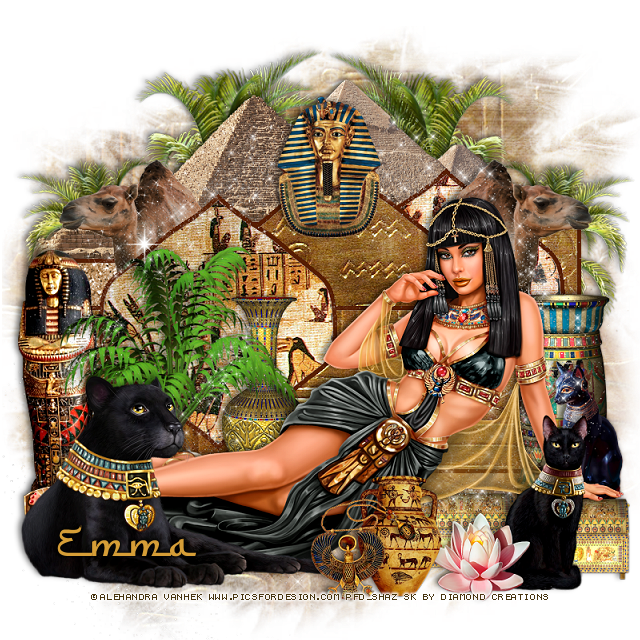
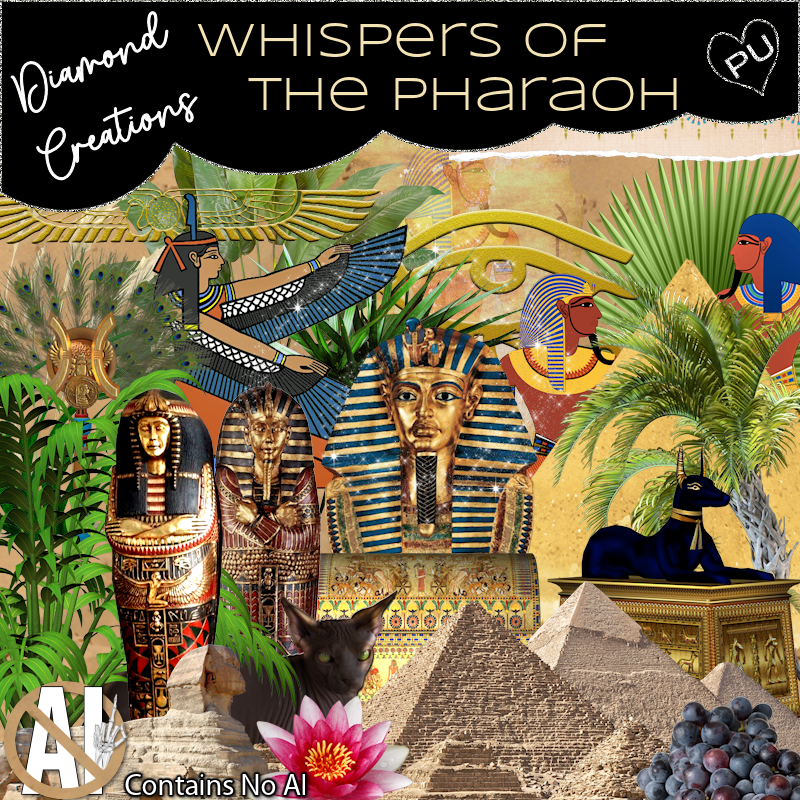
PTU Whispers of the Pharaoh


 This tut was written August 5, 2026 for those with a basic knowledge of psp. 

Awesome tube used ©Alehandra Vanhek

Tube is not included 
I bought this tube when they were at PFD still
I am not sure where they are selling at now
You need a license to use this tube, please do not use without a license.

I used PSP2020...but any of them should work.
FTU Scrap Whispers of the Pharaoh "NO Al" by Diamond Creations  HERE
You can find all Diamond Creations  kits HERE
Donna's Template 601 HERE 
Check the rest of the blog HERE
Miz Teeques Mask 40 HERE 
Check the rest of the blog HERE

Font of choice, I used Furgan

Drop shadow as you go is V -2 H -4, 40, 10, or use what you prefer.
Let's get started
*Remember to add your drop shadow as you go along*

Open the template, delete the credits, go to Image, resize to 125%,
 all layers checked, then Canvas size 800 x 800.
Paste paper 18, apply your mask on the bottom layer.
Delete raster 6 and 7, copy of raster 6 and 7.
Delete all the dotted lines unless you want to keep them.

Select the gray area of raster 2 with your magic wand, paste paper 18,
invert, delete, then click on the white part, fill with color #581e02.

Select the gray area of raster 3, paste element 98, invert, delete, click on the 
white part, fill with the same color as before.

Copy of raster 2, click on the gray area, paste paper 11, invert, delete,
click on the white part, fill with the same color as before.

Select copy of raster 3, click in the gray area, paste paper 18, invert, delete, 
click on the white part, fill with the same color as before.

Copy 2 of raster 2, click on the gray, paste paper18, invert, delete, click 
on the white, fill with the same color as before.
Copy 2 of raster 3, click on the gray, paste element 98, invert, delete, click 
on the white, fill with the same color as before.

Resize 20 to 45%, paste on the bottom layer on the right, duplicate, mirror.
Resize 60 to 50%, paste at the top above the trees, erase the little bit showing 
on each side.
Resize 95 to 50%, paste on the right below the center triangle of the template,
duplicate, mirror.
Resize 65 to 30%, paste at the top above the center triangle of the template.

Resize the tube to 40%, paste at the bottom.

Resize 81 to 45%, paste on the right below the tube.
Resize 63 to 42%, paste on the left below the tube.
Resize 80 to 50%, paste below the tube by the knees.
Resize 22 to 30%, paste below the tube to the left.
Resize 77 to 40%, paste on the right below the tube by the vase.
Resize 72 to 28%, paste on the bottom right below the hand of the tube,
duplicate, move over to the left more.
Resize 88 to 30%, paste at the bottom above the tube by the flower.
Resize 91 to 30%, paste at the bottom by the pot.
Paste sparkle 2 below the tube where you like.

Add any other elements that you would like, make it your own.
Always readjust your mask and elements how you like them before you
 merge your tag, resize, sharpen.

Crop your tag to be sure no shadows or lines are on the edges.
 Then add your copyright and name.
That's it

Hope you enjoyed doing my tut             

Friday, November 22, 2024

CT for Verymany and VMArtists

       ***CT for Verymany and VMArtists***

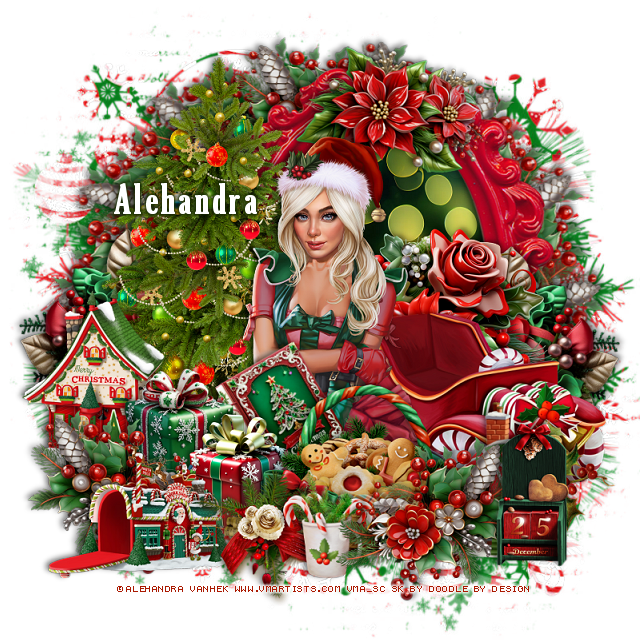
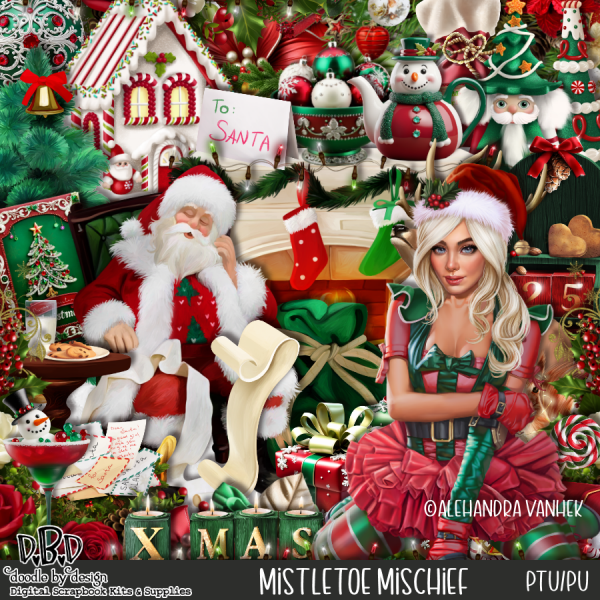
I am using the Awesome tube by © Alehandra Vanhek

Tube is called Elfinore

You can find this tube at VMA HERE
Matching kit Mistletoe Mischief by Doodle by Design  HERE
You can find all Doodle by Design kits  HERE


Monday, November 4, 2024

CT for Verymany and VMArtists

  ***CT for Verymany and VMArtists***

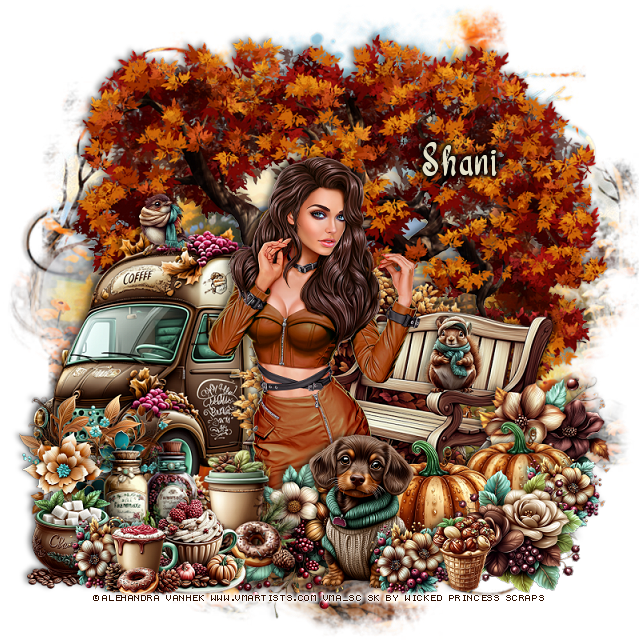
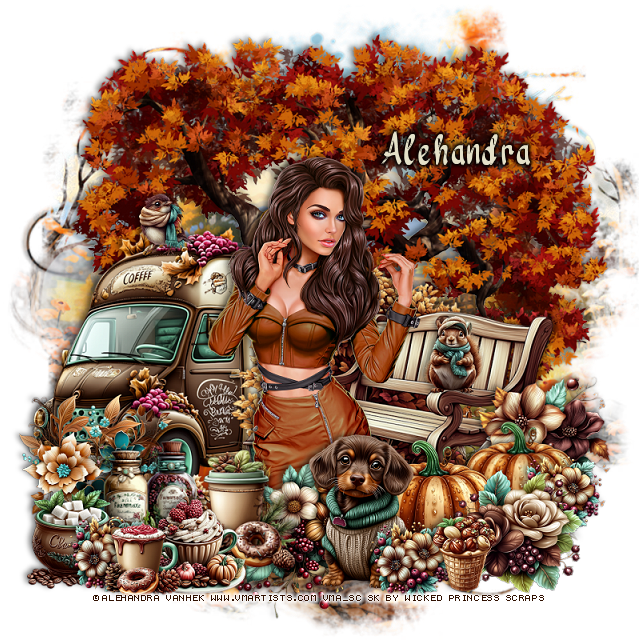
I am using the Awesome tube by © Alehandra Vanhek

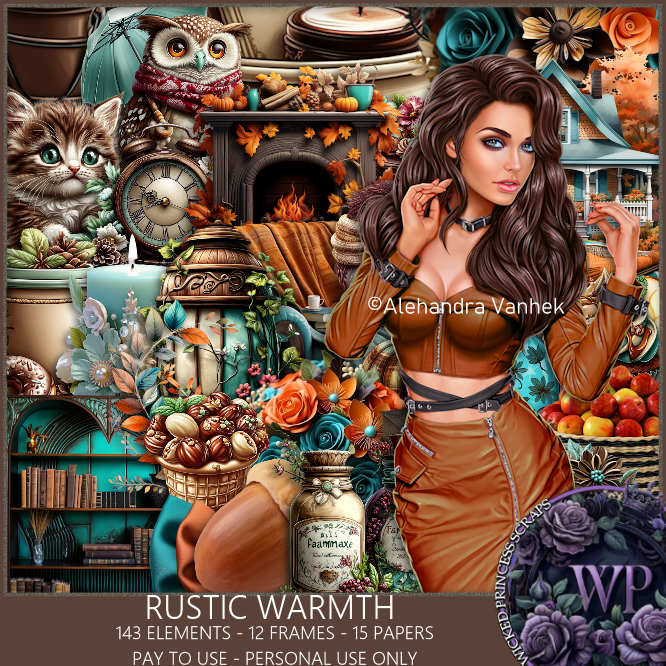
Tube is called Avril

You can find this tube at VMA HERE
Matching kit Rustic Warmth by Wicked Princess Scraps  HERE
You can find all Wicked Princess Scraps kits  HERE


Friday, November 1, 2024

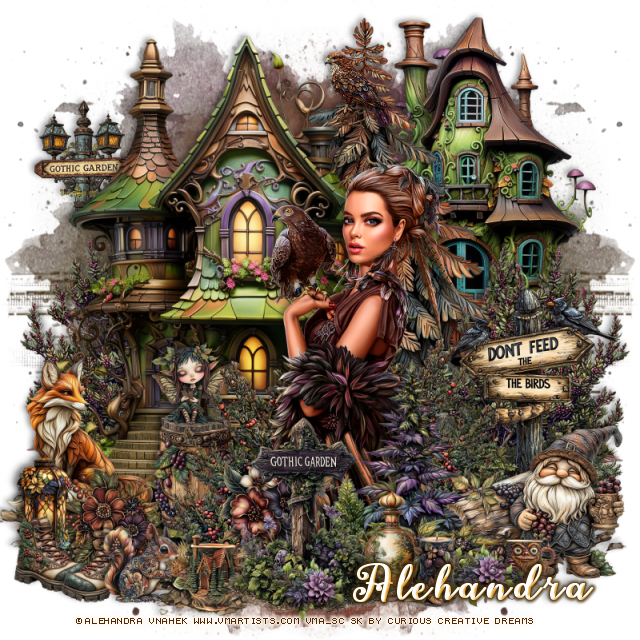
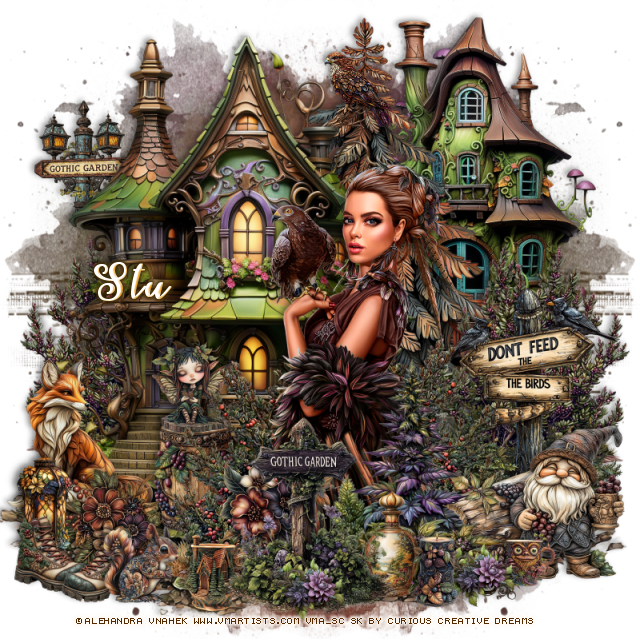
PTU Gothic Garden


 This tut was written November 1st, 2024 for those with a basic knowledge of psp. 

I am using the beautiful tube by © Alehandra Vanhek

Tube is called Lady and Hawk
You need a license to use this tube, please do not use without a license
You can find this tube at VMA HERE

I used PSP2020...but any of them should work.
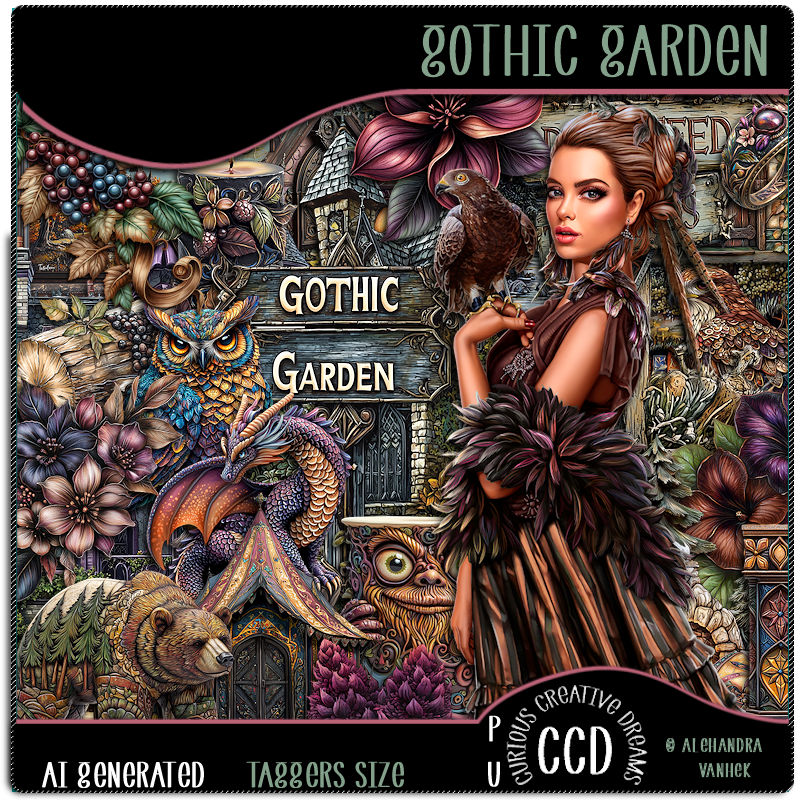
PTU Scrap Gothic Garden by Curious Creative Dreams  HERE
You can find all Curious Creative Dreams  kits  HERE
Mask of choice, I used Vivienne's Digital Tagging Mask 41 HERE
Check out the rest of the blog  HERE

Font of choice, I used Fairies in Forest

Drop shadow as you go is V -2 H 4, 50, 10, or use what you prefer.
Let's get started
*Remember to add your drop shadow as you go along*

Open a new image 800 x 800, paste paper 2 apply your mask.

Resize element 39 to 45%, paste on the upper right.
Resize element 38 to 60%, paste on the left.
Resize element 77 to 30%, paste on the right below top house,
duplicate, mirror.
Resize element 81 to 30%, paste on the bottom right.

Resize your tube to 40%, paste.

Resize element 79 to 30%, paste below the tube on the right,
duplicate, mirror, move to the left of the tube.
Resize element 78 to 30%, paste at the bottom above the tube.
Resize element 85 to 25%, paste at the bottom above the tube.
Resize element 62 to 20%, paste at the bottom right above the bird sign.
Resize element 48 to 20%, paste at the bottom right.
Resize element 32 to 7%, paste at the bottom right.
Resize element 73 to 60%, paste between the houses.

Resize element 111 to 15%, paste on the bottom left on the house.
Resize element 41 to 20%, paste on the left below the flower.
Resize element 50 to 15%, paste at the top on the tree.
Resize element 84 to 15%, paste at the upper left below the house.
Resize element 30 to 10%, paste at the bottom below the sign to the left.
Resize element 9 to 15%, paste at the bottom below the fox.
Resize element 37 to 12%, paste on the barrel.
Resize element 114 to 15%, paste at the bottom below the gothic sign.
Resize element 58 to 13%, paste at the bottom left.
Resize element 25 to 10%, paste at the bottom.
Resize element 2 to 15%, paste at the bottom below the sign.
Resize element 85 to 90%, paste on the bottom layer and move down
lo the bottom so the dirt shows, erase the top part.
Resize element 86 to 10%, paste at the bottom left.
Resize element 97 to 10%, paste at the bottom left below the squirrel, 
duplicate, mirror, move back by the first boot.
Resize element 110 to 10%, paste at the bottom, duplicate, move to the right
below the candle.

Add any other elements that you would like, make it your own.
Always readjust your mask and elements how you like them before you
 merge your tag, resize, sharpen.

Crop your tag to be sure no shadows or lines are on the edges.
 Then add your copyright and name.
That's it

Hope you enjoyed doing my tut
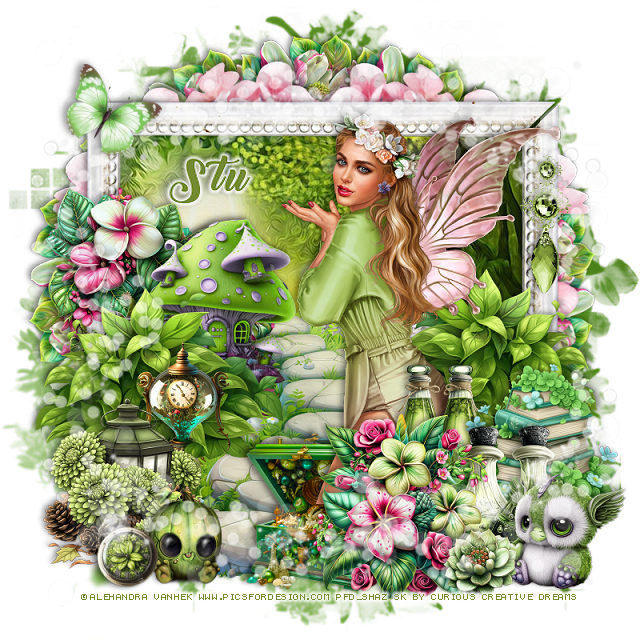
Stu tag


Thursday, October 31, 2024

CT for Verymany and VMArtists

   ***CT for Verymany and VMArtists***

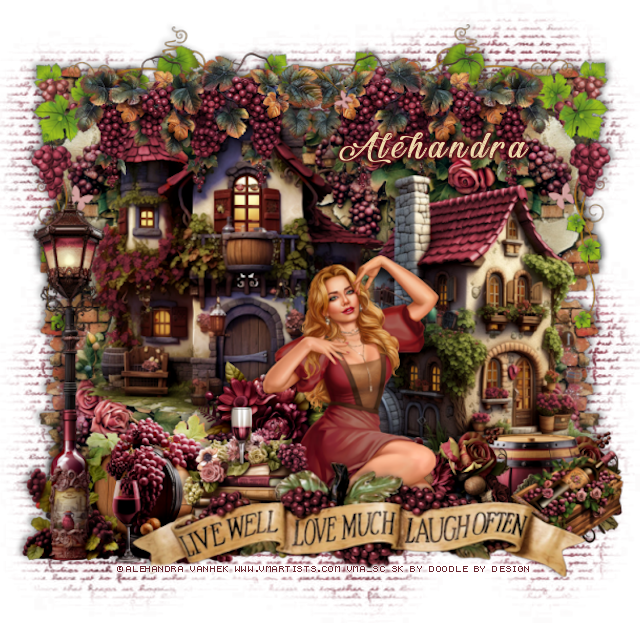
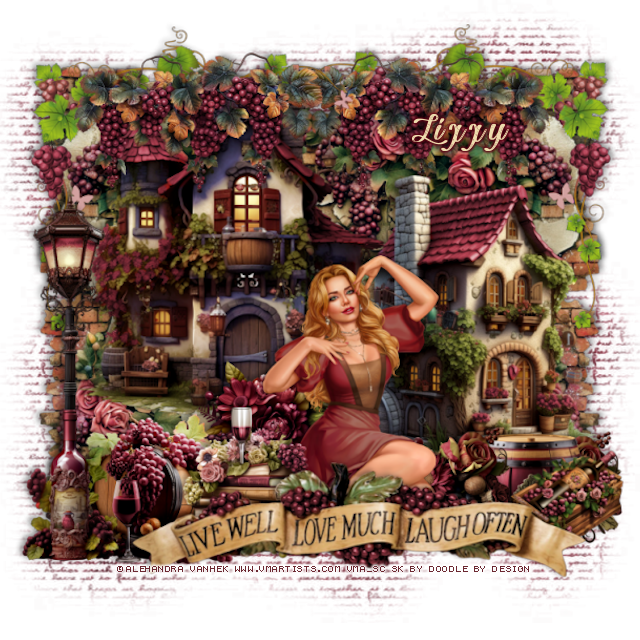
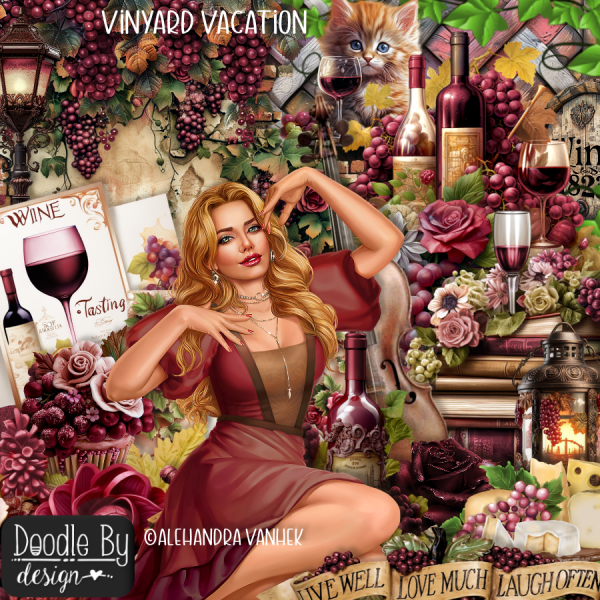
I am using the Awesome tube by © Alehandra Vanhek

Tube is called Tender Touch

You can find this tube at VMA HERE
Matching kit Vineyard Vacation  by Doodle by Design  HERE
You can find all Doodle by Design kits  HERE  


Friday, October 25, 2024

CT for Verymany and VMArtists

    ***CT for Verymany and VMArtists***

I am using the Awesome tube by © Alehandra Vanhek

Tube is called Marika

You can find this tube at VMA HERE
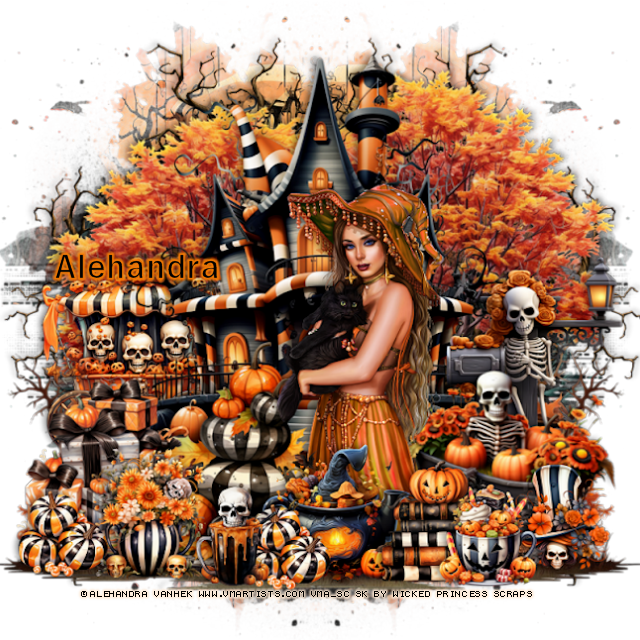
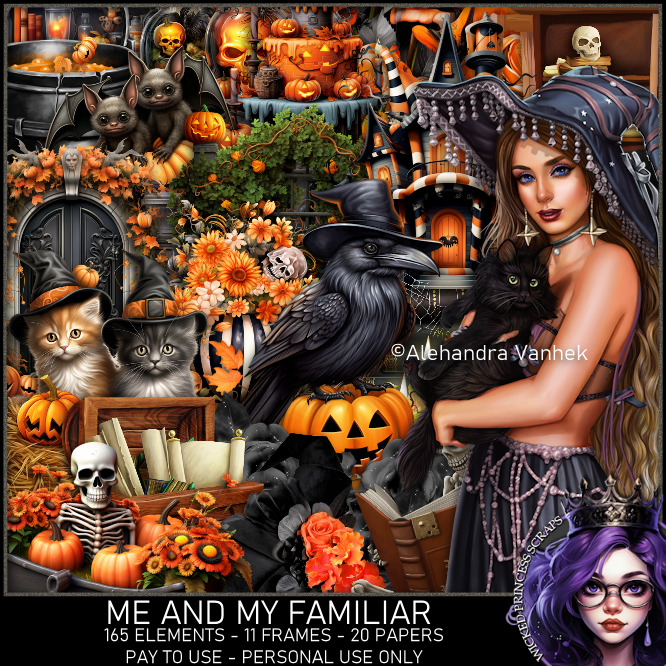
Matching kit Me and My Familiar by Wicked Princess Scraps  HERE
You can find all Wicked Princess Scraps kits  HERE


Monday, October 21, 2024

CT for Verymany and VMArtists

    ***CT for Verymany and VMArtists***

I am using the Awesome tube by © Alehandra Vanhek

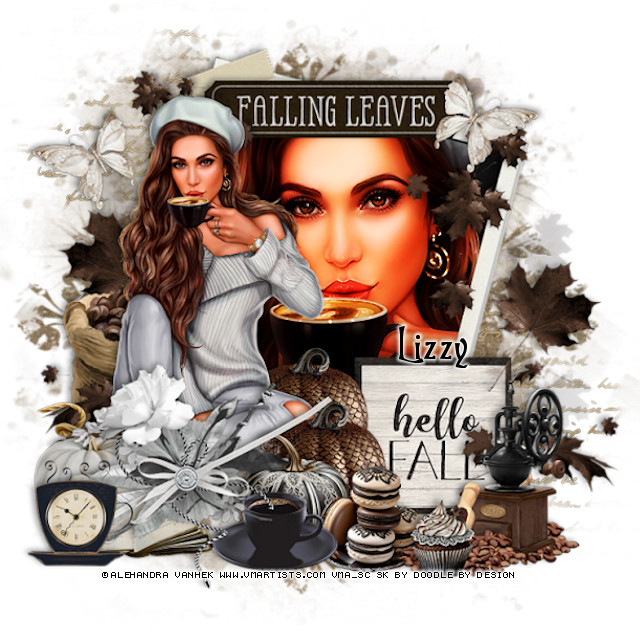
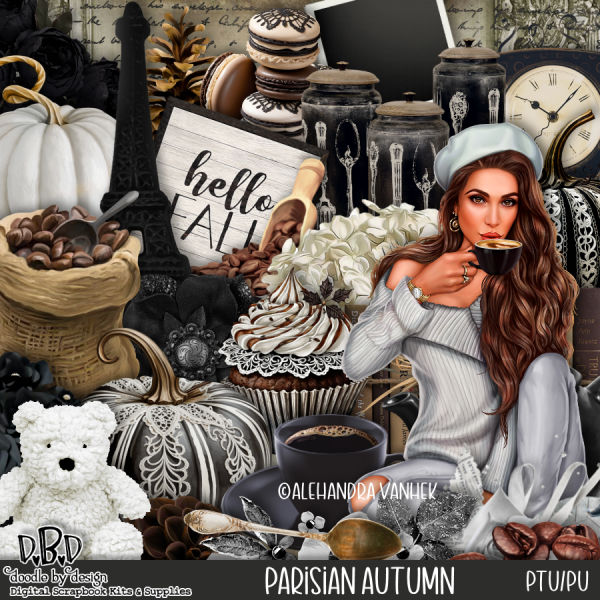
Tube is called Coffee for Me

You can find this tube at VMA HERE
Matching kit Parisian Autumn by Doodle by Design  HERE
You can find all Doodle by Design kits  HERE 


CT for Verymany and VMArtists

    ***CT for Verymany and VMArtists***

I am using the Awesome tube by © Alehandra Vanhek

Tube is called Dalina

You can find this tube at VMA HERE
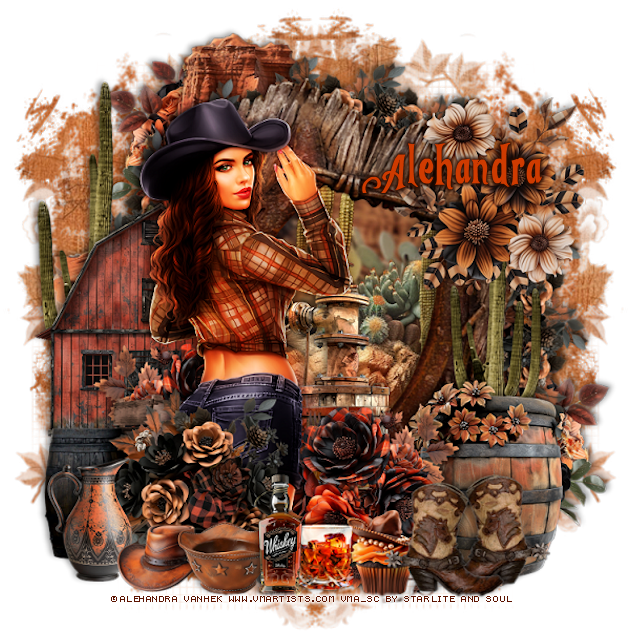
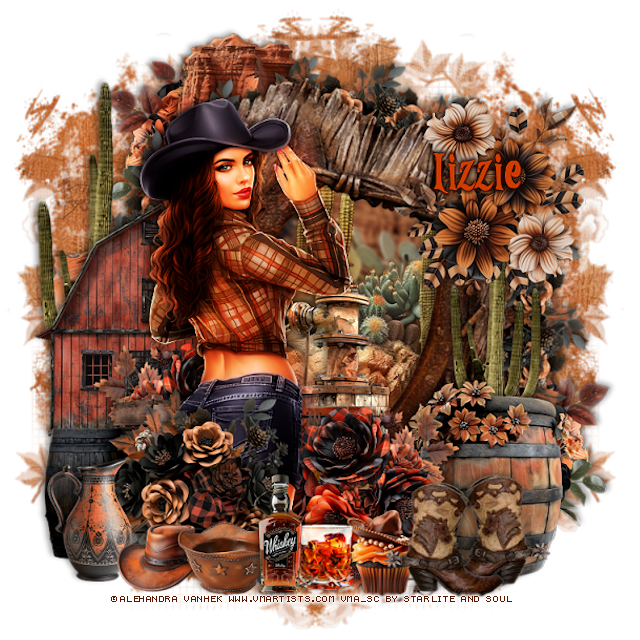
Matching kit Modern Cowgirl by Starlite and Soul  HERE
You can find all Starlite and Soul kits  HERE


CT for Verymany and VMArtists

   **CT for Verymany and VMArtists**

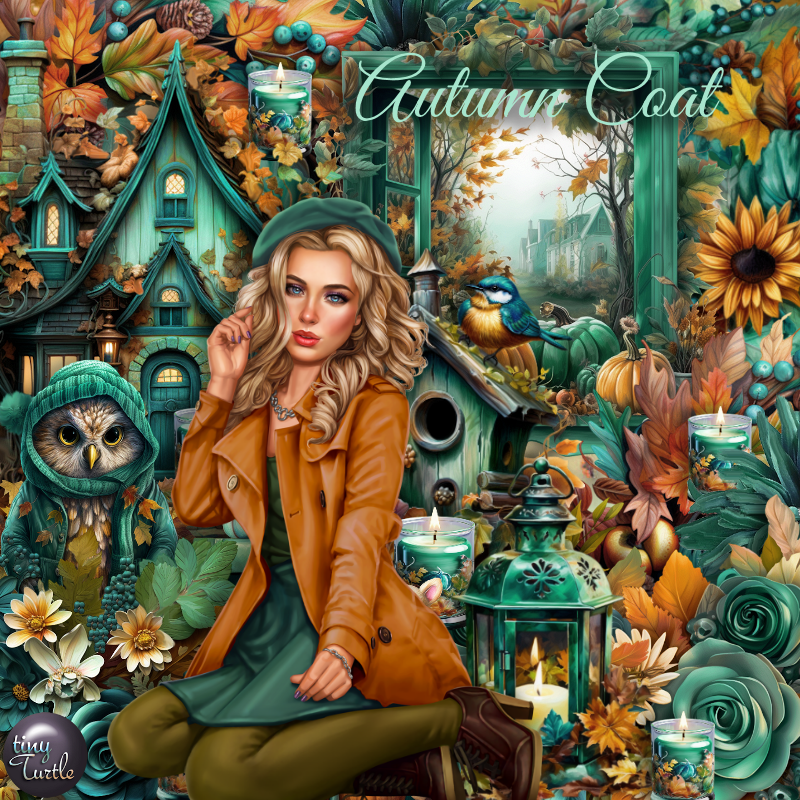
I am using the awesome tube by ©Alehandra Vanhek
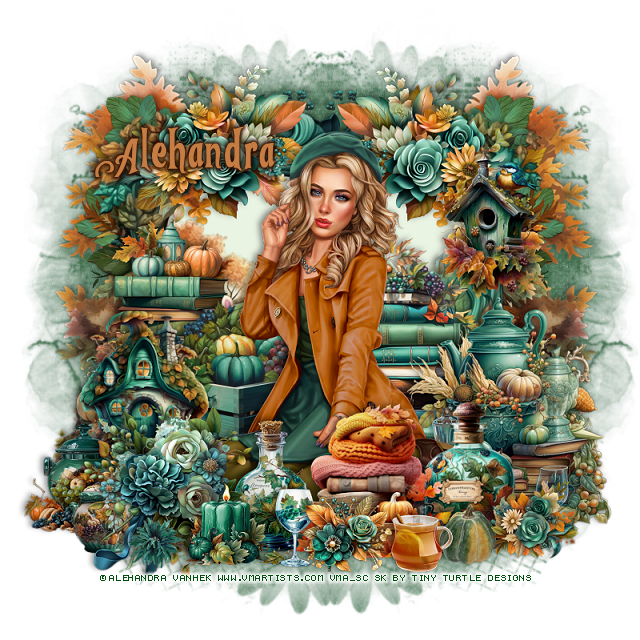
The tube is called  Autumn Coat
You can find this tube at VMA HERE

Matching Scrap Autumn Coat by Tiny Turtle Designs  HERE
You can find all Tiny Turtle Designs Scraps kits  HERE


Monday, October 14, 2024

CT for Verymany and VMArtists

***CT for Verymany and VMArtists***

I am using the beautiful tube by © Alehandra Vanhek

Tube is called Susan

You can find this tube at VMA HERE
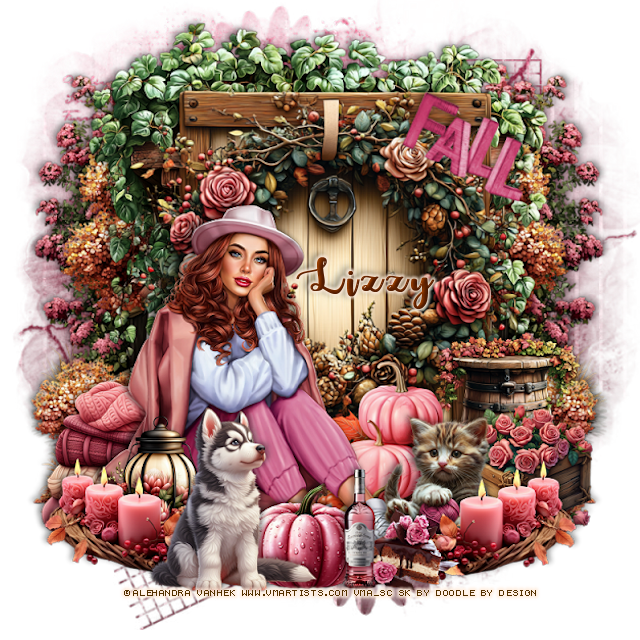
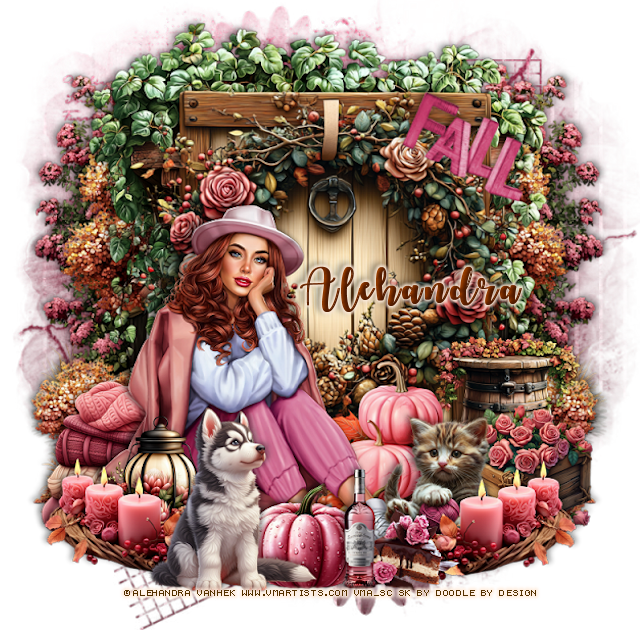
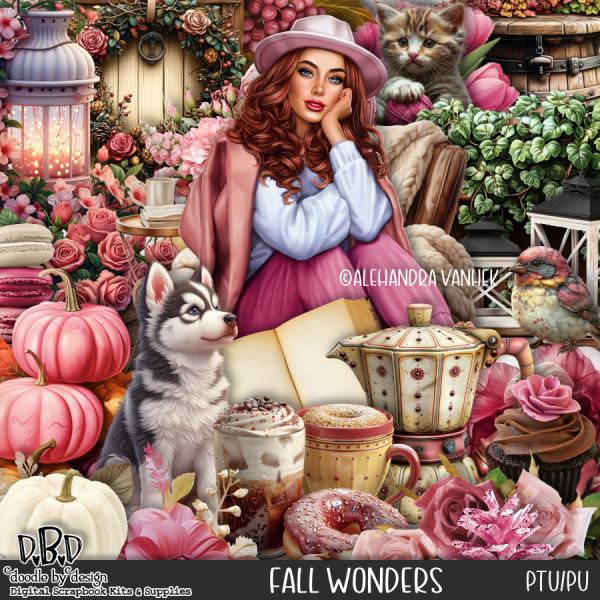
Matching kit Fall Wonders by Doodle by Design  HERE
You can find all Doodle by Design kits  HERE


Thursday, September 19, 2024

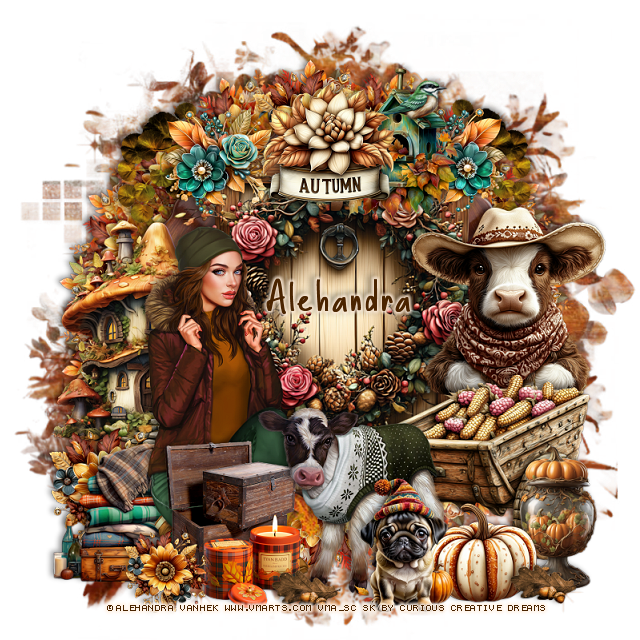
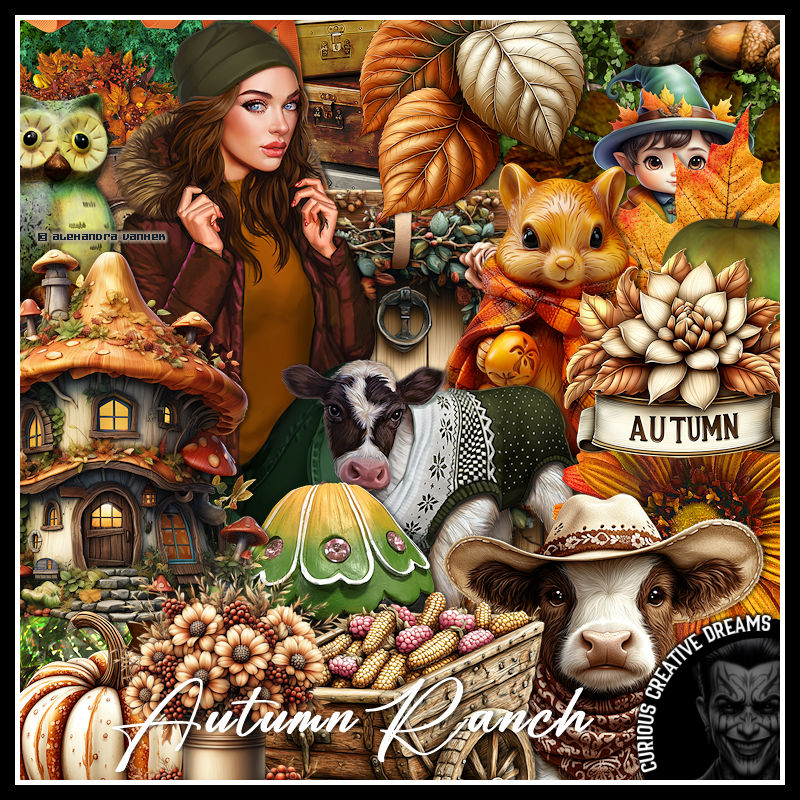
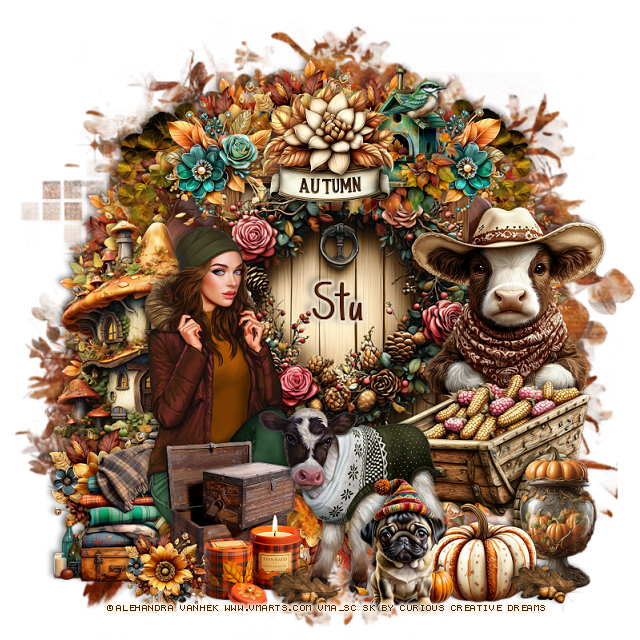
PTU Autumn Ranch


  This tut was written September 18th, 2024 for those with a basic knowledge of psp. 

I am using the beautiful tube by © Alehandra Vanhek

Tube is called Amelia and Betty
You need a license to use this tube, please do not use without a license
You can find this tube at VMA HERE

I used PSP2020...but any of them should work.
PTU Scrap Autumn Ranch by Curious Creative Dreams  HERE
You can find all Curious Creative Dreams  kits  HERE
Mask of choice, I used RD Mask  812 HERE
Check out the rest of the blog  HERE
Filter
Mura Meister Copies-Encircle

Font of choice, I used Basically Yes

Drop shadow as you go is V -2 H 4, 50, 10, or use what you prefer.
Let's get started
*Remember to add your drop shadow as you go along*

Open a new image 800 x 800, paste paper 6, apply your mask.

Resize element 87 to 25%, apply Mura Meister Copies-Encircle, first
3 numbers on 18, 65, 65, paste.
Resize element 81 to 30%, apply Mura Meister Copies-Encircle, first
3 numbers on 16, 58, 58, paste.
Resize element 36 to 105%, paste.
Resize frame 2 to 85%, paste.
Resize element 75 to 75%, paste.
Resize element 39 to 50%, paste on the left.

Resize your tubes to 37%, paste on the left.

Resize element 76 to 50%, paste on the right below the calf tube.
Resize element 77 to 45%, paste below the wagon.
Resize element 73 to 30%, paste at the top.
Resize element 89 to 25%, paste at the top left below the autumn flower,
duplicate, mirror.
Resize element 51 to 30%, paste below the flower on the left, duplicate, mirror.
Resize element 81 to 30%, paste below the tube on the left.
Resize element 29 to 40%, mirror, paste below the tube on the left.
Resize element 24 to 30%, paste at the bottom above the calf.
Resize element 74 to 25%, paste at the bottom below the dog.
Resize element 50 to 30%, paste at the bottom left below the calf.
Resize element 81 to 20%, paste on the bottom left.
Resize element 15to 23%, paste at the bottom below the flower.
Resize element 3 to 15%, paste at the bottom by the wagon,
duplicate, move to the left by the calf.
Resize element 28 to 35%, mirror, paste at the top below the autumn flower.
Resize element 53 to 35%, paste on the right above the wagon.

Add any other elements that you would like, make it your own.
Always readjust your mask and elements how you like them before you
 merge your tag, resize, sharpen.

Crop your tag to be sure no shadows or lines are on the edges.
 Then add your copyright and name.
That's it

Hope you enjoyed doing my tut

Stu tag 


Wednesday, September 18, 2024

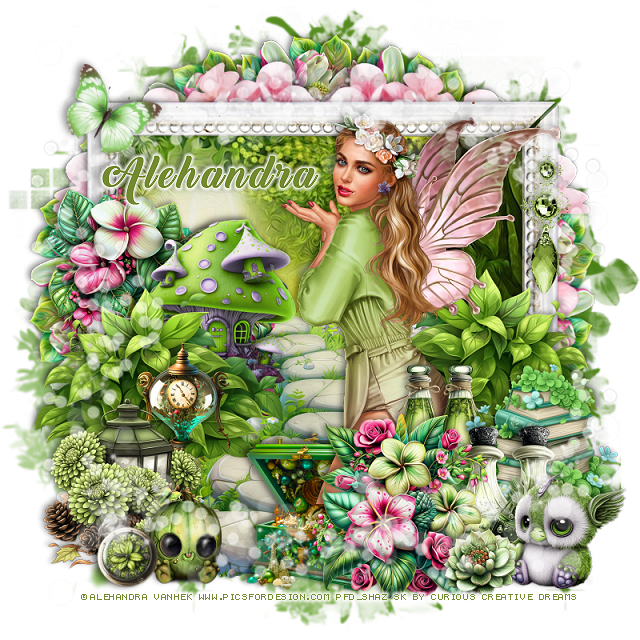
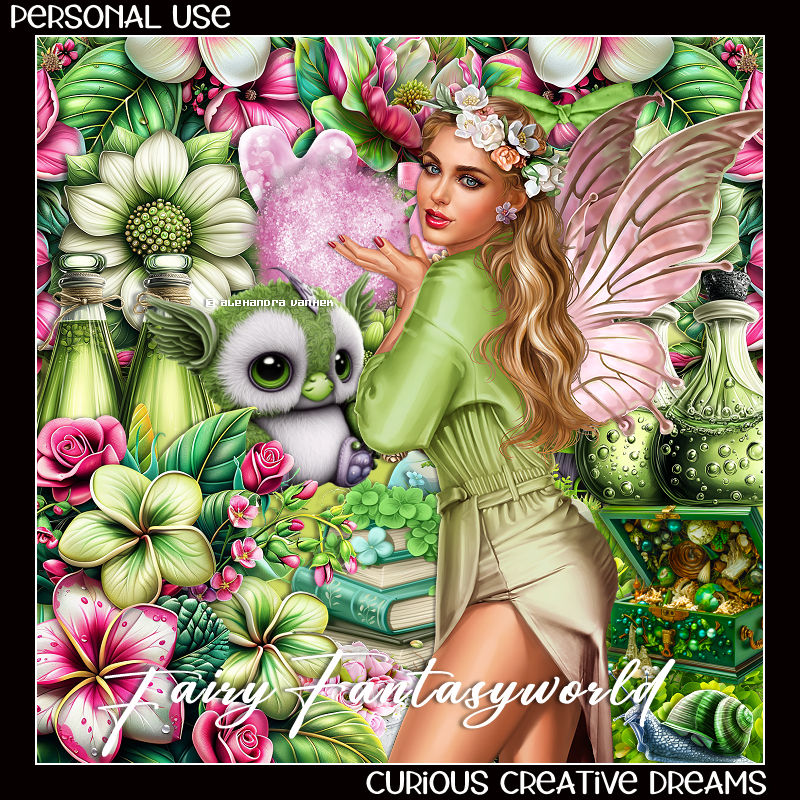
PTU Fairy Fantasy World


 This tut was written September 17th, 2024 for those with a basic knowledge of psp. 

I am using the beautiful tube by © Alehandra Vanhek

Tube is called Fairy and Flower
You need a license to use this tube, please do not use without a license
I bought mine when she was still at PFD
You can now find this tube at VMA HERE

I used PSP2020...but any of them should work.
PTU Scrap Fairy Fantasy World by Curious Creative Dreams  HERE
You can find all Curious Creative Dreams  kits  HERE
Mask of choice, I used RD Mask  812 HERE
Check out the rest of the blog  HERE
Filter
Mura Meister Copies-Encircle

Font of choice, I used Back to Black

Drop shadow as you go is V -2 H 4, 50, 10, or use what you prefer.
Let's get started
*Remember to add your drop shadow as you go along*

Open a new image 800 x 800, paste paper 12, apply your mask.

Resize frame 3 to 75%, paste at the top, click inside with the magic wand,
paste paper 11, invert, delete.
Resize element 89 to 20%, apply Mura Meister Copies-Encircle, first
3 numbers on 14, 65, 55, move to the bottom layer.
Resize element 97 to 65%, paste on the left above the flower circle, 
duplicate, mirror.

Resize your tube to 40%, paste.

Resize element 52 to 40%, paste on the left below the tube.
Resize element 50 to 45%, paste on the left above the rock walkway, duplicate,
mirror.
Resize element 99 to 25%, paste at the bottom above the tube.
Resize element 98 to 30%, paste on the left below the green plant.
Resize element 54 to 30%, paste on the right below the flower.
Resize element 43 to 20%, paste at the bottom right above the books.
Resize element 2 to 35%, paste on the left between the flower and plant.
Resize element 60 to 25%, paste at the bottom below the flower.
Resize element 29 to 25%, paste on the frame on the right.
Resize element 34 to 25%, mirror, paste at the bottom right.
Resize element 91 to 15%, paste at the bottom left.
Resize element 40 to 23%, paste at the bottom left.
Resize element 1 to 30%, paste behind the lantern, erase a little of the base.
Resize element 44 to 10%, free rotate to the left at 20, paste at the bottom left.
Resize element 58 to 25%, paste at the bottom left.
Resize element 94 to 10%, paste at the bottom right.
Resize element 42 to 15%, paste on the right below the books.
Resize element 62 to 95%, paste at the bottom, duplicate, flip, move to the top.
Resize element 38 to 20%, paste at the upper left.

Add any other elements that you would like, make it your own.
Always readjust your mask and elements how you like them before you
 merge your tag, resize, sharpen.

Crop your tag to be sure no shadows or lines are on the edges.
 Then add your copyright and name.
That's it

Hope you enjoyed doing my tut
Stu tag 


Wednesday, August 28, 2024

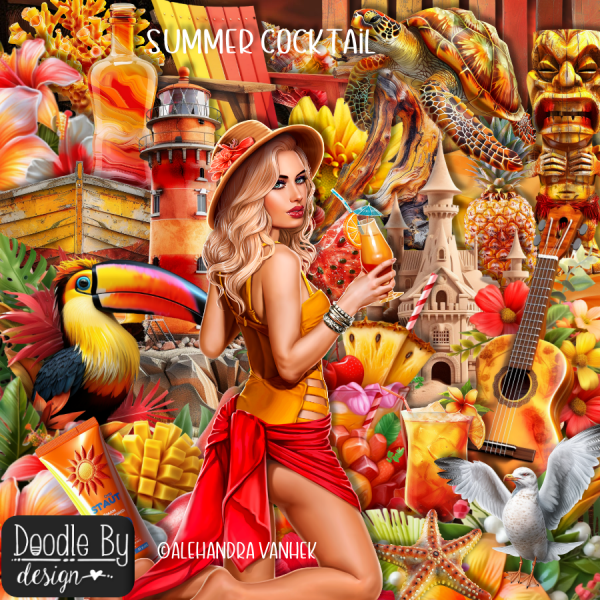
PTU Summer Cocktail


This tut was written August 28th, 2024 for those with a basic knowledge of psp. 

I am using the beautiful tube by © Alehandra Vanhek

Tube is called Cocktail
You need a license to use this tube, please do not use without a license
You can find this tube at VMA HERE

I used PSP2020...but any of them should work.
PTU Scrap Summer Cocktail by Doodle by Design  HERE
You can find all Doodle by Design kits  HERE
Mask of choice, I used Miz Teeques Mask 40 HERE
Check out the rest of the blog HERE

Font of choice, I used Summer Joy

Drop shadow as you go is V -2 H 4, 40, 10, or use what you prefer.
Let's get started
*Remember to add your drop shadow as you go along*

Open a new image 800 x 800, paste paper 4, apply your mask.

Paste element 101
Resize element 139 to 75%, paste to the upper right, duplicate, move to the 
left and down.
Resize element 81 to 75%, paste between the flower and leaves.
Resize element 59 to 50%, paste on the bottom left above the flower.
Paste element 49 on the bottom layer at the bottom left, duplicate, move to the right.
Paste element 107 on the bottom layer at the upper left.

Resize your tube to 35%, paste.

Resize element 48 and to 25%, paste on the bottom left above the tube.
Resize element 60 to 40%, paste in the chair.
Resize element 74 to 30%, paste at the bottom above the tube.
Resize element 124 to 35%, paste at the bottom left above the chair,
Resize element 82 to 50%, paste on the left above the chair.
duplicate, move to the right below the tube.
Resize element 33 to 20%, paste at the bottom.
Resize element 8 to 20%, paste at the bottom above the watermelon.
Resize element 27 to 25%, paste by the drink.
Resize element 61 to 35%, paste at the bottom right.
Resize element 67 to 40%, paste at the upper left.
Resize element 64 to 30%, paste at the bottom right below the starfish.

Resize element 39 to 25%, paste on the roof of the bar.
Resize element 67 to 20%, paste at the bottom above the drink.
Paste element 149 on the left being on the top layer, erase the part on the tube.
Resize the wordart to 50%, paste at the top.

Add any other elements that you would like, make it your own.
Always readjust your mask and elements how you like them before you
 merge your tag, resize, sharpen.

Crop your tag to be sure no shadows or lines are on the edges.
 Then add your copyright and name.
That's it

Hope you enjoyed doing my tut
Lizzy tag