Showing posts with label Vi Nina. Show all posts

Monday, October 19, 2026

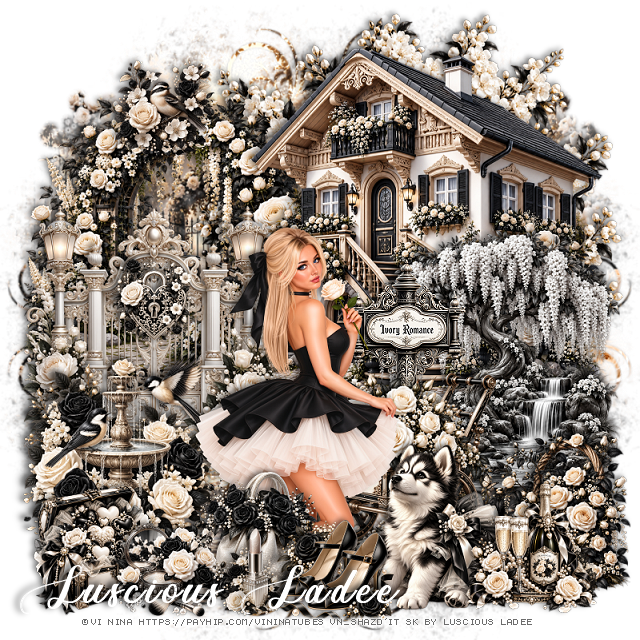
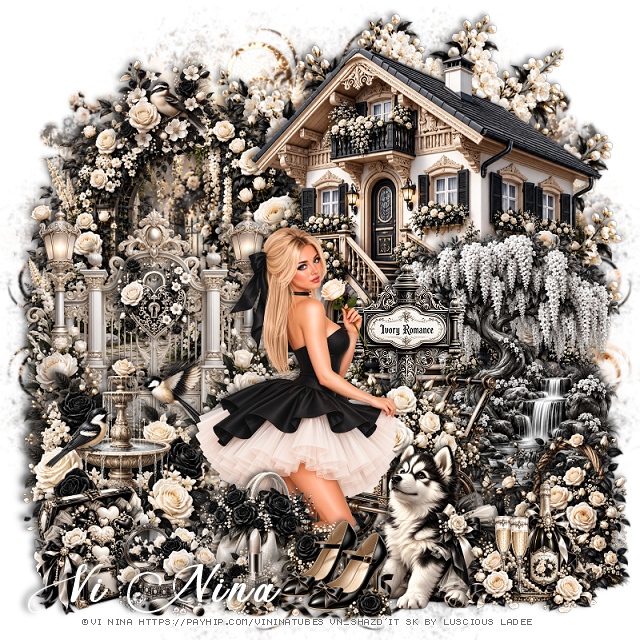
PTU Ivory Romance


 This tut was written October 19th, 2026,  for those with a basic knowledge of psp. 

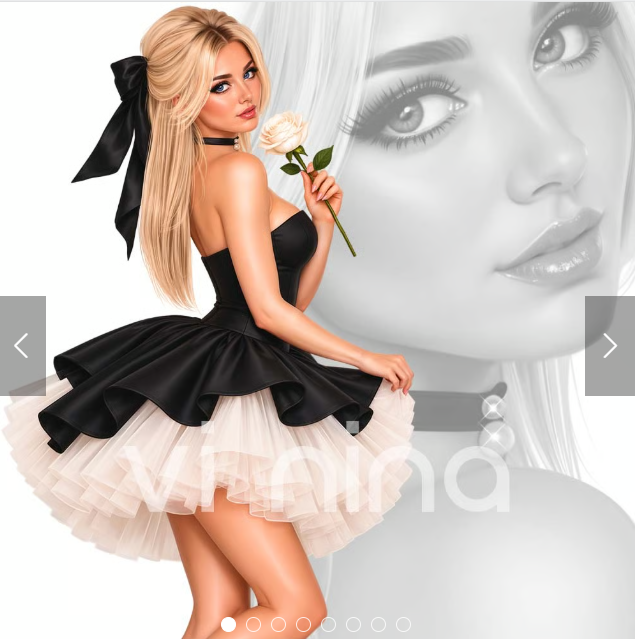
I am using the beautiful tube ©Vi Nina
The tube is called Ivory Romance
Tube is Not included
You need a license to use this tube, please do not use without a license
You can find the tube HERE

I used PSP2020...but any of them should work.
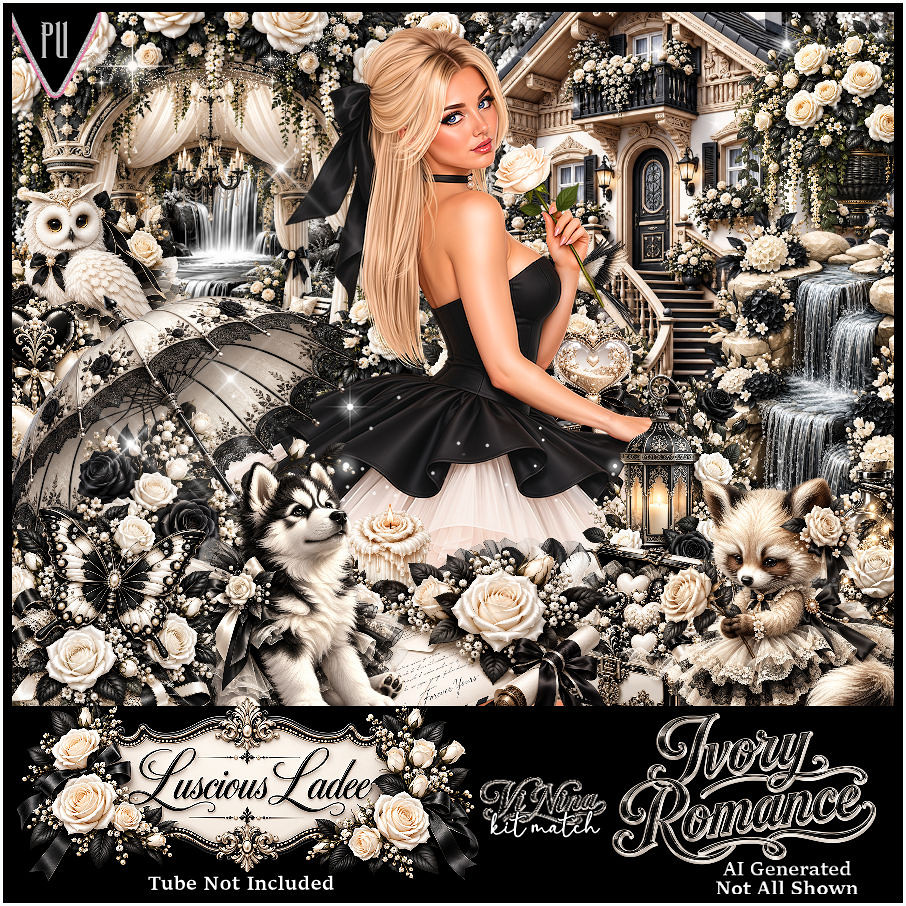
PTU Scrap Ivory Romance by Luscious Ladee  HERE 
Kit comes with 115 elements, 6 masks, 4 frames, 12 Sparkles, 15 Profile papers,
15 Timeline papers and 3 Wordart
Check out the rest of her store  HERE

Font of Choice, I used Ant Valley

 Drop shadow as you go is V -2 H 4, 40, 10, or use what you prefer.
Let's get started
*Remember to add your drop shadow as you go along*

Open a new image 800 x 800, paste mask 5, resize to fit.

Resize 1 to 50%, paste at the upper right.
Resize 12 to 45%, paste on the left below the house.
Resize 4 to 40%, paste on the left.
Resize 17 to 65%, paste on the upper right below the house.

Resize the tube to 30%, paste at the bottom above the gate.

Resize 6 to 30%, paste at the bottom below the tube on the right.
Resize 69 to 17%, paste at the bottom above the tube.
Resize 16 to 40%, paste on the right above the house.
Resize 72 to 25%, paste at the bottom right above the wagon.
Resize 52 to 25%, mirror, paste at the bottom right.

Resize 13 to 30%, paste on the left by the gate.
Resize 25 to 20%, paste at the bottom below the shoes.
Resize 31 to 15%, paste at the bottom by the purse.
Resize 28 to 15%, paste at the bottom.
Resize 29 to 30%, paste on the bottom left below the makeup.
Resize 66 to 13%, paste on the gate.
Resize 106 to 20%, paste at the bottom right.
Resize wordart 2 to 30%, paste below the wagon by the tube.
Resize 60 to 15%, paste at the top of the trellis on the left.

Add any other elements that you would like, make it your own.
Always readjust your mask and elements how you like them before you
 merge your tag, resize, sharpen.
Crop your tag to be sure no shadows or lines are on the edges.
 Then add your copyright and name.
That's it

Hope you enjoyed doing my tut.

Tag for Nina   


Friday, October 16, 2026

PTU Ivory Romance


This tut was written October 16th, 2026 for those with a basic knowledge of psp. 

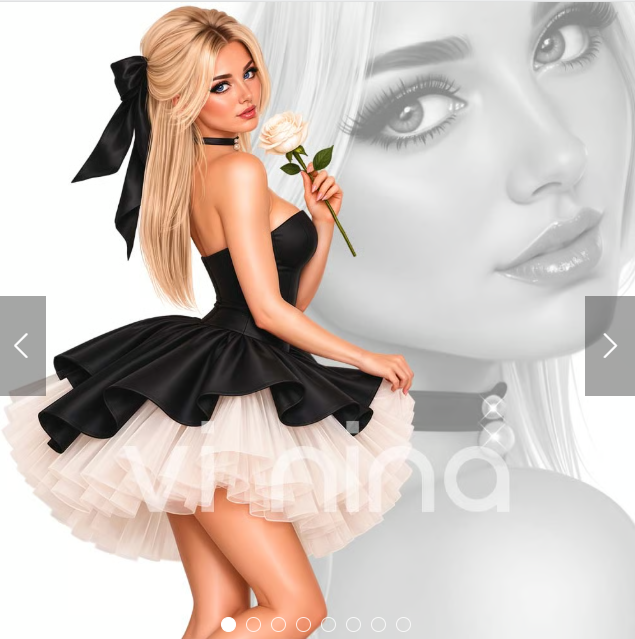
I am using the Beautiful tube ©Vi Nina
The tube is called Ivory Romance
Comes in several colors
The tube is "NOT" included
You need a license to use this tube, please do not use without a license
You can find the tube at Vi Nina Store HERE

I used PSP2020...but any of them should work.
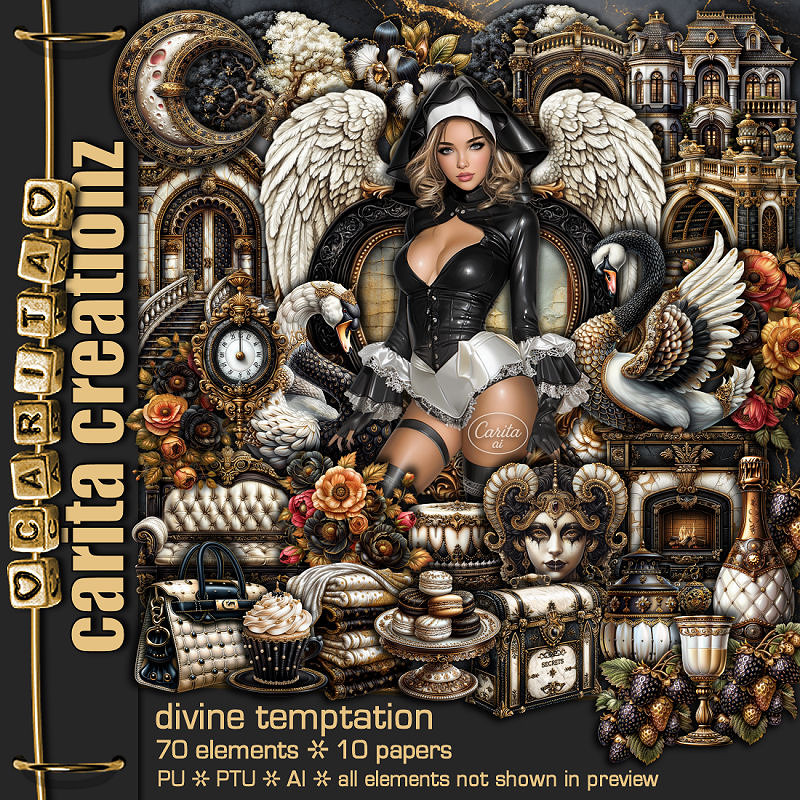
I paired it with the PTU Scrap Divine Temptation by Carita Creationz  HERE 
Check her store out to see all her other kits and tubes HERE
Miz Teeques Mask 54 HERE
Check the blog HERE

Font of choice, I used Respective Slanted

Drop shadow as you go is V -2 H 4, 50, 10, or use what you prefer.
Let's get started
*Remember to add your drop shadow as you go along*

Open a new image 800 x 800, paste paper 5 apply your mask,
duplicate, merge down.

Resize 37 to 90%, paste.
Resize 60 to 75%, paste.
Resize the tube to 40%, paste center.
Resize 42 to 45%, paste on the bottom left below the tube.
Resize 20 to 42%, paste on the bottom right below the tube.
Resize 36 to 40%, paste on the upper right on the frame, duplicate,
mirror.

Resize 26 to 40%, paste on the left below the chair, duplicate, 
mirror, move above the fireplace.
Resize 5 to 40%, paste on the right below the flower.
Resize 38 to 25%, paste below the tube on the bottom left.
Resize 35 to 25%, paste on the bottom left.
Resize 17 to 22%, paste at the bottom above the tube.
Resize 44 to 20%, paste at the bottom left.
Resize 32 to 15%, paste at the bottom.
Resize 34 to 15%, paste at the bottom by the purse, duplicate, move over.

Resize 29 to 25%, paste in the chair, duplicate, move down above the tube.
Resize 43 to 23%, paste at the bottom right above the fireplace.
Resize 65 to 20%, paste on the right below the shoes.
Paste 24 on the bottom layer at the upper left, duplicate, mirror.
Resize 67 to 10%, paste on top of the fireplace.

Add any other elements that you would like, make it your own.
Always readjust your mask and elements how you like them before you
 merge your tag, resize, sharpen.
Crop your tag to be sure no shadows or lines are on the edges.
 Then add your copyright and name.
That's it

Hope you enjoyed doing my tut.

Tag for Carita


Tuesday, October 13, 2026

PTU Paris Jolie


This tut was written October 12th, 2026 for those with a basic knowledge of psp. 

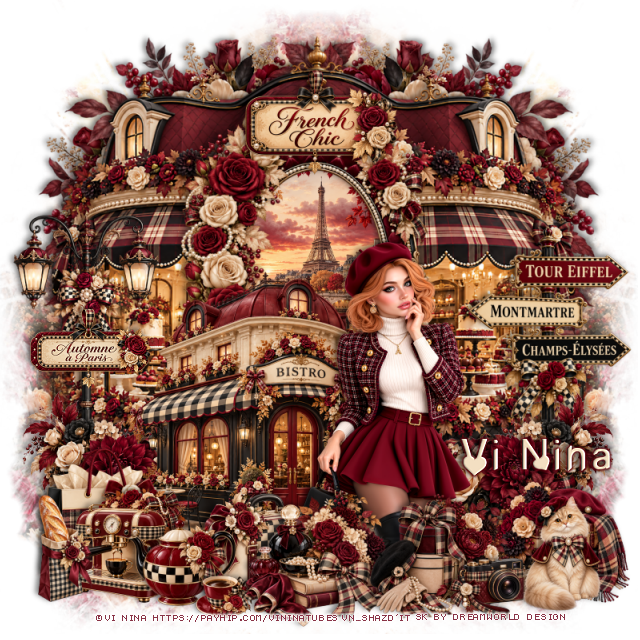
I am using the beautiful Al kit by Dreamworld Design
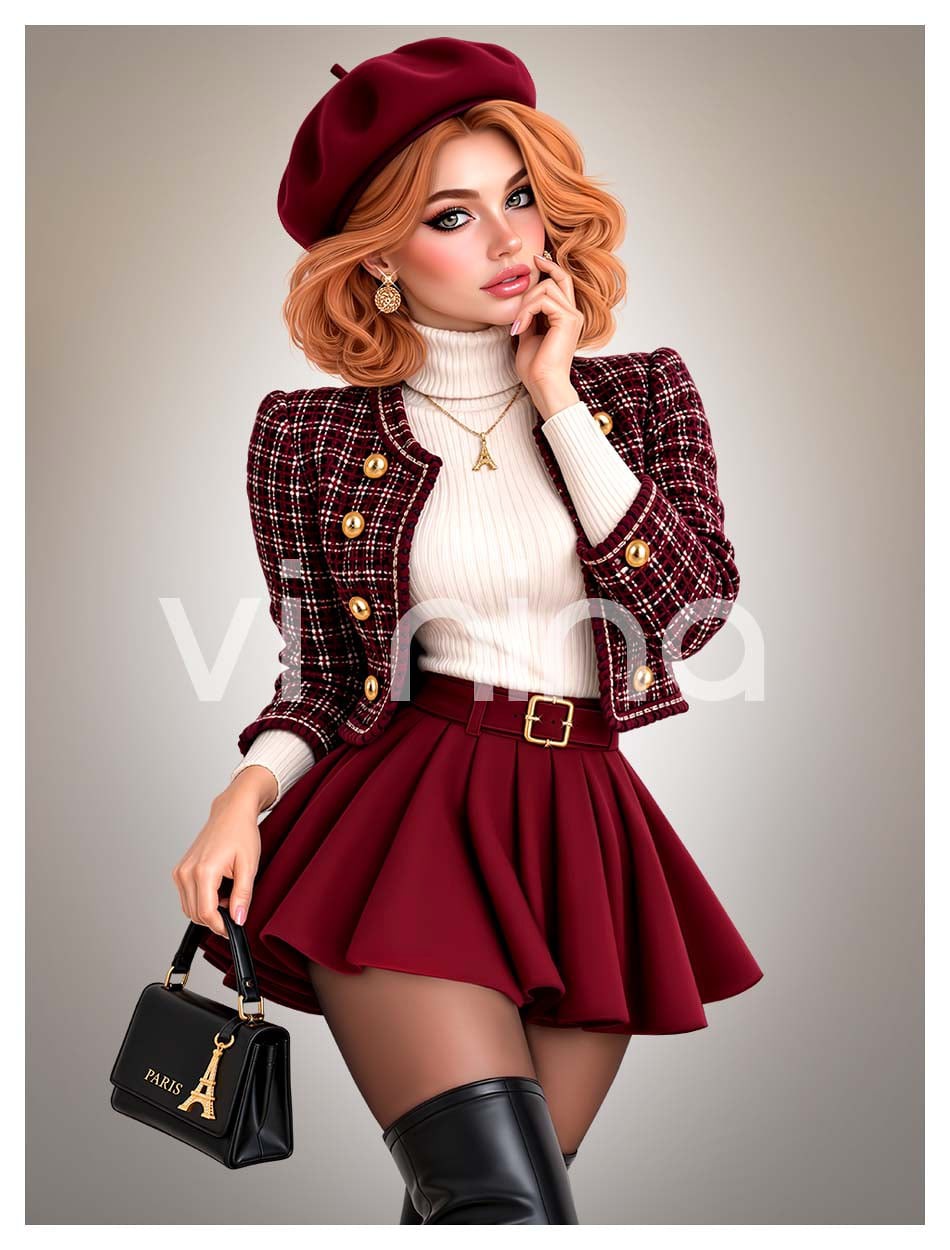
This is a match for the tube Paris Jolie ©Vi Nina
The tube is NOT included
You need a license to used this tube, please do not use without a license.
You can get the tube HERE

I used PSP2020...but any of them should work.
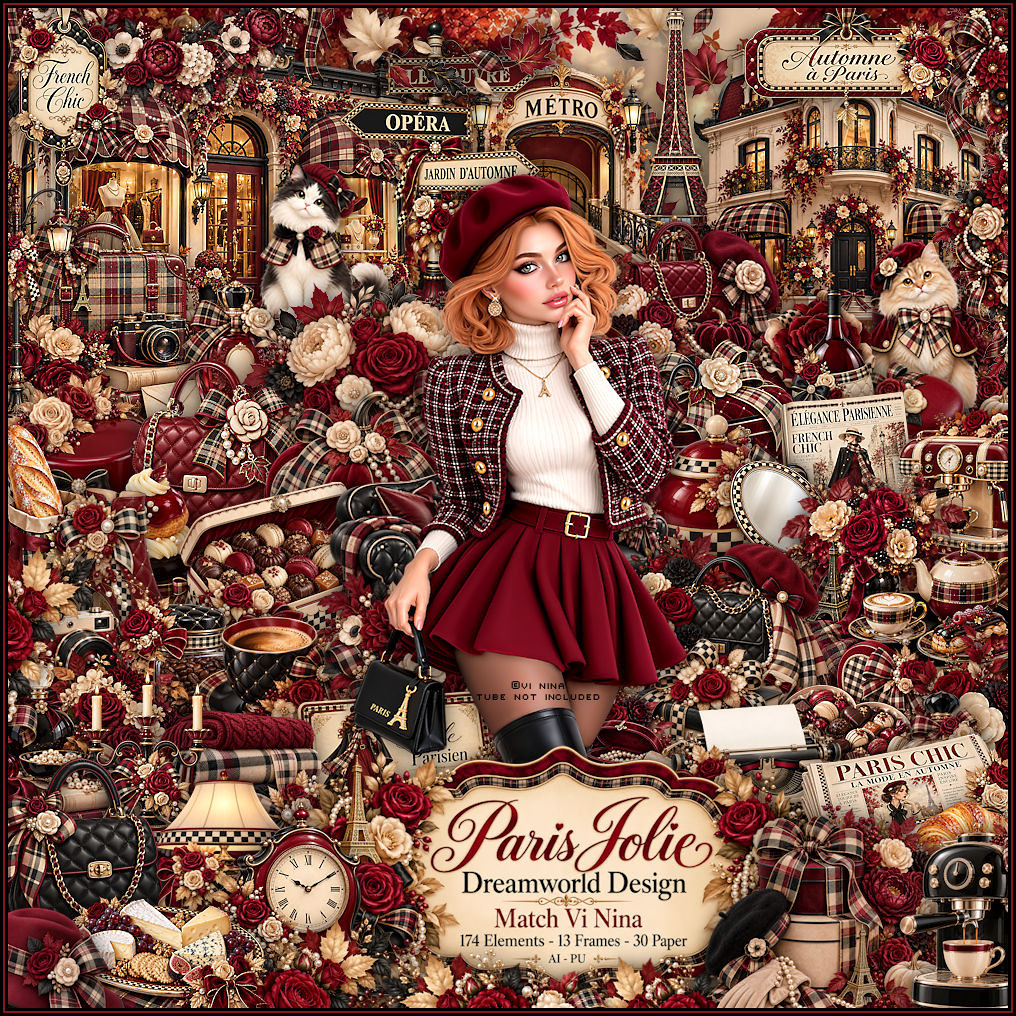
PTU Scrap Paris Jolie by DWD  HERE
Beautiful kit with 174 elements, 30 papers
You can find all Dreamworld Design kits  HERE

Font of choice, I used Paris In Love

Drop shadow as you go is V -2 H -4, 50, 10, or use what you prefer
Let's get started
*Remember to add your drop shadow as you go along*

Open a new image 800 x 800, paste mask 1, resize to fit your tag, 
erase a little if needed

Resize frame 12 to 55%, paste on the left, click inside, resize 
paper 6 to 30%, paste, invert, delete.
Resize 19 to 90%, paste below the frame.
Resize 9 to 50%, paste above the frame at the bottom left, duplicate, 
mirror.
Paste 54 at the upper left below the building, duplicate, mirror.

Resize the tube to 30%, paste to the right.

Resize 53 to 50%, paste at the bottom below the tube.
Resize 49 to 50%, paste on the right below the flowers.
Resize 34 to 60%, paste on the left below the flowers.
Resize 95 to 27%, paste at the bottom above the tube.
Resize 135 to 30%, paste on the bottom right.
Resize 138 to 30%, paste at the bottom above the tube.
Resize 82 to 30%, paste below the tube to the left.

Resize 25 to 25%, paste at the bottom to the left of the suitcase.
Resize 3 to 15%, paste at the bottom by the teapot.
Resize 66 to 30%, paste at the bottom left below the teapot.
Resize 14 to 25%, paste at the bottom left above the bag.
Resize 76 to 20%, paste at the bottom to the right.
Resize 32 to 25%, paste at the bottom left.
Resize 58 to 30%, paste at the top on the frame.
Resize 6 to 25%, paste on the left on the street light.
Resize 158 to 25%, paste on the bottom right.

Add any other elements that you would like, make it your own.
Always readjust your mask and elements how you like them before you
 merge your tag, resize, sharpen.

Crop your tag to be sure no shadows or lines are on the edges.
 Then add your copyright and name.
That's it

                 Hope you enjoyed doing my tut

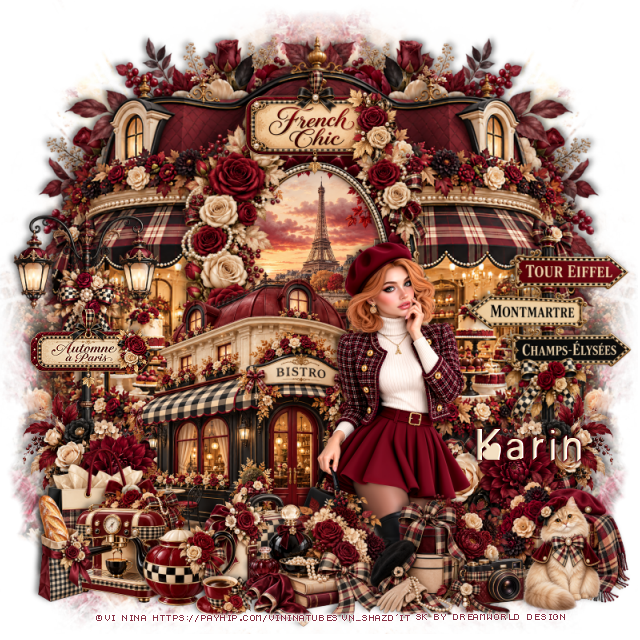
Tag for Nina  

PTU Paris Jolie


 This tut was written October 12th, 2026 for those with a basic knowledge of psp. 

I am using the Beautiful tube ©Vi Nina
The tube is called Paris Jolie
Comes in several colors
The tube is "NOT" included
You need a license to use this tube, please do not use without a license
You can find the tube at Vi Nina Store HERE

I used PSP2020...but any of them should work.
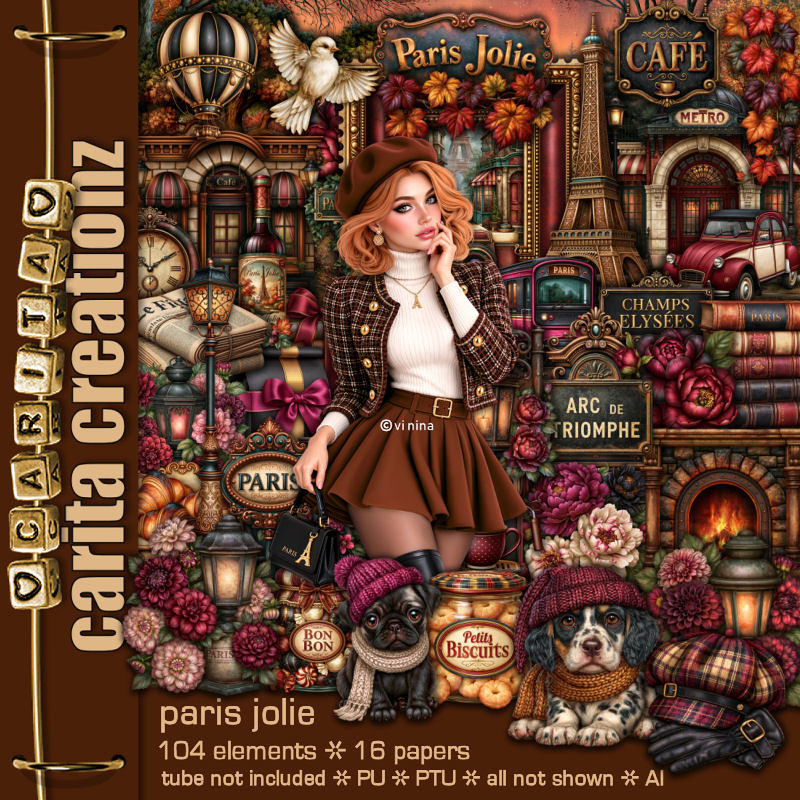
PTU Scrap Paris Jolie by Carita Creationz  HERE 
Check her store out to see all her other kits and tubes HERE
Miz Teeques Mask 40 HERE
Check the blog HERE

Font of choice, I used Pray for Paris

Drop shadow as you go is V -2 H 4, 50, 10, or use what you prefer.
Let's get started
*Remember to add your drop shadow as you go along*

Open a new image 800 x 800, paste paper 6, apply your mask,

Resize 34 to 85%, paste at the upper right.
Resize 19 to 55%, paste on the upper right above the tree.
Resize 70 to 85%, paste at the upper left.
Resize 35 to 50%, paste on the right.
Resize 4 to 75%, paste on the left.
Resize 2 to 20%, paste on the metro building.
Resize 104 to 30%, paste on the upper left below the Metro building.
Resize 51 to 35%, paste at the upper right above the cafe.

Resize 68 to 40%, mirror, paste at the bottom right.
Resize 58 to 50%, paste on the left.
Resize 75 to 20%, paste at the bottom below the bench to the left,
duplicate, move above the bench on the bottom right.

Resize the tube to 35%, paste on the left.

Resize 45 to 23%, paste at the bottom by the bench.
Resize 9 to 23%, paste at the bottom above the tube.
Resize 61 to 22%, paste at the bottom below the dog and paper.
Resize 90 to 18%, paste on the bench.
Resize 7 to 25%, paste on the bottom left below the tube.
Resize 10 to 25%, paste on the bottom right below the bench in front of
the train.

Resize 48 to 20%, paste at the bottom above the tube by the dog.
Resize 20 to 12%, paste at the bottom left.
Resize 74 to 20%, paste on the street light by the train.
Resize 76 to 15%, paste at the bottom by the paper.
Resize 16 to 15%, paste at the bottom right.
Resize 100 to 25%, paste at the bottom right.
Resize 32 to 13%, paste on the bottom left.

Add any other elements that you would like, make it your own.
Always readjust your mask and elements how you like them before you
 merge your tag, resize, sharpen.
Crop your tag to be sure no shadows or lines are on the edges.
 Then add your copyright and name.
That's it

Hope you enjoyed doing my tut.

Tag for Nina 


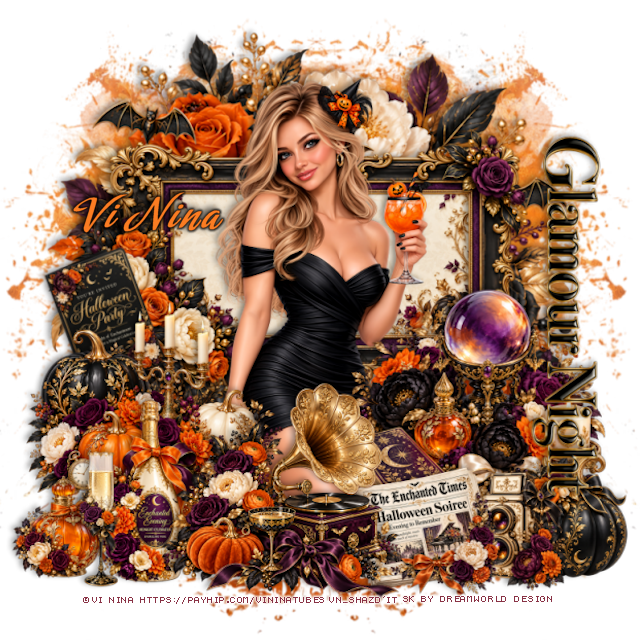
PTU Glamour Night 2


 This tut was written October 12th, 2026 for those with a basic knowledge of psp. 

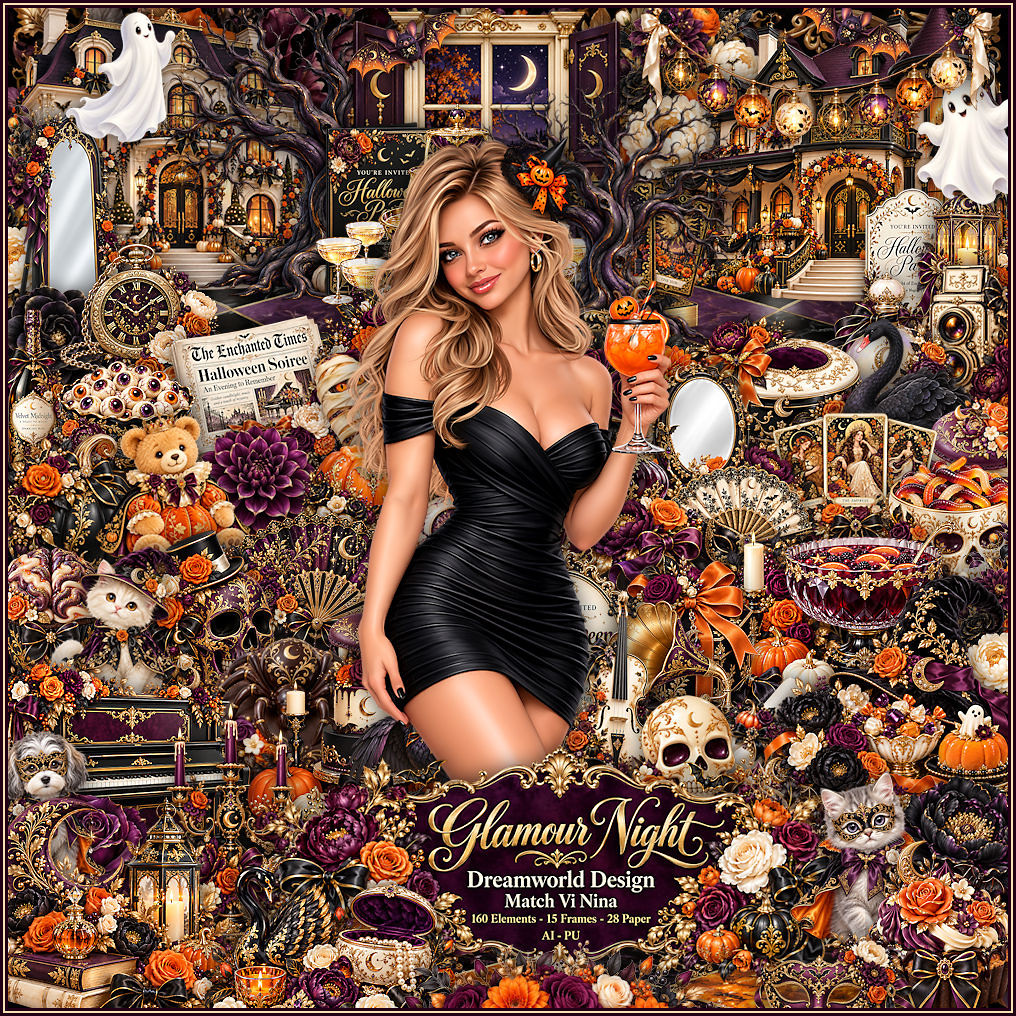
I am using the beautiful Al kit by Dreamworld Design
This is a match for the tube Glamour Night ©Vi Nina
The tube is NOT included
You need a license to used this tube, please do not use without a license.
You can get the tube HERE

I used PSP2020...but any of them should work.
PTU Scrap Glamour Night by DWD  HERE
Beautiful kit with 160 elements, 28 papers
You can find all Dreamworld Design kits  HERE

Font of choice, I used Amorinda

Drop shadow as you go is V -2 H -4, 50, 10, or use what you prefer
Let's get started
*Remember to add your drop shadow as you go along*

Open a new image 800 x 800, paste mask 2, resize to fit your tag,
move to the left, duplicate, mirror.

Resize frame 15 to 65%, paste, click inside, resize paper 20
to 35%, paste, move how you like, invert, delete.
Resize 2 to 110%, paste below the frame at the top.

Resize the tube to 40%, paste.

Resize 133 to 50%, paste at the bottom above the tube.
Resize 95 to 50%, paste on the bottom right.
Resize 46 to 50%, paste on the bottom left.
Resize 15 to 40%, paste on the bottom left below the record player.
Resize 18 to 30%, paste on the bottom left.
Resize 86 to 30%, paste at the bottom left below the glass.

Resize 11 to 30%, free rotate to the left at 20, paste on the left below 
the pumpkins and candle.
Resize 79 to 30%, paste at the bottom right.
Resize 5 to 25%, paste at the bottom right.
Resize 21 to 30%, paste at the bottom by the camera, move the record player
above.
Resize the word to 40%, free rotate to the right at 90, paste on the right.

Add any other elements that you would like, make it your own.
Always readjust your mask and elements how you like them before you
 merge your tag, resize, sharpen.

Crop your tag to be sure no shadows or lines are on the edges.
 Then add your copyright and name.
That's it

                 Hope you enjoyed doing my tut

Tag for Nina  


Saturday, October 10, 2026

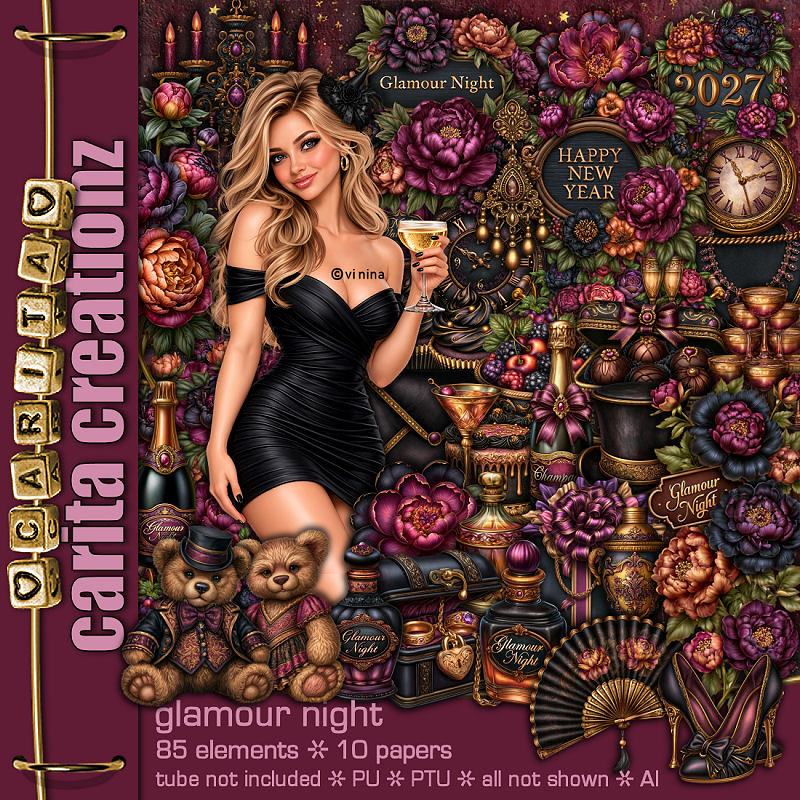
PTU Glamour Night


This tut was written October 10th, 2026 for those with a basic knowledge of psp. 

I am using the Beautiful tube ©Vi Nina
The tube is called Glamour Night
Comes in several colors
The tube is "NOT" included
You need a license to use this tube, please do not use without a license
You can find the tube at Vi Nina Store HERE

I used PSP2020...but any of them should work.
PTU Scrap Glamour Night by Carita Creationz  HERE 
Check her store out to see all her other kits and tubes HERE
Vivienne's Digital Tagging Mask 12 and  30 HERE
Check the rest of the blog HERE

Font of choice, I used Misteri Caps

Drop shadow as you go is V -2 H 4, 50, 10, or use what you prefer.
Let's get started
*Remember to add your drop shadow as you go along*

Open a new image 800 x 800, paste paper 5, apply your mask,
resize to 85%, move to the right, duplicate, mirror, merge together,
duplicate, move to the bottom.
Paste paper 5 again, apply mask 12 on the left, duplicate, mirror.

Resize 75 to 42%, paste at the left, duplicate, mirror, duplicate again,
move to the center and up a little.
Paste 60 below the frames at the top, erase the bottom part.
Resize 6 to 55%, paste above the windows and down.
Resize 57 to 25%, paste on the left.
Resize 47 to 22%, free rotate to the right at 20, paste on the right above
the chair.

Resize 83 to 40%, paste at the bottom.
Resize 81 to 45%, paste on the bottom right.
Resize 49 to 45%, mirror, paste on the bottom left.

Resize the tube to 40%, paste on the left.

Resize 24 to 25%, paste at the bottom above the tube.
Resize 26 to 27%, paste at the bottom below the champagne bottle.
Resize 1 to 20%, paste at the bottom below the tower of glasses.
Resize 37 to 20%, paste on the bottom right above the chair.
Resize 21 to 15%, paste at the bottom by the shoes.
Resize 35 to 15%, paste at the bottom right by the lipstick.
Resize 19 to 25%, paste on the bottom left below the tube.
Resize 20 to 25%, paste at the bottom below the polish.

Resize 11 to 15%, paste at the bottom left.
Resize 46 to 12%, paste at the bottom by the box of chocolates.
Resize 41 to 13%, paste at the bottom by the champagne.
Resize 3 to 13%, paste at the bottom left.
Resize 10 to 40%, paste on the left below the clock.
Resize 5 to 20%, paste at the bottom, move the cookies above.
Resize 80 to 13%, paste at the bottom.
Resize 54 to 20%, paste in the chair.
Resize 55 to 20%, paste on top of the fireplace.
Resize 84 to 20%, paste at the top to the right.

Add any other elements that you would like, make it your own.
Always readjust your mask and elements how you like them before you
 merge your tag, resize, sharpen.
Crop your tag to be sure no shadows or lines are on the edges.
 Then add your copyright and name.
That's it

Hope you enjoyed doing my tut.

Tag for Nina