Showing posts with label Cinco De Mayo. Show all posts

Friday, May 1, 2026

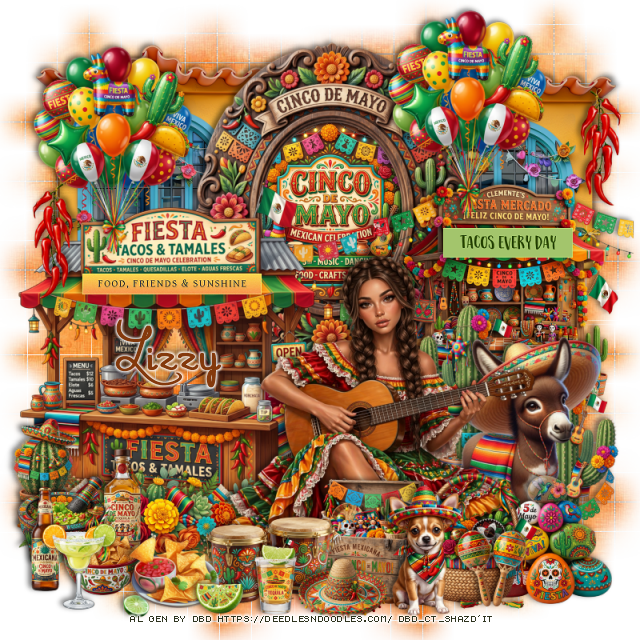
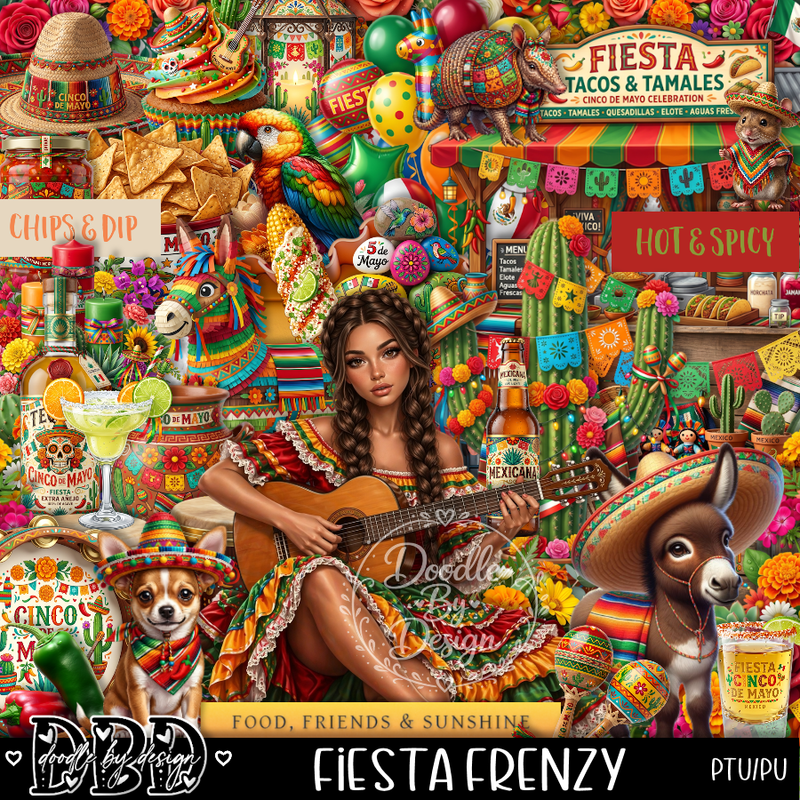
PTU Fiesta Frenzy


  This tut was written May 1st, 2026 for those with a basic knowledge of psp. 

I am using the awesome tube Al gen by DBD
Everything is included in the kit
Read the TOU on how to credit your tags


I used PSP2020...but any of them should work.
PTU Scrap Fiesta Frenzy by Doodle by Design  HERE
You can find all Doodle by Design kits  HERE 
Mask of choice, I used WSL 84, the link is no longer available

Font of choice, I used Marguerite

Drop shadow as you go is V -2 H 4, 50, 10, or use what you prefer.
Let's get started
*Remember to add your drop shadow as you go along*

Open a new image 800 x 800, paste paper 11, apply your mask,
duplicate several times and move to fill the background the way you like.

Resize frame 2 to 65%, paste, click inside, resize 6 to 50%, paste below
the frame.
Resize 37 to 65%, paste on the bottom left above the frame.
Resize 101 to 50%, paste at the bottom of the stand.
Resize 70 to 50%, paste below the frame on the upper left,
duplicate, mirror.

Resize the tube to 35%, paste on the bottom right.
Resize 63 to 45%, paste below the tube on the right.
Resize 59 to 50%, paste on the right below the donkey.
Resize 25 to 25%, paste at the bottom right above the tube.
Resize 11 to 40%, paste below the donkey, duplicate, move to the right and 
down a little.
Resize 42 to 25%, paste at the bottom above the rocks.
Resize 28 to 25%, paste at the bottom by the basket.
Resize 20 to 20%, paste on the bottom left by the stand.

Resize 18 to 25%, paste at the bottom above the box.
Resize 34 to 17%, paste on the bottom left.
Resize 5 to 15%, paste on the bottom left.
Resize 43 to 20%, paste below the bowls.
Resize 30 to 20%, paste on the bottom left above the bowls.
Resize 75 to 20%, paste at the bottom.
Resize 1 to 20%, paste at the bottom left.
Resize 53 to 15%, paste at the bottom.
Resize 40 to 15%, paste at the bottom right above the basket.
Resize 38 to 9%, paste at the bottom left by the plate.
Resize 2 to 17%, paste at the bottom.
Resize 19 to 40%, paste at the upper right, duplicate, 
move over to the left.
Resize wordart 1 to 40%, paste on the left on the stand.
Resize wordart 4 to 25%, paste on the right on the stand.
Resize 65 to 25%, paste at the upper right on the window,
duplicate, mirror, paste by the balloons.

Add any other elements that you would like, make it your own.
Always readjust your mask and elements how you like them before you
 merge your tag, resize, sharpen.

Crop your tag to be sure no shadows or lines are on the edges.
 Then add your copyright and name.
That's it

Hope you enjoyed doing my tut 

Tuesday, April 30, 2024

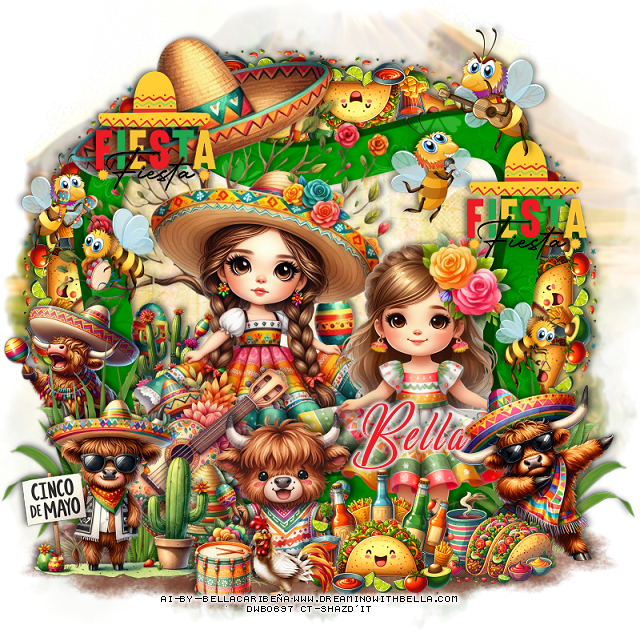
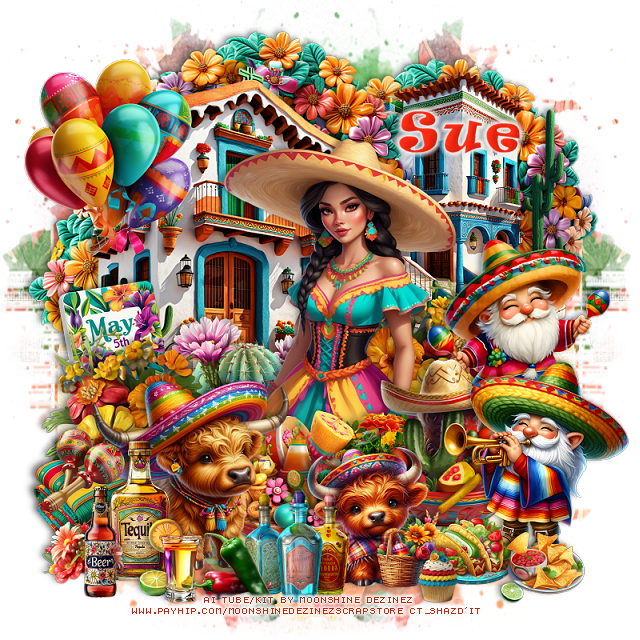
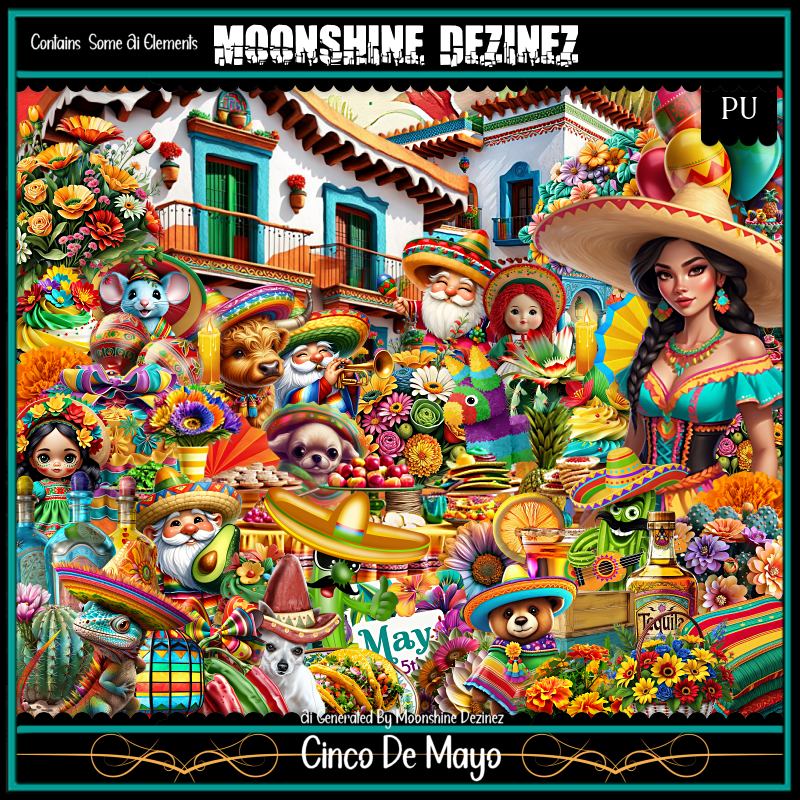
PTU Cinco De Mayo


 This tut was written  April 30th, 2024 for those with a basic knowledge of psp. 

I am using the awesome AI generated tube by MD

The tube is included in the kit
Read the TOU on how to credit your tags

I used PSP2020...but any of them should work.
PTU Scrap Cinco De Mayo by Moonshine Dezinez  HERE  
You can find all the stores she sells at on her blog.
You can find all Moonshine Dezinez kits  HERE
Mask of choice, I used Vivienne's Digital Tagging Mask 41 HERE
Check out the rest of the blog HERE

 Font of choice, I used Ravie

Drop shadow as you go is V -2 H -4, 50, 10, or use what you prefer.
Let's get started
*Remember to add your drop shadow as you go along*

Open a new image 800 x 800, resie paper 1 to 80%, apply your mask,
move to the left, duplicate, mirror.

Resize element 22 to 50%, paste at the upper right.
Resize element 20 to 60%, paste on the left.
Resize element 89 to 60%, paste at the top between the houses
duplicate twice, move one to the left behind the house and one to the
right behind the house.

Resize your tube to 35%, paste.

Resize element 18 to 30%, paste behind the tube on the left.
Resize element 39 to 35%, paste on the left above the cactus, 
duplicate, mirror, move behind the tube on the right.
Resize element 15 to 35%, paste on the upper left.
Resize element 70 to 30%, paste on the bottom right above the tube.
Resize element 47 to 35%, paste at the bottom above the tube to the left,
duplicate, move to the right behind the bowl.
Resize element 74 to 25%, paste at the bottom above the bowl.

Resize element 25 to 35%, paste on the bottom left.
Resize element 46 to 25%, paste at the bottom above the bowls.
Resize element 83 to 35%, paste on the right above the house.
Resize element 36 to 25%, paste on the bottom left below the bull.
Resize element 58 to 25%, paste at the bottom.
Resize element 61 to 35%, mirror, paste on the bottom right.

Resize element 10 to 15%, paste on the blankets.
Resize element 23 and 71 to 15%, paste at the bottom.
Resize element 6, 21 and 75 to 15%, paste at the bottom left.
Resize element 43 to 20%, paste on the left below the flowers.
Resize element 66 to 20%, paste at the bottom left.
Resize element 19 to 20%, paste at the bottom.
Resize element 78 to 10%, paste at the bottom.

Add any other elements that you would like, make it your own.
Always readjust your mask and elements how you like them before you
 merge your tag, resize, sharpen.

Crop your tag to be sure no shadows or lines are on the edges.
 Then add your copyright and name.
That's it

Hope you enjoyed doing my tut        
Friday, April 26, 2024

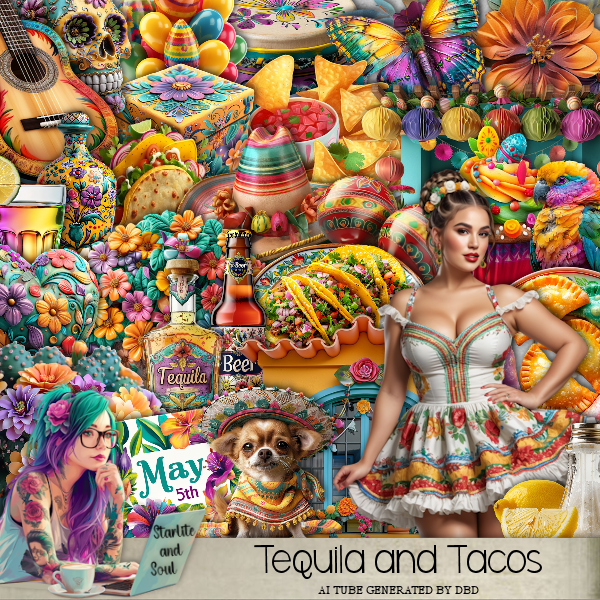
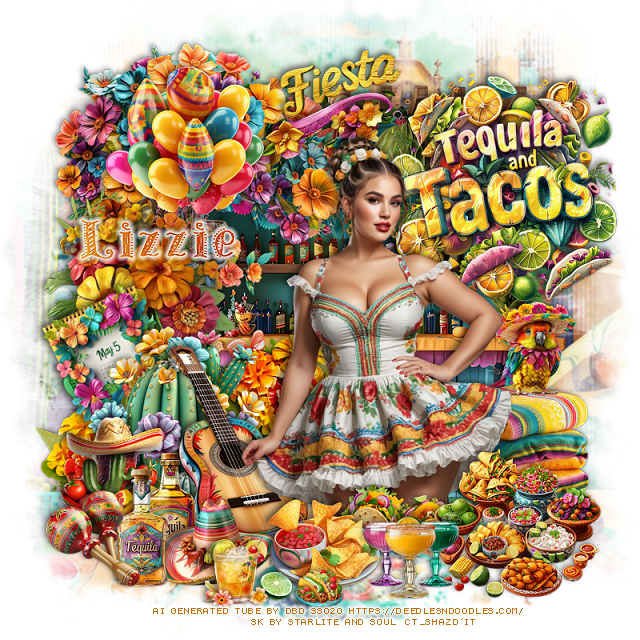
PTU Tequila and Tacos


 This tut was written  April 25th, 2024 for those with a basic knowledge of psp. 

I am using an awesome tube AI generated by DBD
Tube is included in the kit
Please read the TOU on how to credit your tags

I used PSP2020...but any of them should work.
PTU Scrap Tequila and Tacos by Starlite and Soul  HERE
Check her store out to see all her other kits HERE
Mask of choice I used RD Mask 673 HERE
Check out the rest of the blog HERE

 Font of choice, I used Patterns and Dots

Drop shadow as you go is V -2 H -4, 50, 10, or use what you prefer.
Let's get started
*Remember to add your drop shadow as you go along*

Open a new image 800 x 800, resize paper 3 to 90%, apply your mask.

Paste element 61
Resize element 59 to 65%, paste at the upper left above the stand.
erase the roots showing to the right.
Resize element 86 to 40%, paste on the upper left above the stand.
Resize element 46 to 40%, paste on the bottom left above the stand.
Resize element 122 to 40%, paste on the left below the cactus.
Resize element 127 to 30%, paste behind the cactus at the bottom on one
side, duplicate, mirror, move to the other side of the cactus.
Resize element 90 to 45%, paste on the cactus.

Resize wordart 2 to 30%, paste at the top below the balloons.
Resize element 21 to 25%, free rotate to the left at 25, paste on the left below
the cactus.

Resize your tube to 40%, paste where you like.

Resize element 45 to 35%, paste behind the tube.
Resize element 19 to 35%, paste at the bottom right above the tube.
Resize element 91 to 25%, paste at the bottom left.
Resize element 74 to 25%, paste at the bottom left.
Resize element 64 to 20%, paste on the right on the blankets.
Resize element 16 and 17 to 25%, paste one below the hat at the bottom left.

Resize element 97 and 98 to 15%, paste at the bottom above the tube.
Resize element 71 to 25%, paste at the bottom.
Resize element 75 to 20%, mirror, paste at the bottom left.
Resize element 60 to 20%, paste at the bottom.
Resize element 76 to 15%, paste at the bottom.
Resize element 80 to 10%, paste at the bottom.
Resize wordart 3 to 50%, paste at the upper right below the tube.

Add any other elements that you would like, make it your own.
Always readjust your mask and elements how you like them before you
 merge your tag, resize, sharpen.

Crop your tag to be sure no shadows or lines are on the edges.
 Then add your copyright and name.
That's it

Hope you enjoyed doing my tut.    

Saturday, April 20, 2024

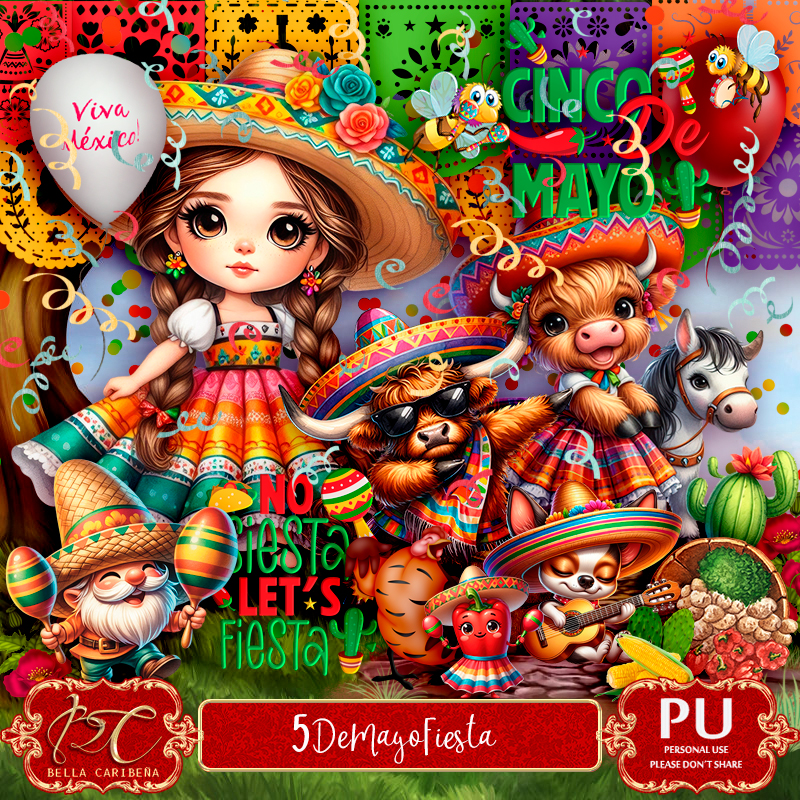
PTU 5 DeMayo Fiesta


This tut was written April 20th, 2024 for those with a basic knowledge of psp. 

AI generated kit and tubes by Bella Caribeña 
Everything is included in the kit
Read the TOU on how to credit your tags 

I used PSP2020...but any of them should work.
PTU Scrap 5 DeMayo Fiesta by Bella Caribeña  HERE 
 5 DeMayo Fiesta Theme
It has 98 elements, 10 papers and 2 Dolls.  This kit is for personal use Only
Check out the rest of her store HERE
Filters
Mura Meister Copies-Encircle 

Font of choice, I used Lackluster

Drop shadow as you go is V -2 H 4, 50, 10, or use what you prefer.
Let's get started
*Remember to add your drop shadow as you go along*

Open a new image 800 x 800, paste element 63, adjust to fit your tag.

Paste element 75, click inside with the magic wand, paste paper 6,
invert, delete, keep selected, resize paper 7 to 60%, paste, delete, change
the blend mode to Overlay.
Resize element 3 to 30%, flip. apply Mura Meister Copies-Encircle, first
3 numbers on 16, 55, 55, paste below the frame on the left, duplicate,
move to the right.
Resize element 79 to 85%, paste on the upper left.
Paste element 45 at the bottom left above the mask, duplicate, mirror.

Resize both tubes to 20%, paste.

Resize element 87 to 35%, paste on the bottom left above the tube.
Resize element 3 to 30%, paste at the bottom right.
Resize element 5 to 25%, paste at the bottom right below the other tacos.
Resize element 9 to 35%, paste at the bottom above the guitar.
Resize element 86 to 25%, paste at the bottom left.
Resize element 6 to 40%, paste at the bottom left above the hat.
Resize element 56 to 40%, paste on the bottom left behind the tube, duplicate,
mirror.
Resize element 13 to 50%, mirror, paste on the left below the grass layer.

Resize element 10 to 35%, paste at the upper right.
Resize element 91 to 25%, paste at the upper right.
Resize element 24 to 25%, paste on the left.
Resize element 97 to 25%, paste on the left.
Resize element 8 to 40%, paste on the bottom right below the tacos.
Resize element 93 to 25%, paste on the right.
Resize element 94 to 25%, paste on the right below the top bee, duplicate,
move to the left above the hat.
Resize element 81 to 15%, paste at the bottom.
Resize element 92 to 20%, paste at the bottom.

Add any other elements you would like, resize.
Crop your tag to be sure no shadows or lines are on the edges.
 Then add your copyright and name.
That's it

Hope you enjoyed doing my tut  
Tuesday, April 16, 2024

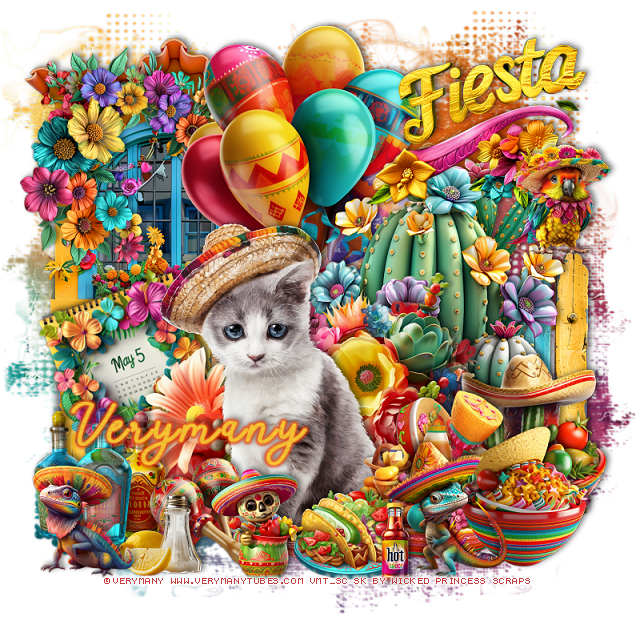
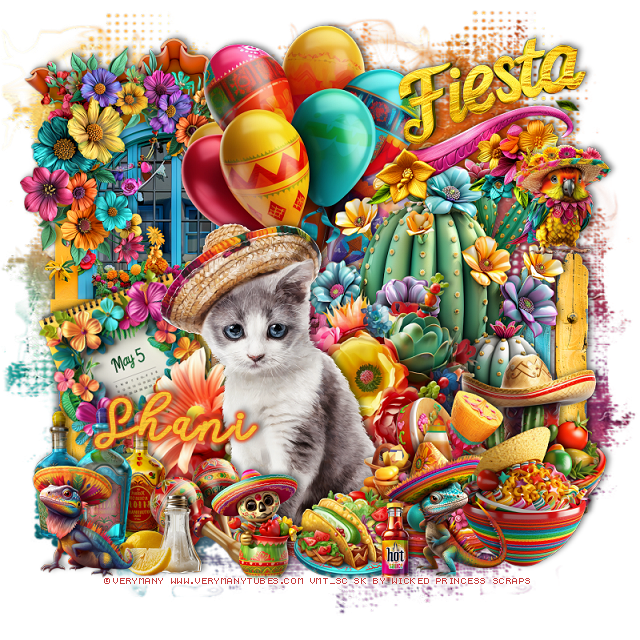
PTU Happy Cinco de Mayo


This tut was written April 16th, 2024 for those with a basic knowledge of psp. 

I am using the awesome tube by ©Verymany

The tube is called Ollie
You need a license to use this tube, please do not use without a license.
You can find the tube at VMT HERE

I used PSP2020...but any of them should work.
PTU Scrap Happy Cinco de Mayo  by Wicked Princess Scraps  HERE 
"Tube is NOT included"
You can find all Wicked Princess Scraps kits  HERE
Mask of choice, I used Miz Teeques Mask 125 HERE
Check out the rest of the blog HERE

 Font of choice, I used Calega

Drop shadow as you go is V -2 H -4, 50, 10, or use what you prefer.
Let's get started
*Remember to add your drop shadow as you go along*

Open a new image 800 x 800, paste paper 13, apply your mask. 

Resize element 141 to 55%, paste at the upper left.
Resize element 4 to 50%, paste to the right.
Resize element 150 to 50%, paste on the right below the window,
duplicate, mirror.

Resize the tube to 40%, paste.

Resize element 79 to 35%, paste behind the tube.
Resize element 71 to 50%, paste at the top below the cactus.
Resize element 131 to 30%, paste at the bottom right above the tube.
Resize element 117 to 30%, paste on the right behind the bowl.
Resize element 98 to 25%, paste at the bottom above the bowls.
Resize element 27 to 20%, paste at the bottom.
Resize element 84 to 25%, mirror, paste at the bottom by the bowls.
Resize element 12 to 15%, paste at the bottom.

Resize element 77 to 50%, paste behind the cat on the bottom left.
Resize element 85 to 20%, mirror, paste at the bottom left.
Resize element 142 to 40%, paste at the upper right.
Resize element 149 to 30%, free rotate to the left at 20, paste on the left
below the flowers.
Resize element 13 to 20%, paste on the right on the fence.
Resize element 108 to 25%, paste at the bottom left.
Resize element 157 to 40%, free rotate to the right at 90, paste on the window
on the upper right below the balloons.
Resize element 132 to 20%, paste at the bottom left.
Resize element 120 to 20%, mirror, paste at the bottom left.
Resize element 139 to 15%, paste at the bottom left.

Add any other elements that you would like, make it your own.
Always readjust your mask and elements how you like them before you
 merge your tag, resize, sharpen.

Crop your tag to be sure no shadows or lines are on the edges.
 Then add your copyright and name.
That's it

Hope you enjoyed doing my tut
Tag for Shani   


Wednesday, April 25, 2018

FTU Olé! Cinco de Mayo

This tut was written April 25 th, 2018 for those with a basic knowledge of psp.
I am using the awesome artwork of Eskada
The tube is "Dalmations_Travelers"
You need a license to use this tube, do not use without a license.
You can find this tube at PFD store  HERE

I used PSPX...but any of them should work.
FTU kit Fiesta by Toxic Desirez  HERE
Scroll until you see the word Fiesta, click on that.
Check out the rest of the blog HERE
RD Mask 719 HERE
Check out the rest of the blog HERE
Filters
EyeCandy 4000-Gradient Glow

Font of choice,  I used Mayo

Drop shadow is usually V-2 H-2 Black, 50, 5, use what you prefer.
Let's get started
*Remember to add your drop shadow as you go along*

Open a new image 800 x 800
Paste paper 10, apply your mask, delete, merge group.

Resize the wordart to 85%, apply a fat white gradient glow with 
EyeCandy 4000-Gradient Glow the glow number on 4.
Take your free hand tool, draw around the wordart, add a new layer, fill
with a color of choice, I used #d6e6ba.

Paste frame 4 below the paper layer, once the tube is added you 
might want to erase some at the bottom that shows.

Paste the doodle on the mask layer and up some.

Resize your tube to 40%, paste at the bottom above the wordart.
Resize the cactus to 50%, paste on the right behind the tube, duplicate, mirror.
Paste the sparkles on the paper layer in the frame.

Resize flower 1 to 35%, paste at the bottom to the left, duplicate, mirror.
Resize the Maracas to 25%, free rotate to the left at 90 degrees,
paste at the bottom in front of the tube.
Resize the guitar to 55%, paste on the right above the flower.

Resize the beer to 25%, paste at the lower left above the flower layer.
Resize the lime to 15%, paste by the beer bottle.

Resize flower 3 to 25%, paste on the left below the tube layer, duplicate, 
mirror, duplicate again, move to the top layer and at the bottom by the beer.
Resize fireworks 1 to 75%, paste on the paper layer of the frame.

Resize the rocket to 30%, paste at the top where you like.
Resize the pepper to 15%, free rotate to the left at 90 degrees, paste at the
bottom by the lime, duplicate, move to the right a bit.
Resize the butterfly to 25%, paste at the lower left on the flower,
duplicate, mirror, move up just a bit.

Add any other elements that you would like, make it your own.

Once happy with your tag, close off any background used, 
crop your tag to make sure no shadows or anything on the edges, merge visible.
Resize your tag, sharpen once, add your name and copyright, save.

That's it
Hope you enjoyed doing my tut.