Thursday, October 22, 2026

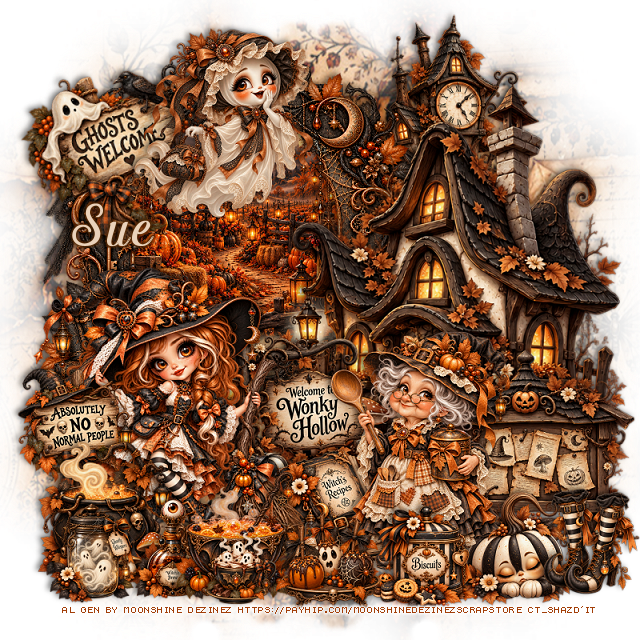
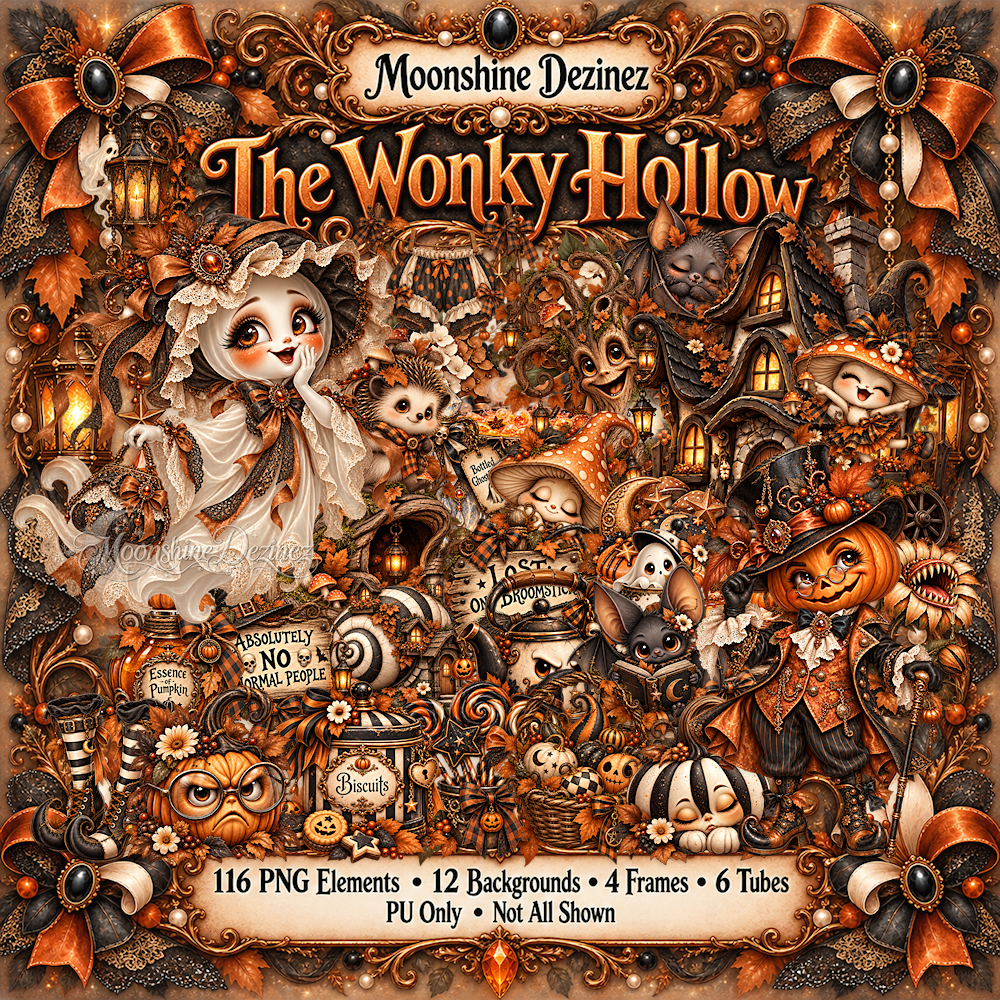
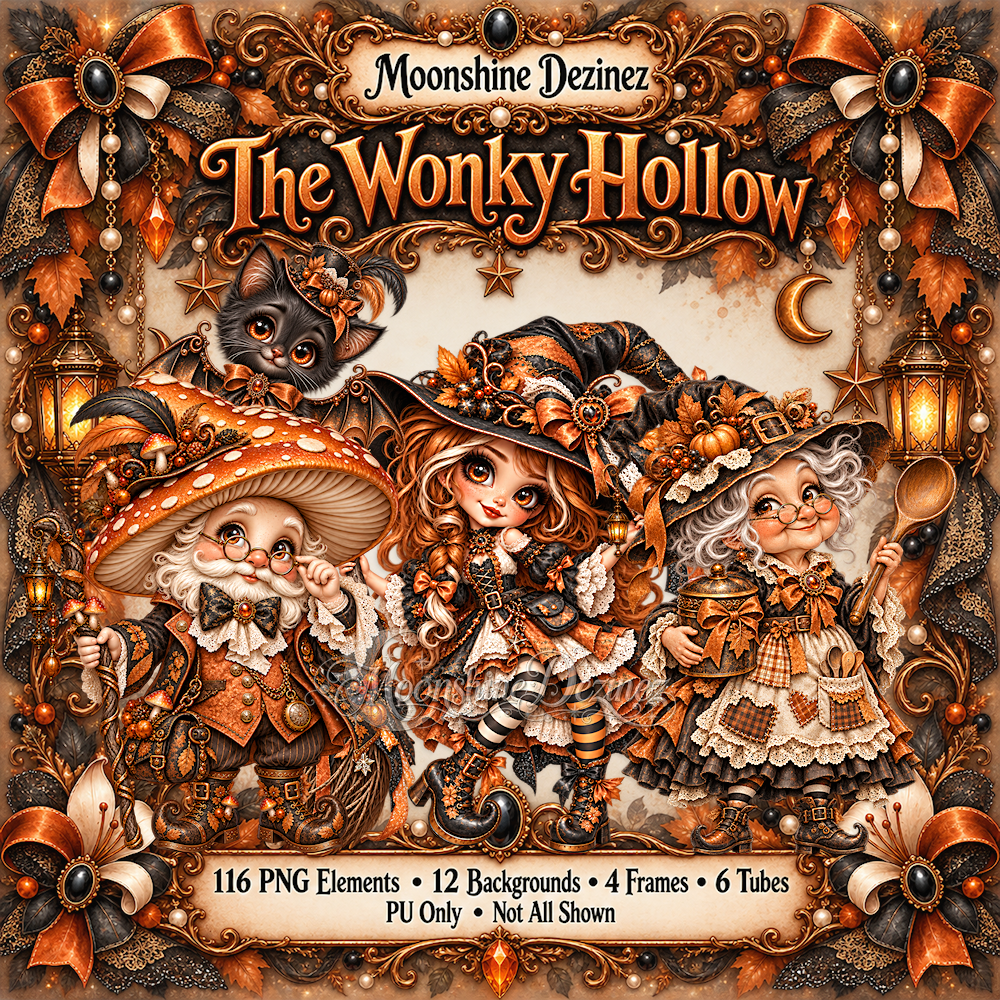
PTU The Wonky Hollow


  This tut was written  October 22nd, 2026 for those with a basic knowledge of psp. 

Al generated tube/kit by Moonshine Dezinez

The tube is included in the kit
Read the TOU on how to credit your tags

I use PSP 2020 but any of them should work
PTU Scrap The Wonky Hollow by Moonshine Dezinez  HERE 
You can find all Moonshine Dezinez kits  HERE
 Lori's PSP Graphics Mask 804 HERE
Check the rest of the blog HERE

 Font of choice, I used Pamega

Drop shadow as you go is V -2 H -4, 40, 10, or use what you prefer.
Let's get started
*Remember to add your drop shadow as you go along*

Open a new image 800 x 800, paste paper 12, apply your mask.

Resize 18 to 75%, paste on the right.
Resize frame 3 to 50%, paste on the upper left below the house,
click inside, resize paper 10 to 35%, paste, invert, delete.
Resize 16 to 35%, paste at the bottom above the house.
Resize 112 to 50%, paste on the upper right below the frame.

Resize tube 3 to 30%, mirror, paste on the bottom left by the sign.
Resize 80 to 25%, paste on the left above the witch.
Resize tube 6 to 20%, paste at the top above the frame.
Resize 79 to 35%, free rotate to the left at 20, paste at the upper left below 
the ghost tube, move the tube in a little more.

Resize 32 to 30%, paste on the bottom left above the tube.
Resize 24 to 45%, paste on the bottom right.
Resize 28 and 30 to 20%, paste at the bottom left.

Resize tube 2 to 25%, mirror, paste on the bottom right.
Resize 46 to 20%, paste at the bottom above the lady.
Resize 41 to 25%, paste at the bottom right above the sign.
Resize 47 to 25%, paste at the bottom below the lady.
Resize 19 to 25%, paste on the bottom being on the top layer.
Resize 2 to 23%, paste on the bottom right.
Resize 7 to 20%, paste at the bottom.
Resize 89 to 15%, paste at the bottom.

Add any other elements that you would like, make it your own.
Always readjust your mask and elements how you like them before you
 merge your tag, resize, sharpen.

Crop your tag to be sure no shadows or lines are on the edges.
 Then add your copyright and name.
That's it

Hope you enjoyed doing my tut            

Wednesday, October 21, 2026

PTU Yeehaw It's Fall


   This tut was written October 20th, 2026,  for those with a basic knowledge of psp. 

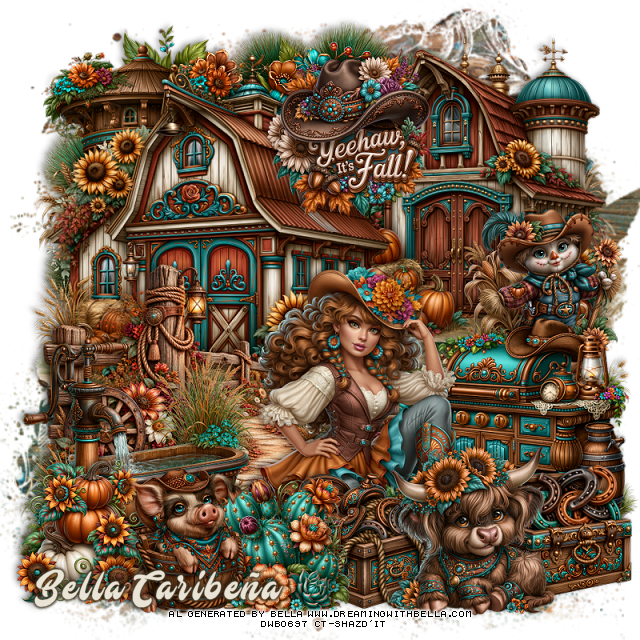
Awesome Al kit and tubes by Bella Caribeña
Everything is included in the kit
Read the TOU on how to credit tags

I used PSP2020...but any of them should work.
PTU Scrap Yeehaw Its Fall by Bella Caribeña  HERE
Fall/Wild West Theme
Kit contains 3Al tubes, 107 elements, 20 papers and 3 masks
You can check out the rest of her store HERE 

Font of choice I used Mustardo

 Drop shadow as you go is V -2 H 4, 50, 10, or use what you prefer.
Let's get started
*Remember to add your drop shadow as you go along*

Open a new image 800 x 800, paste mask 3, resize to fit your tag.

Resize 98 to 65%, paste at the upper right.
Resize 97 to 75%, paste on the left.
Resize 7 to 75%, paste above the barn on the bottom left.
Paste 85 at the upper left below the barns.
Resize 78 to 50%, paste at the upper left above the tree.

Resize 1 to 55%, paste at the bottom.

Resize 20 to 35%, paste on the right below the tube.
Resize 83 to 45%, paste on the right below the tube.
Resize 73 to 40%, paste at the bottom left.
Resize 71 to 30%, mirror, paste at the bottom by the tub.
Resize 58 to 35%, paste at the bottom right above the tube.
Resize 100 to 30%, paste on the bottom right below the bull.
Resize 101 to 30%, paste below the bull to the left.

Resize 30 to 30%, paste on the bottom left below the pig.
Resize 15 to 30%, paste at the bottom by the pig and saddle box, moving
the pig above the cactus.
Resize 36 to 35%, paste at the top.

Add any other elements you would like, resize.
Crop your tag to be sure no shadows or lines are on the edges.
 Then add your copyright and name.
That's it

            Hope you enjoyed doing my tut          
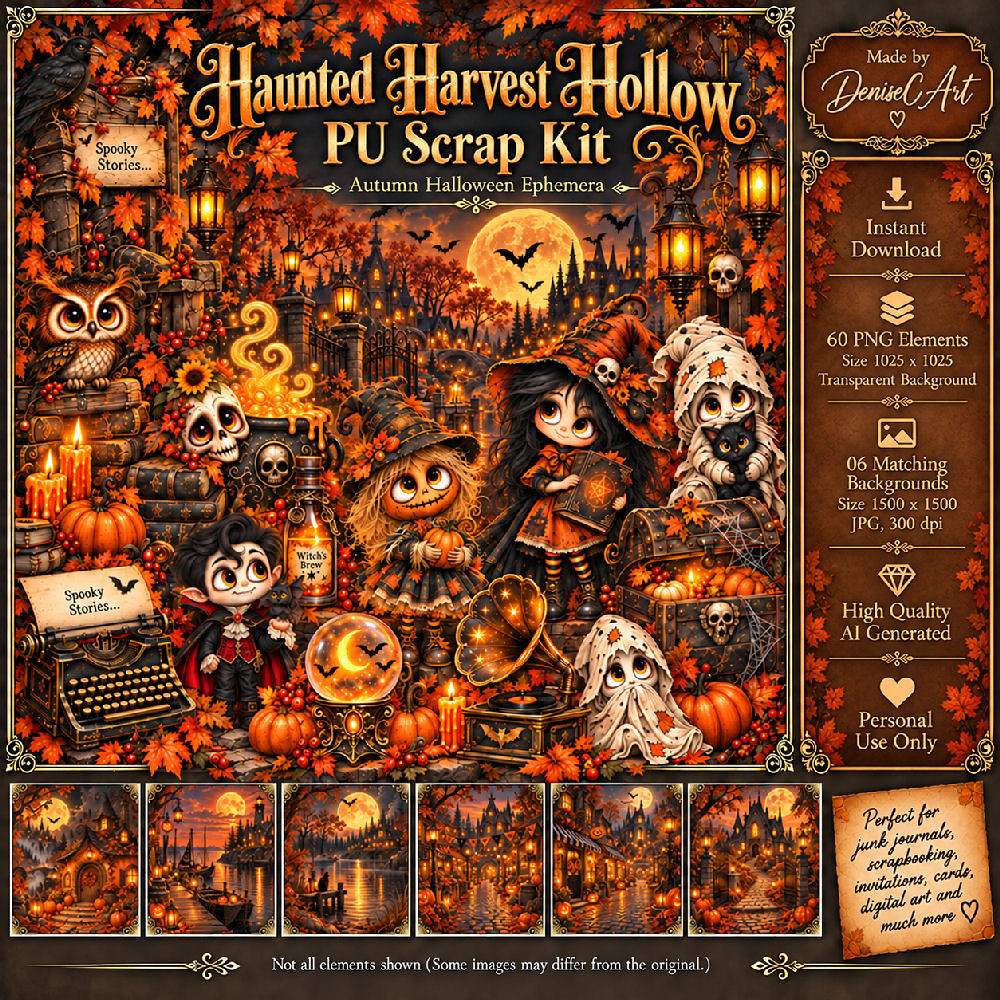
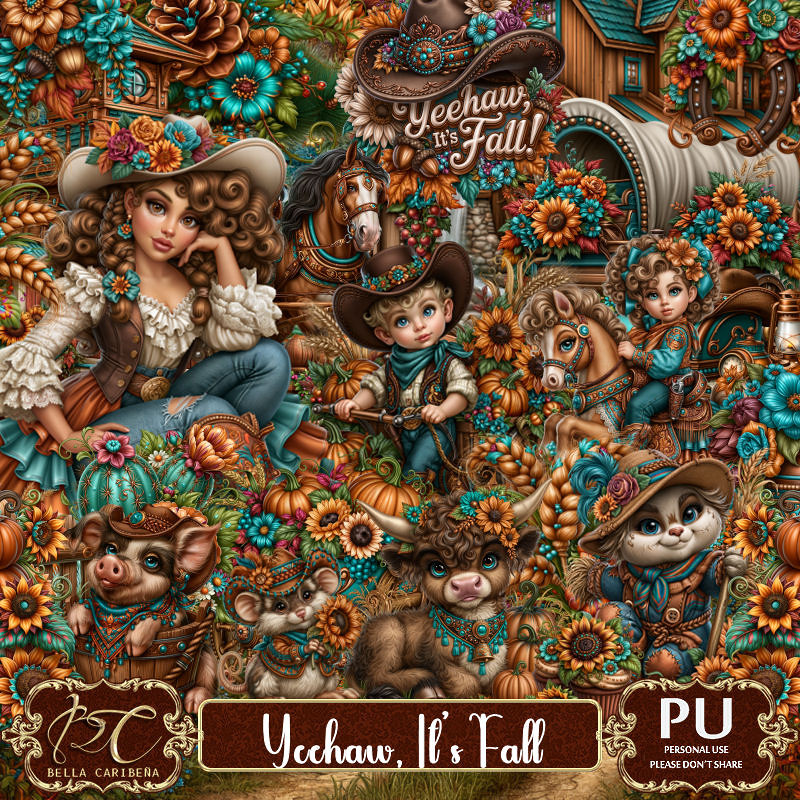
PTU Haunted Harvest Hollow

  This tut was written October 21st 2026 for those with a basic knowledge of psp. 

I am using the Awesome Al kit/tube by DeniseC Art

Everything is included in the kit
Please read their TOU on how to credit your tags

I used PSP2020...but any of them should work.
PTU Scrap Haunted Harvest Hollow by DeniseC Art HERE
Check out her store here for more of her kits  HERE 
Mask of choice, I used Miz Teeques Mask 245 HERE 
Check the blog out HERE

Font of choice, I used Magic School One

Drop shadow as you go is V -2 H 4, 50, 10, or use what you prefer.
Let's get started
*Remember to add your drop shadow as you go along*

Open a new image 800 x 800, resize paper 6 to 60%, paste, apply your mask.

Resize 29 to 50%, paste at the top.
Resize 30 to 72%, paste below the frame.
Resize 28 to 50%, paste.
Resize 53 to 40%, paste at the bottom.
Resize 16 to 20%, paste below the fireplace.
Resize 17 to 40%, paste on the right above the fireplace.
Resize 44 to 20%, paste at the bottom right above the girl.
Resize 25 to 20%, paste at the bottom by the books.

Resize 9 to 25%, paste on the bottom left.
Resize 6 to 15%, paste on the bottom left above the chest.
Resize 21 to 35%, paste on the bottom left.
Resize 7 to 20%, paste at the bottom below the skull.
Resize 40 to 15%, paste at the bottom.
Resize 19 to 15%, paste at the bottom left.
Resize 10 to 15%, paste at the bottom right.
Resize 11 to 20%, paste at the bottom.

Resize 13 to 40%, paste on the left below the chest.
Resize 60 to 12%, paste at the bottom right.
Resize 8 to 15%, paste at the bottom.

Add any other elements that you would like, make it your own.
Always readjust your mask and elements how you like them before you
 merge your tag, resize, sharpen.

Crop your tag to be sure no shadows or lines are on the edges.
 Then add your copyright and name.
That's it

Hope you enjoyed doing my tut    
Tuesday, October 20, 2026

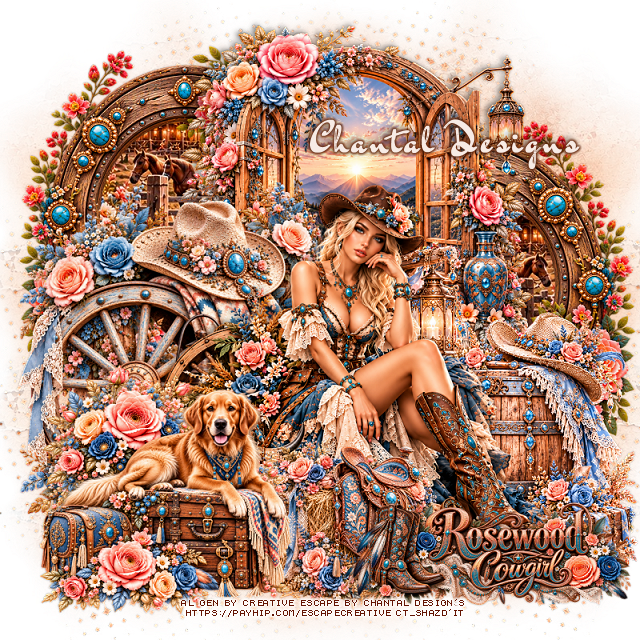
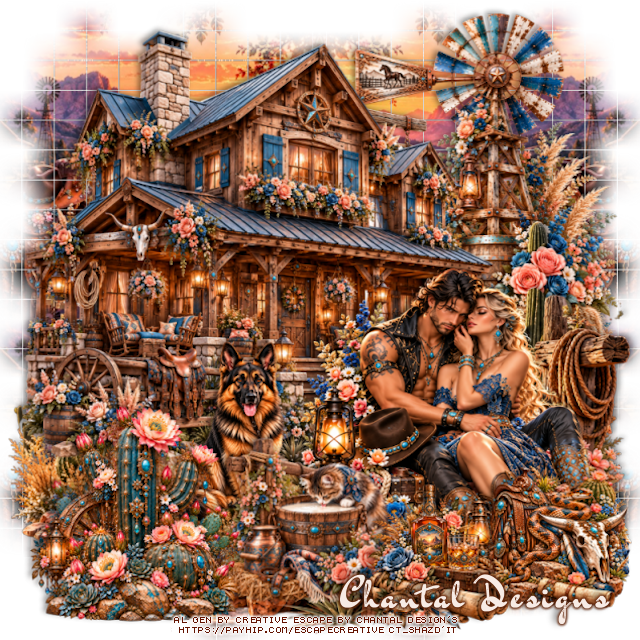
PTU Rosewood Cowgirl

**~**CT Tags for Creative Escapes by Chantal Design's**~**

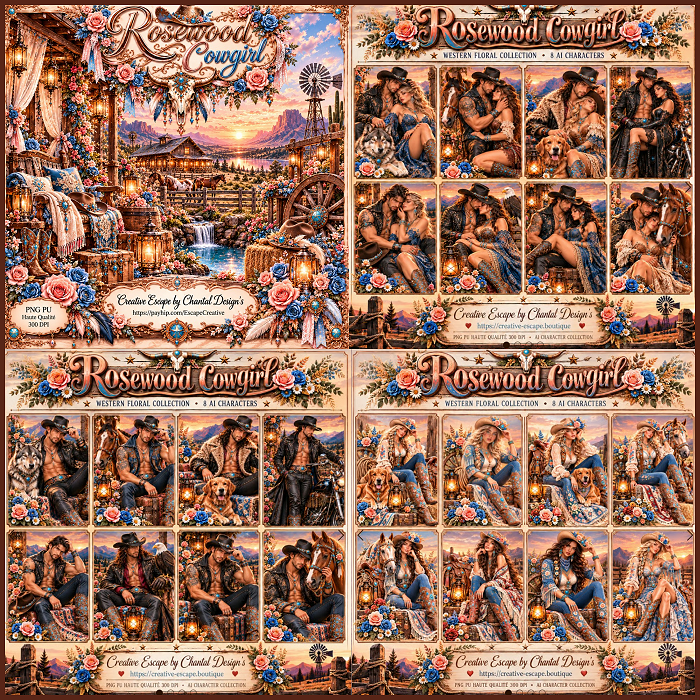
Beautiful Western Al kit and tube by Chantal Design's

Tubes to match the kit HERE HERE HERE

Read the TOU on how to credit your tags


PTU Scrap Rosewood Cowgirl by 
Creative Escape by Chantal Design's  HERE HERE HERE
You can find all Creative Escape by Chantal Design's kits HERE

Here are a couple of tags I made with the kit and tubes


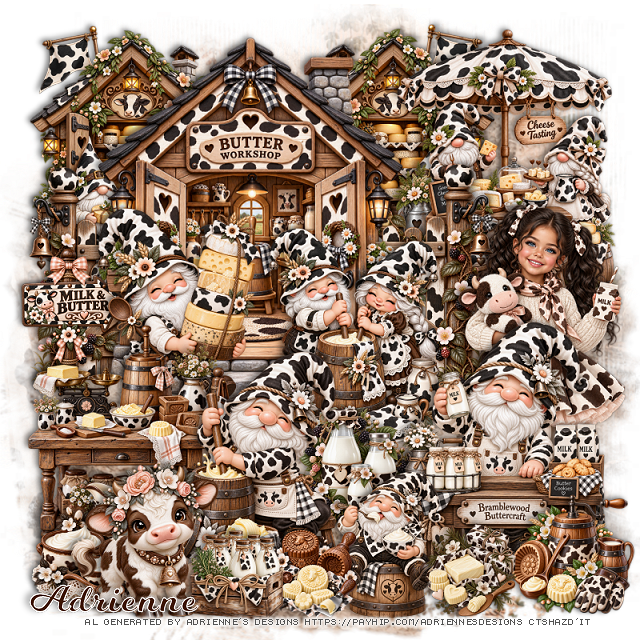
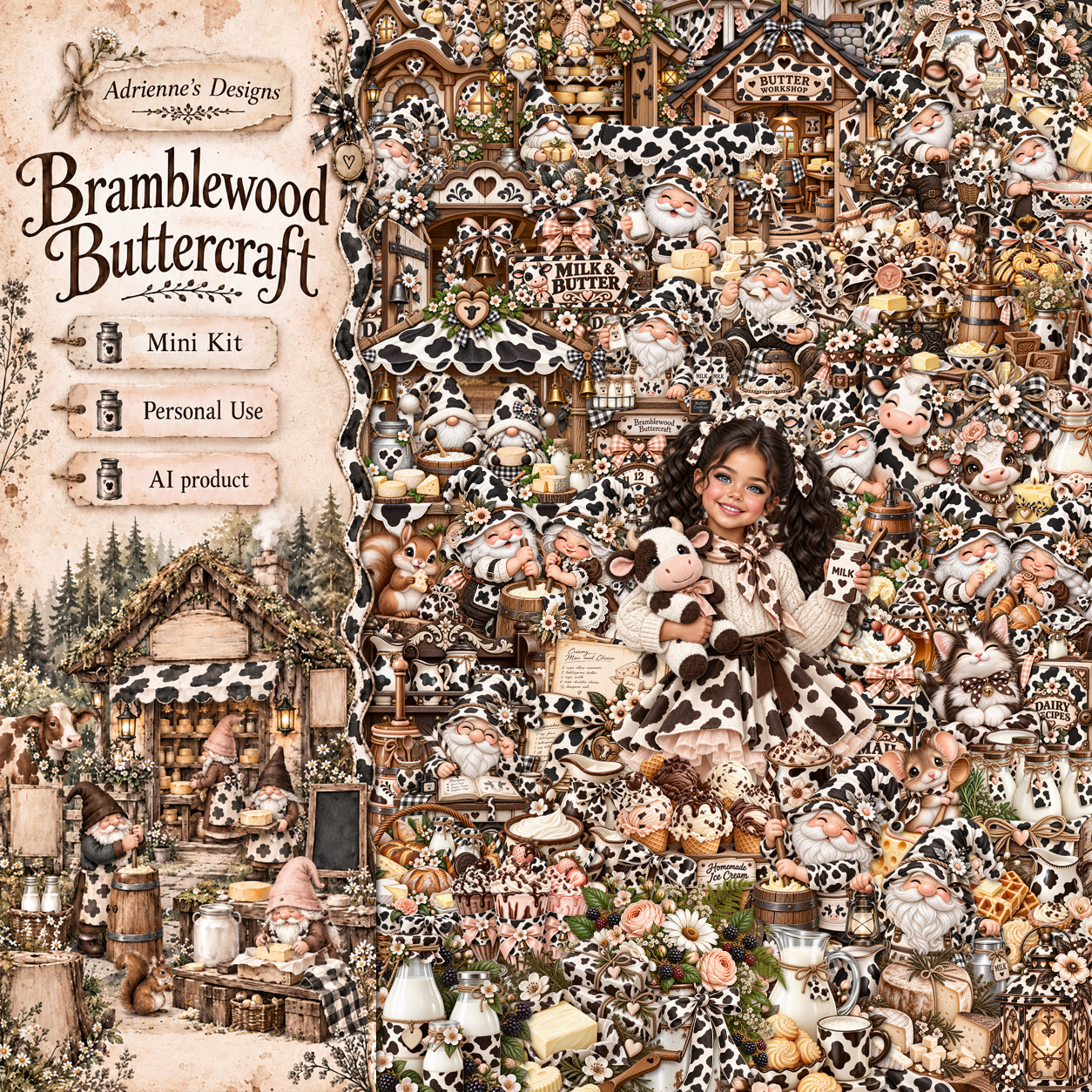
PTU Bramblewood Buttercraft

  This tut was written October 20th, 2026,  for those with a basic knowledge of psp. 

I am using the beautiful Al kit by Adrienne's Designs
Everything used is in the kit 
Read the TOU on how to credit your tags

I used PSP2020...but any of them should work.
PTU Bramblewood Buttercraft by Adrienne's Designs  HERE
90 elements, 5 frames, 10 papers, 4 Al tubes
Check out the rest of her store  HERE
or
you can find all her kits on her blog  HERE
RD Mask 673 HERE
Check the blog out HERE

Font of choice I used Milk Shake

 Drop shadow as you go is V -2 H 4, 50, 10, or use what you prefer.
Let's get started

*Remember to add your drop shadow as you go along* 

Open a new image 800 x 800, resize paper 8 to 80%, paste, duplicate,
merge down, apply your mask.

Resize 42 to 60%, paste at the upper left.
Resize 46 to 40%, paste below the building on the right, duplicate, mirror.
Resize 50 to 45%, paste on the upper right below the fence.
Resize 72 to 20%, paste on the left on the fence.
Resize 18 to 33%, paste on the left above the building.
Resize 11 to 35%, paste above the building on the right.
Resize 4 to 40%, paste at the bottom to the right.
Resize 43 to 40%, paste on the upper left below the building,
duplicate, mirror, adjust behind the cheese stand.

Resize tube 3 to 30%, paste at the right below the table.

Resize 40 to 35%, paste on the bottom left.
Resize 2 to 35%, paste at the bottom above the table.
Resize 21 to 20%, paste below the table and the guy churning.
Resize 5 to 23%, paste at the bottom above the table.
Resize 38 to 20%, paste at the bottom right.
Resize 37 to 15%, paste at the bottom by the little man on the barrel.

Resize 33 to 15%, paste on the bottom to the left.
Resize 25 to 20%, paste on the bottom left.
Resize 22 to 15%, paste at the bottom right by the table.
Resize 51 to 25%, paste at the bottom left.

Add any other elements that you would like, make it your own.
Always readjust your mask and elements how you like them before you
 merge your tag, resize, sharpen.

Crop your tag to be sure no shadows or lines are on the edges.
 Then add your copyright and name.
That's it

             Hope you enjoyed doing my tut                
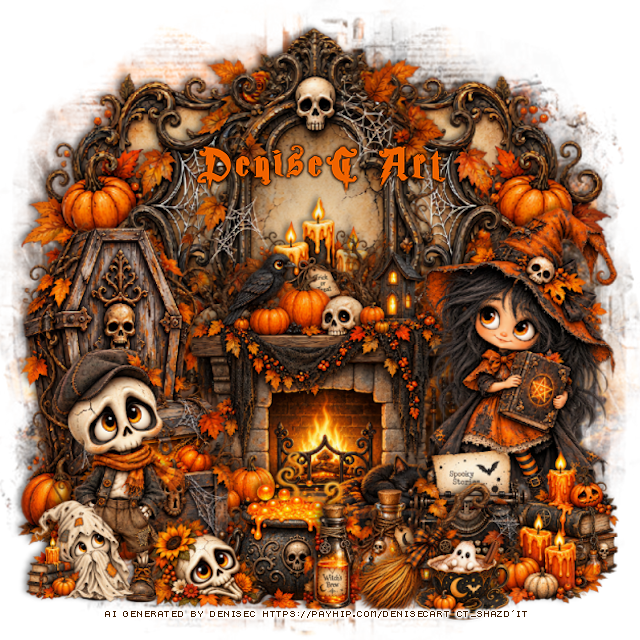
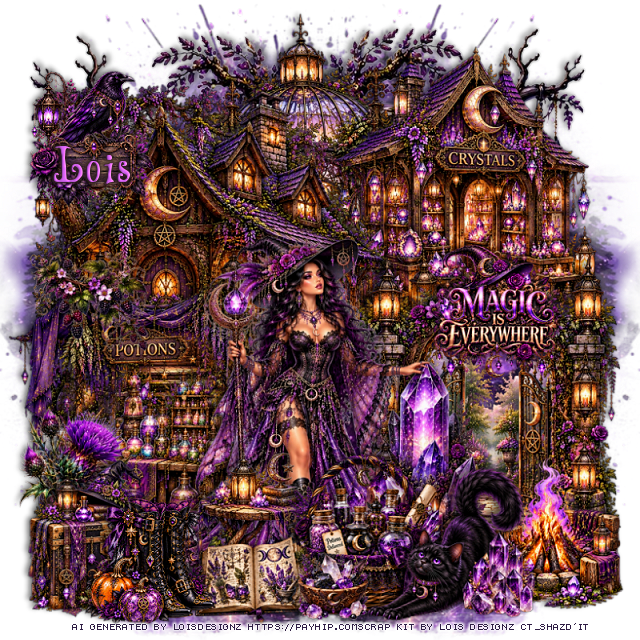
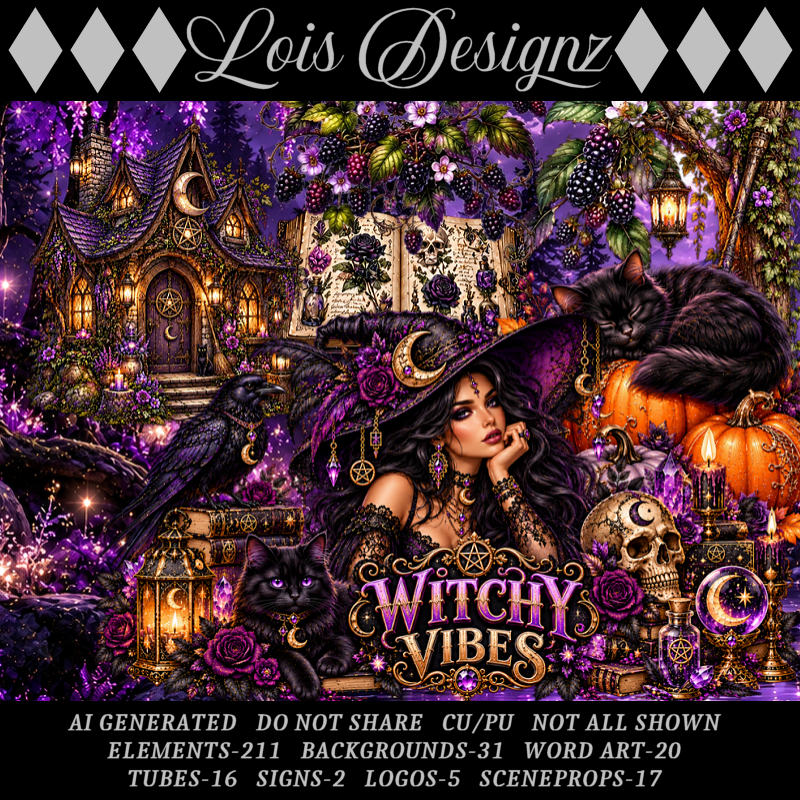
PTU Witchy Vibes


  This tut was written October 20th, 2026 for those with a basic knowledge of psp. 

I am using the Awesome Al kit/Tubes by Lois Designz
Everything used is included in the kit
Please read the TOU on how to credit your tags

I used PSP2020...but any of them should work.
PTU Scrap Witchy Vibes by Lois Designz  HERE
Check her store out to see all her other kits HERE
Vivienne's Digital Tagging Mask 42 HERE
Check the blog HERE

Font of choice, I used Wizard's Magic

Drop shadow as you go is V -2 H 4, 50, 10, or use what you prefer.
Let's get started
*Remember to add your drop shadow as you go along*

Open a new image 800 x 800, paste paper 20, apply your mask,
move to the right, duplicate, mirror.

Resize scene prop 13 to 40%, paste at the upper right.
Resize scene prop 7 to 50%, paste on the upper left.
Resize scene prop 4 to 50%, paste at the top below the buildings.
Paste 80 at the upper right below the buildings, duplicate, mirror.

Resize scene prop 14 to 45%, paste on the bottom right above the buildings.
Resize scene prop 12 to 40%, paste on the left above the house.
Resize 13 to 27%, paste at the bottom left.
Resize 113 to 50%, paste below the chest on the left.

Resize tube 14 to 48%, paste to the right of the potion cart.

Resize 66 to 40%, paste at the bottom above the tube.
Resize 20 to 20%, paste on the bottom left above the tube.
Resize 38 to 40%, paste at the bottom below the boots.
Resize 15 to 25%, paste at the bottom below the book.
Resize 61 to 45%, paste on the bottom right above the gate.
Resize 7 to 22%, mirror, paste at the bottom right above the basket.
Resize 170 to 30%, paste at the bottom by the basket.
Resize 21 to 12%, paste at the bottom right.
Resize 2 to 20%, paste at the upper left.
Resize wordart 7 to 20%, paste on the right on the gate.
Resize 182 to 40%, paste on the left above the potions cart.

Add any other elements that you would like, make it your own.
Always readjust your mask and elements how you like them before you
 merge your tag, resize, sharpen.
Crop your tag to be sure no shadows or lines are on the edges.
 Then add your copyright and name.
That's it

Hope you enjoyed doing my tut.     

Monday, October 19, 2026

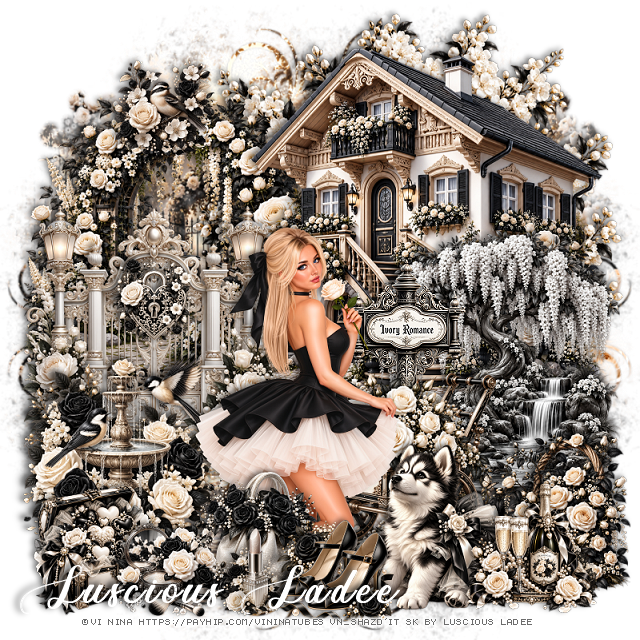
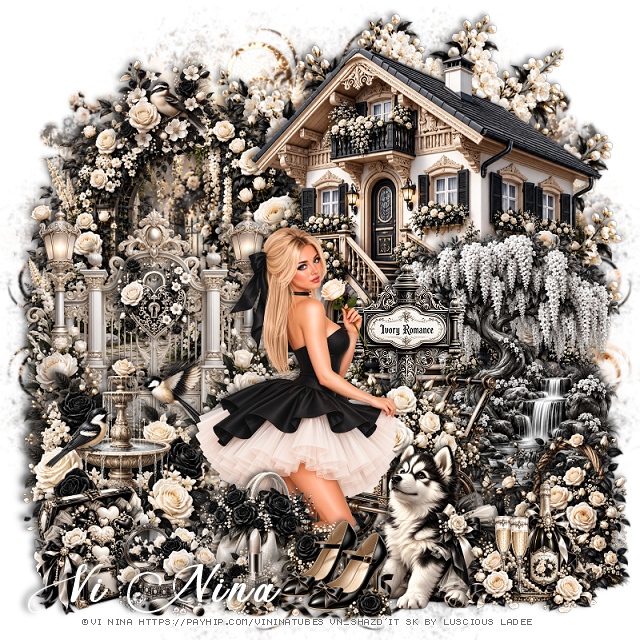
PTU Ivory Romance


 This tut was written October 19th, 2026,  for those with a basic knowledge of psp. 

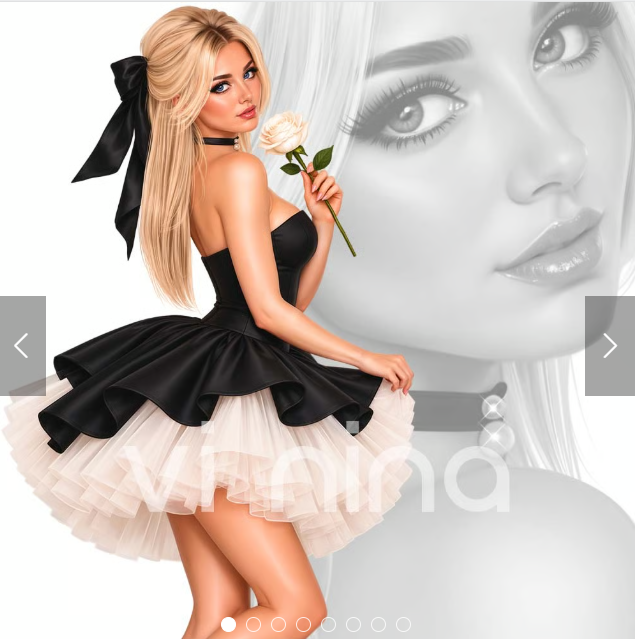
I am using the beautiful tube ©Vi Nina
The tube is called Ivory Romance
Tube is Not included
You need a license to use this tube, please do not use without a license
You can find the tube HERE

I used PSP2020...but any of them should work.
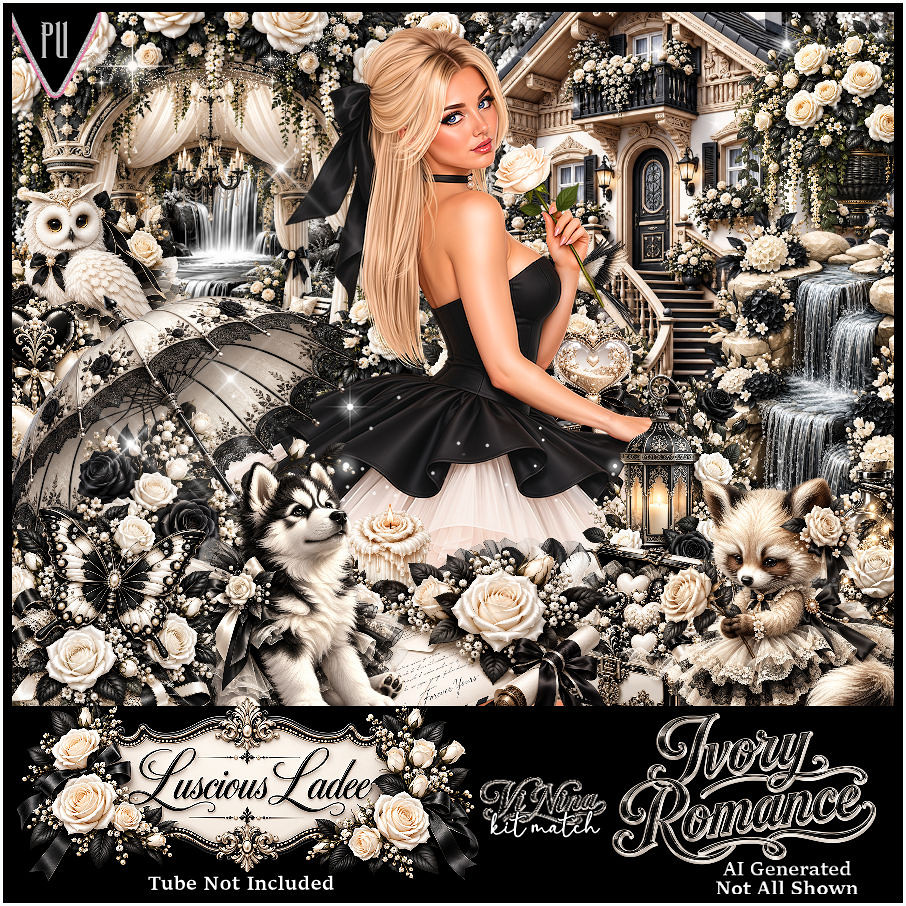
PTU Scrap Ivory Romance by Luscious Ladee  HERE 
Kit comes with 115 elements, 6 masks, 4 frames, 12 Sparkles, 15 Profile papers,
15 Timeline papers and 3 Wordart
Check out the rest of her store  HERE

Font of Choice, I used Ant Valley

 Drop shadow as you go is V -2 H 4, 40, 10, or use what you prefer.
Let's get started
*Remember to add your drop shadow as you go along*

Open a new image 800 x 800, paste mask 5, resize to fit.

Resize 1 to 50%, paste at the upper right.
Resize 12 to 45%, paste on the left below the house.
Resize 4 to 40%, paste on the left.
Resize 17 to 65%, paste on the upper right below the house.

Resize the tube to 30%, paste at the bottom above the gate.

Resize 6 to 30%, paste at the bottom below the tube on the right.
Resize 69 to 17%, paste at the bottom above the tube.
Resize 16 to 40%, paste on the right above the house.
Resize 72 to 25%, paste at the bottom right above the wagon.
Resize 52 to 25%, mirror, paste at the bottom right.

Resize 13 to 30%, paste on the left by the gate.
Resize 25 to 20%, paste at the bottom below the shoes.
Resize 31 to 15%, paste at the bottom by the purse.
Resize 28 to 15%, paste at the bottom.
Resize 29 to 30%, paste on the bottom left below the makeup.
Resize 66 to 13%, paste on the gate.
Resize 106 to 20%, paste at the bottom right.
Resize wordart 2 to 30%, paste below the wagon by the tube.
Resize 60 to 15%, paste at the top of the trellis on the left.

Add any other elements that you would like, make it your own.
Always readjust your mask and elements how you like them before you
 merge your tag, resize, sharpen.
Crop your tag to be sure no shadows or lines are on the edges.
 Then add your copyright and name.
That's it

Hope you enjoyed doing my tut.

Tag for Nina   


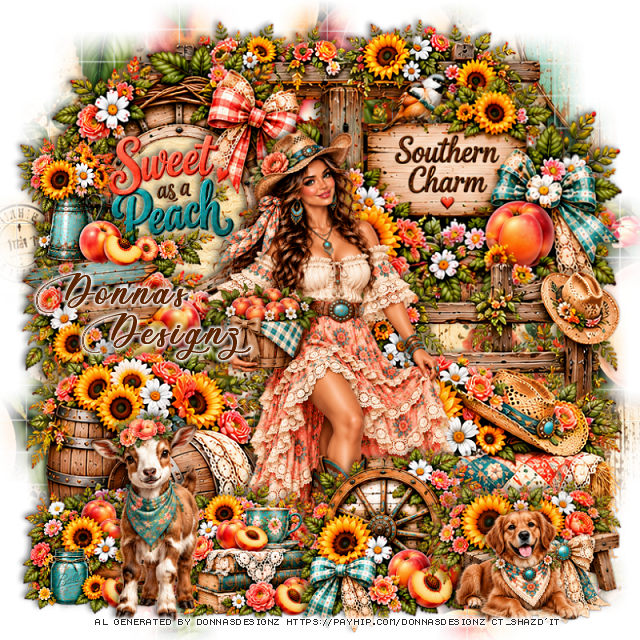
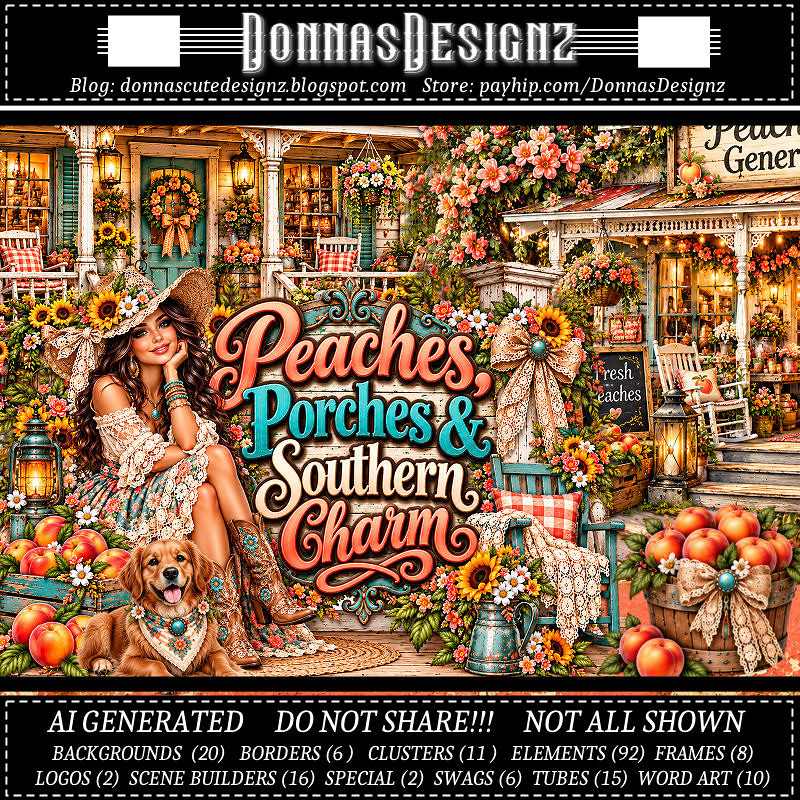
PTU Peaches, Porches and Southern Charm

  This tut was written October 18th, 2026 for those with a basic knowledge of psp. 

I am using the Awesome Al kit/Tubes by Donna Designz
Everything used is included in the kit
Please read the TOU on how to credit your tags

I used PSP2020...but any of them should work.
PTU Scrap Peaches, Porches and Southern Charm by Donnas Designz  HERE
Check her store out to see all her other kits and tubes HERE
Weescotlass Creation Mask 84 (link is no longer available) use mask of choice

Font of choice, I used Ants Valley

Drop shadow as you go is V -2 H 4, 50, 10, or use what you prefer.
Let's get started
*Remember to add your drop shadow as you go along*

Open a new image 800 x 800, paste paper 16, apply your mask, move
to the right, duplicate, mirror, merge together, duplicate, move to the bottom.

Resize frame 3 to 85%, paste on the upper left, click inside, 
paste paper 18, invert, delete.
Resize tube 4 to 40%, paste above the frame.
Paste 46 on the bottom right below the tube.
Paste 73 below the tube on the bottom left.
Paste SB7 at the top below the paper layer of the frame.

Resize clus 9 to 60%, paste at the bottom above the tube.
Resize clus 8 to 50%, paste at the bottom below the wheel on the left.
Mirror SB 2, paste on the right below the hay bale.
Resize clus 1 to 95%, paste at the upper right below the tube.
Resize 41 to 65%, paste at the bottom right.
Resize 86 to 55%, paste on the bottom left.
Resize 31 to 50%, paste on the bottom right.
Resize 78 to 80%, paste on the left below the barrels.
Resize clus 7 to 50%, paste on the bottom left below the goat.
Resize wordart 7 to 50%, paste on the upper left.

Add any other elements that you would like, make it your own.
Always readjust your mask and elements how you like them before you
 merge your tag, resize, sharpen.
Crop your tag to be sure no shadows or lines are on the edges.
 Then add your copyright and name.
That's it

Hope you enjoyed doing my tut.