Showing posts with label Gangster. Show all posts

Tuesday, May 5, 2026

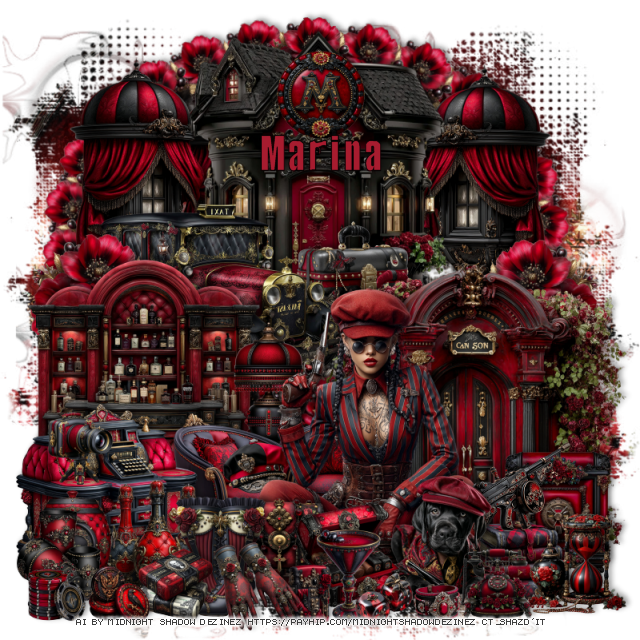
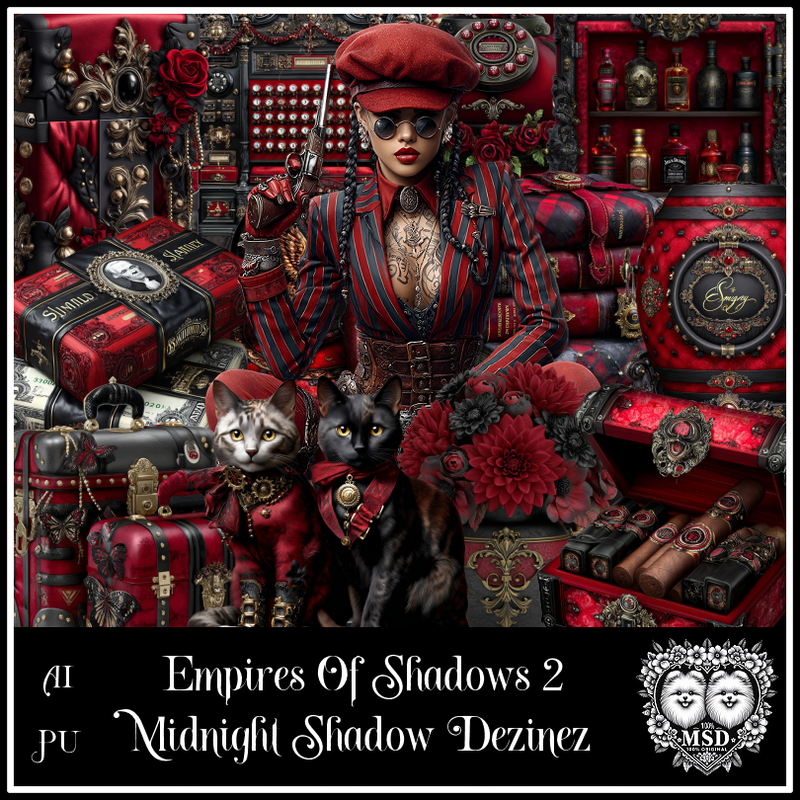
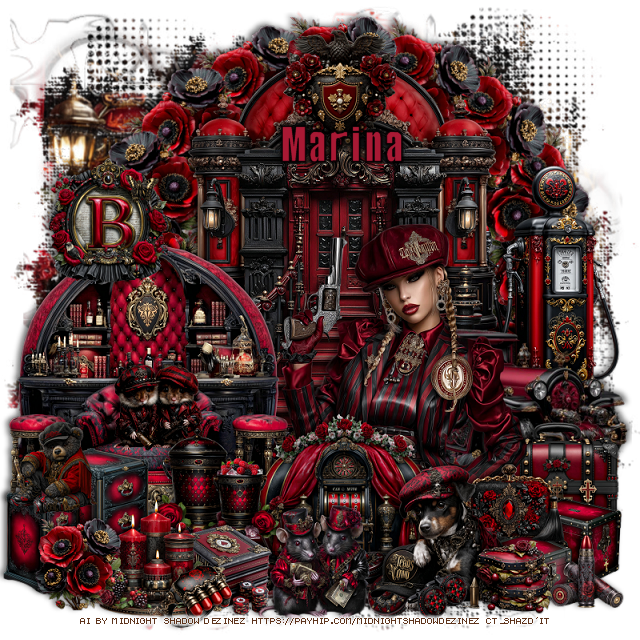
PTU Empire of Shadows 2

   This tut was written May 4th, 2026 for those with a basic knowledge of psp. 

Awesome AI kit and tube by Midnight Shadow Dezinez

Everything used is included in the kit
Read the TOU on how to credit your tags

I used PSP2020...but any of them should work.
PTU Scrap Empire of Shadows 2 by Midnight Shadow Dezinez  HERE
You can find all Midnight Shadow Dezinez kits HERE
Miz Teeques Mask 125 HERE
Check the blog HERE
Filters
Mura Meister Copies-Encircle

Font of choice, I used Mobsters

Drop shadow as you go is V -2 H -4, 50, 10, or use what you prefer.
Let's get started
*Remember to add your drop shadow as you go along*

Open a new image 800 x 800,  paste paper 2, apply your mask.

Resize 53 to 50%, paste at the upper left.
Resize 17 to 40%, paste below the house on the left, duplicate, mirror.
Resize 43 to 40%, mirror, paste at the bottom of the house on the left.
Resize 45 to 25%, paste below the car.
Resize 3 to 50%, paste on the bottom right.
Resize 11 to 15%, apply Mura Meister Copies-Encircle, first
3 numbers on 26, 68, 55, paste below the windows and house.

Resize 28 to 40%, paste on the bottom right .
Resize 11 to 20%, paste below the car on the left, duplicate, mirror.
Resize 20 to 35%, paste on the bottom.
Resize 23 to 12%, paste on the chair.
Resize 2 to 25%, paste behind the chairs.
Resize 6 to 30%, paste on the bottom left.
Resize 39 to 12%, paste on the desk.
Resize 40 to 15%, paste on the bottom left.

Resize 25 to 40%, paste at the bottom above the chairs.

Resize 10 to 20%, paste at the bottom above the tube to the right.
Resize 26 to 17%, paste at the bottom by the dog.
Resize 58 to 10%, paste at the bottom.
Resize 32 to 15%, paste at the bottom by the cigar box.
Resize 46 to 17%, paste at the bottom right below the dog.
Resize 48 to 20%, paste at the bottom to the left of the purse.
Resize 49 to 15%, paste at the bottom.
Resize 19 to 15%, paste at the bottom.

Resize 9 to 15%, paste on the bottom left.
Resize 4 to 20%, paste at the bottom left below the barrel layer.
Resize 21 to 13%, paste at the bottom left above the shoes.

Resize 15 to 17%, paste on the bottom right above the books.
Resize 8 to 10%, paste at the bottom by the drink.
Resize 24 to 10%, paste at the bottom left.
Resize 16 to 8%, paste at the bottom.
Resize 52 to 20%, paste on the bottom right above the door.
Resize 56 to 10%, paste at the bottom left.
Resize 22 to 15%, paste at the top on the house.
Resize 42 to 13%, paste at the bottom right.
Resize 38 to 20%, paste on top of the books.

Add any other elements that you would like, make it your own.
Always readjust your mask and elements how you like them before you
 merge your tag, resize, sharpen.

Crop your tag to be sure no shadows or lines are on the edges.
 Then add your copyright and name.
That's it

Hope you enjoyed doing my tut                  

Thursday, April 30, 2026

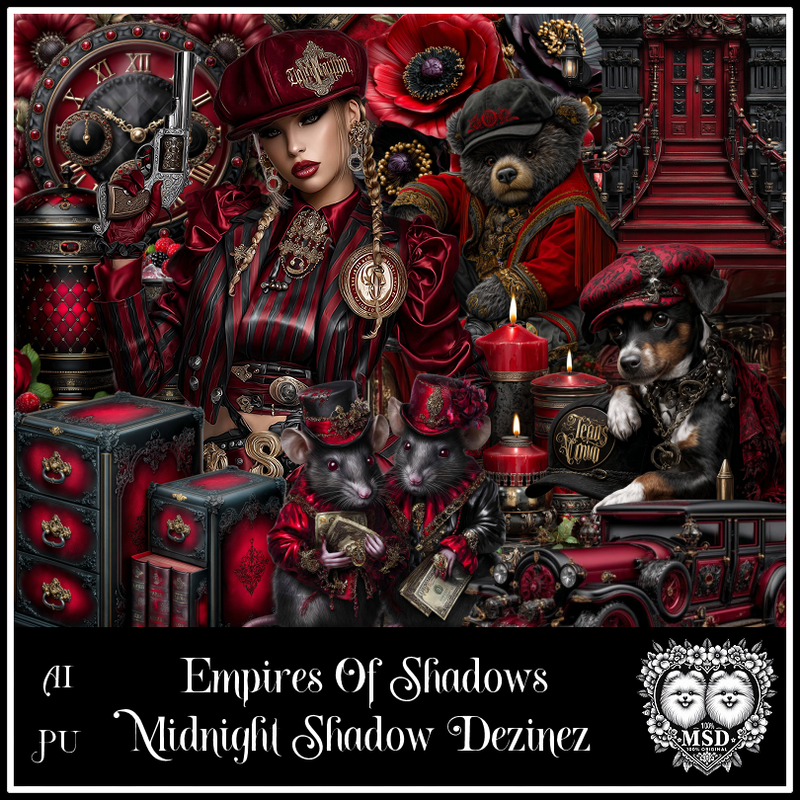
PTU Empire of Shadows

   This tut was written April 30th, 2026 for those with a basic knowledge of psp. 

Awesome AI kit and tube by Midnight Shadow Dezinez

Everything used is included in the kit
Read the TOU on how to credit your tags

I used PSP2020...but any of them should work.
PTU Scrap Empire of Shadows by Midnight Shadow Dezinez  HERE
You can find all Midnight Shadow Dezinez kits HERE
Miz Teeques Mask 125 HERE
Check the blog HERE
Filters
Mura Meister Copies-Encircle

Font of choice, I used Mobsters

Drop shadow as you go is V -2 H -4, 50, 10, or use what you prefer.
Let's get started
*Remember to add your drop shadow as you go along*

Open a new image 800 x 800,  resize paper 9 to 85%, apply your mask.


Resize 22 to 50%, paste at the top
Resize 49 to 50%, paste over the doors.
Resize 52 to 40%, paste on the bottom layer to the right so just one shows.
Resize 18 to 45%, mirror, paste on the right.
Resize 9 to 45%, paste on the left.
Resize 50 to 20%, apply Mura Meister Copies-Encircle, first 3 numbers 
on 16, 62, 60, paste on the bottom layer at the top.

Resize 31 to 45%, paste at the bottom above the car.

Resize 55 to 20%, paste on the bottom right below the tube.
Resize 40 to 25%, paste at the bottom right above the tube.
Resize 39 to 15%, paste on the left on the couch.
Resize 23 to 30%, paste at the bottom below the dog.
Resize 6 to 20%, paste on the upper left.
Resize 25 to 20%, paste on the left of the slot machine.
Resize 20 to 17%, paste at the bottom above the slot.
Resize 2 to 25%, mirror, paste on the bottom right below the dog.
Resize 59 to 20%, paste at the bottom above the slot.
Resize 21 to 13%, paste below the dog and mice.
Resize 43 to 18%, paste on the right on the boxes below the dog.

Resize 14 to 13%, paste on the bottom right.
Resize 47 to 25%, mirror, paste on the bottom left.
Resize 30 to 20%, paste at the top above the door of the steps.
Resize 16 to 20%, paste at the bottom left.
Resize 50 to 15%, paste at the bottom left.
Resize 29 to 13%, paste at the bottom right by the dog.
Resize 44 to 15%, paste on the bottom left on the box.
Resize 36 to 10%, paste at the bottom by the dog.
Resize 8 to 10%, paste at the bottom by the candles.

Add any other elements that you would like, make it your own.
Always readjust your mask and elements how you like them before you
 merge your tag, resize, sharpen.

Crop your tag to be sure no shadows or lines are on the edges.
 Then add your copyright and name.
That's it

Hope you enjoyed doing my tut                  
Tuesday, May 7, 2024

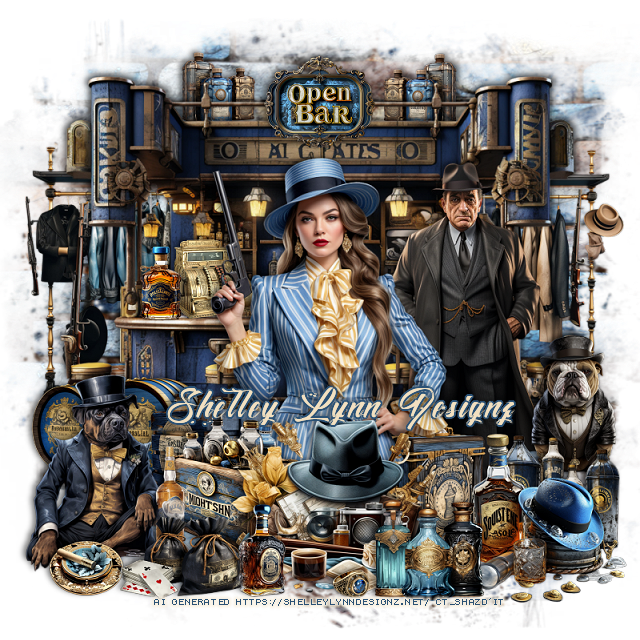
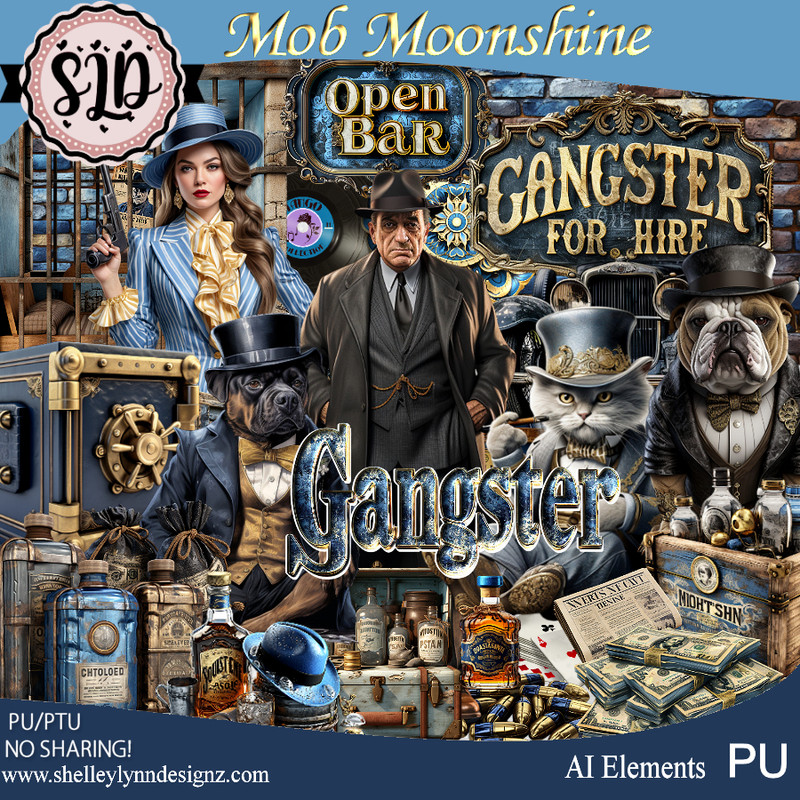
PTU Mob Moonshine


 This tut was written May 7th, 2024 for those with a basic knowledge of psp. 

AI generate tubes and kits 
Awesome Mob Moonshine kit/gangster

I used PSP2020...but any of them should work.
PTU Mob Moonshine by Shelley Lynn Designz  HERE 
The kit has 217 elements, 8 papers, 12 frames and 1 wordart 
You can find all Shelley's kits at her store HERE
Mask of choice, I used RD Mask 674 HERE
Check out the rest of the blog HERE

Font of choice, I used Monte Cristo

Drop shadow is V-2, H-4, 50, 10 or use what you prefer
Let's get Started
*Remember to add your drop shadow as you go along*

Open a new image 800 x 800, paste element 66, apply your mask.

Resize element 70 to 70%, paste at the top.
Resize element 78 to 15%, paste at the top.
Resize element 0 to10%, paste at the top below the bar, duplicate, mirror.
Resize element 158 to 40%, paste behind the bar on one side, duplicate,
move to the other side.

Resize element 1 to 40%, paste.
Resize element 2 to 50%, paste behind the lady on the right.
Resize element 55 to 20%, paste on the right above the man.
Resize element 177 to 30%, paste at the bottom above the lady.
Resize element 23 to 5%, mirror, paste on the bar behind the tube.
Resize element 72 to 10%, paste on the bar by the register.

Resize element 15 to 20%, paste on the bottom right behind the lady.
Resize element 29 to 20%, paste to the bottom right.
Resize element 88 to 25%, paste at the bottom right.
Resize element 17 to 20%, paste behind the lady to the left.
Resize element 16 to 20%, paste at the bottom left above the lady.

Resize element 172 to 15%, paste at the bottom.
Resize element 167 to 27%, paste on the bottom left.
Resize element 71 to 25%, paste on the left above the bar at the bottom.
Resize element 84 to 5%, paste at the bottom.
Resize element 86 to 15%, paste at the bottom.
Resize element 168 to 10%, paste at the bottom left.
Resize element 18 to 5%, paste at the bottom left.
Resize element 14 to 13%, paste at the bottom.

Add any other elements that you like, make it your own.
Crop your tag to be sure no shadows or lines are on the edges.
 Then add your copyright and name.
That's it

Hope you enjoyed doing my tut.