
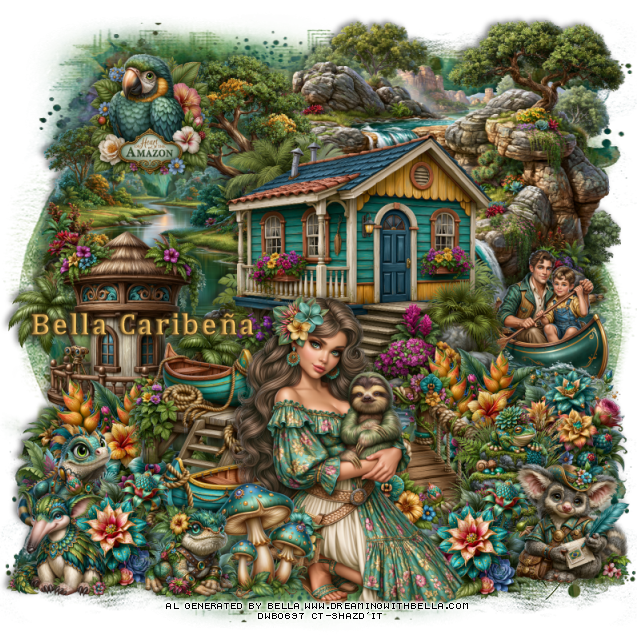
This tut was written August 5th, 2026, for those with a basic knowledge of psp.
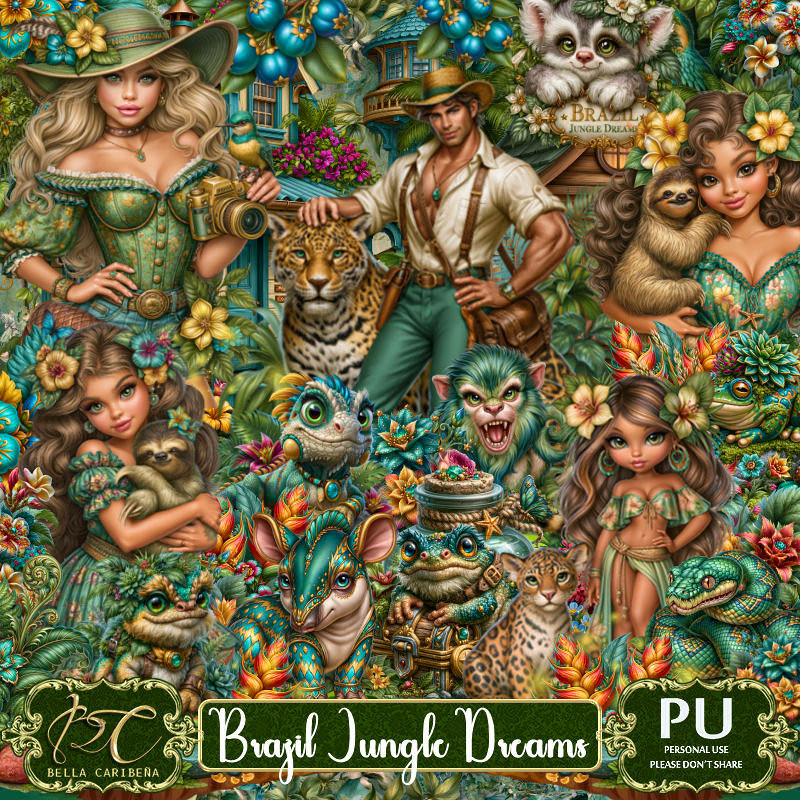
Awesome Al kit and tubes by Bella Caribeña
Everything is included in the kit
Read the TOU on how to credit tags
I used PSP2020...but any of them should work.
Let's get started
*Remember to add your drop shadow as you go along*
Open a new image 800 x 800, paste mask 3 at the bottom right, duplicate,
mirror, duplicate, flip, move to the top.
Resize 36 to 75%, paste on the upper right.
Resize 55 to 60%, paste at the upper left.
Resize 32 to 60%, paste above the water element.
Resize 30 to 40%, paste at the bottom of the house on the left.
Resize 43 to 30%, paste on the right below the house.
Resize 57 to 50%, paste on the left below the boats.
Resize 48 to 35%, paste to the right of the boats and below.
Resize 123 to 28%, paste at the bottom right above the walkway.
Resize 110 to 28%, paste at the bottom left below the boats, duplicate,
move to the right below the walkway.
Resize 68 to 25%, paste on the right above the boat.
Resize 87 to 22%, paste on the bottom left above the boats.
Resize tube 3 to 20%, mirror, paste at the bottom by the walkway.
Resize 61 to 25%, paste on the bottom right.
Resize 116 to 25%, paste at the bottom above the girl.
Resize 128 to 20%, paste at the bottom above the mushrooms.
Resize 66 to 25%, paste on the bottom left below the mushrooms layer,
duplicate, move to the right below the girl.
Resize 29 to 25%, paste at the upper left.
Resize 93 to 23%, paste on the bottom left.
Add any other elements you would like, resize.
Crop your tag to be sure no shadows or lines are on the edges.
Then add your copyright and name.
That's it
Hope you enjoyed doing my tut

No comments:
Post a Comment